


If you’d rather see the video version of this review, you can watch it on YouTube here.
This isn’t a technical review. There won’t be any testing of color depth, or measuring of response time or any of that stuff you will find it a ‘proper’ review. This is about hands on, what is this monitor actually like? It’s a very Mac-centric review as I don’t have a Windows machine so if you’re looking for something that covers this monitor on Windows, you can leave now. Similarly, I’m a web developer, so that’s the lens with which I’m viewing the merits of this monitor. Right, with those caveats out of the way, let’s begin.
I bought this monitor a few days ago as a cheaper 6K alternative to an Apple XDR display for my Mac. It’s an excellent monitor but I’m not keeping it. In this review I want to tell you why you should probably get one, but I won’t be.
The bad news
Let’s get the deal breaker out of the way at the outset. If you have a 2019 Intel powered Macbook Pro 16” you won’t be able to use this monitor above 30Hz. I’ve tried multiple Thunderbolt 4 cables and you just can’t get it to drive 60Hz. As I understand it, this isn’t a failing of the monitor, it is a failing of Apple’s software. On paper it should support it, it just doesn’t. As I have one of these as a work laptop, that means I can’t use this monitor with it. I mean it displays at 30Hz, it is just a little vomit inducing as everything stutters around the screen as you use it. Trust me, you wouldn’t want to be using it at 30Hz for long.
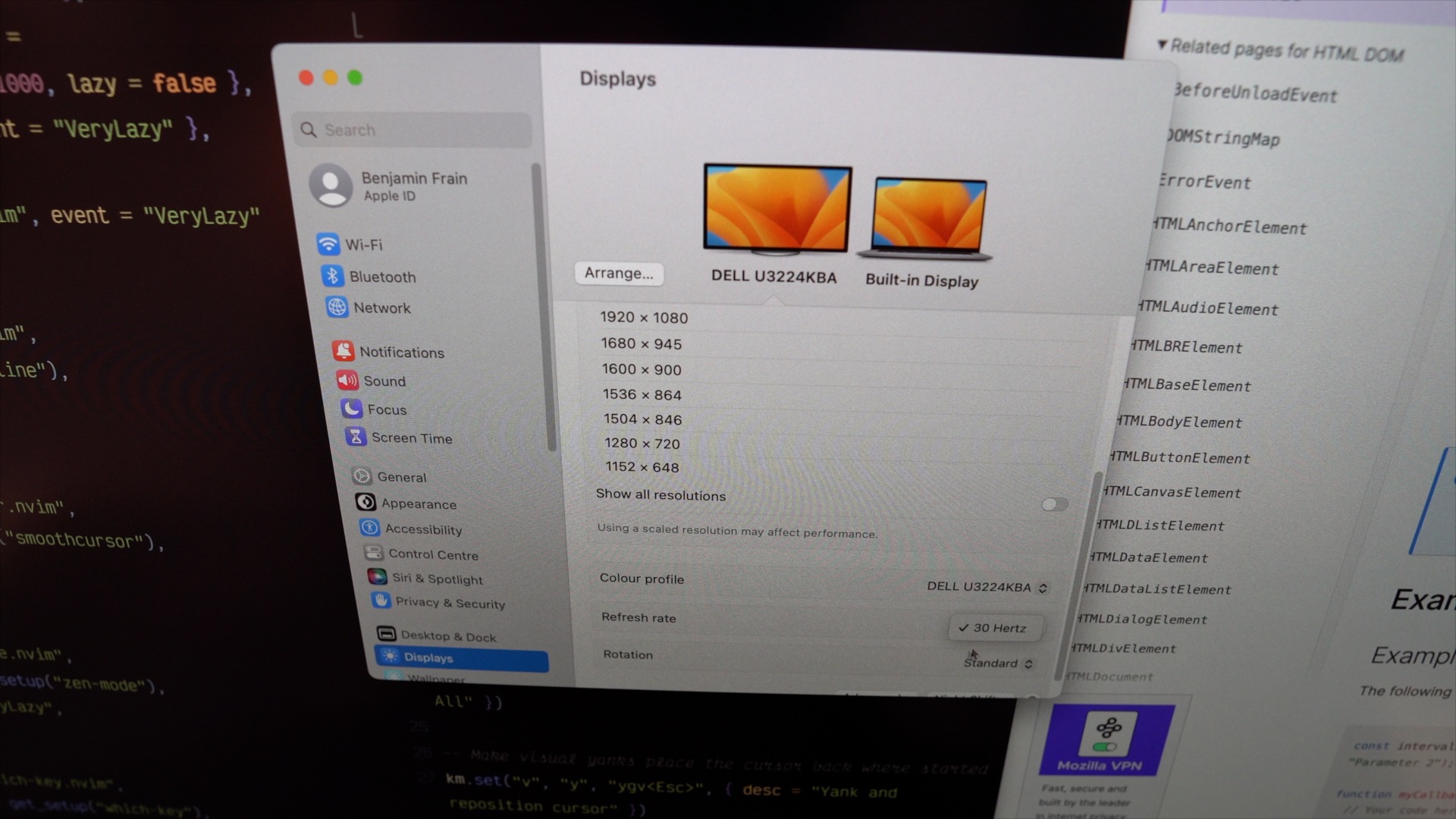
So, if you were hoping to use this monitor with a 2019 16” MBP, you can’t. At least right now you can’t and I’m not holding out much hope this will be fixed anytime soon. If it does get fixed, or you have found a workaround, please let us know in the comments.
For everyone else, I think that’s the end of the bad news. Everything else is pretty positive.
What you are getting
This monitor costs about £2500 in the UK. That’s very expensive for a monitor, but a killer deal compared to the only other comparable 32” 6K monitor, the Apple XDR display. And practically, you get a whole lot more for your money. There is a very good built in, 4K tiltable webcam, loads of ports, including 2.5Gb ethernet, USB-C and USB-A, Thunderbolt 4, as well as some very cool, easy access ports at the front. You also get a nice easy menu that appears when you put your hand near the bottom corner of the screen.
And get this Apple, it even comes with a stand. You know, to put it on.
Setup
The Dell 6k 3224KDA comes packaged almost entirely in cardboard, very minimal plastic and foam. Well done Dell.
It has 100mm Vesa mounting with the screws already in place, if you are using the stand, that just clips in, if you are mounting it on the arm, you’ll want to back off or remove the four screws at the rear to mount it to your arm.
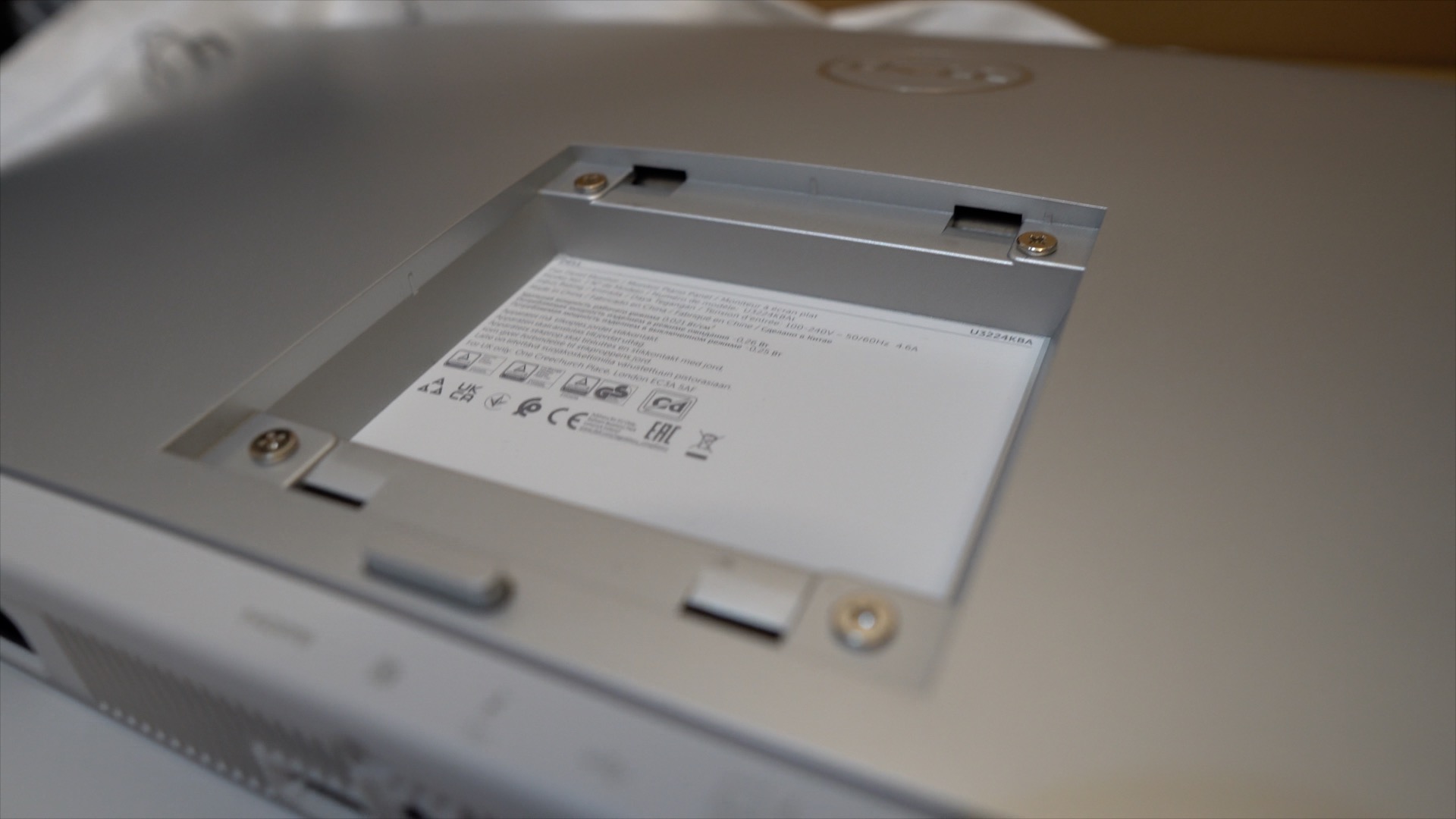
Plug in your input sources and power, turn it on with the little button at the rear bottom right, and away you go.
Now, I’ll say that at first, getting used to the massive forehead area up top, (not mine, the one the monitor), takes a bit of getting used to. I genuinely thought my display wasn’t positioned correctly at first because the area where the sound bar and camera live sits in an area at the top. It’s odd initially but I got used to it in no time. So, expect that to feel weird at first but not something you need to concern yourself with long term.
It doesn’t have that glossy glass look like the Apple displays, it’s a matte finish but I’m actually fine with that. It’s very uniform, I didn’t see any dead pixels or the like. All in all, just great.
Resolution
On a Mac, you will almost certainly want to use this screen at it’s native resolution. That’s a display resolution that is half it’s physical pixel count (6144 x 3456) giving you twice the pixels per inch. This gives you a very high ‘retina’ display with a working area 3072 x 1728.
I was coming from a 5K2K 40” Dell u4021qw. I have that set in macOS to a working resolution of around 4096 x 1728, which is a scale of 1.25. That gives me very sharp text. Not retina sharp but much better than a standard monitor. If you have a 32” 4K display, it’s that kind of sharpness, but with a little more horizontal real estate.
Even coming from the 5K2K ultrawide, The Dell U3224 is clearly a higher resolution, and if you are coming from a standard resolution monitor, you will likely be blown away by the clarity. However, I was less so. It is better than the 5K2K I have, just not so much better that I feel it is worth the extra money and giving up the extra screen real estate. If I’m coding, on the 40” I can have three splits in my editor, and still have room for the browser window at the side.
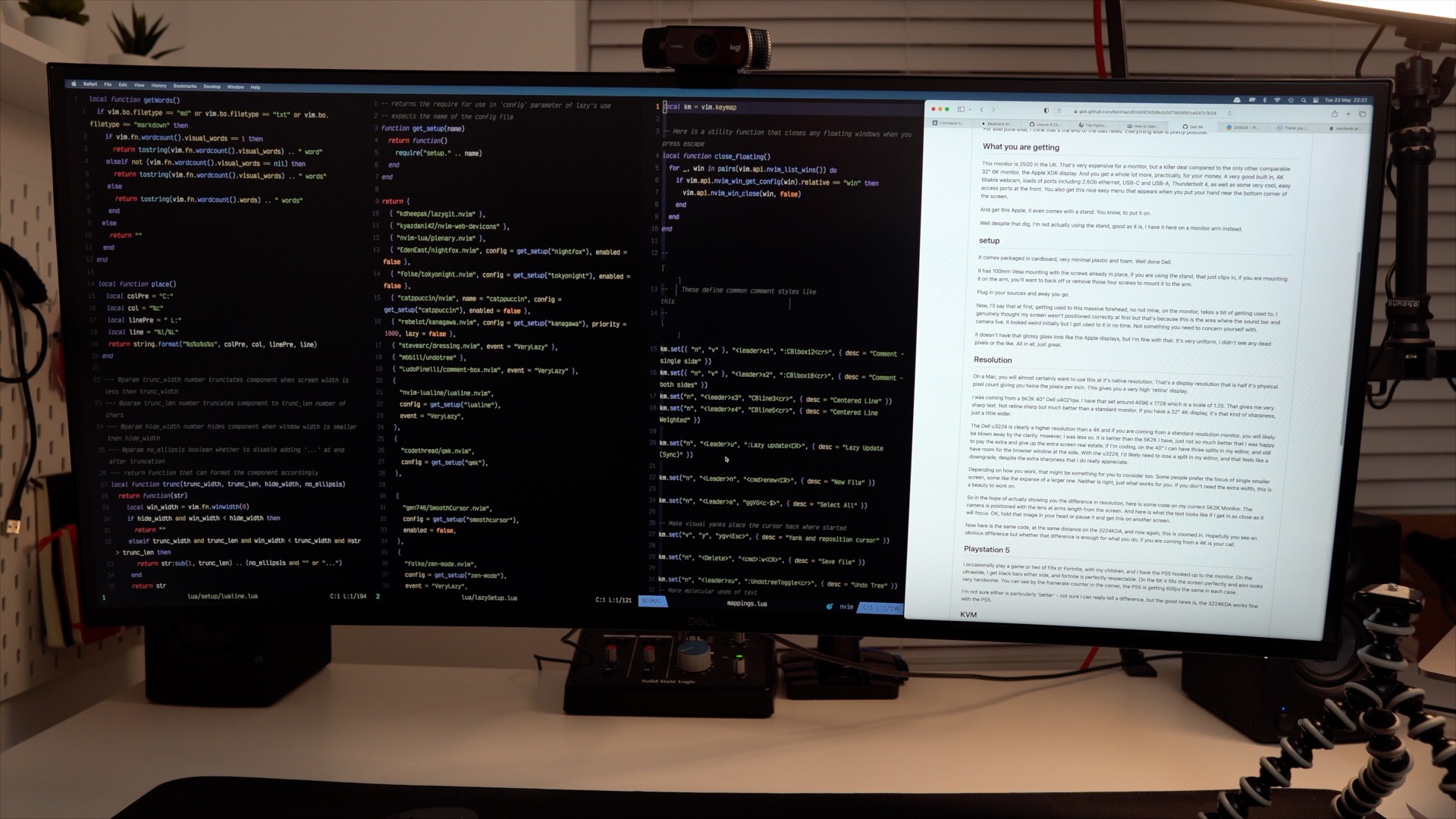
With the U3224, I’d likely need to lose a split in my editor, and that feels like a downgrade, despite the extra sharpness that I do really appreciate.
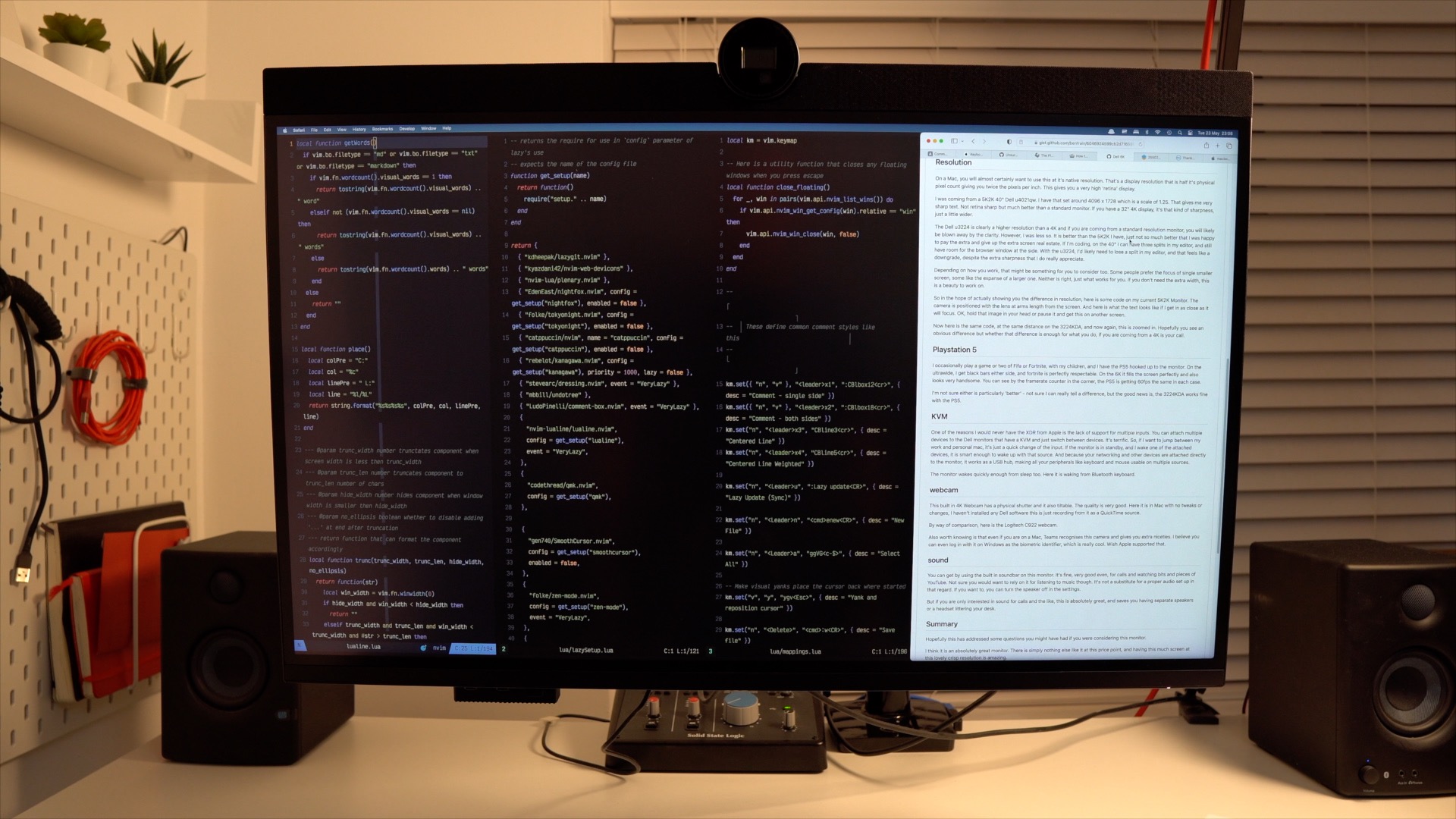
Depending on how you work, that might be something for you to consider too. Some people prefer the focus of single smaller screen, some like the expanse of a larger one. Neither is right, just what works for you. If you don’t need the extra width, this is a beauty to work on.
So in the hope of actually showing you the difference in resolution, here are some crude grabs. Here is some code on my current 5K2K Monitor. The camera is positioned with the lens at arms length from the screen.

And here is what the text looks like if I get in as close as it will focus.

OK, hold that image in your head.
Now here is the same code, at the same distance on the U3224KDA:
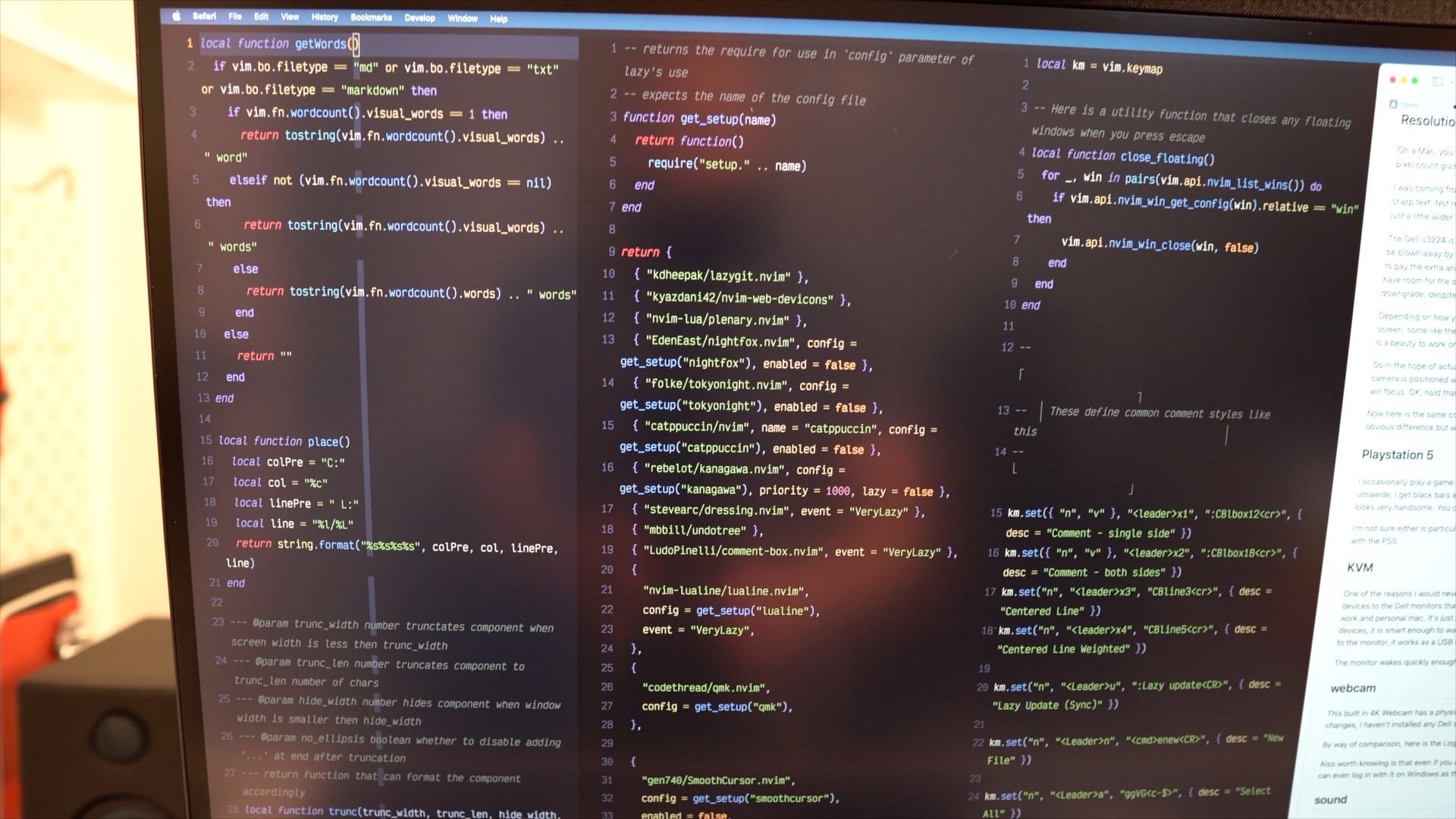
And now again, this is zoomed in.

Hopefully you see an obvious difference but whether that difference is enough for what you do, if you are coming from a 4K is your call.
Playstation 5
I occasionally play a game or two of Fifa or Fortnite, with my children, and I have the PS5 hooked up to the monitor. On the ultrawide, I get black bars either side, and fortnite is perfectly respectable.
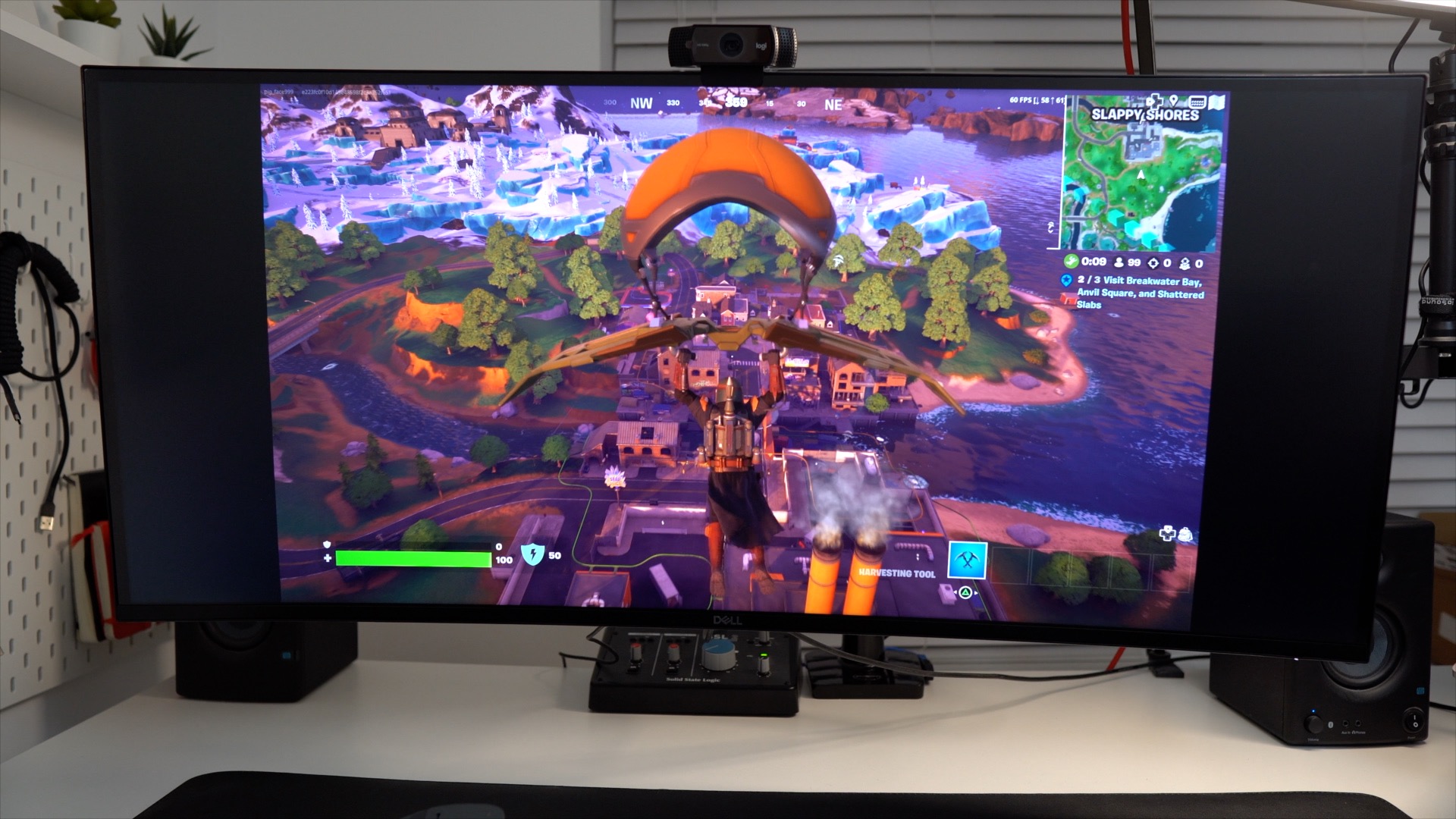
On the 6K it fills the screen perfectly and also looks very handsome. The PS5 is gets 60fps the same in each case.
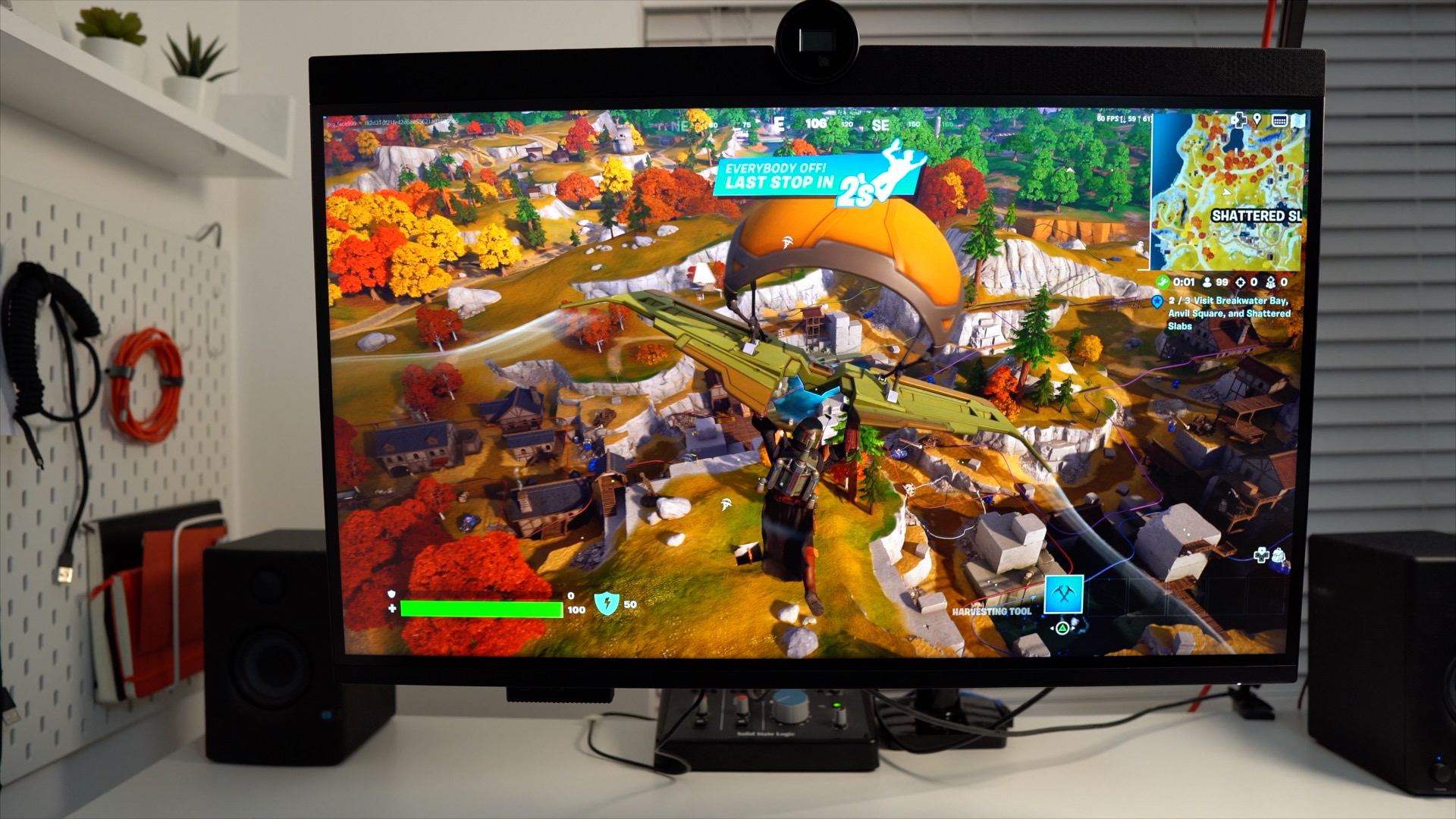
I’m not sure either is particularly ‘better’ – not sure I can really tell a difference, but the good news is, the U3224KDA works fine with the PS5.
KVM
One of the reasons, besides the cost, I would never choose the XDR from Apple, is the lack of support for multiple inputs. You can attach multiple devices to this Dell monitor and the KVM lets you easily switch between devices. It’s terrific. So, if I want to jump between my work and personal mac, it’s just a quick change of the input. If the monitor is in standby, and I wake one of the attached devices, it is smart enough to wake up with that source. And because your networking and other devices are attached directly to the monitor, it works as a USB hub, making all your peripherals like keyboard and mouse usable on multiple sources.
The monitor wakes quickly enough from sleep too, taking just a few seconds to wake from a Bluetooth keyboard, for example.
Webcam
This built-in 4K Webcam has a physical shutter and it also tiltable. The quality is very good. Here it is in Mac with no tweaks or changes, I haven’t installed any Dell software this is just recording from it as a QuickTime source. You can see but the various detritus in my room, it’s quite wide too.

By way of comparison, here is the Logitech C922 webcam.

Also worth knowing is that even if you are on a Mac, Teams recognises this camera and gives you extra niceties. I believe you can even log in with it on Windows as the biometric identifier, which is really cool. Wish Apple supported that.
Sound
You can get by using the built in soundbar on this monitor. It’s fine, very good even, for calls and watching bits and pieces of YouTube. Not sure you would want to rely on it for listening to music though. It’s not a substitute for a proper audio set up in that regard. If you want to, you can turn the speaker off in the settings. The fabric covering is also a bit of a magnet for debris. In the short time I was using the monitor, I found myself constantly brushing stuff off it.
But if you are only interested in sound for calls and the like, this is absolutely great, and saves you having separate speakers or a headset littering your desk.
Summary
Hopefully this has addressed some questions you might have had if you were considering this monitor.
I think it is an absolutely great monitor. There is simply nothing else like it at this price point, and having this much screen at this lovely crisp resolution is amazing.
Add to that the top quality webcam, the Thunderbolt connectivity, the built in ethernet and abundance of ports with the ability to quickly swap sources with the built in KVM.
If you are after a more affordable 6K display for your Mac, this is it. It is expensive but for most practical purposes, a far more useful monitor than Apple’s XDR, at about half the price.
But, if you have a 2019 Intel Macbook Pro, at this time, avoid this. It won’t run above 30Hz and there is no workaround. That’s the primary reason I am sending mine back.
By the same token, if you are coming from a good 4K 32”, or 5K2K ultrawide, the extra cost might not be worth it, depending on how much you value that extra resolution. Hopefully those clips help rather than hinder your decision.
For everyone else, if you can afford it, the might just be the best monitor, value for money wise, you can buy for your mac right now.