


Email Tools • Website Tools and Andrian Valeanu • Updated: February 17, 2026 • 8 minutes READ
Testing email newsletters is vital, even if it seems that nothing can go wrong with such a small amount of text and minimal design. Many traps await if you aren’t careful.
The main problems that occur when you do not test email newsletters are:
Are you still willing to risk and push the button without double-checking? Perhaps not. That’s why we have compiled a collection of the best tools for testing email newsletters. They ensure every part of the preparation process is proofed and the final email newsletter is ready to reach your audience. We have divided them into several categories. Let’s examine them thoroughly.
Content is king; there is no question about that. So it needs to be flawless, no matter how you present it. We won’t make a fuss about checking the duplicate content here and other SEO-based tricks since this is a job of your SEO team and copywriters; nevertheless, there is one thing that you can and should do – it is grammar and spam check. No one likes to read a copy with spelling mistakes.
Grammarly
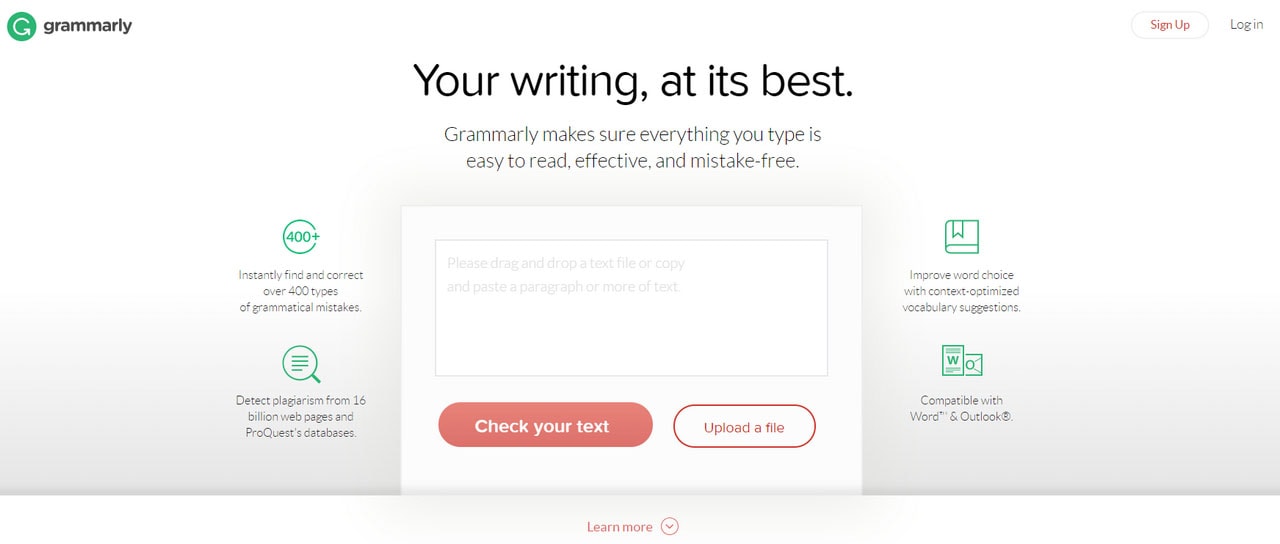
Many tools let you proofread your text, but Grammarly is one of the best. It checks the content from various points of view. Not only does it pinpoint obvious spelling and punctuation errors, but it also offers vocabulary enhancement and plagiarism detection, thereby optimizing and improving content.
When the material is proofread, it is time to check its spam score. There are several great tools to do this such as Unspam.email.
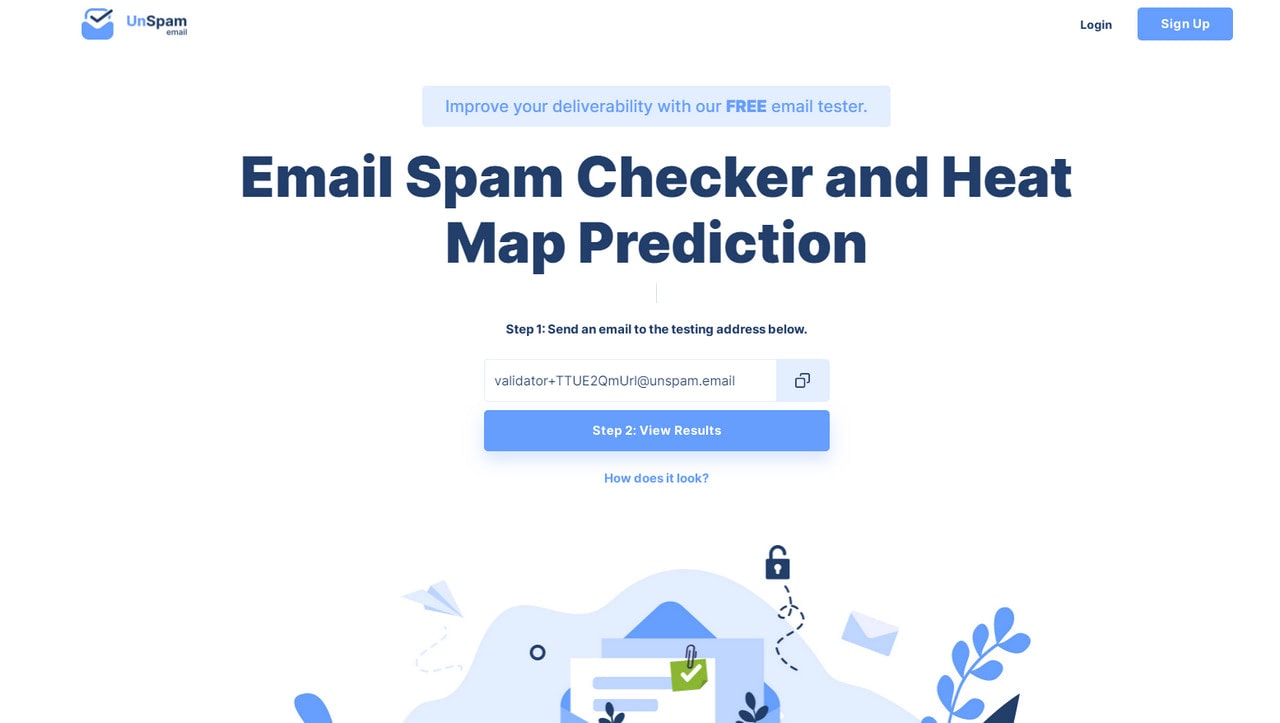
Unspam.email check content for potential spam words that are triggered by Spam Assassins. It makes sure the copy won’t land in the spam folder automatically or simply be blocked and disappear completely.
Unspam.email is a more serious tool. Not only does it check for spam words, but it also analyzes your email server, sending IP address, etc.
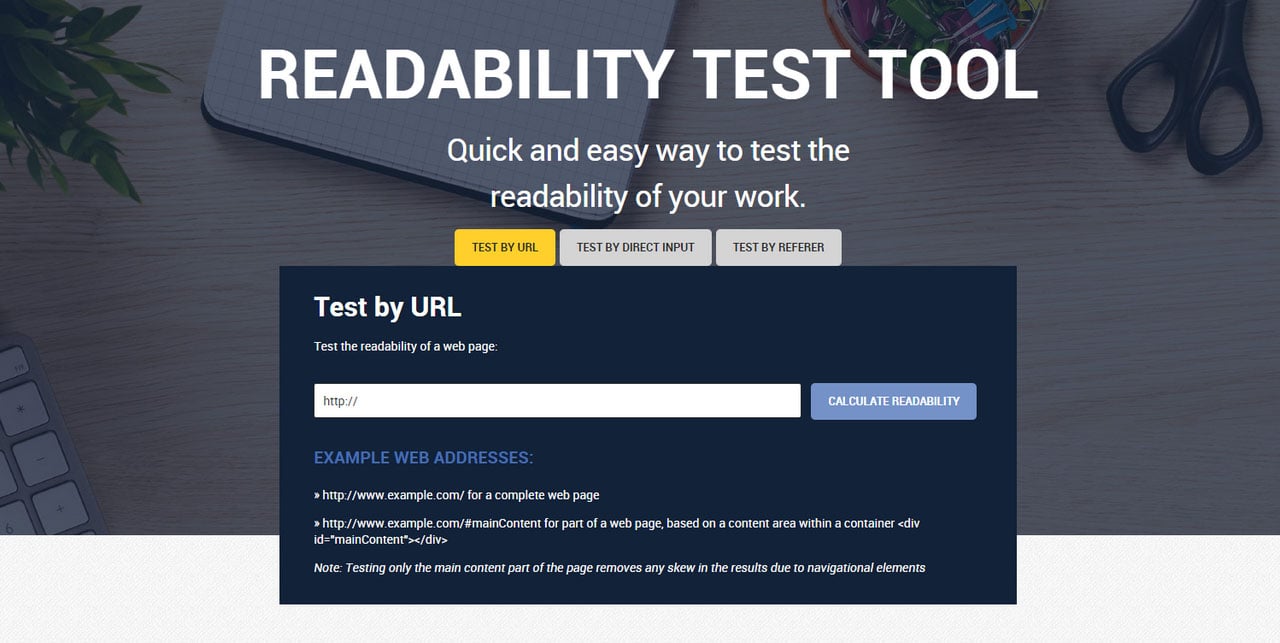
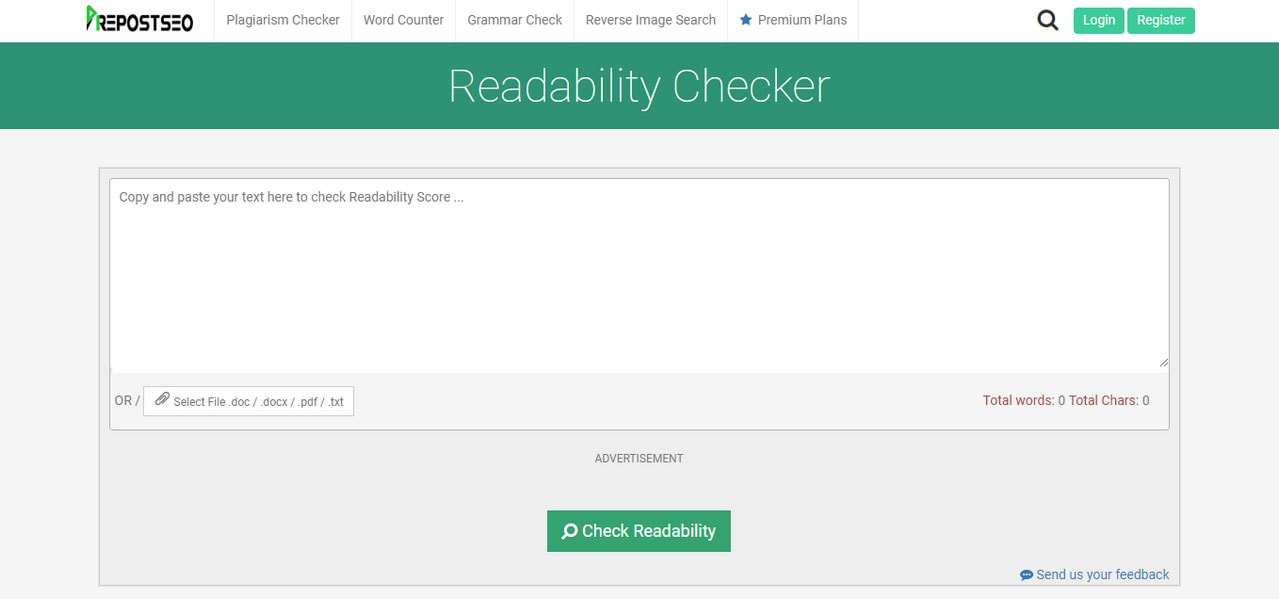
To polish things up with content, you can also enhance readability by testing the copy in Readability Test Tool or Readability Checker. Both utilize various micro tests that include Flesch Kincaid Reading Ease test, Flesch Kincaid Grade Level test, and other tests to make sure that your audience has not just read the text but also comprehends it.
Readability Test Tool
Readability Checker
There is one more thing that you can do to improve the textual part of your email newsletter – check the subject line. Even though it is just one line of text, it makes a difference. Your subject line should be informative and eye-catching. While you can add emojis to make it stand out, content should spark interest. To help with this matter, there are several fantastic tools.
Get Alerts When Your Website Goes Down
With Pulsetic you’ll be instantly notified the moment your website, API, or server becomes unavailable. Monitor uptime from multiple global locations and respond to incidents before your users are affected.
Create beautiful status pages in minutes to keep customers informed during outages and build trust with transparent communication.
Email Subject Line Tester
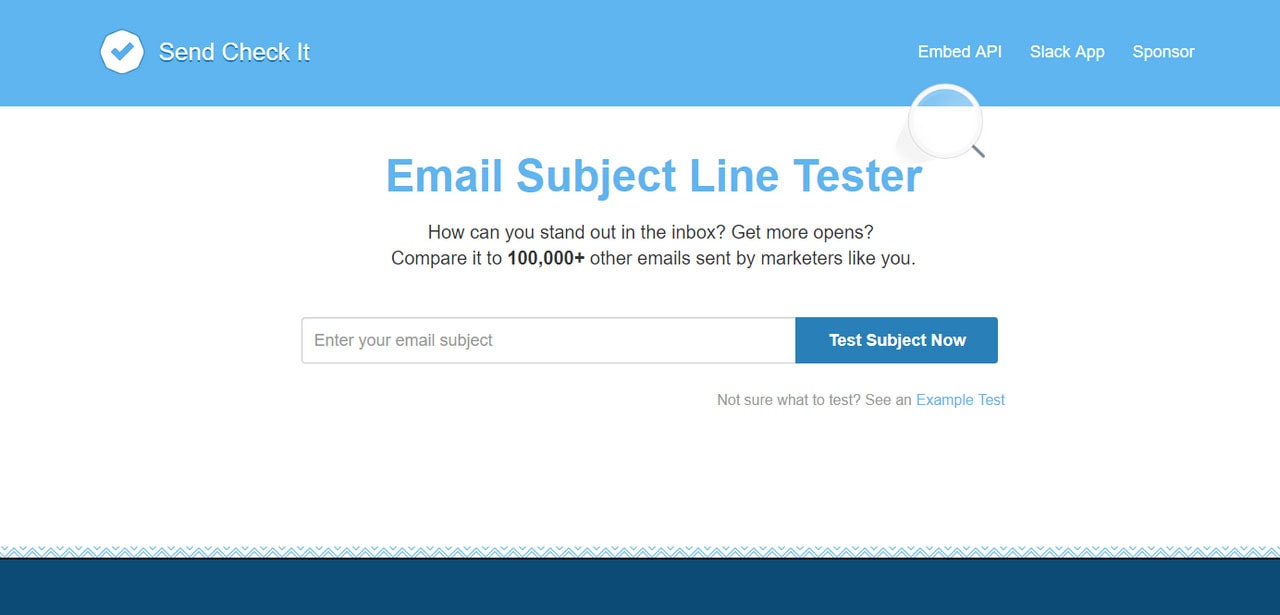
The service allows you to compare a subject line with more than 100,000 others to get hints on how to improve yours. It provides metrics such as scannability score, reading grade level, spammy words, etc.
Headline Analyzer
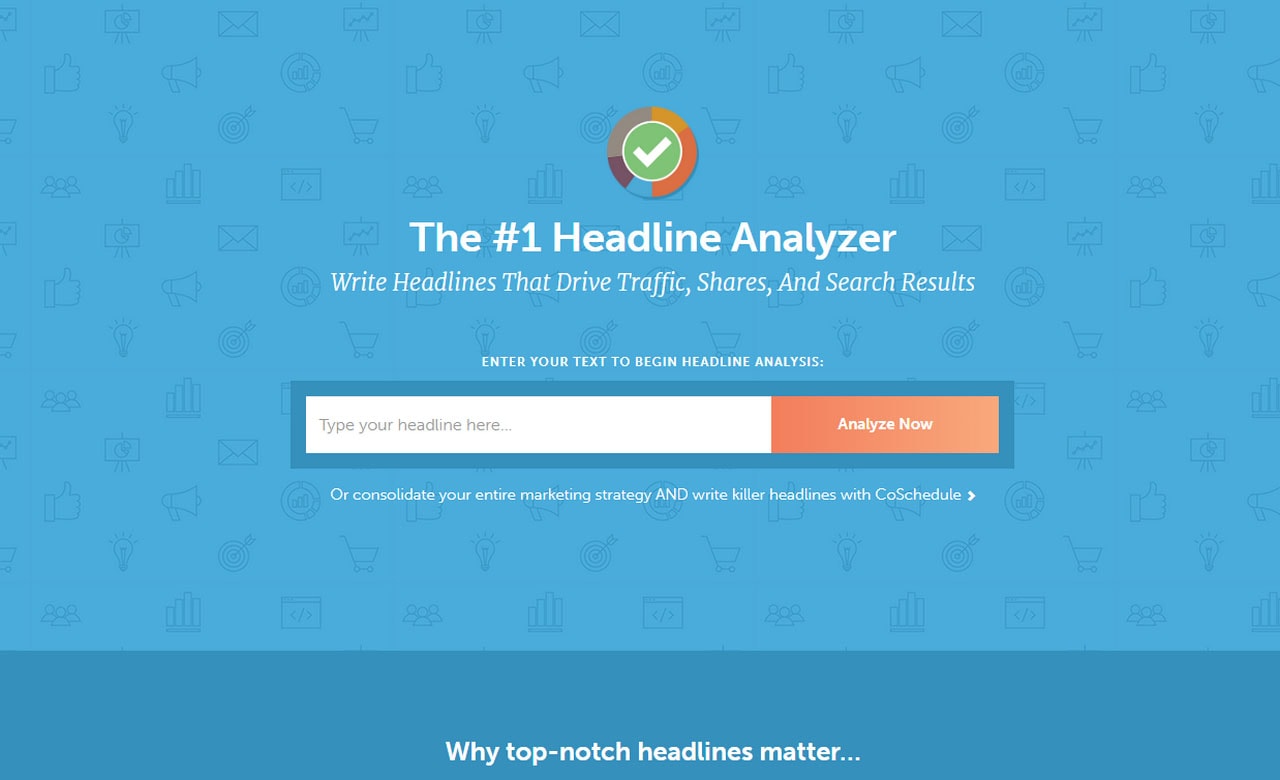
The tool does what it says: it carries out in-depth analysis. Being a part of a vast Coschedule family, it effectively gives you insights into how to improve subject line by hitting the right word balance, optimizing the length, and so on.
If the content is king, then the design is its kingdom, and it should have a solid foundation. Validating an email markup is truly important since it can save you from lots of problems. There are two main tools to address this issue: Email Markup Tester by Google and HTML Email Check.
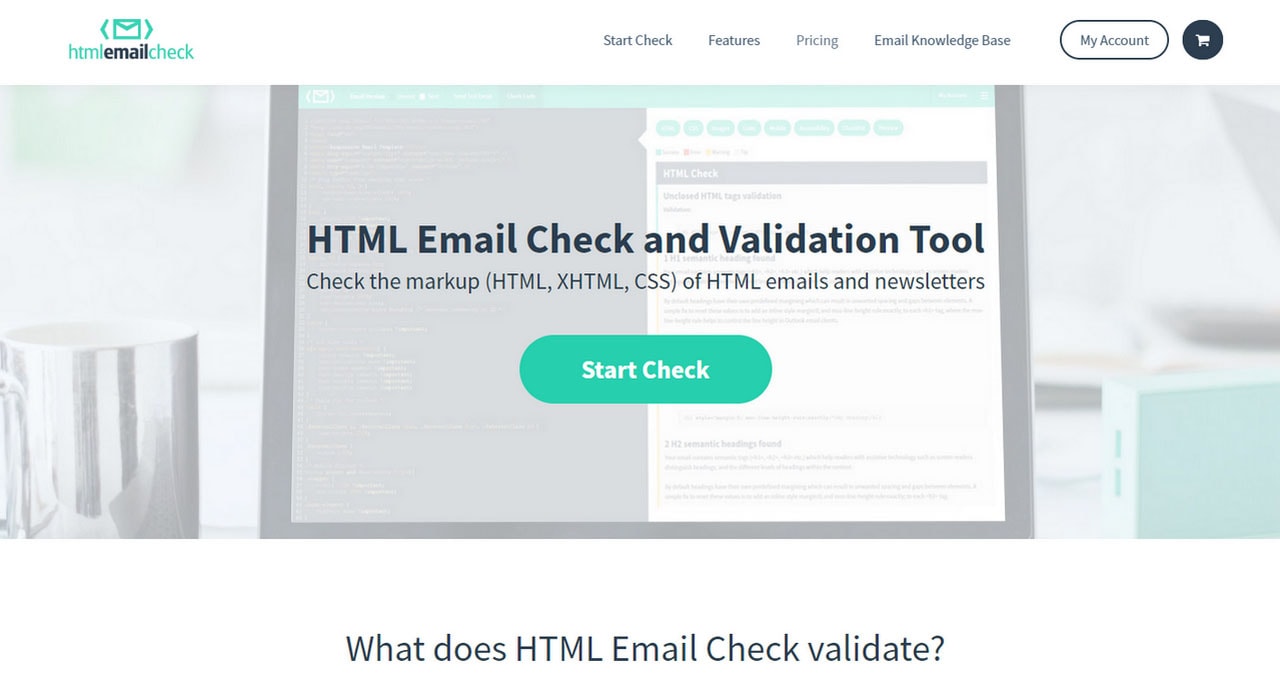
Created by Google, Email Markup Tester is an excellent tool for quickly checking the validity of your email newsletter. And it is free. However, if you need more than just a regular check, then HTML Email Check is at your service. It provides all sorts of validation such as HTML validation, CSS validation, image validation, link validation, etc.
HTML Email Check
While an accessibility tool is mostly used for websites, nevertheless the majority of your email newsletters are based on HTML markup; ipso facto, it should also obey its rules. You may think that this group of people is incredibly small in your subscription list.
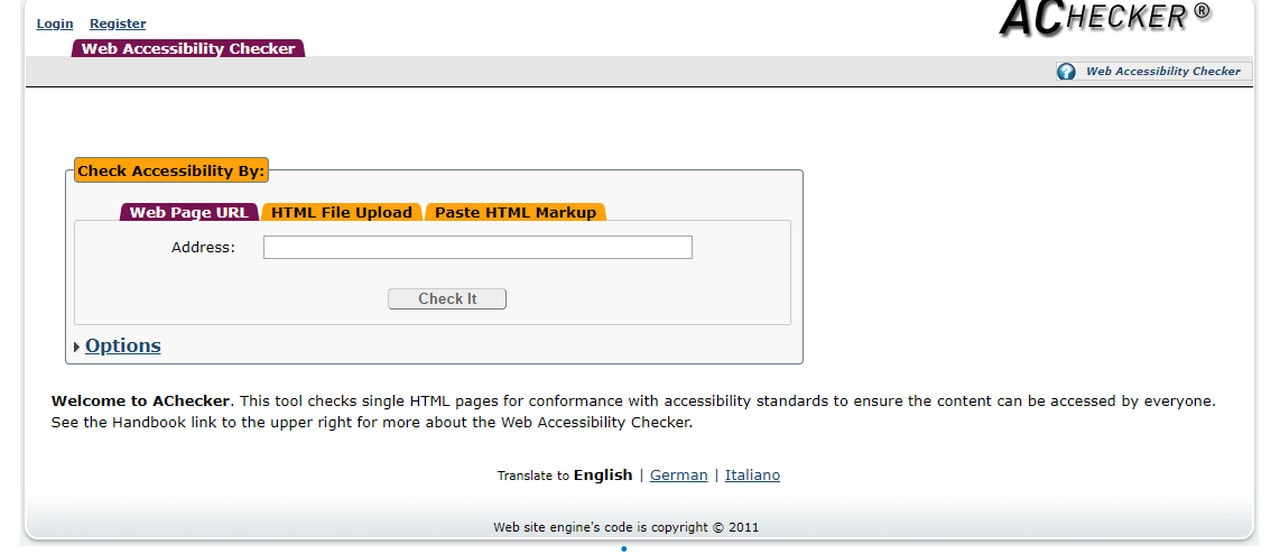
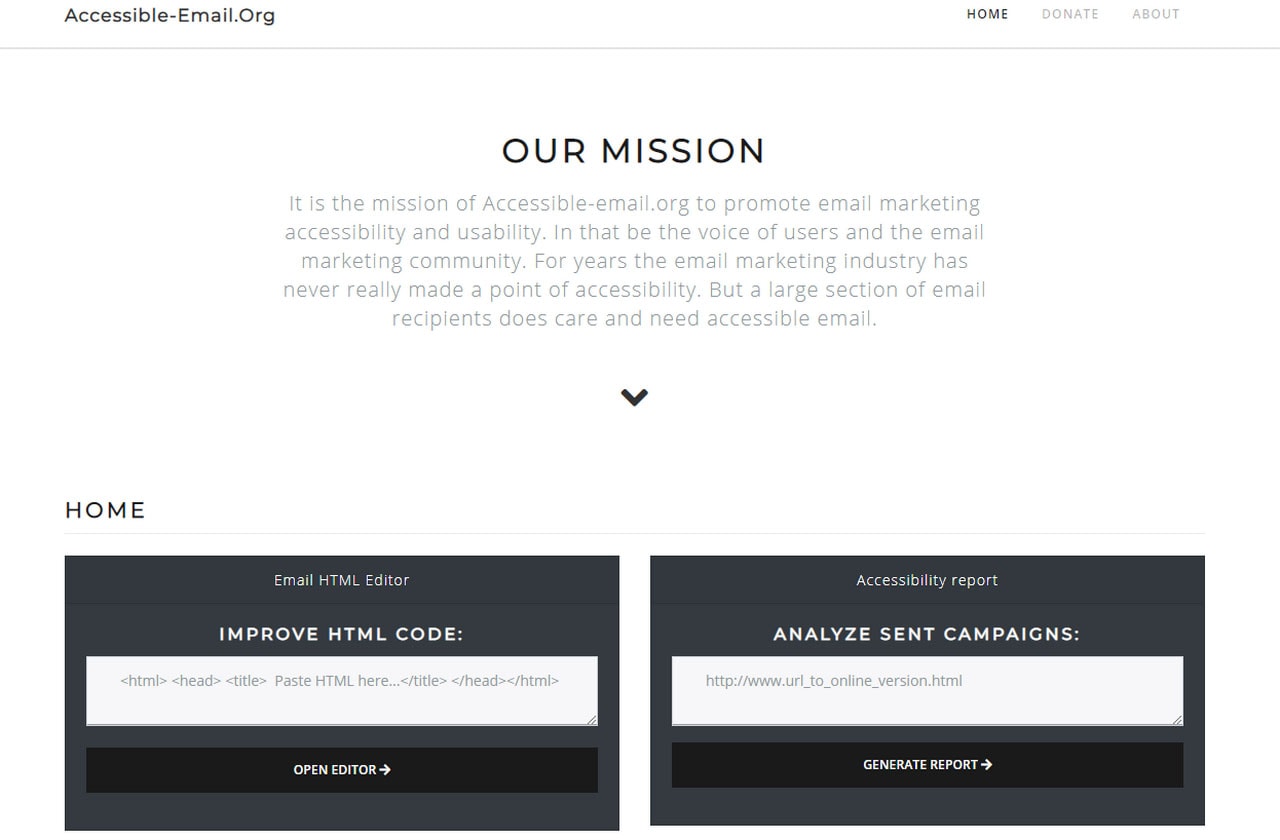
However, consider this accessibility test will remind you to add alt to every image in your email copy. It means that not only people with screen readers will be able to understand the visuals in your newsletter but also those people whose email clients do not support images or turn them down. So, with the accessibility tool, you take care of all groups of people out there. Without much ado, there are two time-proven ways to check the copy and improve it: AChecker and Accessible Emails.
AChecker
Accessible Emails
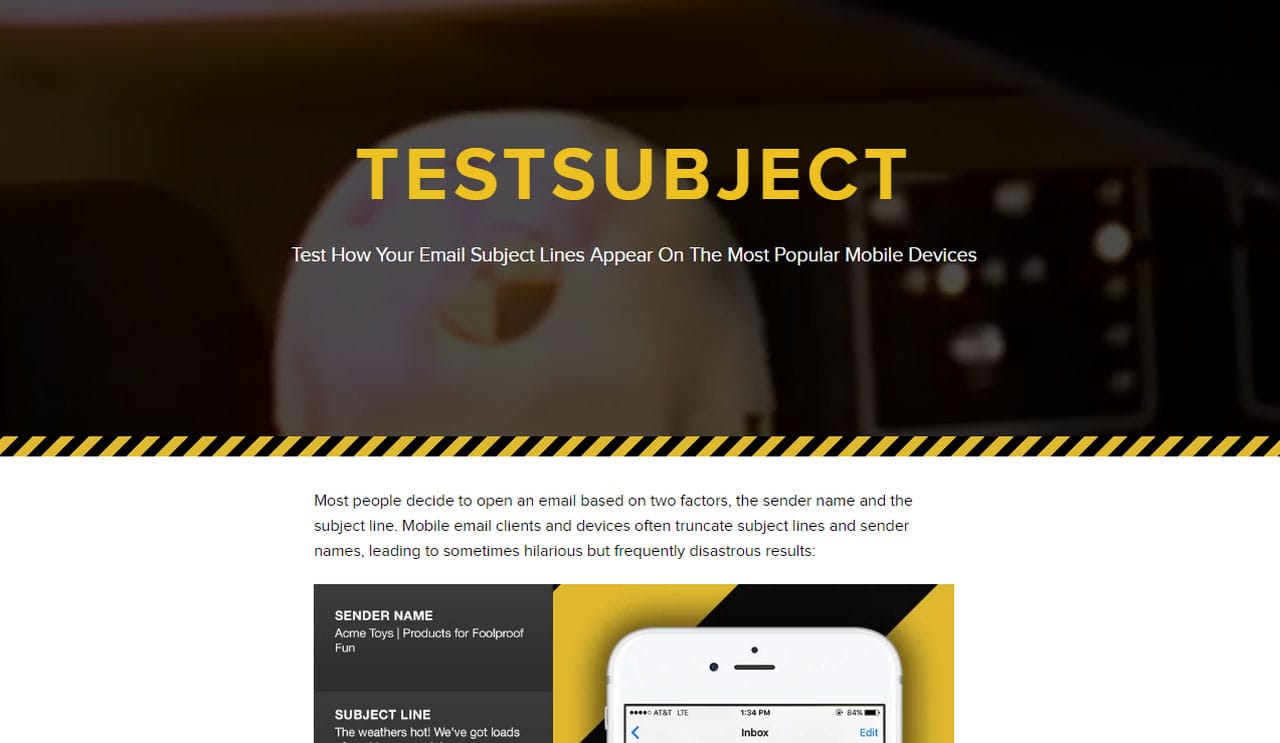
Email newsletters should be mobile-friendly. The layout of your design should be adaptive to various screen sizes. To ensure this, you can test its responsiveness with the help of Mobile Friendly Tool and Test Subject.
The first tool is mainly used for web pages. However, you will be able to check your layout in the simulated environment provided by Google’s team. The second is used to test the subject line. It will show you how it looks on popular mobile devices so that you can optimize its length or reconsider content.
Test Subject
Ah, finally, the main stumbling block. Creating a newsletter that will look good in every email reader is a real challenge. Every client has its bugs, resulting in overall inconsistency. Therefore, testing an email newsletter in various environments is a must-have. You need to be sure that it looks good in popular email clients such as:
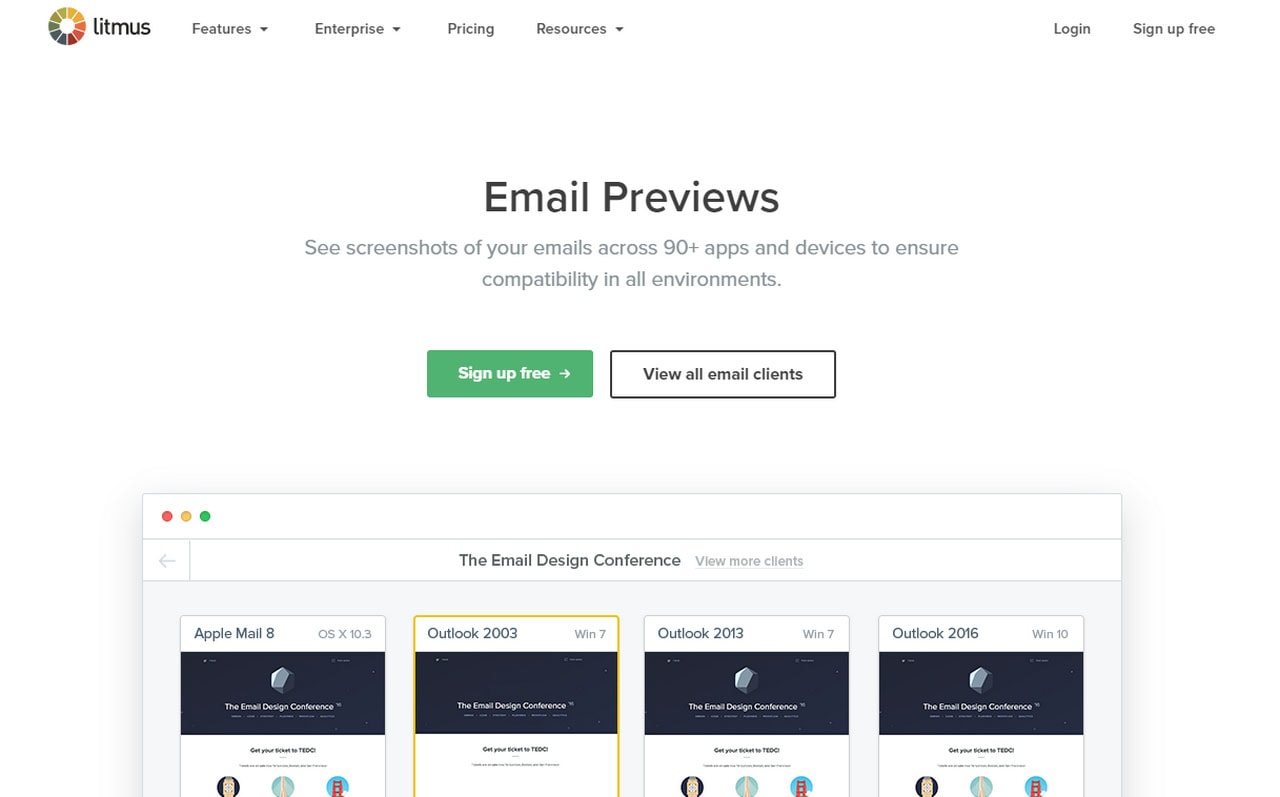
To do this without much hassle, there are some good tools. We are going to start with the big name here – Litmus. The premium tool is highly recommended for those that take email campaigns seriously. It allows you to see the email newsletter in more than 90 applications and devices covering almost all possible environments.
Litmus
PutsMail
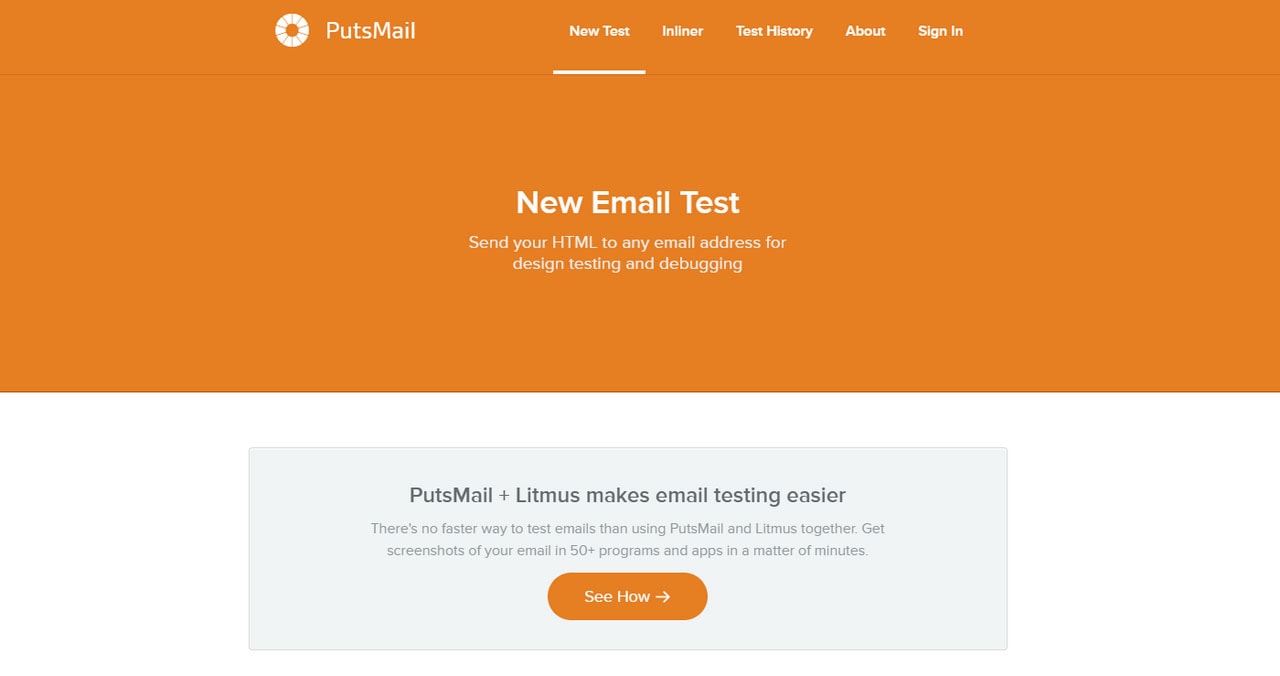
PutsMail is a tool that was designed to work in tandem with Litmus to achieve better results. It is free. It provides fewer options, but is enough for small-scale campaigns.
Testi@ is a tool for those who have campaigns with a shoestring budget. Unlike Litmus, it covers only 65 devices and apps, yet all of them are popular.
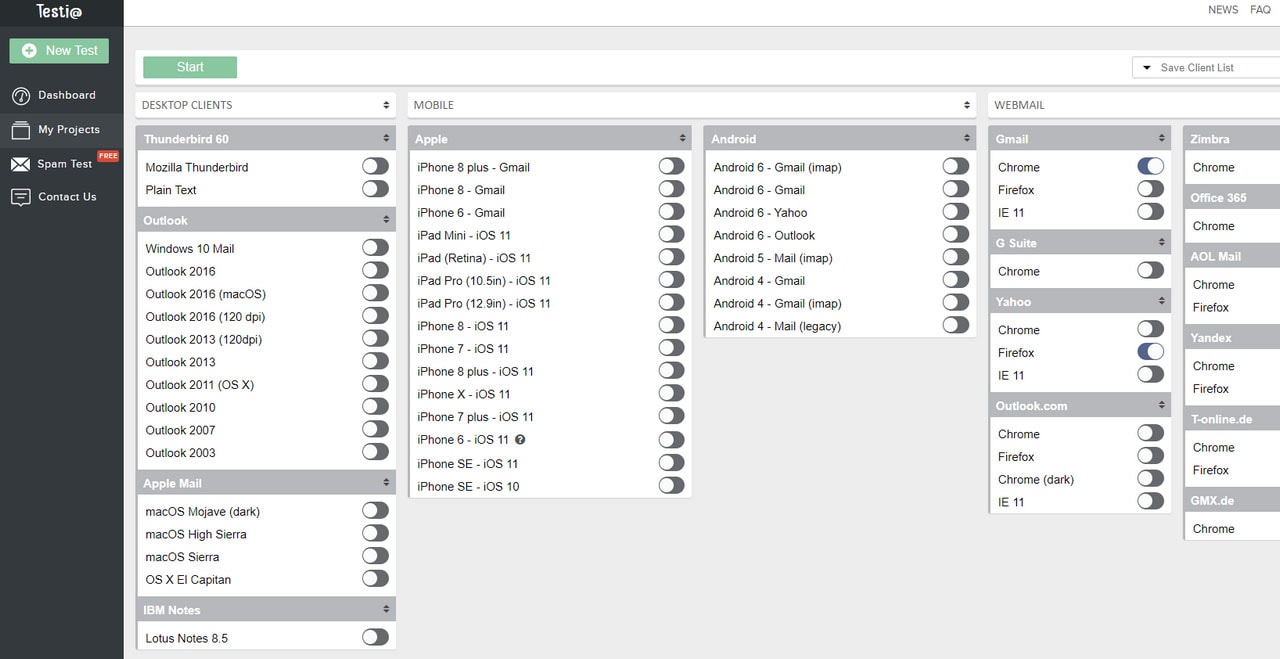
There are some other good tools to consider like Preview My Email or Inbox Inspector.
Your email newsletter should look good across all popular devices, content should shine with originality, and excellent readability and the subject line should drum up interest. It is time to make sure that your subscribers actually get your email. Verify the email addresses. Consider these tools:
This trio is a time-tested choice when it comes to such issues. They provide tools for verifying email addresses quickly and efficiently. They will help to clean up your list and leave subscribers that actually exist. In such a way you will be able to reduce bounce rate and increase open and deliverability rate.
Quick Email Verification
Never Bounce
BriteVerify
One last thing to do is to check your sender email reputation. It is a real hidden pitfall that many marketers overlook. Like any other reputation, your sender reputation can ruin all your efforts and derail the campaign. You can have the best content, the best design, and an audience awaiting your email newsletter, but if you use a mail server that has bad karma so to speak, your email newsletter will be considered as spam and never be delivered.
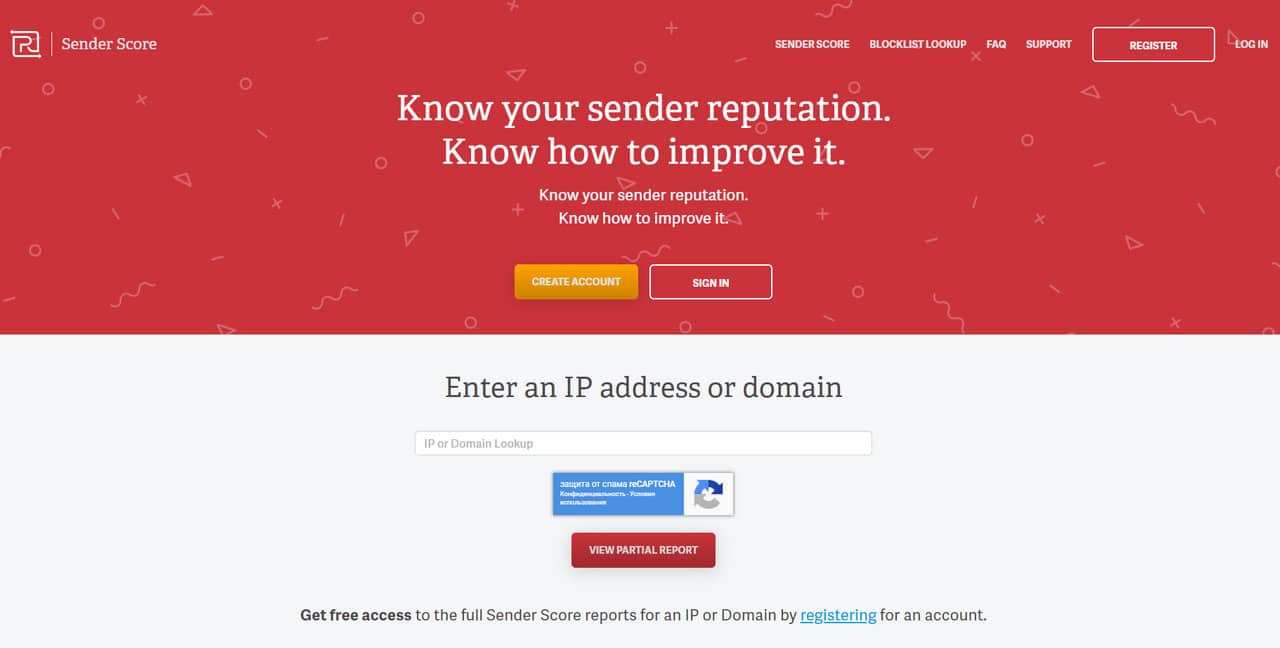
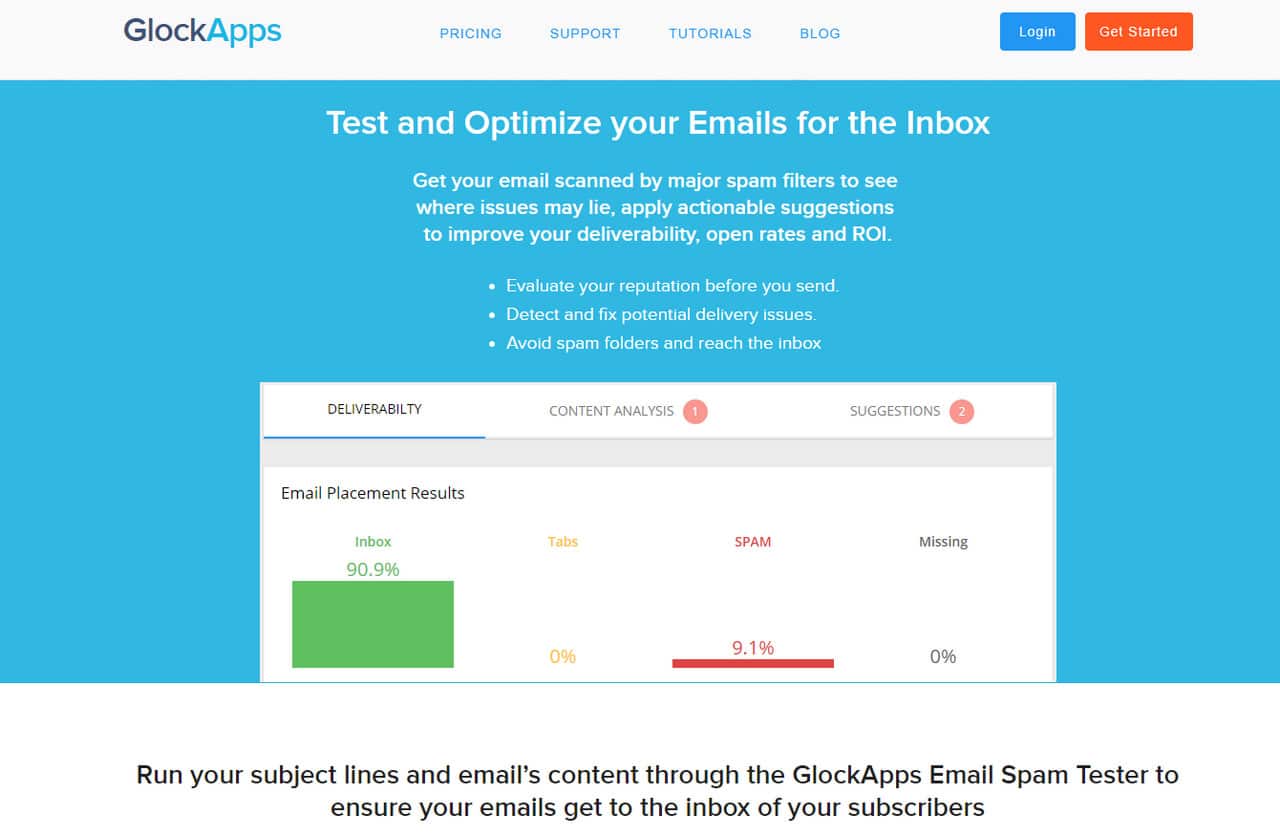
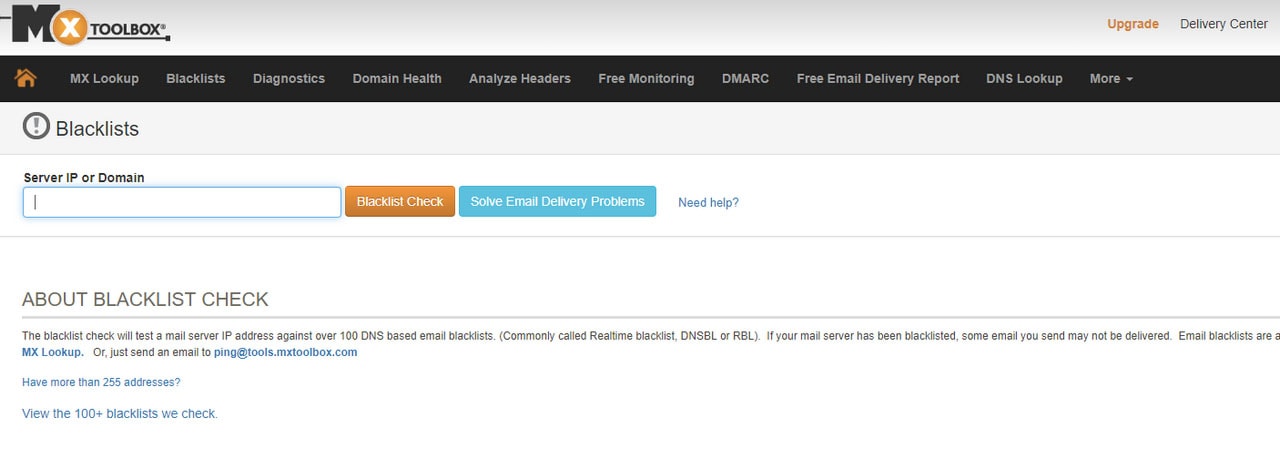
To find out whether your email server is suitable for your campaigns, there are several helpful tools such as SenderScore, GlockApps or Blacklist Check.
GlockApps
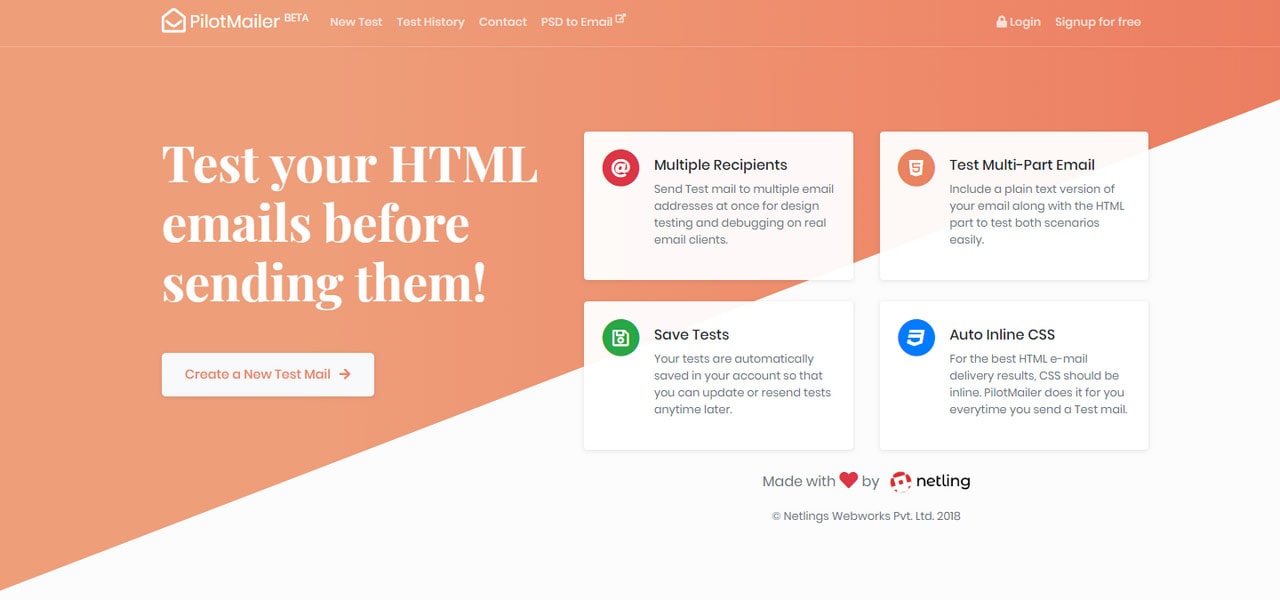
While all the listed above tools are good without a doubt, each one focuses on a singular task. But if you want to do all the above within one service, you need to consider testing platforms that offer numerous tests under one roof. There are several big names here:
These services efficiently deal with numerous tasks providing the users with a multifunctional platform. Use them to
Pilot Mailer
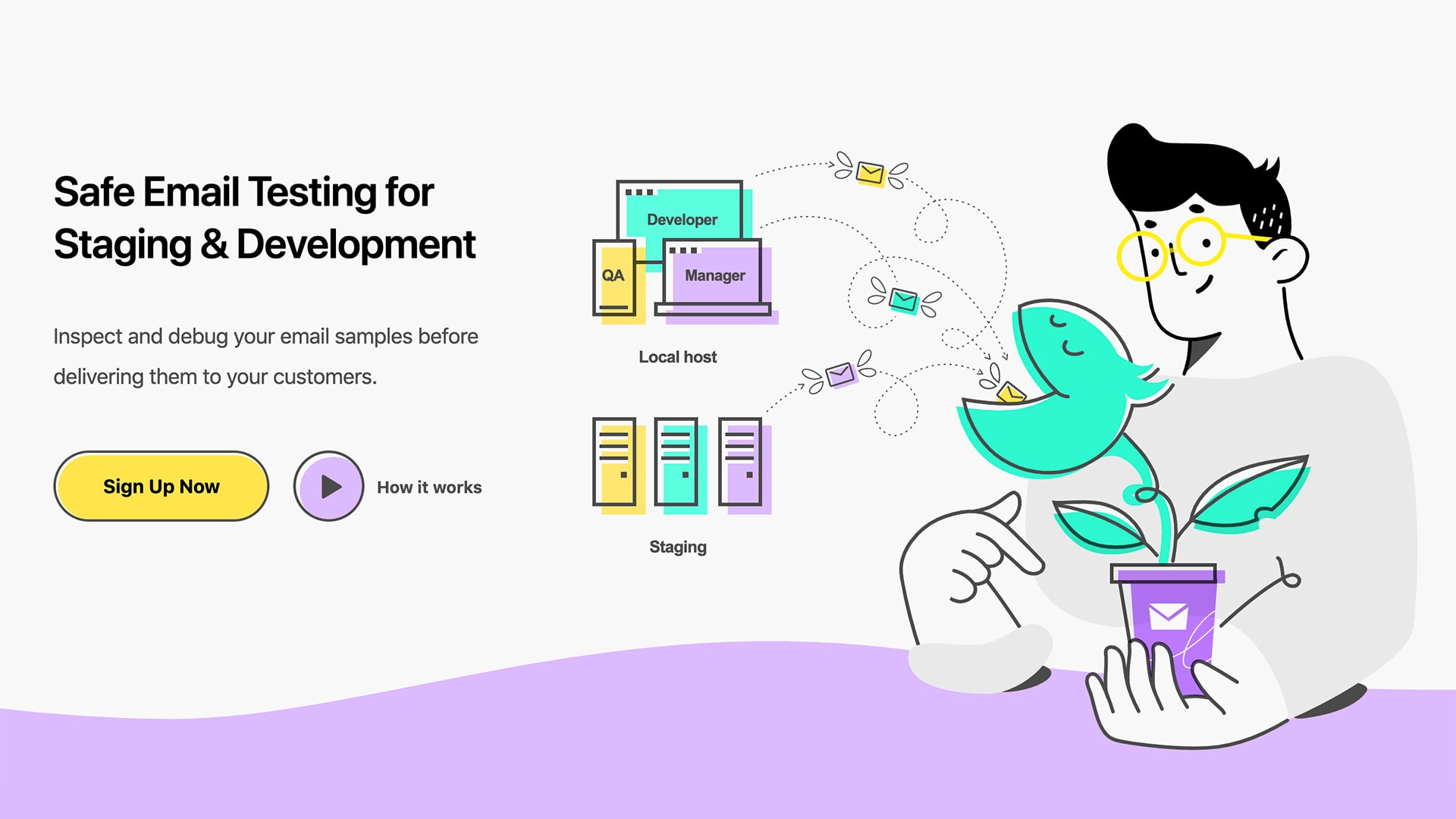
Mailtrap
When it comes to building great emails, it can save time and effort if you start with a solid foundation. Postcards is an email template builder that has clean code, work across email readers, and includes designs that meet accessibility standards. You can build a clean email newsletter campaign that will pass many of the tests mentioned above. (And nothing feels better than testing a campaign and getting a good grade.)
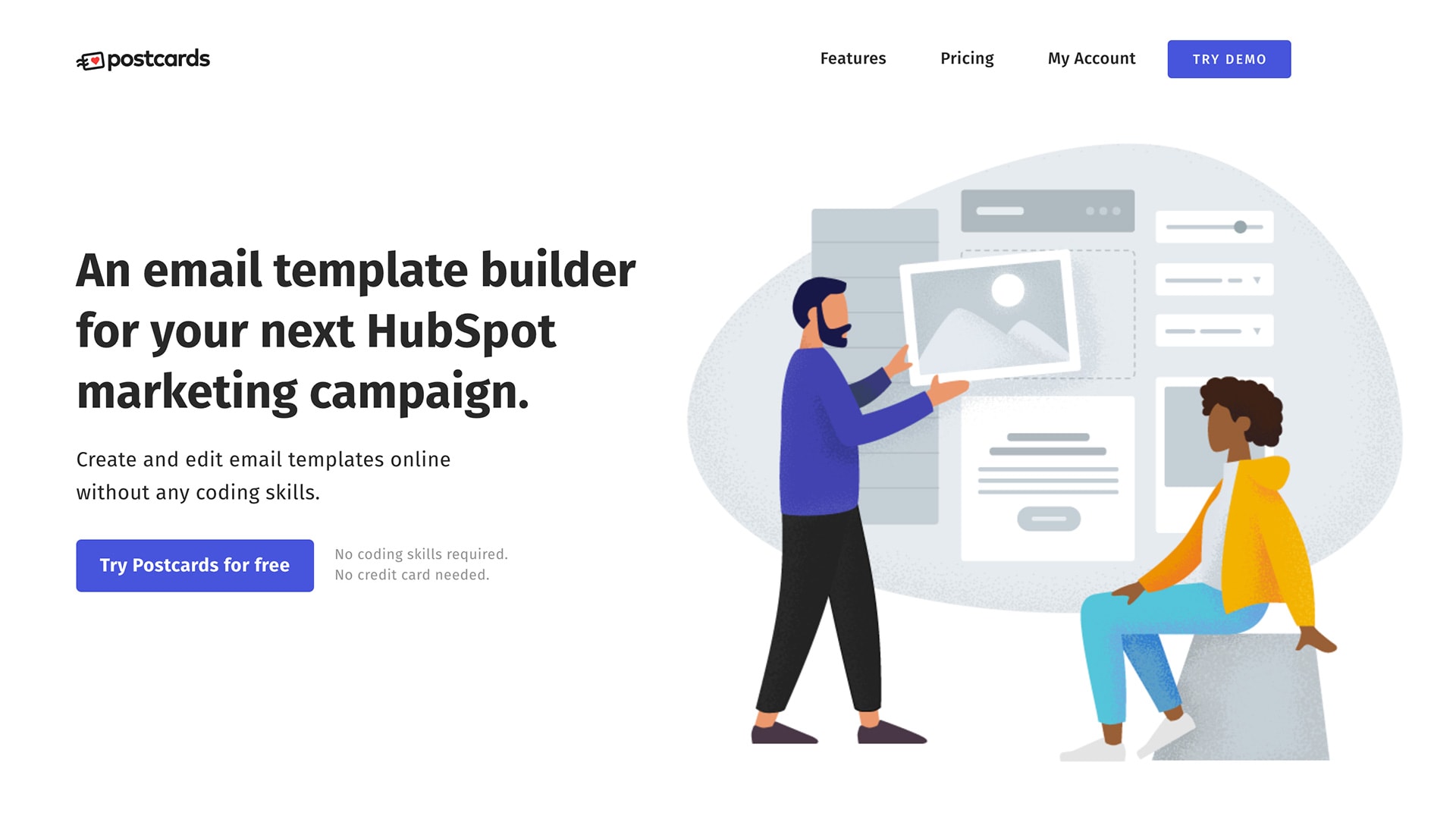
Postcards does all of this in a platform that allows you to design and edit emails without any coding skills. Then you can import the designs into your favorite email platforms, such as MailChimp, HubSpot, or Shopify.
Much to the testing has been built into Postcards so that your campaigns will send with ease. Pair it with the tools above for a nearly perfect email newsletter every time.
Conclusion
Do not underestimate the power of testing. It is not just a recommendation; it is a vital stage of the process that ensures that an email newsletter will do its work correctly.
Tell us which tools you use for testing email newsletters. Do you have favorites?
此内容由惯性聚合(RSS阅读器)自动聚合整理,仅供阅读参考。 原文来自 — 版权归原作者所有。