


A quick, but super useful tip, if you’re spending a lot of time creating tags in Google Tag Manager on click events.
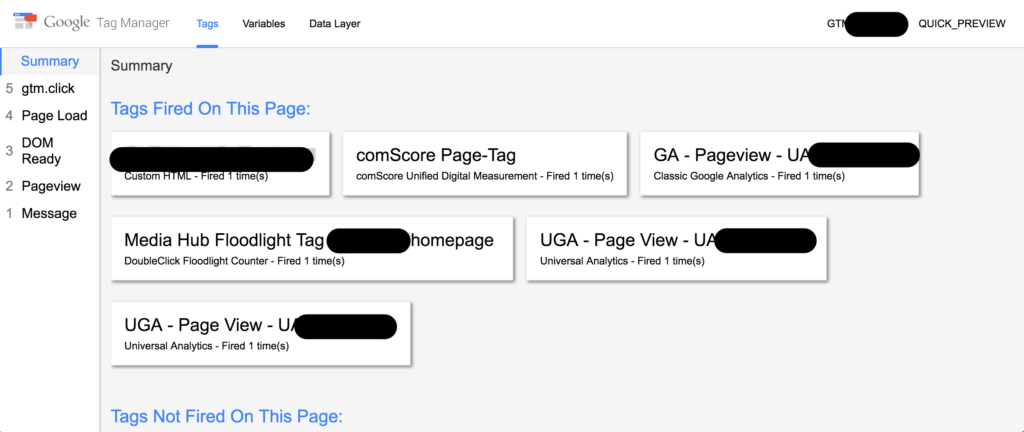
Assuming you have the Google Tag Manager Console open (by having your container in 'preview' mode) - have you wanted to be able to click on something, and see what tag fires, without going on to the page/URL that you just clicked?
If you’re on a Mac, simply hold the command key while clicking on the link that you’re trying to test your tag on. (I assume the Control key will do the same on Windows) This will:
I’ve not seen this idea documented elsewhere, so I hope this is useful to others.
此内容由惯性聚合(RSS阅读器)自动聚合整理,仅供阅读参考。 原文来自 — 版权归原作者所有。