





- 8 min read
- Design, UX, Design Patterns
Imagine that you need to improve the UX of a legacy system. A system that has been silently working in the background for almost a decade. It’s slow, half-broken, unreliable, and severely outdated — a sort of “black box” that everyone relies upon, but nobody really knows what’s happening under the hood.
Where would you even start? Legacy stories are often daunting, adventurous, and utterly confusing. They represent a mixture of fast-paced decisions, quick fixes, and accumulating UX debt.
There is no one-fits-all solution to tackle them, but there are ways to make progress, albeit slowly, while respecting the needs and concerns of users and stakeholders. Now, let’s see how we can do just that.
The Actual Challenges Of Legacy UX
It might feel that legacy products are waiting to be deprecated at any moment. But in reality, they are often critical for daily operations. Many legacy systems are heavily customized for the needs of the organization, often built externally by a supplier and often without rigorous usability testing.
It’s common for enterprises to spend 40–60% of their time managing, maintaining, and fine-tuning legacy systems. They are essential, critical — but also very expensive to keep alive.
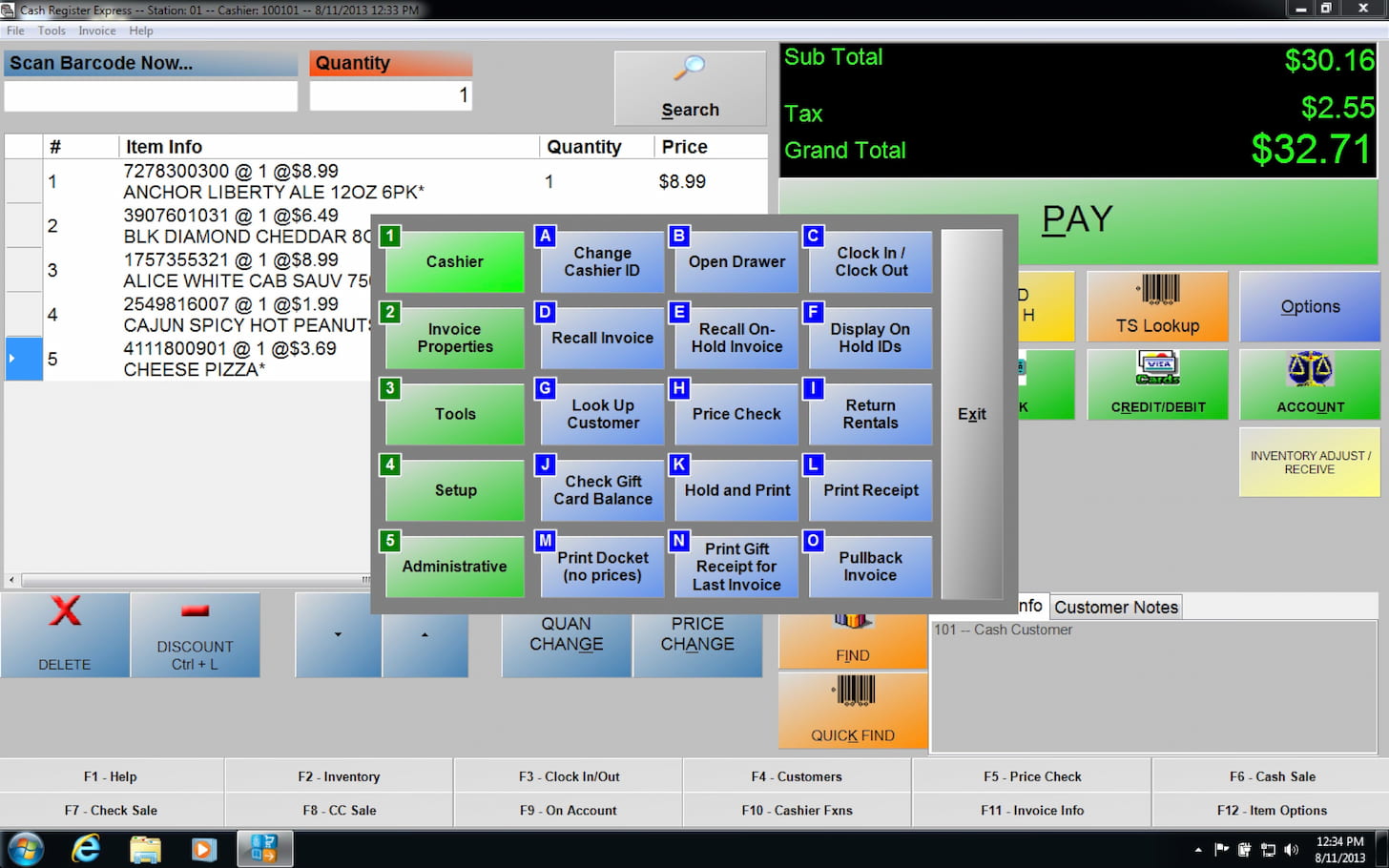
1. Legacy Must Co-Exist With Products Built Around Them
Running in a broken, decade-old ecosystem, legacy still works, yet nobody knows exactly how and why it still does. People who have set it up originally probably have left the company years ago, leaving a lot of unknowns and poorly documented work behind.
With them come fragmented and inconsistent design choices, stuck in old versions of old design tools that have long been discontinued.
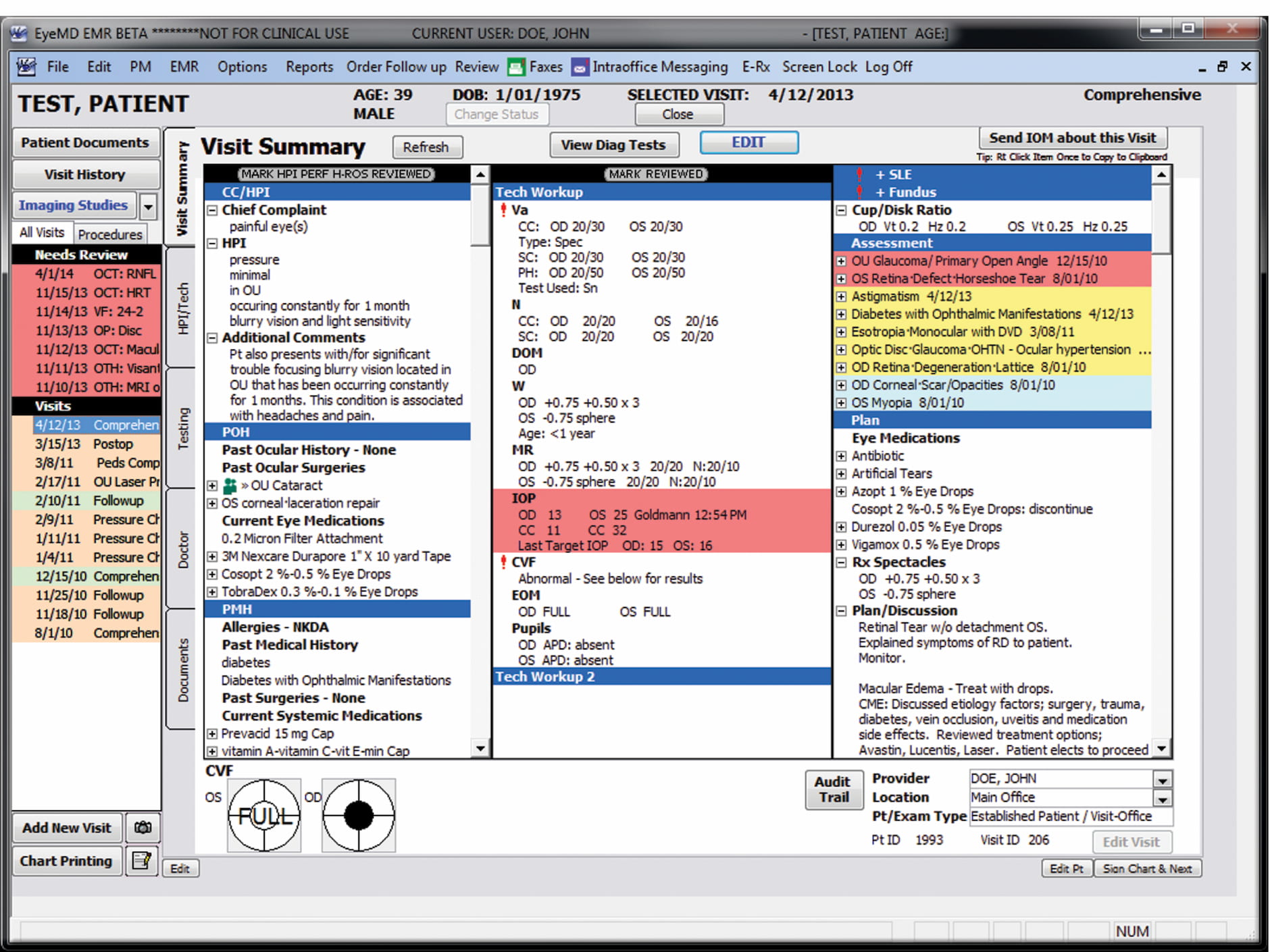
Still, legacy systems must neatly co-exist within modern digital products built around them. In many ways, the end result resembles a Frankenstein — many bits and pieces glued together, often a mixture of modern UIs and painfully slow and barely usable fragments here and there — especially when it comes to validation, error messages, or processing data.
2. Legacy Systems Make or Break UX
Once you sprinkle a little bit of quick bugfixing, unresolved business logic issues, and unresponsive layouts, you have a truly frustrating experience, despite the enormous effort put into the rest of the application.
If one single step in a complex user flow feels utterly broken and confusing, then the entire product appears to be broken as well, despite the incredible efforts the design teams have put together in the rest of the product.
Well, eventually, you’ll have to tackle legacy. And that’s where we need to consider available options for your UX roadmap.
UX Roadmap For Tackling Legacy Projects
Don’t Dismiss Legacy: Build on Existing Knowledge
Because legacy systems are often big unknowns that cause a lot of frustration to everyone, from stakeholders to designers to engineers to users. The initial thought might be to remove it entirely and redesign it from scratch, but in practice, that’s not always feasible. Big-bang-redesign is a remarkably expensive and very time-consuming endeavor.
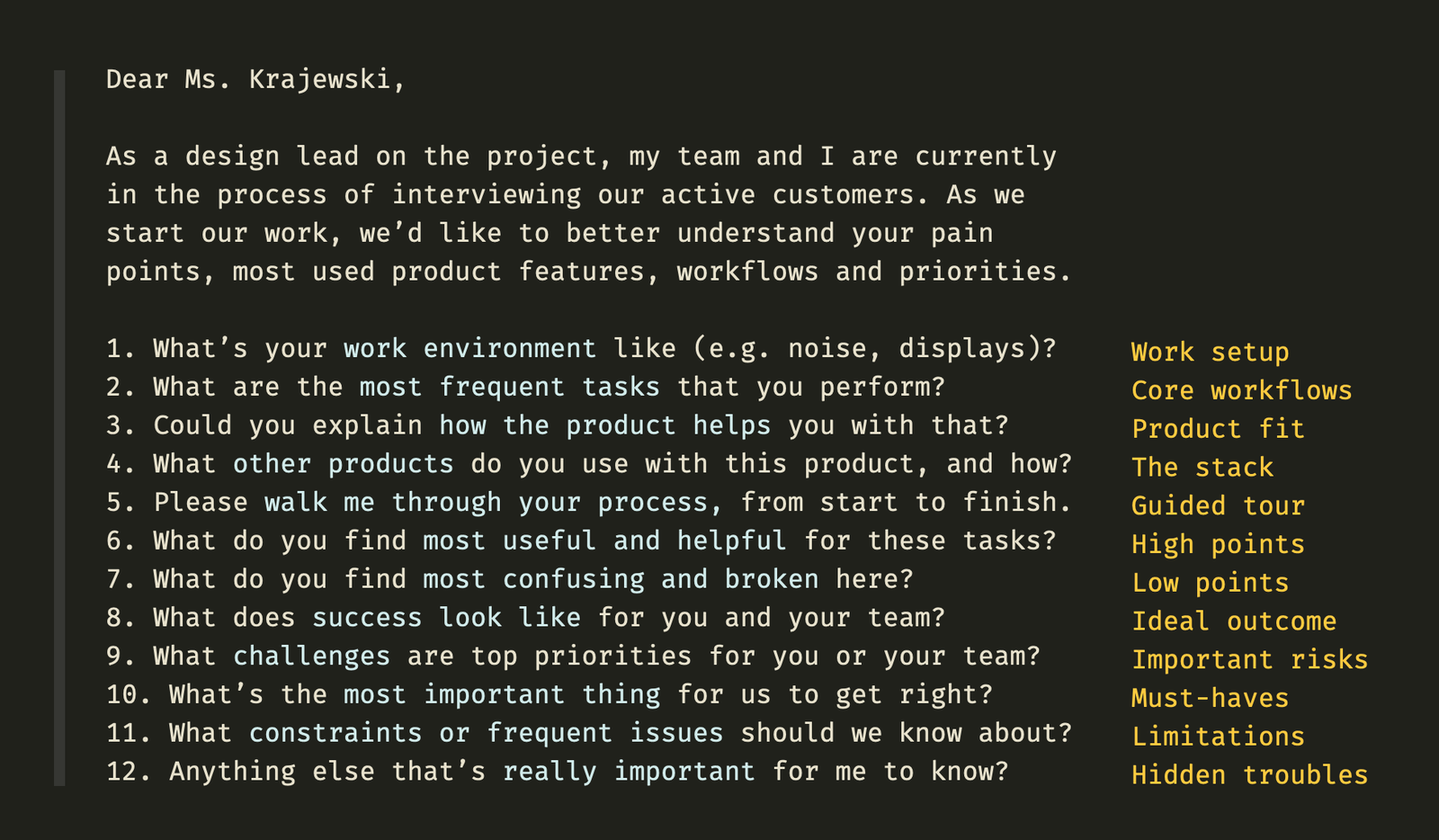
Legacy systems hold valuable knowledge about the business practice, and they do work — and a new system must perfectly match years of knowledge and customization done behind the scenes. That’s why stakeholders and users (in B2B) are typically heavily attached to legacy systems, despite all their well-known drawbacks and pains.
To most people, because such systems are at the very heart of the business, operating on them seems to be extremely risky and will require a significant amount of caution and preparation. Corporate users don’t want big risks. So instead of dismissing legacy entirely, we might start by gathering existing knowledge first.
Map Existing Workflows and Dependencies
The best place to start is to understand how and where exactly legacy systems are in use. You might discover that some bits of the legacy systems are used all over the place — not only in your product, but also in business dashboards, by external agencies, and by other companies that integrate your product into their services.

Very often, legacy systems have dependencies on their own, integrating other legacy systems that might be much older and in a much worse state. Chances are high that you might not even consider them in the big-bang redesign — mostly because you don’t know just how many black boxes are in there.

Set up a board to document current workflows and dependencies to get a better idea of how everything works together. Include stakeholders, and involve heavy users in the conversation. You won’t be able to open the black box, but you can still shed some light on it from the perspectives of different people who may be relying on legacy for their work.
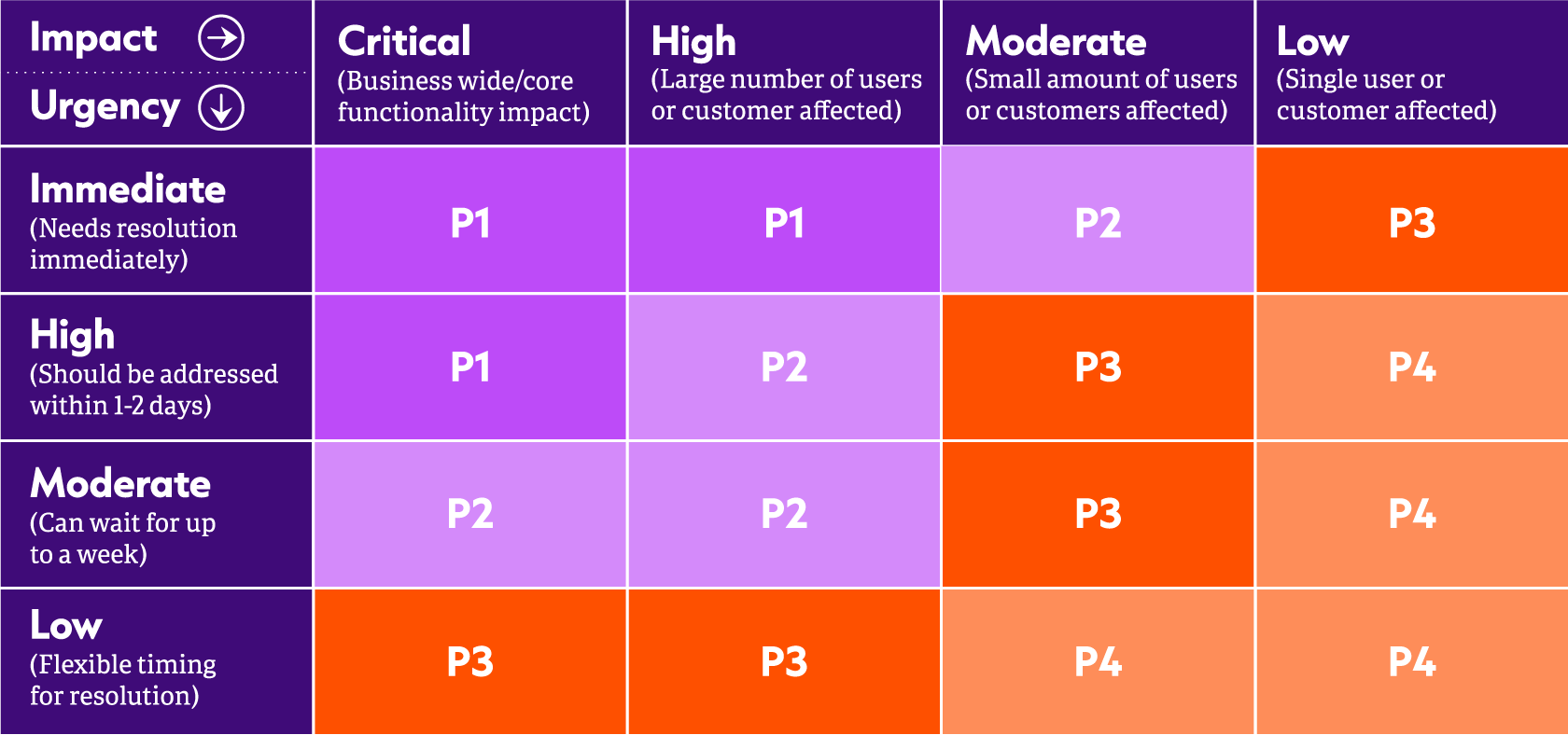
Once you’ve done that, set up a meeting to reflect to users and stakeholders what you have discovered. You will need to build confidence and trust that you aren’t missing anything important, and you need to visualize the dependencies that a legacy tool has to everyone involved.
Replacing a legacy system is never about legacy alone. It’s about the dependencies and workflows that rely on it, too.
Choose Your UX Migration Strategy
Once you have a big picture in front of you, you need to decide on what to do next. Big-bang relaunch or a small upgrade? Which approach would work best? You might consider the following options before you decide on how to proceed:
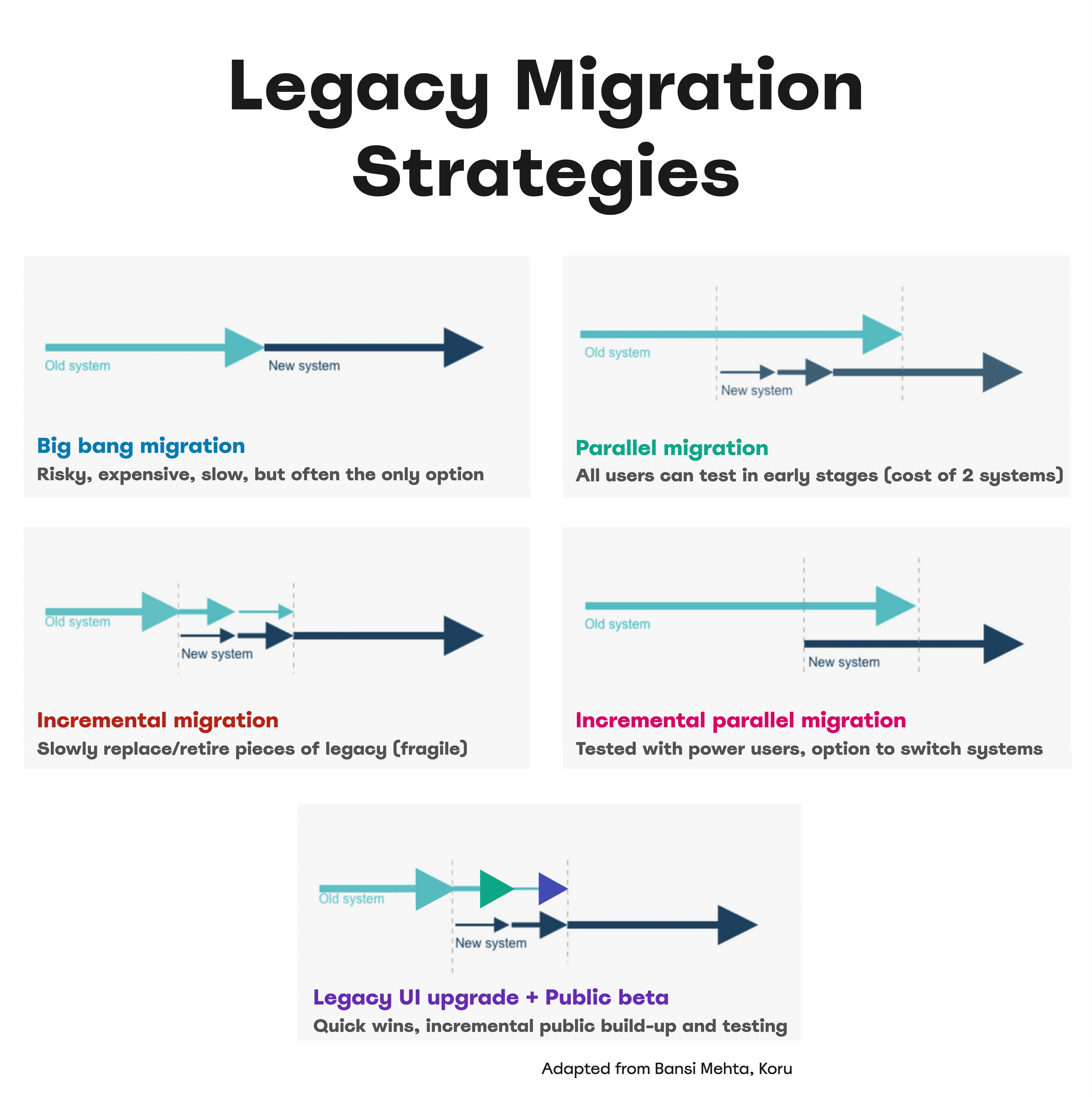
- Big-bang relaunch.
Sometimes the only available option, but it’s very risky, expensive, and can take years, without any improvements to the existing setup in the meantime. - Incremental migration.
Slowly retire pieces of legacy by replacing small bits with new designs. This offers quicker wins in aFrankensteinstyle but can make the system unstable. - Parallel migration.
Run a public beta of the replacement alongside the legacy system to involve users in shaping the new design. Retire the old system when the new one is stable, but be prepared for the cost of maintaining both. - Incremental parallel migration.
List all business requirements the legacy system fulfills, then build a new product to meet them reliably, matching the old system from day one. Test early with power users, possibly offering an option to switch systems until the old one is fully retired. - Legacy UI upgrade + public beta.
Perform low-risk fine-tuning on the legacy system to align UX, while incrementally building a new system with a public beta. This yields quicker and long-term wins, ideal for fast results.
Replacing a system that has been carefully refined and heavily customized for a decade is a monolithic task. You can’t just rebuild something from scratch within a few weeks that others have been working on for years.
So whenever possible, try to increment gradually, involving users and stakeholders and engineers along the way — and with enough buffer time and continuous feedback loops.
Wrapping Up
With legacy projects, failure is often not an option. You’re migrating not just components, but users and workflows. Because you operate on the very heart of the business, expect a lot of attention, skepticism, doubts, fears, and concerns. So build strong relationships with key stakeholders and key users and share ownership with them. You will need their support and their buy-in to bring your UX work in action.
Stakeholders will request old and new features. They will focus on edge cases, exceptions, and tiny tasks. They will question your decisions. They will send mixed signals and change their opinions. And they will expect the new system to run flawlessly from day one.
And the best thing you can do is to work with them throughout the entire design process, right from the very beginning. Run a successful pilot project to build trust. Report your progress repeatedly. And account for intense phases of rigorous testing with legacy users.
Revamping a legacy system is a tough challenge. But there is rarely any project that can have so much impact on such a scale. Roll up your sleeves and get through it successfully, and your team will be remembered, respected, and rewarded for years to come.
Meet “Measure UX & Design Impact”
Meet Measure UX & Design Impact, Vitaly’s practical guide for designers and UX leads on how to track and visualize the incredible impact of your UX work on business — with a live UX training later this year. Jump to details.

Useful Resources
- UX Migration Strategy For Legacy Apps, by Tamara Chehayeb Makarem
- How To Improve Legacy Systems, by Christopher Wong
- Designing With Legacy, by Peter Zalman
- Redesigning A Large Legacy System, by Pawel Halicki
- How To Manage Legacy Code, by Nicolas Carlo
- How To Transform Legacy, by Bansi Mehta
- Design Debt 101, by Alicja Suska
- Practical Guide To Enterprise UX, by Yours Truly
- Healthcare UX Design Playbook, by Yours Truly
 (yk)
(yk)