


There’s something so satisfying about a good spring cleaning: the kind where you open the windows, clear the clutter, and finally deal with the things you’ve been ignoring all winter long.
Your browser deserves the same treatment; it handles everything from deep research to SaaS logins. Beneath all those open tabs, your browser’s digital clutter may be turning into actual risk. Here are four critical ways that securing your browser is akin to spring cleaning.
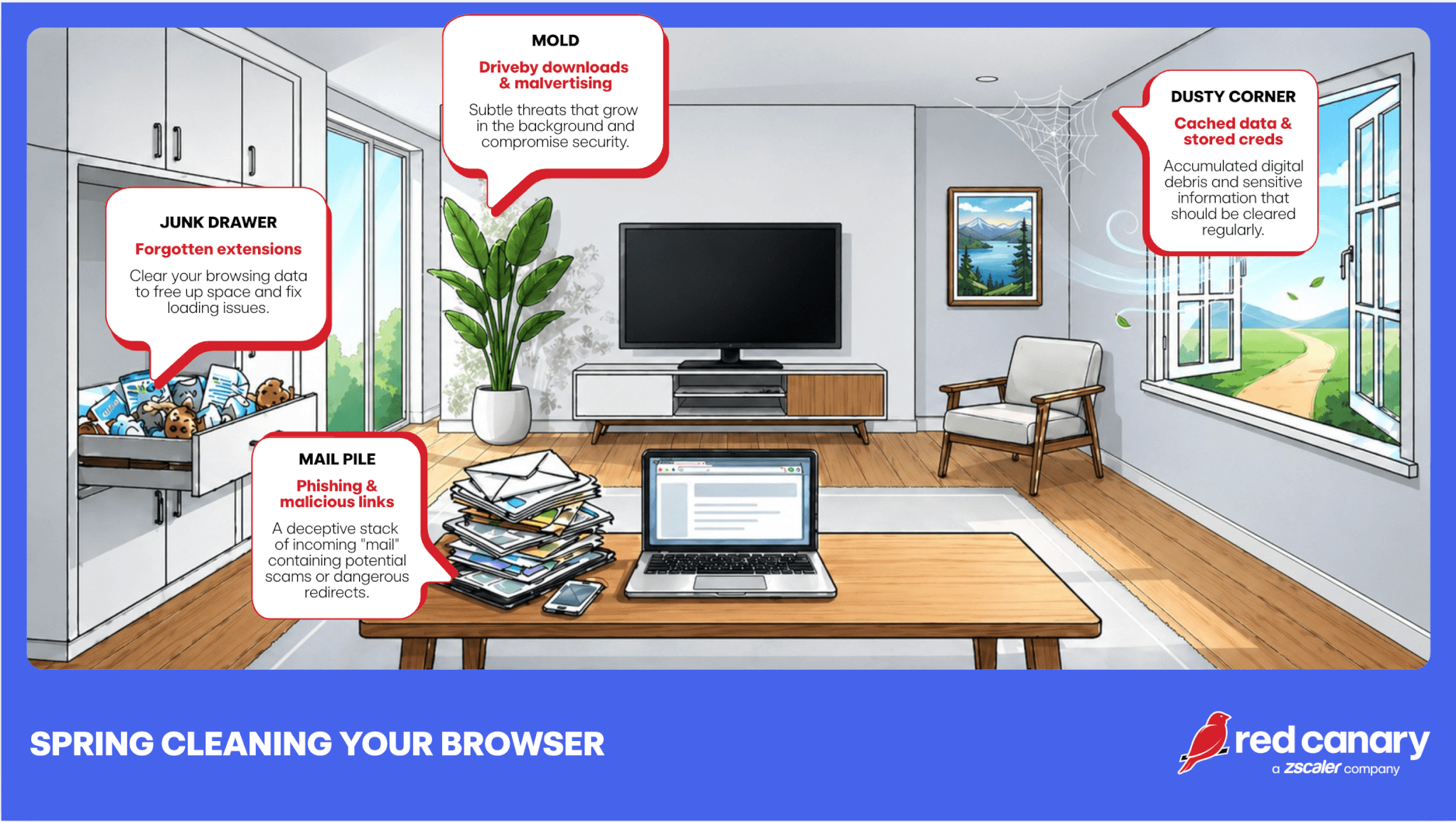
That one QR code generator, the ad blocker, the “temporary” productivity tool. Browser extensions are the digital equivalent of a junk drawer; useful at first, but can really cause disorder if left unchecked. The problem? Extensions often have broad permissions, including access to everything you do in your browser, and still get loaded into memory even if not actively used.
Unused or outdated extensions can:
🧹SPRING CLEANING TIP: Audit your extensions. If you don’t actively use it or don’t recognize it, remove it. Less really is more.
We’ve all done it, dozens of tabs open, some maybe even lingering for days. Each tab represents an active session or a potential entry point. Plus, your browser remembers a lot: logins, autofill data (e.g., personally idenitifable information and credit card numbers), cookies. A time saver yes, but a boon for attackers.
If a device is compromised or a session is hijacked, that stored data becomes a shortcut for lateral movement. Threat actors love hijacked sessions because it means they get to bypass authentication entirely.
Session hijacking can:
Unattended active sessions are a favorite for many threats, including:
🧹SPRING CLEANING TIP: Clear cache and cookies periodically, and reconsider what you allow your browser to store. A password manager is a safer long-term home for credentials. And don’t forget to close what you’re not using/ log out of sensitive apps when you’re done.
Browsers are the front door for phishing attacks. Clicking or interacting with unexpected links can lead to credential harvesting, malware downloads, or token theft. And modern phishing pages? They look convincing.

Example IRS phishing page
🧹SPRING CLEANING TIP: Pause before clicking. Check every URL closely (by hovering over it for a preview). And when in doubt, navigate directly instead of trusting links.
Not all threats require interaction. Compromised websites and malicious ads can exploit browser vulnerabilities or trick people into downloading fake “update” files thinking they are legitimate.
This is where outdated browsers and plugins become especially dangerous. Groups associated with these types of schemes include:
🧹SPRING CLEANING TIP: Keep your browser updated. Disable or remove unnecessary plugins. Patching isn’t glamorous, but it’s one of the most effective defenses to keep attackers at bay.
The goal of spring cleaning is improvement, not perfection. By removing unused extensions, terminating old sessions, and revoking unnecessary permissions, you effectively shrink your attack surface. These incremental upgrades build up fast. Often, the most significant threats to an organization’s defense posture are not complex operations but rather the quiet, accumulated vulnerabilities that blend into the background.
Rather than depending on individual diligence, much of this maintenance can be centralized via the IT team. Modern browsers provide policy-based management for updates, password storage, and extension usage. Implementing technical controls—such as Chrome Enterprise Core or Group Policy Objects—establishes a robust security posture and simplifies enterprise management.
此内容由惯性聚合(RSS阅读器)自动聚合整理,仅供阅读参考。 原文来自 — 版权归原作者所有。