








💡
Currently in beta. Automations is a new feature in active development. If you run into issues or have feedback, we'd love to hear it — see How to give feedback below.
This public beta for automations is the next step in our journey toward a robust, native automation suite inside Ghost. We're building it in the open, and the features available today are the foundation for much more to come.
Currently, Automations let you send a series of emails to new free or paid members automatically, spaced out over any timeframe you choose. Instead of a single welcome email, you can now build a multi-step flow that greets new members, introduces your publication, and keeps them engaged in the days and weeks after they sign up — all without lifting a finger once it's set up.
Once the beta is enabled, you'll find a new Automations tab in the left sidebar of Ghost Admin.
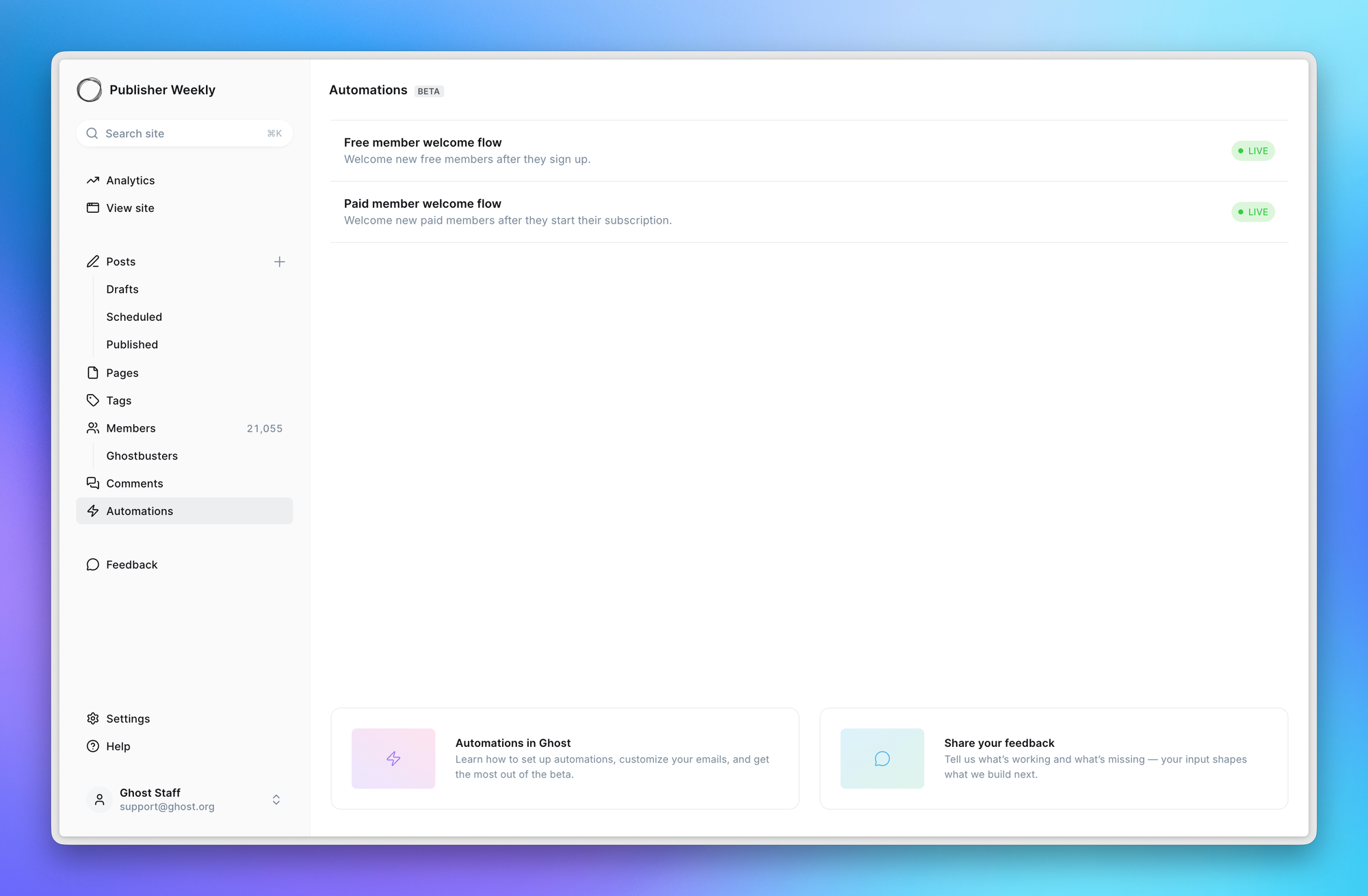
To start, you'll have two default automations:
Each one can send multiple emails over a timeframe you decide. If you were previously using welcome emails, they'll be transitioned into these default automations automatically, so nothing you've already built is lost.
You won’t be able to create more automations just yet — that’s coming very soon.
Clicking into an automation launches the automation canvas — a drag-and-drop editor where you can build and view your flow from start to finish.
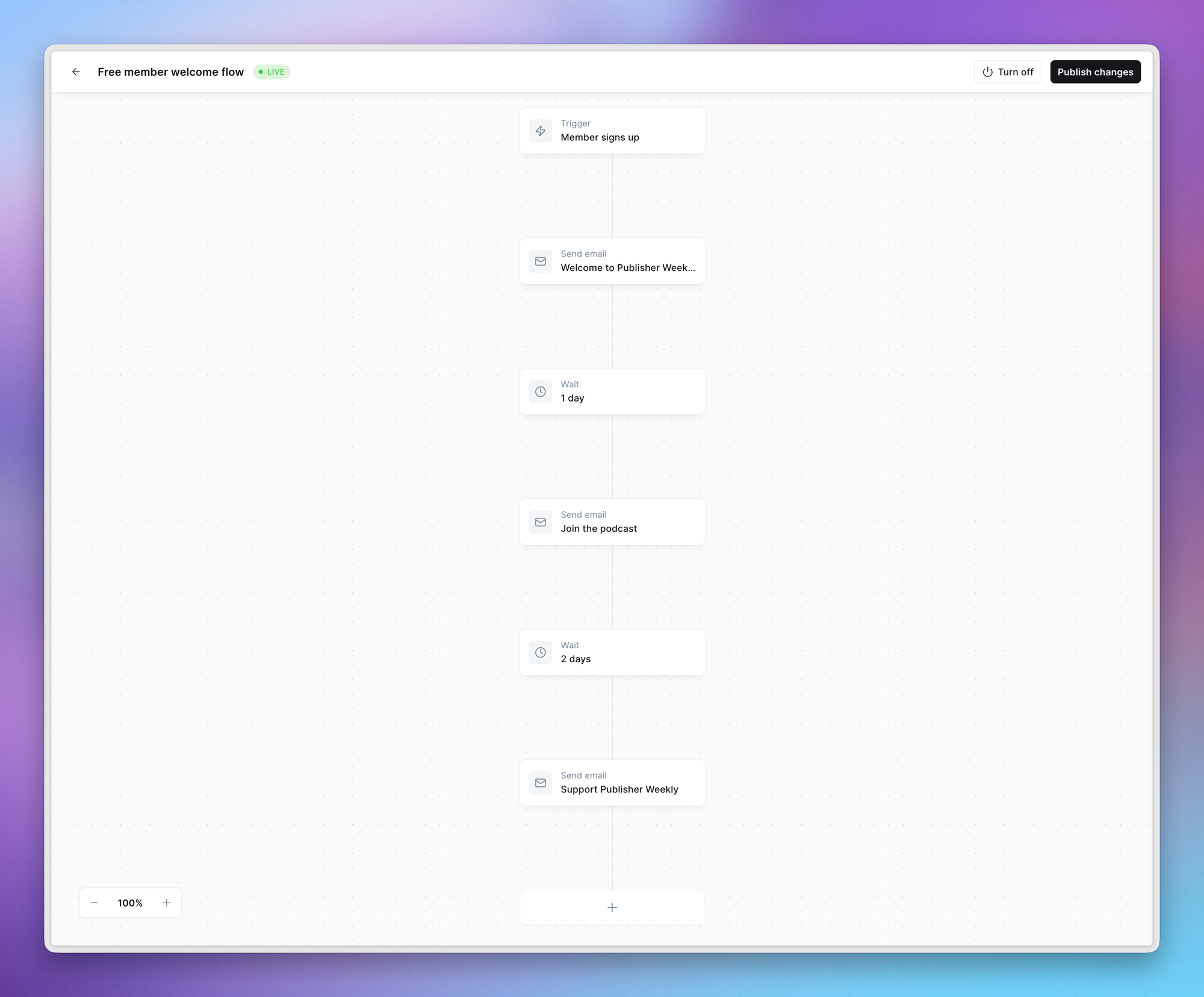
There are currently two actions to choose from, with many more on the way:
Combine these to create a sequence. For example: send an email immediately to a new member that just signed up, wait three days, send a second email, wait a week, then send a third.
Every email is written with the full power of the Ghost editor, so your automated messages look like everything else you publish — images, buttons, bookmarks, callouts, HTML cards, all of it.
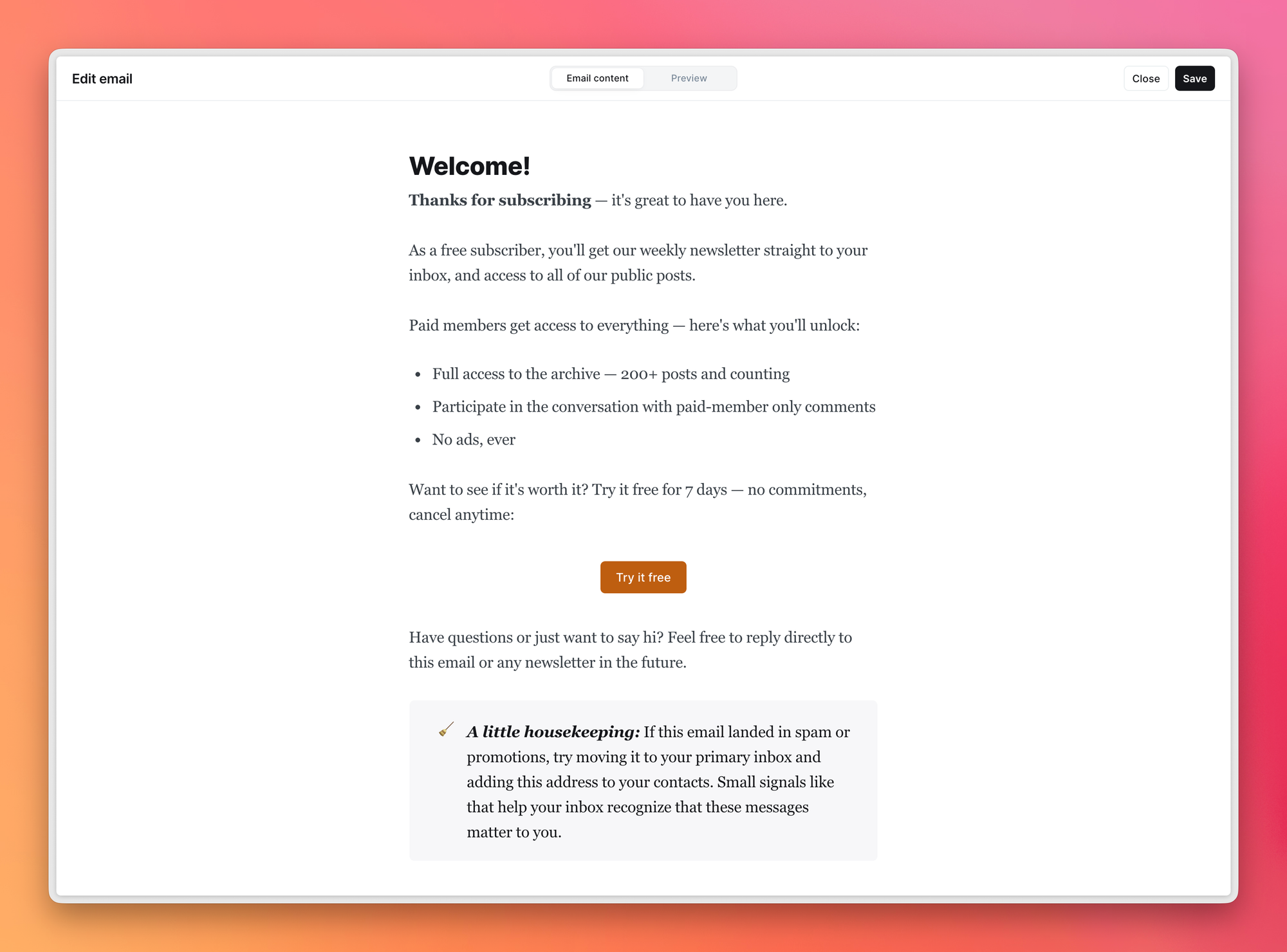
Toggle to the preview at the top of your screen to see how your email will look in the inbox, and send yourself a test to check it on your own devices before it goes live.
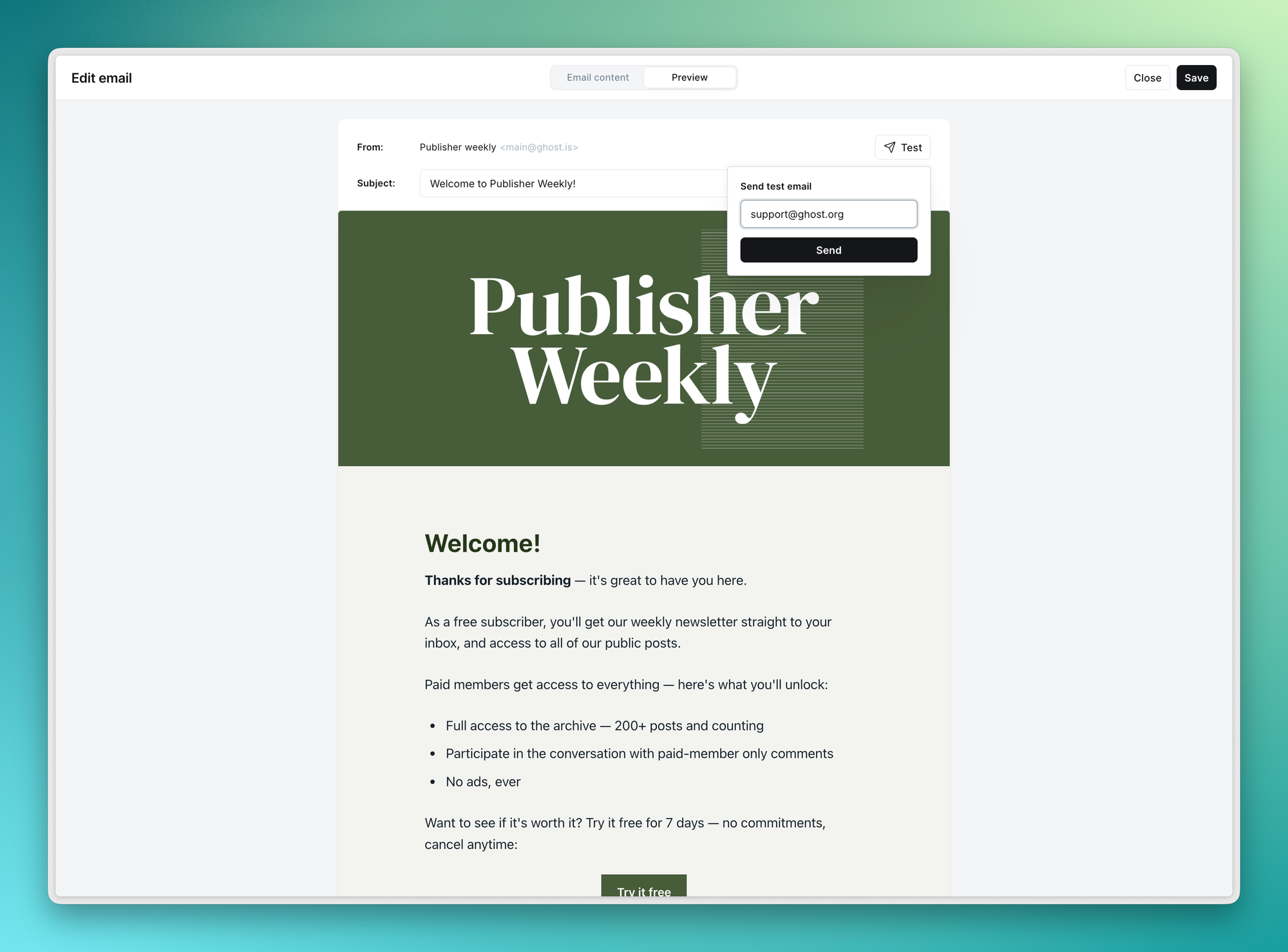
If you want to change how your automation emails look — to match your site's brand and feel — you can do so in Settings → Email by editing the automations template.
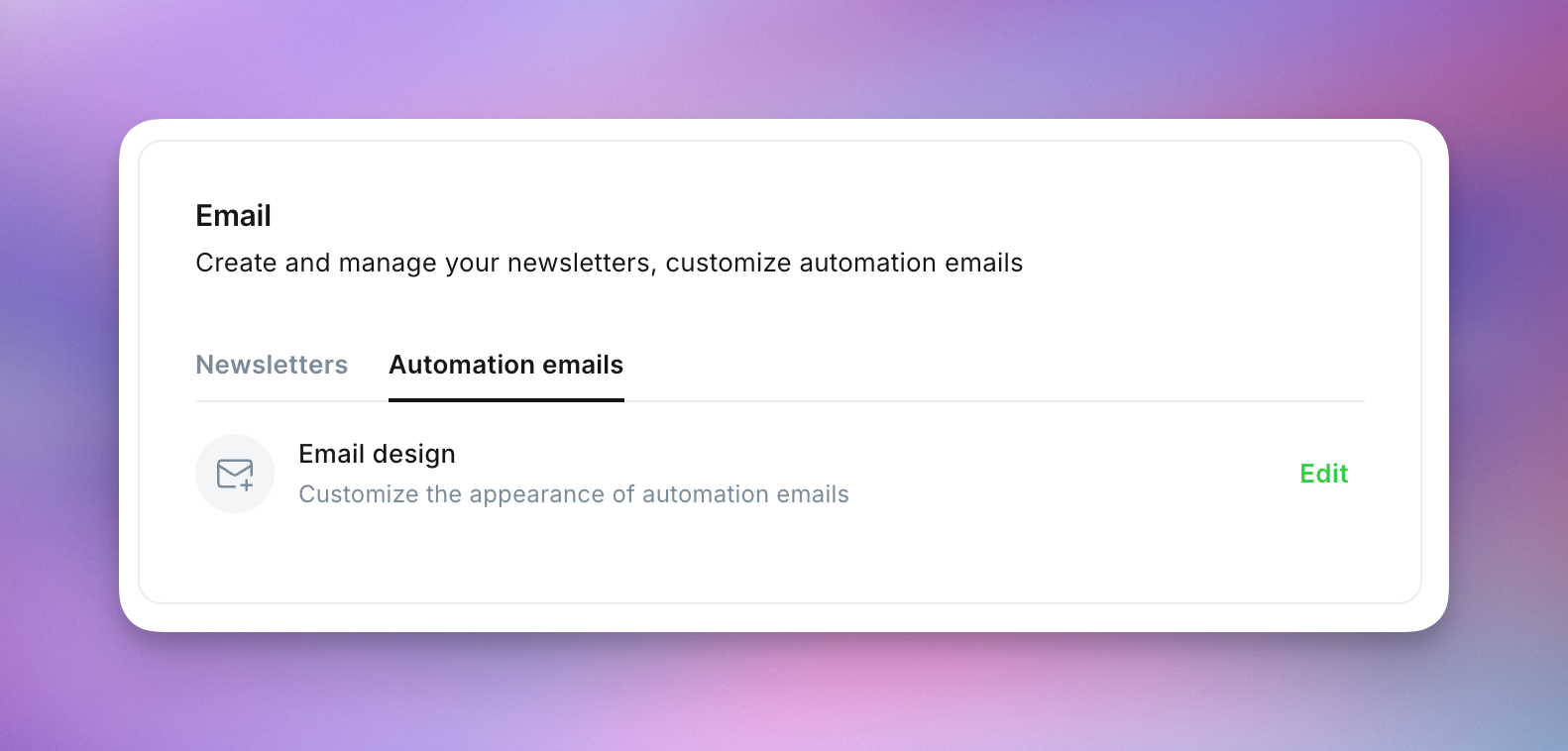
The automation email template uses the same design controls as your newsletters, from colors and typography to headers and logos. Style it once, and that look applies across all your automated emails, keeping your brand consistent whether on your site, in your newsletters, or through a member's first week with you.
Once the automations beta has been enabled, members will see a new option in their email preferences for Updates & announcements.
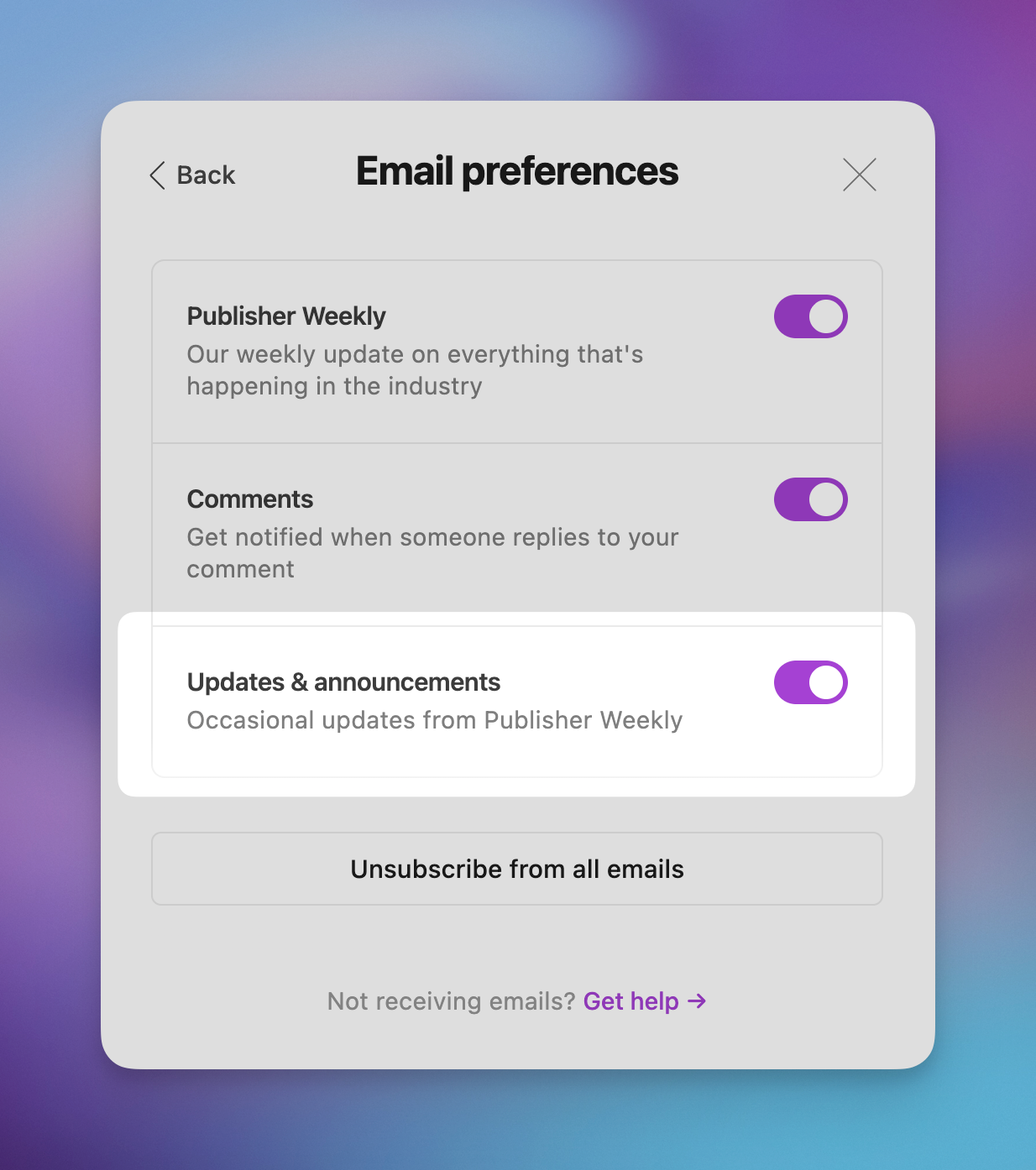
This lets a member unsubscribe from your automated emails without unsubscribing from the rest of your content — so they can opt out of your welcome flow while still receiving your regular newsletter.
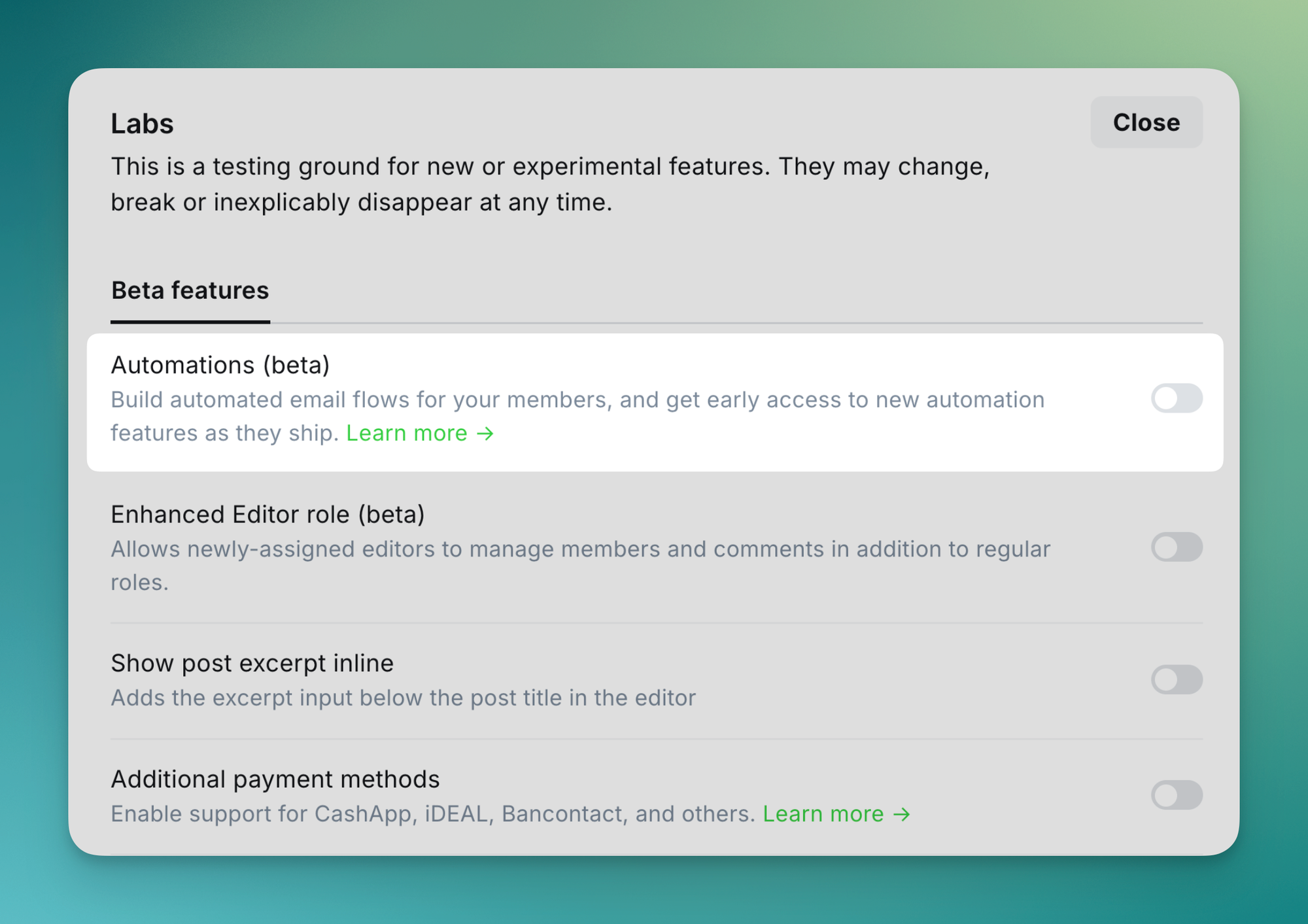
Automations is currently behind a beta flag in Labs. To enable it, head to Settings → Labs and switch on the automations beta.
👀
Turning it on is a one-way street. Once enabled, the automations beta can't be turned off. Any existing welcome emails will transition automatically into your default automations.
Out team is iterating toward a robust automation suite in Ghost, and the welcome flows available today are the foundation we'll build on.
From here, we'll be iterating quickly to bring in deeper analytics, along with more triggers and actions — shaped directly by the feedback we receive — to unlock the most important use cases for your business. Think retention and win-back flows, more ways to trigger an automation, adding labels to members, and richer reporting on how your flows are performing.
Your feedback during the beta directly influences what we prioritize next.
We want to hear from you — tell us what's working, what isn't, and what you'd like to see next. Your input is shaping the direction of automations in Ghost.
There are two ways to share feedback:
Yes, you can make changes to an automation any time. Once published, your changes apply immediately to members already in progress and to any new members who enter the automation.
A free member who converts to paid will automatically exit the free welcome flow, and enter the paid welcome flow.
Your automation will no longer run, and any members currently in progress will be removed.
The member will only receive the paid welcome automation.
The member will receive the paid welcome automation when they start the trial.
This is a living document. We'll keep it updated as new functionality ships during the beta.
此内容由惯性聚合(RSS阅读器)自动聚合整理,仅供阅读参考。 原文来自 — 版权归原作者所有。