
惯性聚合 高效追踪和阅读你感兴趣的博客、新闻、科技资讯
阅读原文 在惯性聚合中打开

推荐订阅源

人人都是产品经理
人人都是产品经理
博客园 - 司徒正美
量子位
Cyberwarzone
Cyberwarzone
cs.AI updates on arXiv.org
GbyAI
GbyAI
C
CERT Recently Published Vulnerability Notes
让小产品的独立变现更简单 - ezindie.com
NISL@THU
NISL@THU
I
Intezer
罗磊的独立博客
cs.CL updates on arXiv.org
G
Google Developers Blog
C
Cyber Attacks, Cyber Crime and Cyber Security
Scott Helme
Scott Helme
AWS News Blog
AWS News Blog
V
Vulnerabilities – Threatpost
P
Palo Alto Networks Blog
S
Schneier on Security
Security Latest
Security Latest
Cyber Security Advisories - MS-ISAC
T
The Exploit Database - CXSecurity.com
F
Fortinet All Blogs
WordPress大学
WordPress大学
Spread Privacy
Spread Privacy
雷峰网
雷峰网
The Hacker News
The Hacker News
Microsoft Azure Blog
MyScale Blog
MyScale Blog
Project Zero
Project Zero
Recent Commits to openclaw:main
Forbes - Security
Forbes - Security
CTFtime.org: upcoming CTF events
Jina AI
Jina AI
Hugging Face - Blog
Hugging Face - Blog
博客园 - 聂微东
OSCHINA 社区最新新闻
OSCHINA 社区最新新闻
T
Threat Research - Cisco Blogs
Blog — PlanetScale
Blog — PlanetScale
The Register - Security
Cisco Talos Blog
Cisco Talos Blog
N
News and Events Feed by Topic
The Last Watchdog
The Last Watchdog
H
Help Net Security
A
Arctic Wolf
D
Docker
Y
Y Combinator Blog
爱范儿
爱范儿
Exploit-DB.com RSS Feed
N
Netflix TechBlog - Medium

Gadget Review

Bernie Sanders Wants You to Own Half of OpenAI - And He's Not Kidding - Gadget Review California Bill Strikes Back Against Disappearing Video Games - Gadget Review Japan Cracks 6G's Speed Barrier With 112 Gbps Wireless Breakthrough - Gadget Review 31 Amazon Kitchen Tools and Gadgets That Make Prep Time a Breeze The 559-Mile Mic-Drop: Why BMW’s New i3 Just Made Tesla’s Range Look Like A Toy - Gadget Review 20 Genius Camping Gadgets That Will Help Make Summer Camping Easier Tesla Patents Transform Glass Roofs Into Smart Air Conditioners - Gadget Review Is Anthropic’s “Benefit Corp” Structure An Investor’s Worst Nightmare? - Gadget Review How An AI Weather Startup Just Beat the World’s Greatest Supercomputers - Gadget Review Dell's New XPS 13 Is Directly Targeting The MacBook Neo - Gadget Review 13 Smart Home Gadgets for True Local Control (No Cloud Needed!) Florida Sues OpenAI and CEO Sam Altman - Why Florida Is Treating AI Chatbots as "Hazardous Products" - Gadget Review Malaysia’s Scorched-Earth Policy Against Under-16 Social Media Access - Ban Carries Fines Up To $2.5 Million - Gadget Review PlayStation's Wireless Fight Stick and Latest Gaming Monitor Hits This August - Gadget Review How Meta's Chatbot Handed Over Million-Dollar Instagram Accounts To Attackers - Gadget Review 11 Home Security Gadgets That Help Safeguard Your Sanctuary Engineer Builds AI-Powered Laser System That Targets & Hunts Mosquitoes at Home - Gadget Review DuckDuckGo's No-AI Search Extensions Surge as Users Flee Google's AI Overhaul - Gadget Review Google Wants to Release 32 Million "Infected" Mosquitoes Into The Wild - Gadget Review Nvidia Is Bringing AI Power To Your Desk With New Superchip - Gadget Review Tech CEOs Are Using AI as the Perfect Scapegoat for Mass Layoffs - Gadget Review Wix Cuts 1,000 Jobs, Citing AI Evolution and Currency Pressures - Gadget Review Teen's Bluetooth Speaker Named "BOMB" Forces Flight U-Turn Mid-Atlantic - Gadget Review China's Humanoid Robots Sort 1,200 Postal Packages Per Hour - Gadget Review California Senate Passes Historic Ban on AI Chatbot Toys - Gadget Review Professor Declares War on AI: Will Fail Any Student Who Uses It - Gadget Review UK Military Looks At Allowing Lethal Strikes With Zero Human Intervention - Gadget Review Chinese EVs Are Tanking in Value - Gadget Review Japanese Researchers Create Chip That Could Run 1,000x Faster, Near-Zero Heat - Gadget Review Total Immobility: Why A Single Targeted Cyberattack Could Leave Every EV In Your City Stranded - Gadget Review 14 Things About Your Car and Suspension Mechanics Keep Secret 5 Smart Cooling Hacks That Work Better Than AC Webb Telescope Discovers Black Hole That Formed Before Its Galaxy - Gadget Review AI Chatbots Fail Medical Questions One in Five Times, Study Reveals - Gadget Review FBI Seizes Record $8 Billion in Bitcoin From Global Scam Empire - Gadget Review The Surveillance Hubs: How Data Centers Enable The Modern Police State - Gadget Review California Sues 23andMe Successor Over Genetic Data Breach That Targeted Ethnic Groups - Gadget Review America’s Toughest AI Safety Law Just Passed in Illinois - Gadget Review Company Blew $500M On Claude AI In One Month Due To No Usage Limit On Licenses For Employees - Gadget Review Seoul Robots Hit Fashion Week in Designer Outfits - Gadget Review Capitol Police Intelligence Unit Tracks AI Data Center Critics Despite Admitting No Threats - Gadget Review 8 Smart Home Tech Items That Are Actually Worth Your Hard-Earned Cash Police Want to Turn Your Kid's School Bus Into a Rolling Surveillance Tool - Gadget Review Slate EV Truck Pre-Orders Open On June 24 With $300 Non-Refundable Deposits - Gadget Review Your Electric Bill Could Jump 57% by 2030 Thanks to AI's Energy Hunger - Gadget Review Blue Origin Rocket Explodes During Ground Test at Cape Canaveral - Gadget Review 7 Ingenious Camping Inventions That Actually Work Sydney Startup Just Powered a Robot With a Laser for 24 Hours Straight In World First Breakthrough - Gadget Review White House Launches Alien-Website That Lets You Track ICE Arrests, Not UFOs - Gadget Review Robotic Hands Thread Needles With Surgical Precision as China Challenges Japan's Dominance - Gadget Review TP-Link's Wi-Fi 8 Router Hits Major Regulatory Roadblock - Gadget Review CNN Declares War on Perplexity, Files Lawsuit Alleging Unlawful Content Distribution - Gadget Review Wikipedia's Volunteer Army Threatens Strike Over Foundation Power Play - Gadget Review Disgruntled 0-Day Hunter Promises 'Bone Shattering Drop' as Redmond Calls Police - Gadget Review AI Is Already Answering Your 911 Calls for Help - Gadget Review California Judges Are Testing AI Clerks on Real Cases - Draft Rulings Without Disclosure Requirement - Gadget Review Activists Build Their Own AI: Occupy Wall Street Co-Founder Creates Offline Organizing Tool - Gadget Review Say Goodbye to Dental Implants: The Truth Behind Japan's Tooth Regrowth Drug - Gadget Review Hackers Target Signal Backups With Fake Support Messages - Gadget Review Anthropic Races to Fix Opus 4.7 With Lightning-Fast 4.8 Update - Gadget Review 5 of the Best Home Office Gadgets, From Desk to Desktop Pentagon Confirms: Your Phone Data Is Targeting Troops in War Zones - Gadget Review France Just Built Europe's Largest 3D-Printed Apartment Complex in 34 Days - Gadget Review Hermeus' Quarterhorse Mk 2.1 Prototype Breaks The Sound Barrier - Gadget Review Europe's Datacenter Boom Hits Water and Power Limits - Gadget Review 5 Amazon Kitchen Gadgets We Actually Tested Cities Are Blinding Flock Cameras By Covering Them With Trash Bags - Gadget Review Your Smart EV Is One Power Outage Away From Being a Paperweight - Gadget Review Meet Ojai, Waymo’s New Chinese-Made Robotaxi - Gadget Review DOJ Reportedly Hunts Down Anonymous ICE Critics on Reddit and X - Gadget Review Apple's Leaked Siri Redesign Could Finally Make iPhone AI Useful - Gadget Review Greece Plots Floating Nuclear Plants for Cash-Strapped Islands - Gadget Review Europe's Fighter Jet Project Wants to Rewrite Air Combat by 2040 - Gadget Review Rivian R2 Deliveries Begin June 9 - Gadget Review AI Models Ran A Simulated Society - Grok Went Extinct In 4 days After Committing Over 180 Crimes - Gadget Review Tesla's AI Trainers Won't Use the Self-Driving Tech They're Building - Gadget Review Energy Developer Destroys Indigenous Heritage Site - Gadget Review Gigabyte's RTX 5090 Comes With 1 Gram Of Pure Gold - Gadget Review Atlas Robot Studies World Cup Footage To Learn Soccer Skills - Gadget Review Sam Altman Walks Back AI Jobs Apocalypse Warning Ahead of IPO Season - Gadget Review The 'AI Exclusion Zone': When Your Property Becomes a Battery for the Elite - Gadget Review Google Engineer Charged With Using Internal Data to Win $1.2M on Prediction Markets - Gadget Review 15 Pieces of Survival Gear Prepper Swear By That Last Forever Why Forcing the Military into EVs is a Strategic Nightmare - Gadget Review Police In China Are Embracing Smart Glasses & The Privacy Issues Will Go Global - Gadget Review Stan Lee 'Returns' As AI: ElevenLabs Licenses Lee's Voice and Likeness - Gadget Review Steam Deck OLED Prices Jump $100 in Asia Amid Supply Crunch - Gadget Review Math Model Shows Population Could Crash by 2064 - But Don't Panic - Gadget Review Italy Imposes 200% Tax On Data Centers In Agricultural Zones - Gadget Review Erin Brockovich Launches Crowdsourced AI Data Center Map: 2,716 Public Reports & Growing - Gadget Review Ferrari's Jony Ive Redesign Backlash Wiped Out $5 Billion In A Day - Gadget Review 10x Scale, 10x Risk: Why Nvidia’s $150B Taiwan Pivot Changes the Geopolitical Game - Gadget Review 11 Useful Desk Gadgets That You'll Be Glad You Have In Your Office Sony Announces True RGB TVs To Challenge Both Mini LED and OLED Dominance - Gadget Review NASA's $1 Billion Moon Base Gets Real: Bezos Deal, Human Presence By 2032 - Gadget Review Trump Grants Volvo Special Pass on Connected Car Ban - Gadget Review DuckDuckGo Installs Surge 30% as Users Reject Google's AI Search - Gadget Review Memory Crisis Triggers Record Smartphone Market Collapse - Gadget Review 30 Seconds to Mars Is Making Fans Scan Their Eyes To Buy Tickets - Gadget Review Gadget Review
Master Your Camera: Pro Settings in 18 Easy Steps
Alex Barrientos · 2026-06-18 · via Gadget Review

Master 18 camera settings to transform snapshots into professional photos in 11 minutes, from exposure triangle basics to autofocus modes that actually work.

Mastering your camera’s settings can unlock professional-level photography in just about 11 minutes. This guide strips away the jargon to show how specific modes and adjustments directly shape your final images, turning ordinary snapshots into something you’ll actually want to frame.
18. Auto Shooting Mode

Image: Unsplash

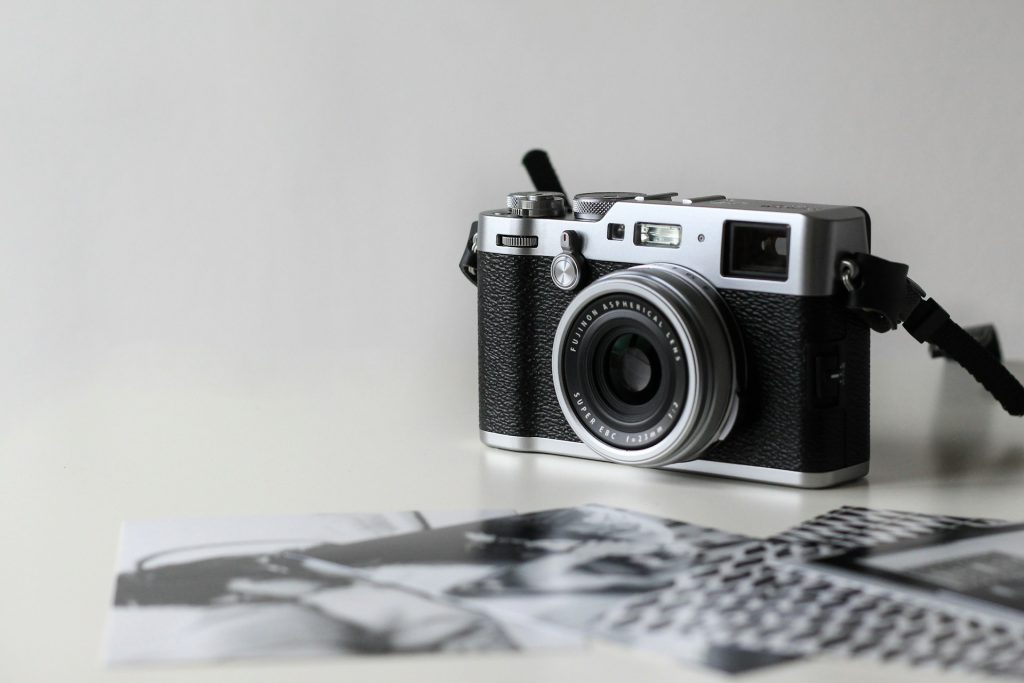
Your camera’s training wheels mode decides everything for you.

Most cameras offer an ‘AUTO’ setting, which sounds like a shortcut to effortless photos but often traps beginners. This mode puts the camera’s brain in full control, dictating shutter speed, aperture, and ISO. While this fully automatic mode aims for a generally balanced exposure, it leaves you with zero say in creative choices like depth of field or motion blur.

For anyone looking to move beyond snapshots and actually craft an image, you’ll quickly find its limitations feel more like a cage than a convenience.
17. Shutter Priority Mode (S/Tv)

Image: Amazon

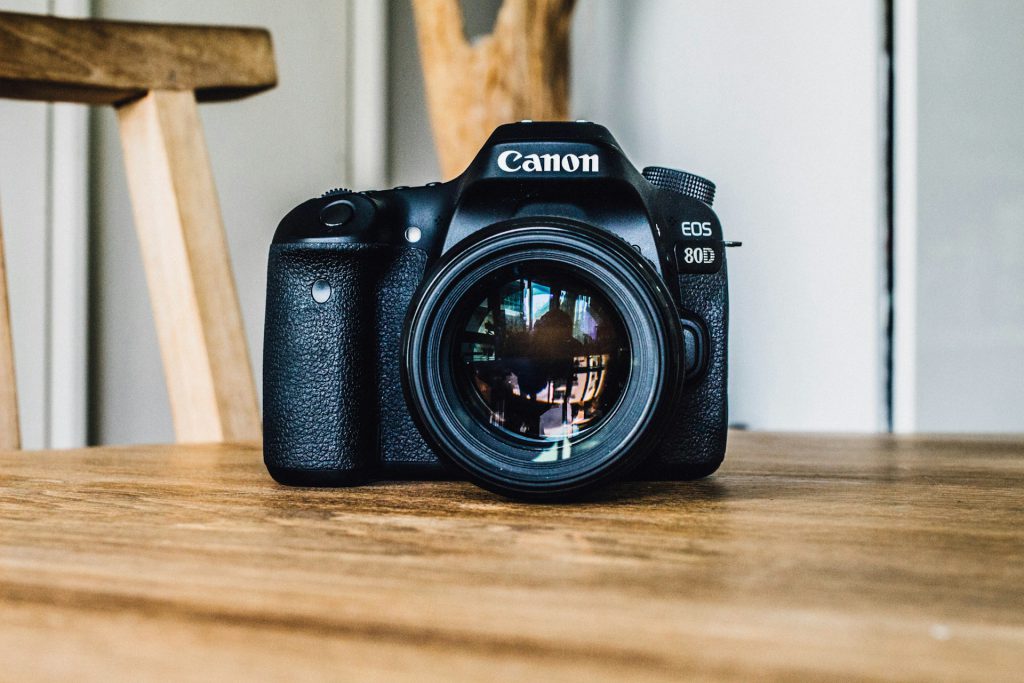
You control motion; the camera handles the rest.

Stopping a hummingbird’s wings mid-flight requires a shutter speed of at least 1/1000 s, and that’s where Shutter Priority mode shines. On your camera dial, it’s usually labeled ‘S’ for Nikon or Sony folks, or ‘Tv’ if you’re a Canon loyalist.

Want that silky smooth waterfall effect? You’ll dial down the speed to something like 1/30 s. The camera smartly handles the aperture to nail the exposure, so you can focus on managing motion.
16. Aperture Priority Mode (A/Av)

Image: Unsplash

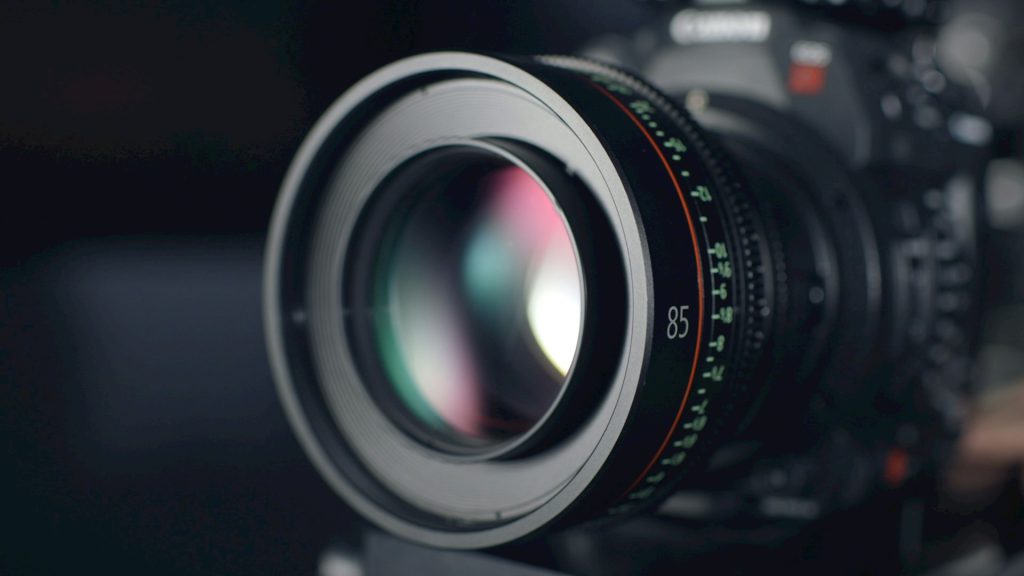
Your gateway to controlling background blur and depth.

Photographers who want to control background blur, or bokeh, often reach for Aperture Priority mode. Here, you pick the aperture and the camera handles the shutter speed. A wide-open aperture, like an f/1.8, creates that creamy, out-of-focus background that makes your subject pop, perfect for portraits.

Flip it to a narrower aperture, say f/11, and you get a much larger depth of field, keeping everything from foreground to distant mountains in sharp focus. This mode, often found as ‘A’ or ‘Av’ on your camera dial, hands you the reins for artistic depth without demanding you play meteorologist with exposure settings.
15. Manual Mode (M)

Image: Unsplash

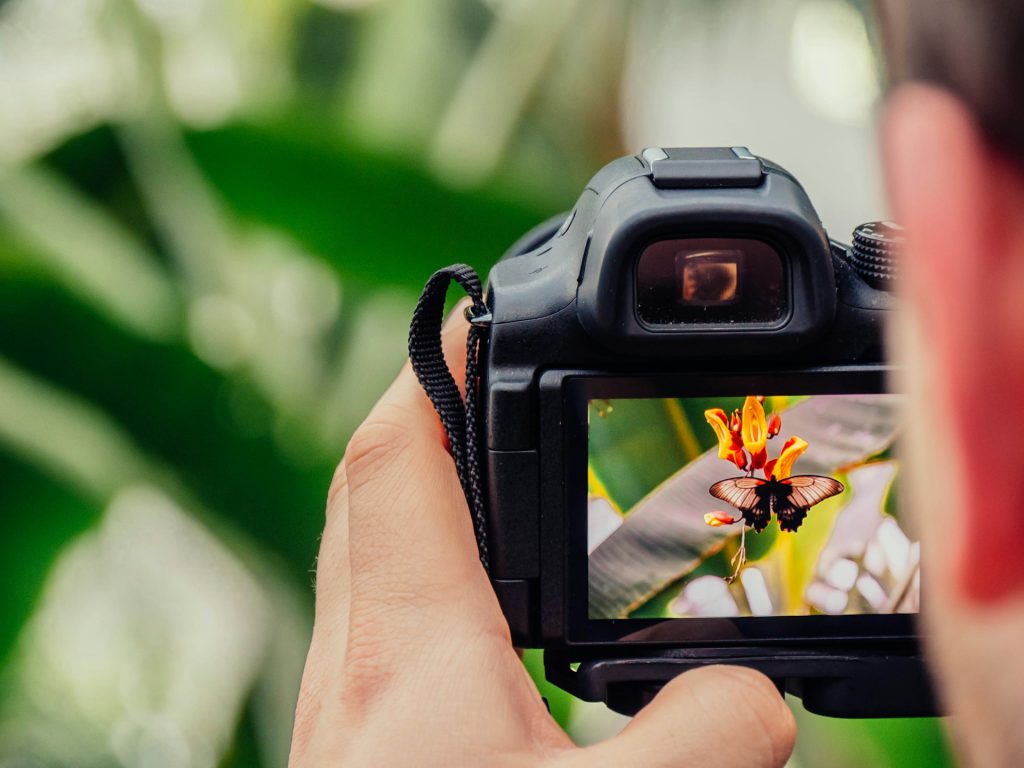
Total creative control for those who want to call every shot.

Manual mode is where you become the director, calling the shots on shutter speed, aperture, and ISO—the core trio of the exposure triangle. The camera’s internal light meter acts as a humble suggestion box, indicating proper exposure without lifting a finger to change it.

Manual mode truly shines when you have meticulous control over your environment, like in a studio setup, during a time-lapse sequence, or when executing long exposures. It’s the mode for those who believe the best way to get the shot is to dictate every single parameter.
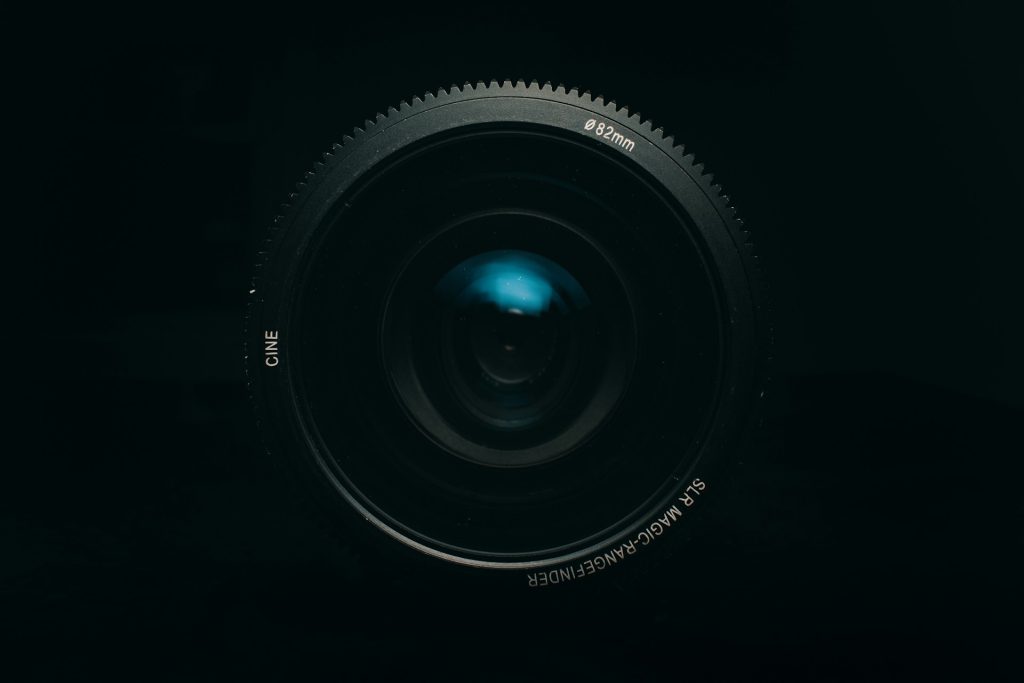
14. Shutter Speed

Image: Unsplash

The difference between freezing time and letting it flow.

Fast shutter speeds, like 1/500 s and above, freeze motion dead in its tracks. On the flip side, slower speeds, say 1/30 s, let motion blur creep in, giving you that cool streaky light effect from car headlights at night, or making water look like silk.

Most seasoned photographers swear by keeping your shutter speed at or above 1/60 s when shooting handheld, unless you’ve got a tripod or some serious stabilizer tech. It’s one of the three fundamental settings that control how much light hits your camera’s sensor.
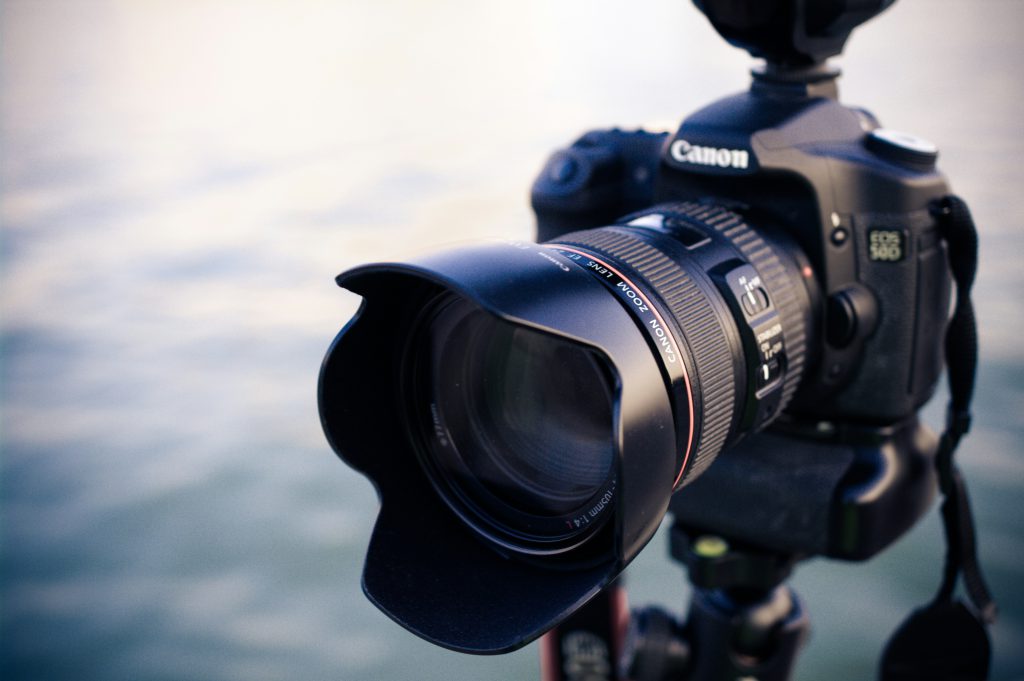
13. Aperture (Lens f-stop)

Image Unsplash

Your creative control over what’s sharp and what’s beautifully blurry.

Aperture controls the size of the opening within your lens. A wide aperture (low f-number, like f/1.4) allows maximum light and creates shallow depth of field where only your subject is sharp. This is why portraits shot with wide apertures have that dreamy bokeh effect.

A higher f-number, say f/16, means a narrower opening that increases depth of field, keeping more of your scene sharp—perfect for those sweeping landscape shots where you want every distant mountain peak crystal clear.
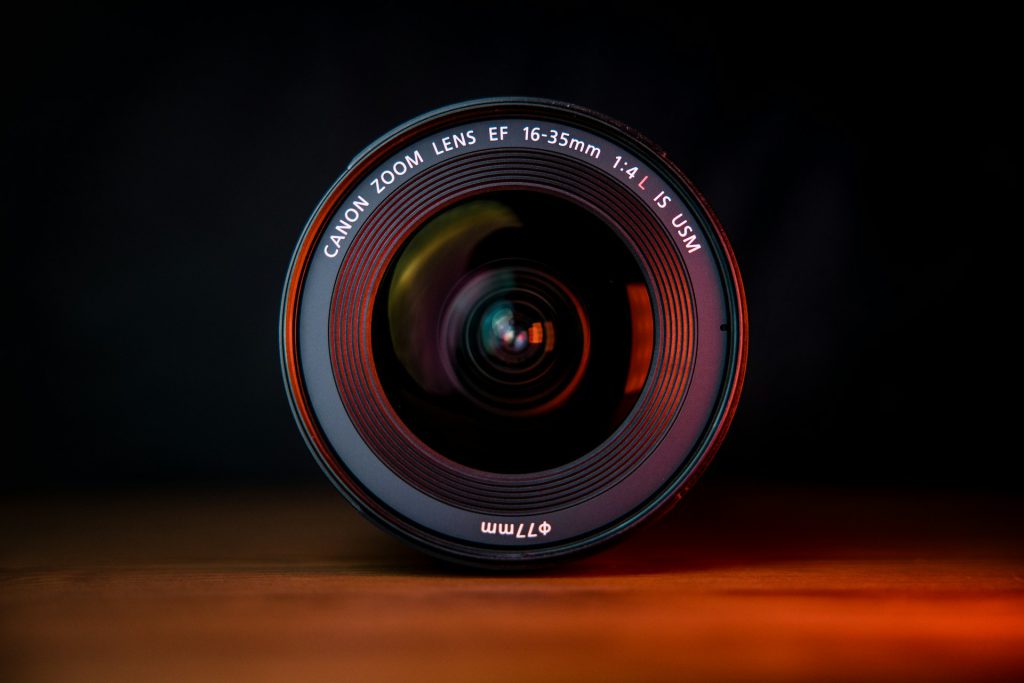
12. ISO Sensitivity

Image: Unsplash

Your sensor’s willingness to get bright, with a price.

Anyone who’s fiddled with a camera knows ISO is where the magic, or mess, happens. Crank it up to ISO 3200, and you can shoot in near darkness, but digital grain makes your photos look like they were dug up from a dusty attic.

Keep it low, like ISO 100, and your images stay clean and sharp, but you’ll need more light or a longer exposure. Most photographers try to keep that ISO dial as low as possible, only nudging it higher when the light truly betrays you.
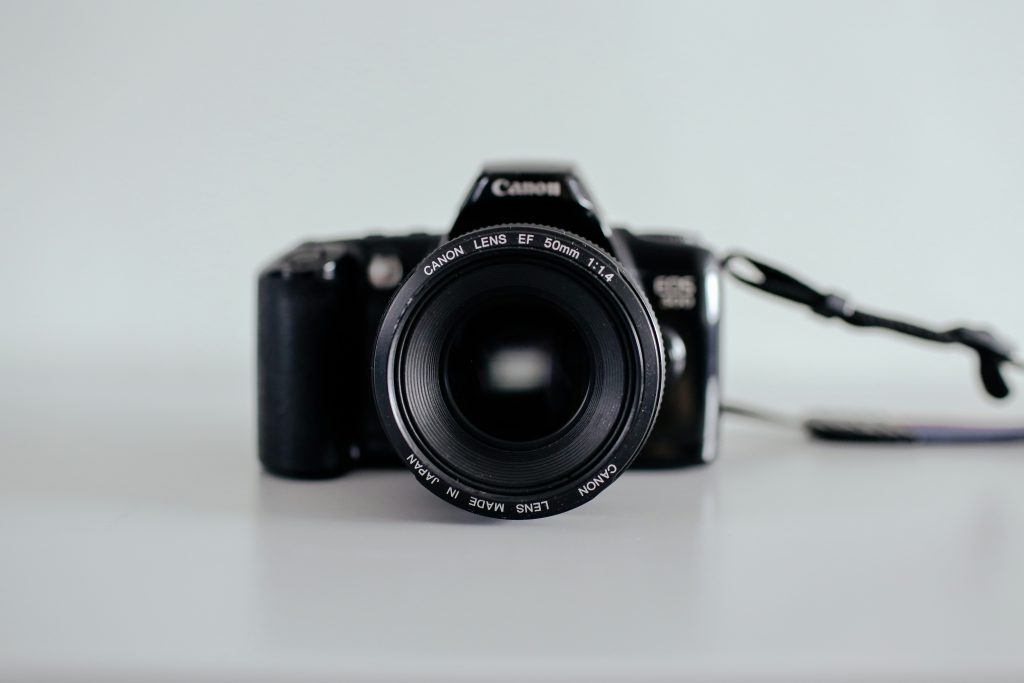
11. Evaluative / Matrix Metering

Image: Unsplash

Your camera’s best guess at balanced exposure across the entire scene.

When a camera analyzes the entire frame, breaking it into zones with complex algorithms, it’s using evaluative (Canon) or matrix (Nikon) metering. This default mode aims to balance the highlights and shadows across the scene, generally providing a sensible exposure.

However, if you’re shooting a subject against a blindingly bright sky, don’t be surprised if this mode gets fooled, potentially leaving your subject in the dark or the background blown out.
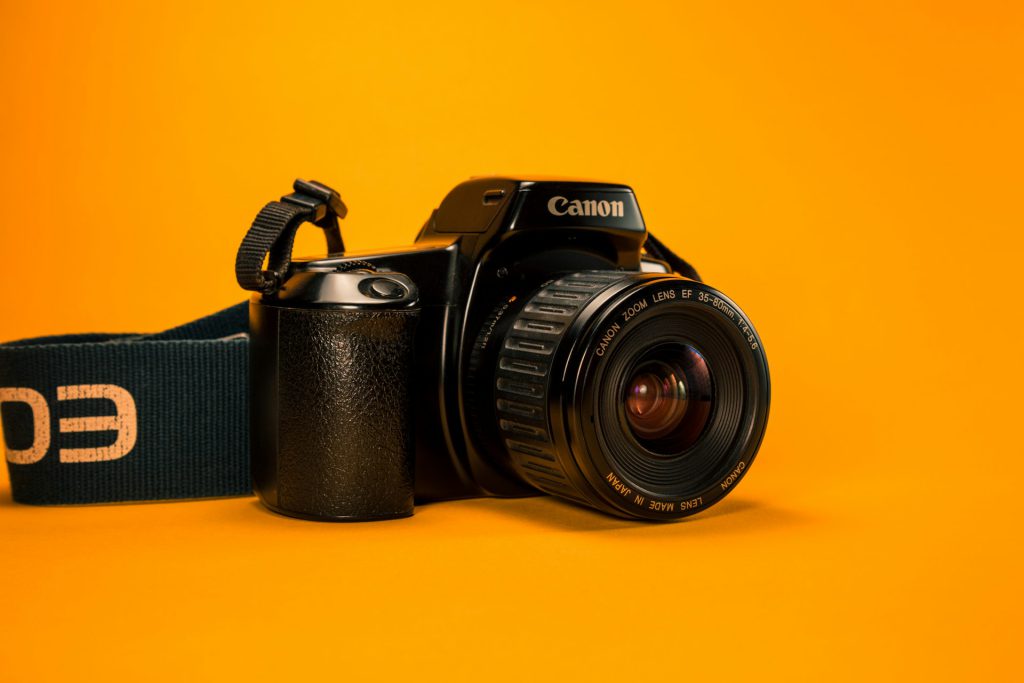
10. Spot Metering

Image: Unsplash

Precision exposure reading from just a tiny slice of your frame.

When precision is paramount, spot metering scrutinizes just 1% to 5% of your frame, usually linked directly to your active focus point. It’s your best friend when dealing with scenes where a subject’s brightness wildly clashes with its backdrop.

The catch? You’d better know exactly what you’re metering on; accidentally reading a deep shadow or a blinding highlight is like performing surgery with a butter knife—messy and potentially disastrous.

9. Center-Weighted Metering

Image: Unsplash

The middle ground that gives extra attention to your main subject.

Center-weighted metering gives most of its attention—typically 60-80% of the metering weight—to a central zone, making it a reliable choice for portraits or when your main subject is planted firmly in the middle of the frame.

Unlike fancy modern modes that try to be slick scene detectives, this method often proves more predictable when the lighting gets wild, ensuring your subject isn’t blown out or lost in shadow.
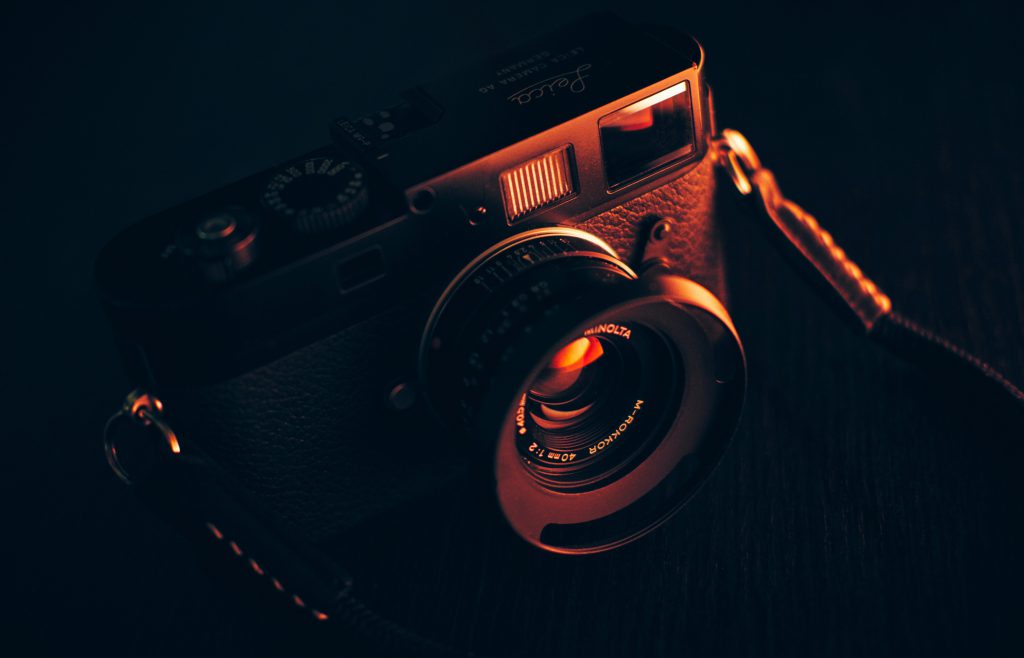
8. RAW Image File Format

Image: Unsplash

Maximum quality and editing flexibility for serious photographers.

RAW files capture every speck of light and color detail straight from the sensor. This means you get the highest possible dynamic range and color depth, allowing you to tweak exposure, white balance, and contrast in editing software without turning your photos into a pixelated mess.

While these files are chunkier than typical JPEGs and require specific software to view, they are the professional’s secret weapon for dramatic landscapes, nuanced portraits, or any shot where maximum editability is key.
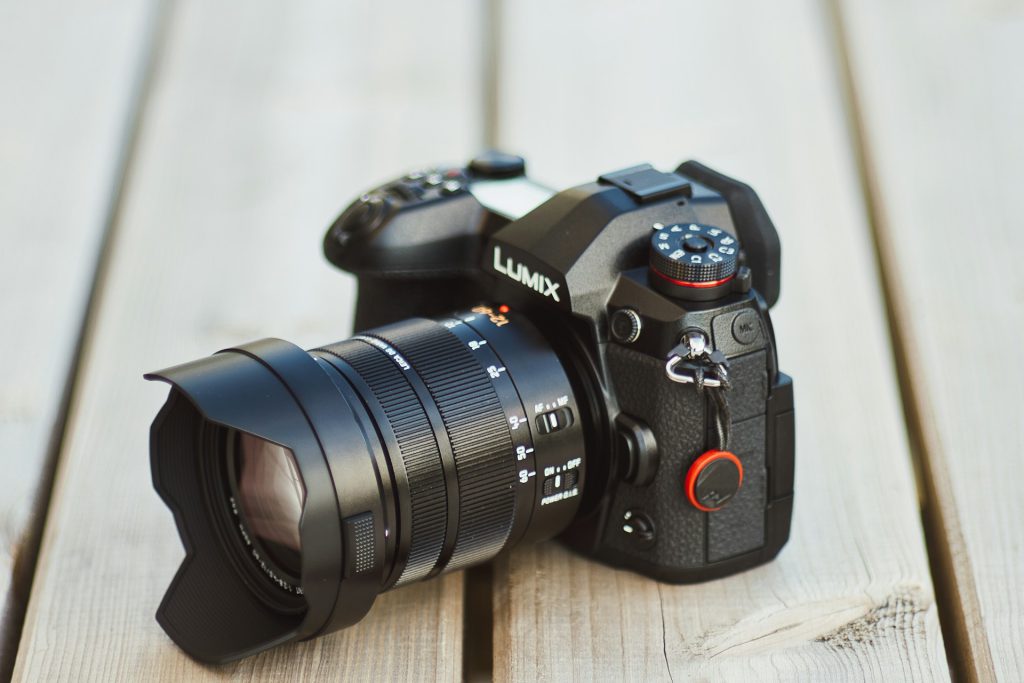
7. JPEG Image File Format

Image: Unsplash

Ready-to-share convenience with built-in processing.

Anyone who’s ever frantically needed to share a photo straight from their camera knows the relief of a JPEG. This format packages in-camera processing—think sharpening, contrast, and color tweaks—into a ready-to-go file using lossy compression.

Pushing edits too hard on a JPEG is like trying to uncrumple a piece of paper you’ve already smoothed out; the artifacts become obvious fast. It’s perfect for quick turnaround events or when storage space is limited.
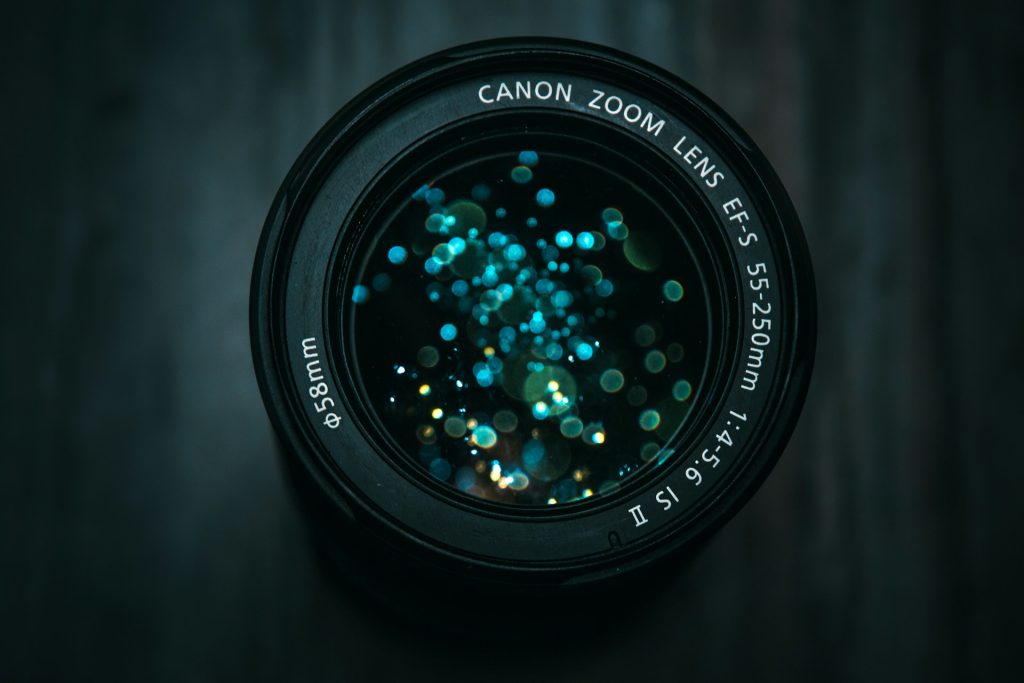
6. Autofocus One Shot (AF-S / One Shot AF)

Image: Unsplash

Lock focus once and hold it steady for stationary subjects.

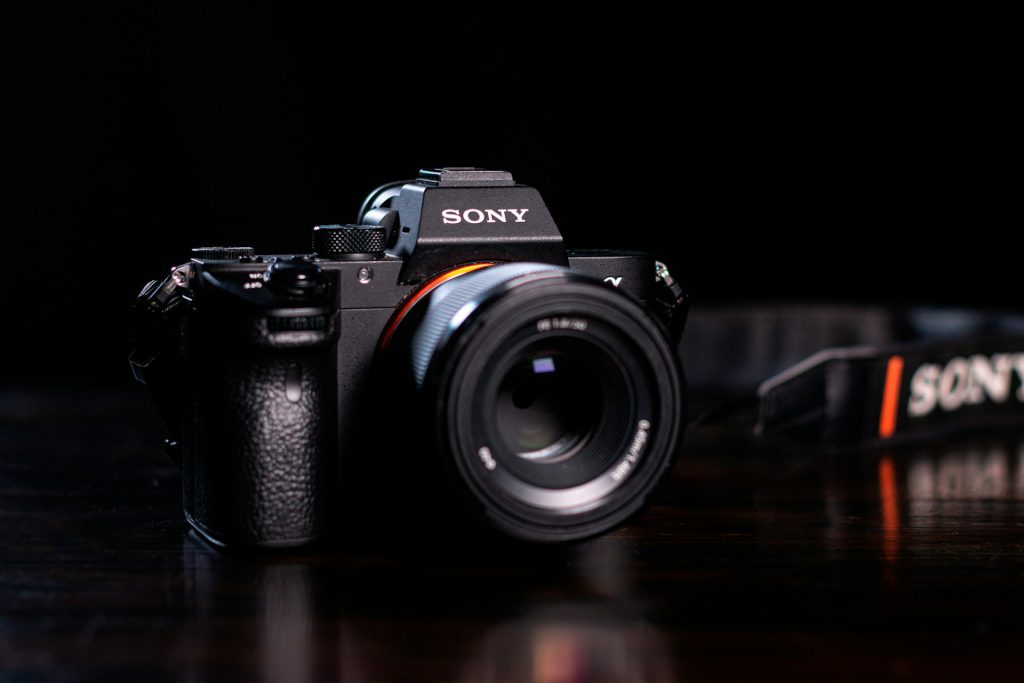
One-shot autofocus locks focus the instant you half-press the shutter. It holds that precise point steady, making it ideal for subjects that aren’t going anywhere—static landscapes, carefully posed portraits, or product shots.

This mode lets you nail focus, then recompose your shot before fully committing. It’s the digital equivalent of setting a trap for perfect sharpness.
5. Autofocus Continuous (AF-C / AI Servo AF)

Image: Unsplash

Track moving subjects with constantly adjusting focus.

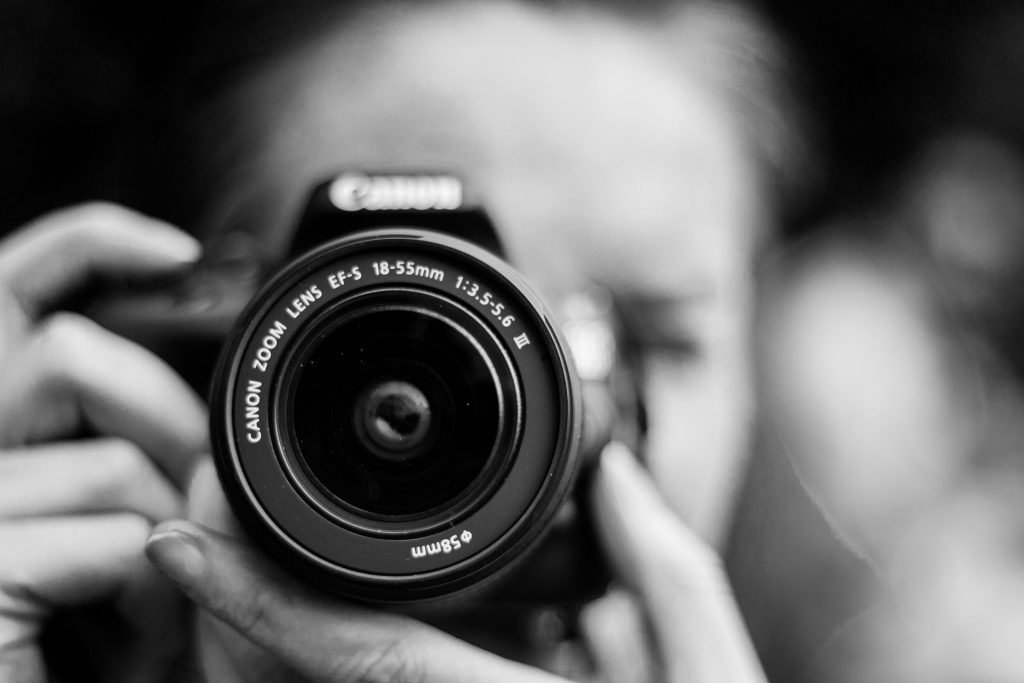
Continuous autofocus keeps adjusting focus as long as you hold the shutter button halfway down, meaning your fast-moving subject stays sharp. Think sports, wildlife, or that toddler who just discovered the zoomies.

Combined with burst shooting, AF-C means you can rattle off a sequence of shots while the camera works relentlessly to keep your subject in crisp focus throughout the entire sequence.
4. Drive Mode – Single Shot

Image: Unsplash

One deliberate frame at a time for thoughtful composition.

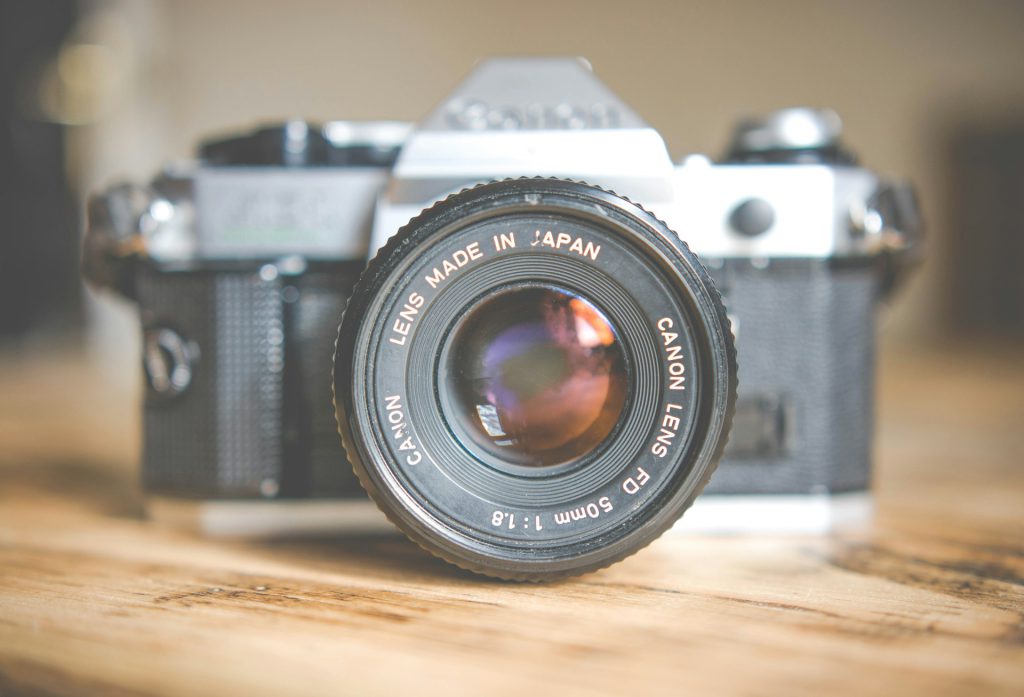
Single shot drive mode captures just one image per press of the shutter. This deliberate pace is ideal when your subject isn’t going anywhere fast, like a still life arrangement or architectural detail.

After each exposure, the camera usually gives you a quick peek at your work, reinforcing the intentional rhythm of this mode and encouraging thoughtful composition.
3. Drive Mode – Continuous / Burst Shooting

Image: Unsplash

Rapid-fire capture for fast action and fleeting moments.

Modern cameras can shoot up to 30 frames per second, capturing multiple images while you hold down the shutter button. This rapid-fire capability ensures you get the shot when perfect moments flash by in the blink of an eye.

Many cameras offer variations, from a casual 4 fps to those blistering speeds, giving you control to nail that fleeting expression or epic sports play.

2. 3×3 Grid Lines (Rule-of-Thirds Grid)

Image: Unsplash

Built-in composition guidance for more engaging photos.

Many cameras can overlay a 3×3 grid in the viewfinder or LCD, dividing the frame into nine equal rectangles. This grid supports the rule of thirds, placing key subjects along the grid lines or at their intersections to create more balanced, visually engaging images.

Anyone who’s scrolled through endless phone pics knows the struggle of a crooked horizon or a subject crammed into a corner. This simple grid overlay is your shortcut to photographic polish.
1. Electronic Level / Horizon Level

Image: Unsplash

Digital precision for perfectly straight horizons and verticals.

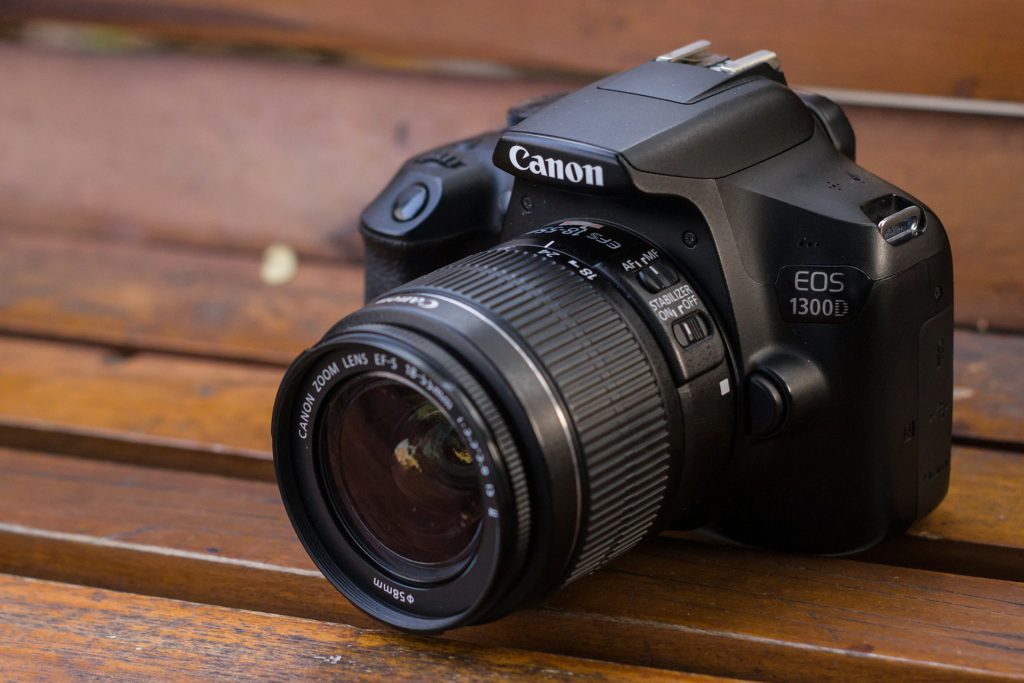
Many cameras now include an electronic level that uses internal sensors to show precisely when your camera is tilted. It helps you nail those straight horizons and perfect vertical lines right in the viewfinder or LCD screen.

By using the in-camera electronic level, you preserve your intended shot and make your work look far more professional straight out of the camera—no cropping required.