







TL;DR - Azure has made managed identities so important that it is recommended to use them even when connecting an API hosted in App Service with an Azure SQL Database. This article explores how Azure has ensured that configuration stays secure by replacing traditional credentials stored in database connection strings to managed identities.
🗺️The context
I completed the development of the first phase of the IdentityWebApi and tried to dev test the changes by hosting it and the related database in the cloud. I followed the following in Visual Studio in order to publish it to an App Service and the database to a new database server created in Azure SQL Database:
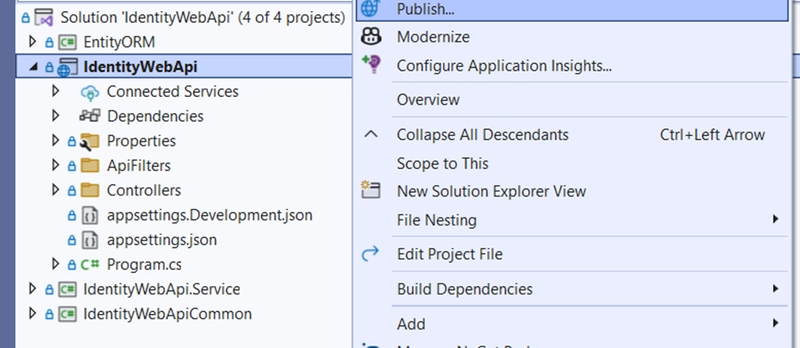
1.Select Publish option
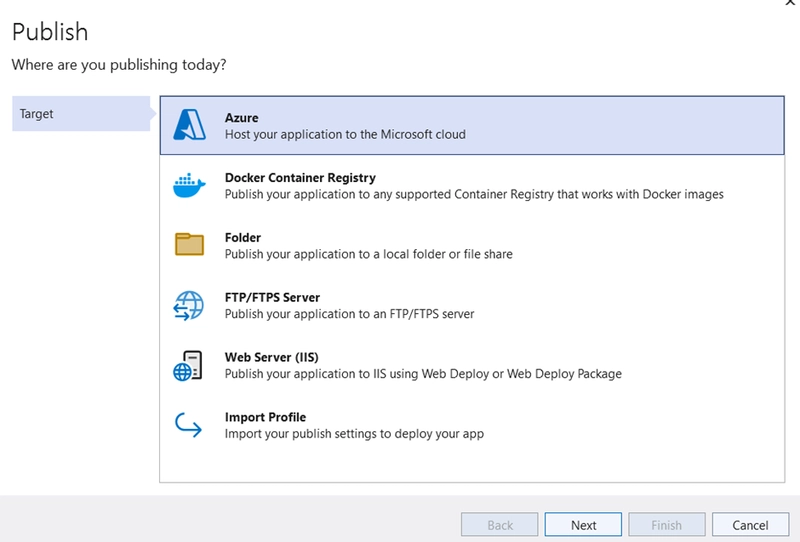
2.Select Azure in the publish location and click Next
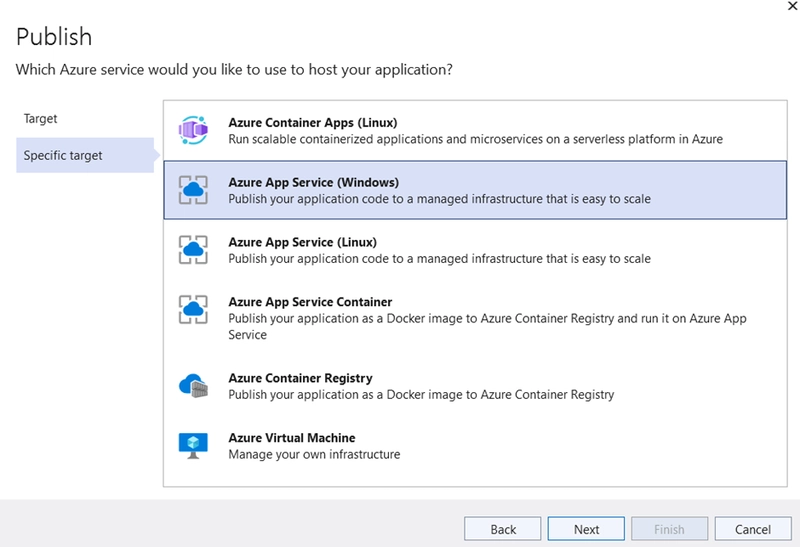
3.Select Azure App Service (Windows) and click Next
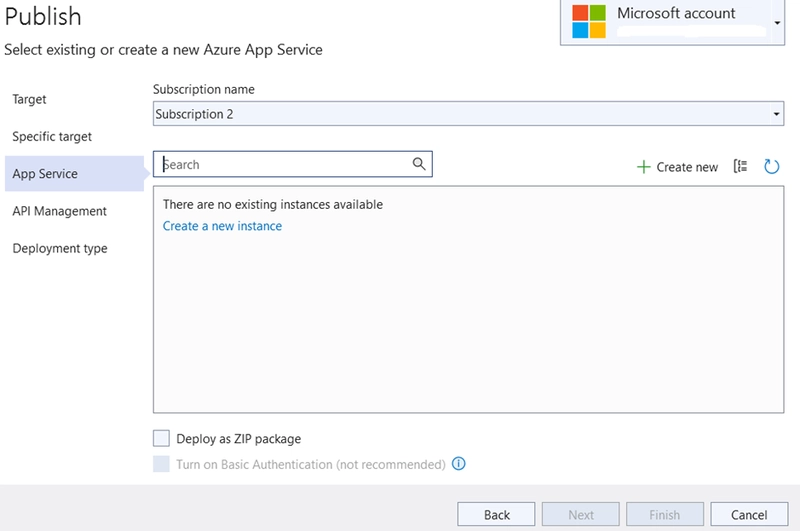
4.Create an App Service instance and click Next
5.Skip API management and click Next
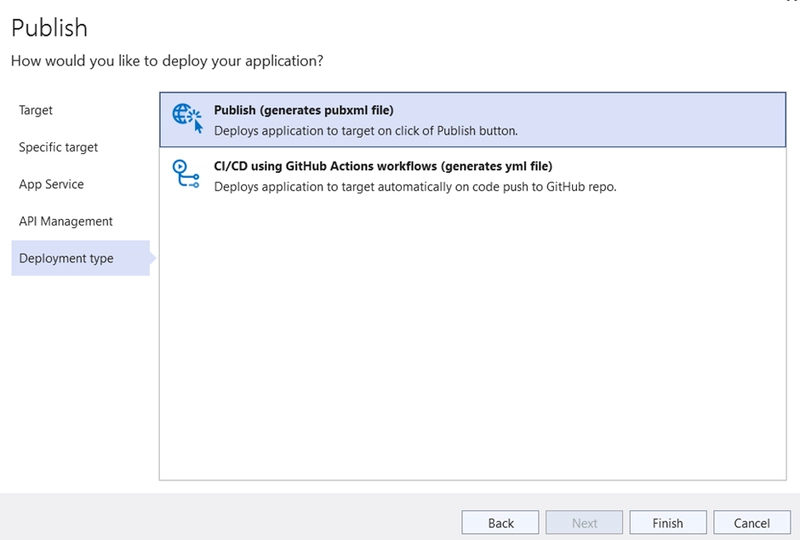
6.Set type to publish and click Finish
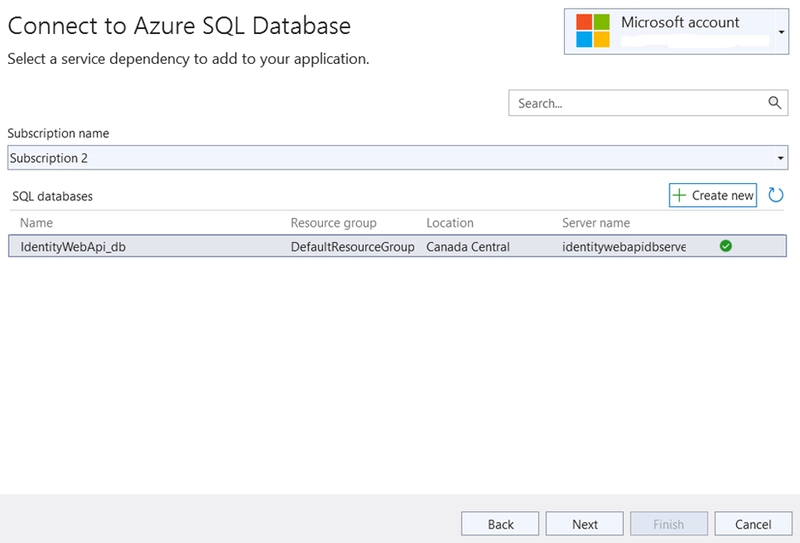
7.Then create a new Azure SQL Database by clicking connect in SQL Server Database in the publish page

8.Once the database is connected click Next
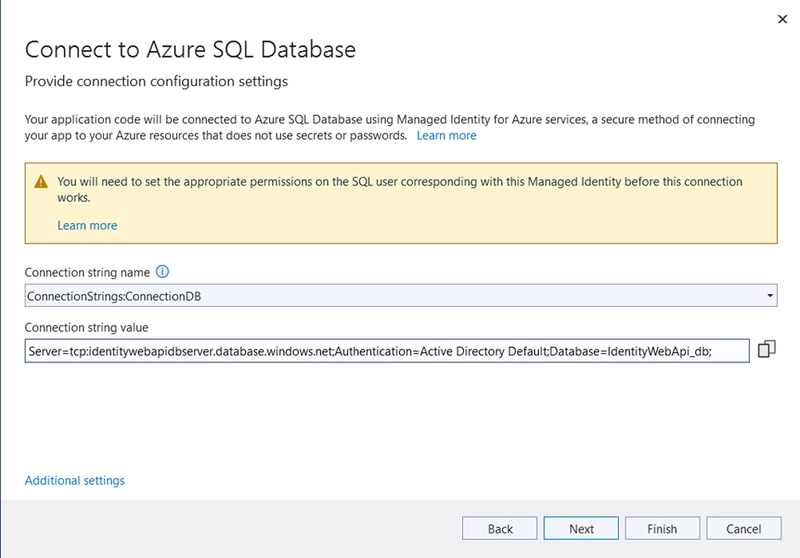
9.In the next window, the following warning is displayed:
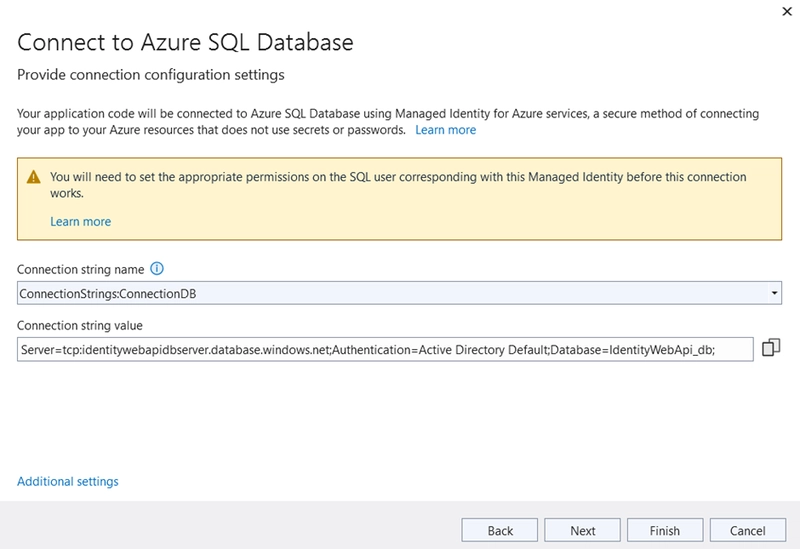
Please note that I changed the connection string name to match the configuration in appsettings.json
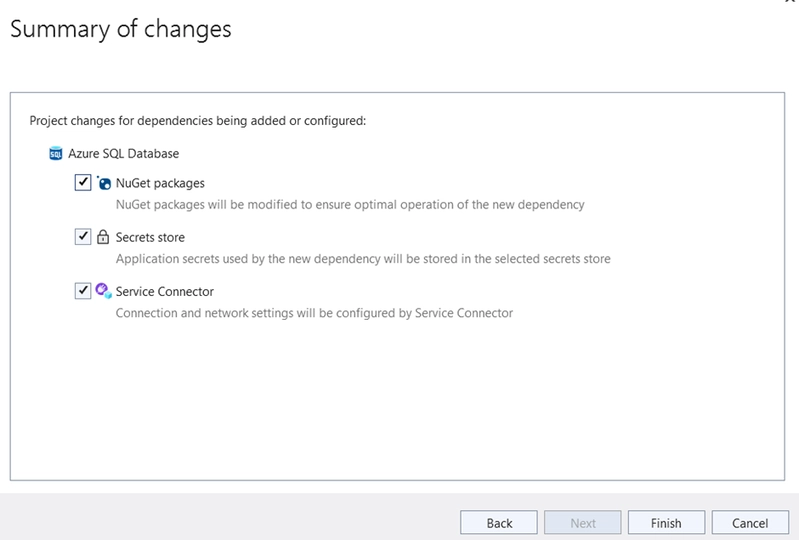
10.Click Next and then Finish
11.Finally Publish the solution
🧠 The problem
The problem is that Azure recommends that managed identities need to be used to access the database. This warning specifically mentions using them.
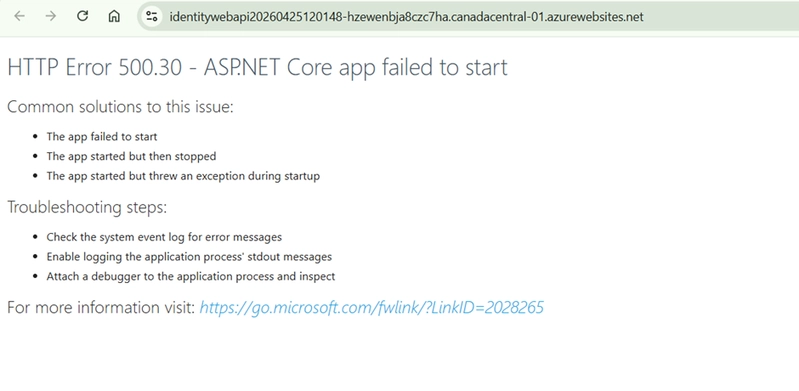
If I publish with the connection string that was set in the appsettings.json or even if I change it in the Azure portal, the following error will be shown when running the API.

🏗️ The traditional connection string used in .NET
The recommended approach to save a database connection string for locally or on-premise hosted .NET Web APIs is by using appsettings.json.
// appsettings.json
{
  "Logging": {
    "LogLevel": {
      "Default": "Information",
      "Microsoft.AspNetCore": "Warning"
    }
  },
  "AllowedHosts": "*",
  "ConnectionDB": "Server=ServerAddress;Database=DataBase;User Id=Username;Password=Password;TrustServerCertificate=True;"
}
If I am using Azure SQL database, the database connection string will also require encryption and specific port settings:
Server=tcp:server.database.windows.net,1433;Initial Catalog=DataBase;Persist Security Info=False;User ID=Username;Password=Password;MultipleActiveResultSets=False;Encrypt=True;TrustServerCertificate=False;Connection Timeout=30;
If I am storing credentials in the cloud, Azure recommends that they are stored in an Azure managed service such as Azure Key Vault.
👤 The issue with using credentials in connection strings in Azure
Deploying a Web API in the cloud with credentials in connection strings has several issues. The following are several common issues observed:
1. Security – Whether the environment used is staging or production, storing sensitive data such as connection strings has a significant risk. Rotating credentials overcomes the surface that hackers can use to access such information, but it is time and resource consuming to regularly rotate connection string values
2. Requirement of credential management – As most applications use multiple deployments for various environments such as UAT and production, credentials need to be managed in each of them
3. Difficulty of access control via RBAC – Role-Based Access Control (RBAC), which improves least-privileged permissions such that a resource can be managed based on the roles that a certain user/group is granted, is often complex to achieve using credentials
🚀 The solution
The solution to the above issue is to remove the dependencies on traditional credentials in the connection string and depend on managed identities.
1.Change the connection string in the App Service’s variables
The first step is to change the connection string in the App Service’s variables.
For this, I navigated to the App Service, then clicked Environment Variables in Settings. Then clicked on the Connection Strings. I ensured there is only one connection string and it is the same as what was declared in the appsettings.json file.
For example, if my appsettings.json file has the following, then the variable in Environment Variables should be ConnectionDB.
// appsettings.json
{
  "Logging": {
    "LogLevel": {
      "Default": "Information",
      "Microsoft.AspNetCore": "Warning"
    }
  },
  "AllowedHosts": "*",
  "ConnectionDB": ""
}
Click on the view icon and change it into the following:
Server=tcp:identitywebapidbserver.database.windows.net,1433;Initial Catalog=IdentityWebApi_db;Encrypt=True;TrustServerCertificate=False;Authentication=Active Directory Managed Identity;
If my API repository uses Microsoft.Sql.Client library version 4.0.0 or more, then I can use Authentication= Active Directory Default;
2.Add my user in the database server
For this, I navigated to the database server that was created and clicked Microsoft Entra Admin.
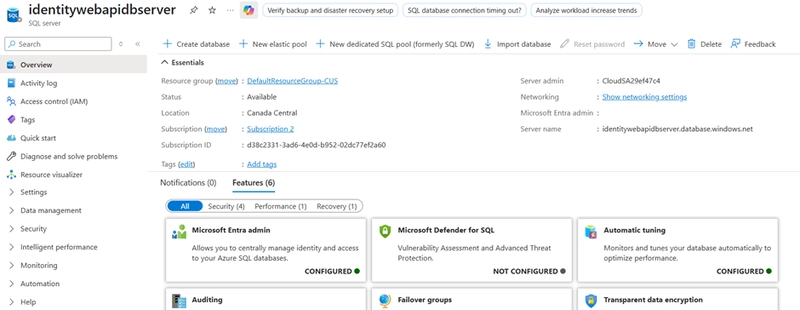
Then clicked "Set Admin". Then selected my name.
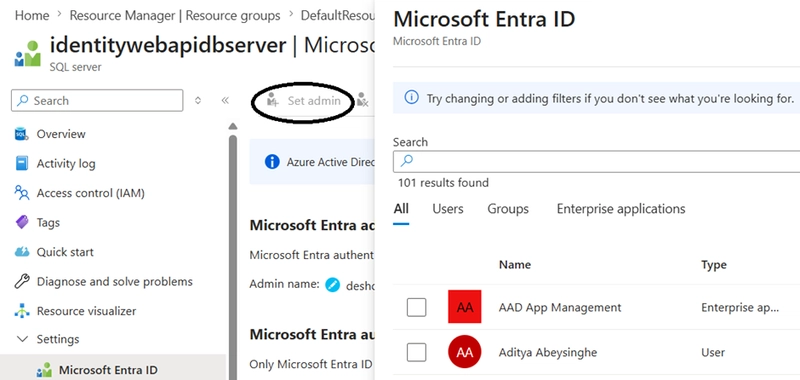
3.Add database permission for this user in the database
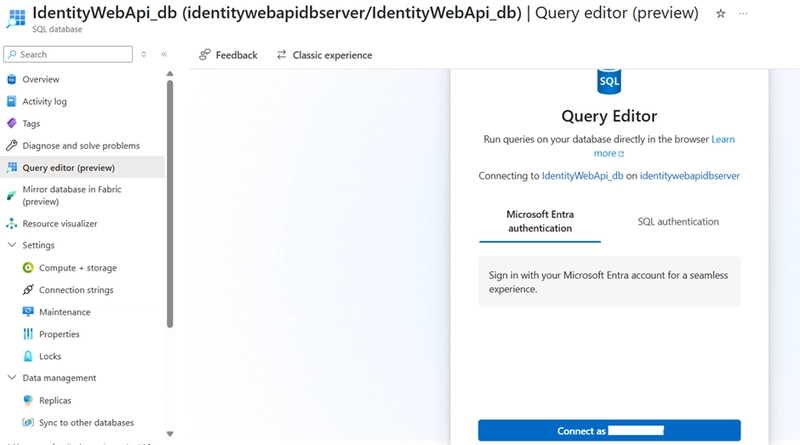
For this, I navigated to the database and clicked Query Editor. Then clicked Microsoft Entra Authentication. Then clicked connect.
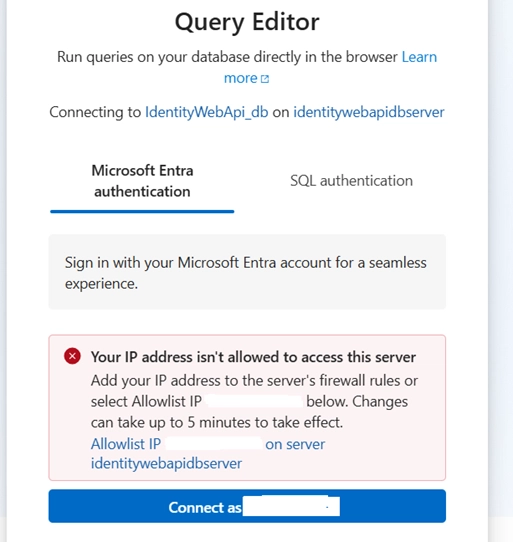
Clicked "AllowList IP" in the message. Then clicked connect.
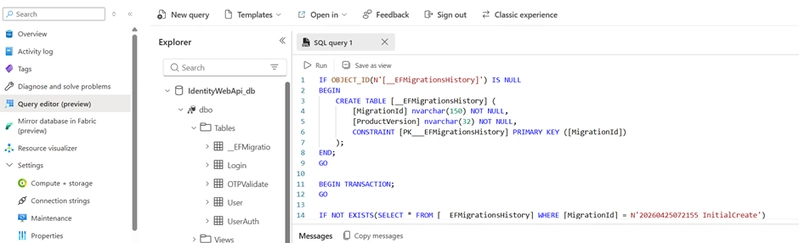
4.(Optional) Generate a migration SQL script if the entity framework entities were not created in the database and then create them in the database
For this go to Visual Studio and click Package Manager Console. Then run the following:

Then go to the Azure SQL database and run the script to create the entities.
5.Then created a user with the name of the App Service. Grant db_owner role in the database.
CREATE USER [IdentityWebApi20260425143718] FROM EXTERNAL PROVIDER;
-- Grant permission
ALTER ROLE db_owner ADD MEMBER [IdentityWebApi20260425143718];
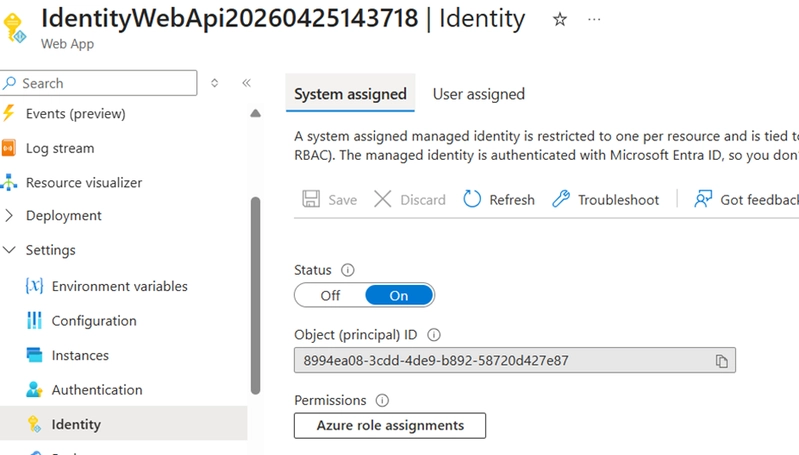
6.In the App Service ensured that the system managed identity is enabled
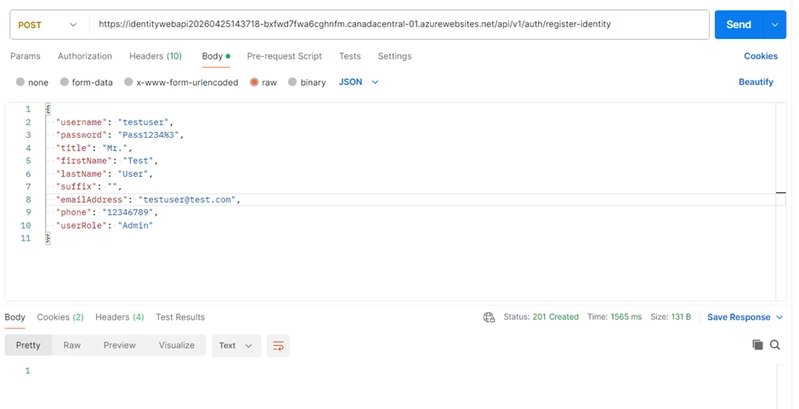
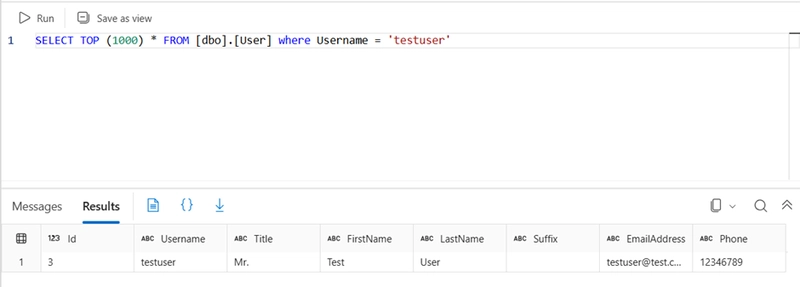
Finally sent a request and checked the database tables on the data inserted.😊
🔗 Link
GitHub repo: https://github.com/PostOShare/IdentityWebApi