









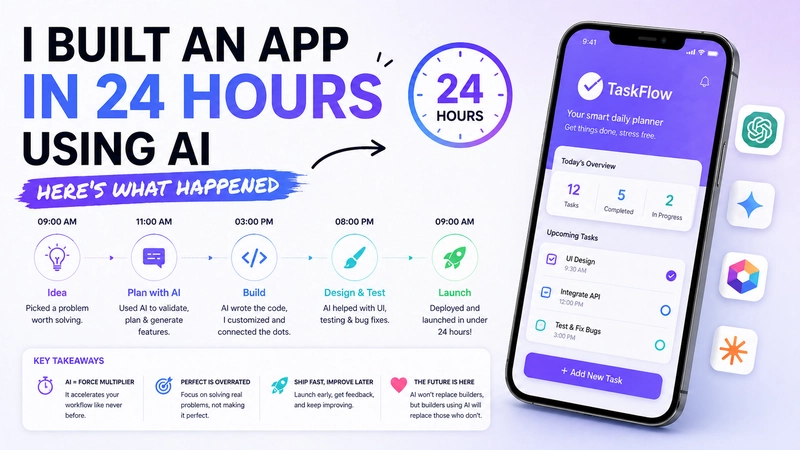
Fair warning: this post is going to be honest in a way that a lot of "I used AI to build X in Y hours" posts aren't. There will be no inspiring productivity claims, no screenshot of a finished product with a clean UI that took three hours of prompt iteration to actually look like that.
I genuinely tried to build a working mobile app in 24 hours using AI as the primary builder. Here's what happened.
The Setup
I had an idea I'd been sitting on a simple habit tracker, nothing novel, but I wanted something with a specific feature set I'd never found in any existing app: habits grouped by life domain (health, work, relationships, personal growth) with a weekly rhythm instead of a daily one. Weekly habits, not daily. Sounds simple. Apparently, nobody has built this exact thing in a way I like.
Tools I used: Claude for architecture planning and code generation, Cursor for the actual editing environment, and FlutterFlow for the UI scaffolding because I wanted to move fast on screens. I know Flutter reasonably well, which matters. We'll get to that.
I started at 9 PM on a Tuesday. Bad idea in hindsight.
The First Four Hours: Surprisingly Good
The architecture planning conversation with Claude was genuinely useful. I described what I wanted, Claude suggested a state management approach (Riverpod, which I agreed with), a data model, and a folder structure. Good suggestions, well-reasoned. I'd done this myself before and the AI version was roughly comparable in quality to what I'd have come up with, maybe 20% better because it caught a data modeling edge case I'd have probably hit later.
Code generation for the base data layer was fast. Models, providers, local persistence setup - Claude wrote most of this and it was correct. Like, actually correct, not "correct with three bugs I had to find." I was impressed.
By 1 AM I had a working data layer and was feeling good about the timeline.
Hours Four Through Twelve: The Grind
This is where the honeymoon ended.
The UI code Claude generated was... fine. But "fine" in the sense that it rendered and did things, not "fine" in the sense that it felt good to use. Every screen needed touching. The spacing was wrong. The color implementation was technically correct but visually off. The navigation logic had a subtle bug where going back from nested screens didn't restore scroll position correctly - a tiny thing that took forty minutes to track down because the AI confidently suggested three solutions that didn't solve it before the fourth one did.
I started to feel the cost of not writing this code myself. When you write your own code, you have a mental model of it. When the AI writes it, you have code that works until it doesn't, and then you're reverse-engineering someone else's logic under time pressure.
The FlutterFlow portion was faster for screen scaffolding, but the exported code was messy in a way that made it hard to integrate with the hand-coded portions cleanly.
By 10 AM I was six hours behind my mental schedule.
The Part That Actually Impressed Me
AI is genuinely exceptional at some specific things. Writing boilerplate. Generating test cases once I described the behaviors I wanted to test. Explaining what a piece of code was doing when I couldn't immediately parse it. Suggesting fixes to compiler errors instantly.
There were moments where I'd be stuck on something and I'd describe it and have a working solution in three minutes. That used to take me twenty minutes of Stack Overflow archaeology. That acceleration is real and I don't want to minimize it.
Finishing at Hour 24
I shipped something at 9 PM the next day. It worked. The core habit tracking flow was complete. Weekly rhythm, domain grouping, basic stats screen. Running on my phone.
Was it production-ready? Absolutely not. It was a solid prototype. Would I have gotten further without AI? Probably not, I think the AI genuinely accelerated the parts it's good at enough to offset the friction it added elsewhere.
But here's the honest bottom line: I'm an experienced developer who knows Flutter. The AI was a collaborator with specific strengths, not a replacement for the skills I brought. If I didn't already know the platform well, I don't think I'd have shipped anything usable in 24 hours.
What I'd Do Differently
Start earlier in the day. Use AI for architecture and data layer planning where it's genuinely good. Write the UI code myself rather than generating it. Use AI for test generation and debugging assistance. Not as a "write my app for me" tool but as a "be a really fast, always-available pair programmer" tool.
If you're working on a mobile product and thinking about how AI development tools fit into your process, the best mobile app development company India - Mittal Technologies has been navigating this in real projects, happy to share what we've seen.