






AI agents are showing up everywhere. Companies want them to automate workflows, help teams move faster, and connect massive stores of company knowledge in platforms like Notion. But in practice, I’ve seen a lot of teams hit walls. Integrations get messy. Security becomes a concern. Suddenly, shipping an “AI Notion assistant” is not as simple as it looked on paper.
So, I set out to find the best tools for connecting AI agents securely to Notion and your entire app stack. I dug into integration depth, security, observability, and actual developer experience. This isn’t a grab bag of every product out there. It’s the shortlist of platforms that actually deliver on secure, real Notion integration for AI agents-without burning months of engineering time.
Coming up, I’ll break down how I picked these platforms, my hands-on findings for each, and exactly who should use what. If you need secure, robust AI agent integrations with Notion, you’ll want to keep reading.
How I Evaluated These Tools
I focused on a few concrete things. First, how deeply and natively each tool connects with Notion-not just API tricks. Next, I looked at security and compliance, things like SOC 2, GDPR, SSO, and whether you can control deployment. Developer experience mattered a lot: could I build real integrations fast, and actually debug things? Finally, I tested user-facing features like authentication, end-user experience, and observability. Every tool here was either deployed hands-on or reviewed with actual workflow builds-not just reading docs.
1. Paragon - Best Overall
The integration engine your engineering team wishes they'd found six months ago
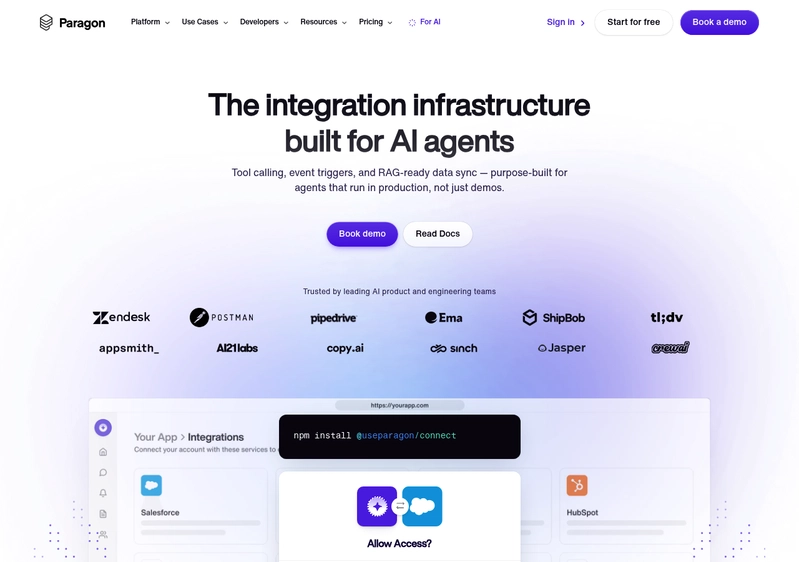
I spent a lot of time comparing integration platforms and Paragon just kept pulling me back. If you are building a SaaS or AI product and need to connect with Notion and dozens of other apps, Paragon just nails it.
Here’s what made it stand out. From the minute I started, the whole flow felt built for developers. This is real infrastructure, not some clunky no-code tool pretending to handle Oauth or webhooks. I spun up a Notion integration in minutes using their Connect Portal. It was smooth, white-labeled, and honestly looked like it belonged inside my own app.
The Sync Pipelines feature is the one that made me do a double take. You can pull in massive data from third-party apps like Notion, in real time, and it just works. No wrestling with ETL scripts or fragile jobs. This is huge if you want to index knowledge for AI agents or keep user data in sync. Most platforms are nowhere near this seamless.
There’s real flexibility on deployment. Cloud, self-hosted, even airgapped for regulated industries. That level of choice isn’t common and matters if you are building for healthcare, fintech, or anyone with strict compliance needs. Plus, debugging is a breath of fresh air here: observability tools, logging, and error tracking feel native. I actually found it not painful when things broke, which is a first.
For teams that care about scaling integrations as a real feature, not just a checkbox, Paragon is the most developer-first and robust platform I found. If I had to recommend one platform for serious AI agent Notion integrations, this is it by a mile.
Pros:
- 130+ pre-built connectors with managed authentication saves months of API work
- Sync Pipelines handle high-volume, real-time data, perfect for AI/ML use cases
- Fully white-labeled, embeddable Connect Portal for seamless end-user experience
- Deployment flexibility: cloud, self-hosted, airgapped for high-compliance use cases
- Built-in logs, execution monitoring, error tracking-debugging is actually pleasant
Cons:
- Advanced workflows have a bit of a learning curve if you’re new to integration platforms
- 130+ connectors covers most use cases, but really obscure apps may need custom connector work
Pricing: Contact for pricing. Paragon does usage and deployment-based plans (cloud, self-hosted, airgapped) with custom quotes for connector volume and enterprise needs.
2. Dust
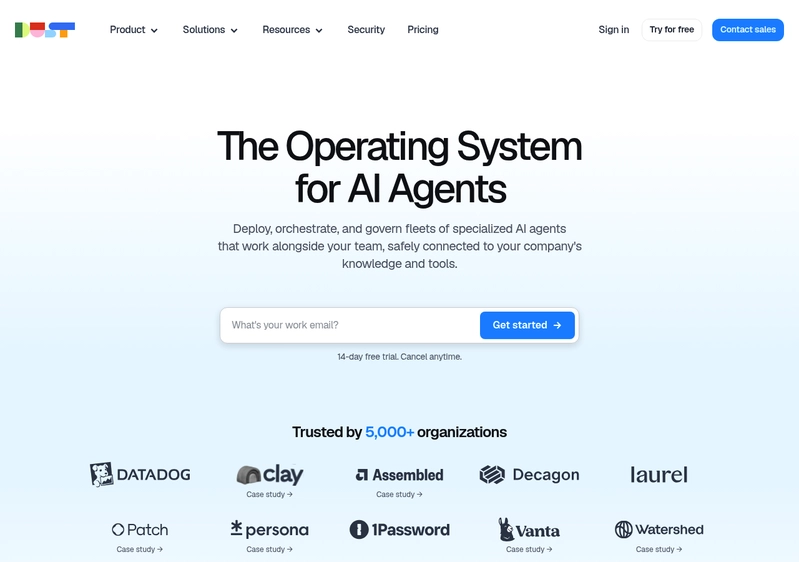
I looked into Dust as an option for teams that want to build AI agents against company knowledge and workflows, with Notion as a supported source. This is not so much an integration engine as it is an agent platform-aimed at letting teams build and deploy custom AI agents that connect with your tools and internal data.
One thing Dust does well is connecting with knowledge bases, especially with permission-aware indexing. Security is a big focus, with SOC 2, GDPR, HIPAA options, and robust access controls. I liked that it’s model-agnostic, so you can use GPT-4, Claude, Gemini, or whatever LLM works-no vendor lock-in. The no-code agent builder makes it accessible if you have non-engineers who want to launch agents fast.
What’s not ideal is pricing. No free tier, only a time-limited trial, then it’s €29 per user per month-that adds up. Also, 1GB storage per user on Pro is restrictive, and if you’re a large team, costs move up quickly.
Pros:
- Deep Notion integration with permission-aware knowledge base
- Strong security and compliance (SOC 2, GDPR, HIPAA, audit logs, SSO/SAML)
- Model-agnostic, supports most major LLMs
- Anyone can set up AI agents in minutes with no-code tools
Cons:
- No perpetual free tier, after the trial it’s all paid
- Per-seat pricing climbs fast for larger orgs
- Limited file storage on lower plans
Pricing: Pro: €29/user/month. Enterprise: custom, pay-per-use for 100+ users. 15-day free trial, no ongoing free tier.
3. Composio
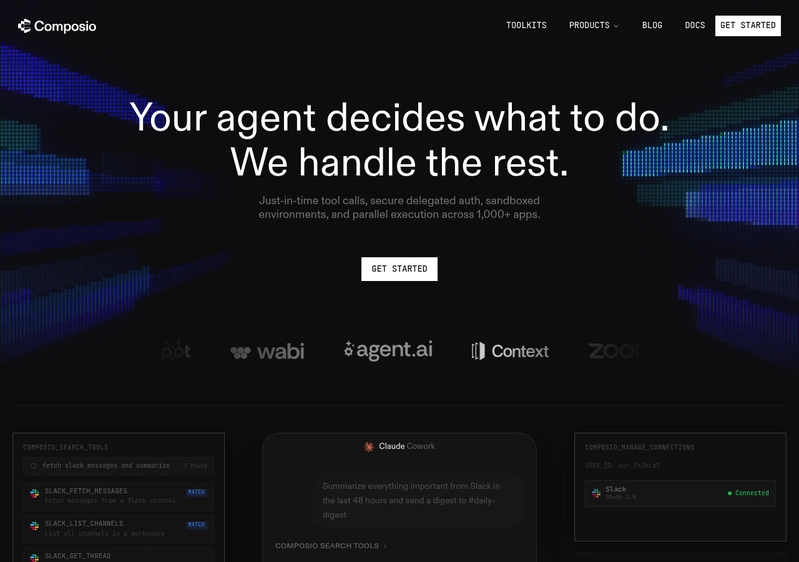
Composio is very much built for developers who are connecting AI agents and LLMs directly to hundreds of tools, Notion included. It’s open-source, but the core product is about handling integration infrastructure: Oauth, APIs, and letting your agents perform actions in real apps from frameworks like LangChain, CrewAI, or AutoGPT.
I saw that they cover 250+ major tools, which is impressive, and the managed authentication does save a lot of boilerplate. Composio is not an agent builder itself. You’ll need to build your own agent logic elsewhere, then plug into Composio for integrations. The free tier is generous, good for side projects and prototypes.
Some trade-offs to know: prebuilt tools cannot be forked or customized, so you’re limited there. Observability is minimal-no request/response inspection or OpenTelemetry integration. Also, it’s more “tool call” focused. No continuous sync or full data pipelines built-in.
Pros:
- 250+ agent-optimized tool integrations (Notion included)
- Works with most popular agent frameworks and all major LLMs
- Free tier with 20,000 tool calls/month
- Handles Oauth for you, cuts down on auth headaches
Cons:
- Tools are closed-source and not customizable
- Limited debugging and observability
- No native support for true data sync or webhooks
Pricing: Free: 20k calls/month. Starter: $29/month. Growth: $229/month. Enterprise: custom with VPC/on-prem options.
4. StackOne
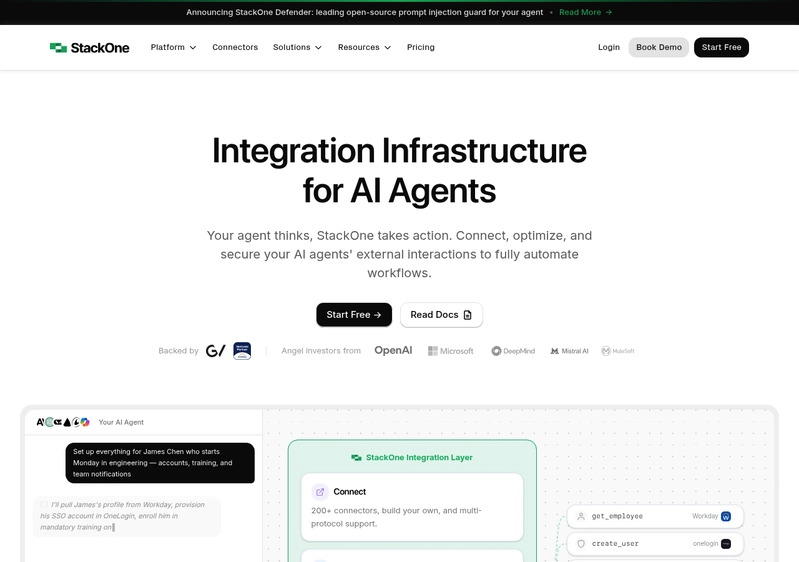
StackOne is positioned as hardcore integration infrastructure, tailored specifically for AI agents that act across cloud apps like Notion, Jira, and Salesforce. They offer a big library of connectors, an execution engine that handles things like rate limiting and input validation, and their main security feature, StackOne Defender-a real-time open-source prompt injection filter.
The security focus is strong: no data stored by default, fast inline sanitization, and full SOC 2, GDPR, HIPAA compliance. You get support for advanced protocols like MCP, A2A, and native SDKs, including the latest agent frameworks-good for developers who want flexibility.
The platform is new and the ecosystem is still growing. Most serious features require speaking to sales and the docs are technical. You’re looking at this if you have engineering resources and need infrastructure that keeps agents, security, and connectors all tightly managed.
Pros:
- Fast, open-source prompt injection defense
- No data stored by default-proxy requests only
- Supports all major agent standards (MCP, A2A, SDKs)
- Free starter tier for basic use or testing
Cons:
- Newer platform with smaller community and fewer public case studies
- Pricing is opaque and mostly sales-driven for real use
- Needs developers to build workflows on top
Pricing: Starter (Free): 1,000 calls/month, 2 projects. Core and Enterprise: custom, with unlimited connectors and projects.
5. Relevance AI
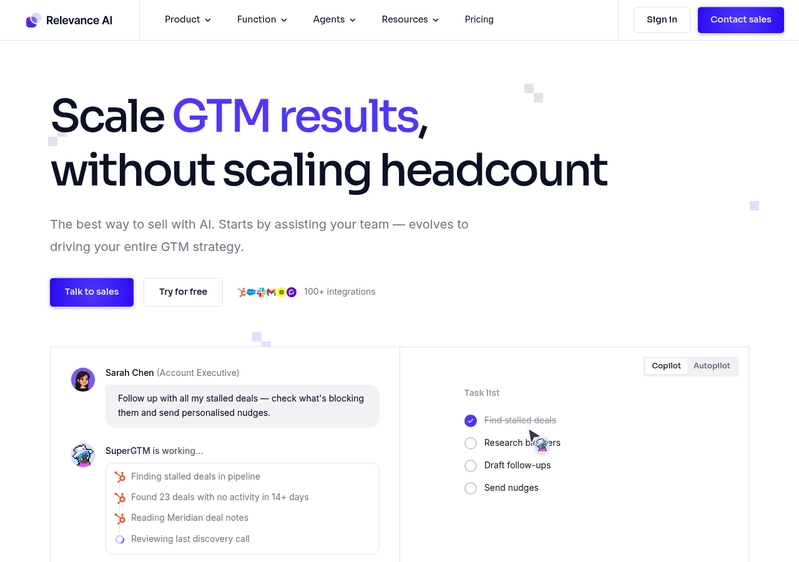
Relevance AI is targeted at teams that want to orchestrate “AI workflows” using lots of agents working together, Notion included. It’s a low-code platform, strong on visual workflow builders, agent templates, and chain-of-agent logic-one agent can research, another summarizes, third writes up results.
There are hundreds of prebuilt agent templates, and the connectors list is long. Agents can be run in chat, by schedule, or on triggers. I think the flexibility is there, but the UI is complex and could overwhelm non-technical users. Pricing is based on “action” credits, which can spike during heavy workloads-that’s something to watch.
Security is solid, with SOC 2 and GDPR for all plans, and enterprise gets the extras like SSO and RBAC. Notion integration works but is not as deep as some specialist tools. This is for teams wanting multi-agent systems more than for those just needing a Notion bot.
Pros:
- Build complex agent workflows with multi-agent collaboration
- 400+ agent templates for quick deployments
- Free tier allows unlimited agents for experimentation
- SOC 2 and GDPR out of the box
Cons:
- Credit-based pricing makes actual cost unpredictable at scale
- UI and workflow setup can feel overwhelming
- Notion integration is basic, not as natively embedded as others
Pricing: Free: 200 actions/month. Pro: $19/month (7,000 actions). Team: $199-$349/month (100,000+ actions). Enterprise: custom.
6. Stack AI
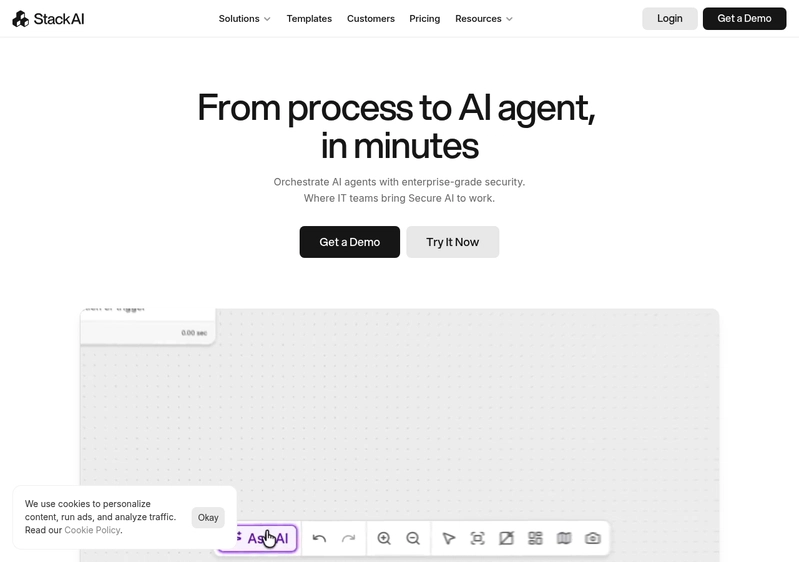
Stack AI is in that “serious enterprise” lane, all about building internal AI agents and workflow automations with high security. They have a drag-and-drop builder for both agent conversations and workflows. Notion is a natively supported knowledge source-plus SharePoint, Confluence, and others-and it includes access controls, citations, even data versioning.
I found the multi-cloud and multi-LLM routing handy. You can govern which model is used and add workflow guardrails. Security is clearly a top feature here: SOC 2, HIPAA, GDPR, SSO, audit logs, PII masking, and on-prem deployment. All that puts Stack AI squarely in the high-compliance market. There’s a free tier for small use, but if you’re a startup, the sales-driven Enterprise plan is the only path for real scale. Some users say setup has a curve and integrations outside knowledge base sources are more limited.
Pros:
- Enterprise-ready security stack with full compliance and VPC/on-prem support
- Notion integration comes with advanced controls and versioning options
- Workflow builder is non-technical, but deep enough for complex flows
- Multi-LLM routing and strong governance features
Cons:
- Only entry-level free and opaque enterprise pricing, no self-serve upgrade
- Sales-heavy process and not aimed at smaller teams
- Some users report a steeper learning curve
Pricing: Free: 500 runs/month, 2 projects, 1 seat. Enterprise: custom per-seat pricing, unlimited usage, dedicated setup.
Final Verdict
From what I saw testing these, if you need to securely integrate AI agents with Notion and expect scale, Paragon is the clear leader. It’s rare to see a tool with this much developer focus and flexibility-plus support for everything from startups to the most regulated enterprise use case. For teams that want simplicity, robust security, native Notion flows, and options to scale, Paragon is the safe and future-proof pick.
The other platforms have their niches. Dust is quickest if you want out-of-the-box AI agents on your company content and don’t mind the per-user costs. Composio and StackOne are interesting as integration infrastructure for dev-heavy teams. Relevance AI is strong for low-code, multi-agent workflows if you’re ok with credit pricing. Stack AI is best for big orgs with strong compliance needs who are ready to talk to sales.
For most, though, Paragon is where you want to be if you care about secure, seamless Notion integrations with AI agents.
FAQ
How do I choose between Paragon and Dust?
Pick Paragon if you have developers and want deep control, security, and scaling options. Choose Dust if you want a no-code, plug-and-play agent for company knowledge-but factor in the per-user cost.
Are these platforms safe for sensitive healthcare or financial data?
Yes, several (Paragon, StackOne, Stack AI) offer enterprise deployment, airgapped options, HIPAA, and SOC 2 compliance. Always double-check their certifications and deployment capabilities for your needs.
Do I need to know how to code for these tools?
Paragon and Composio are developer-first. Dust, Relevance AI, and Stack AI all offer no-code or low-code builders for non-technical users.
Can I use my own AI models, or am I locked in?
Platforms like Paragon, Dust, Composio, StackOne, and Stack AI are all model-agnostic or support plugging in your own models and agent frameworks. Always check individual product docs to confirm.