






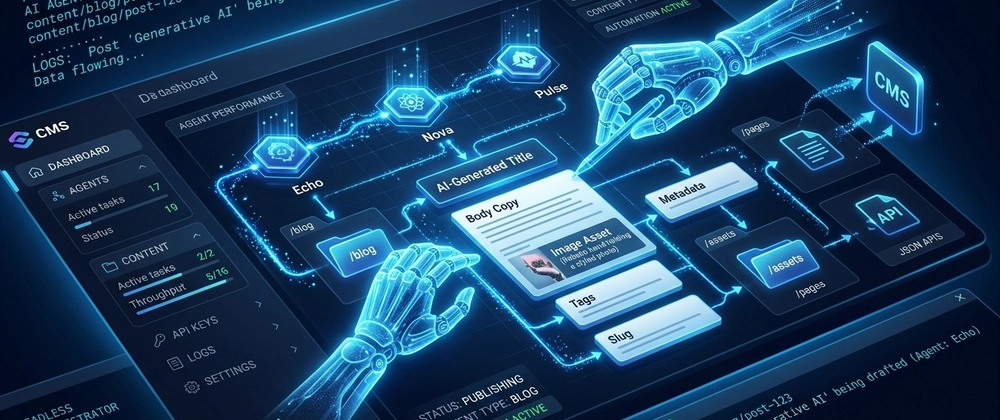

Most AI features in a CMS are cosmetic. Autocomplete here. A "generate with AI" button there. Useful, sure, but they don't change how teams actually work.
We wanted to go further. We wanted the CMS to have its own team.
This post is a technical walkthrough of how we built four specialized AI agents directly into Cosmic, how they communicate, what they can actually do, and how you can chain them together into fully automated workflows.
The Problem We Were Solving
Every content team we talked to had a version of the same story: someone needed a page updated, a blog post published, or a feature shipped, and it was stuck in a queue. Not because anyone was lazy. Because developer time is finite and content operations compete with product work.
The answer wasn't a better editor. It was removing the dependency entirely.
The Four Agent Types
Cosmic ships with four purpose-built agent types. Each one is optimized for a specific domain.
1. Team Agent
The Team Agent lives in your messaging tools: Slack, WhatsApp, and Telegram. You define its persona, give it a goal, and it communicates with your team like a real colleague. Under the hood, it maintains persistent conversation memory, understands context across sessions, and can trigger actions in the CMS, your codebase, or third-party APIs based on natural language instructions.
Example use case: A content team member messages the agent in Slack: "Write a blog post about our new integration with Vercel and publish it as a draft for review." The Team Agent delegates to the Content Agent, monitors execution, and reports back in the thread.
2. Content Agent
The Content Agent is a CMS-native worker. It can:
- Research topics by browsing the web
- Generate text, images, and structured content
- Create and update CMS objects
- Auto-publish or queue content for human review
- Run on a schedule or be triggered via webhook
It operates against your existing content models, so it understands your schema, your object types, and your metadata structure.
3. Code Agent
The Code Agent connects to your GitHub repository and can:
- Read the full file tree and specific files
- Write new features or fix bugs in your codebase
- Commit changes to branches
- Open pull requests automatically
- Respond to code-related tasks described in plain language
This is where things get interesting for developer teams. A PM can say "add a newsletter signup form to the homepage" and the Code Agent will find the right files, write the component, create the content model in Cosmic to save newsletter subscribers, commit it, and open a PR for review.
4. Computer Use Agent
The Computer Use Agent operates a real browser using visual AI. It can:
- Navigate websites and interact with UI elements
- Record demo videos
- Extract structured data from any page
- Cross-post media between platforms
- Run visual QA on deployed pages
- Fill out and submit forms with dynamic input handling
- Authenticate into protected areas using secure login flows
This is the agent type that most surprises people. It's not scraping HTML, it's actually looking at the screen and clicking things, the same way a human would.
Chaining Agents Into Workflows
The real power comes when you chain agents together. Cosmic Workflows let you build multi-step automations that run in sequence or parallel, on a schedule or triggered by a webhook.
Here's an example workflow for launching an e-commerce site:
Traditional timeline for this: 2 to 3 weeks. With Cosmic Workflows: approximately 20 minutes.
The Technical Architecture
A few implementation details worth knowing:
REST API. All agent interactions with the CMS go through Cosmic's REST API, which returns responses in under 100ms. The TypeScript SDK wraps the API cleanly, and the CLI and MCP Server give agents additional surfaces to work with.
Framework-agnostic. The agents don't care what frontend you're using. They've been tested against Next.js, React, Vue, Nuxt, Astro, Remix, and Svelte.
Scheduling and webhooks. Content Agents and Workflows can be set to run on a cron schedule or triggered via incoming webhook. This means you can wire them into any external event: a new Stripe payment, a GitHub push, a form submission.
Memory modes. Team Agents support both session memory (reset per conversation) and persistent memory (retained across all conversations). Persistent memory is what makes a Team Agent feel like an actual team member over time.
What This Looks Like In Practice
FINN, the car subscription platform, has been using Cosmic to reduce their dependency on developer time for content changes. Their co-founder put it clearly:
"Cosmic is: us never having to ask a developer to change anything on the backend of our website." - Maximilian Wuhr, Co-Founder at FINN
With agents, that same principle extends to code, QA, and content operations, running autonomously around the clock.
Getting Started
Cosmic is free to start, no credit card required.
- Free: $0/month - 1 Bucket, 2 team members, 1,000 Objects
- Builder: $49/month - 2 Buckets, 3 team members, 5,000 Objects
- Team: $299/month - 3 Buckets, 5 team members, 20,000 Objects
- Business: $499/month - 5 Buckets, 10 team members, 50,000 Objects
You can explore the agents and workflows at cosmicjs.com/ai. If you want to talk through what this could look like for your specific stack, book a quick call with Tony.