




I kept thinking I’ll write this someday.
But every time I sat down, I felt like I’m not “productive enough” to talk about productivity. Some days I get a lot done. Some days I just open my laptop, switch between tabs, and wonder where the time went.
I’m still figuring it out.
But in the middle of all this, there were a few apps that actually helped me. Not perfectly, not magically, but enough to make a difference. Enough to help me start when I didn’t feel like starting.
So this is not a perfect productivity guide. It’s just what worked for me.
Trying to Focus When I Didn’t Feel Like Starting - Countdown
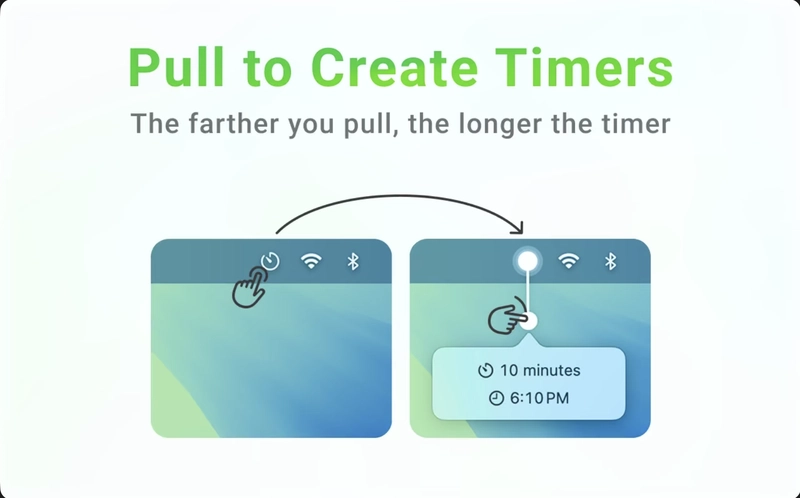
I like to work with Pomodoro technique and work for a while and then take a break. I usually work in time interval of 25 min productive work and 5 min break and then repeat it again and then after a while take a longer break.
I used to use Flow for this but recently I got a new app to play with Countdown.
What I love about this app is that it provides a small tool in the dock to control and you can pull to set the timer and it will start the timer in the bottom left corner.
Doing things with a timer puts the sense of urgency in me that I have to finish this work in this limited amount of time and be fast and productive.
There are days when even starting feels hard, and this timer is the only thing that pushes me to begin.
This helps me gets more things done and get better.
Stopping the Constant Window Switching - Rectangle
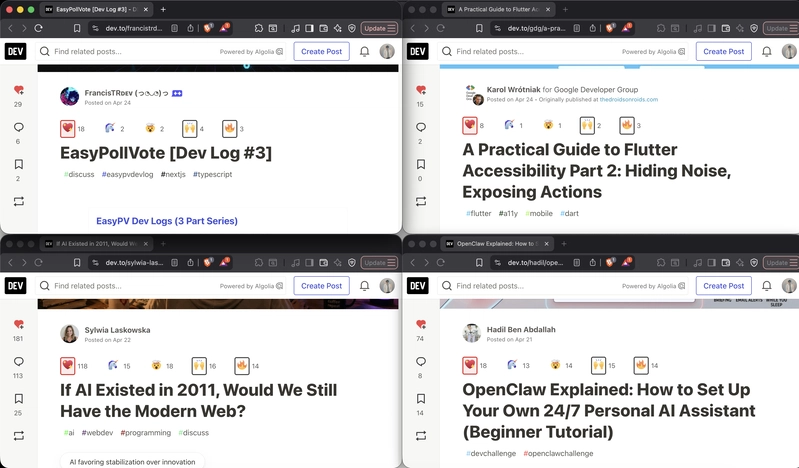
Whenever I used to watch tutorials and write the code along I was so much frustrated by shifting windows back and forth again and again and till then I discovered splitting on Mac was available then I used it and I got bored of it pretty easily as there was no keyboard shortcut to adjust them.
So then randomly watching YouTube I came across Rectangle.
It is a free app that let me snap windows and move and resize the window however I like and plus there is an awesome and easy keyboard shortcut.
It might sound like a small thing, but saving those few seconds again and again actually made me less frustrated while learning.
Completing Work before Deadlines - Lockera
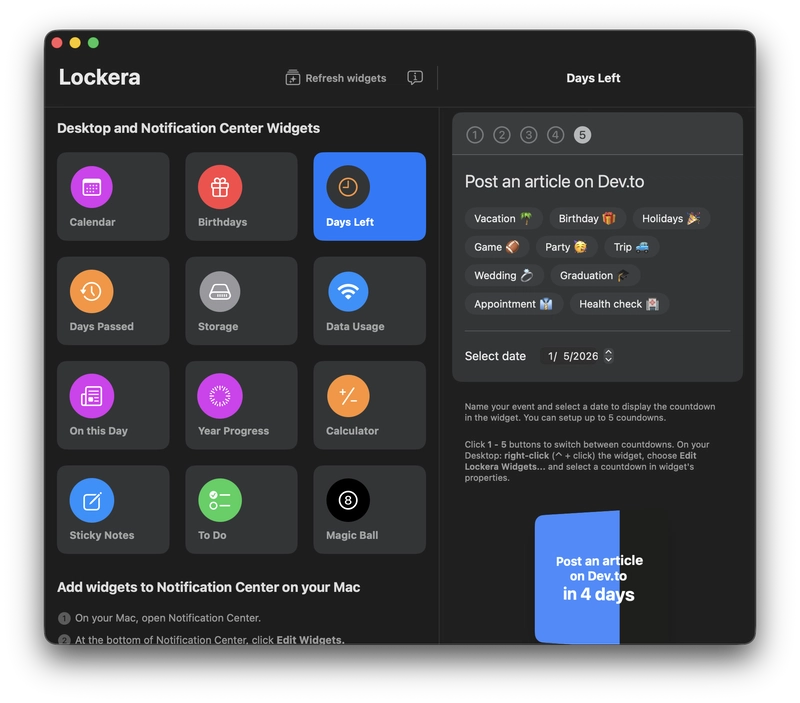
I loved it when Mac starting providing widgets for Home Screen. I was so amazed by it and wanted to add widgets to acts as a reminder for me to keep looking at them and remind myself of the deadlines.
That’s where I found out about Lockera and its amazing features. All of the features of Lockera are amazing but the one I love is Days left.
I can provide it a task and the deadline and it will stick as a widget and remind us with the deadlines and to complete work faster.
I tend to forget things, especially when I’m focused on something else, so having something constantly reminding me helps more than I expected.
Reducing Distractions While Browsing - Brave Browser
I have tried most of the browser to find the ultimate one but for me nothing tops Brave browser. It is easy, safe and fast and blocks most of the ads.
Well, I can’t stop talking about brave browser.
I watch most of the videos on YouTube and I don’t have a premium and without premium I’ll get the ads first before watching any YouTube video so I can’t afford that so I use brave browser for it.
It also seamless connection to brave browser on phone. Other features it mimics just like chrome it adds all the web tools and features and it functions perfectly well.
The most loving feature that I use is opening tabs and not closing them. I keep website and YouTube videos for later seeing sometimes and I left it there on my tabs for hours.
I used to have my Motherboard heated and air blowing out of the fans like I’m cooking something but that doesn’t happen anymore due to Brave Browser and a secret extension.
Not seeing ads actually helped me stay focused longer without getting distracted.
Writing Things Down Before I Forget Them - Notion / Notes
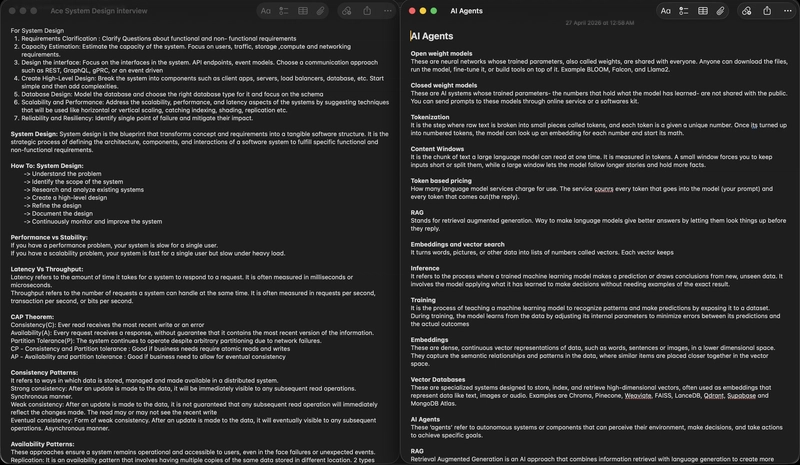
I used to love notion back then but since I moved to another MacBook. I’m using notes app to create and use and the retrieval and opening of the app is quite fast.
I love using these and love creating and saving a lot of notes.
Notes are a big part of my life and since I started writing on dev.to. I use notes app to write the drafts so that they are saved there and I can revisit my first drafts when I became a better writer.
Trying to Be Consistent With My Thoughts - Journal
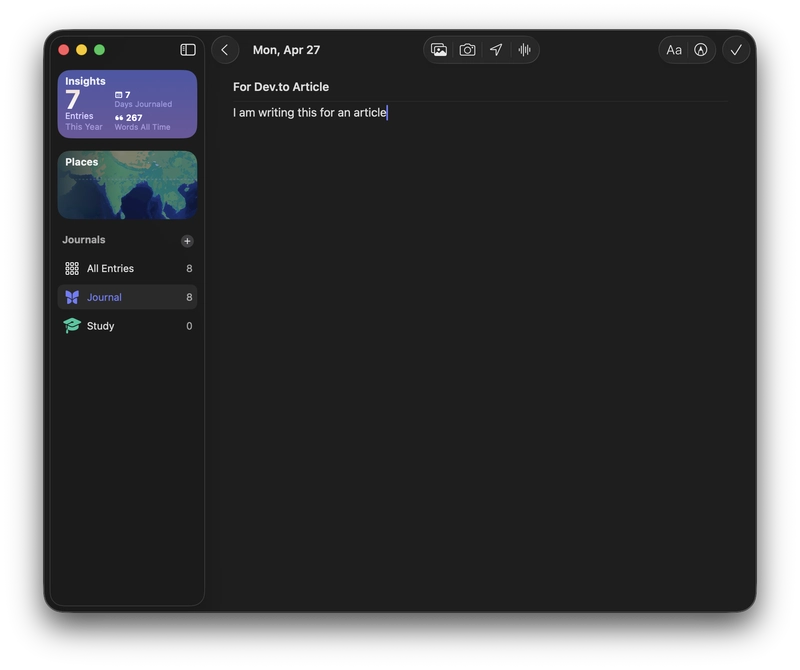
I started writing some journals but although I am not a daily journal guy yet but I love the idea of writing journals and I love the journal app.
It is fun and calm and easy to use and I can make a streak for keep writing daily and it keeps tracks of how many journals have I written, words used in them and all the entries made.
I keep a reminder but still I forget to keep up the journal.
I’m not consistent with journaling, but whenever I do it, I feel a bit more clear about everything.
Fixing a Skill I Kept Ignoring - Typist
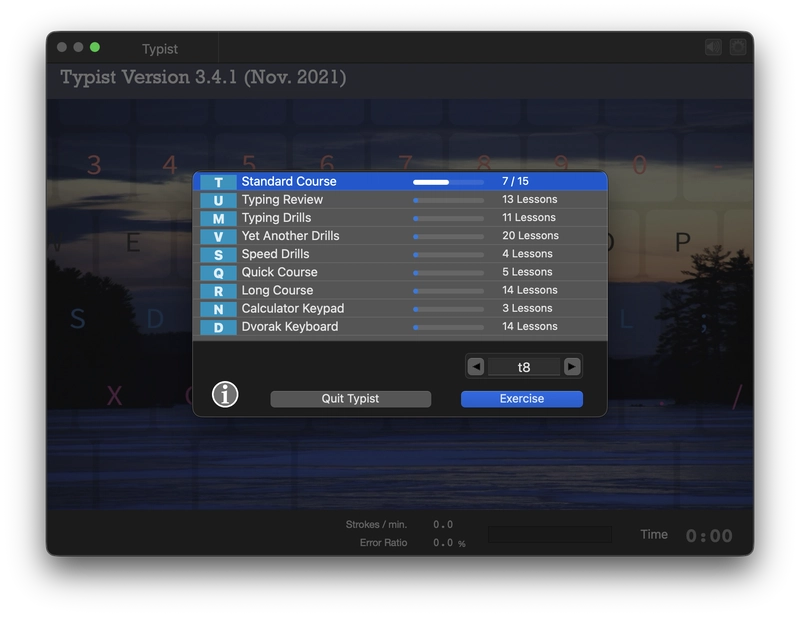
Since I love writing my typing has been pretty bad so to keep and take lessons from start to finish and accomodate my brain to know and remember all the typing keys.
For all this I use typist. It is an app that teaches you from start like F and J and the more you practice the more keys it will teach you.
It was the ultimate app for me to use and learn typing from start with no ads straight typing lesson and the best part before the next lesson a small recap of the previous lesson.
It is so awesome app for me to use to get better at typing.
It’s frustrating at times, but I know this is one of those skills that will help me for life.
Cleaning the Mess I Didn’t Notice - App Cleaner
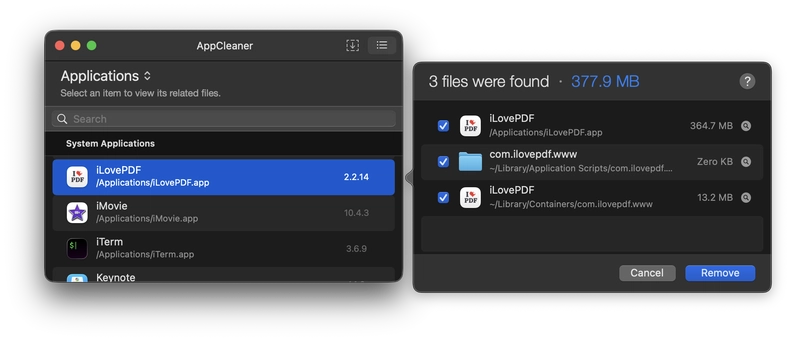
I loving using and installing a lot of apps and every new app if you delete it leaves it’s marks so in order to make it working and delete all the subfolders or the hidden folders I use app cleaner.
It mostly works magically for apps and deletes everything they are hiding from me. But just there are times that it just can’t delete everything but it gets the job done for me and I love the app for it.
I didn’t realize how much clutter builds up until I started cleaning things properly.

I’m still trying to figure out what productivity really means for me.
Some days I follow everything perfectly. Some days I don’t. But these tools help me stay a little more consistent, a little more focused, and a little more in control of my time.
These are the apps that worked for me. But I’m always on the hunt for better ways to improve.
What are the apps that help you stay productive and should I bring more articles like this?