


I have recently been reviewing high-powered, multifunctional desk chargers, and I think they are great for providing reliable power to your devices while keeping your space decluttered. Most of the chargers I have tested usually have a wattage cap of 140, like the Nomos charger, or 200W, like Anker’s charging station. But as we get more and more tech that constantly needs to be charged, getting something with higher wattage becomes essential, especially for power users. That is where CUKTECH’s new 30 Ultra Charging Station really stood out. It delivers up to 300W of output, features CUKTECH’s signature display, and offers something I have not seen in any other charger. Here is what you need to know.
Of course, the big headlining feature here is the 300W of total power output. That alone already puts the 30 Ultra in a different category compared to other chargers. While the display is amazing and the 140W speed from a single port is fantastic, what makes it unique is its dedicated DC output, which I have never seen. You also get:
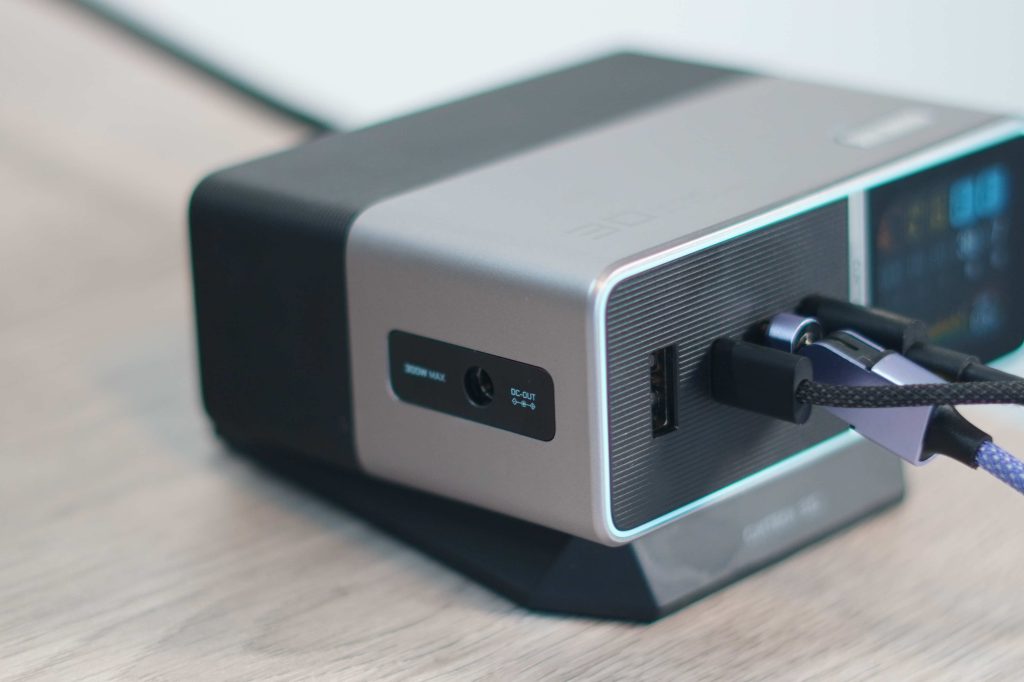
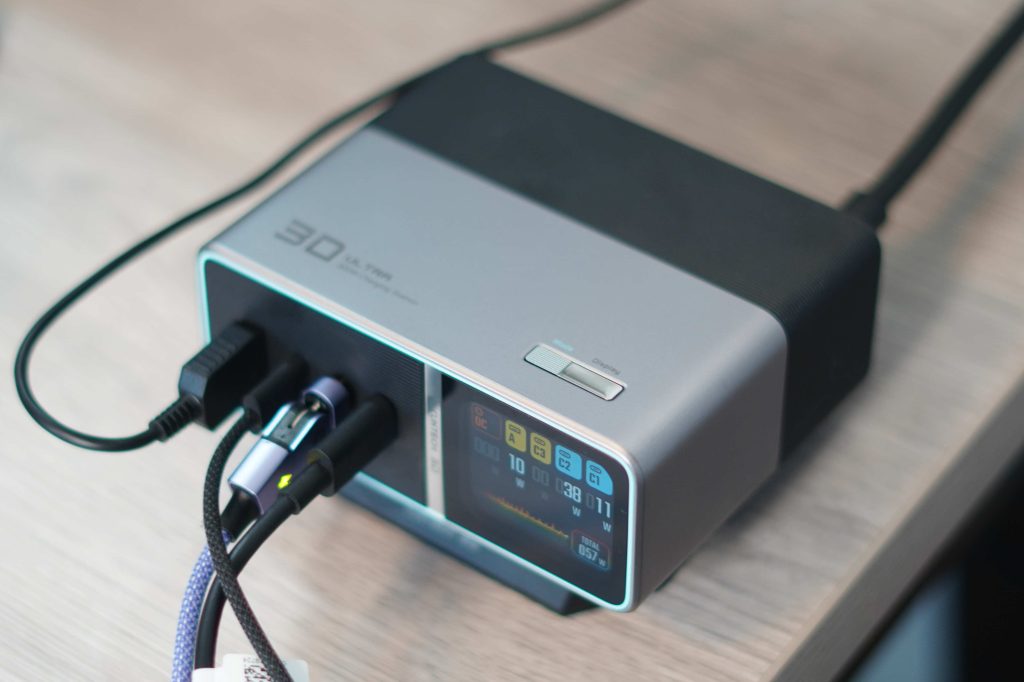
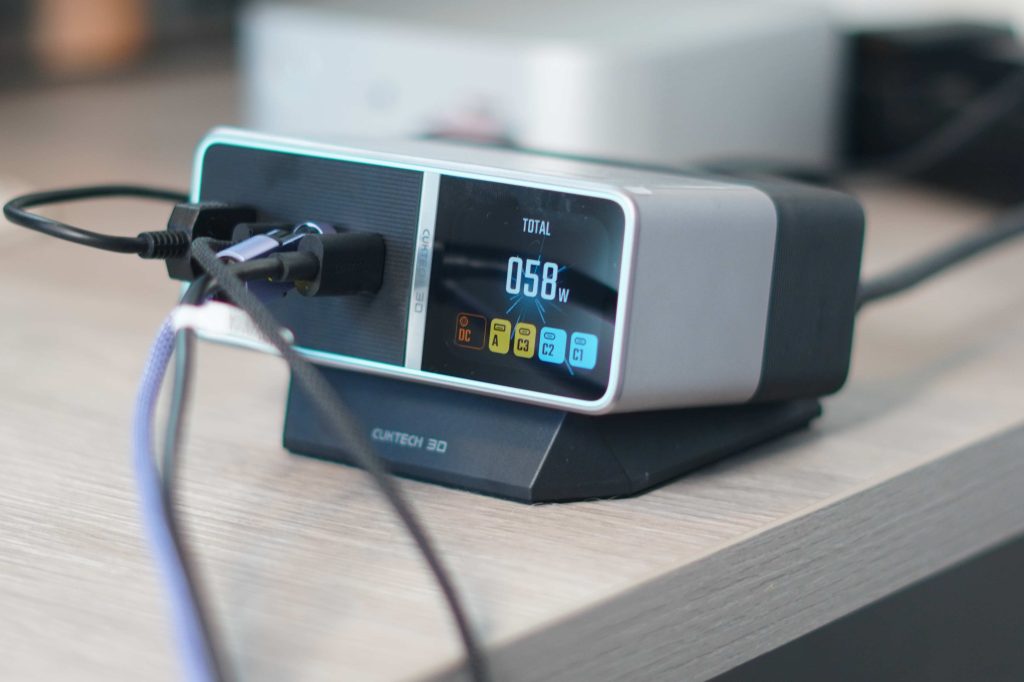
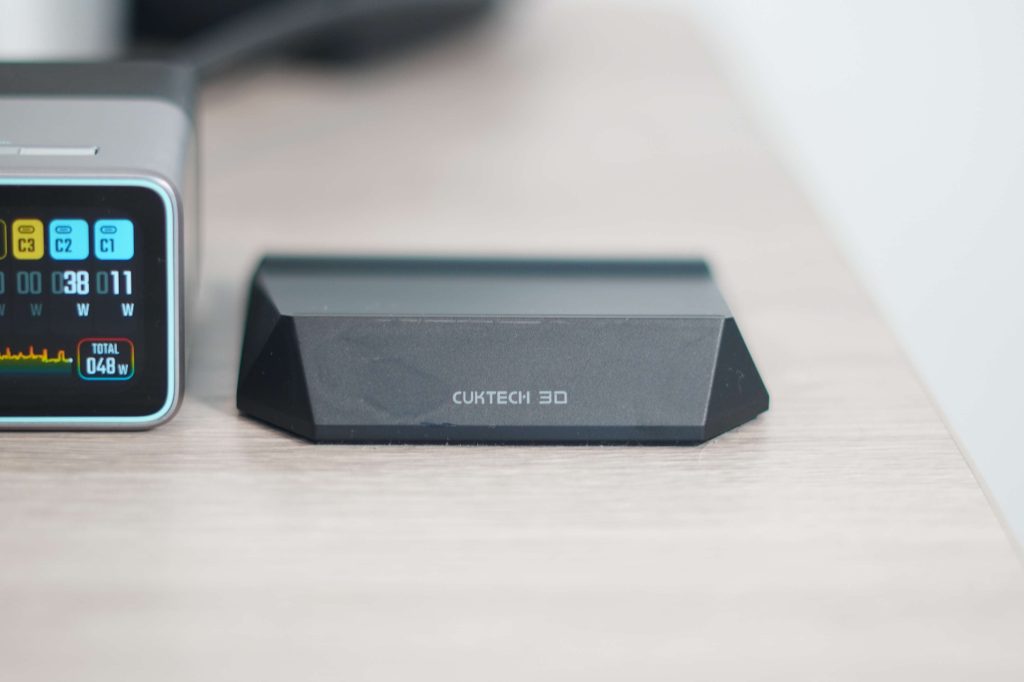
For Apple users specifically, the dual 140W USB-C PD 3.1 ports are a nice touch. That means you can fast-charge two 16-inch MacBook Pros at the same time and at full speed. Then, one of the more underrated features is the overall footprint. You can see from the images that, even though it has 300W of power, it stays compact and is relatively portable. Lastly, it also brings a nice, heavy, paperweight-like stand that angles the charger up a bit. This adds to the premium feel and finish of the 30 Ultra. But how has it held up over the last few weeks?
The first thing I noticed when I got it set up was how much I liked the look and aesthetic. I have it on my desk as my main desk charger, and I am using the included stand as well. It looks really premium and fits nicely with the rest of my tech accessories. It also helped immediately declutter my space. I have a lot of tech products that need to be charged at all times, so having something that can charge all of my devices at max speed has been great.
I have been primarily using it to charge everything besides my MacBook, which is always plugged in via Thunderbolt to my Satechi CubeDock. For example, I have my studio light plugged in, which draws about 65W of power. I usually have my iPad Pro charging. I use it to charge my DJI Osmo Pocket and to charge my Sony camera batteries via the USB-A port. Normally, I do not get close to 300W, but it is nice to know it can easily handle it if I need it.
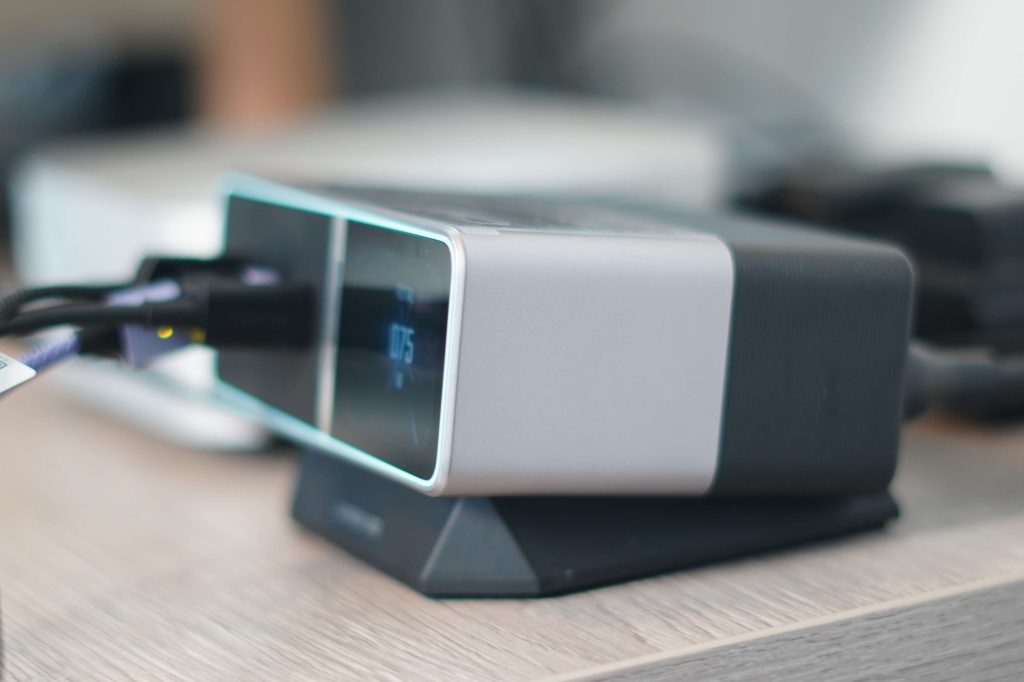
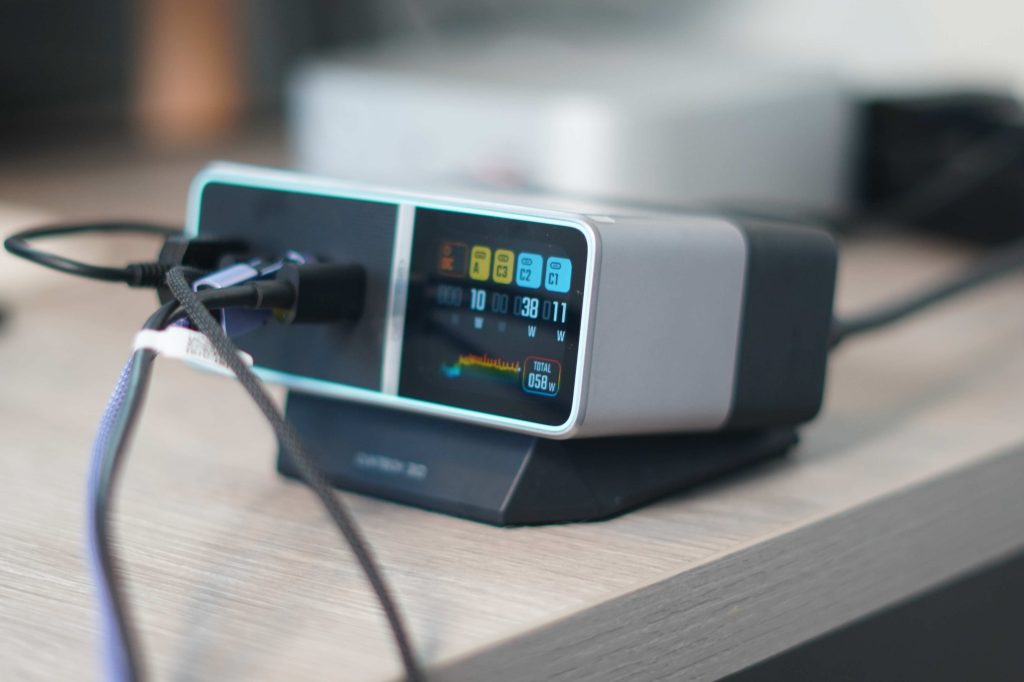
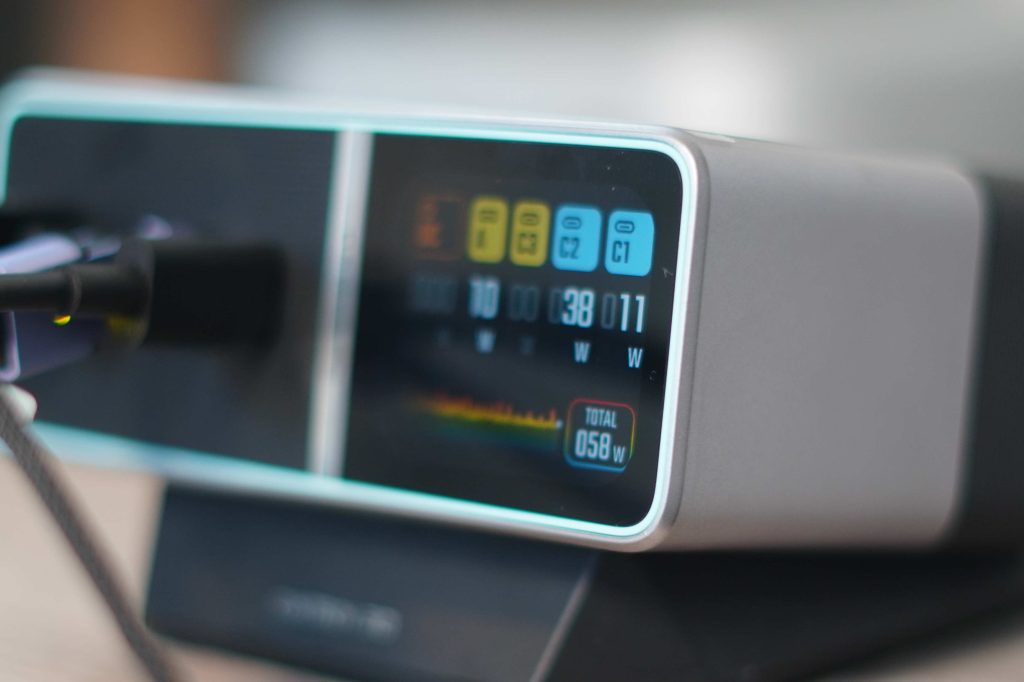
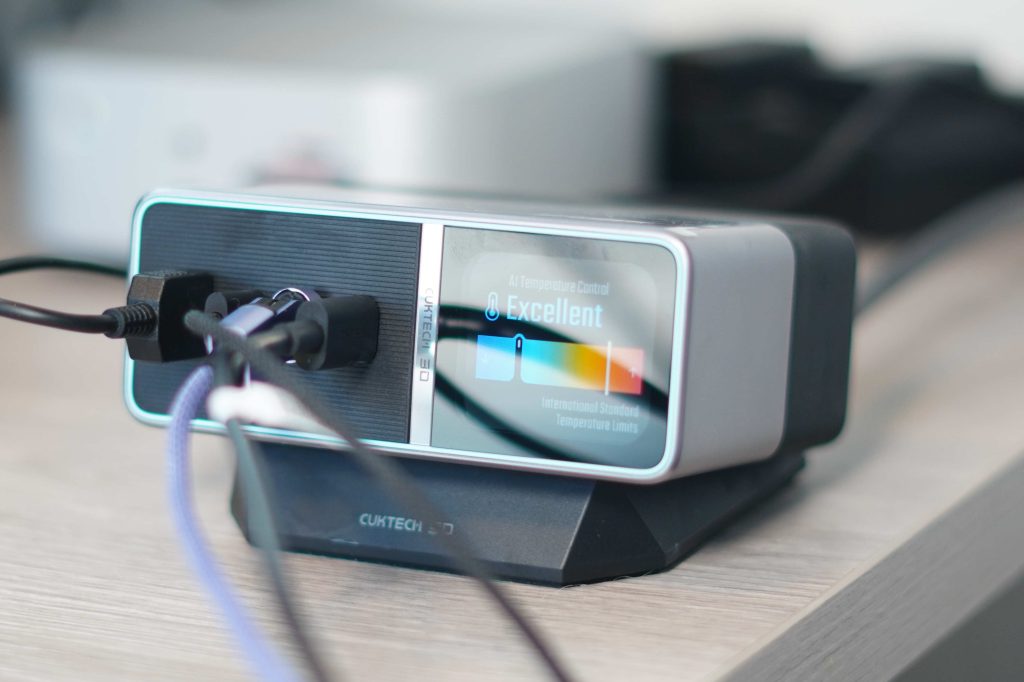
For me, the best use case has been the diagnostics display. I have mentioned before that being able to get real-time wattage readings for different products has been immensely beneficial for my work. I use it to test speed claims of different products and brands. Not just the products themselves, but also the cables that are used and their claims. Another nice touch is that the 30 Ultra can actually distinguish which product or brand is being charged. For example, if I plug in my iPad or Mac, it will tell me that an Apple device is charging! Then, being able to quickly glance at wattage output, charging speeds, and overall system load makes the nerd in me come out. Real-time information can also help illustrate charging ramp-up and down. So if you have an iPohne with very low battery you can see how quickly it ramps up to max charging speeds and then when it gets to 80% you can see the trickle charge begin to take effect.
Then you have the dedicated DC output. This one caught me by surprise because, as an Apple user, I am not usually exposed to a port like that. But I know many gamers who use high-performance Windows gaming laptops from brands like Razer, ASUS, and Alienware. Having a single desktop charging solution that can realistically support both workflows is impressive and unique.
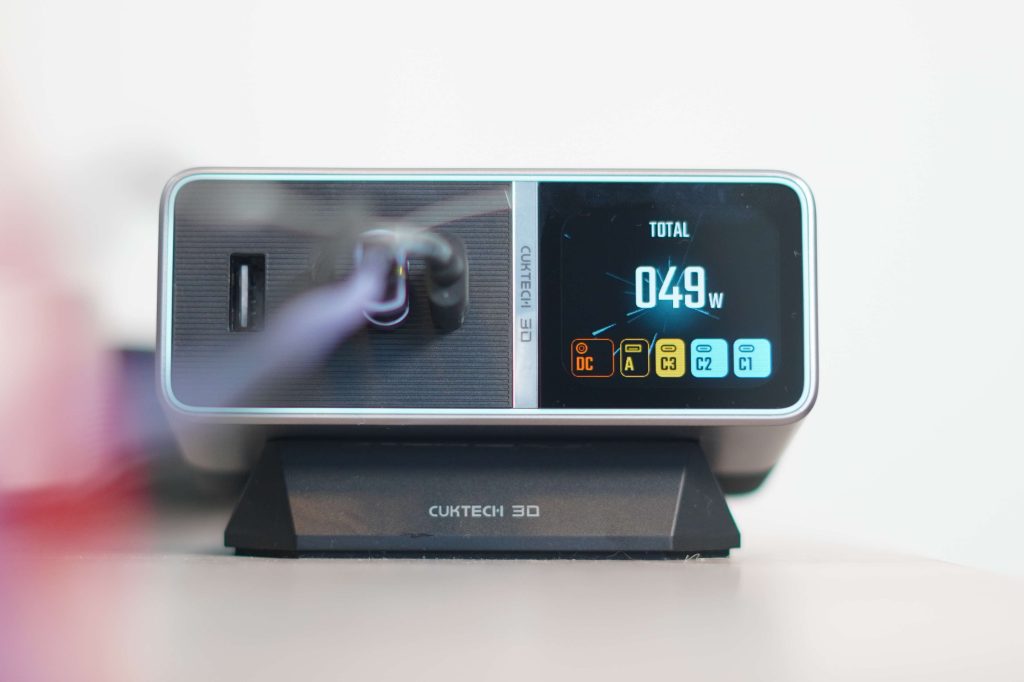
The CUKTECH 30 Ultra is available on Amazon for $159. There is a 10% off code directly on the product page that brings it down to about $145. It comes in one color variation and includes the 30 Ultra charger, a braided power cable, a 240W USB-C cable, and the stand. To give some context, there aren’t many (if any) chargers that deliver 300W of output, have a USB-A port, and include a diagnostics display. The closest comparison is the Anker Prime for $150, but that is only 250W.
CUKTECH’s 30 Ultra feels like one of those products that is a no-brainer if you are a power user and need to consistently keep your high-powered tech charged. It helps you declutter your desk, delivers the fastest charging possible on Apple products, keeps everything extremely safe with its safety monitoring, and lets you monitor every single aspect of the charging process. I also love that it still includes a USB-A port, since I still have a few smaller accessories that need it. The only thing I wish they would add is a built-in retractable cable like the one the Nomos has. Although it does provide a cable in the packaging, it would be nice to have one built in. But if you are looking for a high-powered desk charger that is reliable and gives you real-time info, this is my recommendation.
What do you think?


FTC: We use income earning auto affiliate links. More.

此内容由惯性聚合(RSS阅读器)自动聚合整理,仅供阅读参考。 原文来自 — 版权归原作者所有。