


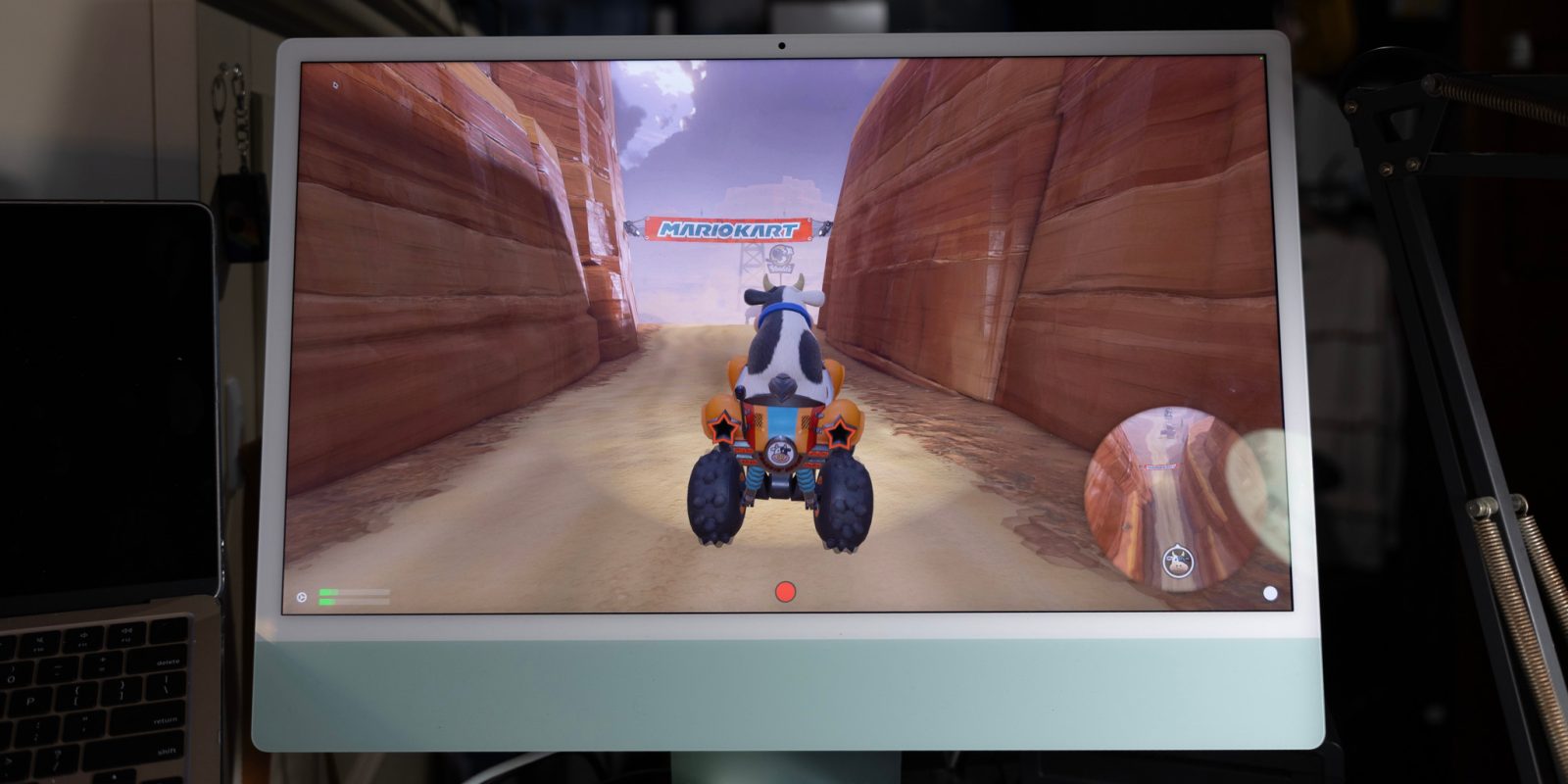
Apple has included excellent display panels on iMacs for years, but for the longest time, there hasn’t really been a way to use it for anything other than macOS. There used to be a feature called Target Display Mode, but it’s long been discontinued. This has been a shame, since plenty of iMacs have excellent displays that go to waste after the compute is outdated.
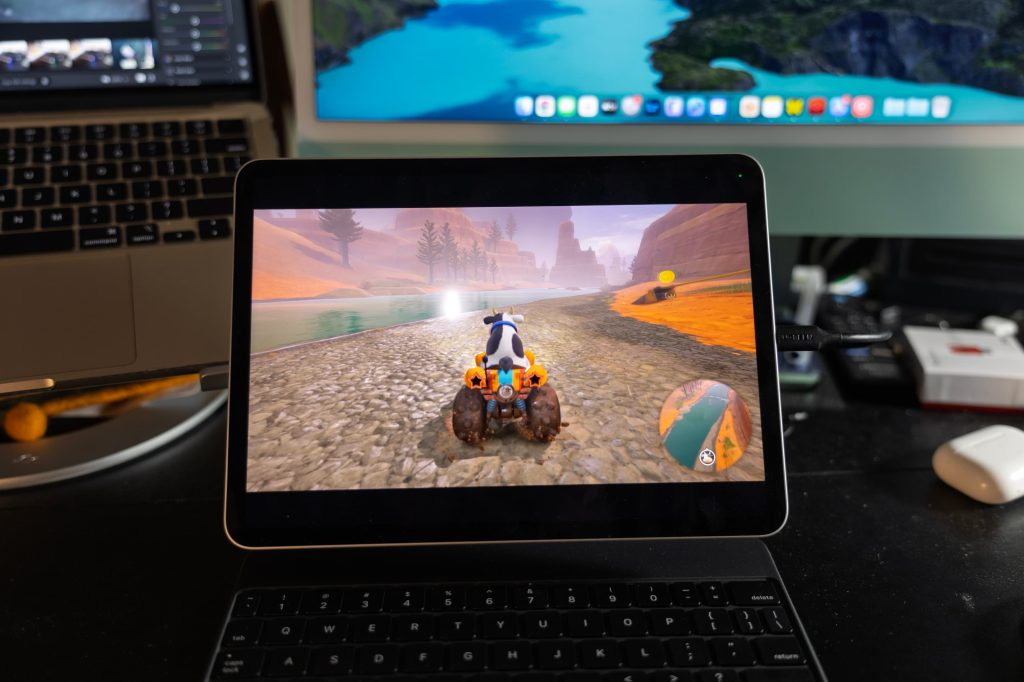
I’ve found a pretty good solution though, and it involves a 4K capture card and one nifty app available on the Mac App Store. Any HDMI input, whether that be a Switch 2, PS5, Xbox, or something else – can display on your iMac (or USB-C iPad!)
Sure, I do have a TV in my room that I could just use – but there’s something elegant and convenient about being able to just have it on my iMac display at my desk.
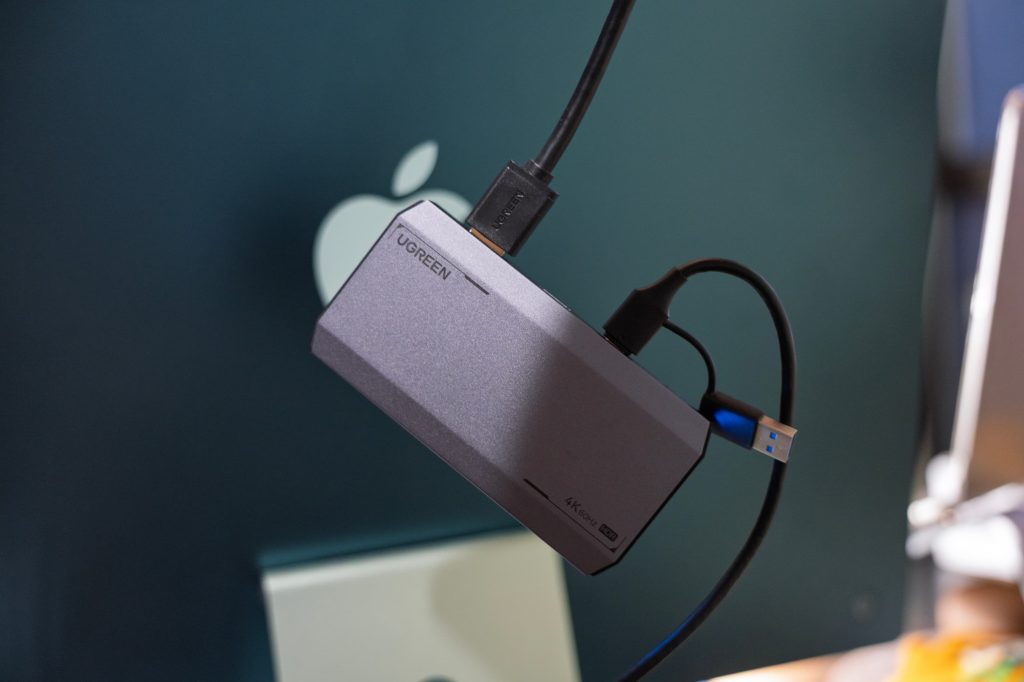
For this solution, I’ve used UGREEN’s 4K 60Hz capture card. It’s not super cheap at $95, but it’s the most affordable offering from a reputable brand that promises 4K and 60Hz – many of the cheaper offerings skimp out and only do 4K at 30Hz. UGREEN’s capture card also supports HDR, which I haven’t tested in the scope of this project – but if you wanted to use your MacBook Pro screen or an iPad Pro, you could! It also supports up to 240Hz (albeit not at 4K) if you’d like to use that.
On the software side of things, I used an app on the Mac App Store called UVC Video Capture. It does require a $9.99/year subscription (and annoyingly has a record button with no option of hiding) – but it seemed the most reliable to me, and it has a free trial. For iPad, you can use Orion from the makers of Halide. It’s free for the core of it, and has a $9.99 one time purchase for some additional features like brightness adjustment.
With both of these apps, it’s pretty simple: you plug your source device’s HDMI cable (in my case, Switch 2) into the capture card, then plug the capture card’s USB-C cable into the iPad – and then open the app! Your content should be streaming.
Using this UGREEN capture card, it’s been incredibly low latency – practically indistinguishable from being a native output. I’ve played a couple rounds of Mario Kart World and Fortnite off of my Switch 2 through my iMac, and it’s been great.
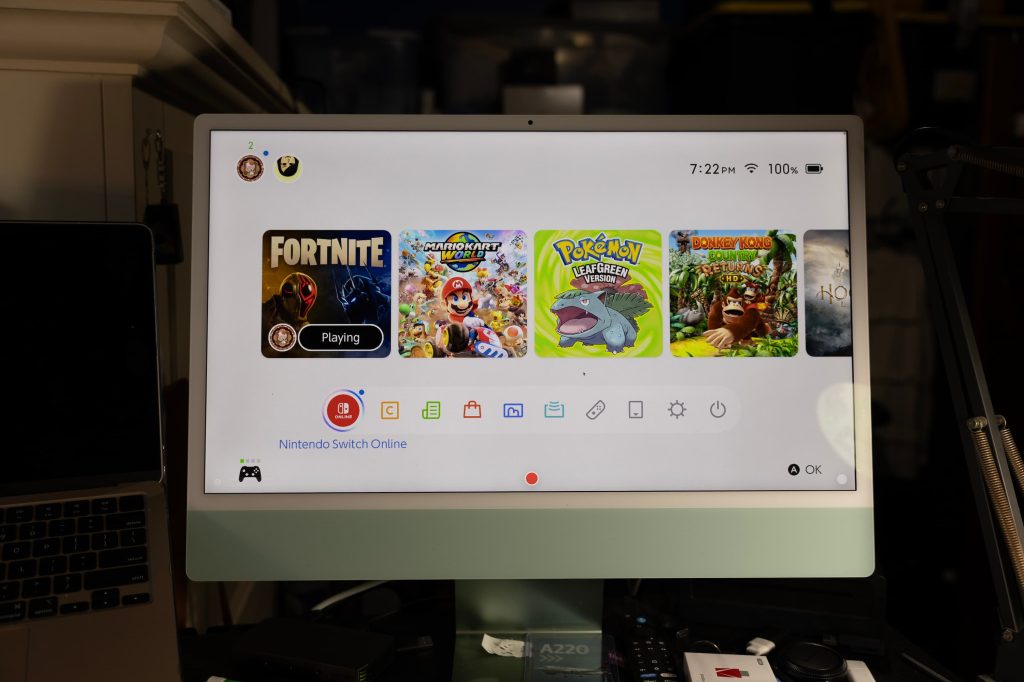
It’d certainly be nice if Apple brought back (and expanded) Target Display Mode so you didn’t need additional software for this, and instead any sort of USB-C video input could display on your iMac. Initially, Apple removed it because Intel chips couldn’t handle it on a 5K panel – among other technical limitations.
Apple hasn’t decided to bring it back on Apple Silicon, so in the interim – this capture card + app solution works wonders.
Are you interested in doing more with your iMac screen, or are you more interested in using your iPad as a larger display for your Switch 2? Let us know in the comments.
Check out exclusive free trials for Apple services:
Follow Michael: X/Twitter, Bluesky, Instagram


FTC: We use income earning auto affiliate links. More.

此内容由惯性聚合(RSS阅读器)自动聚合整理,仅供阅读参考。 原文来自 — 版权归原作者所有。