


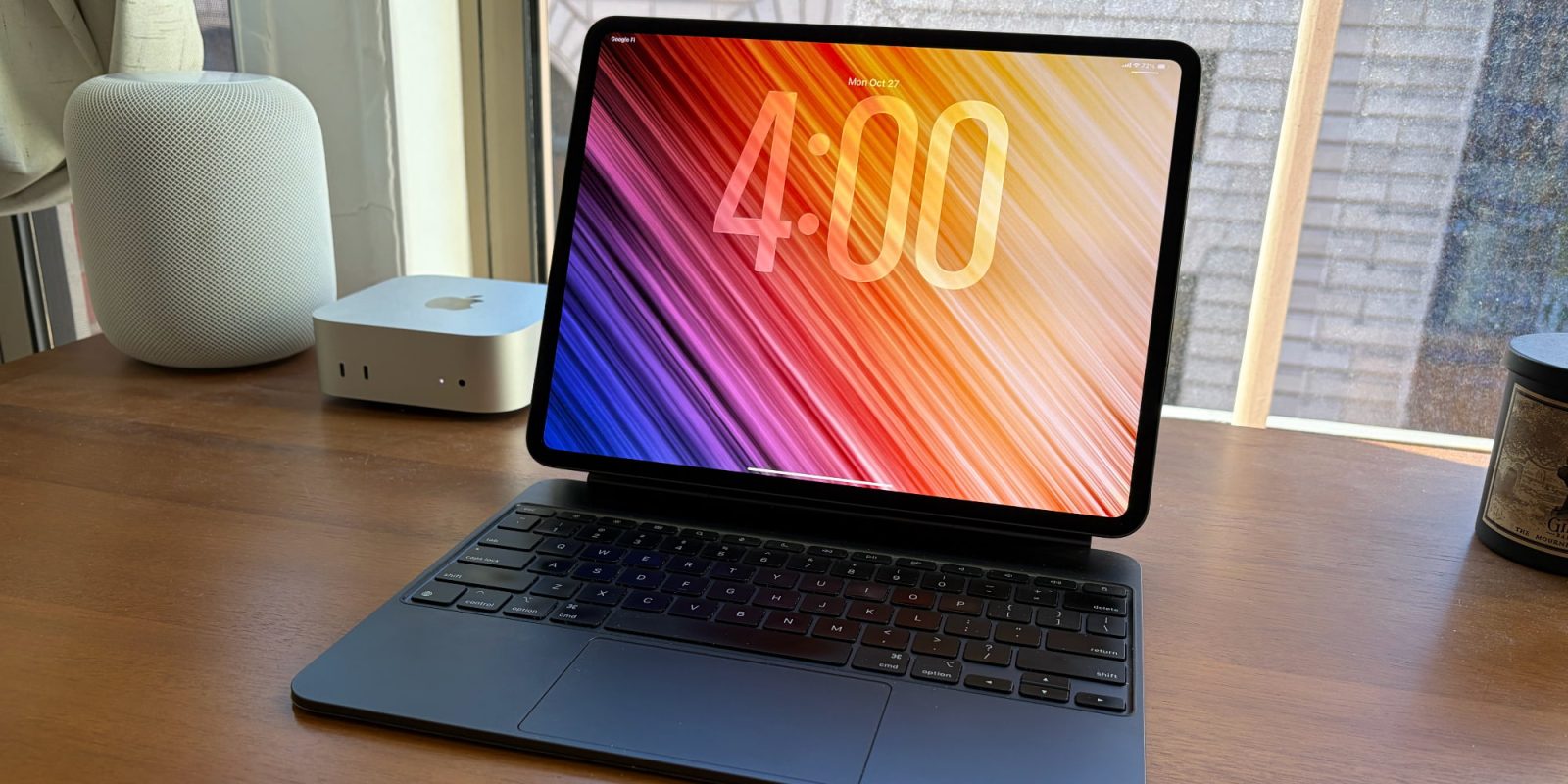
iPadOS 26 was unveiled one year ago with major upgrades for iPad productivity. I’ve been using the update on my iPad Pro since that first beta arrived, here’s where Apple’s major update has worked for me, and where it still comes up short.
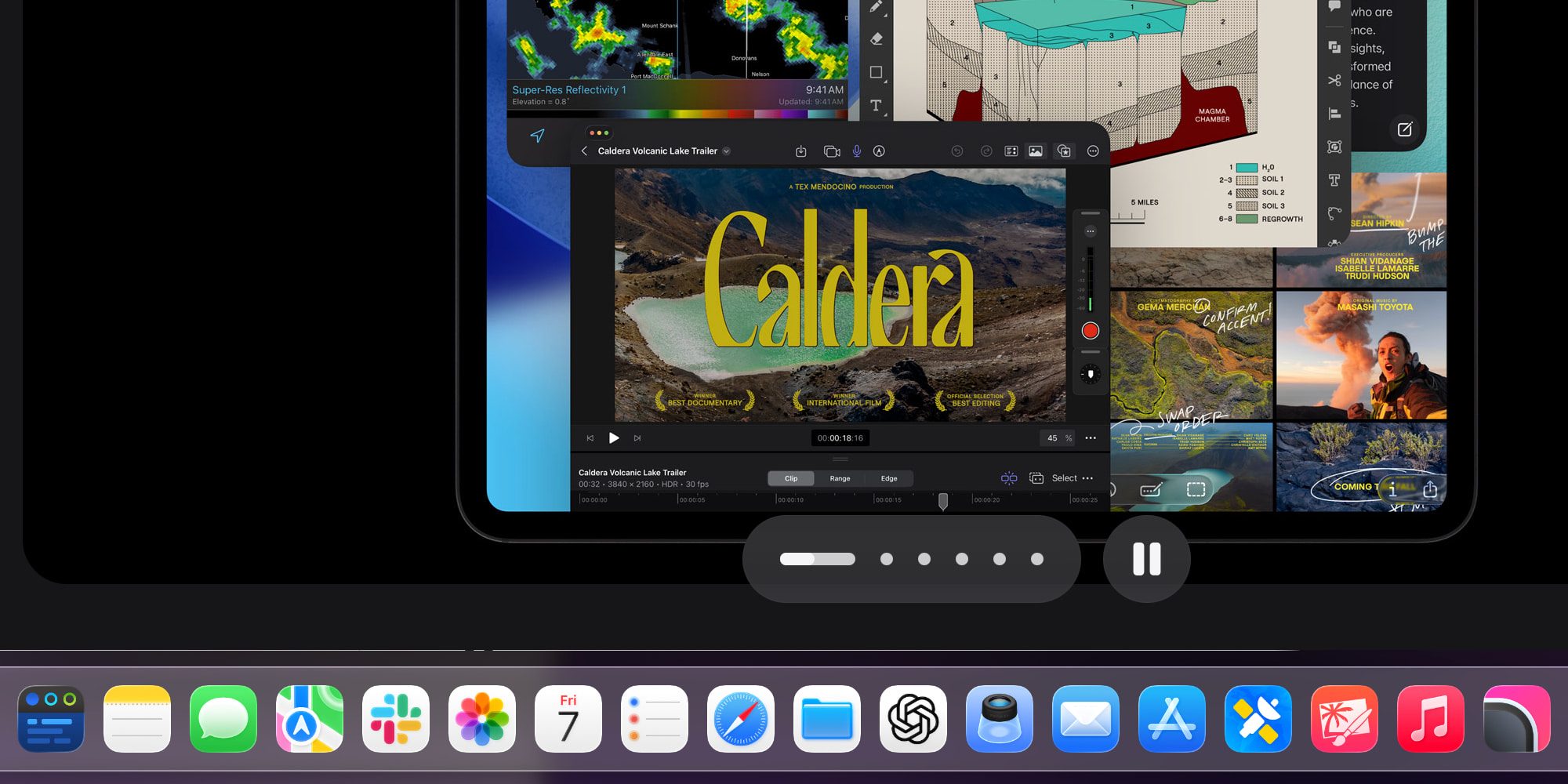
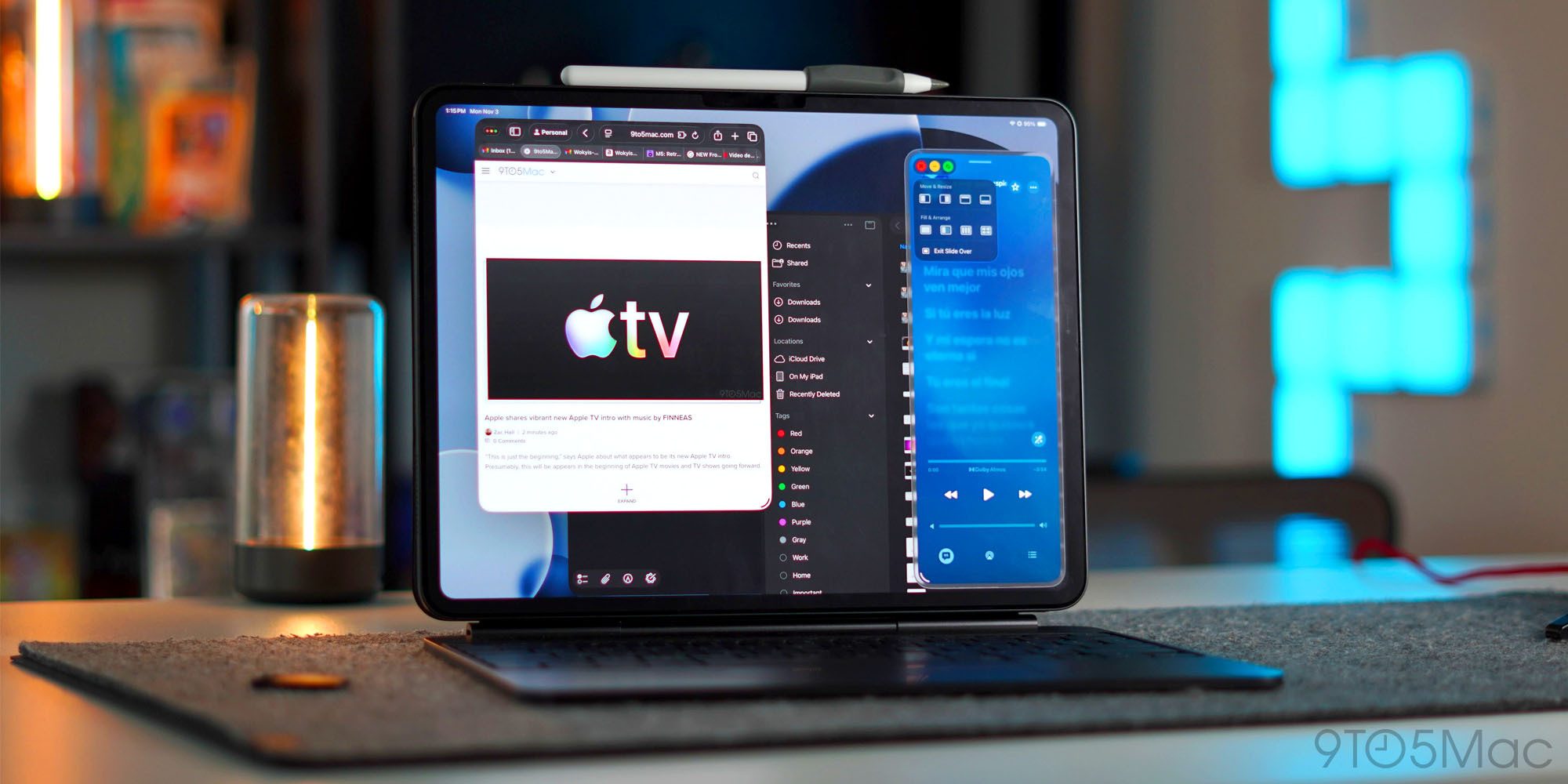
It took 15 years, but Apple finally brought proper app windowing to iPadOS—and for the most part it’s been a success.
I love being able to freely resize app windows to fit my needs. I generally have certain apps that I keep in a mostly fullscreen view, while others stay more compact on either the left or right side of my screen as popovers.
iPadOS 26’s windowing system has also enabled one of my favorite new capabilities: keeping the dock on-screen at all times like in macOS.
As long as windows stay away from the bottom of the screen, you can turn on a setting that keeps the dock visible. This has been one of my favorite overall changes—especially since you can now add more apps to the dock than ever, and file folders too.
The Files app in iPadOS 26, combined with the new Preview app, has been another highlight. File management on iPad now feels largely up to par with the Mac.
I’m also a fan of the menu bar, though I’d love Apple to take it a step further and make it more Mac-like. But as it stands, the iPad menu bar is a useful hub for exposing an app’s features and controls. Finally, though it’s unrelated to productivity, I’ve been loving having Apple Journal on my iPad too.
For the first time, iPadOS feels like it’s a match for the iPad’s powerful hardware, and that’s exciting.
I use the iPad Pro as my full-time computer, and I can confidently say iPadOS 26 is the biggest software upgrade the iPad has ever had.
But my heavy iPad use also shows where the software falls short.
For example, one feature Apple touts about iPadOS 26’s windowing system is ‘persistent size and placement.’ In other words, windows should stay where you place them, in the exact size you make them.
This is often what happens. But also, probably every day or at least every other day, I’ll have an app crash and reset to fullscreen view. Thus, I’m forced to move and resize it again.
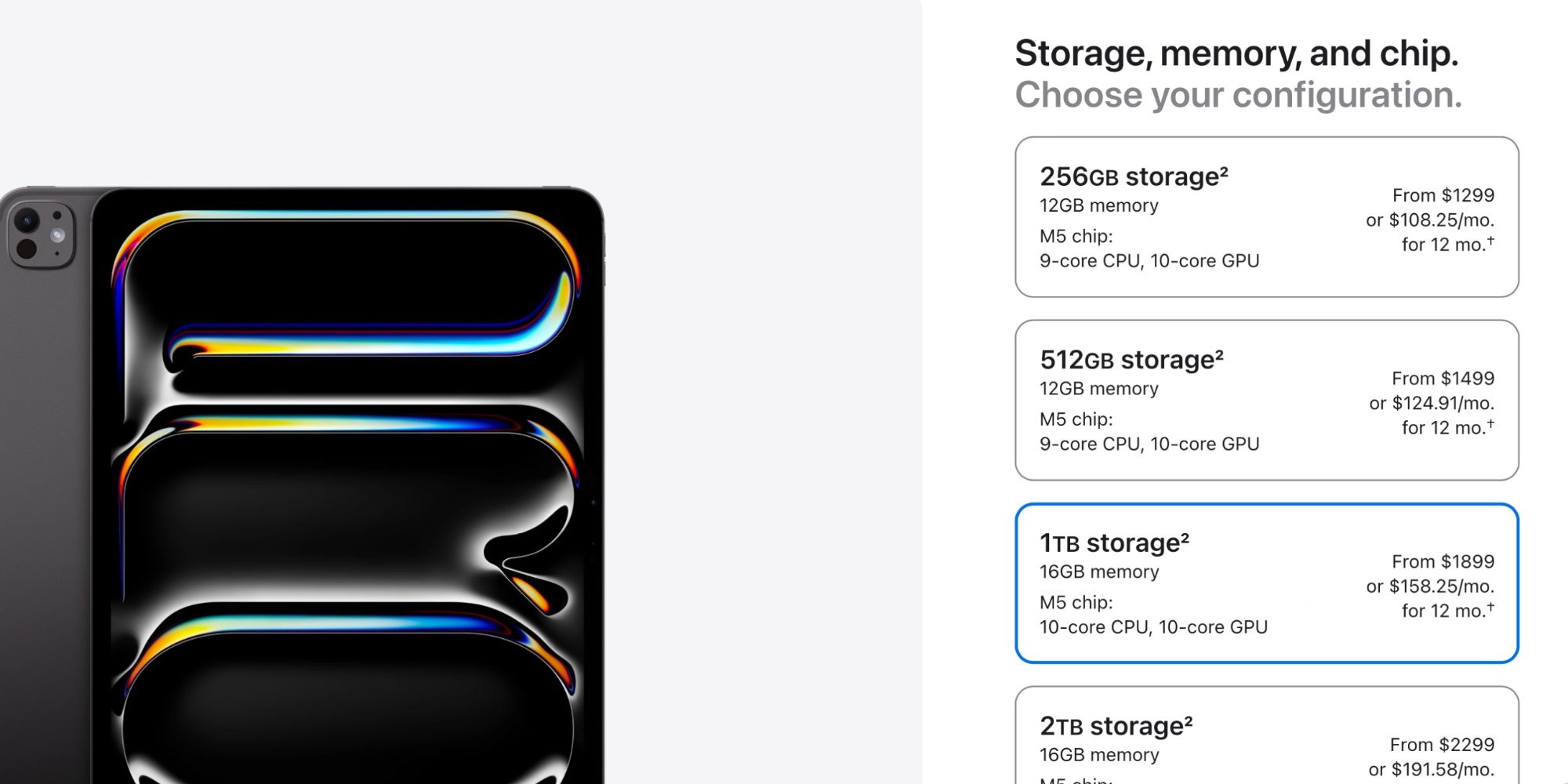
I might understand this happening if my iPad was underpowered. But I’m using an M5 iPad Pro with 16GB of RAM and a 10-core CPU. This is the most powerful iPad you can buy.
And this type of behavior just doesn’t happen on the Mac. At least not with anywhere near this regularity.
Another more serious issue involves Slide Over. I’ve thrilled that Apple brought the feature back in iPadOS 26.1. But I still sorely miss the ability to keep multiple apps in Slide Over at the same time. For an update that pushes the iPad forward in most ways, it’s disappointing that iPadOS 26 offers a worse Slide Over experience than iPadOS 18.
Some other minor complaints:
I could keep listing smaller issues, but I imagine everyone has their own list of bugs and shortcomings. And the Mac isn’t perfect in this area too—I know plenty of Mac users aren’t thrilled with macOS Tahoe.
Overall, iPadOS 26 still feels like a major leap forward for the iPad—despite some lingering issues. It’s a strong foundation for Apple to build on.
I have plenty of questions about the iPad’s future in a world with foldable iPhones and touchscreen Macs. But I’m excited to see how much investment Apple has made in iPadOS. And hopefully iPadOS 27 continues that positive trend.
What are your highs and lows in iPadOS 26? What’s on your wish list for iPadOS 27? Let us know in the comments.


FTC: We use income earning auto affiliate links. More.
此内容由惯性聚合(RSS阅读器)自动聚合整理,仅供阅读参考。 原文来自 — 版权归原作者所有。