


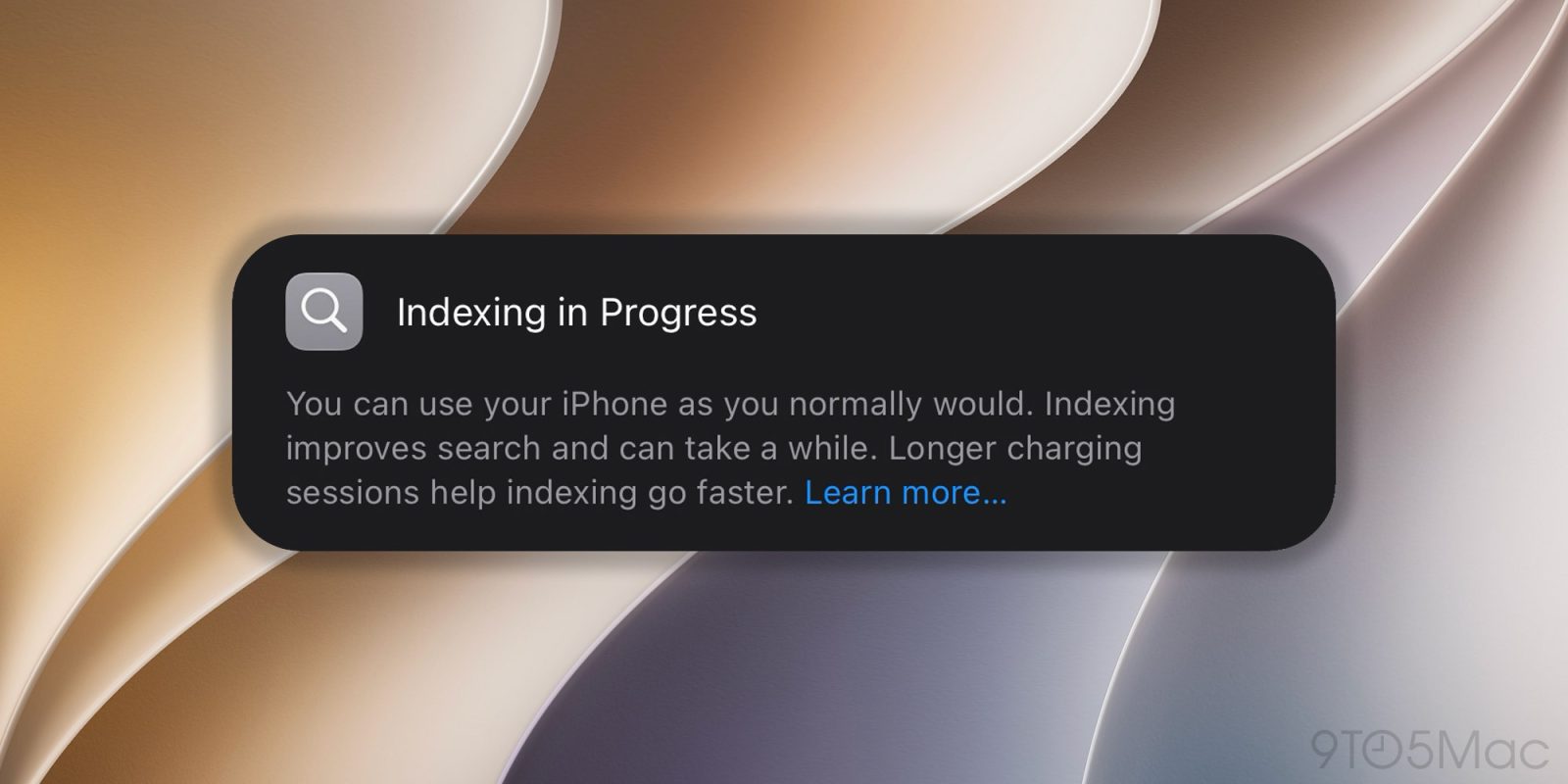
For some iOS 27 beta 1 users, the indexing process is taking much longer than expected. Thankfully, there’s a way to check the actual percentage from a Mac. Here’s how.
As Apple explained during the WWDC26 keynote, iOS 27 completely overhauls how the system indexes user content, partly due to the revamped Apple Intelligence models and the underlying Apple Foundation Models.
After installing iOS 27 beta 1, the system completely reindexes the iPhone’s content, based on the new structure. Users can check whether the indexing process has completed by opening Settings. On devices still indexing, a banner says:
Indexing in Progress
You can use your iPhone as you normally would. Indexing improves search and can take a while. Longer charging sessions help indexing go faster. Learn more…
While indexing appears to be fast for some users, it can take much longer for others. That obviously depends on how much content the system needs to index and, as Apple notes in the banner, how much time the device spends charging for extended periods.
Currently, iOS doesn’t offer a way to check exactly how much indexing is left on the iPhone itself. However, for users who have been seeing the same message for days, there is a way to check that progress percentage from a Mac.
Here’s how:
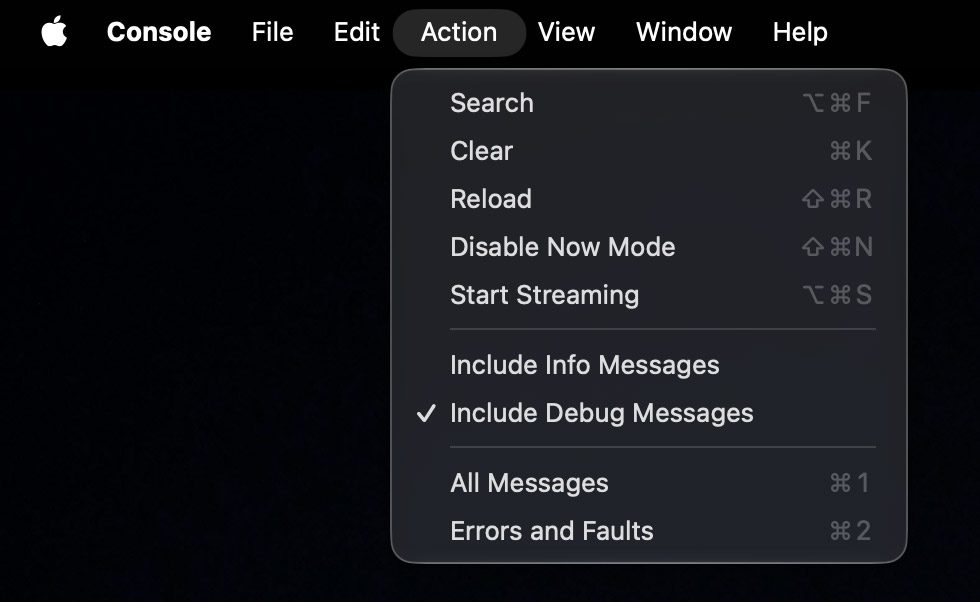
spotlight indexing progressPipelineCompleteness: XX%.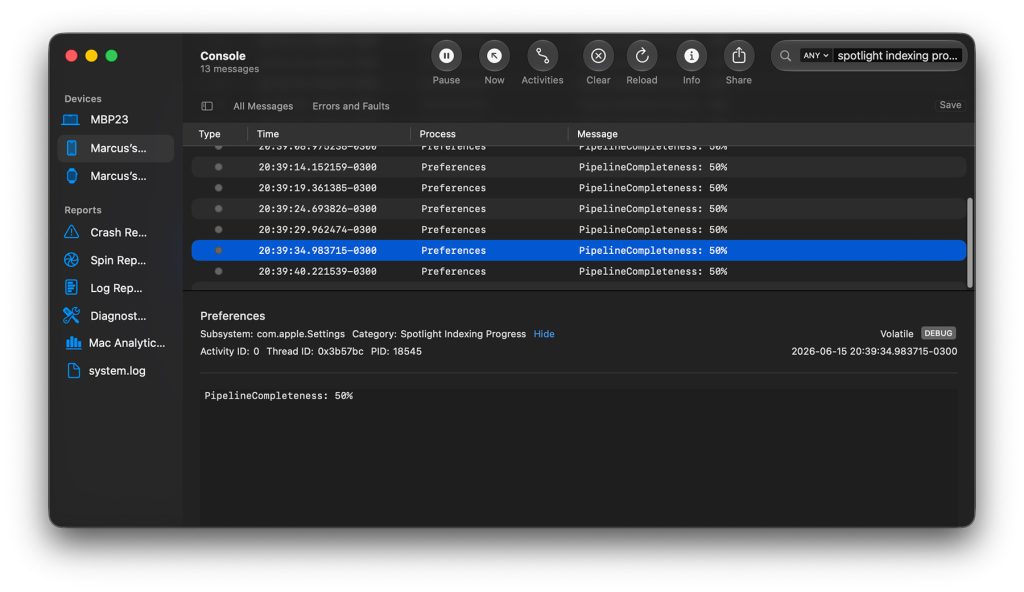
In my case, it looks like I still have a ways to go.
It is, of course, important to remember that iOS 27 is still in very early developer beta testing. Apple will make changes and refinements throughout the summer to the indexing process (and everything else), before iOS 27 is released to the public this fall.
Is your iPhone still indexing? How far along is it? Let us know in the comments.


FTC: We use income earning auto affiliate links. More.

此内容由惯性聚合(RSS阅读器)自动聚合整理,仅供阅读参考。 原文来自 — 版权归原作者所有。