


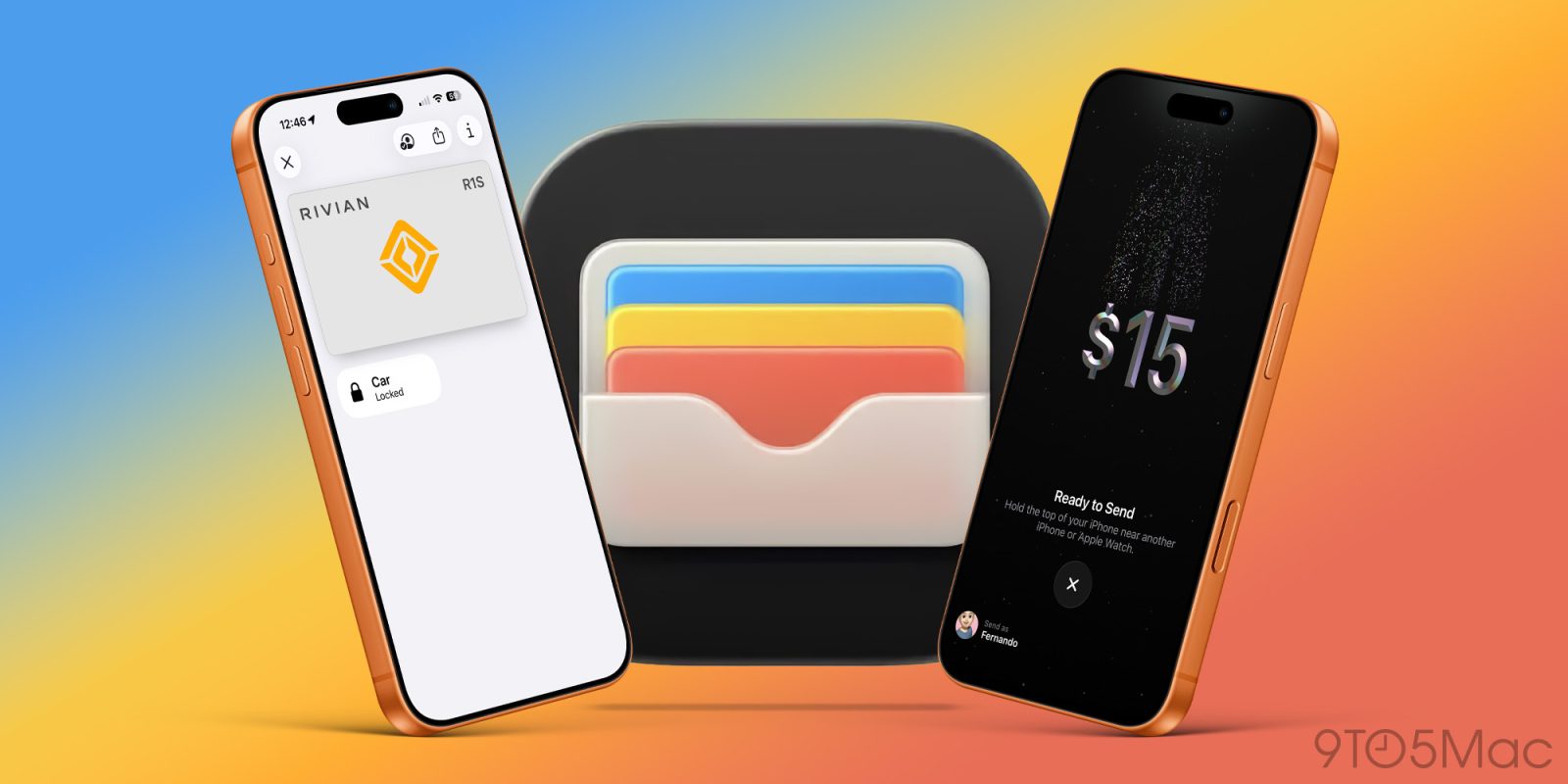
For years, I have said that the Apple Wallet app is one of Apple’s most underrated services. Most people think of Apple Pay when they hear about Apple Wallet, but it is so much more. It stores everything from my credit cards and transit cards, has replaced my keys, helps me send money, and has honestly replaced the need to carry both a physical wallet and keys. Most of these features have been quietly added over the years, and most people just are not aware of them. Here are five Apple Wallet features I use all the time that most people don’t know about.
Be sure to check out our video below, which goes hands-on with all of the features we mention and shows you how to use them.
Most people are not aware that you can get a digital Apple Cash card for free in the wallet app as long as you have an Apple ID. It is essentially a debit card that you can load with cash from your bank and use via Apple Pay just like any other credit or debit card. But this also enables peer-to-peer payment via iMessage. And for me, in most cases, this has replaced the need to use apps like Venmo, Cash App, and even Zelle.
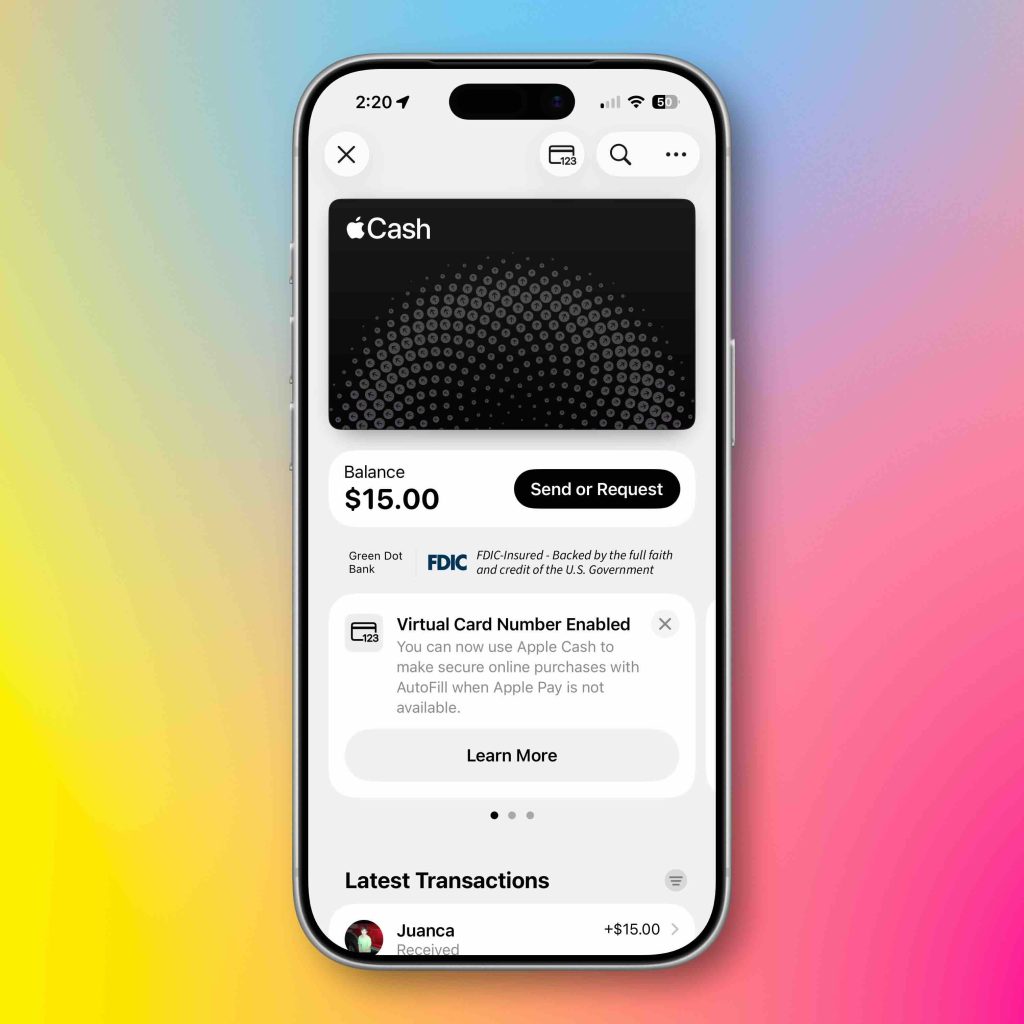
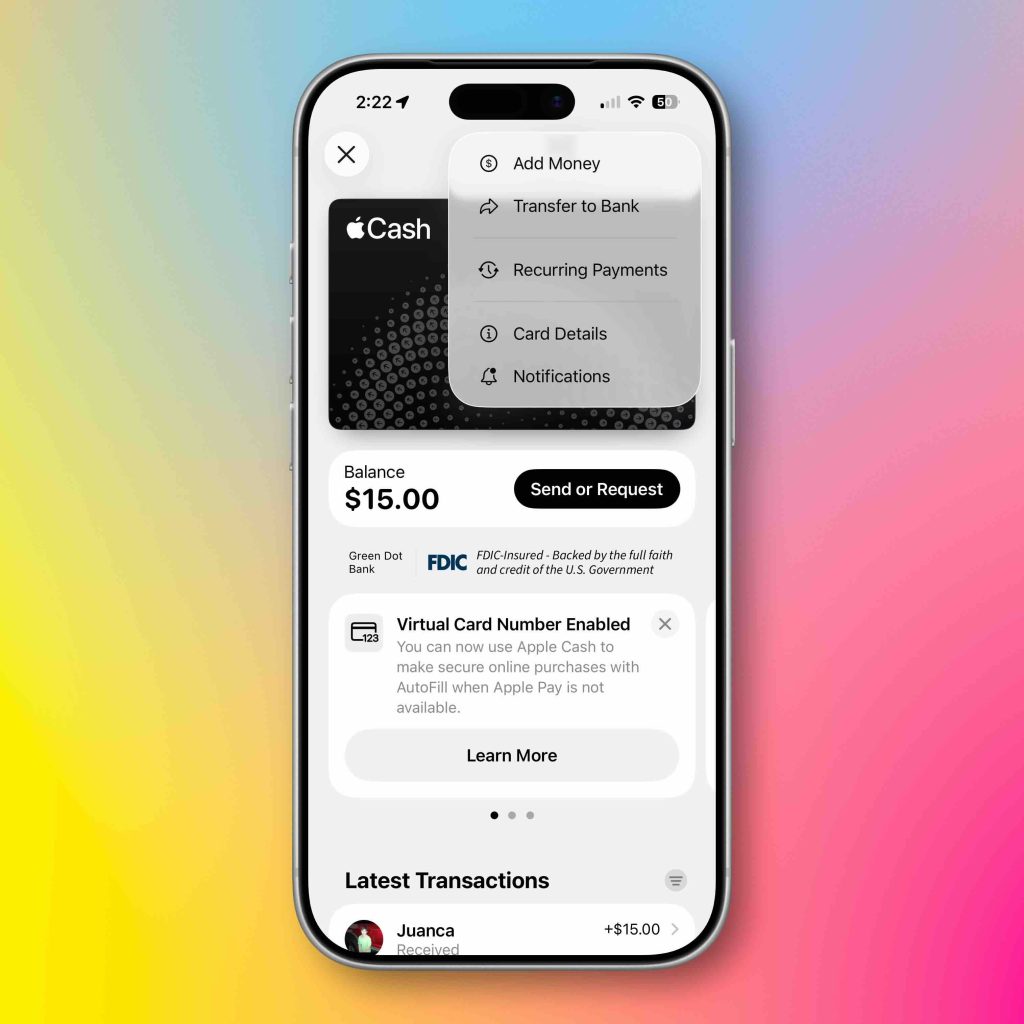
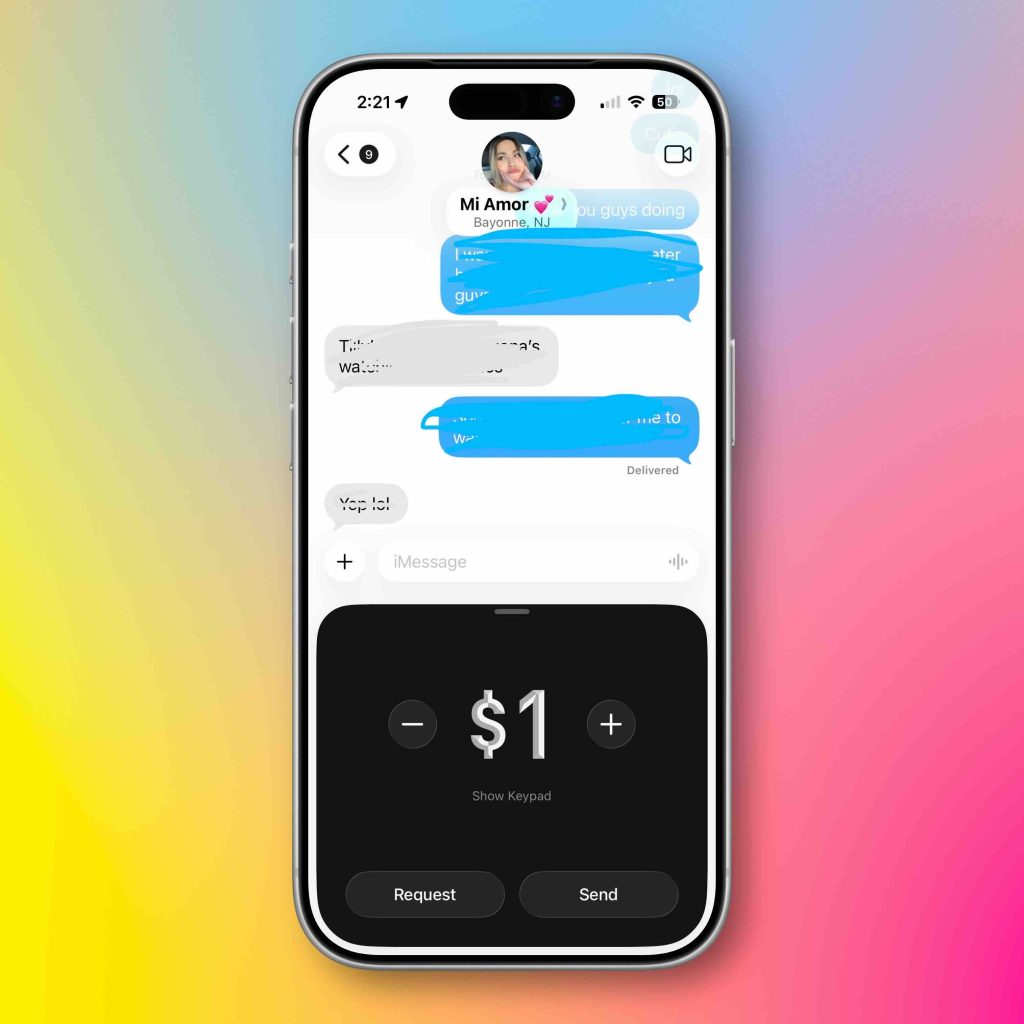
The Apple Cash card is FDIC-insured, so you have peace of mind if something does happen. The only thing this cannot do natively is withdraw cash at an ATM. But everything else allows it to work exactly like another digital debit card.
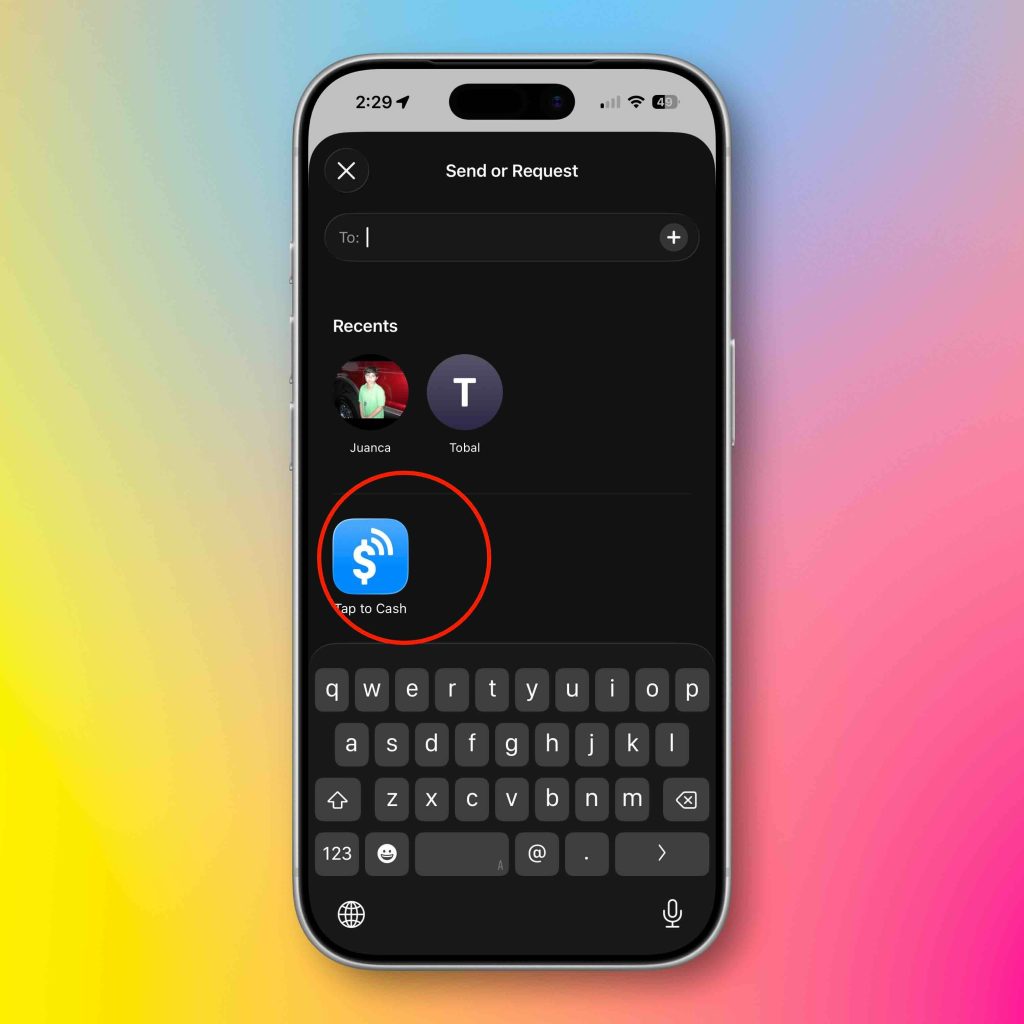
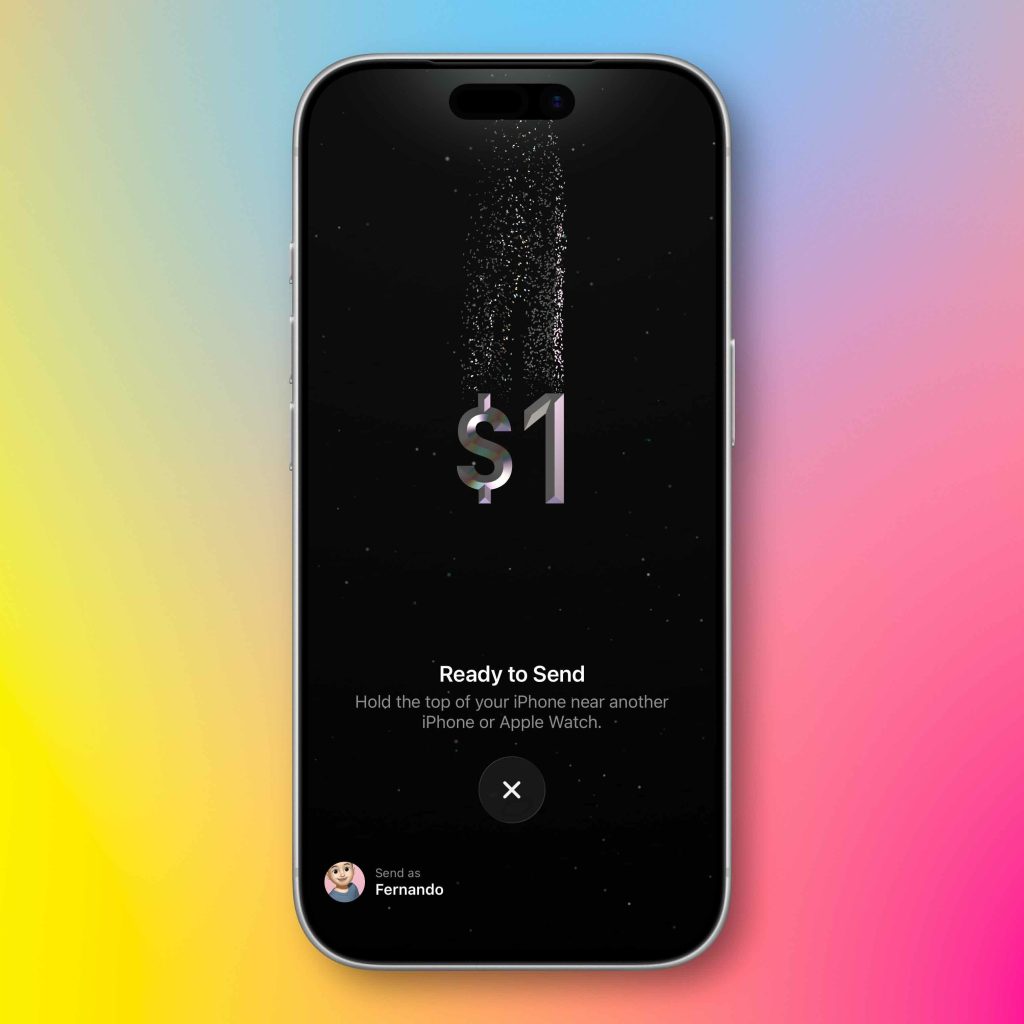
Another feature that the Apple Cash card unlocks is the new Tap to Pay feature on iPhone. We have all seen those Square payment terminals at stand-alone vendor stalls at flea markets and farmers’ markets. Tap to Pay lets you pay someone directly on their iPhone with your iPhone. No other hardware or payment terminal needed. It’s absolutely magical. Here is how to do it:
This completely removes the middleman and lets you take payment with no fees. This is a game-changing feature in my opinion. Also, the animation when it happens makes it that much cooler.
This feature has been out for a few years, but there are a ton of people who are just unaware of it. Most modern metro public transport stations allow you to Tap to Pay via Apple Pay in order to get on the subway or bus. Most people pull their phone out, double-tap the lock button, select their card of choice, tap the terminal, then go through. That is way too much friction and causes traffic jams for people in a rush. The Express transit card lets you select a dedicated card that is always used at these terminals. It reduces the number of steps to pay to zero. You literally just tap your phone on the terminal, and you go through as long as you have a selected Express Transit card in your Wallet settings. You just:
So now, every time you tap to pay at a subway terminal, your designated card will be used without needing to use Face ID.
This was a huge update for me personally in the Apple Wallet. Prior to this feature, when you added your cards to the Apple Wallet, the physical credit card information was nowhere to be found, and Apple only showed the encrypted virtual card number used for transactions. So if you needed the actual credit number, you would need to go get the physical card. This is no longer the case! Now you can save your actual credit card information in case you need to use it later! Here’s how:
This was a major reason I could leave credit cards at home. If Apple Pay does not work, I can open my wallet app and find my card number to make a manual transaction without the physical card. Absolute win!
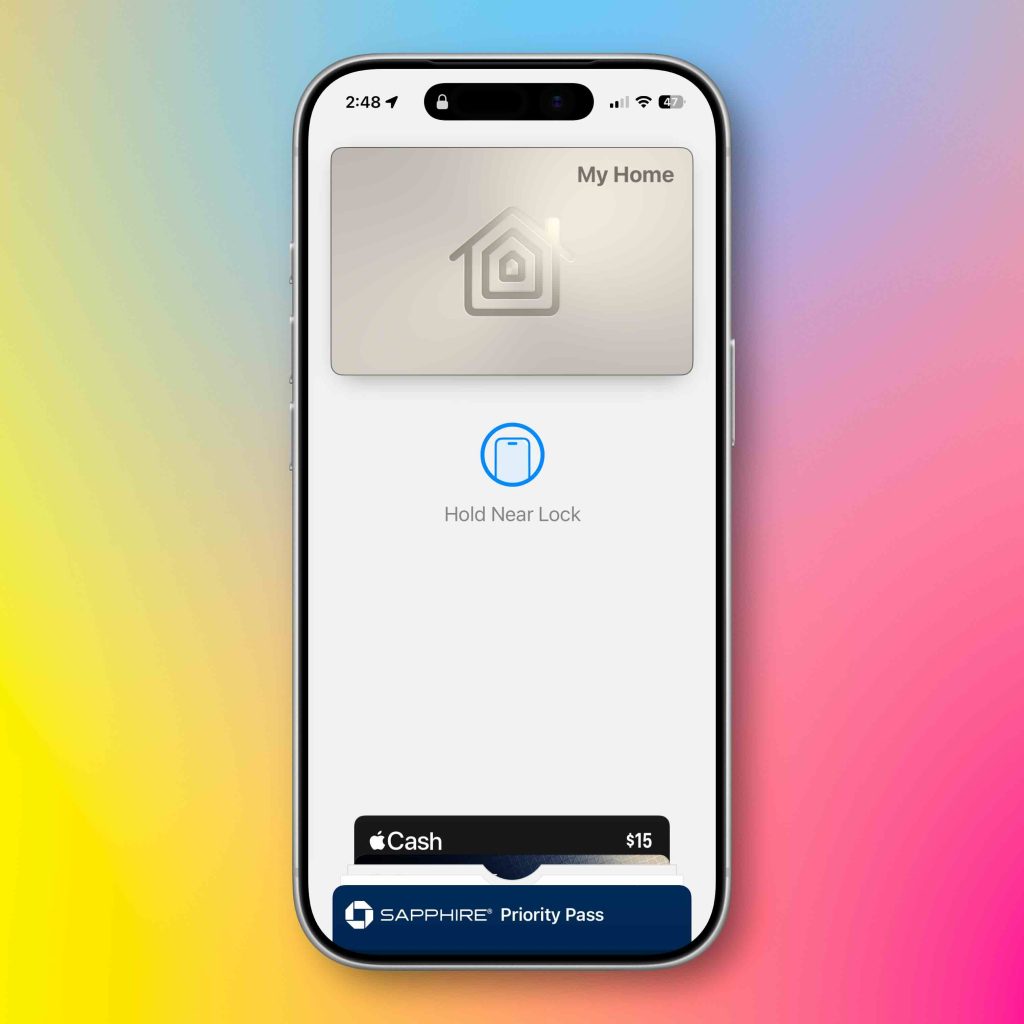
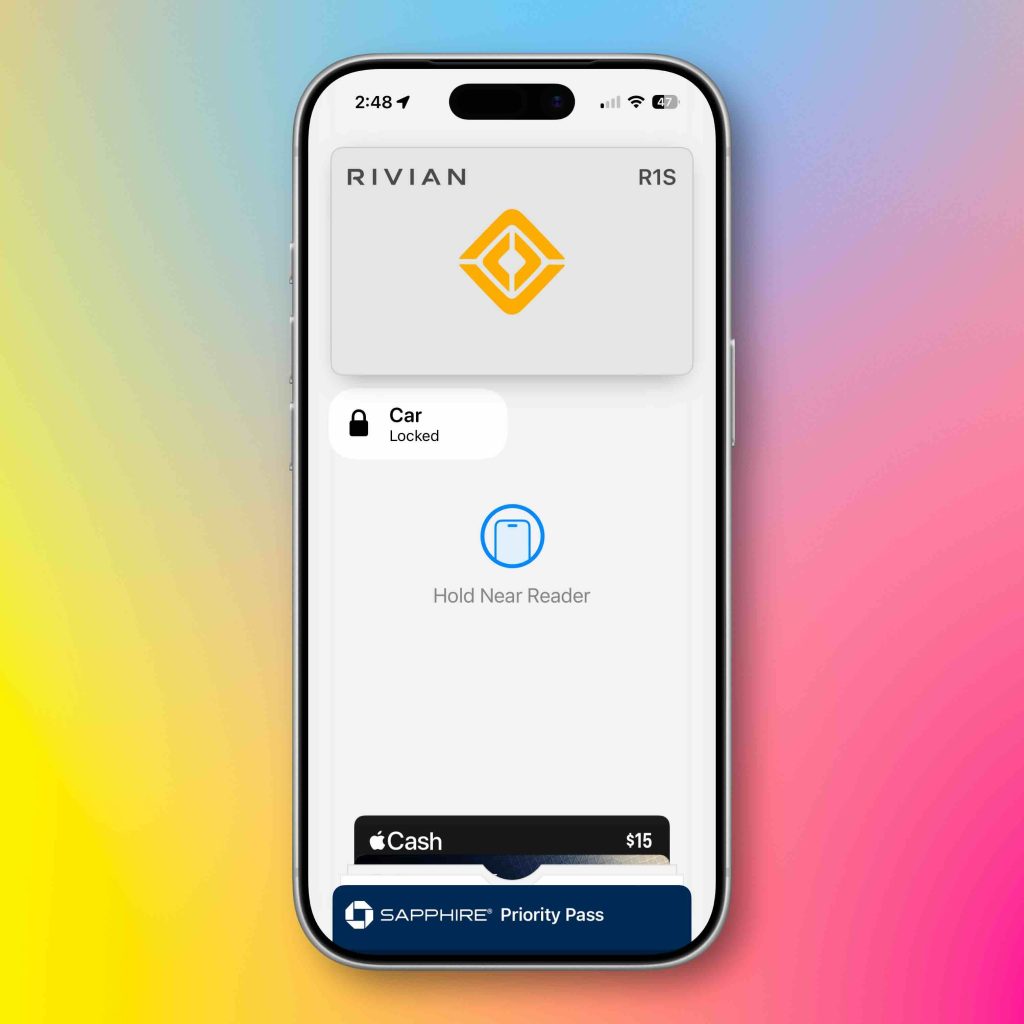
Apple Wallet has also become my digital keychain. Between my car key and home key, there are days when I leave the house with nothing but my iPhone. I have a smart lock that works with Apple HomeKit, so all I have to do is tap my iPhone to the doorknob, and it unlocks. I no longer need to carry keys. The same goes for my car. I do not need a key fob to get into my car or use basic controls like locking and unlocking. Also, the proximity features for auto-locking and unlocking both the house and car keys have been outstanding and extremely reliable. Again, it’s so good that I no longer bring keys with me when I leave the house!
As I stated earlier, Apple has quietly evolved the Apple Wallet app into one of the most important parts of my ecosystem. Apple Wallet is no longer just a place to store your credit cards. It’s becoming a digital wallet for payments, access, identity, and overall daily convenience. I tell people that the best tech products and services are the ones that just work, are reliable, and you almost forget that you are using them. And I have not even talked about the Apple Card, the high-yield savings account, live activities, boarding passes, and everything else it can do!
Also, if you are into the credit game as much as I am, I recommend giving Cardpointers a try! It has helped me immensely in organizing and maximizing my credit points and usage. Do you use your Apple Wallet? Has it replaced your physical wallet? Let’s discuss below.


FTC: We use income earning auto affiliate links. More.

此内容由惯性聚合(RSS阅读器)自动聚合整理,仅供阅读参考。 原文来自 — 版权归原作者所有。