






Note: This is the second in a two-part blog series. This companion blog post covers the more technical, prescriptive tactics on executing the resilience methodology. Context is provided where appropriate. For full context, see the first blog post in the series here.
After releasing BloodHound at DEFCON 24, we and several others realized that while BloodHound is a great tool for attackers, its potential applications as a defensive tool are even more compelling. In the first blog post, we covered the high level strategy for how to unlock some of that power, which we call the Active Directory Adversary Resilience methodology. In this post, we’ll show the technical details on how to generate the analytics and perform attack path analysis using a combination of Neo4j’s Cypher query language and the BloodHound interface.
After downloading SharpHound.exe (or the PowerShell version), you’ll need to run the binary on a domain-joined Windows machine that has logical access to all other domain-joined Windows systems in the enterprise. You may need to run SharpHound from several places in the network if you’re dealing with network segmentation. We recommend running SharpHound’s default collection once:
C:\> SharpHound.exe
This will collect the local admin group memberships from each reachable computer in the domain, Active Directory security group memberships, domain trusts, and will also perform one loop of user session collection. To gather comprehensive user session data, we recommend you run SharpHound’s session loop collection for at least one hour:
C:\> SharpHound.exe — CollectionMethod SessionLoop — MaxLoopTime 1h
Finally, you’ll want to run SharpHound’s ACL collection method to gather ACEs from computer, user, and domain securable objects:
C:\> SharpHound.exe — CollectionMethod ACL
SharpHound will write CSV files to your current working directory. In the next phase, we’ll import those CSVs into BloodHound’s graph database.
There are a few options for downloading and installing the analysis tools, Neo4j and the BloodHound UI. You can download Neo4j Server and the BloodHound UI and set those up yourself, or take advantage of Walter Legowski’s great Neo4j/BloodHound automated installer. We also have a getting started section on the BloodHound wiki here.
Once you’re set up with Neo4j server running, open up the BloodHound UI and authenticate to Neo4j. Use the “Upload Data” button to upload the CSVs you generated in Phase 1:
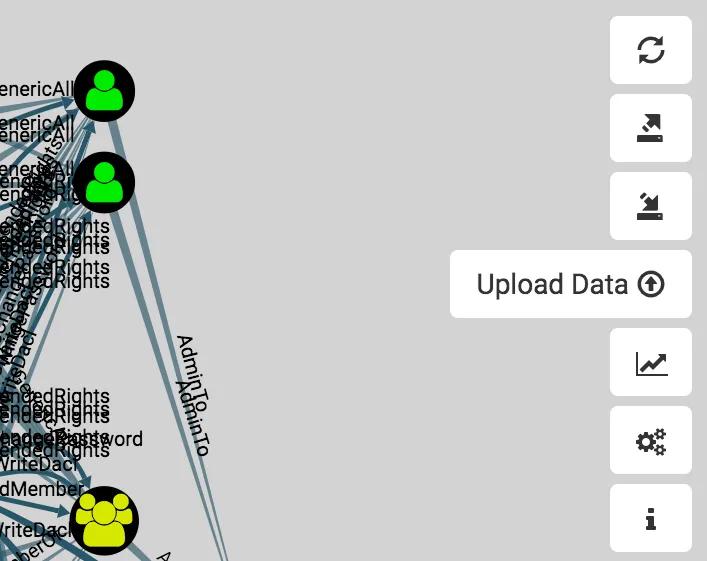
Select your CSVs, then hit “Ok” in the common dialogue window. The interface will automatically parse the CSVs and load them into the Neo4j database. Now you’re ready to to do some analysis.
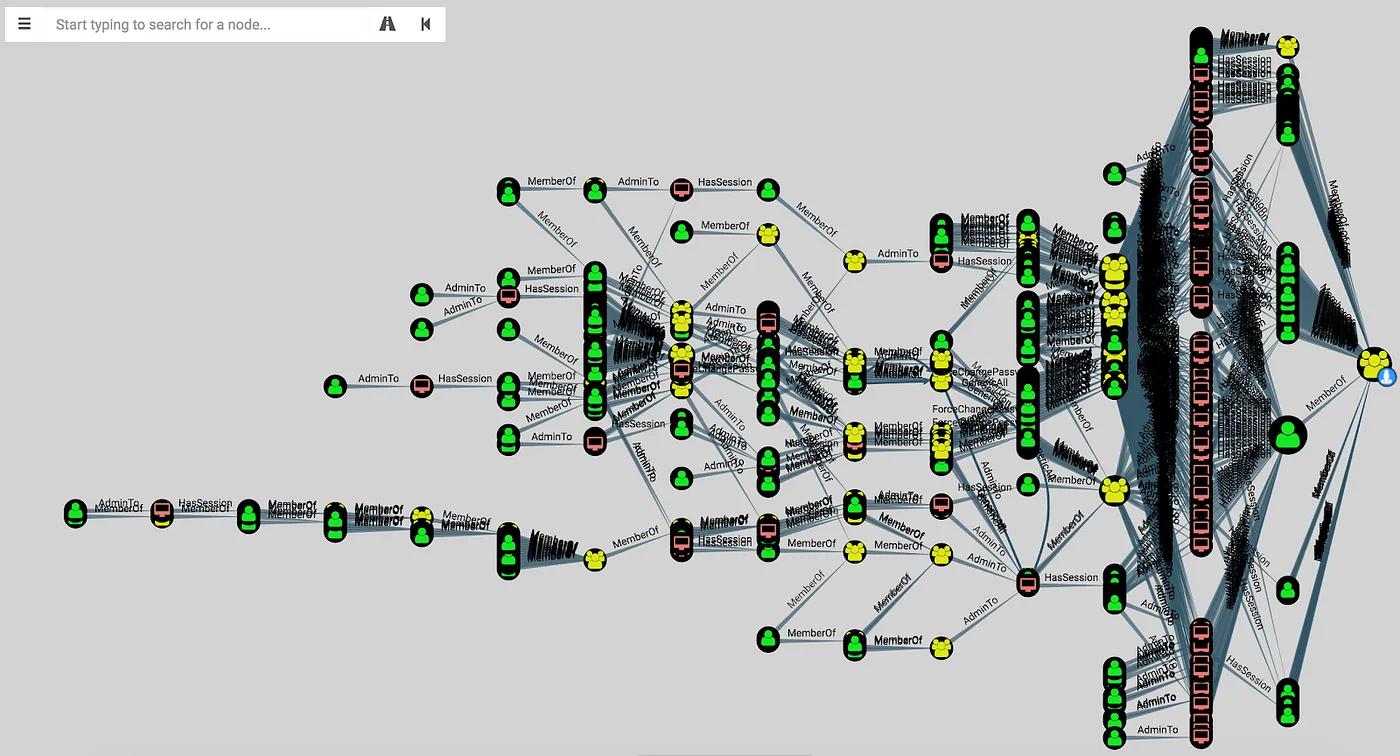
Once your data is in the Neo4j database, open up BloodHound, which will by default show you all the effective members of the domain admins group. Right click the Domain Admins group and click “Shortest Paths to Here”:

This will run the allShortestPaths query on the back-end, then the BloodHound UI will render the resulting paths:
In a future blog post, we’ll show you how to efficiently find all shortest paths not just to the Domain Admins group, but to all principals that give you Domain Admin-equivalent privileges.
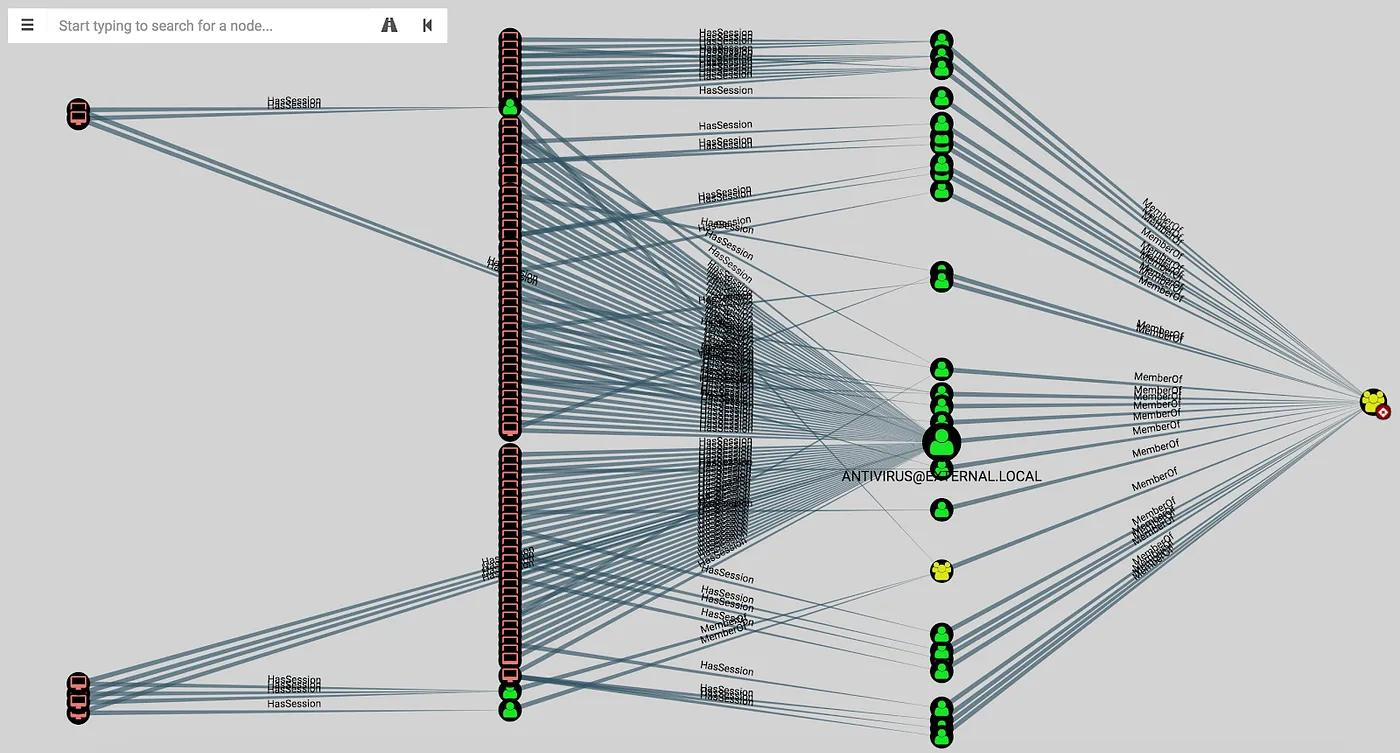
Recall from the earlier example with the “USER99” node that one-off changes rarely have any appreciable effect on mitigating attack paths. Instead, seek to identify the patterns of behavior and privileges that contribute to the exposure of the Domain Admin users. For instance, by clicking on the Domain Admins group, we can see lots of information about that group, including the number of user sessions that exist for users in that group:

If we click the 117 number, the BloodHound UI will graph out the computers with sessions for members of the Domain Admins group:
Further, you can analyze the total count of effective local admins across those systems. Using the BloodHound interface, you could analyze each system one at a time, or at the Neo4j web console you can return a list of those computers, along with the total number of effective admins each computer has. With Neo4j running, open up your web browser and navigate to http://localhost:7474:
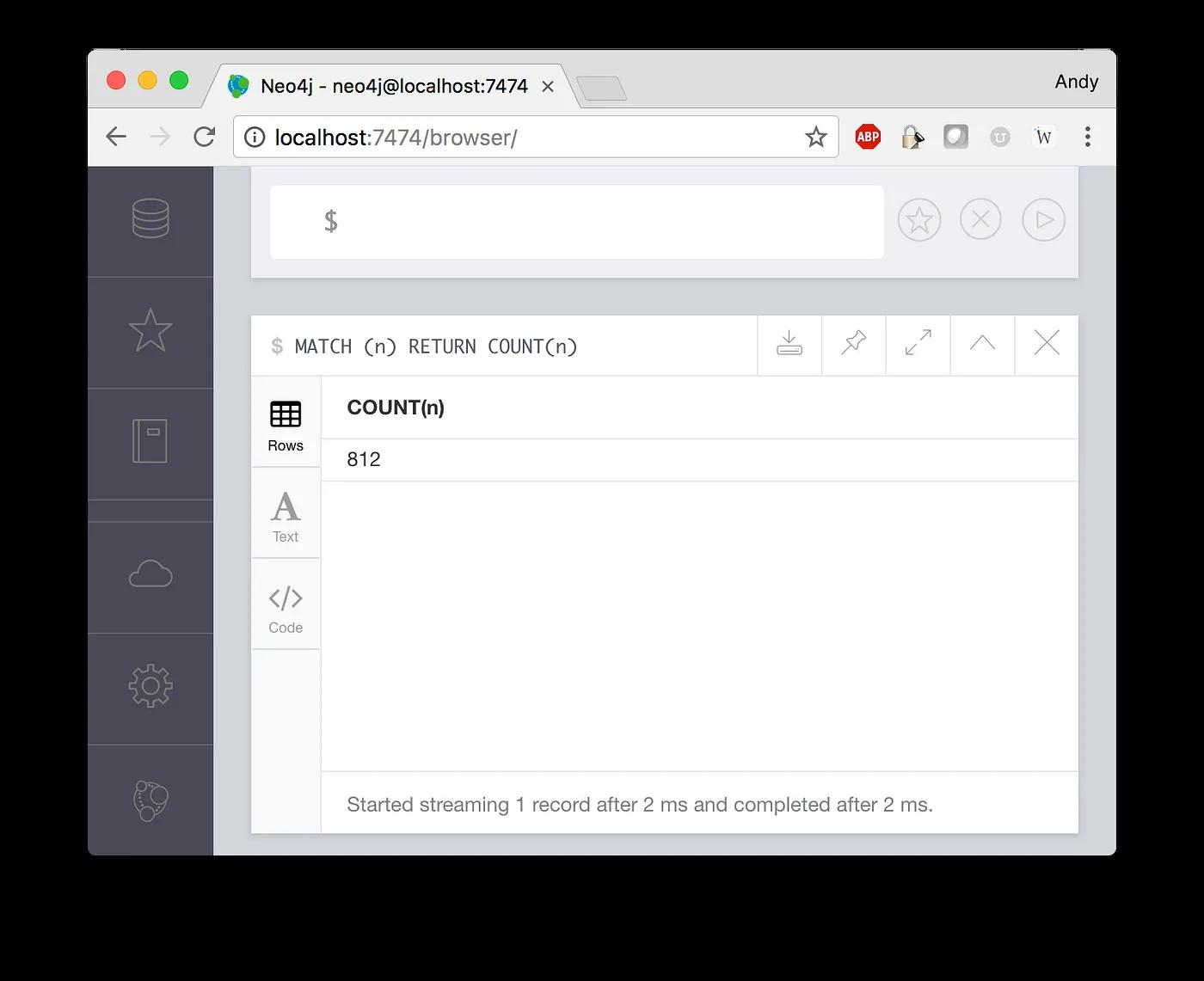
The Cypher query to do this is:
MATCH p = (u1:User)-[r:MemberOf|AdminTo*1..]->(c:Computer)-[r2:HasSession]->(u2:User)-[r3:MemberOf*1..]->(g:Group {name:’DOMAIN ADMINS@EXTERNAL.LOCAL’})
RETURN COUNT(DISTINCT(u1)) AS adminCount,c.name as computerName
ORDER BY adminCount DESC
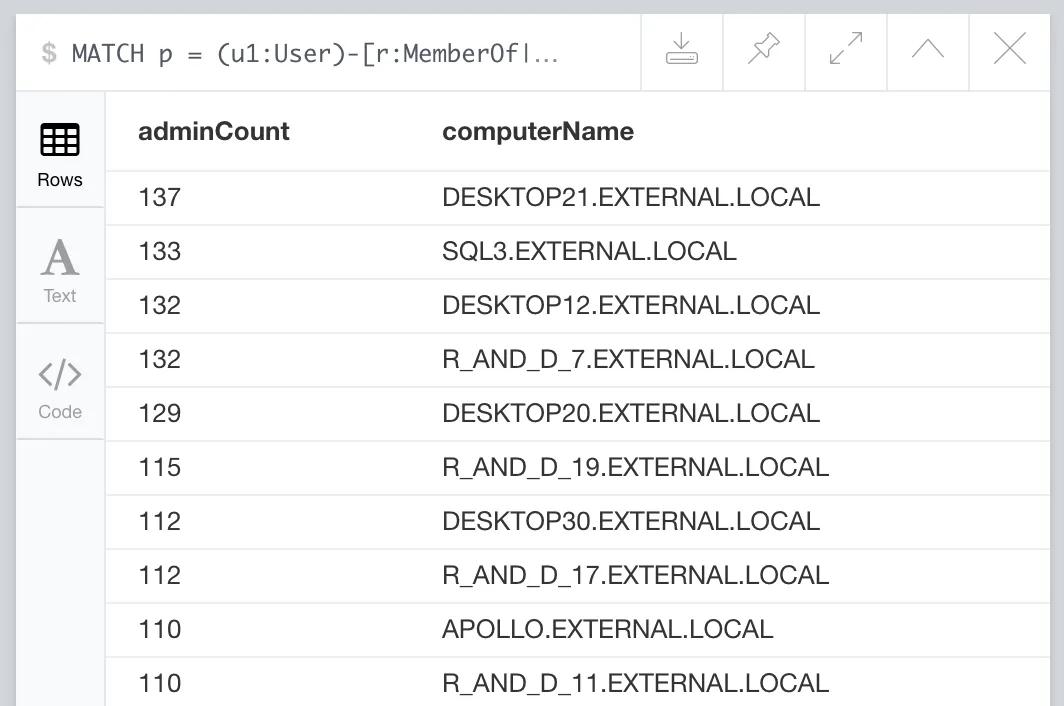
We can also measure just how exposed the Domain Admin users are to the rest of the environment. There are three metrics we use for this: percentage of users with a path to DA, percentage of computers with a path to DA, and the average attack path length Run the following at the Neo4j web console at http://localhost:7474/:
// Calculate the percentage of users with a path to DAMATCH (totalUsers:User {domain:'EXTERNAL.LOCAL'})MATCH p = shortestPath((pathToDAUsers:User {domain:'EXTERNAL.LOCAL'})-[r*1..]->(g:Group {name:'DOMAIN ADMINS@EXTERNAL.LOCAL'}))WITH COUNT(DISTINCT(totalUsers)) as totalUsers, COUNT(DISTINCT(pathToDAUsers)) as pathToDAUsersRETURN 100.0 * pathToDAUsers / totalUsers AS percentUsersToDA// Calculate the percentage of computers with a path to DAMATCH (totalComputers:Computer {domain:'EXTERNAL.LOCAL'})MATCH p = shortestPath((pathToDAComputers:Computer {domain:'EXTERNAL.LOCAL'})-[r*1..]->(g:Group {name:'DOMAIN ADMINS@EXTERNAL.LOCAL'}))WITH COUNT(DISTINCT(totalComputers)) as totalComputers, COUNT(DISTINCT(pathToDAComputers)) as pathToDAComputersRETURN 100.0 * pathToDAComputers / totalComputers AS percentComputersToDA// Calculate the average attack path lengthMATCH p = shortestPath((n {domain:'EXTERNAL.LOCAL'})-[r*1..]->(g:Group {name:'DOMAIN ADMINS@EXTERNAL.LOCAL'}))RETURN toInt(AVG(LENGTH(p))) as avgPathLength
In the first blost post, we decided to test the effectiveness of the following hypothesis:
If we take the following actions, then only 5% of users and 5% of computers should be able to reach a Domain Admin user:
– Restrict Domain Admin accounts to only log on to Domain Controllers.
In Cypher, we can discover all of the systems where Domain Admins were logged on, where those systems were not Domain Controllers:
// Find all systems DAs were logged onto which are NOT domain controllersMATCH (c2:Computer)-[r3:MemberOf*1..]->(g2:Group {name:’DOMAIN CONTROLLERS@EXTERNAL.LOCAL’})WITH COLLECT(c2.name) as domainControllersMATCH (c1:Computer)-[r1:HasSession]->(u1:User)-[r2:MemberOf*1..]->(g1:Group {name:’DOMAIN ADMINS@EXTERNAL.LOCAL’})WHERE NOT (c1.name IN domainControllers)RETURN DISTINCT(c1.name)ORDER BY c1.name ASC
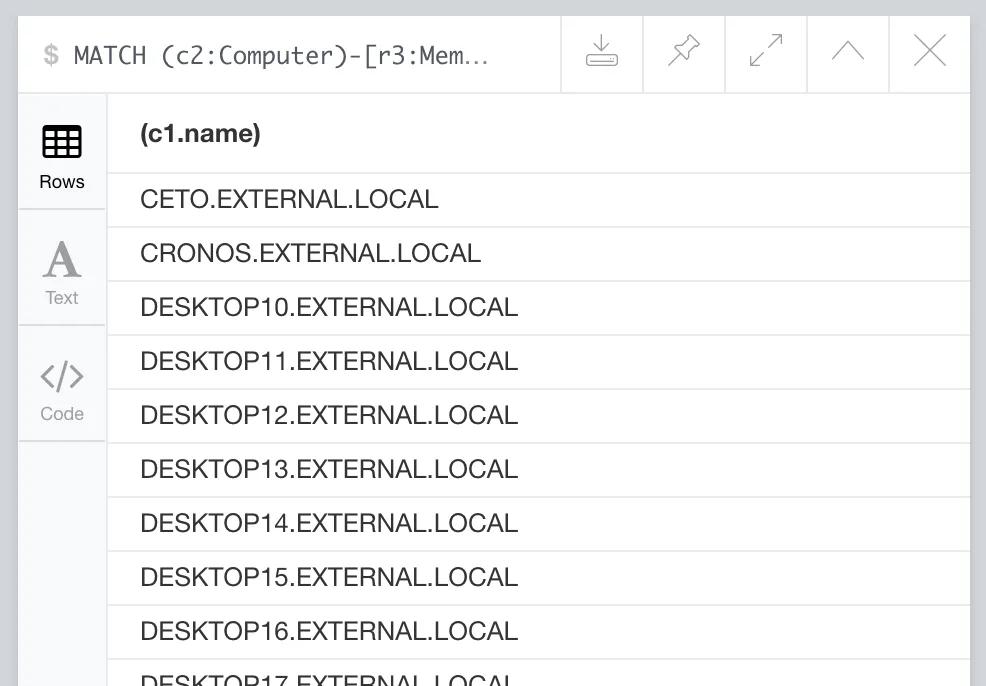
Or, we can instead return a set of paths and render those paths in the BloodHound UI:
// Find all systems DAs were logged onto that are NOT domain controllers, and return paths:MATCH (c2:Computer)-[r3:MemberOf*1..]->(g2:Group {name:’DOMAIN CONTROLLERS@EXTERNAL.LOCAL’})WITH COLLECT(c2.name) as domainControllersMATCH p = (c1:Computer)-[r1:HasSession]->(u1:User)-[r2:MemberOf*1..]->(g1:Group {name:’DOMAIN ADMINS@EXTERNAL.LOCAL’})WHERE NOT (c1.name IN domainControllers)RETURN p
In Cypher, we can efficiently remove those edges by modifying the original query, this time to delete the offending edges. At this point you may want to create a copy of the graph database so that you can go back to the original copy if necessary:
// Remove any DA user sessions where those sessions are on any computers that are NOT domain controllers.MATCH (c2:Computer)-[r3:MemberOf*1..]->(g2:Group {name:’DOMAIN CONTROLLERS@EXTERNAL.LOCAL’})WITH COLLECT(c2.name) as domainControllersMATCH (c1:Computer)-[r1:HasSession]->(u1:User)-[r2:MemberOf*1..]->(g1:Group {name:’DOMAIN ADMINS@EXTERNAL.LOCAL’})WHERE NOT (c1.name IN domainControllers)DETACH DELETE r1
As mentioned in the first blog post, we want to automate “Phase 2: Analyze Attack Paths” as much as possible, as this phase is currently highly manual and tedious. Inspiration can be found in John Dunagan, Alice Zheng, and Daniel Simons’s seminal white-paper on Heat-Ray, where they described a machine learning approach for automatically presenting an analyst with a prioritized list of remediation actions for eliminating identity snowball attack paths in Active Directory. We’re also continuing to work on automating the analysis phase without a complete machine learning model and approach.
With these blog posts, we hope to inspire others to use the analytics we’ve described, but also to discover their own interesting insights and analytics (and hopefully share them, too!).
If you have any questions about the resilience methodology, please don’t hesitate to contact me at andy@specterops.io, or join us in the BloodHound Slack, where the community of over 1,200 users is always happy to help: http://bloodhoundgang.herokuapp.com
Post Views: 619
此内容由惯性聚合(RSS阅读器)自动聚合整理,仅供阅读参考。 原文来自 — 版权归原作者所有。