


We’re excited to release the third release candidate of GIMP version 3.2! It contains a number of bug fixes and final polishes as we prepare the first stable release of GIMP 3.2.
This release represents the completion of nearly a year’s worth of development and design work, as well as our GIMP 3.2 roadmap. The complete changelog can be found in our NEWS section of the repository.
We hope for this to be the final release candidate before the first stable release, so we ask for your help in testing and reporting any remaining bugs you encounter.
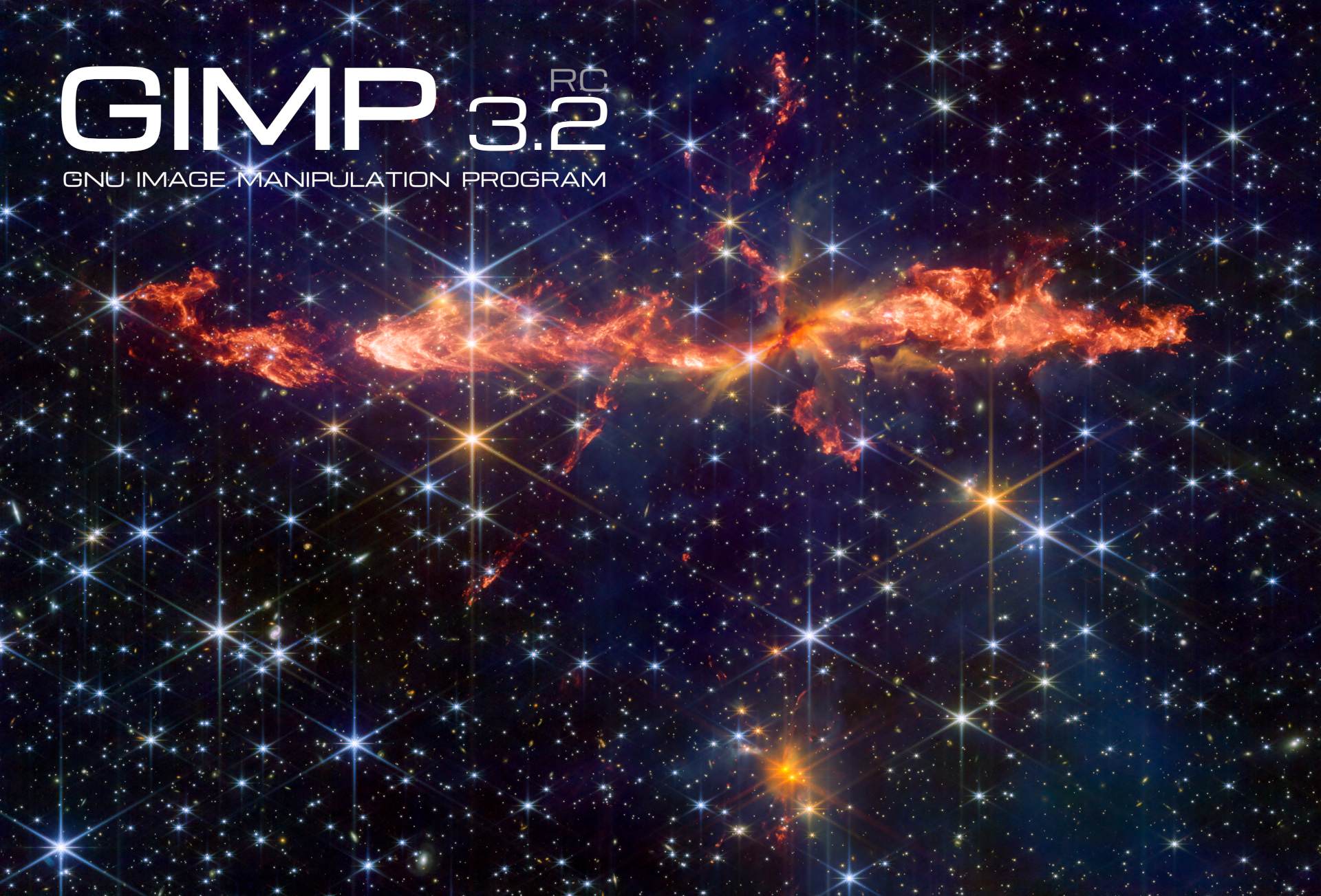
Dr. Mark McCaughrean has graciously created a third splash screen for this release (see image at the top) based on his processed photograph of the “Dragon Jet” HH288 protostellar outflow system.
We are deeply grateful to Dr. McCaughrean for the three splash screens he has created for the 3.2 release candidates. It will be tough decision to select the one to use for the final GIMP 3.2!
GIMP 3.2 has three kinds of “non-raster” layers - the new link and vector layers in addition to the existing text layers. A lot of behind-the-scenes work has been done by Jehan to standardize how all of these layer types handle “destructive” actions, such as painting and merging down layer masks. You should now be better protected from accidentally altering these layers destructively, unless you intentionally rasterize them (and if you change your mind, you can easily revert that process to restore the original layer).
As a result of this work, we also have a small new feature. Previously, you could drag and drop a color swatch on a text layer to change its color. Alx Sa extended this behavior to vector layers - now you can drag either a color or pattern swatch to change its fill!
As part of Jehan‘s continued work to improve GIMP’s color correctness, the Levels, Curves,
Equalize, and White Balance filters now default to Linear precision while allowing for other
color precision modes to be set. This fixes several inconsistencies in how these filters operate in
both the GUI and via scripting.
We’ve refined the logic of when the Welcome Dialog appears on start. If you intentionally open GIMP with an image (either by dragging and dropping it or opening via the command line), the Welcome Dialog will no long appear in front of the image. The only exception is the first time you open GIMP after an update, so you can see what has changed.
Alx Sa reordered the Hue Saturation GUI so that the Lightness slider is placed below the Saturation slider. While this is a small fix, it standardizes the order with all other places in GIMP where we have HSL settings.
The Flip tool can now be controlled with arrow keys, similar to the Move and Rotate transformation tools. When the Flip tool is selected, you can use the Left and Right arrows to flip the image horizontally, and the Up and Down arrows to flip it vertically.
The Shear tool can also now be adjusted with the
arrow keys. Use the Left and Right arrows to shear your image horizontally, and the
Up and Down arrows to do the same vertically.
Like the Move tool, you can hold down Shift to shear with a larger value.
The GIMP_ICON_TEXTURE pattern has been removed from the background of the Navigation and
Selection dockables. This should remove a source of visual irration from those dockables in dark mode.
The Delete button in the Layer dockable will now delete only the layer mask if it is selected, instead of always deleting the layer.
Jehan has refined the logic for color selection so that it is not impacted by the image when that wouldn’t make sense in context. For instance, you can now use the full color palette to set Grid colors, even if you’re working on an indexed image with a limited palette.
The Crop Tool now automatically adds transparency to a layer if you set it to fill with transparency and make a crop that’s larger than the current layer. Thanks to Michael Schumacher for the initial UX report!
Jacob Boerema adjusted our GUI code to prevent overly wide dialogs in places like the image export comment field and the Image Map guide pop-up.
Denis Rangelov added initial support for using the Global Menu on flatpak. You’ll need to set the GIMP_GTK_MENUBAR
variable inside the Flatpak environment
(as noted here) to use it for now.
The DDS plug-in now supports exporting in BC7 format, as a complement to the BC7 import support added in GIMP 3.0. We use the bc7enc_rdo library developed by Rich Geldreich for the conversion.
We fixed a bug in the JPEG 2000 export process which was causing the quality setting to be lower than what OpenJPEG allowed. This fix gives you more fine-grain control of the image export quality.
New contributor Waris Maqbool improved our support for importing Luminance/Chroma OpenEXR images. Previously we only imported the grayscale luminance channel, but thanks to their efforts we now also support the YR and YB color channels.
You can now import palette swatches from the Procreate art program. This support was added by our resident file format fan Alx Sa after seeing a teammate use it during the Global Game Jam and finding that they couldn’t open the palette in GIMP!
We improved our existing support for this palette format by adding any attached color profiles to the imported palettes.
Longtime contributor Michael Schumacher has made several improvements to our XMC plug-in. In addition to updating several aspects and fixing warnings, he has also added protections to prevent it from modifying layer names in the original project when exporting as XMC.
We improved the code for Lossless WebP export to ensure that some of the “lossy” settings defined in the GUI didn’t impact the lossless image quality.
Anders Jonsson has corrected the default color in the Fog filter for linear color conversion.
Bruno Lopes fixed a regression in our Camera RAW plug-ins that caused them to not work on macOS.
Sample Point modes are now correctly copied over when duplicating an image.
programmer_ced improved our flatpak build to use HOST_XDG_CONFIG_HOME for its configuration location. This should
make it more intuitive for flatpak users to find where to put third-party plug-ins and where to retrieve various settings.
Alx Sa upgraded the Histogram Editor. It can now handle pixel counts for much larger images - in theory, up to both widths and heights of 4 billion!
Jacob Boerema fixed a bug on Windows where Gradient Flare presets wouldn’t be loaded.
The Round Corners filter now uses your current background color for the fill, instead of always using the default color.
Anders Jonsson diagnosed and fixed an issue with the alignment of our transform anchor points GUI in the System theme.
We made a number of fixes to non-destructive filters, especially related to the scaling and cropping of Render style
filters. New contributor balooii fixed a bug that could occur when undoing filters applied to individual channels.
Jehan corrected a bug where the pressure curve did not show in the input device manager on certain platforms.
New contributor Kaushik B fixed a bug that caused warnings in plug-ins when creating number input buttons with small min and max ranges.
.dmg and Windows installer; and sturdier .appimage¶Noticeable improvements have been made to our macOS package. In short,
Bruno Lopes designed a custom icon for the mounted .dmg on the desktop.
He also scripted the generation of custom .dmg background matching the
splash screen for each release.
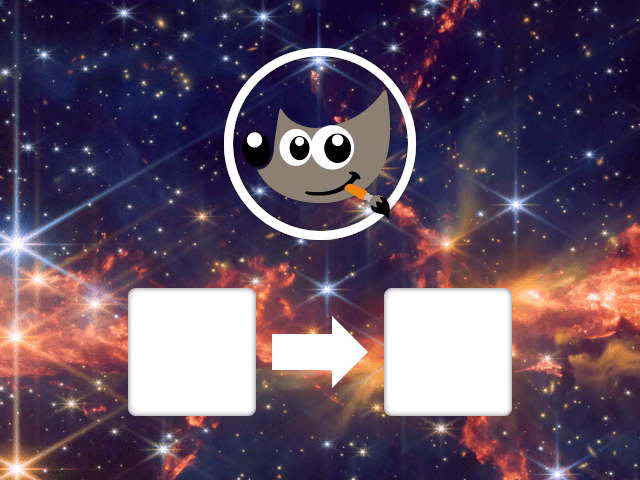
Similar scripts were made for the Windows installer which will also feature part of the splash image, automatically extracted at build time.
Also, some important fixes have been made by Bruno to our AppImage package.
It should work again on AArch64 (it stopped working after our move to Debian 13),
and support for third-party plugins (built for Debian 13) is hopefully fixed.
Thanks to work by Alx and Jehan, the Curve-Bend plug-in can now be used in scripts via its individual
parameters as listed in the Procedure Browser.
Previously, you needed to use a generic settings-data which combined several parameters in a single
string. Both methods will work until GIMP 4, at which point we’ll retire the settings-data parameter.
The GimpColorScales and GimpColorSelect widgets are now introspectable, which means you can use their public functions in your plug-ins and scripts.
We’ve added gimp_config_get_xcf_version () and gimp_config_set_xcf_version () functions. These
can be used when saving XCFs to target a specific version. Currently, we use this feature in GIMP to
decide whether to save colors as the older GimpRGB format or the new colorspace-aware GeglColor.
Ondřej Míchal has improved the logic for setting bounds for integer-type GimpSpinScales.
As we continue to expand the GimpDrawableFilter API, we’ve marked a number of gimp_drawable_* ()
functions as deprecated. They will stay available until GIMP 4, but we recommend moving your filter code
to use the GEGL filters directly instead of the older, dedicated wrapper functions.
You can now create GimpCurve objects in plug-ins.
This allows you to add gimp:curves filters to layers and layer groups.
As a result, we’ve deprecated gimp_drawable_curves_explicit () and gimp_drawable_curves_spline ()
since they can be replaced with the Curve filter directly.
This work was done by Jehan and Alx Sa.
Here is an example of applying an inverted gimp:curves as non-destructive
filter, on the blue channel in non-linear space, through the Python binding:
c = Gimp.Curve.new()
c.set_curve_type(Gimp.CurveType.FREE)
x = 0
while x <= 1.0:
  c.set_sample(x, 1.0 - x)
  x += 1 / c.get_n_samples()

filter = Gimp.DrawableFilter.new(layer, "gimp:curves", "")
config = filter.get_config()
config.set_property("curve", c)
config.set_property("channel", Gimp.HistogramChannel.BLUE)
config.set_property("trc", Gimp.TRCType.NON_LINEAR)
layer.append_filter(filter)
This release also contains fixes for possible exploits in some of our file loading plug-ins. We appreciate security reports from the Zero Day Initiative and individuals such as JungWoo Park and wooseokdotkim, and the work of developers like Jacob Boerema to patch them. The fixes include those for:
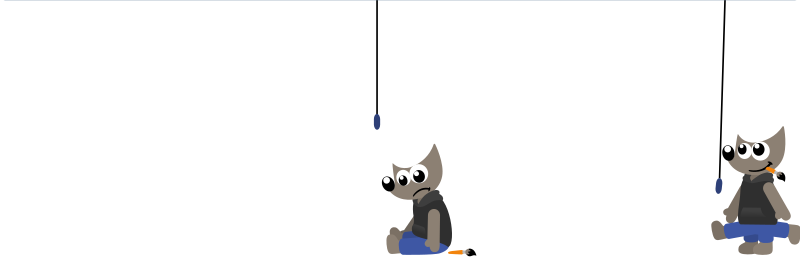
If you ever encountered a 404 Missing Page error on our website, you would have noticed our cute Wilber animation! This was work by the animation film director Aryeom, created as a hand-made SVG+SMIL animation by Aryeom and Jehan back in 2016.
As our logo design was updated in GIMP 3 (which by the way is also work by Aryeom, with feedback by the whole team), a refresh to this animated SVG, using the new Wilber, has been initiated by Bruno Lopes. Additional refinements were made by Aryeom Han and Jehan.
Since we hope you won’t normally see this page (and if you do, please report the broken link), here’s what it looks like (if you missed it, force-refreshing the page should work, or just go to any non-existing page to see the animation in proper context):
We have a new Cornish translation of GIMP, provided by Flynn!
Core team member Anders Jonsson got added to the i18n coordination team in GNOME Translation Project. He immediately sought to fix some of our longstanding bugs on the localization infrastructure. He is now starting to work on a working procedure for handling new language coordinators.
We are once again participating in the Google Summer of Code. This is an opportunity for potential new contributors (of any age!) to work with us to develop a new feature for GIMP. We have a list of suitable projects, but you are welcome to propose your own idea. Please reach out early so we can get to know you beforehand!
Since GIMP 3.2.0 RC2, in the main GIMP repository:
38 people contributed changes or fixes to GIMP 3.2.0 RC3 codebase (order is determined by number of commits; some people are in several groups):
Contributions on other repositories in the GIMPverse (order is determined by number of commits):
gimp-macos-build (macOS packaging scripts) release had 22 commits by 2 contributors: Lukas Oberhuber, Bruno Lopes.Let’s not forget to thank all the people who help us triaging in Gitlab, report bugs and discuss possible improvements with us. Our community is deeply thankful as well to the internet warriors who manage our various discussion channels or social network accounts such as Ville Pätsi, Liam Quin, Michael Schumacher and Sevenix!
Note: considering the number of parts in GIMP and around, and how we
get statistics through git scripting, errors may slip inside these
stats. Feel free to tell us if we missed or mis-categorized some
contributors or contributions.
You will find all our official builds on GIMP official website (gimp.org):
Other packages made by third-parties are obviously expected to follow (Linux or *BSD distributions’ packages, etc).
There is no development release for the manual, but you can continue to use the existing GIMP 3.0 documentation.
Notes: packages on the Microsoft Store and Snap Store may be delayed as we wait for validations.
We nearly thought that the RC2 would be the last release candidate, but it turned out we found more things we were not really happy with, for a stable version. And the more we fixed, the more it became clear that a RC3 was needed.
We are now in a state where we feel happy again. Of course, there are some things we would like to spend more time on, but we have to stop somewhere. Hopefully you will think the same! So as usual, we are calling for everyone to massively test this version 3.2.0 RC3. Please everyone, test and report any issue you find!
Depending on the testing feedback, we may get GIMP 3.2.0 out very soon!
Don’t forget you can donate and personally fund GIMP developers, as a way to give back and accelerate the development of GIMP. Community commitment helps the project to grow stronger!
此内容由惯性聚合(RSS阅读器)自动聚合整理,仅供阅读参考。 原文来自 — 版权归原作者所有。