






PostHog 1.22 is out with awesome new features, usability and performance improvements, and the usual bug squashing.
The community MVP for PostHog 1.22.0 is oshura3, who did a thorough review and edit of our website content and continues to be active in design and marketing discussions.
Anyone can contribute to PostHog and open source, whether it's code, copy, design or discussion. We're delighted that our community are so passionate that they even share PostHog with their family ;)
Thank you oshura3, we look forward to collaborating with you more!
In this release:
If you're self hosting PostHog, make sure you have your app server up and running by looking at the color of the middle circle on the top left of the PostHog UI.
If it is running, you'll see a green checkmark, and hovering over it will give the message "All systems operational", like so:

From this release (1.22.0) onwards, if your app server is not running, this circle will turn amber. You can click on the server to verify if your app server is indeed the problem.
Important: next release we will move all our event ingestion to the app server, meaning that you will not be able to ingest events if your app server isn't running.
If you're self-hosting and want to upgrade for a better experience and new features, remember to update your PostHog instance.

Before this release bar charts were time-based, which meant that if you had multiple graph series (values), they would all be stacked into one bar for each time period.
We now support two different types of bar charts! When selecting a chart type, you will see the options 'Time' and 'Value' under 'Bar Chart'. Selecting 'Value' will give you the view from the image above, where each graph series is represented in a separate bar, with the value consisting of the aggregate value for the time period specified.

PostHog now automatically sets user properties from UTM tags. You can now filter and create cohorts of users much more easily based on what campaign, source, or medium brought them to your product or landing page. This is a big feature for us as it gives our users an automatic way of connecting marketing and product to have a more complete view of your business. We're very excited for our community to start using this feature and extending it through apps.

Writing complex filters is now easier than ever before. You can now select multiple values for Equality Filters instead of just one - this will simplify filter creation and debugging and just save people a lot of time!

It's now easier to work through your key metrics in Dashboards:

The UI of our person pages just got a whole lot better! As is often the case with our larger features, this isn't news to all of you. We had this behind a feature flag and have now decided to roll it out for everyone.
Now you can visualize user properties alongside a user's events, and most of the context you need on a person is available to you in a sleek UI without you needing to scroll.
Oh, and the code got much better as a result too...

The event properties $set and $set_once can now be used on any event to set properties directly to the user associated with that event.
Previously, this would only work on $identify events, making it so that you needed to call multiple methods in order to send an event and set user properties based on the same data. But now, you can do it all in one, as shown in the image above.

Our users requested a way to measure the time passed between certain events, and this is it!
By installing the Event Sequence Timer, you can specify as many sets of events as you want and the app will track the time between them, either using a first touch or last touch mechanism.
It will then add a property to your events that allows you to easily build visualizations in PostHog of the average, minimum, and maximum time between events, as well as all the other mathematical operations we support.

The new Property Flattener allows you to convert event properties contained in a nested structure into a flat structure, allowing you to set filters based on the nested properties.

If you're a user of PostHog Cloud, we now autofill your Project Token and API Host automatically in the Docs for you, meaning you can copy-paste snippets and use them directly with no manual changes!
This key will be based on the last project you used in PostHog, and you can check what project that is by simply hovering your cursor over the highlighted key.
We'd love to hear anything you have to say about PostHog, good or bad. As a thank you, we'll share some awesome PostHog merch.
Want to get involved? Email us to schedule a 30 minute call with one of our teams to help us make PostHog even better!
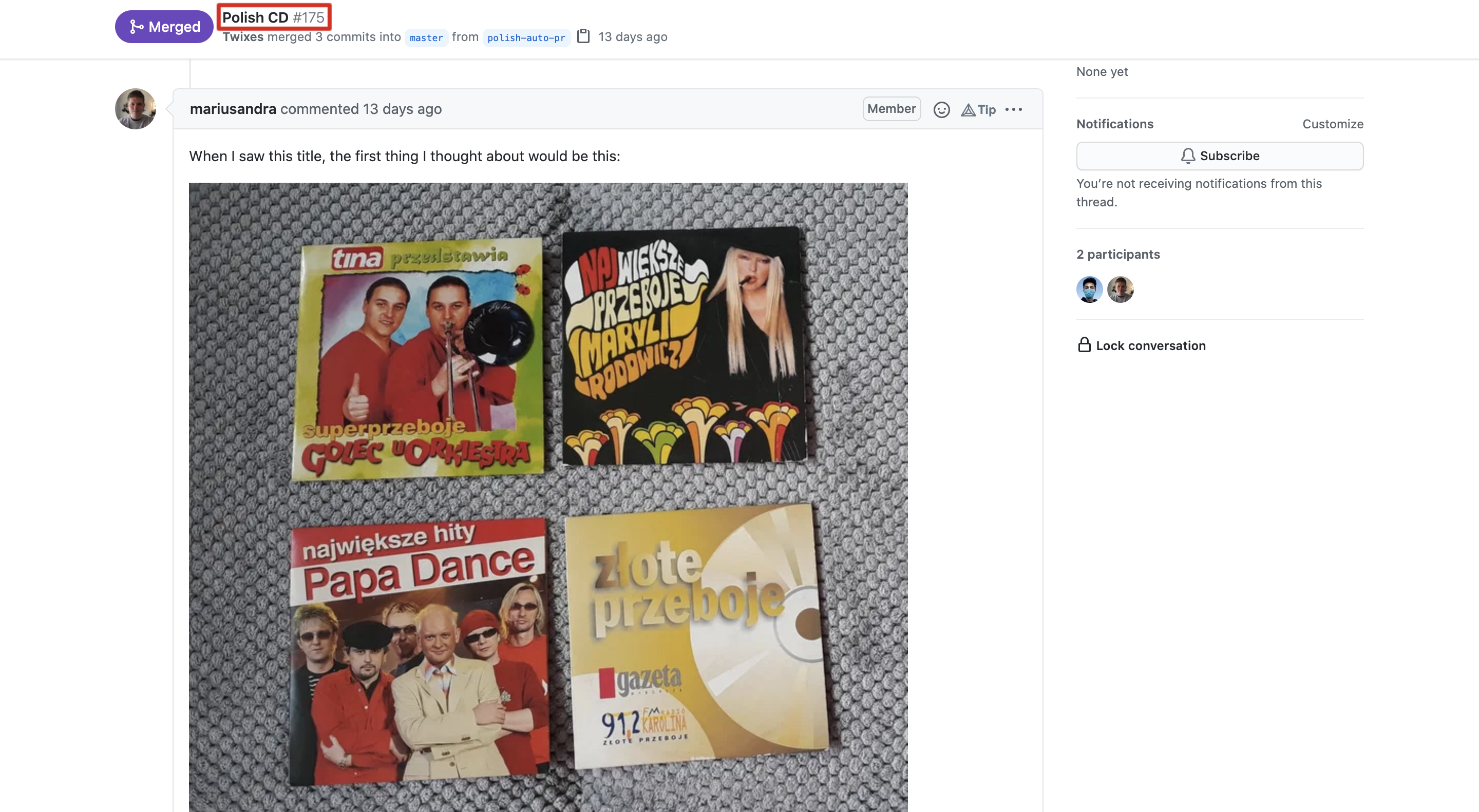
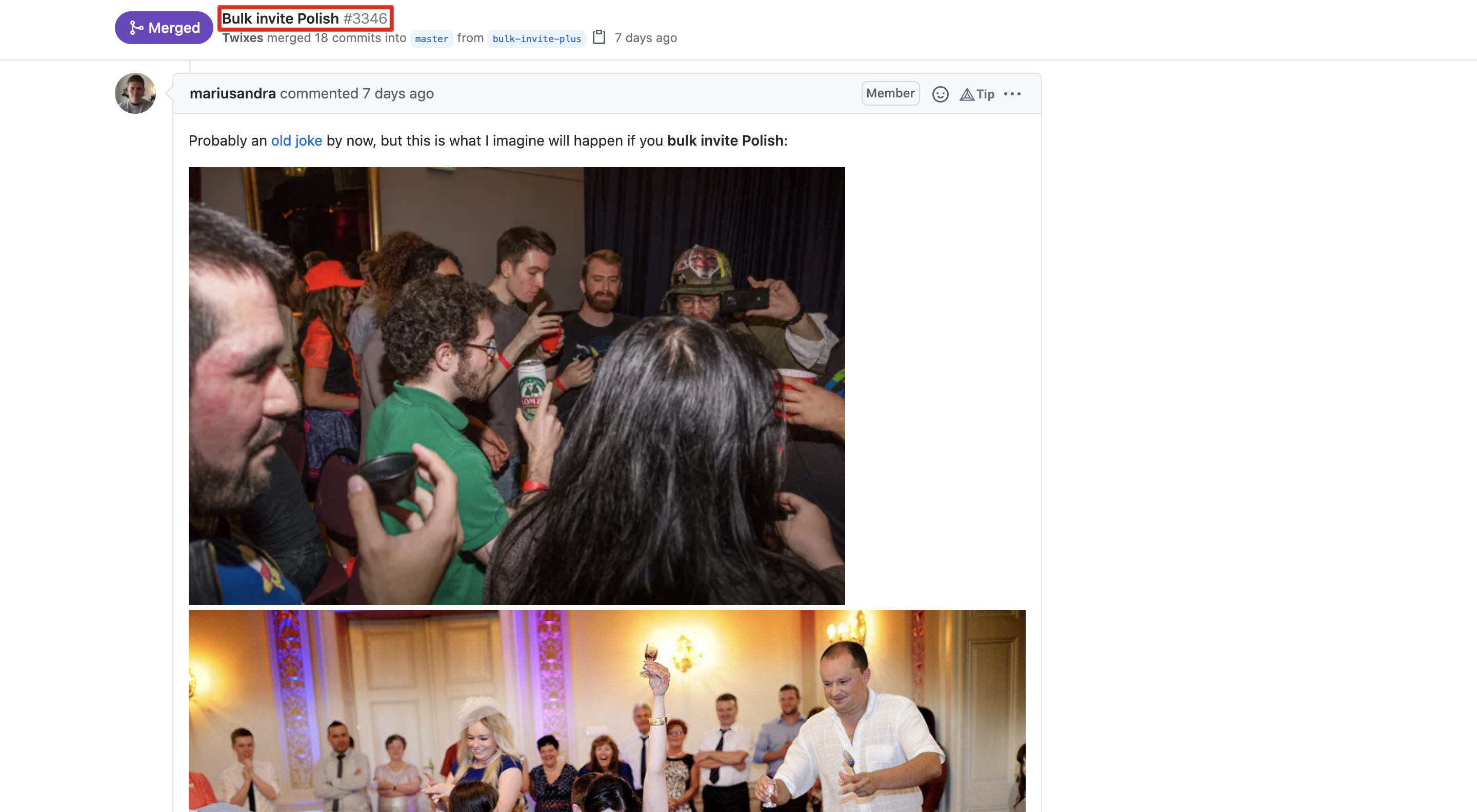
On the rare occasions that our M² team (Michael & Marius) is not found working hard (and oftentimes late) on our app server, they can be found taking the names of Pull Requests out of context:
Kunal has joined us as our first Growth Engineer, and he's already been making a solid impact. Kunal is a startup vet, who started out as a developer and now works on growth, being passionate about building the right product experience to drive the most value.
He sent shockwaves across the company by claiming that pineapple belongs on pizza... sometimes? Never before has the entire company disagreed with someone's stance on this sensitive topic.
Big thanks to the following members of our community who have contributed to PostHog over this release cycle:
Are you a Fullstack Engineer, Senior Engineer, Site Reliability Engineer, Sales Engineer, Product Marketer, or Content Writer?
Or perhaps you're not either but think you'd still be a good fit for PostHog?
In addition to the highlights listed above, we also merged a bunch of PRs improving PostHog's performance and fixing bugs:
Want to just try it already?
(Sorry for the shameless CTA.)
此内容由惯性聚合(RSS阅读器)自动聚合整理,仅供阅读参考。 原文来自 — 版权归原作者所有。