








We’re excited to announce that our newest PSPDFKit for Web release, version 2024.2, is setting the stage for the introduction of a new design system for our SDK products later this year. This release brings significant updates, including an existing icon redesign for the Web SDK user interface (UI), the important transition from the usage of iframes to the shadow DOM, and the implementation of Adobe-compatible tab key ordering. Without further delay, let’s dive into the details.
This release introduces a fresh set of icons for our Web SDK, aligning their design with those we previously launched for the iOS and Android platforms. This means if you’re aiming to deliver a truly cross-platform experience, you’ll now find consistency not just in functionality but in design as well.
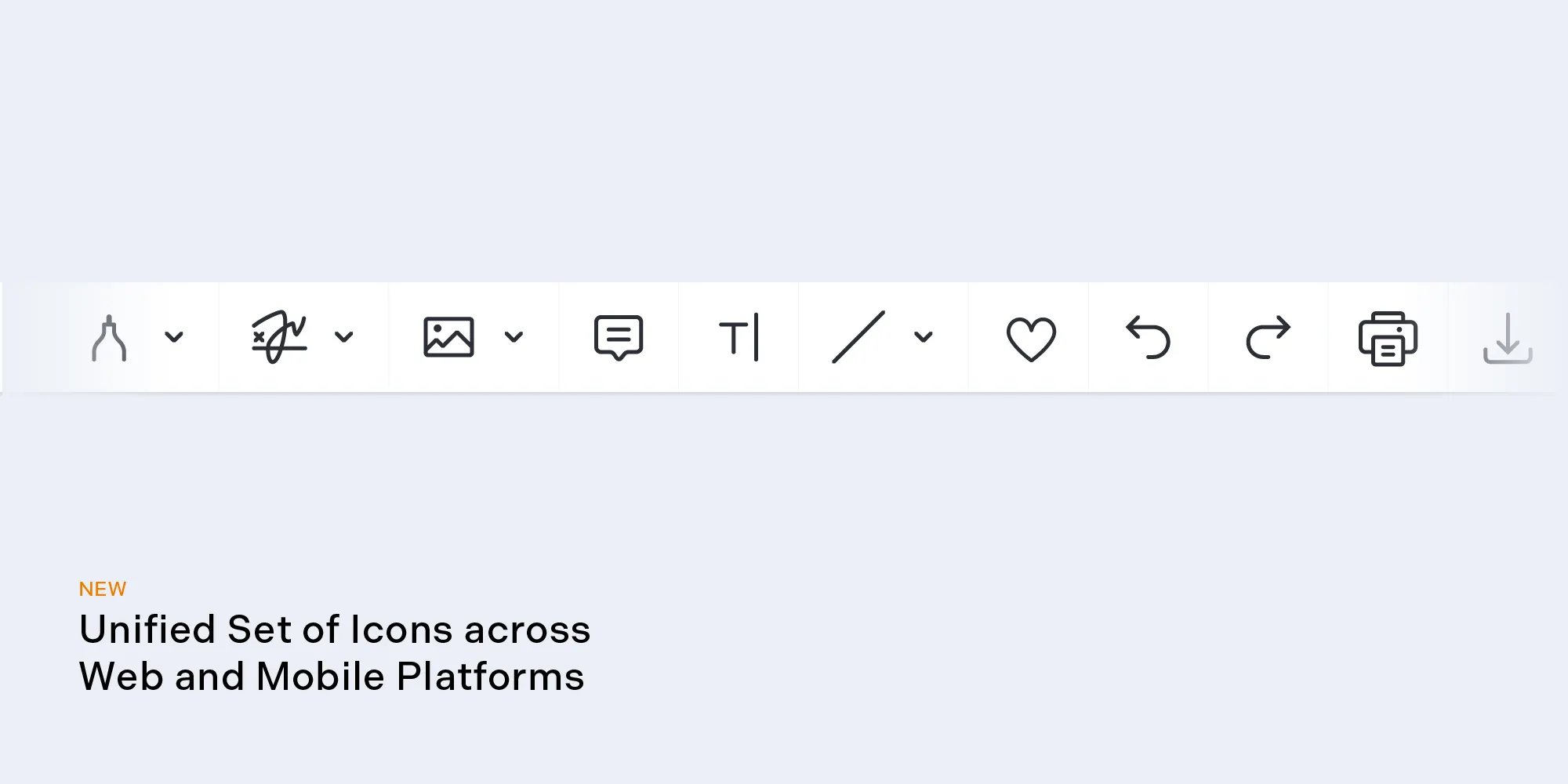
The updated UI icons have been simplified for clarity: They’re cleaner, more straightforward, and, frankly, more visually appealing (and we believe it’s more than just a matter of taste). Unlike the previous set, which utilized multiple levels of opacity, the new icons feature a single, full opacity. This change simplifies color customization, allowing for adjustments in just one step.
Overall, these icons have been refined for greater clarity and offer a more cohesive visual experience.
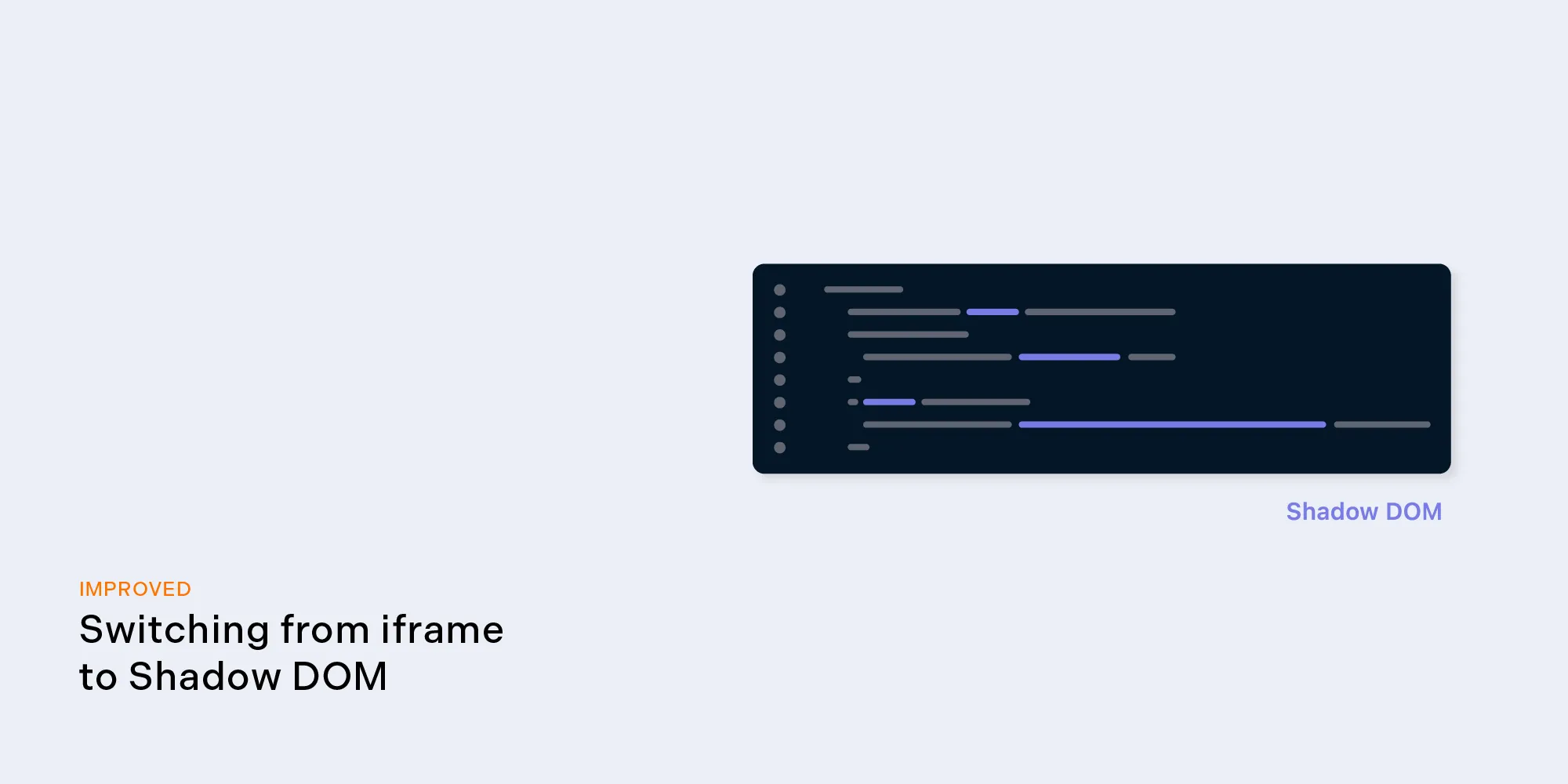
Using the inline frame (iframe) tag for embedding content was, for a long time, our standard in the Web SDK, as it enabled customers to add document content and UI elements directly to an HTML page. Yet this approach has considerable downsides, as iframes can slow apps, hinder accessibility for those using assistive technologies, complicate development, and affect overall user engagement.
To tackle these issues, we’ve adopted the shadow DOM in our Web SDK, offering a better alternative to iframes. The shadow DOM encapsulates styles and markup in web components, enabling a secure and efficient integration of complex UIs.
This move offers several benefits. It:
Transitioning from iframes to the shadow DOM addresses these challenges head-on, establishing a new web development standard that focuses on performance, accessibility, and efficiency.
Navigating PDF documents with the tab key should be a smooth journey, reflecting the logical order of content. However, when the tab order doesn’t align with a document’s structure, it disrupts the reading flow and accessibility, making it challenging for all users, especially those using assistive technologies.
Recognizing the importance of WCAG compliance and the need for improved document navigation, we’re introducing customizable tab ordering. This feature allows you to configure the tab order by any sequence to match your document’s logic, enhancing accessibility and user experience.
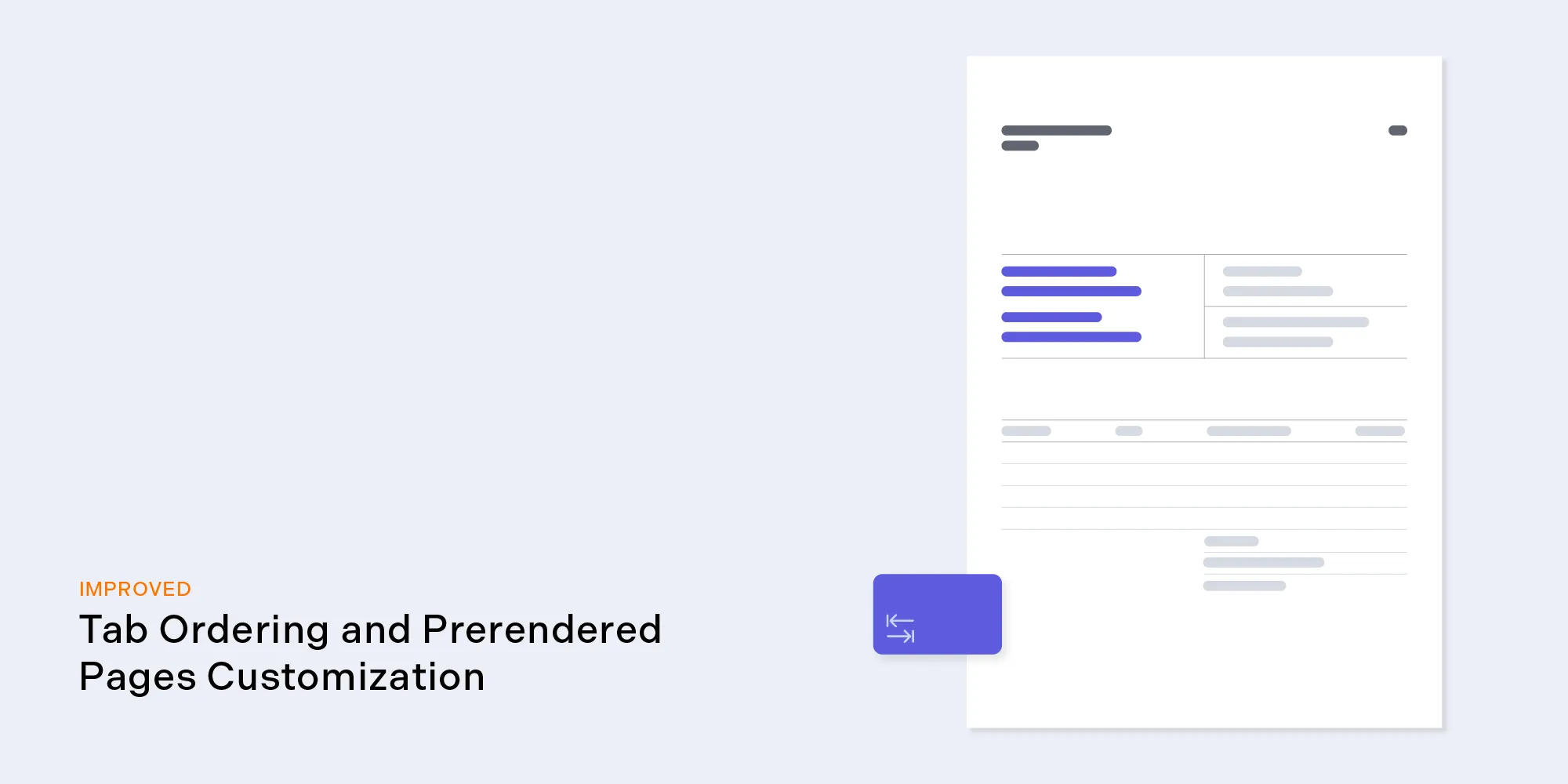
On another note, the experience of opening a lengthy PDF only to encounter blank pages while it loads is a common frustration. To address this, we’ve implemented a feature that lets you set the number of pages to prerender before a document opens, be it 3 or 50 pages. This ensures immediate access to content, in turn improving the user experience, especially for shorter documents, where users expect quick, full access upon opening.
However, we recommend using this feature for relatively short documents. If you plan to prerender dozens of pages, consider the time users will spend waiting for the document to open.
By combining these two aforementioned enhancements — customizable tab ordering and prerendered page customization — we’re streamlining PDF navigation and accessibility, ensuring a more efficient and user-friendly experience. These updates reflect our commitment to listening to user feedback and continuously improving our services to meet your needs.
This update marks a significant stride toward a comprehensive design system overhaul slated for later this year. Our vision is to empower you with fully customizable user interfaces, giving you complete control over the look and feel of your UI. We’re dedicated to continually enhancing our platform, focusing on improving accessibility, and offering more flexible rendering options to meet all your unique needs. Keep an eye out for more exciting developments coming your way!
For a full list of features and improvements included in this release, please refer to the PSPDFKit for Web 2024.2 changelog and the migration guide. And, as always, don’t hesitate to contact us if you have any questions or feedback.
此内容由惯性聚合(RSS阅读器)自动聚合整理,仅供阅读参考。 原文来自 — 版权归原作者所有。