









Table of contents
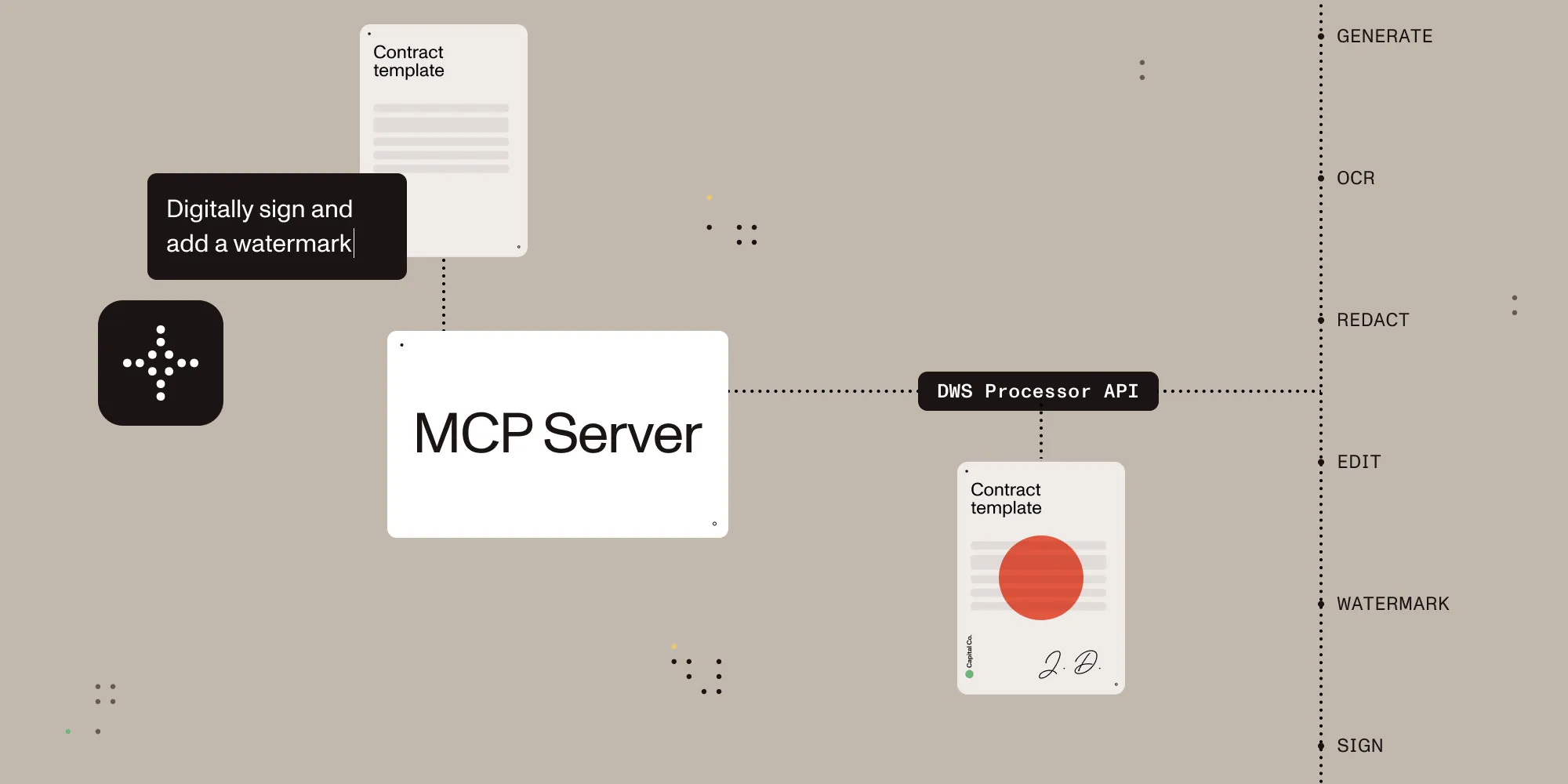
After countless brainstorming sessions — sprinkled with midnight snacks and notebook scribbles — we’re thrilled to jump on board the MCP Server train with our own open source solution!
TL;DR
MCP + Nutrient DWS Processor API(opens in a new tab) = document processing, editing, conversion, and signing capabilities using natural language — a powerful combination!
What is Nutrient DWS MCP Server?
Nutrient DWS MCP Server is an open source solution that allows you to process documents using natural language. By connecting Nutrient DWS MCP Server to your favorite MCP client (like Claude Desktop(opens in a new tab)), you can:
- Batch process documents using natural language. Just watch and wait… or make a coffee.
- Avoid writing scripts or glue code to handle your document processing needs. Just ask in plain language.
- Access document processing features that are often difficult to find or are buried inside expensive software.
Features overview
| Feature | Description |
|---|---|
| Document creation | Merge PDFs, Office documents, and images |
| Editing | Watermark, rotate, flatten, redact, and more |
| Format conversion | PDF ⇄ DOCX, images, PDF/A support |
| Digital signing | Add PAdES standards-compliant digital signatures using trusted certificates |
| Data extraction | Extract text, tables, or structured content |
| Security | Redaction presets, password protection, permission control |
| Advanced OCR | Multi-language image and scan recognition |
| Optimization | Compress files without quality loss |
Getting started with Claude Desktop and Nutrient DWS MCP Server
Get started with Nutrient DWS Processor API today and receive 50 free credits monthly! Perfect for watermark-free document processing targeting many use cases.
- Get a Nutrient DWS API key: Sign up at nutrient.io/api(opens in a new tab).
- Download Claude Desktop: If you haven’t already, download Claude Desktop(opens in a new tab) and sign in.
- Install Node.js: Install Node.js on the command line with a package manager like brew (
brew install node). - Configure Claude: Add your API key and set the directory you’d like to use as a sandbox in
claude_desktop_config.json(~/Library/Application\ Support/Claude/claude_desktop_config.jsonon macOS).
{
"mcpServers": {
"nutrient-dws": {
"command": "npx",
"args": [
"-y",
"@nutrient-sdk/dws-mcp-server",
"--sandbox",
"/your/sandbox/directory"
],
"env": {
"NUTRIENT_DWS_API_KEY": "YOUR_API_KEY_HERE"
}
}
}
}
- Restart Claude Desktop.
- Add documents for processing: Use any file manager to copy the documents into the sandbox directory set in the
claude_desktop_config.jsonfile above. - Process documents: Instruct Claude Sonnet 3.7 (e.g. “redact all PII from secret.pdf”, “sign the document contract.pdf”, “merge secret.pdf and contract.pdf together”).
All operations involve reading from and writing to files on disk. We strongly recommend using the sandboxed directory feature to enhance security and prevent data loss.
Nutrient DWS MCP Server has been tested with Claude Desktop. Other MCP clients may work, but results may vary. Additionally, it only works with macOS for now. Feel free to open an issue in the GitHub repository(opens in a new tab) if you’re interested in Windows support.
Use cases
Are you still unsure what you’d use Nutrient DWS MCP Server for? Here are a few ideas.
Contract automation and signatures
- Batch-sign or watermark contracts/NDAs with branding
- Merge scanned documents, flatten layers for archiving
- Auto-extract terms, amounts, or dates via OCR
Archival and compliance
- Convert PDFs to PDF/A for legal storage
- Redact PII with presets (emails, SSNs, credit cards)
- Watermark and prep board decks for upload
Content extraction and management
- Extract tables or text to CSV for analysis/import
- OCR from camera scans (receipts, business cards, notes)
- Automate optimization prior to archiving
To be honest, the possibilities are endless. The best way to see if it could work for you is to install Nutrient DWS MCP and ask Claude to do something with your documents.
FAQ
Why file-system-based? Direct binary transfers from the client aren’t yet supported in MCP (trust me I tried(opens in a new tab)), so clients such as Claude cannot send a file directly to an MCP server like Nutrient’s. We felt the sandbox is the next best option, and it enables the batch processing use case, which is a bonus!
Why open source? Flexibility and community contributions! Adapt it to your workflows, send PRs, and propose new features.
Feedback and contributions
We welcome your feedback, stories, PRs, and bug reports. There are likely many use cases we haven’t thought of yet, so dive into the code, submit an issue, or share your ideas. If you have questions, reach out to us — we’d love to hear from you!