









We’re excited to announce the release of PSPDFKit 13.2 for iOS. This release adds a more flexible and powerful API for advanced digital signatures. Alongside this, we’ve been making numerous improvements to our preview of PSPDFKit for visionOS.
This release features a simpler and more streamlined API for digital signatures. This new API makes it possible to sign documents with internationally recognized PAdES level B-B and B-T digital signatures.
PAdES level B-T builds upon the B-B (basic) level by adding a verified cryptographic timestamp token. This timestamp provides concrete proof of when a document was signed, in turn safeguarding its integrity.
See our FormDigitalSigningExample, FormCustomDigitalSigningExample, and FormDigitalSigningExampleCustomAppearanceExample examples from the FormExamples.swift(opens in a new tab) file in our Catalog example app(opens in a new tab) repository for a practical demonstration of the new API in action.
Visit our digital signatures guide for detailed information and instructions.
While our older signing APIs are still supported, they’ll be deprecated in a future release, and we encourage you to migrate to the new API and use it going forward to receive all the latest updates and security improvements. Our guide on migrating to the advanced digital signatures API provides comprehensive information and steps to facilitate the transition.
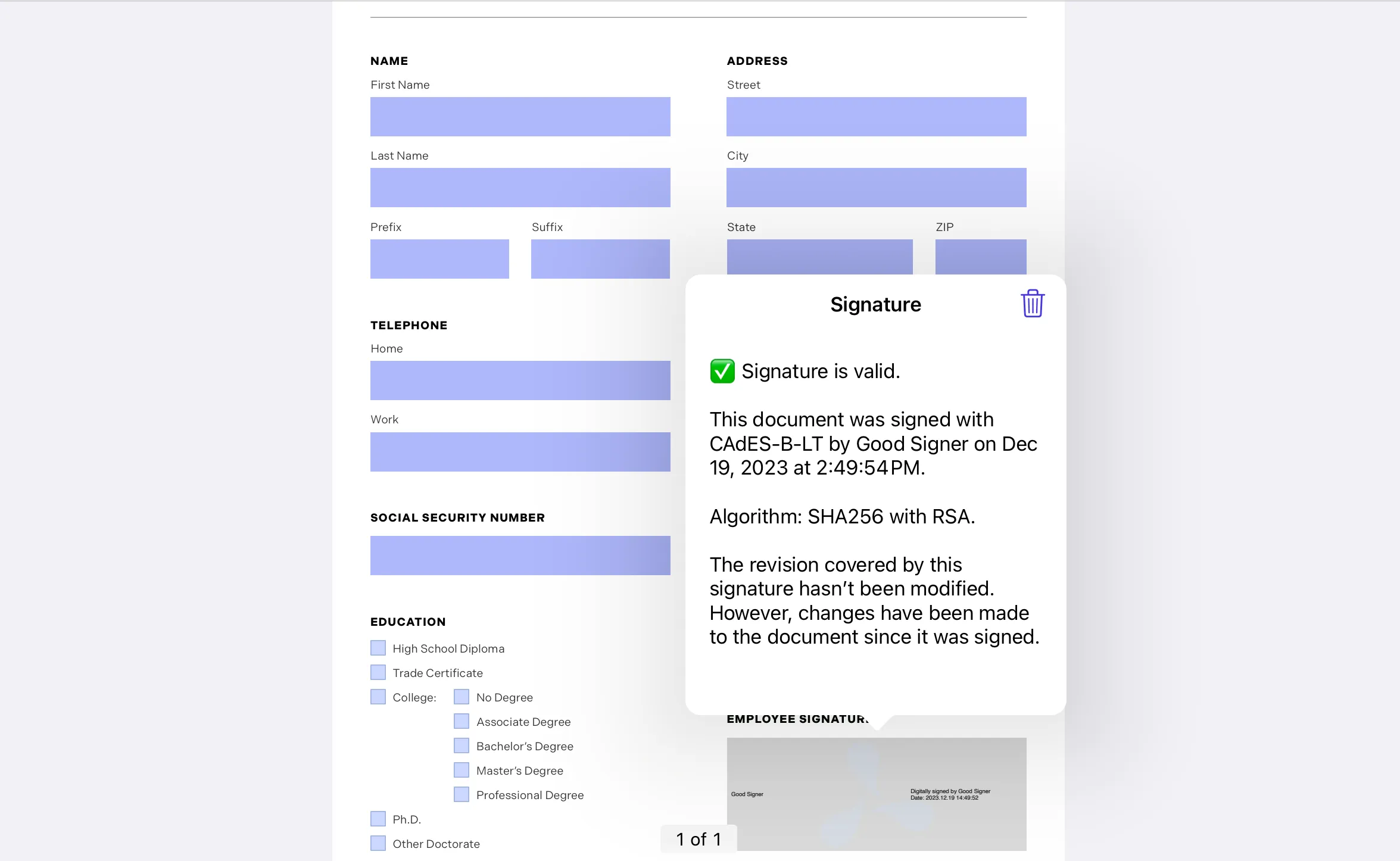
We believe this new API marks a step forward in simplifying and securing the digital signature process.
We previously announced the availability of PSPDFKit for visionOS as a public preview. We’ve been hard at work iterating on this, bringing our powerful PDF capabilities to Apple’s innovative platform. More specifically, we introduced numerous user interface (UI) enhancements to optimize document viewing and interaction on the visionOS headset.
On visionOS, PSPDFKit’s main toolbar, annotation toolbar, scrubber bar, and document editor toolbar are shown floating to the side as ornaments to provide an unobstructed view of the document pages. Hover effects have been carefully implemented across various UI components, providing visual cues and enhancing navigation. As you look at buttons, icons, and other interactive elements, they subtly respond, offering a more intuitive and engaging user experience.
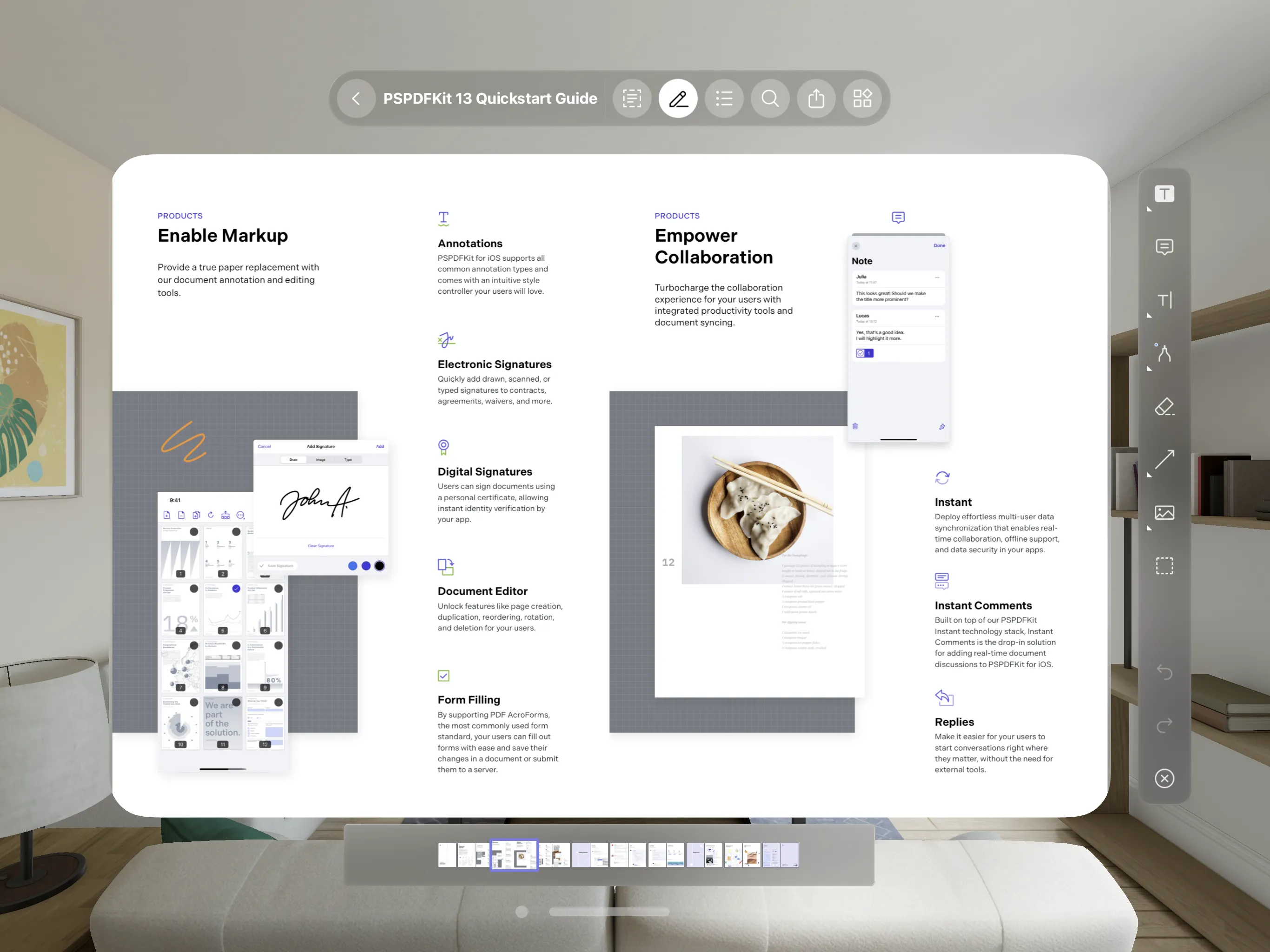
We’re committed to providing a best-in-class PDF experience on all platforms, including the cutting-edge visionOS.
For more information on the visionOS platform, see our blog post and getting started guide.
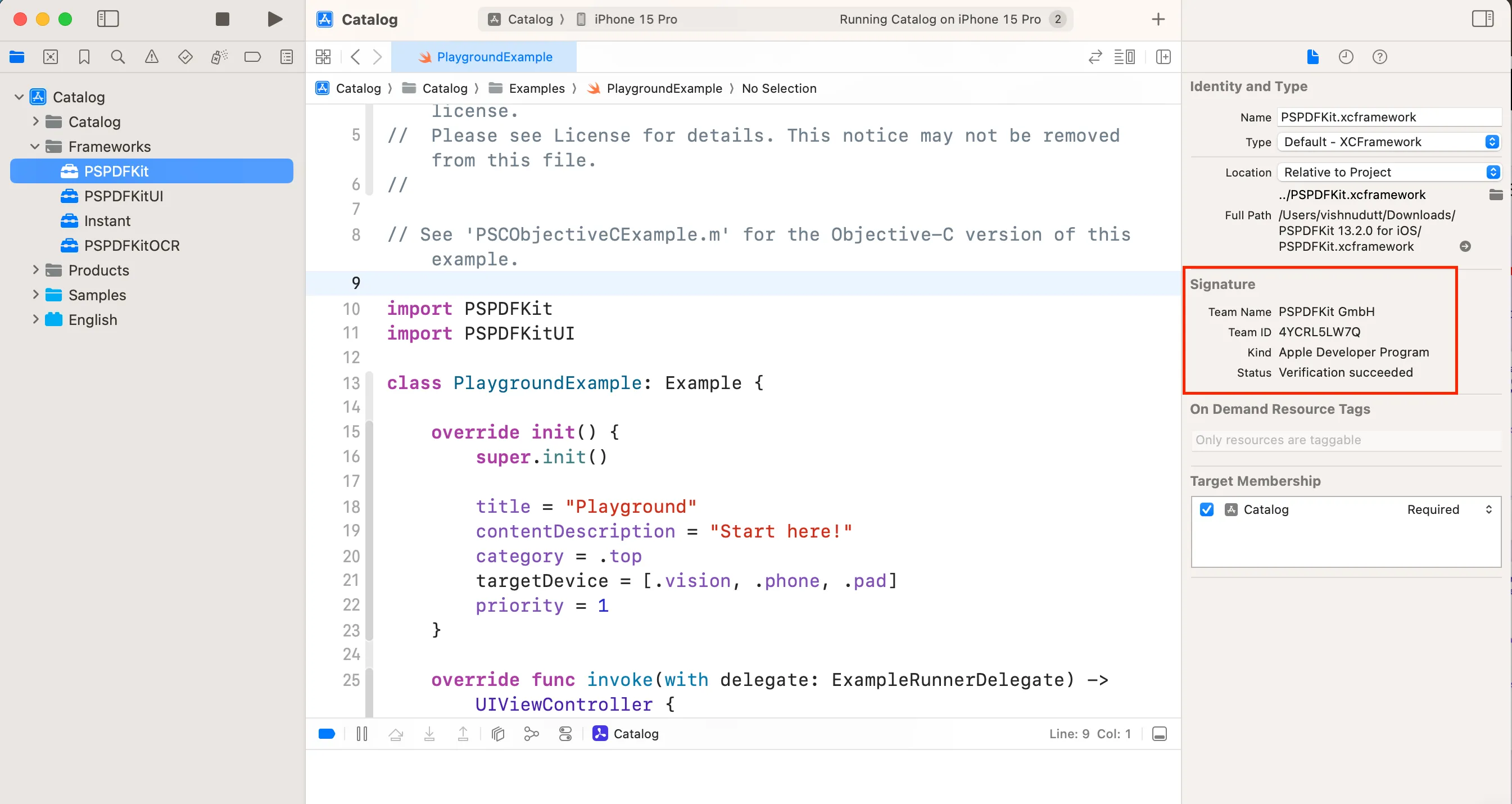
While we’ve been working on digital signatures to validate the origin and integrity of documents, in Xcode 15, Apple added the ability to use signatures to validate the origin and integrity of frameworks inside apps(opens in a new tab). This safeguards the SDKs we distribute, and it lets you inspect the signing identity of our frameworks. Starting with PSPDFKit 13.1 for iOS, we’ve been digitally signing all XCFrameworks we provide, allowing you to be confident that the framework has been provided by us and hasn’t been modified since we built it using Xcode’s dependency signature verification feature.
This release also includes further improvements, such as the addition of a UI to navigate to a specific page by entering a page number. The “go to page” UI appears when you tap the page label. This makes it easier to navigate to a specific page in a large document if you already know the page number. For a complete list of changes, check out the PSPDFKit 13.2 for iOS changelog.
此内容由惯性聚合(RSS阅读器)自动聚合整理,仅供阅读参考。 原文来自 — 版权归原作者所有。