






Summary
2025 marked Nutrient’s transformation from document tools to an intelligent platform. We brought AI Assistant to feature parity across iOS, Android, and all major frameworks, became the first vendor to achieve WCAG 2.2 compliance with PDF/UA support, expanded DWS with cloud-first infrastructure, and released our MCP Server as open source. Workflow evolved into a unified, document-centric automation system with AI at its core. Beyond the product, our team connected at Salesforce Demo Jams, conferences, and our Munich retreat while launching new content initiatives to spotlight the people behind what we build.
2025 was a transformative year for Nutrient. We evolved from providing document capabilities to delivering intelligence and inclusivity at scale. This year, we embedded AI across our entire platform, made accessibility foundational to everything we build, expanded our cloud infrastructure to remove barriers for developers, and opened our technology to the broader community. For a look at what we accomplished, keep reading.
In 2024, we introduced AI Assistant, but 2025 was the year we made it universal and embedded intelligence throughout the platform.
AI Assistant feature parity — We achieved full feature parity across iOS, Android, MAUI, Flutter, React Native, and .NET. Developers building on any platform now get the same AI capabilities, with no compromises based on their technology choices.
Multidocument intelligence — Users can now query entire document collections at once. Instead of opening files one by one, AI Assistant understands context across entire document libraries, answering questions regardless of which file holds the information.
AI-powered redaction — On DWS Processor API, our context-aware entity recognition goes beyond simple pattern matching. It understands what needs to be protected based on meaning, and not just keywords, making permanent redaction faster and more accurate.
AI text comparison — Rather than just highlighting changes, our AI interprets them, explaining what changed and why it matters. This capability — available when used in conjunction with Nutrient Web SDK — transforms document comparison from a visual task to an analytical one.
Flexible LLM integration — We built support for OpenAI, Azure AI, AWS Bedrock, and self-hosted models. Customers aren’t locked into a single AI provider — they choose and control how intelligence gets embedded in their workflows.
Customer spotlight: Harvey — Legal AI company Harvey scaled its document workflows using Nutrient’s SDK, enabling its platform to handle complex legal documents at scale while maintaining the precision its clients demand.
These updates positioned AI Document Processing not as a supplemental feature, but as a foundational layer across viewing, processing, and finalization workflows.
In 2025, we made accessibility a competitive advantage, not a compliance checkbox.
WCAG 2.2 compliance — Our Web Viewer SDK achieved WCAG 2.2 compliance with a validated VPAT 2.5 report. With new accessibility regulations taking effect globally in 2025, this positioned our customers to meet requirements while expanding their addressable markets.
PDF/UA auto-tagging — We implemented PDF/UA auto-tagging in DWS Processor API, Document Engine, and our Java SDK, ensuring documents are screen reader compatible from creation — not as an afterthought.
Baseline UI design system — We continued to evolve our Baseline UI design system with a strong emphasis on accessibility and adaptability. We introduced new components, expanded our theming capabilities, and steadily improved accessibility across different environments.
Preserved accessibility tags — Critically, accessibility tags are preserved during annotation operations, so documents remain usable throughout their entire lifecycle — not just at creation.
These updates meet compliance standards and ensure documents enable action for everyone, removing barriers rather than creating them.
We removed one of the most persistent barriers developers face: needing server-side capabilities without wanting to manage infrastructure.
DWS Viewer API launch — Developers now get server-side rendering without any infrastructure setup. Generate previews and thumbnails, or deliver optimized documents — all handled through API calls.
DWS Processor API — We created a true headless processing model — document in, processed document out. No managing servers, no scaling concerns, no infrastructure complexity.
Self-serve pricing plans — We launched self-serve pricing, including a free tier, making adoption frictionless. Developers can start in minutes, validate their use case, and scale when ready.
Digital signing service — Our digital signing service through DWS Processor API eliminated backend complexity for one of the most requested workflows.
Clear upgrade path — Start on shared infrastructure, scale to dedicated when performance demands it, or move to self-hosted when you need maximum control, all with no re-architecture required.
In 2025, we released our DWS MCP Server(opens in a new tab) under an MIT license, demonstrating our commitment to conversational document workflows.
The MCP (Model Context Protocol) Server is an MCP-compliant proxy that exposes all DWS endpoints to chat-based CLIs and IDEs. It integrates with Claude Desktop, Gemini CLI, and other MCP-compatible assistants, enabling natural-language document operations.
Instead of writing code to merge invoices, redact PII, or convert to PDF/A, developers just type what they need, and the documents respond.
By releasing it as open source on GitHub, we invited the community to audit, extend, and build upon it, furthering our commitment to transparency and collaboration.
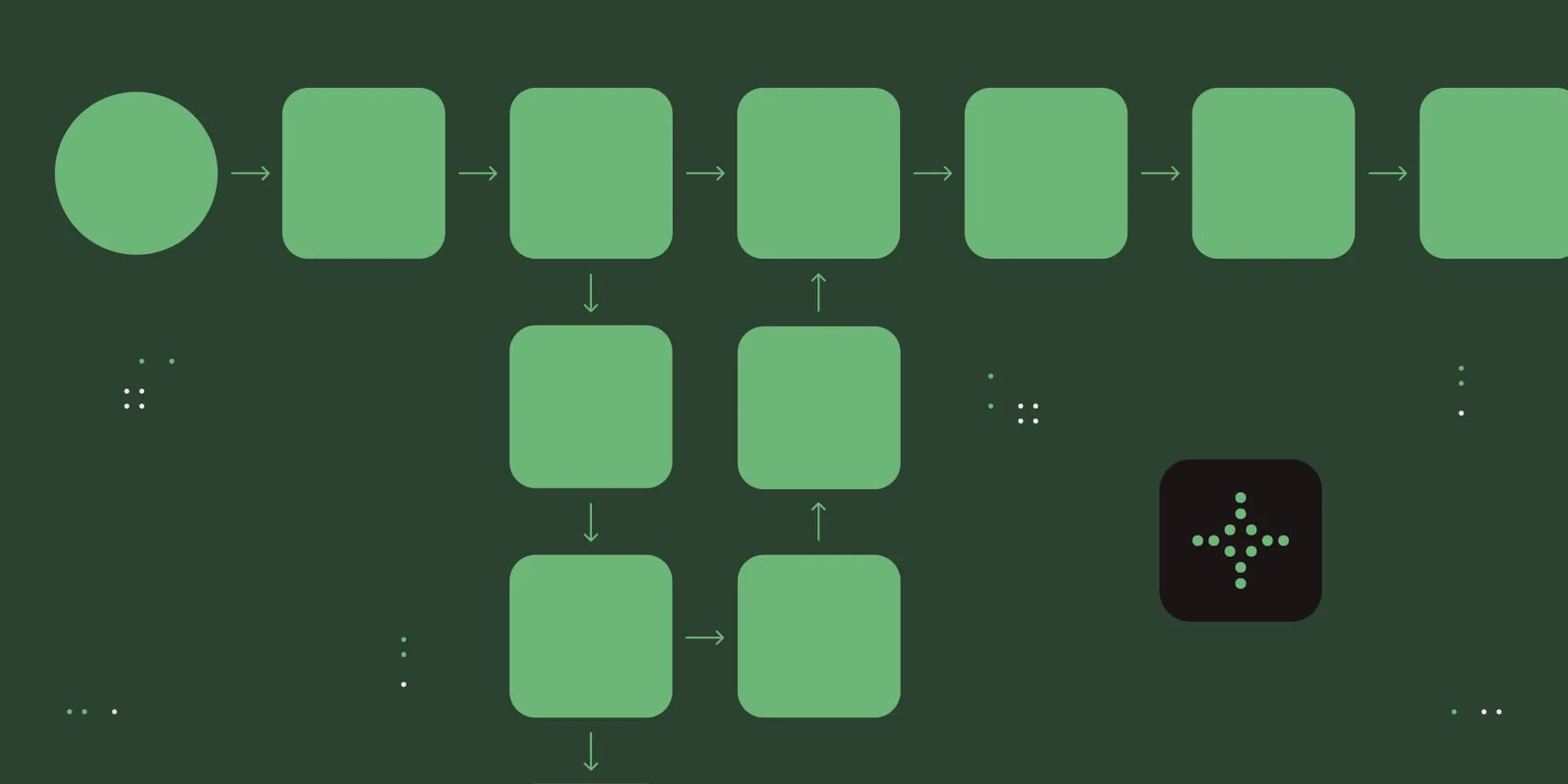
Workflow Automation Platform underwent its most significant transformation in 2025, evolving into a unified business process automation platform with AI at its core.
Business-critical AI helpers — AI now dramatically reduces request-processing time and accelerates approvals. Early adopters are seeing measurable impact from:
Manual effort that once took hours now takes minutes.
Document-centric capabilities — What truly differentiates Workflow is that it’s fully document-centric. New capabilities include:
Traditional business process automation platforms focus on data alone. We prioritize people and the documents that drive their work.
RESTful Data Element — Integration with existing platforms, systems, and data became easier through our dedicated RESTful Data Element, enabling secure server-side API integrations directly inside forms while reducing reliance on client-side JavaScript.
In 2025, we made a decision that might seem counterintuitive: migrating our entire website for the second time in two years. This time, we consolidated marketing pages, our blog, and documentation from separate Webflow and Middleman platforms into a unified Astro codebase. The 10-month effort, completed at the end of Q4, proved transformative.
Why migrate again? — Our previous setup created unsustainable bottlenecks. Webflow’s platform limitations restricted concurrent contributors, lacked Git-based workflows, and prevented automated CI/CD pipelines. Meanwhile, maintaining a separate Middleman codebase for blog and documentation fragmented the site and slowed development. The split architecture held us back from iterating at the pace our marketing environment demanded.
Astro’s advantages — Astro delivered what we needed: modern developer workflows, performance-focused architecture, and the flexibility to scale. It supports Git collaboration, automated deployments, and multiple team members working simultaneously without platform constraints.
Performance transformation — The consolidation and targeted optimizations resulted in dramatic improvements. Mobile PageSpeed scores jumped from ~33 to ~76. Desktop scores reached 95–99, up from ~67. These gains reflect faster initial render times, reduced JavaScript execution, and improved layout stability — strengthening Core Web Vitals signals (LCP, INP, CLS) that matter for both user experience and search visibility.
Design system integration — Alongside the migration, we implemented our Website 2.0 design language across all surfaces. The component-driven system enables faster iteration and consistent UI development, aligning the entire site with the Nutrient brand.
Website 2.0 rewrite — We completely overhauled our product, solution, integration, and industry pages to improve clarity, consistency, and conversion across our growing platform of solutions. The new structure focuses on real-world use cases, is optimized to attract the right users, and guides different audiences through a faster, cleaner decision journey from discovery to deployment.
AI-accelerated development — With the release of Claude Code, our team began integrating AI into marketing engineering workflows. This reduced time spent on repetitive tasks and accelerated implementation, allowing us to focus on features, performance, and experimentation rather than platform limitations. The velocity improvement proved especially valuable in our fast-paced environment.
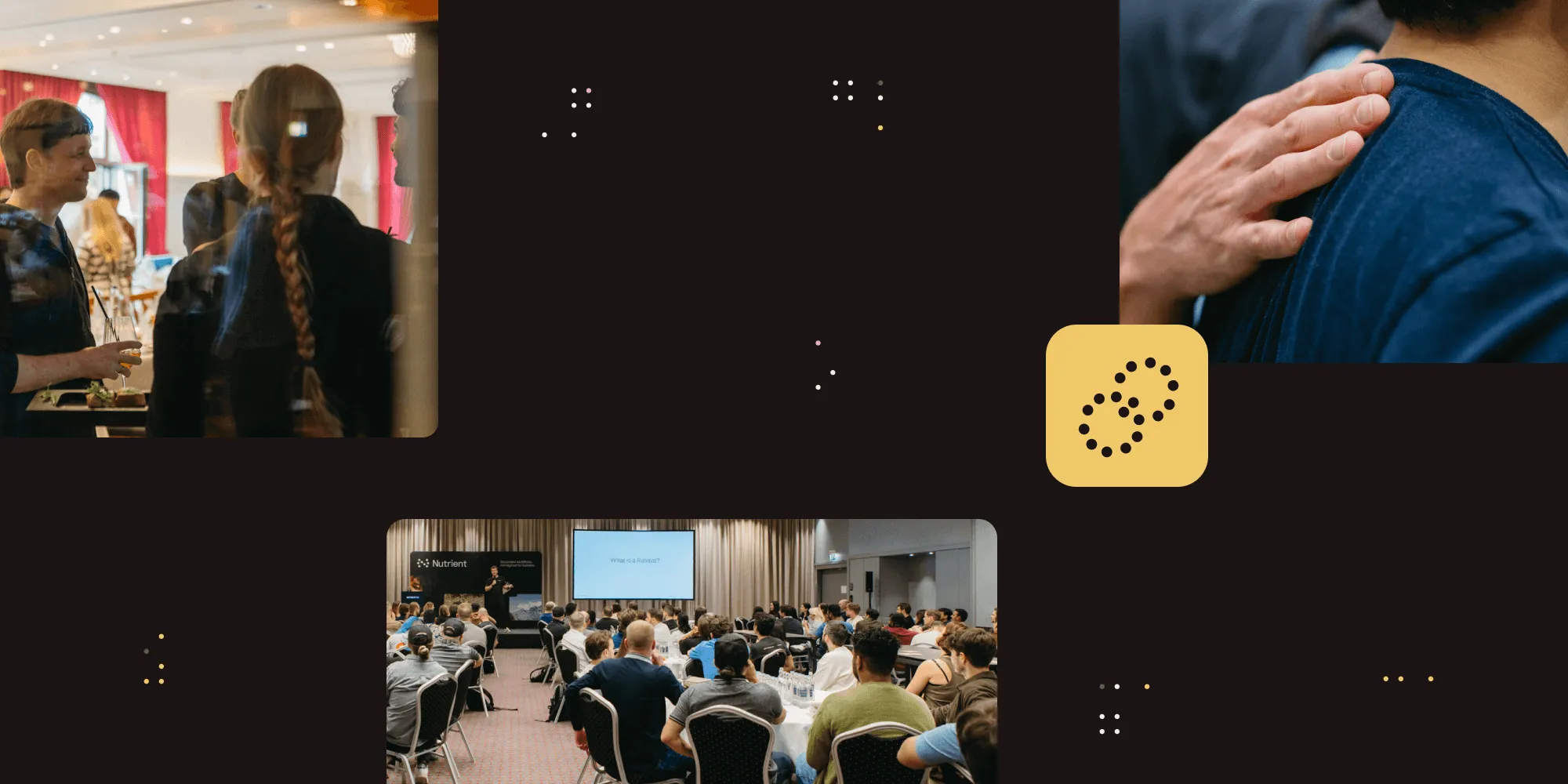
As our platform evolved, so did our leadership. In 2025, we welcomed three executives who will guide Nutrient through its next phase of growth.
Kari Elassal, Chief Financial Officer — Kari brings 20 years of financial and analytical leadership from high-growth technology companies. Her expertise in scaling operations and optimizing financial strategy positions us to navigate expansion while maintaining financial discipline.
Chris Van Wesep, Chief Marketing Officer — Chris joins with more than two decades of marketing leadership at HashiCorp, Apptio, and Microsoft. He’s leading our global marketing strategy, brand evolution, and go-to-market execution.
Richard Malloy, Chief Revenue Officer — Richard’s elevation to CRO marked a milestone of a different kind. As Nutrient’s first sales hire more than a decade ago, Richard has been instrumental in building our go-to-market engine, guiding customer relationships, and scaling revenue through multiple growth phases.
These appointments came one year after unifying five document technology companies under a single brand, building a leadership team equipped to scale what we’ve created.
Technology is built by people, and 2025 reinforced that truth in meaningful ways.
Demo Jams and conferences — Our team won Demo Jams at multiple Salesforce Dreamin’ events across the United States, showcasing what’s possible when you build document solutions that solve real problems. We also attended conferences around the world, meeting customers face-to-face and hearing directly about the challenges they’re solving with our platform.
Company retreat and hackathon — Our annual retreat brought 150+ team members together in early September for connection, collaboration, and friendly competition. While in Munich, we focused on cross-team bonding and spent an entire day in an AI vibe coding hackathon. Between sessions, we embraced Bavarian culture at traditional beer gardens, continued beloved traditions with the international snack competition and pub quiz, and explored Munich’s landmarks. We got a lot of work done; however, the real value came from late-night conversations, inside jokes, and colleagues becoming friends — reinforcing that Nutrient is a community of people who genuinely care about each other and the work we’re building together.
Workflow User Conference — We held our annual user conference in Pittsburgh in May, bringing together customers, partners, and team members for hands-on workflow building challenges, partner-led sessions, and a customer appreciation night at a Pittsburgh Pirates game.
New content initiatives — We continued our Behind the code blog post series, and we launched our podcast, The Source Branch(opens in a new tab), available wherever you listen to your favorite podcasts. Both of these are designed to showcase the people behind our products and the amazing things they’re doing. Technology might be what we ship, but people are why we build it.
Throughout 2025, we had the privilege of working with organizations that are transforming how they operate through intelligent document workflows. We shared 10 of their stories:
Athena Board launched a secure board management platform faster by integrating Nutrient’s SDK, achieving seamless cross-platform performance and maintaining robust security for sensitive board materials.
MSC Cruise Management expanded from 25 to 75 Nutrient licenses over the course of a year and implemented 12 automated workflows, significantly reducing administrative burden while improving approval tracking.
KwikSign accelerated time-to-market by six months by integrating Nutrient Web SDK for digital signing, launching its blockchain-backed document validation platform on schedule.
SuiteFiles eliminated subscription fatigue by providing native PDF editing, signing, and annotation capabilities directly within its platform, enabling customers to cancel standalone PDF software subscriptions.
HGL transformed workflows so tasks that previously took hours now complete in minutes, successfully automating purchase requisitions, work orders, CapEx approvals, and more.
Govenda, the women-founded board portal software provider, replaced physical binders and insecure email workflows with secure, digital document-sharing across iOS, Android, and web platforms, eliminating printing costs and enhancing compliance.
A construction enterprise decreased paper consumption and boosted field productivity using offline blueprint capabilities and digital workflows.
Village for Vets minimized processing delays, removed audit vulnerabilities, and recovered more than 10 hours weekly through low-code system implementation.
Herbert Insights and Innovations constructed hundreds of automated processes for customers, enhancing velocity, transparency, and operational visibility to drive better business outcomes.
University of Texas Health Science Center San Antonio redefined academic operations by automating interconnected business procedures, in turn enhancing administrative efficiency across the organization.
These stories remind us why we build: to enable organizations to do their best work, remove friction from critical processes, and create measurable impact for the people they serve.
As we look back on 2025, we’re grateful for the opportunity to partner with so many exceptional organizations, helping them solve complex challenges and build innovative solutions. We’re proud to welcome these new customers who joined the Nutrient family in 2025.
As we reflect on 2025, we’re reminded that innovation means more when it creates real impact — for your teams, your workflows, and the world around us. To honor that spirit, we continued our annual tradition with One Tree Planted(opens in a new tab), planting a tree in the name of each customer and partner. This year brought our shared total to more than 6,000 trees.
Why trees? Because they mirror what we aim to build every day: quietly resilient systems that support and strengthen every ecosystem they touch.
2025 proved that documents can be more than static files. With intelligence embedded throughout, accessibility built in from the start, and infrastructure that scales effortlessly, we’ve created a platform that enables action instead of impeding it.
Thank you for trusting us to be part of your journey. We’re honored to build alongside you, and we can’t wait to see what we accomplish together in 2026.
此内容由惯性聚合(RSS阅读器)自动聚合整理,仅供阅读参考。 原文来自 — 版权归原作者所有。