


Table of contents
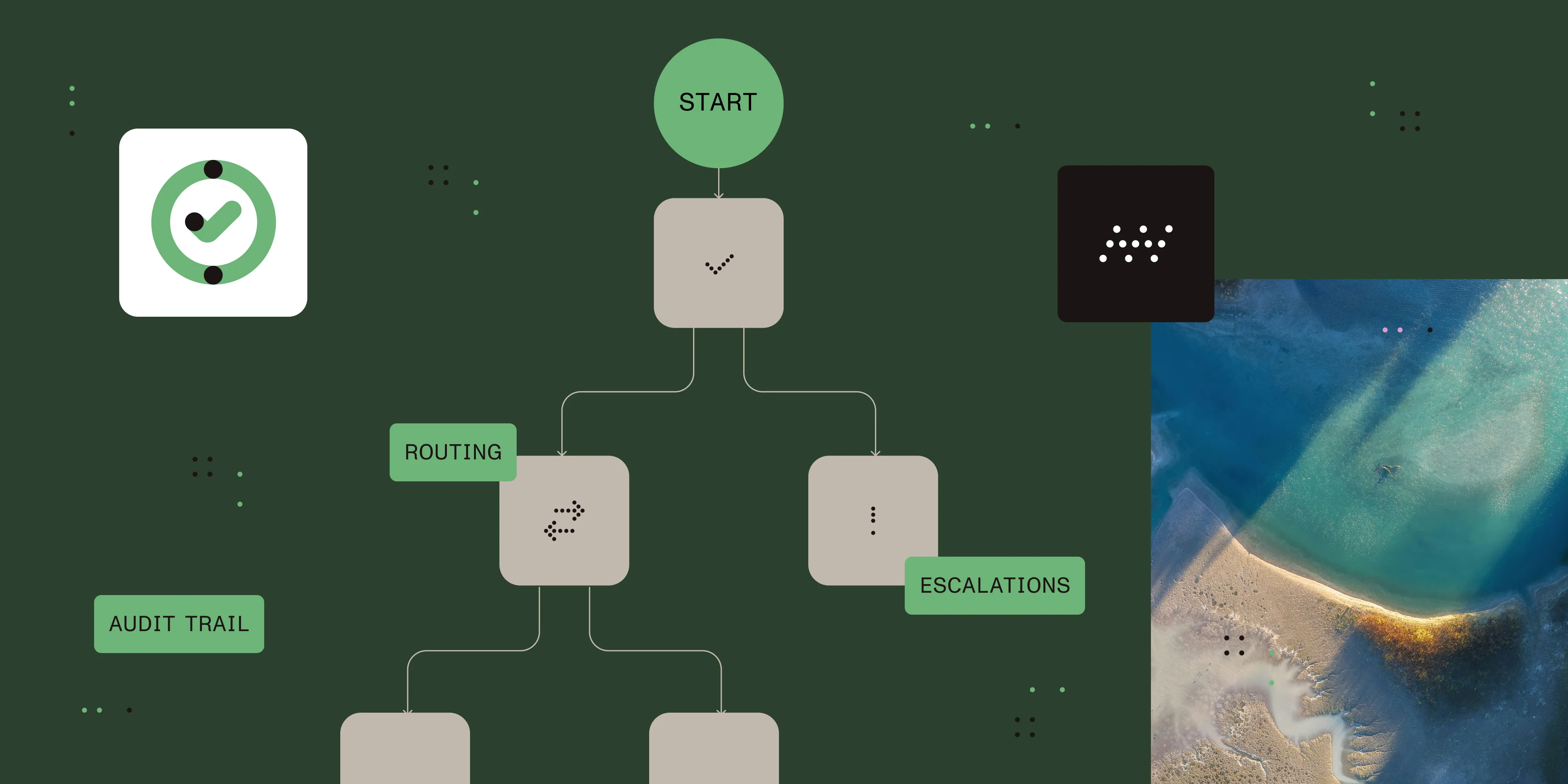
Try Nutrient Workflow Automation free for 14 days
TL;DR
- Approval workflow software automates routing, notifications, escalations, and audit trails — replacing email chains and manual follow-up
- The main workflow types are sequential, parallel, and conditional — with built-in escalation when reviewers don’t respond
- Organizations moving to dedicated approval software can see faster cycle times and fewer errors
- Nutrient Workflow Automation Platform handles document-centric approvals with a no-code designer, AI data extraction, and mobile apps
Approval workflow software automates the process of routing requests to the right reviewers, collecting decisions, sending reminders, escalating overdue items, and maintaining a complete audit trail — without manual coordination. Teams get consistent, trackable approvals. Reviewers get clear, timely requests. Process owners get data on where bottlenecks occur.
Approvals sit at the center of nearly every business process: purchasing, hiring, contract review, expense reimbursement, capital expenditures, IT access, and policy changes. When those approvals depend on email chains and manual follow-up, delays compound and accountability disappears. Approval workflow software replaces that manual overhead with automated routing and enforcement.
What is an approval workflow?
An approval workflow is a defined sequence of review steps that a request must pass through before it’s authorized. At each step, a designated reviewer — or group of reviewers — evaluates the request and approves it, rejects it, or returns it with comments.
A complete approval workflow includes:
- Intake — A requester submits a form with all required information.
- Validation — The system confirms the submission is complete before routing.
- Routing — The request is sent to the correct reviewer(s) based on defined rules.
- Review and decision — The approver acts on the request.
- Escalation — If no action is taken within a defined period, the system escalates automatically.
- Completion — The outcome is logged, the requester is notified, and downstream actions are triggered.
The cost of manual approval processes
Manual approval processes — email threads, shared inboxes, printed forms — fail in predictable ways that have measurable costs:
- Delays accumulate. Approvals wait in inboxes over weekends. A single unavailable approver blocks the entire chain.
- Visibility is zero. Requesters have no way to check status. Managers have no view of what’s pending across their team.
- Audit trails are incomplete. When an approval is disputed, there’s often no clear record of who approved what and when.
- Routing is inconsistent. The same type of request gets handled differently depending on who submits it and who happens to see it first.
- Errors from reentry. Information submitted in a form gets typed into another system manually, introducing mistakes.
Organizations that move approval processes onto a dedicated platform can see faster cycle times and fewer errors from manual reentry.
Types of approval workflows
Approval workflows fall into a handful of common patterns based on how reviewers are sequenced and how routing decisions are made. The four below — sequential, parallel, conditional, and escalation/delegation — cover the vast majority of business approvals, and most real workflows combine more than one.
Sequential approval
In a sequential approval, steps happen one after another. Each approver receives a request only after the previous one has acted. This is the standard pattern for financial approvals that require a documented chain of authority.
Example: An expense report routes to a direct manager, then to the finance team, then to a VP if the amount exceeds $10,000.
Parallel approval
In this scenario, multiple approvers review a request simultaneously. The request advances when all (or a defined minimum number of) approvers have responded. This reduces total cycle time when independent signoffs are needed.
Example: A new vendor contract simultaneously goes to legal, procurement, and the requesting business unit.
Conditional approval
With conditional approvals, the routing path changes dynamically based on the content of a request — dollar amount, request type, department, risk level, or other attributes captured in the intake form.
Example: Purchase requests under $500 go to a department manager only. Requests more than $500 also route to finance. Requests more than $25,000 additionally require VP approval.
Escalation and delegation
If an approver doesn’t act within a defined time window, the system automatically escalates the request to their manager or an alternate reviewer. Administrators can also designate alternate approvers in advance for planned absences so unavailability never blocks an entire process.
What approval workflow software actually does
Good approval workflow software handles the mechanics so teams can focus on the decisions themselves:
- Automated routing — Routing rules determine who receives each request based on its attributes. No one manually decides where to send things.
- Smart notifications — Approvers are notified immediately when action is required. Follow-up reminders go out automatically at configurable intervals.
- Centralized tracking — Every request has a real-time status visible to requesters, approvers, and managers. No one needs to ask “Where does this stand?”
- Complete audit trail — Every action is logged: who submitted, who approved, when, what comments were added, and what the outcome was. This is essential for compliance and for resolving disputes.
- Mobile and email approvals — Approvers can approve or reject directly from email notifications or from iOS and Android apps with the full request context.
- Downstream automation — Approval decisions trigger further actions automatically: generating a document, updating a database, sending a notification to a third system, or initiating a new workflow.
Nutrient Workflow capabilities
Nutrient Workflow Automation Platform is built specifically for document-centric approval processes:
- Drag-and-drop process designer — Build multistep approval workflows visually without writing code. Each step in the designer becomes a live task in the workflow engine.
- Approval task — The core approval step in Nutrient Workflow. Configurable to require one approver or all approvers in a group, with a “Complete Task If Selected” option that ends the task as soon as one recipient acts. Supports approve, deny, and rework actions, with optional comments.
- Business rules engine — Conditional routing based on form field values, user attributes, or outcomes from previous steps. Configure the logic in a rule builder — no code required.
- Runtime task assignment — Assign approval tasks dynamically based on criteria evaluated at runtime, such as organizational role or team membership, rather than hardcoding a specific person.
- Delegation — Designate alternate approvers for planned absences so requests keep moving automatically. Combined with reminder and timeout settings in the rules engine, overdue items can be routed to managers or alternate reviewers.
- Document viewing and signing within the approval task — Approvers can view, annotate, and sign documents directly inside the approval interface. No switching between applications.
- AI data extraction — For document-based approvals (invoices, contracts, and forms), Nutrient Workflow can extract data from a document automatically using AI — populating fields, triggering routing rules, and eliminating manual data entry. Supported providers include OpenAI and Claude (Anthropic).
- Reporting — Track approval cycle times by process, step, and department. Identify where requests stall and use that data to improve routing rules and throughput.
- Compliance support — Nutrient Workflow is designed for regulated industries, including healthcare, finance, and government. The platform documents compliance with FDA 21 CFR Part 11 requirements covering audit trails, access controls, and electronic signature integrity.
- Integration via REST and database tasks — Approval decisions can push data to external systems — ERP, HRIS, CRM — automatically via REST API calls or direct database tasks. No manual reentry.
Common approval workflow use cases
| Approval type | What’s reviewed | Typical routing |
|---|---|---|
| Contract approval | Vendor and customer agreements | Requester > Legal > Procurement > Executive |
| Purchase requisition | Equipment, services, supplies | Requester > Manager > Finance (if above threshold) |
| Expense reimbursement | Employee expenses | Requester > Manager > Finance |
| Capital expenditure | CapEx requests | Requester > Department head > CFO |
| IT access request | System permissions, software | Requester > Manager > IT Security |
| New hire approval | Headcount requests | Recruiter > Hiring manager > HR > Finance |
| Invoice approval | Vendor invoices | AP team > Manager > Finance director |
How to implement approval workflow automation
The seven steps below cover what most teams need to take an approval process from manual coordination to a documented, automated workflow — from mapping the current state through ongoing optimization after launch.
Step 1: Map the current process
Before automating, document how approvals actually work today. Process mapping at this stage ensures you’re automating the right steps — not encoding an existing broken process into software.
Step 2: Identify the highest-impact approvals to automate first
Prioritize by volume and pain. Which approval types have the most submissions? Which generate the most complaints about delays? Which have had compliance issues due to missing audit trail entries?
Step 3: Define routing rules explicitly
Translate your approval logic into written rules: who approves each request type, in what order, and under what conditions, and what happens when a deadline is missed. Be specific — “manager approval” is less useful than “the submitter’s direct manager as defined in the HR system.”
Step 4: Build the intake form
In Nutrient Workflow’s drag-and-drop form designer, create the form requesters will fill out. Configure required fields, validation rules, and conditional logic so only relevant fields appear for each request type. Set up prepopulation for fields the system can fill automatically from the user’s profile.
Step 5: Configure the workflow
Map each approval step in the process designer. Set the approver assignment logic, action options, and escalation rules for each step. Connect the approval outcome to downstream actions.
Step 6: Test before going live
Run real requests through the workflow in a test environment. Verify that routing rules fire correctly, notifications go to the right people, and the audit trail captures the right information.
Step 7: Monitor and optimize
After launch, use Nutrient Workflow’s reporting dashboards to track approval cycle times, identify where requests stall, and refine routing rules and thresholds over time.
What to look for in approval workflow software
- Visual workflow builder for non-technical users
- Conditional routing based on request attributes
- Delegation and escalation with configurable rules
- Mobile app for approvals on any device
- Document viewing and signing inside the approval interface
- Complete audit trail with timestamps and user identification
- Reporting dashboards to track cycle times and identify bottlenecks
- Integration with your existing systems (ERP, HRIS, document management)
- Role-based access controls
- Compliance certifications relevant to your industry
When to use dedicated approval workflow software
Dedicated approval workflow software is the right choice when:
- Approval processes involve multiple reviewers or departments
- Approval cycles are consistently slow and the cause is unclear
- Compliance or audit requirements demand a documented trail of every decision
- The same request type is handled inconsistently across the organization
- Approvers are frequently unavailable and requests stall with no fallback
It may be unnecessary when:
- Your approval process has a single reviewer and no compliance requirements
- Volume is very low (a few requests per month)
- A lightweight task management tool is already covering the need adequately
Alternatives and tradeoffs
| Approach | Pros | Cons |
|---|---|---|
| Email and shared inbox | No setup cost, familiar | No routing rules, no escalation, no audit trail, no status visibility |
| Task management tools (Asana, Jira, Monday) | Familiar UI, good for task tracking | No conditional routing, no document handling, limited approval logic |
| Generic BPM platforms | Broad capability | Complex to configure, often require developer involvement, expensive |
| Custom-built approval system | Fully tailored | High build and maintenance cost, requires engineering resources |
| Nutrient Workflow Automation Platform | No-code, document-centric, compliance-ready, AI extraction | Requires platform adoption; not a fit for non-document workflows |
For document-centric approval processes — contracts, invoices, HR documents, procurement — a platform purpose-built for that use case (like Nutrient Workflow) delivers faster time-to-value than a generic business process management (BPM) tool and far more capability than email or task management.
FAQ
Business process management (BPM) software covers the full lifecycle of business processes — design, execution, monitoring, and optimization. Approval workflow software focuses specifically on routing requests to the right reviewers and collecting decisions. Nutrient Workflow Automation Platform spans both: It handles approval routing, as well as broader process automation, including document generation, AI data extraction, system integrations, and reporting.
Yes. Nutrient Workflow’s business rules engine supports conditional routing for any combination of request attributes. Exception handling — escalation when approvers don’t respond, override capabilities for urgent requests, reject-with-comments flows — is built into the platform.
Simple approval workflows can be configured quickly in Nutrient Workflow. Multistep workflows with conditional routing, integrations, and document generation take longer and include a testing phase. Nutrient Workflow’s no-code designer means the work is done by process owners, not developers.
Approvers can receive email notifications with action links and approve or reject directly from the notification in many cases. For reviews that require examining supporting documents, the Nutrient Workflow web portal and mobile apps provide full context — including document viewing and signing — without needing to open a separate application.
Yes. Nutrient Workflow is used in healthcare, finance, government, and other regulated sectors where auditability and access control are requirements. See the product page for current compliance certifications.
Ready to replace email-based approvals with a system that routes automatically, escalates when needed, and tracks everything? Try Nutrient Workflow Automation Platform free for 14 days. Or download our free eBook, The execution gap, to learn how automation closes the gap between process design and execution.