







Table of contents
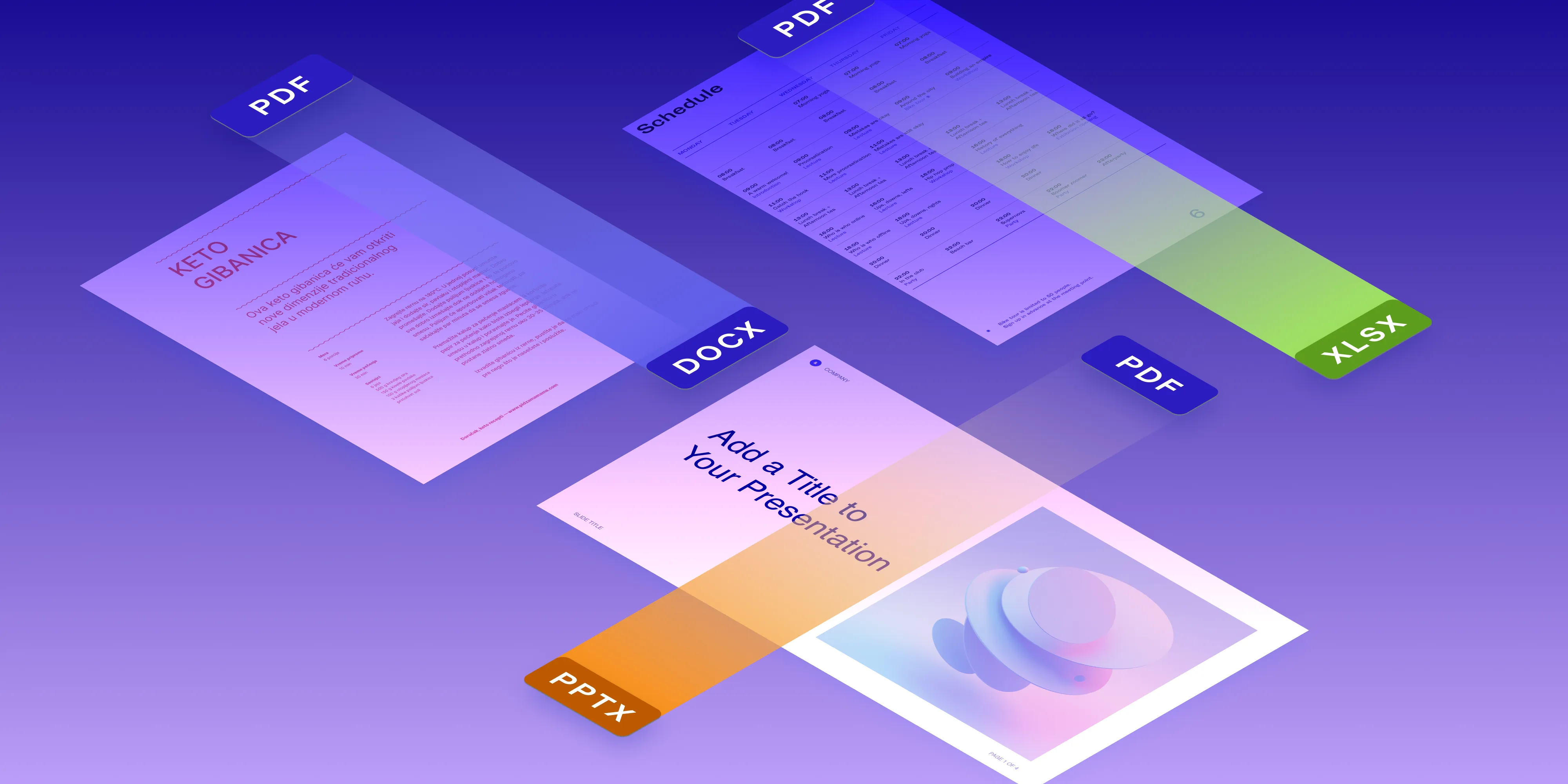
We’re thrilled to roll out an extraordinary new feature in Nutrient .NET SDK: the ability to convert PDFs into Office documents! Tailored for a variety of platforms, this powerful tool is compatible with every GdPicture .NET edition and runs smoothly on Windows, Linux, and macOS. We’re super proud to offer you top-notch PDF-to-Office conversions that deliver stunning, editable documents.
Core functionalities
Convert PDF to Word (DOCX)
Our PDF-to-Word conversion functionality is engineered for accuracy and efficiency. Your users can now transform their PDFs into DOCX files without losing the original styling and layout. This means documents aren’t just converted; they’re ready for immediate use or additional editing.
Convert PDF to Excel (XLSX)
The conversion includes meticulous paragraph splitting, usage of original fonts, precise cell fill color settings, and the ability to convert multiple PDF pages into individual XLSX sheets. This functionality is designed to maintain the integrity and formatting of your original document.
Convert PDF to PowerPoint (PPTX)
Turn your PDF documents into engaging PowerPoint presentations while preserving their original layout and formatting. Our PDF-to-PowerPoint conversion is perfect for creating impactful and visually intact presentations.
We’ve got direct conversions covered… but wait, there’s more! With our .NET SDK, you can perform indirect conversions using PDF as a go-between. Convert formats like email, TIFF, ODT, RTF, and PostScript to PDF, and then effortlessly convert those PDFs into Word formats. This added flexibility turns GdPicture .NET SDK into a conversion powerhouse for your document management and editing apps.
Tech specs and the fine print
Using methods such as SaveAsDOCX, SaveAsXLSX, and SaveAsPPTX, our SDK offers straightforward conversion processes. It supports both stream objects and file paths, ensuring not only that the conversion process is simplified, but also that it yields high-quality output every time. The GdPictureDocumentConverter class lies at the heart of our conversion process, enabling easy opening of PDF documents and saving them in Word, Excel, or PowerPoint formats.
Now, let’s keep it real: Our SDK is a powerhouse, but it’s not all-powerful. Tricky things like grouping shapes in Excel or turning graphs into images might hit some snags. And yes, the more complex your document, the more varied the performance and results. But don’t let that stop you — try your most complex tasks with it and see if it works for you. When it comes to flipping PDF files into Office documents, you’re unlikely to find a slicker tool than this.
Get started today
Eager to dive in? Begin by browsing through our documentation, and kick things off with a free trial. Got questions? Our Sales and Solutions Engineer teams are just a message away, ready to help you navigate and discover all the awesome things our SDK can do. Let’s get started!