Table of contents
When working with Android, most exceptions can be anticipated and handled gracefully. But fatal errors — which are severe issues that cause an application or system to stop running — operate outside the usual exception handling flow and pose a different kind of challenge. This is especially relevant if your app integrates Nutrient Android SDK, which makes extensive use of RxJava.
The RxJava limitation
RxJava is a great fit for reactive operations, but one caveat is often overlooked: It doesn’t handle fatal errors.
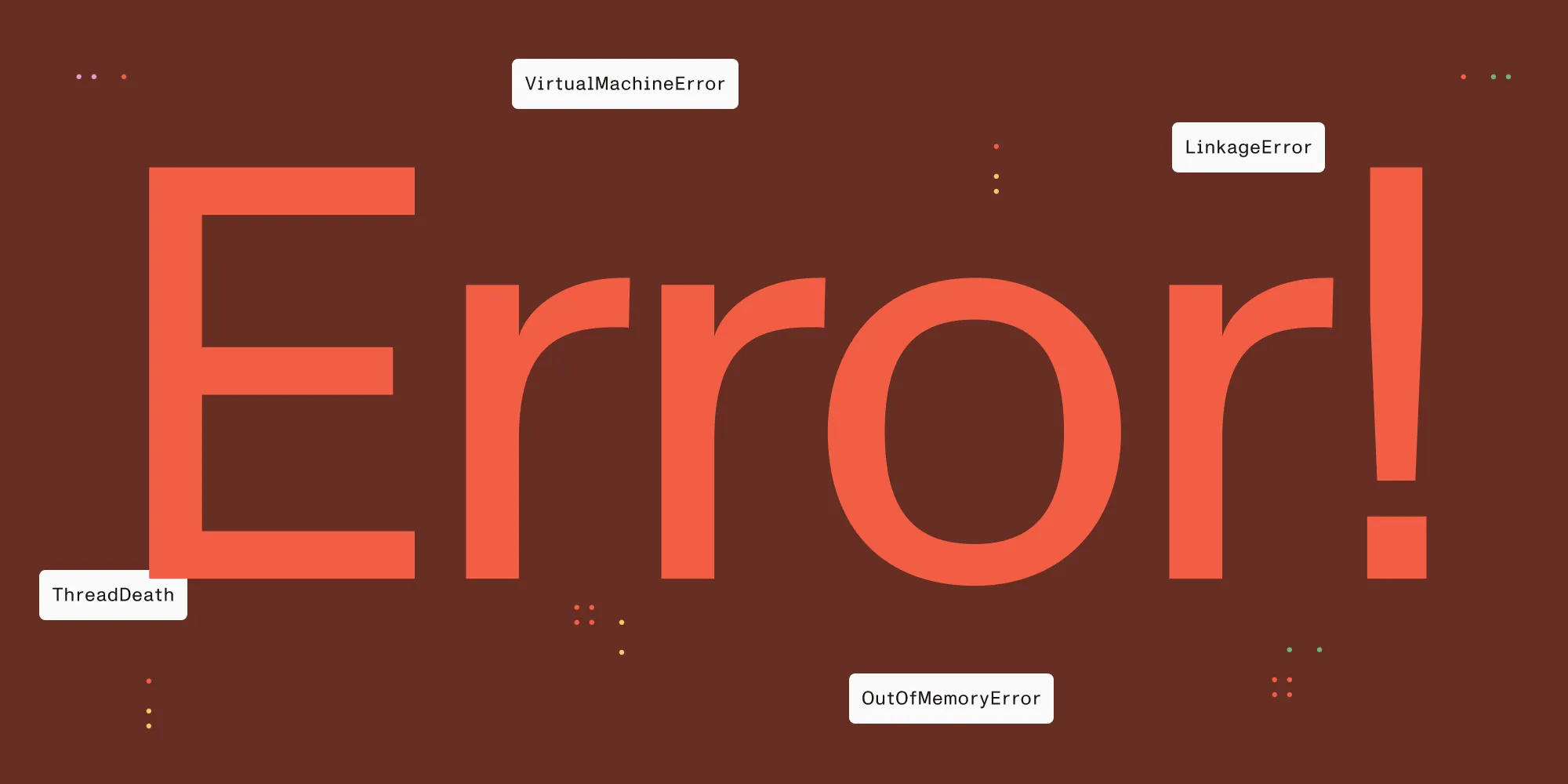
RxJava treats the following three classes as fatal:
VirtualMachineErrorThreadDeathLinkageError
These indicate severe problems in the Java virtual machine (JVM) that shouldn’t be caught or suppressed. Ideally, you’ll never encounter any of them — but the most common one in practice is OutOfMemoryError, which is a subclass of VirtualMachineError.
If such a fatal error occurs:
onErrorResumeNext,onErrorReturn, and similar operators won’t catch it.RxJavaPlugins.setErrorHandler()won’t be called.- The error escapes the Rx chain and will crash your app unless it’s caught by a global exception handler.
Why our SDK can’t “catch” them for you
We often get asked: Why can’t the SDK handle this internally? The answer comes down to two core reasons:
Global handlers are shared state
While we could install aThread.setDefaultUncaughtExceptionHandlerto catch these errors, doing so would overwrite any handler you or another dependency might have installed, in turn breaking crash reporting, logging, or custom recovery behavior.There’s no safe recovery path
Catching anOutOfMemoryErrorinside SDK code doesn’t guarantee anything. At that point, the memory is already exhausted. Continuing execution would likely lead to undefined behavior, corrupted state, or additional crashes.
As a well-behaved SDK, Nutrient Android SDK avoids interfering with your app’s global state, and it doesn’t pretend to offer graceful recovery from unrecoverable conditions.
Best practices for SDK users
Here’s what we recommend if you want to proactively handle these scenarios.
1. Install a default uncaught exception handler
This gives you a chance to log, report, or even restart the app:
Thread.setDefaultUncaughtExceptionHandler { thread, throwable ->
// Custom logic here — logging, reporting, analytics, etc.
}
Install this early in your Application.onCreate() to ensure it captures everything.
2. Be mindful of memory
Large PDFs and/or complex PDFs can be memory-intensive. Pay attention to:
onTrimMemory()andonLowMemory()callbacks — keep in mind that the latter isn’t being called if yourtargetSDKis >= 34.
3. Don’t rely on SDK-level catching
Fatal errors can’t be caught inside the SDK in any meaningful or reliable way. If you need custom error recovery or logging, it needs to be implemented at the application level.
TL;DR
RxJava doesn’t catch fatal errors, and neither can we — not in a safe, non-invasive way. If you’re using our SDK, we recommend:
- Setting up a default uncaught exception handler
- Monitoring memory usage
- Handling recovery logic at the app level
That’s the only robust way to observe and respond to fatal errors in production environments.
Have questions or want help hardening your app’s integration? Reach out to our Sales and Support teams.