


惯性聚合 高效追踪和阅读你感兴趣的博客、新闻、科技资讯
阅读原文 在惯性聚合中打开

推荐订阅源

Microsoft Azure Blog
WordPress大学
WordPress大学
Google DeepMind News
美团技术团队
大猫的无限游戏
大猫的无限游戏
H
Help Net Security
小众软件
小众软件
aimingoo的专栏
aimingoo的专栏
博客园 - 聂微东
让小产品的独立变现更简单 - ezindie.com
M
MIT News - Artificial intelligence
酷 壳 – CoolShell
酷 壳 – CoolShell
博客园 - Franky
钛媒体:引领未来商业与生活新知
钛媒体:引领未来商业与生活新知
Microsoft Security Blog
F
Fortinet All Blogs
A
About on SuperTechFans
Recent Announcements
D
Docker
Vercel News
Vercel News
Engineering at Meta
Engineering at Meta
腾讯CDC
Martin Fowler
Martin Fowler
阮一峰的网络日志
阮一峰的网络日志

Resend RSS Feed

6 Tips for Accessible Emails Welcoming Manoel do Amaral, our new Brand Designer Welcoming Michael Vaz, our new Customer Success Engineer Six Steps to Improve Your Sender Reputation Welcoming Tatira Andrade, our new Executive Assistant Welcoming Pedro Ivo Hudson, our new Design Engineer Welcoming Diel Duarte, our new Open source Engineer Welcoming Areia Spinner, our new Recruiter Resend Forward: A Conference about Craft React Email 6.0 Custom Tracking Domains AI Email Editor Introducing Automations Welcoming Ahmed Tolba, our new SRE Engineer Welcoming Aneil Singh, our new Founding Account Executive Welcoming Lucas Motta, our new Software Engineer Welcoming Trey Knowles, our new Founding Account Executive Welcoming Anxhela Carciu, our new SRE Engineer Introducing DMARC Analyzer Welcoming Evan Thibodeau, our new Customer Success Engineer Welcoming Derich Pacheco, our new Software Engineer Welcoming Alec Ventura, our new Data Engineer Welcoming Felipe Freitag, our new Software Engineer Welcoming Mateusz Wos, our new Software Engineer Incident report for February 15, 2026 Email automation for OpenClaw How to Create a DevTools Agent Skill Introducing Email Skills Why You Should Embrace the Promotions Tab Slater Smith, our new Customer Success Engineer
Manage subscribers with Resend Audiences
Bu Kinoshita · 2024-01-16 · via Resend RSS Feed

Managing subscribers and unsubscribers is a critical part of any email implementation. It's important to respect your users' preferences and ensure that they're receiving the right emails at the right time.

Today, we're excited to announce the launch of Resend Audiences, a new feature that allows you to manage your contacts in a simple and intuitive way.

These new capabilities include 9 new endpoints to the Resend API, which you can use to control audiences and contacts programmatically.
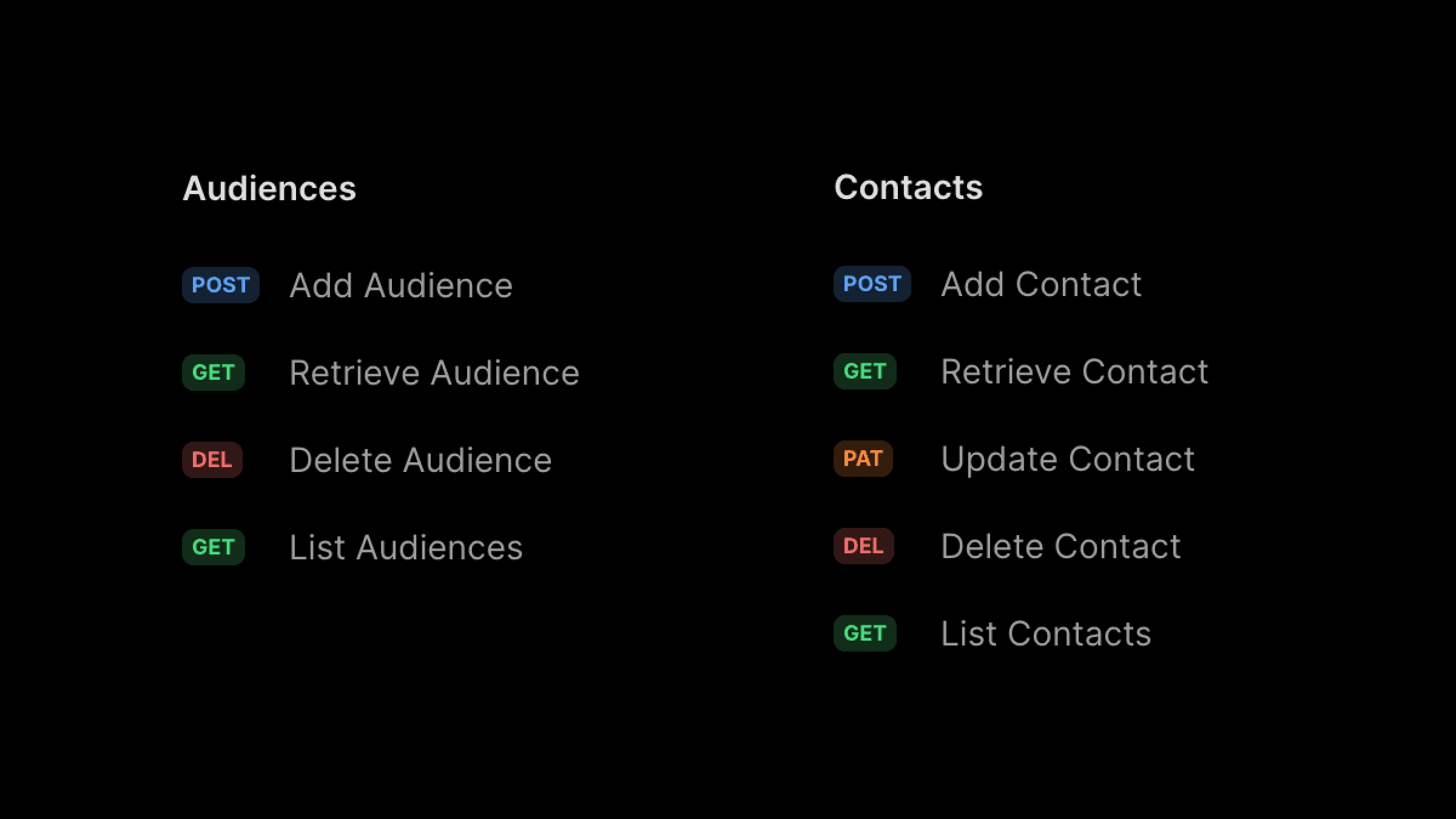
Resend Audiences Endpoints

To get started, you can add contacts manually or import them via CSV.

After you upload your CSV file, you'll be able to map the fields you want to use.

Currently, the supported fields are email, first_name, last_name, and unsubscribed.

Instead of manually importing contacts, you can also add them programmatically.

You can leverage one of the Resend SDKs to add contacts to your audience.

Send emails to your Audience

Audiences were designed to be used in conjunction with Broadcasts.

You can send emails to your Audience by creating a new Broadcast and selecting the Audience you want to send it to.
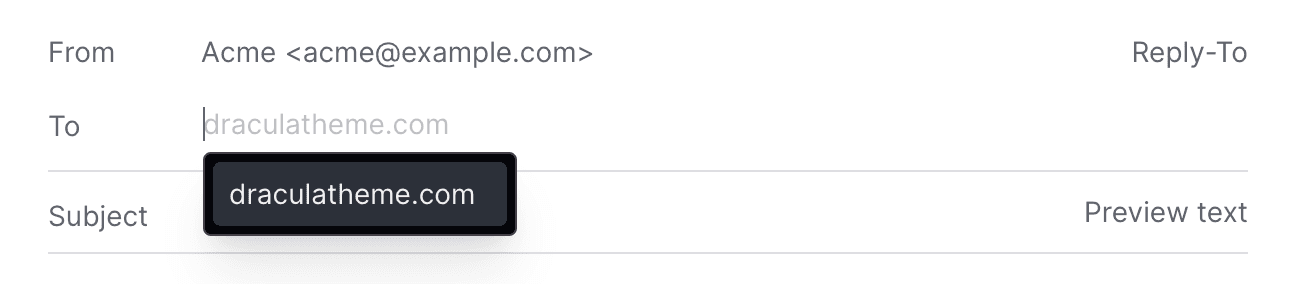
Send emails to your Audience

You can include the Unsubscribe Footer in your Broadcasts, which will be automatically replaced with the correct link for each contact.
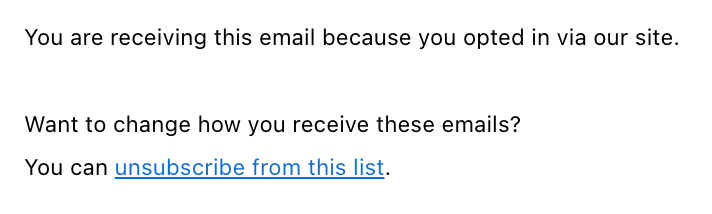
Unsubscribe Link
Unsubscribe Link

Automatic Unsubscribes

When you send emails to your Audience, Resend will automatically handle the unsubscribe flow for you.

If a contact unsubscribes from your emails, they will be skipped when sending a Broadcast.
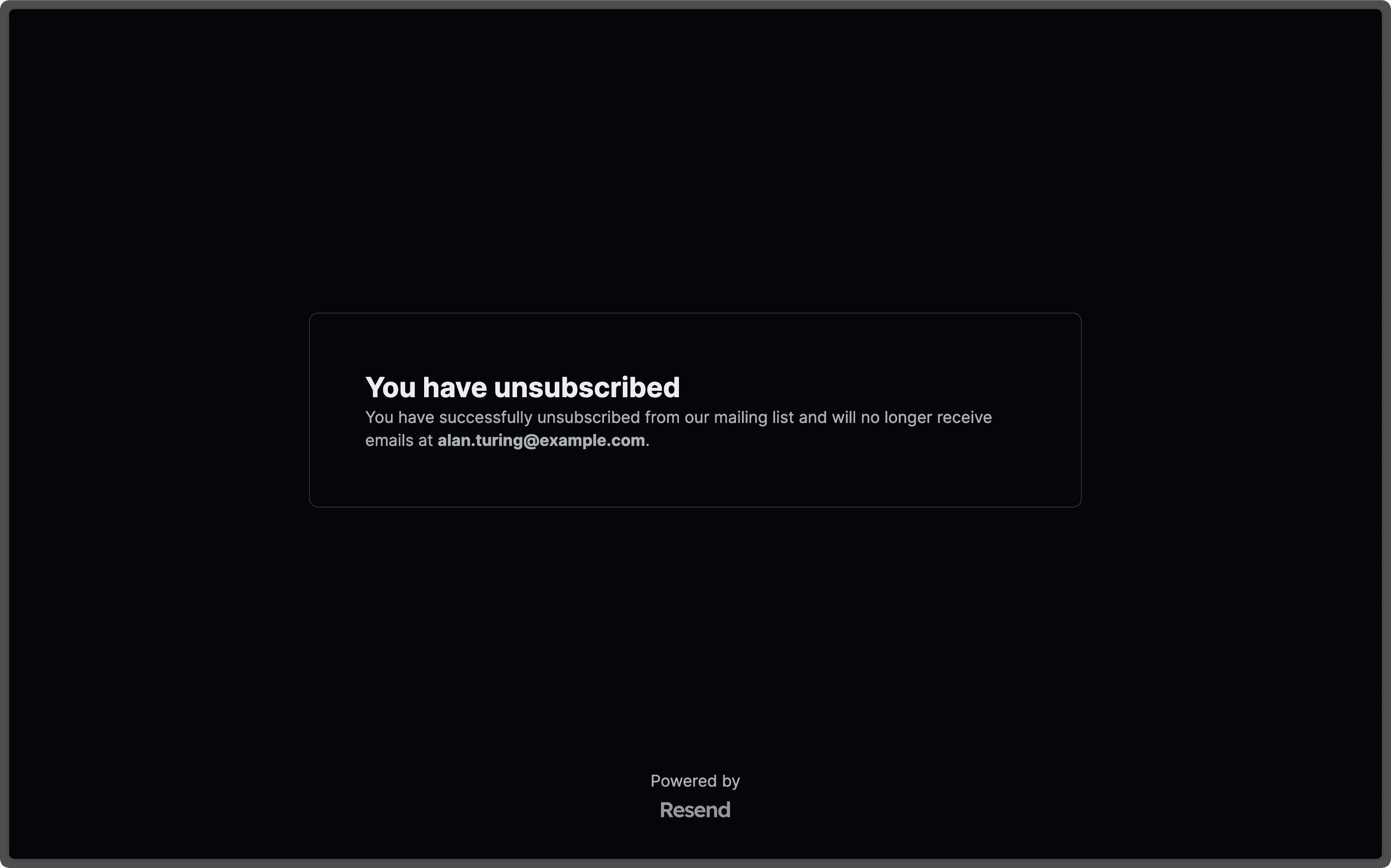
Automatic Unsubscribes

We also include the proper unsubscribe headers automatically, according to Gmail and Yahoo's bulk sending requirements for 2024.

Get Started

Go to Audiences and start adding contacts today.

You can get started with 1,000 contacts for free.

Once you're ready to upgrade, you can get a paid plan starting at $40/mo for 5,000 contacts. See Pricing for all the different tiers.