








Table of contents
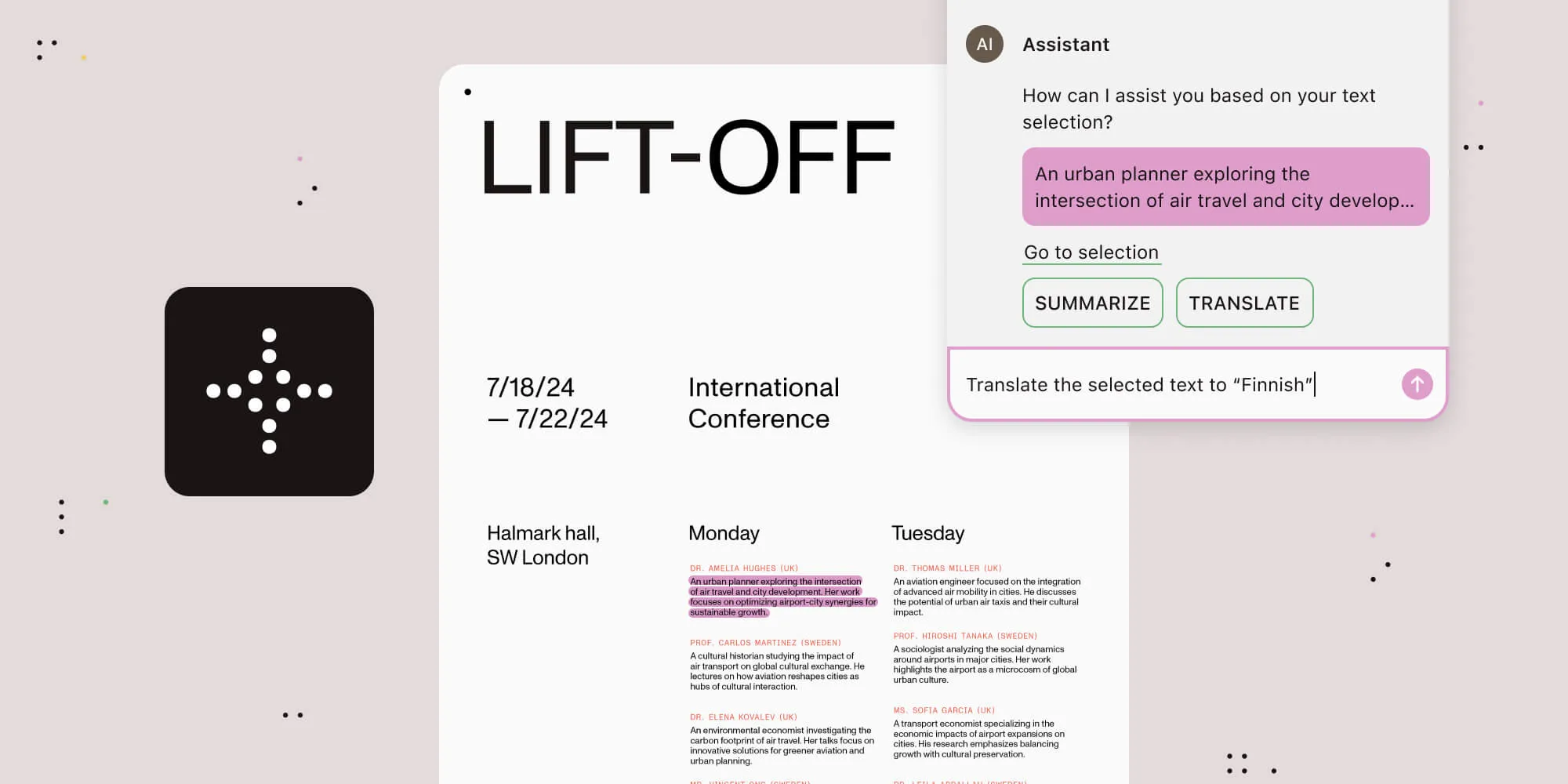
We’re excited to announce the release of Nutrient AI Assistant 1.1! This update introduces enhanced flexibility in choosing and configuring model-providers, reducing reliance on OpenAI. You can now specify providers such as AWS Bedrock, or use locally deployed models, giving you more control and customization.
Model-provider configuration
A frequent question from users during trials of AI Assistant has been how to use locally hosted models. Privacy concerns often drove this demand, as previous versions relied exclusively on OpenAI models. With this update, we’ve expanded compatibility to support other foundational models such as Llama 3.1 and Mistral Large, along with support for embedding models of your choice. For more information, refer to the recommendations in the AI configuration guides.
To support this new model compatibility, we’ve added support for AWS Bedrock, which simplifies product deployments in AWS environments. And we now also support locally hosted models for those who prefer to manage their models.
While we now support locally hosted models, deploying, scaling, and managing your own LLMs and embedding models requires significant expertise. Each use case is unique, and experimentation may be necessary to achieve optimal results. We strongly recommend using cloud-based model-providers such as OpenAI, Azure, or AWS Bedrock, as they’re often more cost-effective and easier to manage. If data privacy is a concern, review each provider’s policies — many are more private than expected.
Configuring model-providers
To configure AI Assistant to use alternative models and providers, you’ll need to create and mount a service-config.yml file at the root of the AI Assistant service. This file contains the configuration details for the models and providers. Below is an example configuration for AWS Bedrock:
x-provider: &bedrock-provider
name: 'bedrock'
region: 'us-west-2'
accessKeyId: 'your-access-key-id' # Optional: May also be set with the `BEDROCK_ACCESS_KEY_ID` environment variable.
secretAccessKey: 'your-secret-access-key' # Optional: May also be set with the `BEDROCK_SECRET_ACCESS_KEY` environment variable.
version: '1'
aiServices:
chat:
provider: *bedrock-provider
model: 'meta.llama3-1-70b-instruct-v1:0'
textEmbeddings:
provider: *bedrock-provider
model: 'amazon.titan-embed-text-v1'
For detailed instructions on configuring AI Assistant with various model-providers, including hosting your own models, refer to our AI configuration guides.
Other changes
As part of this release, we’ve reworked how model-provider configurations are managed, and the following environment variables have been deprecated:
AZURE_INSTANCE_NAMEAZURE_MODEL_DEPLOYMENT_NAMEAZURE_EMBEDDING_DEPLOYMENT_NAME
Azure model-provider configurations should now be set using the service-config.yml file. For more information, refer to the Azure provider guide.
We’re thrilled to bring you these updates, and we can’t wait to see how you use them. For any questions or feedback, please contact Support or refer to the documentation.
And to explore the full power of Nutrient AI Assistant, be sure to register for our webinar(opens in a new tab).