惯性聚合 高效追踪和阅读你感兴趣的博客、新闻、科技资讯
阅读原文 在惯性聚合中打开

推荐订阅源

I
Intezer
V
Vulnerabilities – Threatpost
Google Online Security Blog
T
The Exploit Database - CXSecurity.com
C
CXSECURITY Database RSS Feed - CXSecurity.com
AWS News Blog
AWS News Blog
G
GRAHAM CLULEY
P
Privacy & Cybersecurity Law Blog
www.infosecurity-magazine.com
C
Cybersecurity and Infrastructure Security Agency CISA
N
News | PayPal Newsroom
T
Tenable Blog
Spread Privacy
Spread Privacy
Threat Intelligence Blog | Flashpoint
S
Secure Thoughts
P
Privacy International News Feed
IT之家
IT之家
Project Zero
Project Zero
T
The Blog of Author Tim Ferriss
Engineering at Meta
Engineering at Meta
大猫的无限游戏
大猫的无限游戏
博客园_首页
GbyAI
GbyAI
奇客Solidot–传递最新科技情报
奇客Solidot–传递最新科技情报
量子位
雷峰网
雷峰网
Apple Machine Learning Research
Hacker News: Ask HN
Hacker News: Ask HN
Google DeepMind News
MongoDB | Blog
MongoDB | Blog
N
Netflix TechBlog - Medium
Martin Fowler
Martin Fowler
NISL@THU
NISL@THU
I
InfoQ
D
DataBreaches.Net
有赞技术团队
有赞技术团队
K
Kaspersky official blog
Security Latest
Security Latest
The Register - Security
Hugging Face - Blog
Hugging Face - Blog
S
Security @ Cisco Blogs
P
Proofpoint News Feed
M
MIT News - Artificial intelligence
H
Hackread – Cybersecurity News, Data Breaches, AI and More
让小产品的独立变现更简单 - ezindie.com
AI
AI
Exploit-DB.com RSS Feed
P
Proofpoint News Feed
Security Archives - TechRepublic
N
News and Events Feed by Topic

Hugo - 标签 - cywhat's blog

Failed to Extract Shortcode:template for Shortcode Admonition Not Found Hugo的Loveit主题修改sitemap 如何创建自己的cdn图床地址 Loveit开启评论功能 Loveit主题开启文章赞赏 Loveit主题的一些美化设置
Site.webmanifest异常处理
cywhat · 2021-12-14 · via Hugo - 标签 - cywhat's blog

1.前景

搭建完博客后,发现开发者模式中site.webmanifest加载非常慢,最后加载异常(404/超时等),严重拖慢博客的加载速度

2.生成博客所需要的图片文件

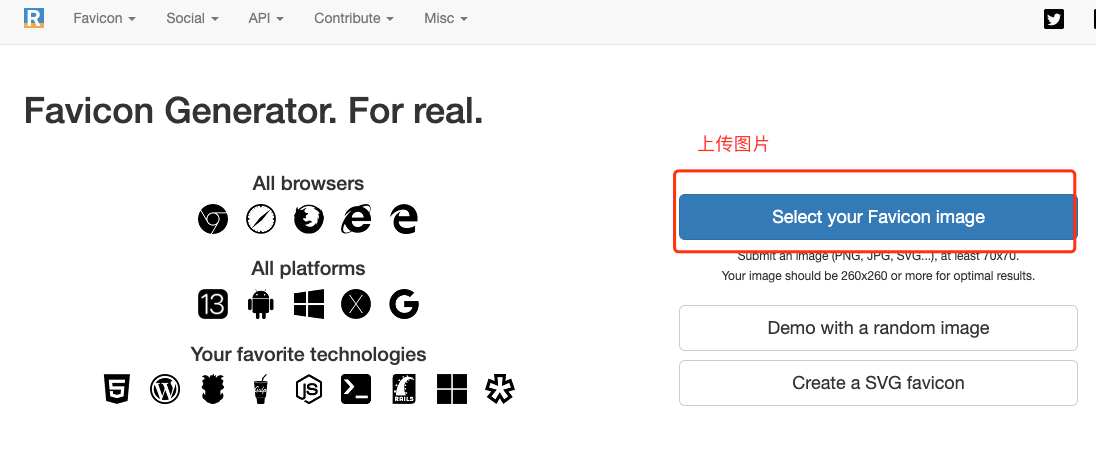
1).打开:https://realfavicongenerator.net/

2).选择Select your Favicon image按钮,上传自己的图片
/img/img35.png

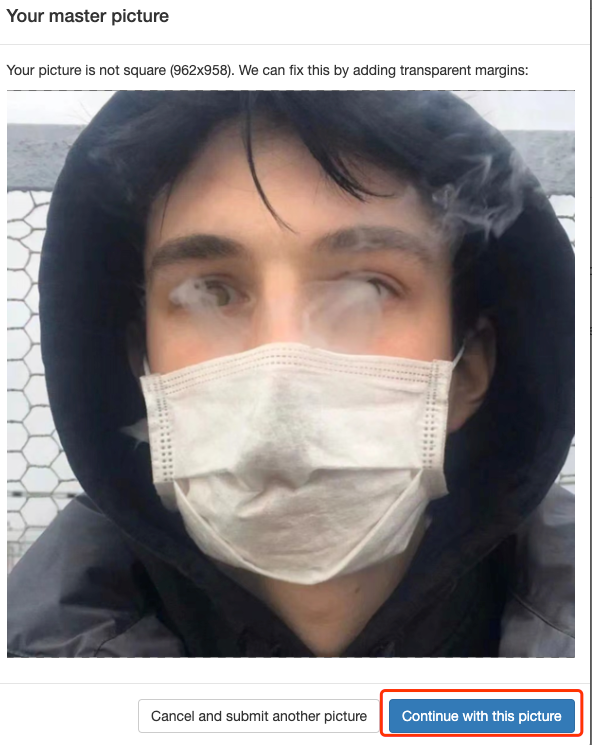
3).选择continue with this picture

/img/img34.png

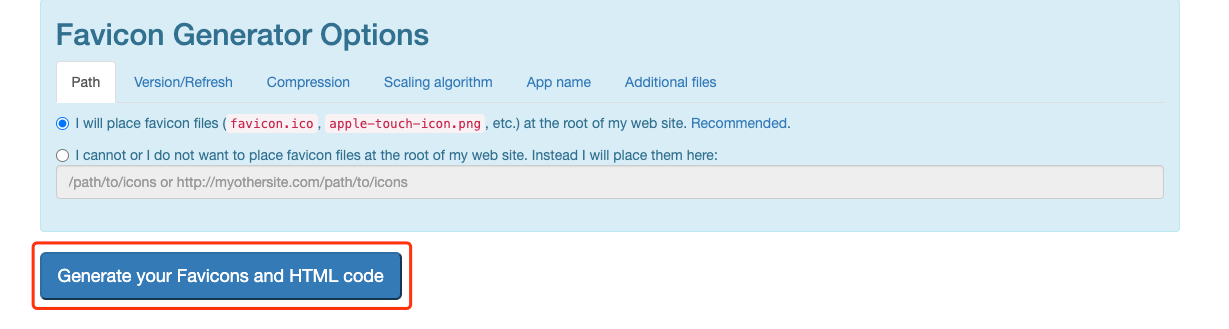
4).滑到页面最下方,选择Generate your Favicons and HTML code
/img/img36.png

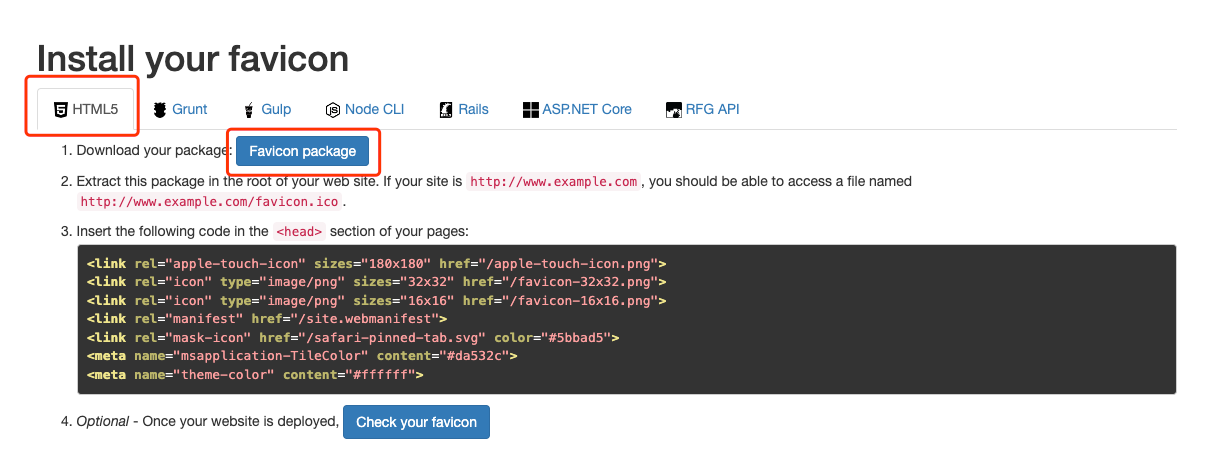
5).选择HTML 5,选择favicon package

/img/img37.png

3.将文件夹所有内容存储到博客

将文件夹中所有内容都copy到博客的static文件夹下即可
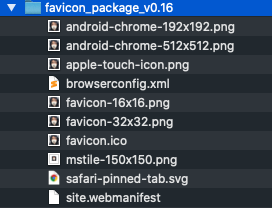
/img/img38.png

4.修改site.webmanifest文件内容

nameshort_name值修改为网站url即可

5.重新生成发布

发现site.webmanifest的问题就已经解决了

关注一下再走吧

公众号 小程序

赞赏支持

微信打赏 支付宝打赏