








AI tools for coding are making software development faster and more efficient. They help automate tasks like code completion, debugging, security checks, reducing manual effort and minimizing errors.
No matter your focus, if you’re looking for better code quality, faster development, or stronger security, this guide is all about breaking down the best AI tools for coding in 2025 to help you find the right one for you.
AI-powered coding tools use machine learning to analyze code, detect errors, and suggest improvements. These tools improve efficiency by reducing repetitive tasks, for a higher code quality, and automating security checks. If you're wondering “what are the best AI tools for coding?”, it all depends on your needs. Some developers prefer AI tools for coding that are centered around real-time collaboration, while others prioritize security or large-scale enterprise projects.
These tools are designed to support developers of all levels, from solo programmers to enterprise teams, helping in speeding up coding, improving efficiency, and reducing errors.
Pros:
Cons:
Overview:
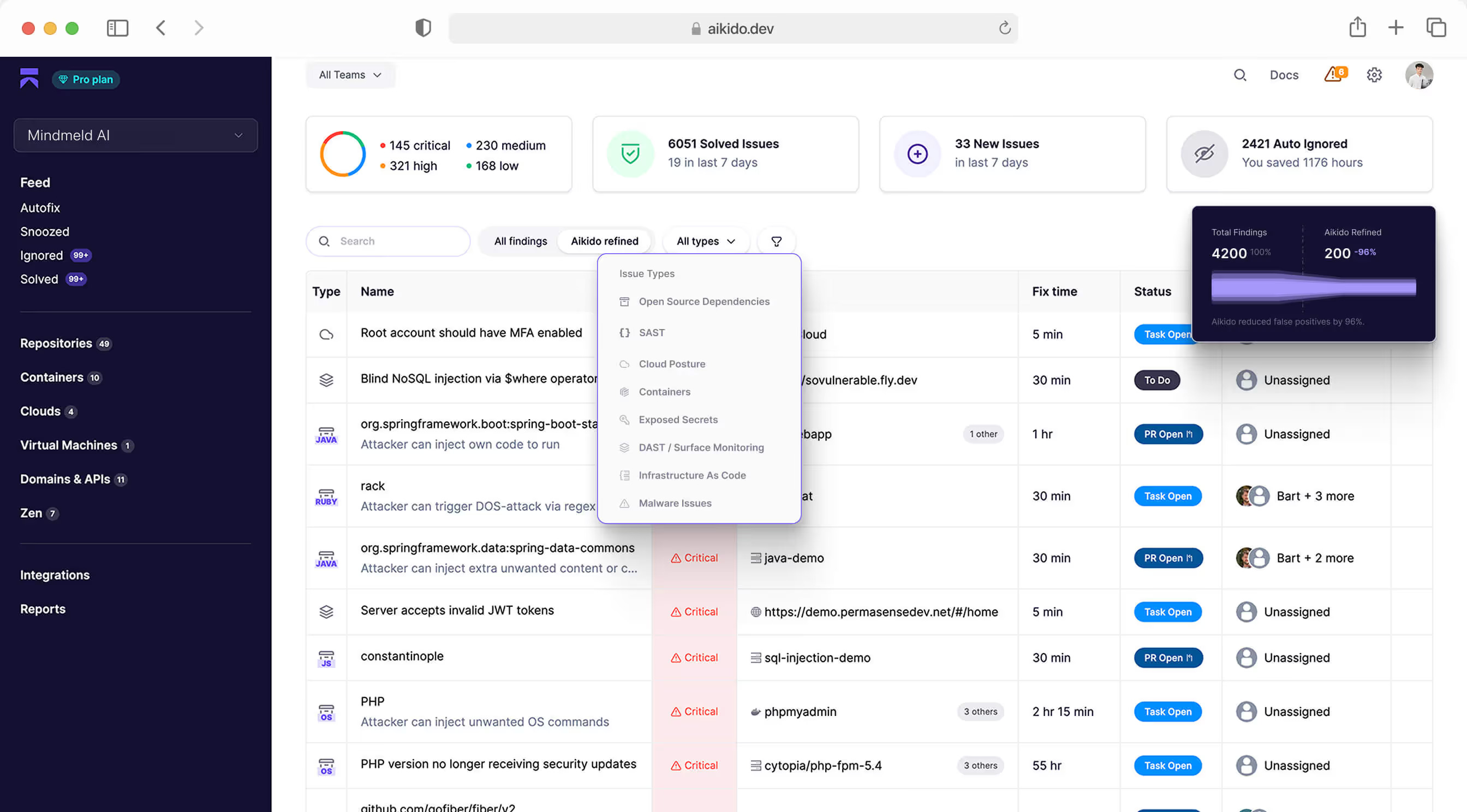
Aikido Security is one of the best AI-powered tools designed for automated code review. It helps developers enforce project-specific rules, catch errors early, and improve code quality. With GitHub and GitLab integration, it’s great for teams looking for a mix of automation and flexibility. Its detailed analytics and customizable rule enforcement make it a strong choice for teams prioritizing precision and efficiency.
Pros:
Cons:
Overview:
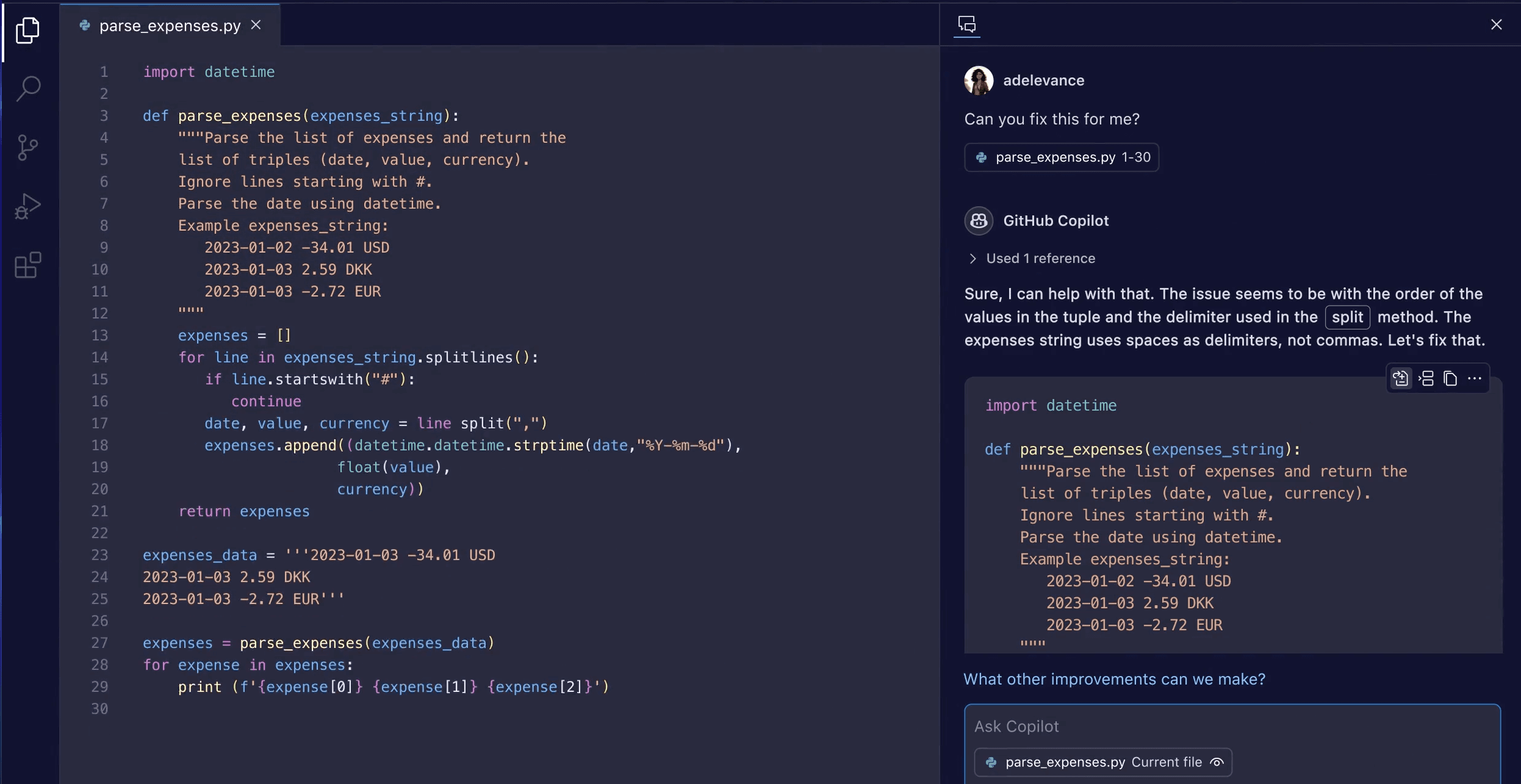
GitHub Copilot works as an AI-powered coding assistant, providing real-time code suggestions to help developers write code faster. It integrates directly into popular IDEs like VS Code and JetBrains, making it easy to use. While it speeds up development and reduces repetitive tasks, its suggestions sometimes need to be reviewed to catch inaccuracies or outdated patterns.
Pros:
Cons:
Overview:
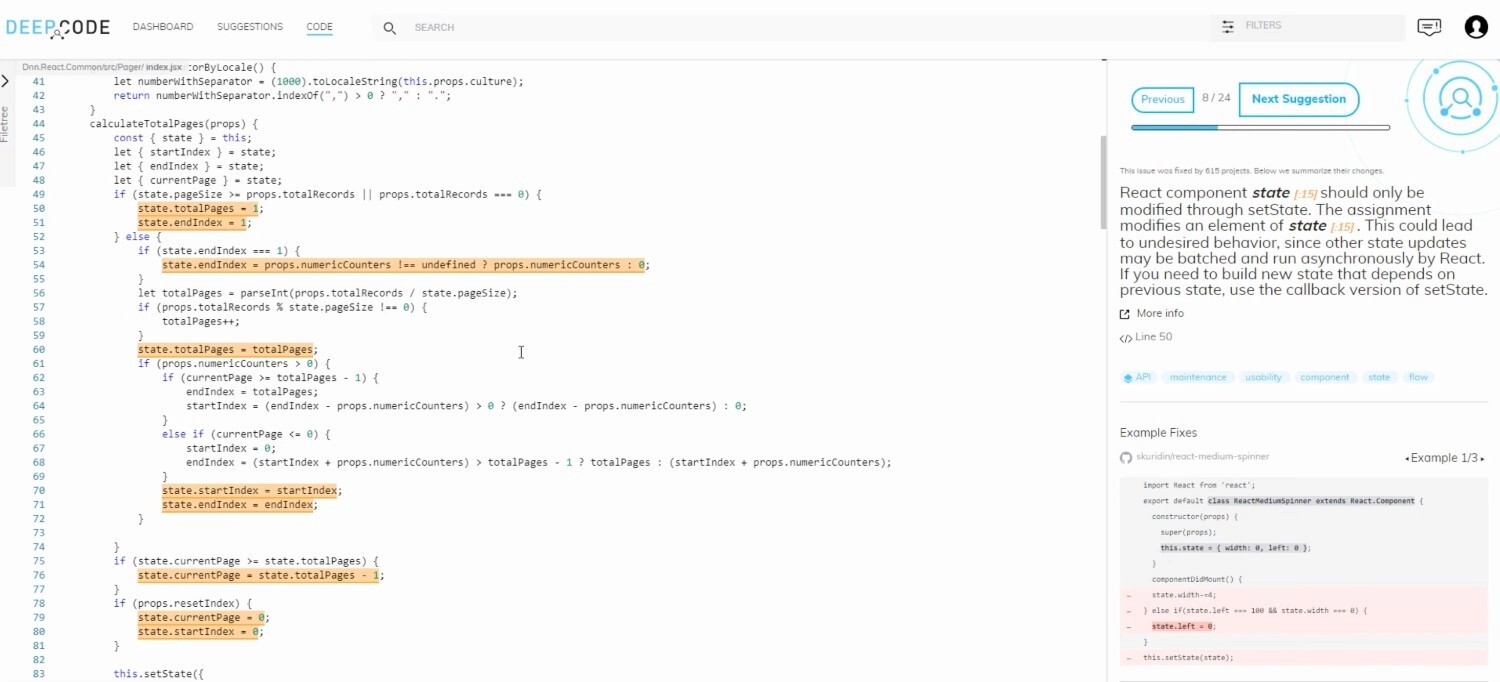
DeepCode by Snyk is an AI-driven security analysis tool that scans code for weaknesses and suggests fixes before deployment. It integrates with major version control platforms, making it useful for teams that prioritize secure coding practices. It enhances security awareness most of the time but some results require manual review to verify their accuracy. It’s best suited for teams looking to strengthen their security measures with AI assistance.
Pros:
Cons:
Overview:
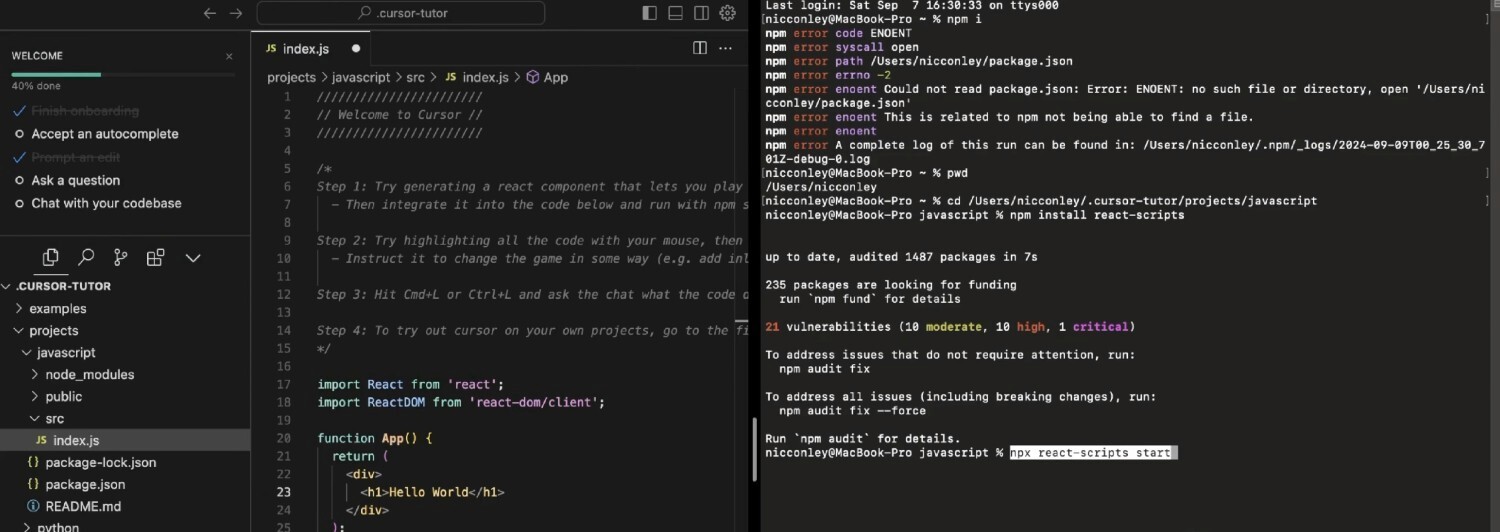
Cursor is another great option for AI-powered IDEs designed to make review and code completion smoother. It helps developers troubleshoot issues faster, automate repetitive tasks, and make development easier. While it speeds up code review and correction, developers still need to review its suggestions carefully to be sure.
These tools are built for large-scale enterprises looking for strong security, compliance, and the ability to handle complex projects efficiently.
Pros
Cons
Overview:
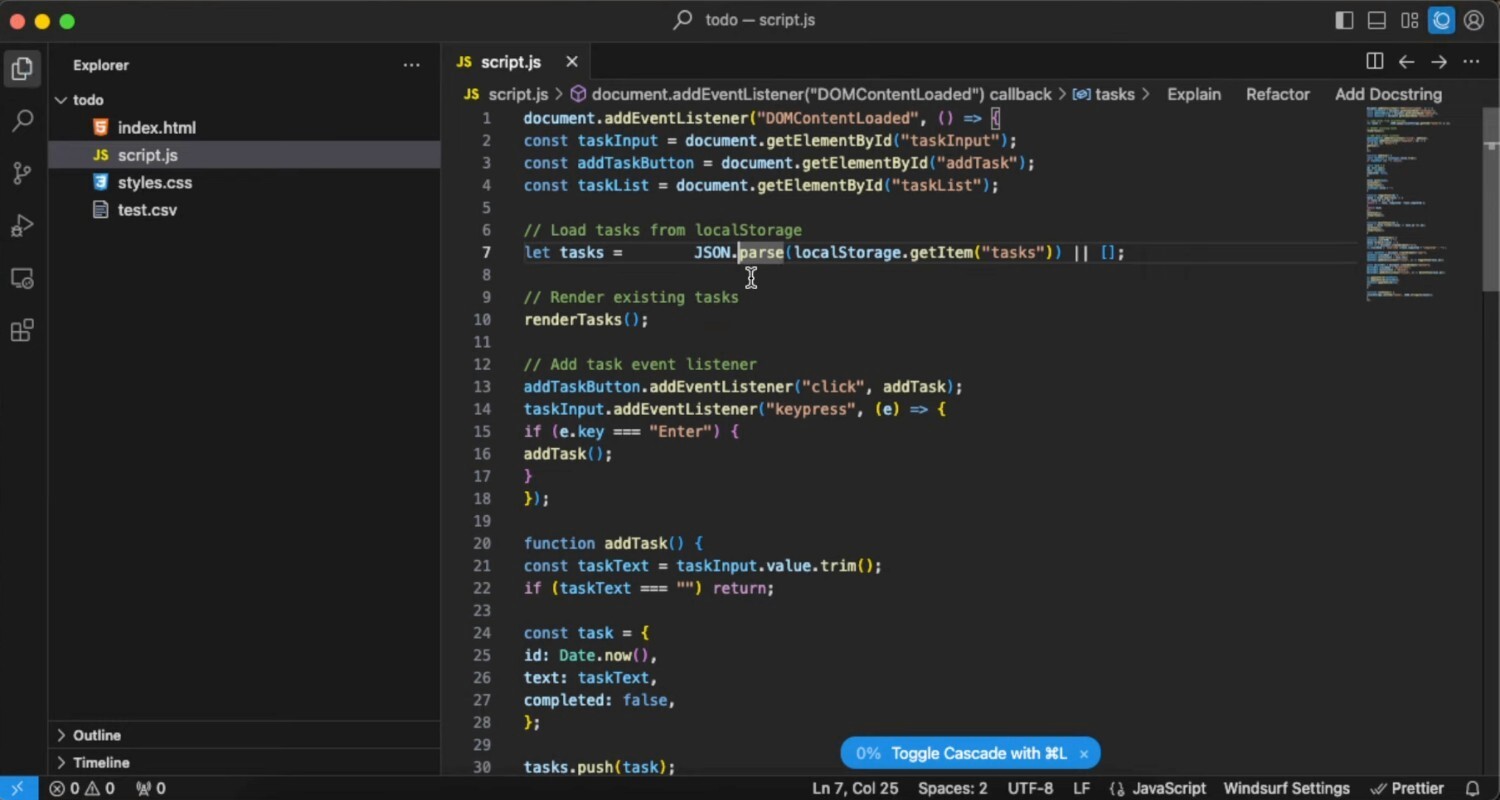
Windsurf is an AI-powered IDE with a simple UI, smart autocompletion, and strong privacy features. It helps developers write, refactor, and manage complex changes and offering context-aware suggestions. While it’s great for improving workflow, it might need some manual tweaks for large projects, and its autocomplete isn’t always perfect.
These tools are great for solo developers, startups, and small teams looking for easy integration, quick setup, and AI-powered coding assistance without the complexity of enterprise solutions.
Pros
Cons
Overview
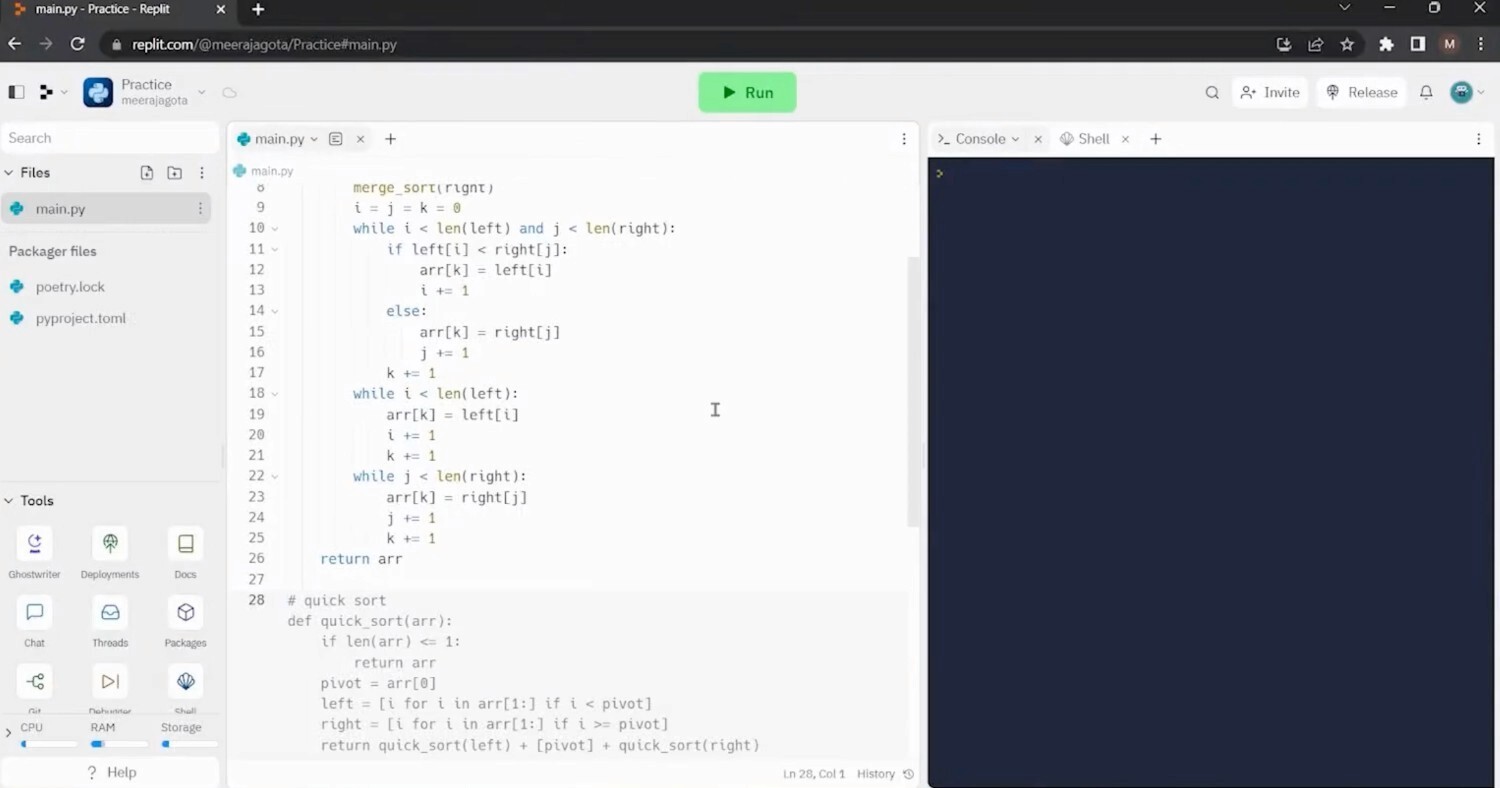
Replit Ghostwriter is a lightweight AI-powered coding assistant that helps developers write and debug code with real-time suggestions, explanations, and an interactive chat. It’s great for beginners and small teams, integrating smoothly into Replit’s cloud-based IDE. However, its Replit-only setup and subscription cost may not work for everyone.
AI for coding has transformed development, making it faster, more efficient, and less error-prone. Some tools focus on security, scanning for weaknesses before deployment, while others provide code suggestions and debugging support. The right choice depends on what you need—real-time feedback, automation, or deeper code analysis. For teams looking to extend AI into test management and browser-based execution, there are also tools that bring QA workflows closer to development.
Tools like Aikido code quality help automate code quality improvements, giving developers a smarter way to catch errors and optimize their workflow. For solo developers and small teams, lightweight AI-powered assistants like Replit Ghostwriter or Cursor simplify coding without adding complexity. Larger teams may need advanced code analysis tools like DeepCode or Windsurf for stronger security and custom rule enforcement.
此内容由惯性聚合(RSS阅读器)自动聚合整理,仅供阅读参考。 原文来自 — 版权归原作者所有。