

惯性聚合 高效追踪和阅读你感兴趣的博客、新闻、科技资讯
阅读原文 在惯性聚合中打开

推荐订阅源

F
Full Disclosure
月光博客
月光博客
D
Darknet – Hacking Tools, Hacker News & Cyber Security
Y
Y Combinator Blog
有赞技术团队
有赞技术团队
PCI Perspectives
PCI Perspectives
云风的 BLOG
云风的 BLOG
MyScale Blog
MyScale Blog
Latest news
Latest news
P
Palo Alto Networks Blog
Blog — PlanetScale
Blog — PlanetScale
Cyberwarzone
Cyberwarzone
P
Privacy International News Feed
Scott Helme
Scott Helme
CTFtime.org: upcoming CTF events
F
Fortinet All Blogs
Engineering at Meta
Engineering at Meta
V
Vulnerabilities – Threatpost
C
CXSECURITY Database RSS Feed - CXSecurity.com
cs.CL updates on arXiv.org
T
Tor Project blog
S
Securelist
H
Hackread – Cybersecurity News, Data Breaches, AI and More
NISL@THU
NISL@THU
GbyAI
GbyAI
H
Hacker News: Front Page
博客园 - 三生石上(FineUI控件)
S
Secure Thoughts
U
Unit 42
T
The Blog of Author Tim Ferriss
Exploit-DB.com RSS Feed
Cloudbric
Cloudbric
Microsoft Security Blog
博客园 - Franky
L
LINUX DO - 最新话题
The Hacker News
The Hacker News
WordPress大学
WordPress大学
博客园 - 叶小钗
阮一峰的网络日志
阮一峰的网络日志
小众软件
小众软件
T
Threatpost
Cisco Talos Blog
Cisco Talos Blog
V
V2EX
L
LINUX DO - 热门话题
cs.AI updates on arXiv.org
Recorded Future
Recorded Future
K
Kaspersky official blog
S
Schneier on Security
T
The Exploit Database - CXSecurity.com
钛媒体:引领未来商业与生活新知
钛媒体:引领未来商业与生活新知

Aikido Security's Blog

GlassWorm goes native: New Zig dropper infects every IDE on your machine Aikido Attack finds multiple 0-days in Hoppscotch The cybersecurity doomerism around Mythos doesn't match what we see on the ground axios compromised on npm: maintainer account hijacked, RAT deployed Popular telnyx package compromised on PyPI by TeamPCP Aikido × Lovable: Vibe, Fix, Ship CanisterWorm Gets Teeth: TeamPCP's Kubernetes Wiper Targets Iran TeamPCP deploys CanisterWorm on NPM following Trivy compromise Security testing is validating software that no longer exists Aikido Recognized by Frost & Sullivan with the 2026 Customer Value Leadership Award in ASPM GlassWorm Hides a RAT Inside a Malicious Chrome Extension fast-draft Open VSX Extension Compromised by BlokTrooper Glassworm Strikes Popular React Native Phone Number Packages Glassworm Is Back: A New Wave of Invisible Unicode Attacks Hits Hundreds of Repositories How Security Teams Fight Back Against AI-Powered Hackers Introducing Betterleaks, an open source secrets scanner by the author of Gitleaks Trump’s 2026 cybersecurity strategy: From compliance to consequence How does AI pentesting work with compliance? What continuous pentesting actually requires Rare Not Random: Using Token Efficiency for Secrets Scanning Persistent XSS/RCE using WebSockets in Storybook’s dev server Why Determinism Is Still a Necessity in Security WAF vs. RASP vs. ADR Introducing Aikido Infinite: A new model of self-securing software How Aikido secures AI pentesting agents by design Astro Full-Read SSRF via Host Header Injection How to Get Your Board to Care About Security (Before a Breach Forces the Issue) What is Slopsquatting? The AI Package Hallucination Attack Already Happening SvelteSpill: A Cache Deception Bug in SvelteKit + Vercel Top 6 Wiz Code Alternatives Aikido recognized as Platform Leader in Latio Tech's 2026 Application Security Report From detection to prevention: How Zen stops IDOR vulnerabilities at runtime npm backdoor lets hackers hijack gambling outcomes Introducing Upgrade Impact Analysis: When breaking changes actually matter to your code Why Trying to Secure OpenClaw is Ridiculous Claude Opus 4.6 found 500 vulnerabilities. What does this change for software security? Introducing Aikido Expansion Packs: Safer defaults inside the IDE International AI Safety Report 2026: What It Means for Autonomous AI Systems Self-Securing Software: What It Is, Why It Matters, and How It Works npx Confusion: Packages That Forgot to Claim Their Own Name What Is Continuous Pentesting? Introducing Aikido Package Health: a Better Way to Trust Your Dependencies AI Pentesting: Minimum Safety Requirements for Security Testing Secure SDLC for Engineering Teams (+ Checklist) Fake Clawdbot VS Code Extension Installs ScreenConnect RAT G_Wagon: npm Package Deploys Python Stealer Targeting 100+ Crypto Wallets Gone Phishin': npm Packages Serving Custom Credential Harvesting Pages Malicious PyPI Packages spellcheckpy and spellcheckerpy Deliver Python RAT Top 10 AI Security Tools For 2026 Agent Skills Are Spreading Hallucinated npx Commands Understanding Open-Source License Risk in Modern Software The CISO Vibe Coding Checklist for Security Top 6 Graphite alternatives for AI code review in 2026 From “No Bullsh*t Security” to $1B: We Just Raised Our $60m Series B Critical n8n Vulnerability Allows Unauthenticated Remote Code Execution (CVE-2026-21858) Top 14 VS Code Extensions for 2026 AI-Driven Pentesting of Coolify: Seven CVEs Identified Top Continuous Pentesting Tools in 2026 SAST vs SCA: Securing the Code You Write and the Code You Depend On JavaScript, MSBuild, and the Blockchain: Anatomy of the NeoShadow npm Supply-Chain Attack How Engineering and Security Teams Can Meet DORA’s Technical Requirements IDOR Vulnerabilities Explained: Why They Persist in Modern Applications Shai Hulud strikes again - The golden path MongoBleed: MongoDB Zlib Vulnerability (CVE-2025-14847) and How to Fix It First Sophisticated Malware Discovered on Maven Central via Typosquatting Attack on Jackson The Fork Awakens: Why GitHub’s Invisible Networks Break Package Security Top 10 Cyber Security Tools For 2026 SAST in the IDE is now free: Moving SAST to where development actually happens AI Pentesting in Action: A TL;DV Recap of Our Live Demo The Top 7 Threat Intelligence Tools in 2026 React & Next.js DoS Vulnerability (CVE-2025-55184): What You Need to Fix After React2Shell OWASP Top 10 for Agentic Applications (2026): What Developers and Security Teams Need to Know DAST vs Pentesting v AI Pentesting: Why DAST Cannot Replace Modern Pentesting PromptPwnd: Prompt Injection Vulnerabilities in GitHub Actions Using AI Agents Top 7 Cloud Security Vulnerabilities Critical React & Next.js RCE Vulnerability (CVE-2025-55182): What You Need to Fix Now How to Comply With the UK Cybersecurity & Resilience Bill: A Practical Guide for Modern Engineering Teams Shai Hulud 2.0: What the Unknown Wonderer Tells Us About the Attackers’ Endgame SCA Everywhere: Scan and Fix Open-Source Dependencies in Your IDE Safe Chain now enforces a minimum package age before install Shai Hulud Attacks Persist Through GitHub Actions Vulnerabilities Shai Hulud Launches Second Supply-Chain Attack: Zapier, ENS, AsyncAPI, PostHog, Postman Compromised CORS Security: Beyond Basic Configuration Revolut Selects Aikido Security to Power Developer-First Software Security The Future of Pentesting Is Autonomous How Aikido and Deloitte are bringing developer-first security to enterprise Secrets Detection: A Practical Guide to Finding and Preventing Leaked Credentials Invisible Unicode Malware Strikes OpenVSX, Again AI as a Power Tool: How Windsurf and Devin Are Changing Secure Coding Building Fast, Staying Secure: Supabase’s Approach to Secure-by-Default Development OWASP Top 10 2025: Official List, Changes, and What Developers Need to Know Top 10 JavaScript Security Vulnerabilities in Modern Web Apps The Return of the Invisible Threat: Hidden PUA Unicode Hits GitHub repositorties Top 7 Black Duck Alternatives in 2026 What Is IaC Security Scanning? Terraform, Kubernetes & Cloud Misconfigurations Explained AutoTriage and the Swiss Cheese Model of Security Noise Reduction Top Software Supply Chain Security Vulnerabilities Explained The Top 7 Kubernetes Security Tools Top 10 Web Application Security Vulnerabilities Every Team Should Know What Is CSPM (and CNAPP)? Cloud Security Posture Management Explained
Top AI Coding Assistants
2026-04-03 · via Aikido Security's Blog

An AI coding assistant does more than just generate code; it acts as an intelligent partner throughout the development lifecycle. Think of it as a seasoned pair programmer that can help you write code, debug issues, understand complex logic, and even manage your development environment. These tools integrate directly into your workflow, providing contextual help that makes you a more efficient and effective developer.

Early research from sources like the Harvard Business Review and MIT Technology Review highlight that developers leveraging AI assistants not only speed up mundane tasks, but also report greater work satisfaction and reduced cognitive load.

What's the Difference: AI Code Generator vs. AI Coding Assistant?

While the terms are often used interchangeably, there's a subtle but important distinction. An AI code generator primarily focuses on one task: writing code from a prompt. You give it a description, and it produces a function, class, or script. To compare the top tools in this category, visit our AI code generator comparison.

An AI coding assistant is more comprehensive. It's a broader suite of tools that helps with the entire coding process. This includes:

  • Code Generation: Creating new code from natural language.
  • Intelligent Code Completion: Suggesting relevant completions based on the current context.
  • Debugging and Error Analysis: Identifying bugs and suggesting fixes.
  • Code Refactoring: Helping you restructure and improve existing code for better readability and performance.
  • Answering Questions: Providing explanations for code snippets or clarifying technical concepts directly in your IDE.

For a closer look at the landscape of AI-powered developer tools as a whole, have a look at our AI coding tools overview.

Essentially, a generator is a feature, while an assistant is a multi-skilled partner. The market is evolving, and most top-tier tools now blend these capabilities, aiming to be a holistic coding assistant. The adoption of AI tools is accelerating because they demonstrably improve developer productivity and satisfaction. A Stack Overflow survey confirms that a significant portion of developers are already incorporating AI assistants into daily work routines.

The Best AI Coding Assistants for 2025

Here’s a look at the leading AI coding assistants that can help you and your team build better software, faster.
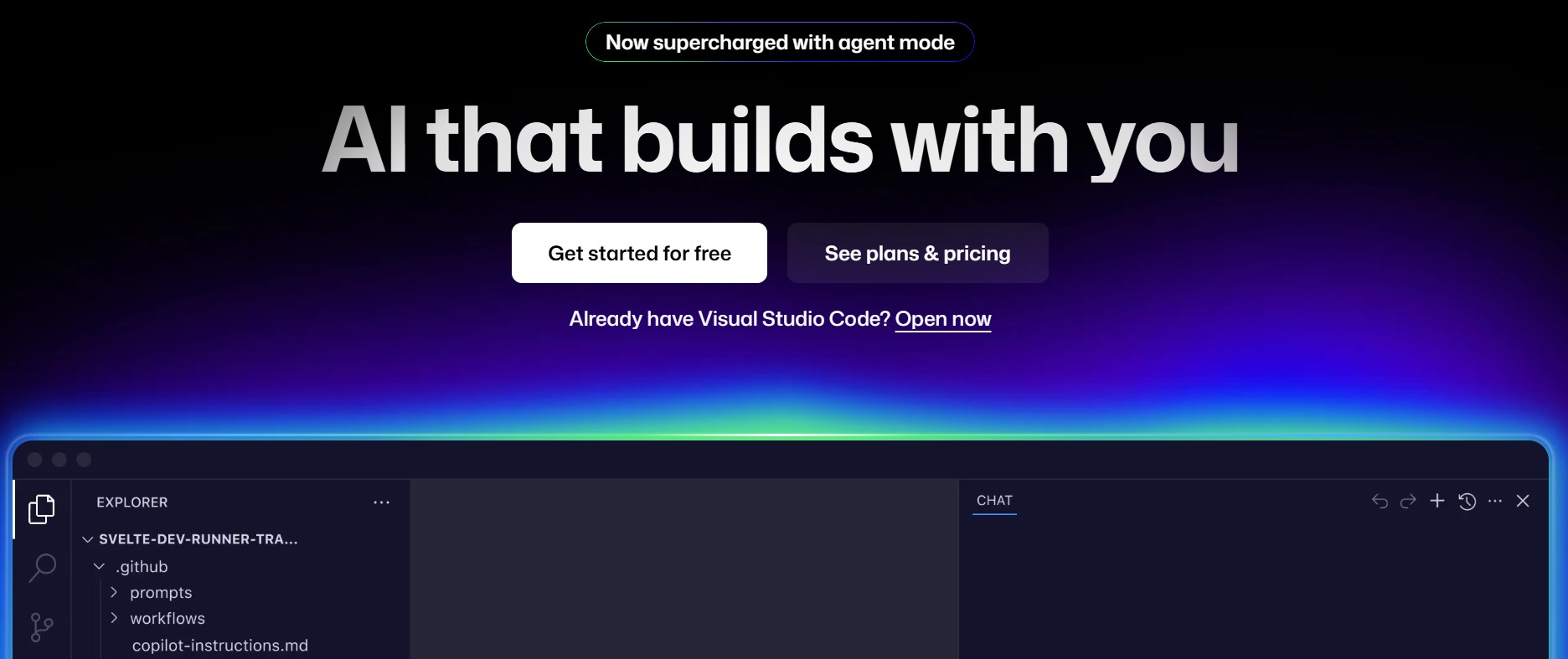
1. GitHub Copilot

GitHub Copilot has become the benchmark for AI coding assistants. Powered by OpenAI's advanced models, it does more than just suggest code; it acts as a true collaborator. Its latest iterations, like Copilot Chat, allow you to have a conversation about your code. You can ask it to explain a complex function, suggest refactoring improvements, or even help you write unit tests.

Key Features:

  • Copilot Chat: An interactive, chat-based interface within the IDE to ask questions, debug, and generate code.
  • Context-Aware Intelligence: Analyzes your entire workspace, not just the current file, to provide highly relevant help.
  • Slash Commands: Use commands like /fix to automatically propose a fix for a bug or /tests to generate test cases.
  • Deep IDE Integration: Works seamlessly inside VS Code, JetBrains IDEs, and Neovim.

GitHub Copilot is an all-around powerhouse, particularly for developers already invested in the GitHub ecosystem. It streamlines everything from initial coding to final debugging. Recent case studies, like those analyzed by IEEE Spectrum, show measurable jumps in productivity and bug resolution speed when teams use Copilot.

2. Bolt

Bolt is a powerful AI-driven coding assistant designed to supercharge your development workflow. More than just a code generator, Bolt focuses on speed and precision while integrating seamlessly into your favorite IDEs. Its intelligent code suggestions and debugging tools make it an essential companion for developers of all levels.

Key Features:

  • Intelligent Code Suggestions: Provides context-aware, real-time suggestions to accelerate your coding process.
  • Advanced Debugging: Detects errors and offers solutions, helping you resolve issues faster.
  • Seamless IDE Integration: Compatible with popular IDEs like VS Code, JetBrains, and more for a smooth workflow.
  • Team Collaboration: Offers features tailored for teams, enabling shared knowledge and consistent code quality.

Bolt is the ultimate tool for developers looking to boost productivity and streamline their coding experience. For a comparison of how Bolt stacks up against other tools, check out our top AI coding tools compendium.
3. AskCodi

AskCodi is designed as a more modular AI assistant. It provides a suite of specialized applications for different development tasks, allowing you to choose the exact help you need. This includes generating code, writing documentation, creating SQL queries, and generating unit tests. Its conversational interface makes it easy to ask questions and get detailed explanations.

Key Features:

  • Modular App-Based System: Provides specific tools for documentation, testing, and code generation.
  • Workspace Context: Analyzes your codebase to provide answers and suggestions relevant to your project.
  • Multi-Language Support: Works with over 50 programming languages and frameworks.
  • SQL Query Generation: Simplifies database interactions by translating natural language into SQL.

AskCodi is a great option for developers who want a versatile toolkit that can assist with a wide range of tasks beyond just writing application code.
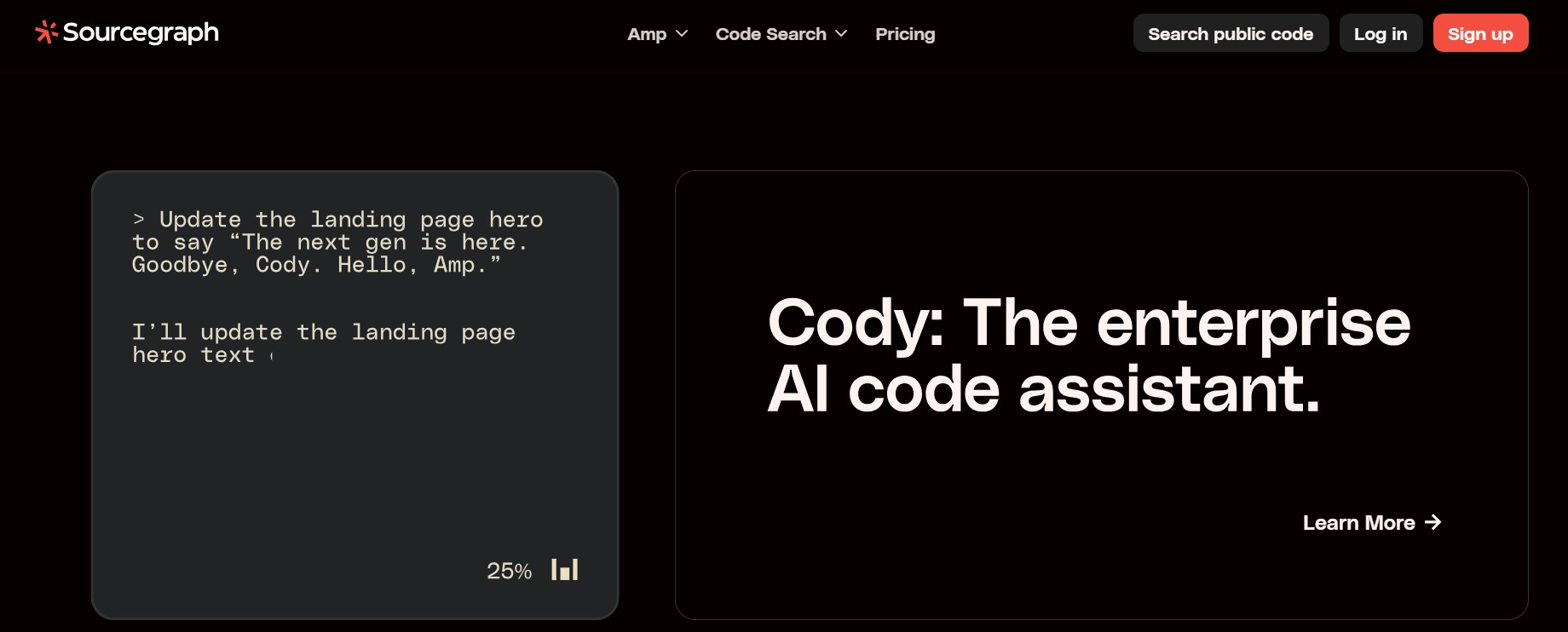
4. Cody by Sourcegraph

Cody is an AI coding assistant that leverages the power of Sourcegraph's code search engine. Its key differentiator is its deep understanding of your entire codebase. Cody builds a graph of your code, allowing it to provide answers and generate code with a high degree of accuracy and context. It can answer questions like "How is this API used in our other services?" or "Where is this function defined?".

Key Features:

  • Full Codebase Awareness: Uses code graph context to deliver highly accurate, project-specific assistance.
  • Natural Language Code Search: Find code snippets and examples across your entire organization just by describing what you're looking for.
  • Code Autocompletion and Generation: Provides intelligent suggestions and generates entire functions.
  • Custom Commands: Create your own commands to automate routine development tasks.

Cody is ideal for developers working in large, complex codebases where understanding context and dependencies is a major challenge. The Open Source Initiative has covered how tools like Cody are shaping code discoverability.

Comparison of Top AI Coding Assistants

Feature GitHub Copilot Kite Bolt AskCodi Cody (Sourcegraph)
Code Generation ✅ Advanced, with chat & slash commands ✅ Supports 16+ languages ✅ Fast, context-aware ✅ Modular apps for different tasks ✅ Project-specific, full codebase context
Code Completion ✅ Context-aware, workspace level ✅ Line-of-code suggestions ✅ Real-time intelligent suggestions ✅ Multi-language completions ✅ Deep autocomplete with code graph
Debugging Assistance ✅ /fix command & chat debugging ⚠️ Limited debugging support ✅ Advanced debugging features ✅ Explains errors and fixes ✅ Context-aware error help
Refactoring Support ✅ Suggests improvements directly ⚠️ Basic suggestions ✅ Helps restructure code ✅ Provides optimization tips ✅ Full codebase refactoring context
Multi-Language Coverage ✅ Popular languages (JS, Python, etc.) ✅ 16+ languages ✅ Popular IDE languages ✅ 50+ languages/frameworks ✅ Broad, org-wide coverage
IDE Integration ✅ VS Code, JetBrains, Neovim ✅ VS Code, PyCharm, Sublime, etc. ✅ VS Code, JetBrains, more ✅ Browser & IDE plug-ins ✅ Sourcegraph-based integrations
Team/Collaboration Features ✅ Strong GitHub ecosystem fit ⚠️ Mostly individual use ✅ Team collaboration tools ✅ Shared context via apps ✅ Org-wide code search & sharing
Privacy & Security ⚠️ Cloud-based, GitHub linked ✅ Local processing ⚠️ Cloud + IDE integration ⚠️ Cloud-based, with APIs ✅ Strong enterprise security model
Best For Teams on GitHub wanting deep integration & chat Solo devs needing lightweight, private completions Developers seeking speed + collaboration Dev teams needing modular tools & SQL help Large orgs with complex, interlinked codebases

The Security Blind Spot of AI Coding Assistants

AI assistants are a game-changer for productivity. However, this speed can introduce risks. The code they generate is not guaranteed to be secure. A developer moving quickly might accept a suggestion that uses a deprecated cryptographic algorithm or introduces an injection vulnerability. Studies have shown that developers using AI assistants can sometimes produce less secure code than those without, simply because they trust the AI's output implicitly. Further, a Stanford research paper found that developers aided by AI assistants often felt more productive, but were statistically more likely to miss security flaws in the generated code.

This is why pairing your AI coding assistant with an automated security platform is crucial. Aikido Security integrates directly with your Git provider and acts as a safety net. It continuously scans all your code—whether written by a human or an AI—for vulnerabilities, ensuring that both code quality and security stay high. Explore more ways to improve your workflow and find actionable tips in Aikido's dedicated code quality hub.

  • SAST: Static Application Security Testing to find weaknesses in your source code.
  • SCA: Software Composition Analysis to detect vulnerabilities in your open-source dependencies.
  • Secrets Detection: Finding hardcoded API keys, passwords, and other credentials.

By adding Aikido to your workflow, you get the best of both worlds: the velocity of AI-assisted development and the confidence of robust security scanning. It lets your team move fast without breaking things. Ready to secure your AI-generated code? Try Aikido Security for free.