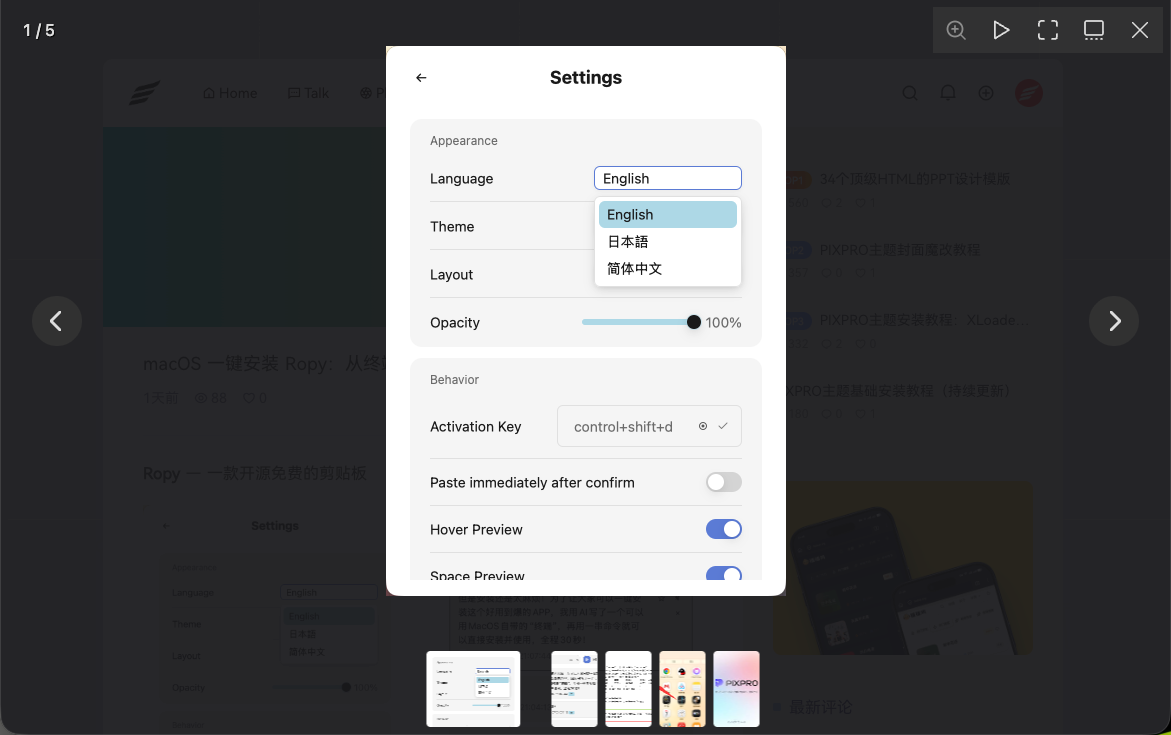
适用场景
你的主题已经引入了 Fancybox(版本 3/4/6 均可),但文章图片没有被正确绑定,点击无反应或跳转错误。
核心问题
- 文章图片没有
data-fancybox属性,Fancybox 无法识别 - 文章缩略图链接到文章页,误触灯箱会阻断正常跳转
- 外部图片和本地图片需要同时兼顾
解决方案
把以下代码放进主题的 footer.php,放在 </body> 标签之前:
php
<script>
document.addEventListener('DOMContentLoaded', function() {
    // 定义可能包含图片的选择器(覆盖文章页 + 首页列表)
    var selectors = [
        '.post-content img',      // 文章正文
        '.entry-content img',     // 文章正文(备选)
        'article img',            // article 标签内
        '.post-item img',         // 首页文章列表
        '.post-feature img',      // 文章特色图
        '.hentry img',            // 文章条目
        '.post-thumbnail img',    // 缩略图
        '.wp-block-image img'     // Gutenberg 图片块
    ];

    // 合并去重
    var allImages = [];
    selectors.forEach(function(sel) {
        document.querySelectorAll(sel).forEach(function(img) {
            if (allImages.indexOf(img) === -1) {
                allImages.push(img);
            }
        });
    });

    allImages.forEach(function(img) {
        var src = img.getAttribute('src');
        if (!src) return;

        var parent = img.parentElement;

        // 情况一:图片已经在 a 标签里
        if (parent && parent.tagName === 'A') {
            var href = parent.getAttribute('href') || '';

            // 关键判断:a 的 href 是否指向图片文件
            var isImageLink = /\.(jpg|jpeg|png|gif|webp|svg|bmp|avif)(\?.*)?$/i.test(href);

            if (isImageLink) {
                // 是图片链接 → 绑定灯箱
                parent.setAttribute('data-fancybox', 'gallery');
                parent.setAttribute('data-caption', img.getAttribute('alt') || '');
            }
            // 不是图片链接(如文章页URL)→ 保持原跳转,不做任何处理

            return;
        }

        // 情况二:图片没有 a 包裹 → 自动创建 a 指向图片本身
        var a = document.createElement('a');
        a.setAttribute('href', src);
        a.setAttribute('data-fancybox', 'gallery');
        a.setAttribute('data-caption', img.getAttribute('alt') || '');
        img.parentNode.insertBefore(a, img);
        a.appendChild(img);
    });

    // Fancybox 绑定
    if (typeof Fancybox !== 'undefined') {
        Fancybox.bind('[data-fancybox="gallery"]');
    }
});
</script>
效果演示