


Nginx UI 是一个全新的 Nginx 网络管理界面,旨在简化 Nginx 服务器的管理和配置。它提供实时服务器统计数据、ChatGPT 助手、一键部署、Let's Encrypt 证书的自动续签以及用户友好的网站配置编辑工具。此外,Nginx UI 还提供了在线访问 Nginx 日志、配置文件的自动测试和重载、网络终端、深色模式和自适应网页设计等功能。Nginx UI 采用 Go 和 Vue 构建,确保在管理 Nginx 服务器时提供无缝高效的体验。
bash
docker pull uozi/nginx-ui输出:
bash
[root@localhost ~]# docker pull uozi/nginx-ui
Using default tag: latest
latest: Pulling from uozi/nginx-ui
a480a496ba95: Pull complete
f3ace1b8ce45: Pull complete
11d6fdd0e8a7: Pull complete
f1091da6fd5c: Pull complete
40eea07b53d8: Pull complete
6476794e50f4: Pull complete
70850b3ec6b2: Pull complete
6dfd6dab1e93: Pull complete
959c7f7ae0a3: Pull complete
5397794c6714: Pull complete
3566769ebf63: Pull complete
14b4040bf1e1: Pull complete
08f0fc0e392c: Pull complete
b83a8cd45ba6: Pull complete
82447e2c6022: Pull complete
b1e06d522ec0: Pull complete
909107f15dcb: Pull complete
ec1cc2a95051: Pull complete
5cace21fdab3: Pull complete
ee3df6b53fb6: Pull complete
cf867c5a88da: Pull complete
415df769dc93: Pull complete
Digest: sha256:40c9d16ec774b6a8b605842beb4b5e21ffcfaee565a435820356d5f941d730fe
Status: Downloaded newer image for uozi/nginx-ui:latest
docker.io/uozi/nginx-ui:latestbash
#创建`Nginx-Ui` 文件夹并进入目标文件夹
mkdir -p ~/Nginx-Ui
cd ~/Nginx-Uibash
vim docker-compose.ymlbash
version: '3'  # 使用Docker Compose的版本3

services:
  nginx-ui:
    image: uozi/nginx-ui:latest  # 使用uozi/nginx-ui镜像的最新版本
    container_name: nginx-ui  # 容器名称为nginx-ui
    restart: always  # 容器始终重启,以确保服务不中断
    environment:
      - TZ=Asia/Shanghai  # 设置容器的时区为亚洲/上海
    volumes:
      - /mnt/user/appdata/nginx:/etc/nginx  # 将主机的nginx配置目录映射到容器的/etc/nginx
      - /mnt/user/appdata/nginx-ui:/etc/nginx-ui  # 将主机的nginx-ui配置目录映射到容器的/etc/nginx-ui
      - /var/www:/var/www  # 将主机的web文件目录映射到容器的/var/www
    ports:
      - "8080:80"  # 将主机的8080端口映射到容器的80端口,用于HTTP访问
- "8443:443" # 将主机的8443端口映射到容器的443端口,用于HTTPS访问bash
#运行nginx-ui容器
docker-compose up -d

#输出:
[root@localhost Nginx-Ui]# docker-compose up -d
Creating network "nginx-ui_default" with the default driver
Creating nginx-ui ... donebash
docker ps

#输出
[root@VM-4-16-centos Nginx-Ui]# docker ps
CONTAINER ID   IMAGE                                                      COMMAND                   CREATED          STATUS         PORTS                                                                                    NAMES
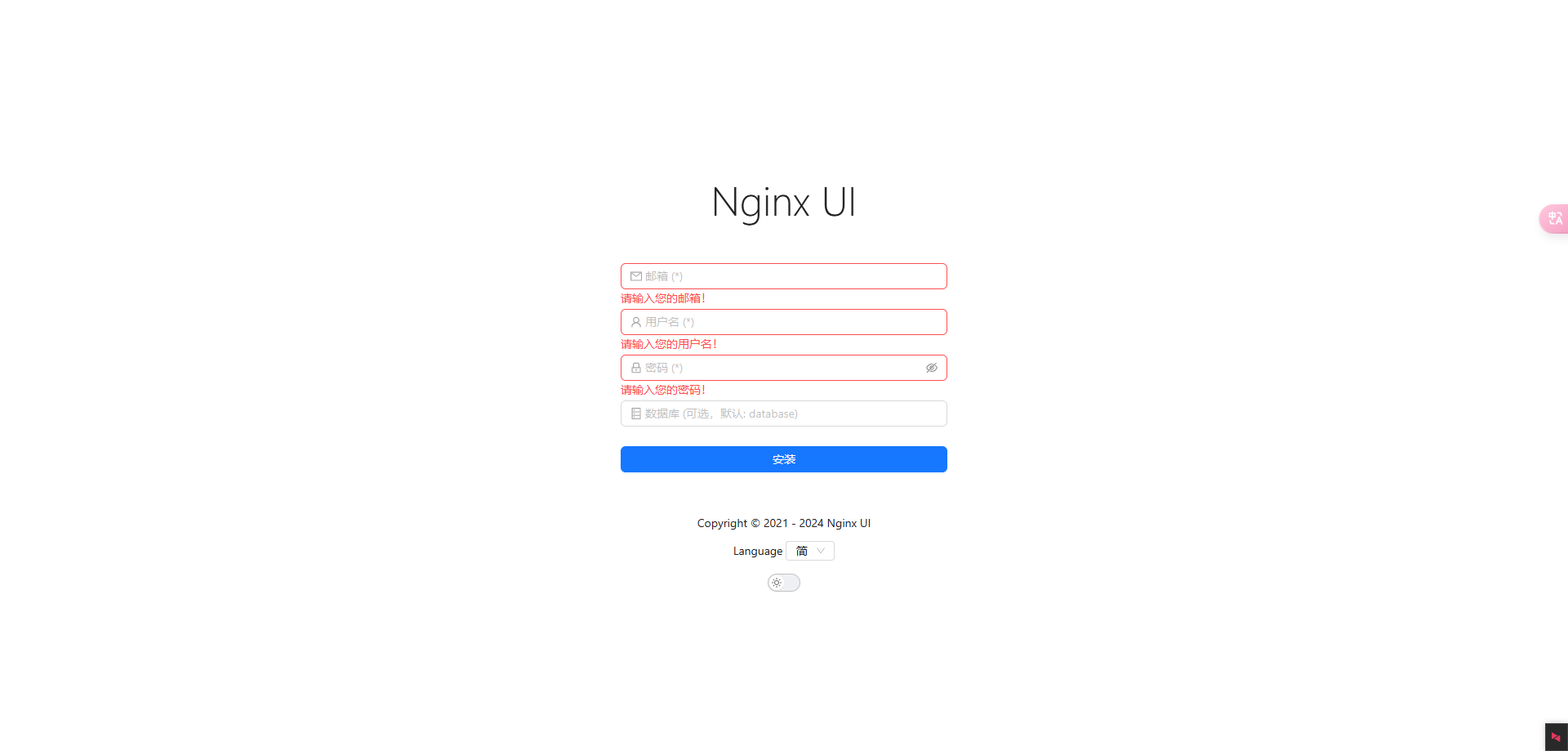
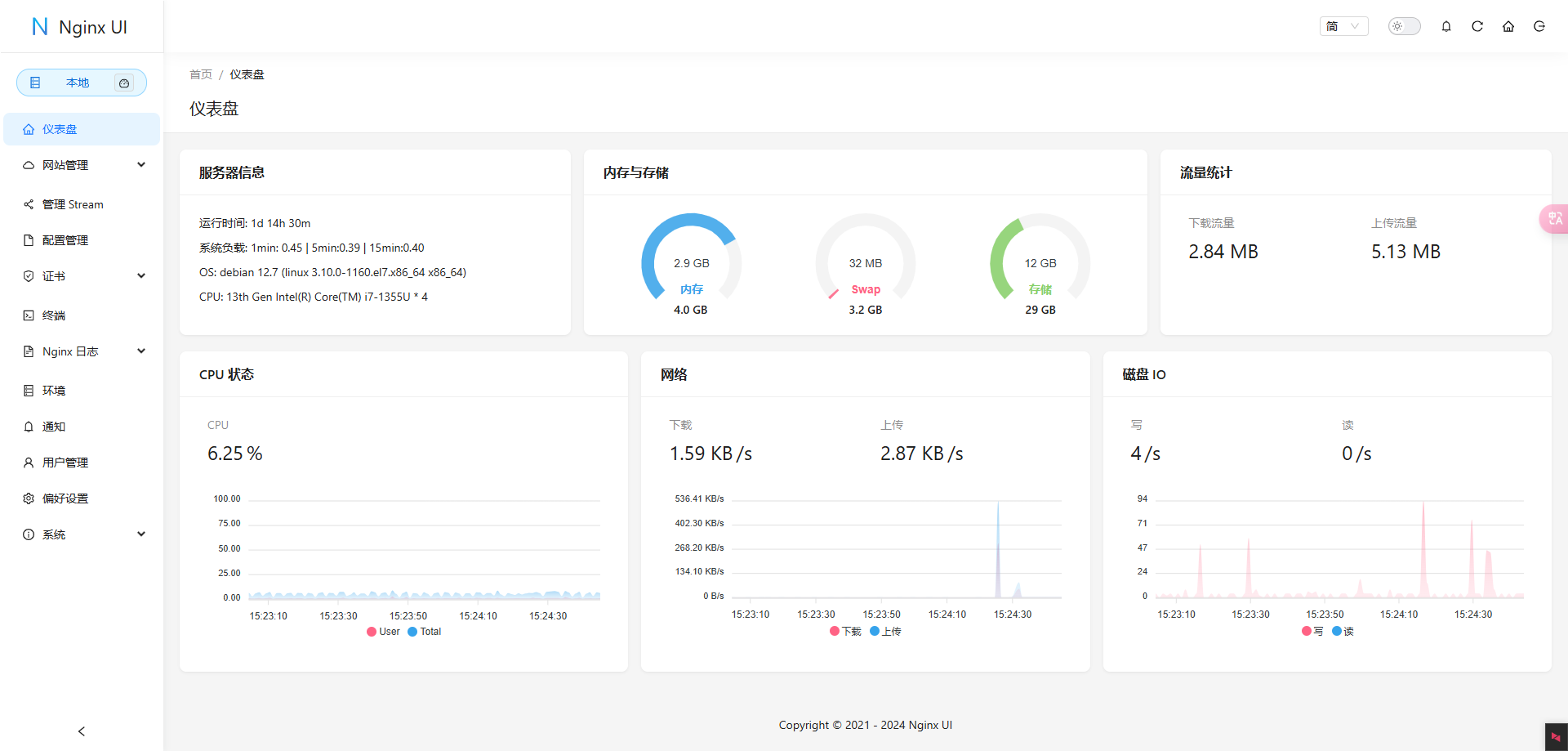
744fef2d0634 uozi/nginx-ui:latest "/init" 10 seconds ago Up 9 seconds 0.0.0.0:8080->80/tcp, :::8080->80/tcp, 0.0.0.0:8443->443/tcp, :::8443->443/tcp nginx-ui访问Nginx-Ui;我的是:http://192.168.80.128:8080/
检查防火墙是否开启,如果开启了,确认是否开放对应的端口或者端口被占用。
检查docker容器日志
bash
docker logs nginx-ui
或者
docker logs 容器id
输出:
bash
Timezone: Asia/Shanghai
nginx: [emerg] open() "/etc/nginx/nginx.conf" failed (2: No such file or directory)
(Nginx无法找到/etc/nginx/nginx.conf配置文件)其实这里的日志路径是错的,实际路径是/mnt/user/appdata/nginx/nginx.conf,对应的路径是/root/Nginx-Ui/docker-compose.yml文件中的volumes字段的路径
bash
 volumes:
      - /mnt/user/appdata/nginx:/etc/nginx  # 将主机的nginx配置目录映射到容器的/etc/nginx
      - /mnt/user/appdata/nginx-ui:/etc/nginx-ui  # 将主机的nginx-ui配置目录映射到容器的/etc/nginx-ui
- /var/www:/var/www # 将主机的web文件目录映射到容器的/var/www解决方法:下载提供的配置文件复制替换到/mnt/user路径下,然后重启容器。打开浏览器可以访问了~
下载地址:点击下载提取码:tA8A
此内容由惯性聚合(RSS阅读器)自动聚合整理,仅供阅读参考。 原文来自 — 版权归原作者所有。