





TIP项目地址:
Waiting for api.github.com...
订阅转换是个多代理用户的刚需——把多个代理的订阅合并成一个,生成一份统一的配置文件,导入到 Clash/mihomo 里使用。
说到订阅转换,大家首先想到的肯定是 tindy2013/subconverter,16.8k+ stars,功能非常全面,支持 Clash、Surge、Quantumult、Loon 等十几种客户端格式。
但问题是:我用不上这么多功能。
我只用 Clash/mihomo,不需要 Surge、不需要 Quantumult、不需要 Loon。我只需要把几个订阅合并成一份 mihomo 配置,仅此而已。原版的配置项和参数众多,对于这种简单需求来说,学习成本偏高。
所以我就写了这个 subconverter-lite——一个基于 PHP 的轻量化订阅转换工具,只做一件事,做好一件事。
| 特性 | subconverter (原版) | subconverter-lite |
|---|---|---|
| 语言 | C++ | PHP |
| 客户端支持 | 15+ 种 | Clash/mihomo |
| 部署方式 | 编译 / Docker | 直接部署 |
| 配置复杂度 | 高 | 低 |
| 适用场景 | 全客户端覆盖 | 仅需 Clash/mihomo |
如果你只用 Clash/mihomo,subconverter-lite 完全够用,而且更简单。
整体架构非常简单,一个请求流程如下:
flowchart TD A[用户请求] --> B{请求类型} B -->|前端页面| C[index.html] B -->|API 调用| D[api.php] D --> E[解析参数] E --> F[Subscription.php] F --> G[验证链接] G --> H[Converter.php] H --> I[加载模板] I --> J[替换 proxy-providers] J --> K[返回 YAML 配置]
项目结构:
subconverter-lite/
├── index.php # 入口文件(重定向到前端)
├── index.html # 前端页面
├── api.php # API 入口
├── config.php # 配置文件
├── src/
│ ├── Subscription.php # 订阅解析类
│ └── Converter.php # 转换器类
└── templates/
└── base.yaml # 基础模板
Subscription 类负责订阅链接的验证和名称提取:
class Subscription
{
private int $timeout;
private string $userAgent;
public function __construct(int $timeout = 10, string $userAgent = '')
{
$this->timeout = $timeout;
$this->userAgent = $userAgent ?: 'clash-verge/v2.0.0';
}
// 验证订阅链接是否可访问
public function validate(string $url): bool
{
$ch = curl_init();
curl_setopt_array($ch, [
CURLOPT_URL => $url,
CURLOPT_RETURNTRANSFER => true,
CURLOPT_TIMEOUT => $this->timeout,
CURLOPT_FOLLOWLOCATION => true,
CURLOPT_NOBODY => true,
]);
curl_exec($ch);
$httpCode = curl_getinfo($ch, CURLINFO_HTTP_CODE);
curl_close($ch);
return $httpCode === 200;
}
// 使用 crc32 生成唯一标识
public function extractName(string $url, int $index): string
{
$hash = sprintf('%x', crc32($url));
return "sub_{$hash}";
}
}
核心逻辑很简单:验证链接是否可访问,然后用 crc32 生成一个唯一名称作为 proxy-provider 的标识。
Converter 类负责加载模板并替换 proxy-providers:
class Converter
{
private string $templatePath;
public function __construct(string $templatePath)
{
$this->templatePath = $templatePath;
}
public function convert(array $subscriptions): string
{
// 加载模板
$template = file_get_contents($this->templatePath);
// 构建 proxy-providers 配置
$providers = [];
foreach ($subscriptions as $sub) {
$providers[] = sprintf(
' %s:\n type: http\n url: "%s"\n interval: 3600\n path: ./%s.yaml',
$sub['name'],
$sub['url'],
$sub['name']
);
}
// 替换模板中的 proxy-providers 占位符
$providerConfig = implode("\n", $providers);
$template = preg_replace(
'/proxy-providers:.*?(?=\n[a-zA-Z])/s',
"proxy-providers:\n" . $providerConfig . "\n",
$template
);
return $template;
}
}
核心逻辑:读取模板文件,把用户传入的订阅链接填充到 proxy-providers 配置中,返回最终的 YAML 配置。
API 入口 api.php 的参数设计非常直观:
单个订阅:
/api.php?sub_url=https://example.com/subscribe
多个订阅:
/api.php?sub_url_1=https://example.com/sub1&sub_url_2=https://example.com/sub2
自定义名称:
/api.php?sub_url_1=https://example.com/sub1&name_1=我的代理
最多支持 10 个订阅链接(sub_url_1 到 sub_url_10),同时兼容单个 sub_url 参数。
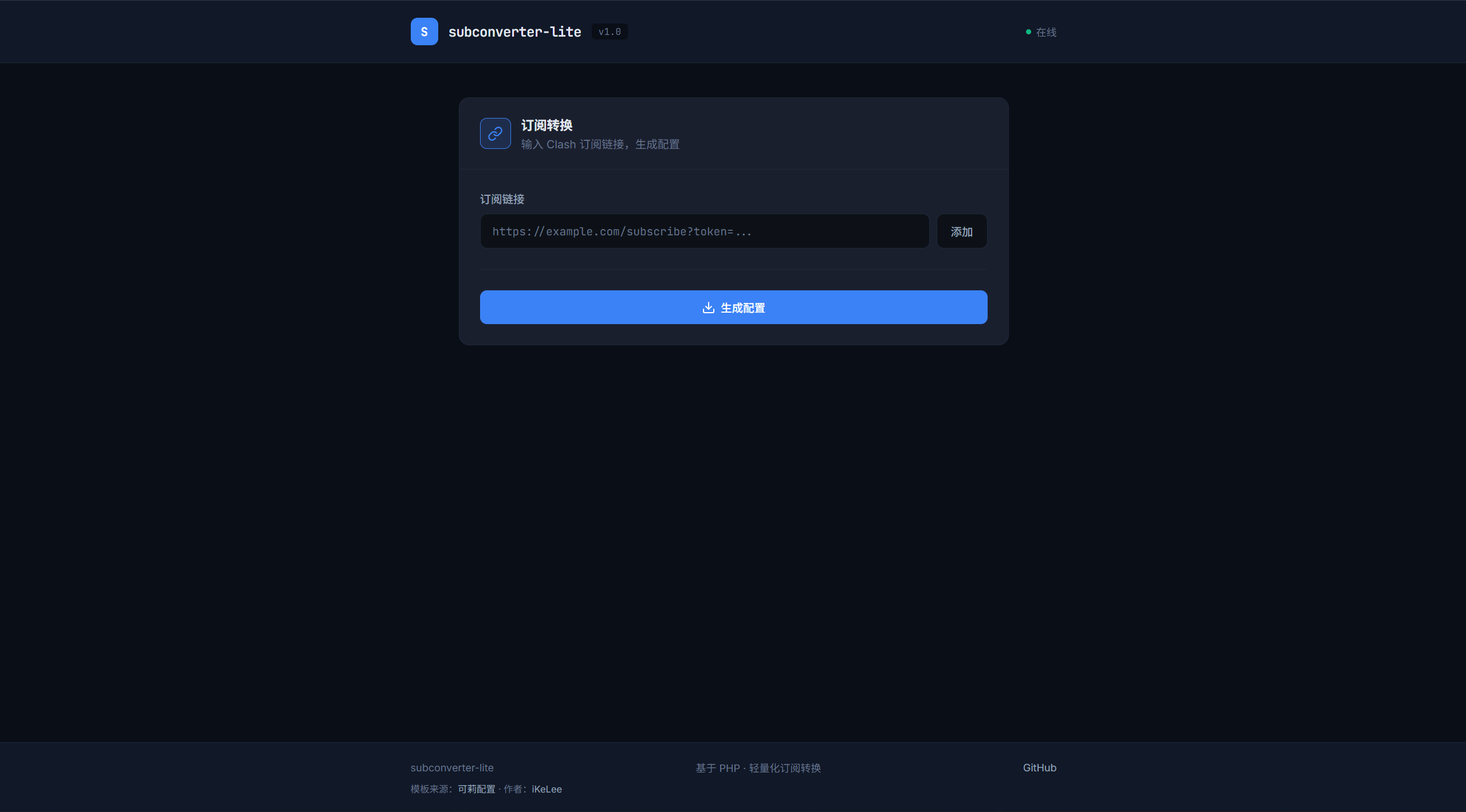
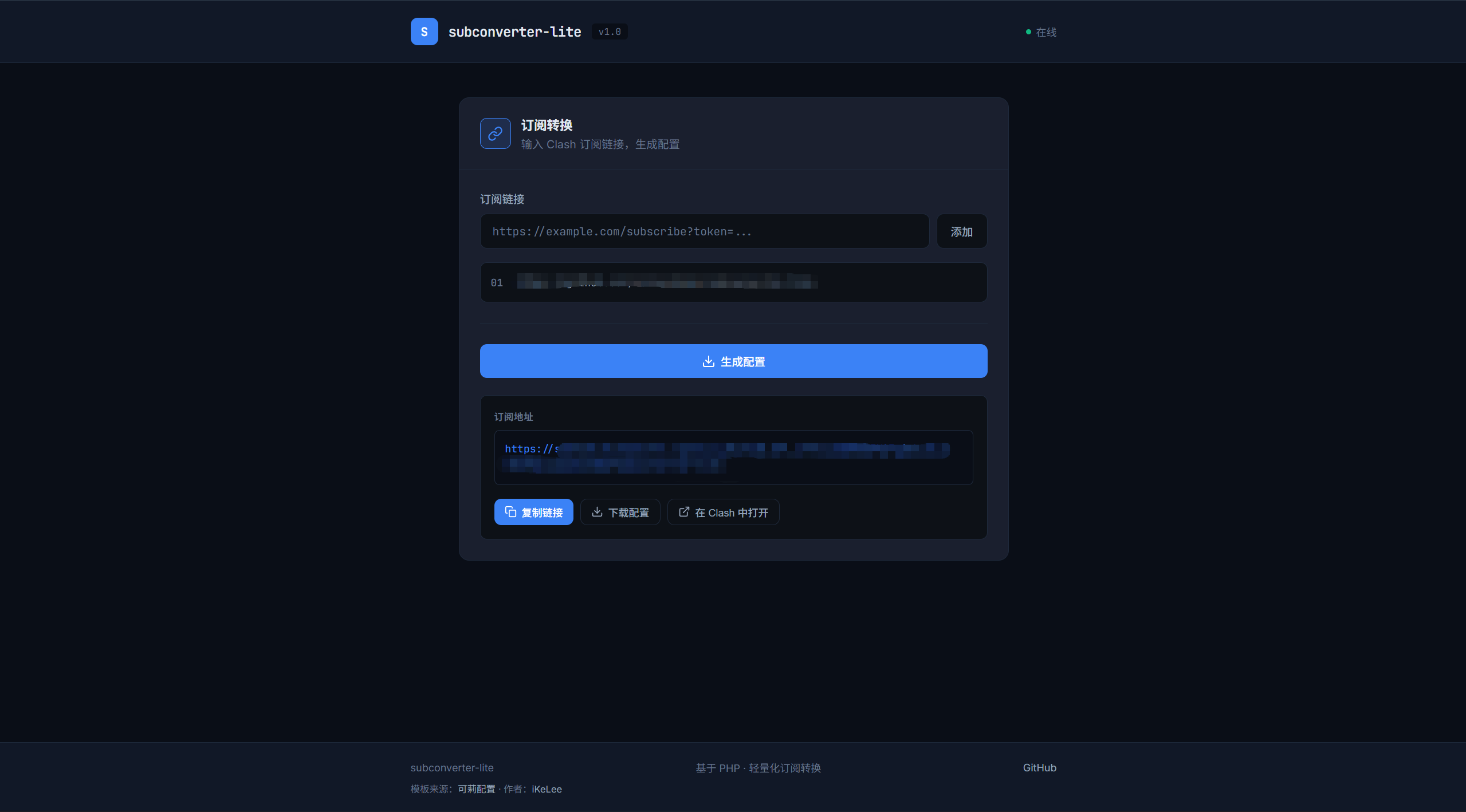
前端采用深色主题设计,使用 JetBrains Mono 字体,整体风格简洁:
1. 克隆项目
git clone https://github.com/mcxiaochenn/subconverter-lite.git
cd subconverter-lite
2. 安装 PHP curl 扩展
# Ubuntu/Debian
sudo apt-get install php-curl
# CentOS/RHEL
sudo yum install php-curl
3. 配置 Web 服务器
使用 Nginx 的话,配置一个简单的站点:
server {
listen 80;
server_name your-domain.com;
root /path/to/subconverter-lite;
index index.html index.php;
location / {
try_files $uri $uri/ /index.php;
}
location ~ \.php$ {
fastcgi_pass unix:/var/run/php/php-fpm.sock;
fastcgi_param SCRIPT_FILENAME $document_root$fastcgi_script_name;
include fastcgi_params;
}
}
或者使用 PHP 内置服务器快速测试:
编辑 config.php 可以修改以下配置:
return [
// 模板文件路径
'template_path' => __DIR__ . '/templates/base.yaml',
// 请求超时时间(秒)
'request_timeout' => 10,
// 用户代理
'user_agent' => 'clash-verge/v2.0.0',
];
模板文件 templates/base.yaml 基于 mihomo 配置格式,可以根据需要自定义。
访问你的域名,会显示一个简洁的前端页面。输入订阅链接,点击”添加”,然后点击”生成配置”,即可获取订阅地址。
# 单个订阅
curl "https://your-domain.com/api.php?sub_url=https://example.com/subscribe"
# 多个订阅合并
curl "https://your-domain.com/api.php?sub_url_1=https://example.com/sub1&sub_url_2=https://example.com/sub2"
# 自定义代理名称
curl "https://your-domain.com/api.php?sub_url_1=https://example.com/sub1&name_1=我的代理"
生成的配置链接可以直接导入到 Clash/mihomo 中使用。
subconverter-lite 的定位很简单:只做订阅合并和配置生成,做好这一件事。
如果你和我一样,只用 Clash/mihomo,不需要支持十几种客户端格式,那么 subconverter-lite 可能更适合你。轻量化、易部署、够用就好。
最后再贴一下项目地址,欢迎 Star 和 PR:
Waiting for api.github.com...
此内容由惯性聚合(RSS阅读器)自动聚合整理,仅供阅读参考。 原文来自 — 版权归原作者所有。