惯性聚合 高效追踪和阅读你感兴趣的博客、新闻、科技资讯
阅读原文 在惯性聚合中打开

推荐订阅源

Cisco Talos Blog
Cisco Talos Blog
阮一峰的网络日志
阮一峰的网络日志
云风的 BLOG
云风的 BLOG
D
Docker
Vercel News
Vercel News
IT之家
IT之家
Recent Announcements
Last Week in AI
Last Week in AI
V
Visual Studio Blog
Engineering at Meta
Engineering at Meta
腾讯CDC
Google DeepMind News
I
InfoQ
博客园 - 三生石上(FineUI控件)
Apple Machine Learning Research
The GitHub Blog
The GitHub Blog
博客园 - Franky
The Cloudflare Blog
A
About on SuperTechFans
有赞技术团队
有赞技术团队
Y
Y Combinator Blog
T
Tenable Blog
P
Proofpoint News Feed
Recorded Future
Recorded Future
Security Latest
Security Latest
H
Hackread – Cybersecurity News, Data Breaches, AI and More
K
KPMG report finds enterprise disconnect between AI and its ROI | CIO
博客园 - 聂微东
CTFtime.org: upcoming CTF events
Threat Intelligence Blog | Flashpoint
Google Online Security Blog
酷 壳 – CoolShell
酷 壳 – CoolShell
Cyber Security Advisories - MS-ISAC
Simon Willison's Weblog
The Last Watchdog
The Last Watchdog
freeCodeCamp Programming Tutorials: Python, JavaScript, Git & More
OSCHINA 社区最新新闻
OSCHINA 社区最新新闻
N
News and Events Feed by Topic
TaoSecurity Blog
TaoSecurity Blog
U
Unit 42
The Hacker News
The Hacker News
Martin Fowler
Martin Fowler
T
Threat Research - Cisco Blogs
NISL@THU
NISL@THU
F
Full Disclosure
M
MIT News - Artificial intelligence
人人都是产品经理
人人都是产品经理
Hugging Face - Blog
Hugging Face - Blog
V
V2EX
Project Zero
Project Zero

暖心向阳335

26春学16周杂记 26春学15周杂记 26春学14周杂记 26春学13周杂记 26春学12周杂记 26春学11周杂记 26春学10周杂记 绝了,全员中招 26春学9周杂记 26春学8周杂记 26春学7周杂记 26春学6周杂记 26春学5周杂记 26春学4周杂记 OpenClaw接入微信教程 26春学3周杂记 26春学2周杂记 呃~饱了 OpenClaw接入企业微信机器人教程 26春学1周杂记 OpenClaw 部署指南(Windows) 开学啦! 【回忆录】初中运动会:“红配绿”的我
OpenClaw接入QQ机器人教程
暖心向阳335 · 2026-03-12 · via 暖心向阳335

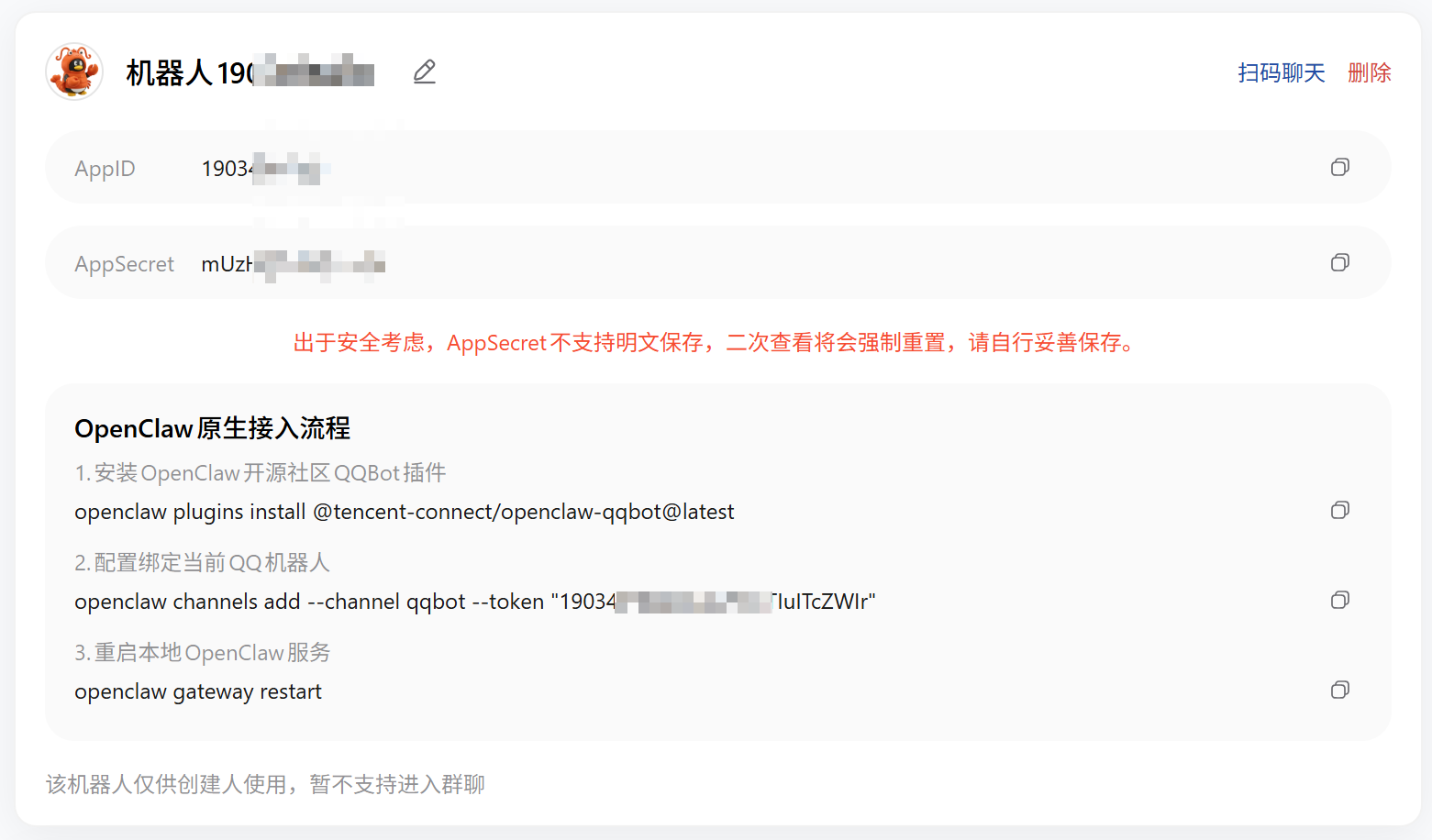
一、安装与配置

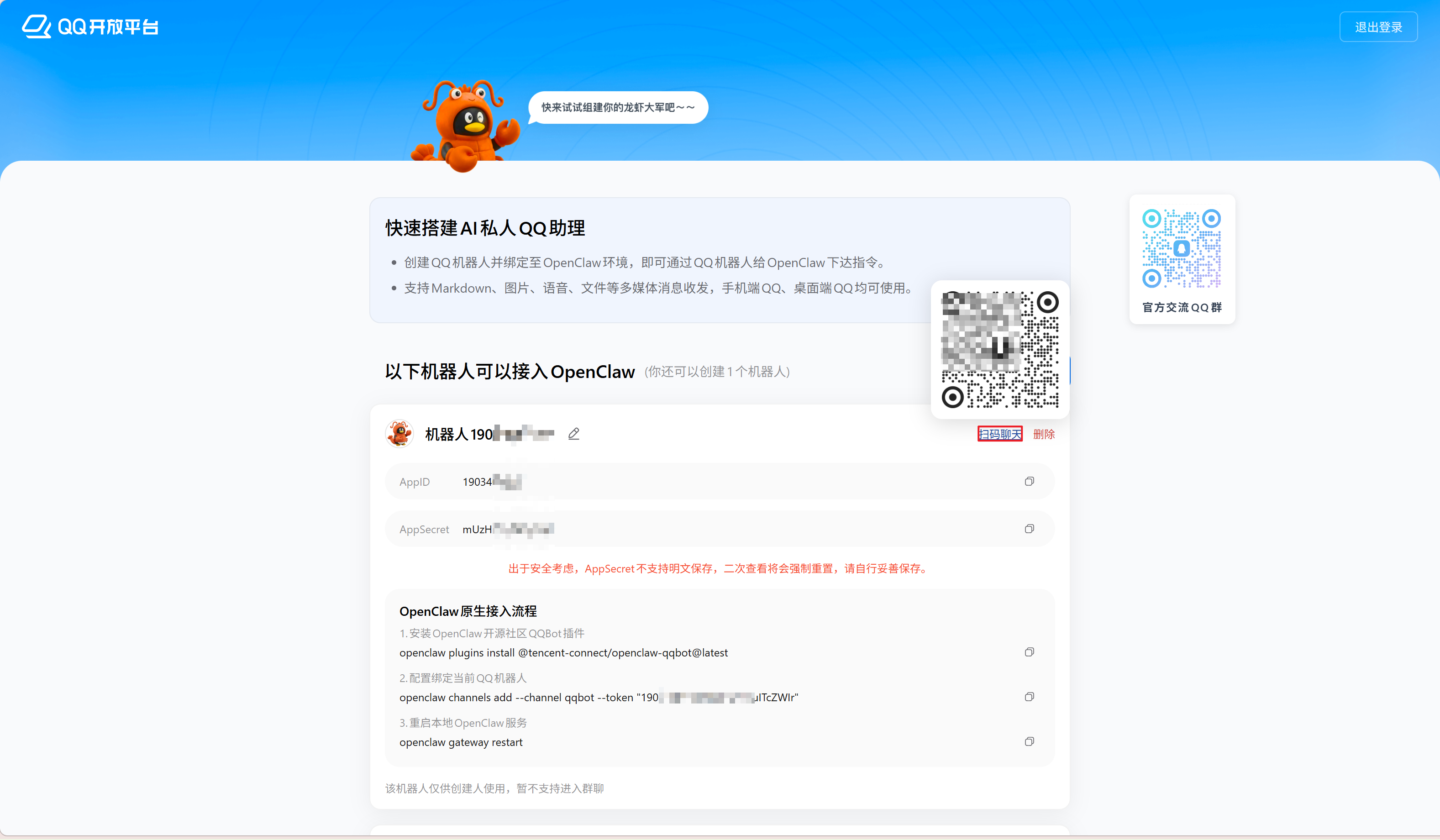
  1. 登录QQ 开放平台 QQ-Bot OpenClaw 专用平台,点击“创建机器人”
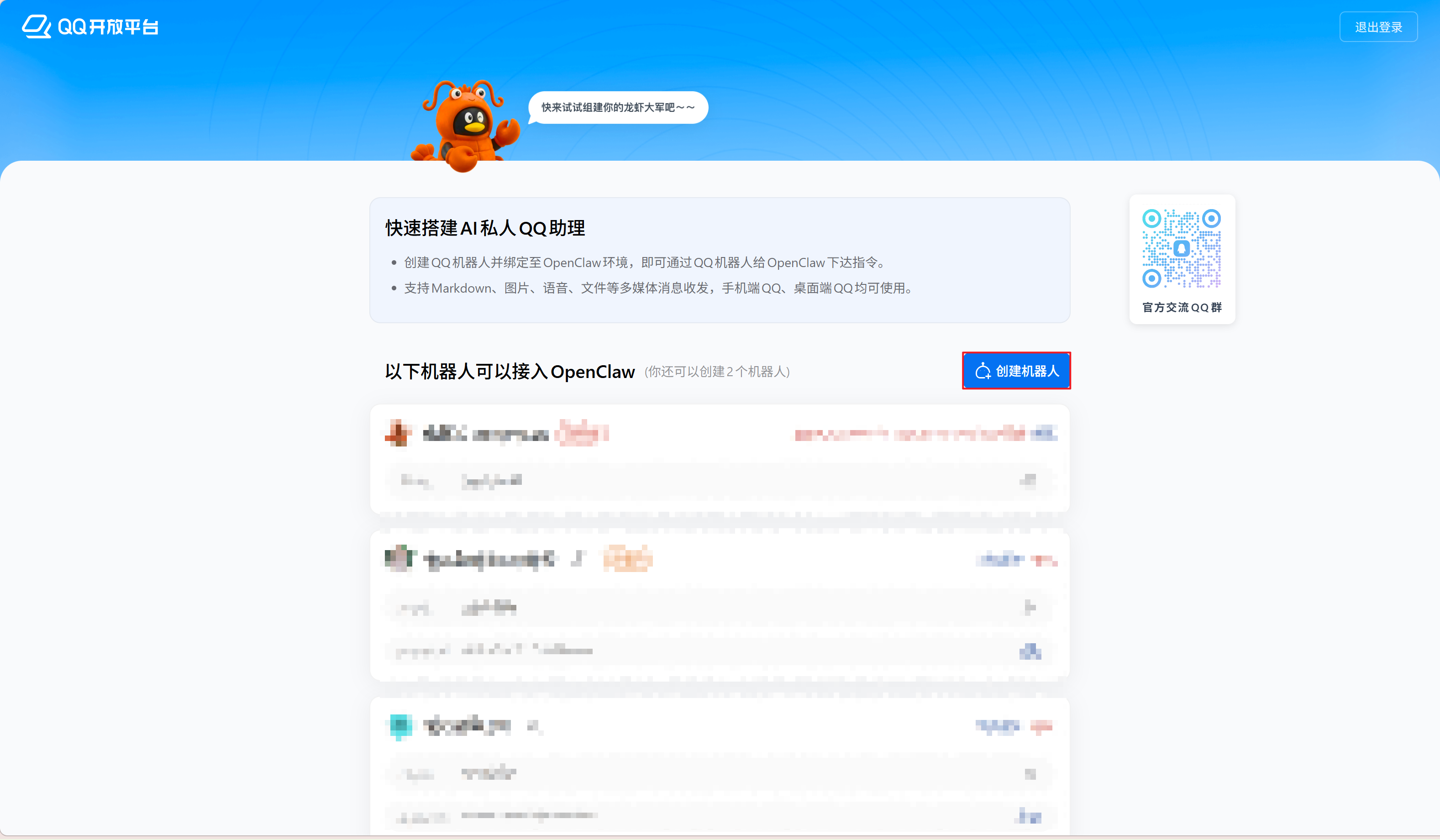
  2. 创建完成后,将显示新机器人列表。点击机器人默认名称旁的编辑按钮可修改名称。

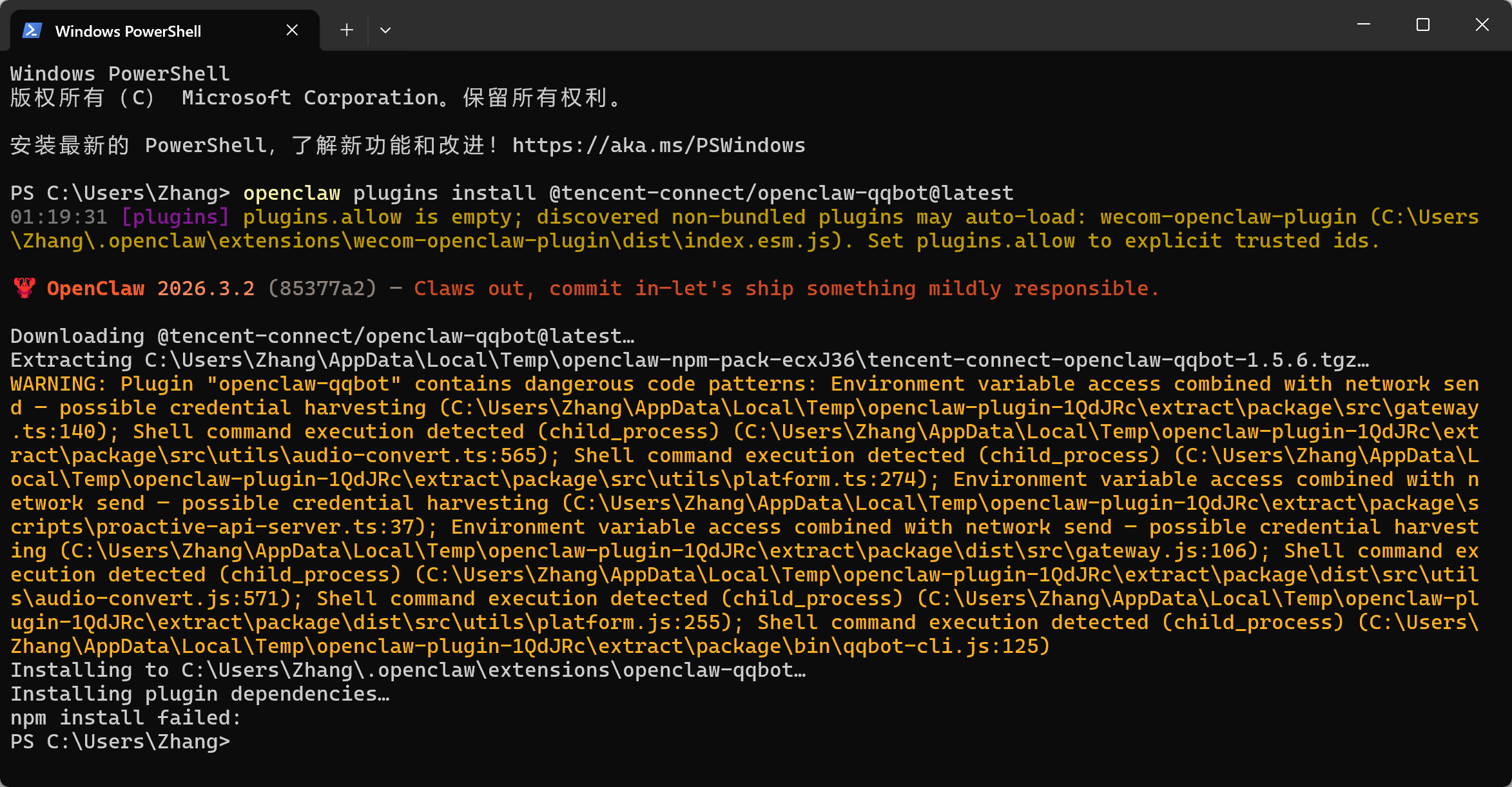
    接下来,在 PowerShell 中依次运行 OpenClaw 原生接入流程的代码。直接使用官方提供的完整命令行即可(步骤 3-5 可跳过,仅用于演示安装流程)。
  3. 打开 PowerShell,安装 QQ-Bot 官方插件openclaw plugins install @tencent-connect/openclaw-qqbot@latest
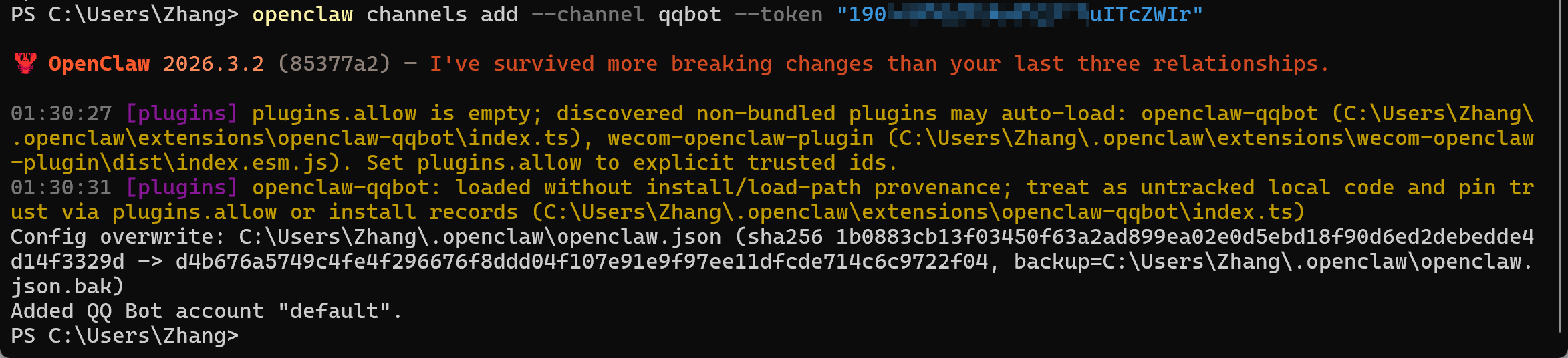
  4. 运行openclaw channels add --channel qqbot --token "你的APPID:你的APPSecret"
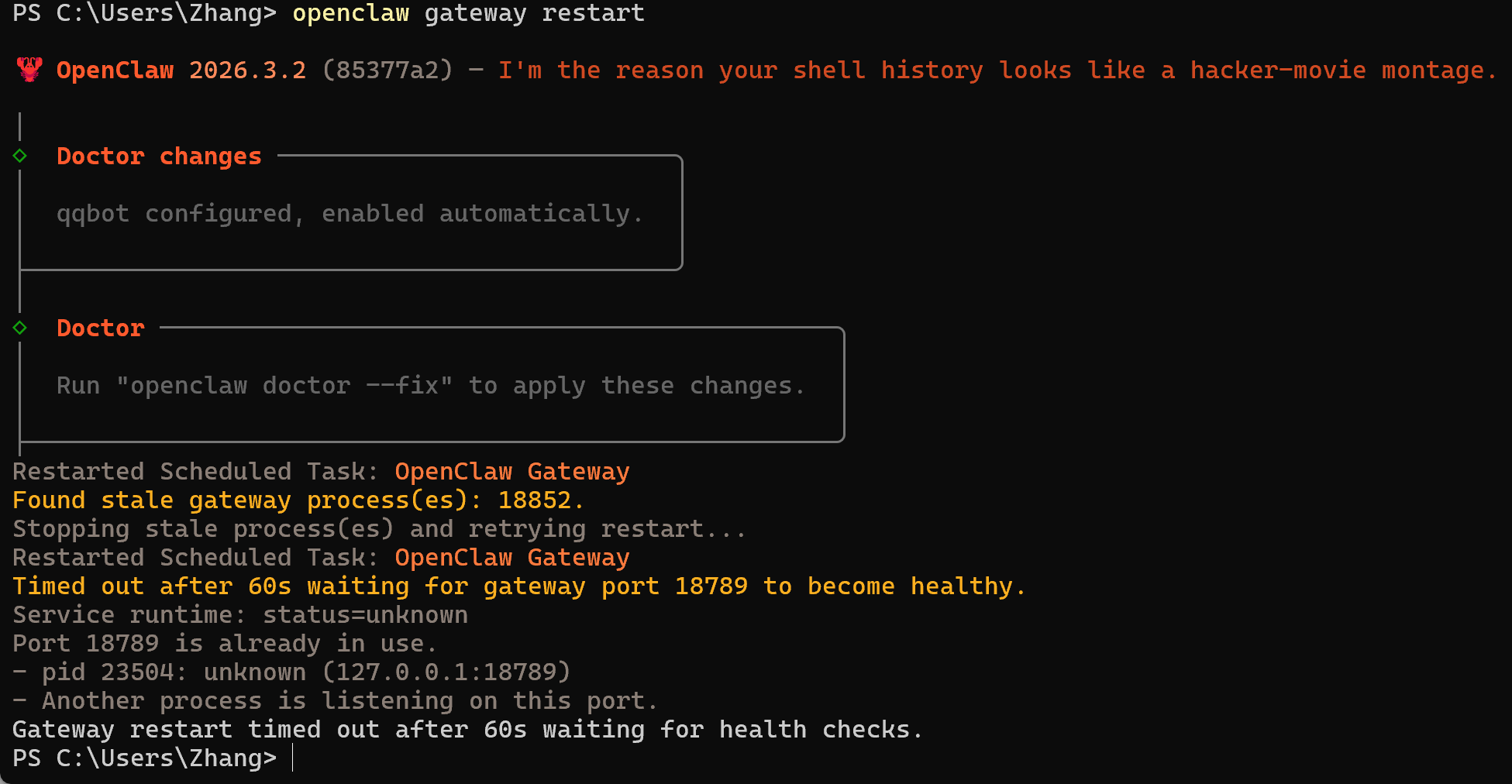
  5. 重启 OpenClaw 网关服务openclaw gateway restart
二、使用

  1. 鼠标悬浮在对应机器人列表右上角扫码聊天按钮上,使用 QQ 扫描二维码与机器人聊天
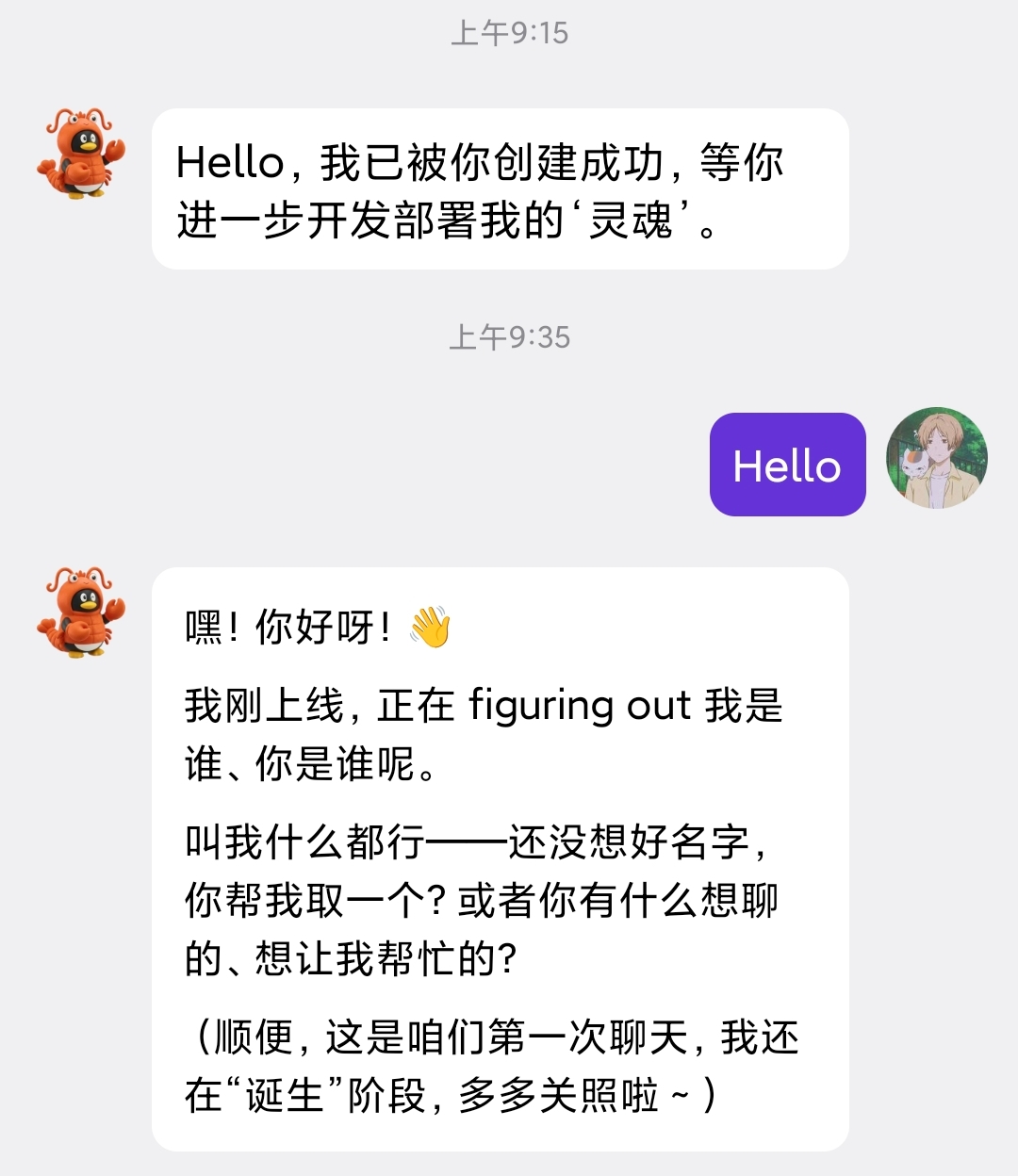
  2. 向机器人发送信息,如回复则配置成功

结语

恭喜你至此完成了所有配置,接下来可以在 QQ 中与电脑上的 OpenClaw 进行聊天完成本地操作任务啦!