






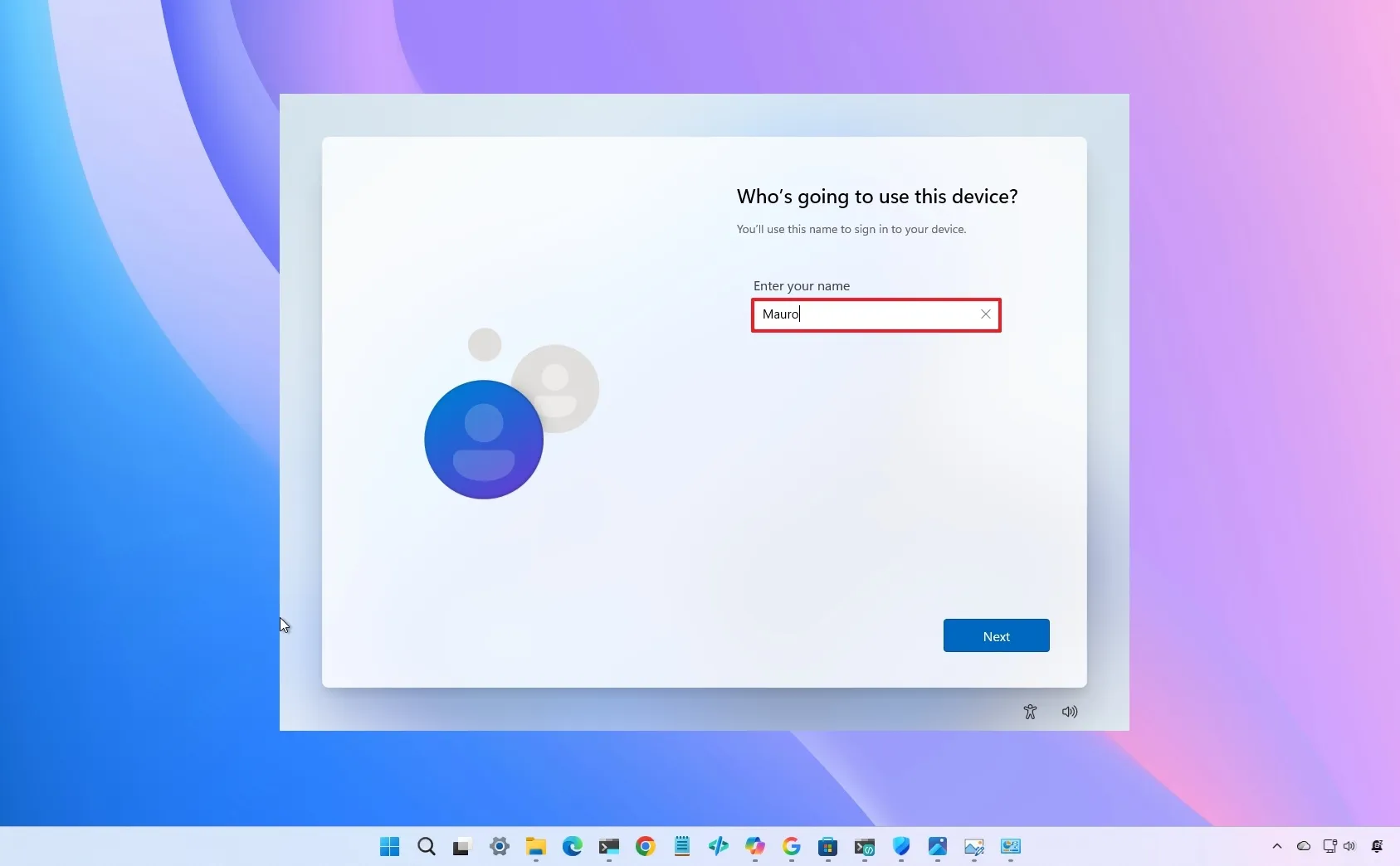
Microsoft has spent the past year trying to convince users that it's listening. Through its Windows K2 initiative, the company has been focusing on improving Windows 11 with better customization, interface refinements, bug fixes, and other changes driven by user feedback.
However, one of the most persistent complaints about Windows 11 remains unresolved, which is the company's insistence on requiring a Microsoft account during setup.
A recent discussion on Reddit started with a simple request. User 2025Fishy argued that Microsoft should restore the option to create a local account directly during the Windows 11 setup experience.
"I genuinely do not accept how Microsoft removed the local account in OOBE," the user wrote.
The thread quickly filled with suggestions for bypassing Microsoft's restrictions using Rufus, command-line tricks, and domain-join options. However, the original poster repeatedly made it clear that workarounds weren't the point.
"I don't need tips, I just want Microsoft to change it," the user replied.
That sentiment resonated with other commenters. "The point is, there should be an option in the OOBE that lets you choose to set it up with a local account instead. Like we had since forever," wrote Affectionate_Creme48.
At first glance, this looks like another debate about local accounts. After reading through the comments, I think it's actually about something bigger, which is user control.
Microsoft's push toward mandatory Microsoft accounts isn't only about syncing settings and accessing cloud services. It's also tied to security features such as BitLocker.
One commenter, Timusius, explained Microsoft's likely reasoning: "To avoid the next problem: 'Microsoft locked my data behind bitlocker, and now I can't get it back.' they need to store that key on the MS account."
If you look at it from a security perspective, that argument makes sense. Devices should be encrypted by default, and storing recovery keys online can prevent users from permanently losing access to their data.
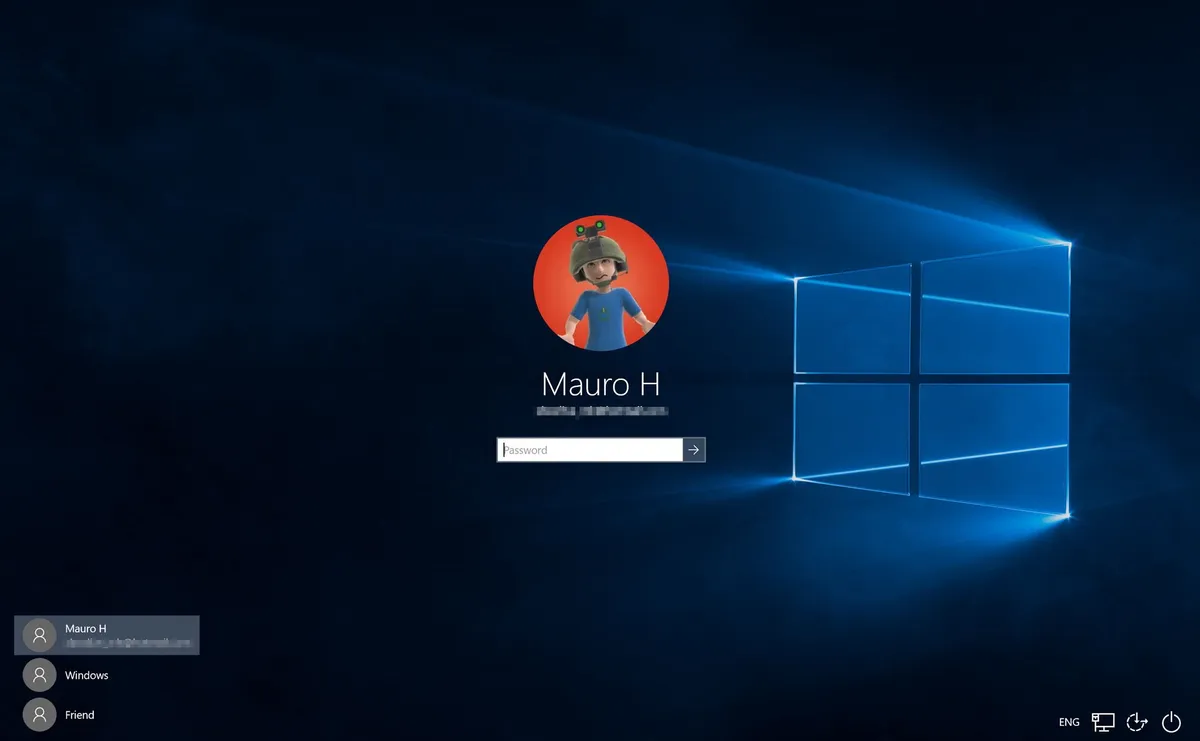
The problem is that many people don't realize this is happening. A user can set up a computer with a Microsoft account, switch to using a PIN every day, and never think about that account again. Then, one day, after a firmware update, a hardware change, or an unexpected issue, the system may display a BitLocker recovery screen requesting a recovery key.
At that moment, many users discover for the first time that the key is stored in a Microsoft account they may barely remember creating.
As Drakkaar pointed out in the discussion: "Technician's know how to get around this, but not everyone using a computer is a technician."
That's the disconnect the software giant still hasn't solved. What's particularly interesting is that this debate comes as reports suggest there are people inside Microsoft who agree with the criticism. Microsoft Vice President Scott Hanselman has also previously revealed that some employees have been pushing the company to reconsider its mandatory Microsoft account requirement during setup.
However, despite the company's Windows K2 efforts and internal discussions, Microsoft has not committed to restoring a straightforward local account option for all users.
And that's why this conversation continues to surface. A lot of users aren't asking for another workaround. They're asking for a choice, and more importantly, they're asking for a clearer explanation of how features like encryption, account recovery, and cloud integration affect their computers before those decisions are made for them.
Windows Central's Take
I find it interesting that Microsoft is spending so much effort through its Windows K2 initiative trying to rebuild trust with users. Yet, it still hasn't addressed one of the most common complaints about Windows 11 setup.

The local account debate has never been about finding workarounds. If someone wants to bypass Microsoft's requirements, there are plenty of ways to do it. The real issue is that users feel they're losing control over decisions that used to be theirs to make.
I also think Microsoft could avoid much of this criticism by making the online account the default with a local account option, similar to how it works on Windows 10, so people can choose without friction.
Do you think Microsoft should bring back a straightforward local account option during Windows 11 setup? Let me know in the comments.
More resources
Explore more in-depth how-to guides, troubleshooting advice, and essential tips to get the most out of Windows 11 and 10. Start browsing here:
- Windows 11 on Windows Central — All you need to know
- Windows 10 on Windows Central — All you need to know

Join us on Reddit at r/WindowsCentral to share your insights and discuss our latest news, reviews, and more.