


The best marketing doesn’t always come from the biggest production budget — sometimes it comes from the most authentic voice in the room. And right now, that’s exactly what Threads is built for.
For small and medium businesses (SMBs) that want to reach new audiences without overhauling their entire content strategy, Threads is one of the most accessible opportunities out there. It’s built for quick, genuine conversations — which means lean businesses can show up with real personality and real value, without needing a full production team or a complicated ad setup to do it.
We’ll show you how to use Threads to grow your audience, spark meaningful conversations, and build the kind of brand presence that turns followers into fans — starting from day one.
Threads is a real-time, text-based conversational tool that prioritizes quick updates and genuine replies over flashy production. For an SMB, it’s a perfect home to move fast and connect with customers through two-way dialogue.
By connecting directly to an existing Instagram account, you can port over your verified status and immediately invite your current audience, allowing you to skip weeks of building a follower count from scratch. The platform is a win for businesses with limited marketing budgets, helping them find their ideal customer through consistent posting and replies.
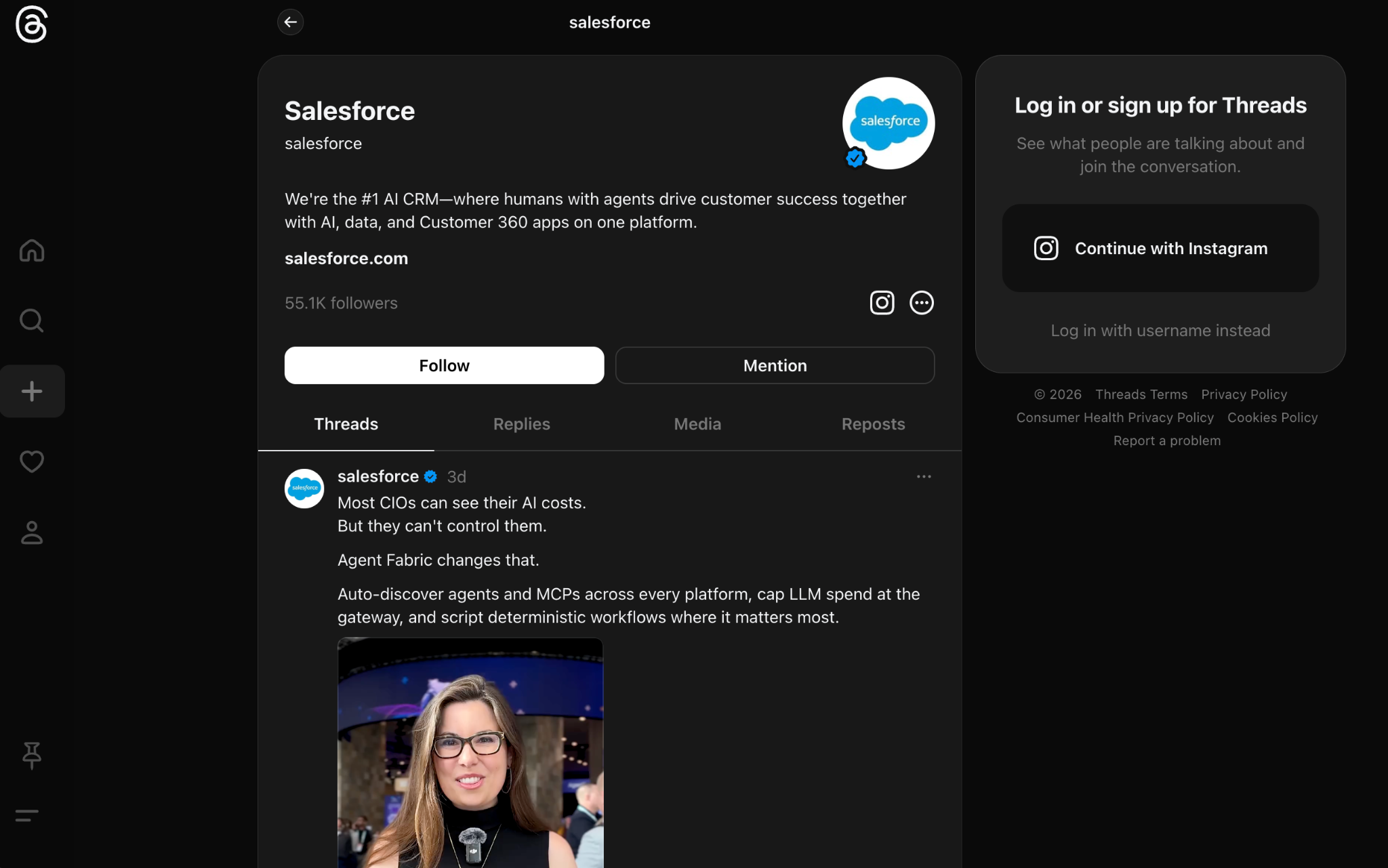
Let’s get Threading? Is that a thing? Whatever you’re calling it, let’s set up your account. Here are some steps to get started on Threads:
Once you’re in, fill out your profile to best suit your brand or copy your Instagram profile for a streamlined approach. Threads is built for two-way dialogue, so your first few posts should invite people to share their thoughts or ask questions. Try sharing a “behind the scenes” look at how you built your product, this helps humanize the brand right away.
Algorithm feeds use artificial intelligence (AI) to show your content to people who have similar interests, even if they don’t follow you yet. This organic discovery is a huge win for a growing business that might not have a massive marketing budget. By posting consistently and replying to others, you help the algorithm understand who your ideal customer is.
Pro tip: Track your partnerships, leads, and connections in a customer relationship management (CRM) tool.
Consider Threads like a digital town square where you can answer customer questions in real time.
People get engaged with Threads when you use specific features like topic tags to group your posts with similar content. This makes it easier for people searching for your industry to find your brand and join the conversation. For example, a small consulting firm might use tags related to business strategy to attract founders looking for advice.
You can also use direct messages (DMs) to handle more sensitive customer service needs or close a deal. Since DMs are now available on both mobile and web, your service team can stay connected without switching devices. You’re goal is to be personal and mindful that this isn’t a direct selling tool, but more a conversation starter. You’re “starting a thread” with a new connection, so this might be your first impression to some.
Here are some fun tips to kickstart a community on Threads:
Using Threads for business involves a mix of educational tips, lighthearted stories, and timely updates. You don’t need a professional photographer to succeed here — a simple text post or a quick snapshot from your smartphone often gets more engagement than a polished ad.
Remember to keep your tone conversational and avoid sounding like a corporate manual. The most successful brands on the platform talk like people, using humor and relatable anecdotes to connect. When you treat your followers like partners in your Threads journey, they’re much more likely to become long-term advocates for your business.
Content pillars: Create content pillars to help you stay organized so you never wonder what to post on a Tuesday morning. You might choose pillars like “Product Tips,” “Customer Spotlights,” and “Industry Trends.” This variety keeps your feed fresh and ensures you’re providing value rather than just asking for a purchase.
Content sharing: Craft a calendar in your favorite social scheduler on how often you post. You can integrate and activate alongside your Instagram shares. And post as often as you feel your business should share content, some people post every day, and some post weekly. Personalize it to your brand, and stay authentic to your other channels.
Content integration: Be sure to integrate your Thread feeds and responses with your business management tools, like CRM, and Slack. These collaborative dashboards will be your hub for connecting all the dots. Partners, leads, and connections can be shared internally for maximum growth.
No credit card required, no software to install.

It’s time to measure your Threads engagement. The platform now offers performance insights that show you reach, likes, and reposts for every update you share. For an SMB, these metrics are the compass that tells you which topics are hitting the mark and which ones are falling flat.
You can see when your audience is most active, which helps you time your posts for maximum visibility. Research suggests that weekday mornings are often the best time to catch people as they start their day. Use these windows to post your most important announcements or questions to spark a morning discussion.
Tracking link clicks is another way to see how your social efforts are supporting your bottom line. While the platform is great for awareness, you ultimately want to guide people back to your website or store. By watching these numbers, you can adjust your calls to action to be more compelling and direct.
In your social media tracking tool or CRM, you can track:
As your business grows, you might look for ways to speed up your results through paid reach. Meta has now integrated this platform into its global advertising system, allowing you to run image or video ads directly in the feed. This is a powerful way to target specific demographics, interests, and locations with precision. You can choose between automated campaigns that let the system optimize your placements or manual setups for more control.
Many growing companies are now looking at how AI agents can help manage the influx of messages and data. Using advanced tools to summarize interactions or suggest replies can keep your response times low. This ensures that no customer feels ignored, even when your team is busy with other tasks.
The landscape of social media is always changing, and staying ahead means using the best tools available. When you combine your social strategy with a powerful platform like Agentforce 360, you can connect your customer data to every interaction. This gives you a complete view of your audience across every touchpoint, from their first reply on a thread to their latest purchase.
Understanding how to use Threads for business is about more than just posting; it’s about building a system for growth. By using the right mix of organic engagement, data-driven insights, and smart technology, you can turn a simple app into a major revenue source. The future of business is conversational, and your brand deserves a seat at the table.
And just for good measure, here are a few tips on keeping your Threads fresh, from the research we found:
Threads can be a fun way to keep business fresh, and we hope these strategies have helped you. If you’d like to continue on the social media marketing journey, we have a lot of resources listed on our Marketing hub. Good luck on your Threads journey, and we hope you see great success.
And when you’re ready to integrate with CRM, you can start a free trial of Salesforce Suites or activate Foundations to try Agentforce 360 today.
AI supported the writers and editors who created this article.
How often should a small business post on Threads
Consistency is more important than frequency, but aiming for three to five times a week is a great starting point for most SMBs. This keeps your brand visible in the feed without overwhelming your team. You can find more tips on social timing in our guide to digital marketing.
Can I run ads on Threads for my startup?
Yes, Meta has rolled out global advertising capabilities, allowing you to use the familiar Ads Manager to reach the platform’s 450 million users. You can choose between image, video, and carousel formats to find what works best for your audience.
Do I need a separate account for Threads and Instagram?
No, your Threads profile is tied to your Instagram account, making it easy to manage your brand identity across both platforms. This integration allows you to quickly share content between the two apps to save time.
What’s the character limit for a post?
You can write up to 500 characters per post, which is more than enough space to share a helpful tip or a quick update. If you have more to say, you can easily create a string of connected posts to tell a longer story.
Are there analytics available for business accounts?
The platform provides native insights that track your reach, replies, and follower growth over time. These metrics help you understand what content your audience enjoys so you can refine your strategy for better results.
此内容由惯性聚合(RSS阅读器)自动聚合整理,仅供阅读参考。 原文来自 — 版权归原作者所有。