



惯性聚合 高效追踪和阅读你感兴趣的博客、新闻、科技资讯
阅读原文 在惯性聚合中打开

推荐订阅源

freeCodeCamp Programming Tutorials: Python, JavaScript, Git & More
PCI Perspectives
PCI Perspectives
The Hacker News
The Hacker News
Project Zero
Project Zero
Threat Intelligence Blog | Flashpoint
P
Privacy International News Feed
C
Cybersecurity and Infrastructure Security Agency CISA
Schneier on Security
V
Vulnerabilities – Threatpost
T
Threat Research - Cisco Blogs
Blog — PlanetScale
Blog — PlanetScale
Hugging Face - Blog
Hugging Face - Blog
博客园_首页
C
Cisco Blogs
C
CERT Recently Published Vulnerability Notes
L
Lohrmann on Cybersecurity
Cisco Talos Blog
Cisco Talos Blog
WordPress大学
WordPress大学
Cloudbric
Cloudbric
Know Your Adversary
Know Your Adversary
博客园 - Franky
博客园 - 聂微东
S
SegmentFault 最新的问题
cs.CL updates on arXiv.org
钛媒体:引领未来商业与生活新知
钛媒体:引领未来商业与生活新知
AI
AI
Latest news
Latest news
cs.AI updates on arXiv.org
Vercel News
Vercel News
H
Heimdal Security Blog
Security Archives - TechRepublic
OSCHINA 社区最新新闻
OSCHINA 社区最新新闻
Spread Privacy
Spread Privacy
IT之家
IT之家
N
News and Events Feed by Topic
H
Hacker News: Front Page
The Cloudflare Blog
Jina AI
Jina AI
K
KPMG report finds enterprise disconnect between AI and its ROI | CIO
Webroot Blog
Webroot Blog
I
Intezer
L
LangChain Blog
T
The Blog of Author Tim Ferriss
T
Threatpost
A
About on SuperTechFans
博客园 - 叶小钗
美团技术团队
NISL@THU
NISL@THU
H
Hackread – Cybersecurity News, Data Breaches, AI and More
www.infosecurity-magazine.com

Salesforce

Scale Your MRR: Subscription Management For Small Business Streamlining Commerce Media Ad Inventory Management 12 AI Sales Strategies for Startups That Actually Work Sell Smarter: Ecommerce Metrics To Track For Your Small Business Shop Apply the Orchestration Density Framework to Your Next Automation Decision Wait, Black Friday Planning In Spring? It’s Time to Start Holiday Promotions AI-First Operations, One Process at a Time How BCU Is Transforming Banking Service with Agentforce Salesforce Headless 360: What the Agent Consumer Means for Your Integration Architecture Meet Customers Where They Are: Agentforce Contact Center Now Offers WhatsApp Voice 11 Free Lead Generation Tips for Small and Growing Businesses SFR-VibeTrain: The Agent That Trains Agents Why Technical Accuracy is the Wrong Metric for Agent Success Strengthening Salesforce Security Against AI-Driven Threats Join Us in the Community Hub at Connections 2026 The Best Way To Build AI Agents That Customers Trust 5 Ways AI is Changing the Communication Game For Startups Trust in the Era of Agents: Highlights from the 2nd Annual Trusted AI Impact Report You Can Be an Agentic Enterprise No Matter What Size Business How to Make Your Email Marketing Accessible for Everyone What is Headless? Don’t Lose Your Head, SMBs: It’s a Good Thing Architect the Future UI: Slack as Your Agentic Surface Point of Sale Innovations to Modernize the Shopper Experience Governing the Agentic Enterprise at Scale with MuleSoft Omni Gateway How to Cut Service Time with Case Routing Automation 5 Tips for Marketers to Get Started with Salesforce Flow No One is Vibe Coding Trade Promotion Management 7th Edition State of Sales Report: 3 Growth Trends for Startups and SMBs How the Architect Vista Brought Architectural Thinking to Life at TDX 2026 5 Steps to Develop an Architect Mindset With AI Why AI Isn’t Replacing Developers, It’s Empowering Them 10 Ways to Make Your AI Agent a Better Communicator AI in Design 2025: What Real Use Taught Us. How Salesforce Personalization Learns Which Offers Drive Revenue The 4-Step Guide to Salesforce Agent and Application Development Get Ready for Connections 2026: Top Sessions and New Reveals 8 Ways AI Agents Are Evolving in 2026 4 Principles to Make the Right Salesforce UI Decisions Apprentice Journey Shines a Light on Talent Pathways at Salesforce Agent Script: The Control Plane for Agentic Decisions Scaling the Agentforce Life Sciences Ecosystem to Drive the Future of Pharma and MedTech Unlocking Unstructured Data: Building AI-Powered Support Triage with Data 360 Asking For a Friend: What Are Rich Communication Services (RCS)? 5 Slack Shortcuts For Small Teams 195% ROI In Field Service? Here’s How They Did It Submit Your Architect Session: The Dreamforce 2026 Call for Participation Is Open What Is an AI Assistant for Small Business? B2C Commerce April release: Transforming the B2C developer experience with agents Meet Your 24/7 Prospecting Partner — And 5 More Stand-Out Features In Our April Release 11+ Small Business YouTube Channels You Need to Follow Today Stop Treating Disputes Management Like IT Tickets Limitless Service: A New Operating Model for Growth in the Agentic Era What is Transactional Reconciliation in Email and SMS Marketing? How to Prepare for National Small Business Week (2026) How to Design a High-Scale Multi-Cloud Incident Journey 10 Ways An AI CRM Can Amplify Your Startup Vibe Code Better Agents with Agentforce Free vs. Paid CRM: Which is Right for Your Business? Salesforce Customer Success Awards 2026: Lead Era of the Agentic Enterprise 12 Free Webinars for Small Business Owners (2026) The Agentforce Life Sciences Consultant Certification Maximize Growth: The Power of Partnerships for SMBs Salesforce AI Research at ICLR 2026 Data Protection For Small Business: How To Safeguard Yourself Beyond 100K Tokens: Evaluating AI Agents in Long-Context Software Engineering Top 32 Small Business Tools To Try Today 6 New Innovations Redefining Salesforce Development How to Win the Battle for Attention in the Agentic Email Inbox Mastering the Eisenhower Matrix: Prioritize Like a Pro 10 Signs It’s Time To Upgrade Your CRM and How To Get Started (2026) Celebrating 10 Years of Financial Services Innovation How SMBs Can Gain An Edge With Agentic AI: Key Trends From Our Marketing Report How MAN Truck & Bus is Shaping the Future of Sales with Salesfive Introducing the Future of Salesforce Data Protection: Backup & Recover Next Stop Making AI Slop – Build a Foundation for Authentic AI Content 5 Tips to Help Marketers Navigate AI Email Summaries Data Sharing: Is it Safe? Is it Secure? Everything You Need to Know Small Business Week Readiness: 4 Things to Do Before May (2026) How Salesforce Employees Make an Impact During Earth Month AI Agents Are Advancing Rapidly… Is Your Testing Strategy Keeping Up? What Is Microproductivity and Why Is It Helping So Many Teams? TDX 2026 Roundup: Agentforce Edition 3 Ways Salesforce Connections Has Boosted My Career AI Agents Don’t Just Answer‌ — ‌They Act. Do You Have a Governance Strategy? The Future of MedTech Field Execution is Agentic 5 Steps to Prepare Your Data For an AI CRM From Break/Fix to Profit Engine: Aftermarket Service for Robot OEMs Building Trusted Human-Agent Collaboration: A Practical Framework ISV Strategy for the Salesforce Summer ’26 Release 5 Email Marketing Tips for Small Business Commerce Shops Should You Give Your AI Agent a Human Name? Creating Pathways into AI for People with Disabilities The Organized Chaos of Upfronts: 3 Hurdles Impacting Your Yield Trying to Scale Beyond ‘One-Off’ AI Tasks? You’re Probably Using the Wrong Interface What is Cost Per Lead (CPL)? The Case for Unified CCaaS and CRM — And Why the Data Makes It Clear In the New Era of AI, You Need to Win Over Both Humans and Agents What Is SPIN Selling? A Way to Build Trust With Your Customers G2 Crowns Salesforce as Best Financial Services Software Hidden Insights: The Guide to Tableau For Small Business Owners
Hi! Welcome Your New Virtual Assistant To Your Small Team
Carl Gayle · 2026-06-23 · via Salesforce

“Hello! It’s your virtual assistant here, and I’m ready to dive in. I’ve got your meetings scheduled, your sales pipeline prioritized, and your marketing to-do list set. Where would you like to start?” Imagine that being the first thing you see when you open your laptop with your morning coffee. While you were sleeping, your new virtual teammate was busy lining up your day, following up on sales leads, and prepping marketing so you can hit the ground running.

This is how a virtual assistant (VA) for your small business can step in to lighten that load and act as a force multiplier for your employees. By bringing in a digital helper, you create space for your team to focus on the creative and strategic work that actually scales for your small and medium business (SMB).

Why your small business needs a virtual assistant

You may be managing your business on your own, and if that’s the case, a virtual assistant (or AI agent) is needed to help you with just about everything — period. If you have a small team, you probably struggle to maintain consistency when lead volumes start to increase or customer inquiries pour in after hours. A virtual assistant acts as a reliable teammate 24/7 supporting you wherever you need. 

When it comes to the market, small teams like yours need to stay lean while remaining agile enough to pivot when demands shift suddenly. Using a virtual AI assistant allows you to handle more volume without the overhead of traditional office expansion. And, when you’re ready to hire, they can help you with that too. 

And we all know that human error is natural when people are overworked, but smart AI tools help keep your records clean and organized. A virtual assistant follows set rules to ensure every piece of data is where it belongs, leaving less room for error. We could all use that. 

Introducing new technology to your team should feel like hiring a helpful colleague rather than installing a complex piece of software. You want every employee to see an AI assistant as a tool that frees them from the chores they enjoy the least. Here are a few ways to get started: 

  • Define the VA’s exact role and responsibilities (booking meetings, updating records).
  • Train your team on how to interact with the tool to maximize efficiency.
  • Connect it to your business management tools, like customer relationship management (CRM), for personalized and real-time facts. (Fun fact: Most AI assistants are already built into a modern CRM, which makes things even easier for you.)

Set clear expectations (and guidelines)

Define exactly which tasks your VA will handle, such as booking meetings or updating contact lists. When everyone knows the role of the virtual assistant (or multiple AI assistants, oh my!), there’s less confusion about workflows and responsibilities. These specifications can be set when you activate the agent, or when you implement and train them to your brand guidelines and protocols. 

Train your team

Ensure your team understands how to interact with these tools to get the most value out of your investment. Teaching them to work alongside your AI assistant creates a culture of innovation and efficiency. To do this, set up team training sessions, interactive workflows, and examples with learning platforms (like Trailhead, Salesforce’s free online learning database).

Connect your virtual assistant to your data

To be truly effective, your digital tools need to have access to the right information about your customers and their needs. Linking a virtual assistant to a centralized system ensures that every interaction is based on real-time facts. Here’s how to get started: 

Organize your customer information

Using CRM software helps your team (and your AI agents) keep track of every conversation and purchase in one place. When your virtual assistant is connected to your CRM, it can personalize messages and provide better service. The good news is that when you start your CRM journey with Salesforce Suites, you have an embedded employee agent that’s ready to go when you are. (An employee agent is just another fancy term for a virtual assistant, helping you from the inside out.)

See how Salesforce supports small business

See the #1 CRM for SMBs — the AI-powered suite for growing teams.
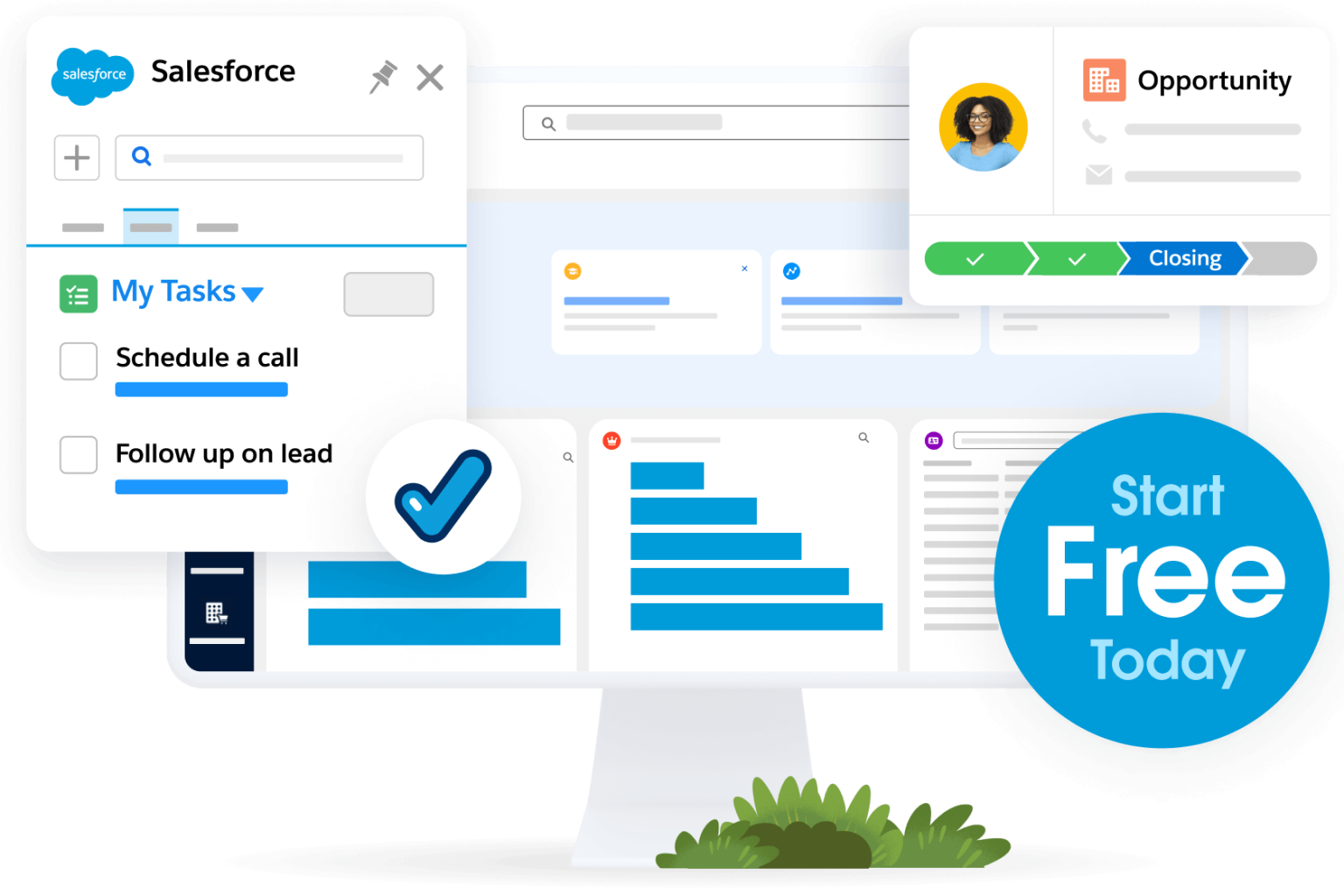
Activate the power of intelligence

Adding artificial intelligence (AI) to your workflow allows your systems to learn from past interactions and predict what your team and your customers might need next. An AI agent can identify patterns that humans might miss on a busy workday. It can help assist your teams with marketing campaigns, sales calls, service follow-ups, and even commerce shopping experiences. It truly is the assistant you’ve always needed.

Build a foundation for growth with any assistant 

As you look toward the future, the technology you choose today will determine how easily you can expand into new markets. An AI assistant isn’t just a temporary fix but a building block for a sustainable and scalable business model.

Integrate with your existing tools

Your software should work together seamlessly so that information flows from sales to marketing to service without friction. A virtual assistant for small business works best when it’s part of a unified platform that connects every part of your organization.

  • Sales: Automate lead prioritization and qualification, and draft personalized follow-up emails.
  • Marketing: Write and test high-performing email subject lines and advertising copy, and manage email campaigns.
  • Service: Draft comprehensive service replies, automate case routing, and provide instant responses to common customer questions.
  • Productivity: Consolidate data into a single CRM interface, summarize internal documents, and automate data synchronization.

Prepare for advanced automation

Once your team is comfortable with basic help, you can look into more advanced options like Agentforce 360 to handle complex reasoning. This level of support turns a virtual assistant into a proactive partner that suggests actions and solves problems.
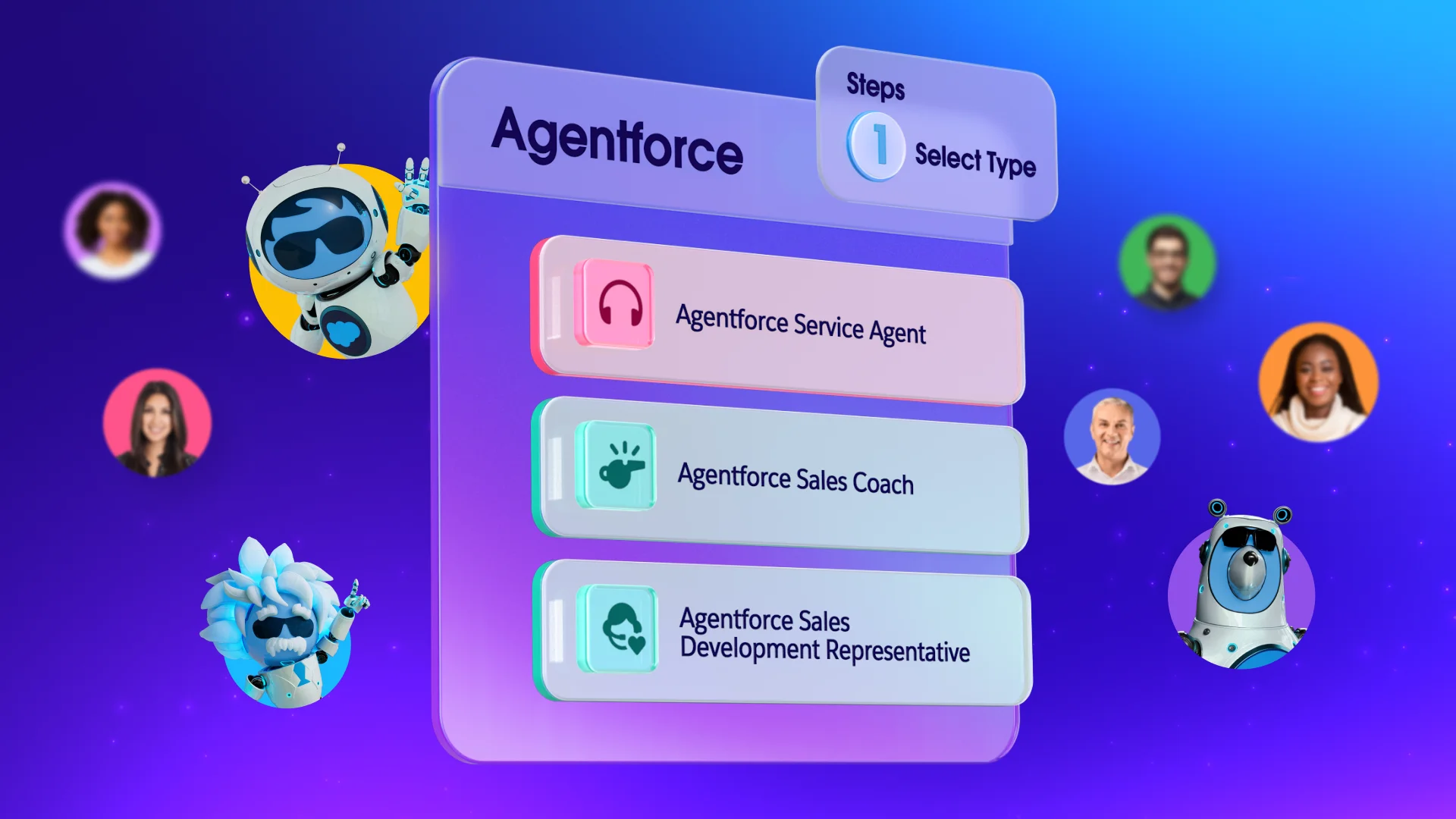
Agentforce 360

Steps to implement a virtual assistant for your small business

It’s time to implement your digital assistant for everyone to use. Follow the recommended steps below to get started:

  1. Centralize your customer data by consolidating information from sales, marketing, and service into your CRM to create a unified source of truth.
  2. Cleanse your records by running monthly deduplication jobs and implementing merge rules to retain accurate, recent information.
  3. Standardize what matters by enforcing consistent formatting for fields and converting open text fields into standardized picklists.
  4. Structure your knowledge base by reviewing knowledge articles, product documentation, and FAQs to ensure they’re up-to-date, clearly written, and organized by topic.
  5. Activate AI for every team by navigating to the embedded AI features in your Suite CRM settings. The employee agent is already activated when you sign in, so you can begin training right away.
  6. Monitor your progress by keeping an eye on how much time is being saved and where your team is redirecting their efforts. 
  7. Iterate for better results — as your business evolves, your digital tools should evolve too. Regularly update the tasks assigned to your virtual assistant to ensure you’re always maximizing efficiency.

Get Salesforce free for 30 days.

No credit card required, no software to install.

Welcome your virtual assistant with open arms at Salesforce

Embracing a virtual assistant empowers your team rather than replacing them. These AI agents handle repetitive tasks, freeing your team for strategic, human-centric work. By setting clear expectations and connecting to a unified data source like Salesforce, you build a smarter, more scalable foundation for your business’s future.

Get started with Salesforce Suites for free or activate Foundations to try out Agentforce 360 today.

AI supported the writers and editors who created this article.

What exactly is a digital assistant for a startup?
A digital helper is a software tool or bot that handles automated tasks like scheduling, data entry, and basic customer replies. These tools help small teams stay organized without needing to hire more administrative staff.

How does this technology improve customer service?
By providing instant responses to common questions, these tools ensure customers are never left waiting for a reply. You can learn more about managing these interactions through Agentforce Service resources.

Is it difficult to set up automation for a small team?
Most modern platforms are designed for easy setup with no coding required, allowing you to start simple and grow. You can begin by automating one specific task and then expand as your team gets comfortable.

Can these tools help with my marketing efforts?
Yes, they can manage email lists, track campaign performance, and even suggest the best times to send out promotions. This ensures your marketing stays consistent even when you’re busy running other parts of the business.

Will a digital assistant replace my employees?
No, the goal is to augment your team by taking over the boring tasks so your people can focus on work that requires empathy and judgment. It acts as a support system that makes every employee more effective.