


Let’s say you start your workday by checking your email and going over your sales stats. You peek at your calendar to confirm a few meetings. Then, you get pinged with an urgent message from a coworker and jump on a quick call to chat. You just used four business tools and your day has just begun.
No matter your goals, there are tools you can use to save time, reduce errors, and increase your bottom line. We’ll break down the top tools essential for growing your small and medium business (SMB) and the key features to look for in a variety of solutions.
Small business tools are software and services that help streamline operations, increase productivity, and automate simple and repetitive tasks you must do every day. And there’s a tool for almost everything you can think of — from project management and productivity to data analytics and accounting.
For sales and service teams, customer relationship management (CRM) software is an essential part of the puzzle. CRMs offer a comprehensive view of customer data. This provides a single source of truth for your business and allows for more strategic decision-making and personalized engagement. When choosing other tools, look for CRM-compatible integrations so you can use your data everywhere, collaborate across teams, and simplify your workflows.
While tools have always been essential for small businesses, the rise of AI has made many of these tools more efficient and effective. Automation is one key advantage of AI-powered tools. By automating routine tasks such as invoicing, inventory management, and email marketing, businesses can reduce their teams’ time and effort, freeing up their days for more important tasks like strategy and selling.
Everything you need to know and more.

Before you decide on any tool, be sure to read the fine print. Some tools have terms and conditions that state that the platform can access users’ content by manual and automated methods. This is something to think about if your company deals with proprietary products or sensitive materials.
When choosing what tools are right for your small business, look for features that enhance functionality, efficiency, security, and scalability. These might include things like:
To avoid spending precious time learning a new platform, make sure the tools you choose are intuitive and easy to use. Some tools have a steep learning curve and require hours of training, while others are intuitive and built for user-friendliness.
Few things are more frustrating than buying software that’s incompatible with the system you already have in place. Look for tools that can integrate seamlessly with other programs you frequently use such as email, CRM software, accounting, and e-commerce platforms.
To save time and reduce human error, choose tools that can automate repetitive tasks. Automation capabilities enable software to perform tasks without human intervention, from simple mechanized processes to complex algorithms that drive artificial intelligence (AI) and machine learning.
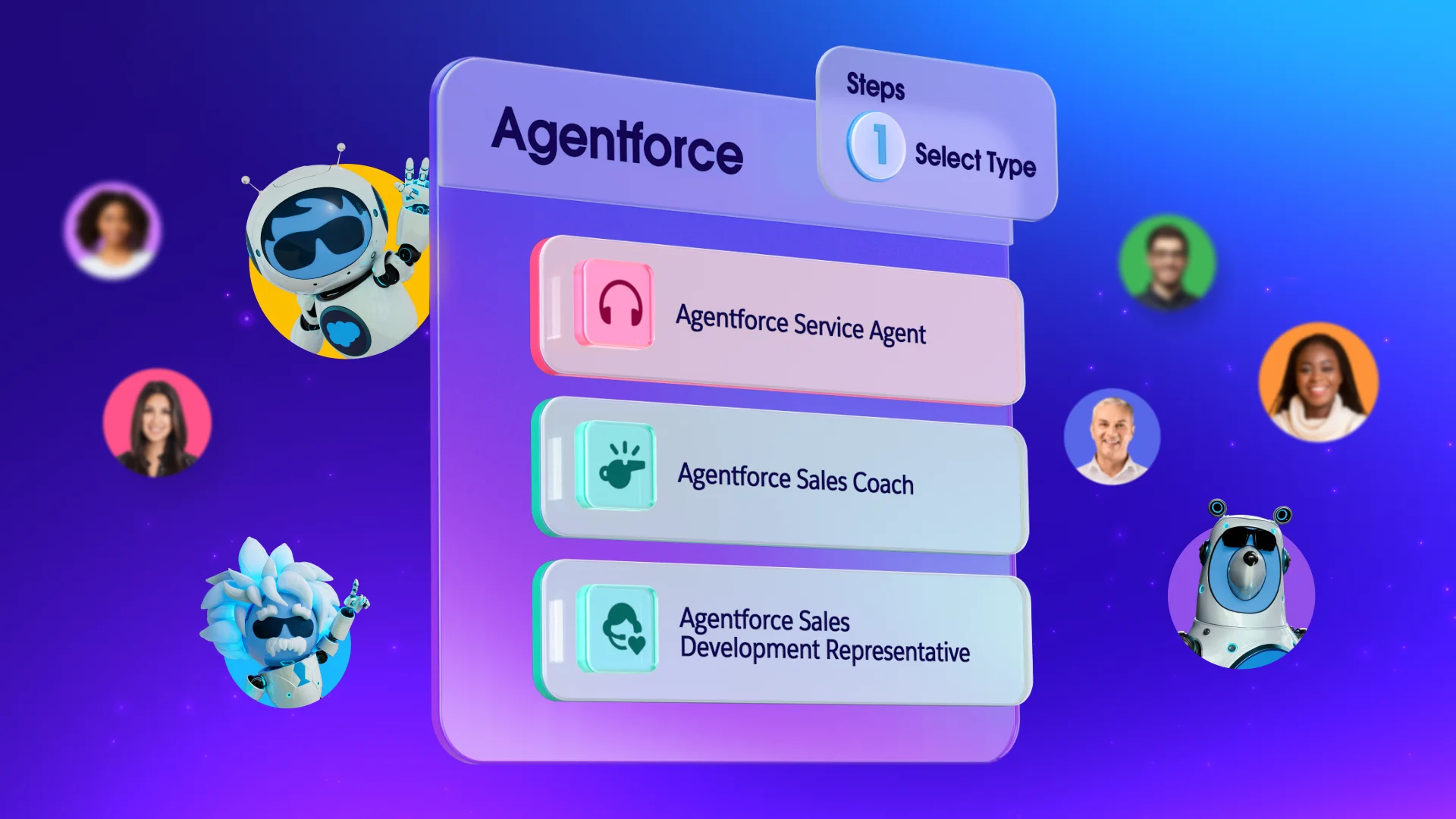
The advancement of agentic AI, like Agentforce 360, takes automation beyond basic by using intelligent agents to analyze data, execute tasks autonomously, and deliver insights. This approach enhances efficiency, reduces errors, and empowers businesses to operate with greater precision and speed across various industries.
Ideally, tools should be flexible enough to customize dashboards, reports, and workflow processes. Tools that can be tailored to your specific business needs mean you can work through tasks quickly and seamlessly.
The ability to collaborate in real time with shared workspaces, chat, and video conferencing is a game changer for companies because it allows for things like remote work and instant communication.
Make sure your tools can grow along with your business, easily handling increased data, users, and complexity without a significant drop in performance.
Data breaches are a serious and ever-evolving problem — even for small businesses. To keep your information from getting into the wrong hands, look for enhanced security measures such as data encryption, secure access controls, and automated backup.
Make data-driven decisions with a tool that tracks key metrics and has comprehensive reporting capabilities. This type of reporting involves the use of specialized tools that can process large volumes of data to identify trends, patterns, and anomalies. The reports generated from analytics are used by organizations to understand performance, optimize processes, and guide strategic planning.
The tool you choose should have easily accessible help resources for your customers, including live chat, email and phone support, or chatbots and self-service options.
Save time, stay organized, and fuel growth with the CRM that scales for small teams.
About 93% of today’s small business owners report using at least one technology platform to help run their businesses, according to a study by the U.S. Chamber of Commerce. An additional 85% of owners reported that technology platforms helped get their businesses up and running, and 94% said that technology helps them run their businesses more efficiently.
Digital tools are effective at increasing production by streamlining operations and automating repetitive tasks. Other features that fuel growth include:
If you’re in sales, you probably already use a CRM. But according to our latest State of Sales report, just 37% of sales professionals strongly agreeing that their organizations fully use their CRM, so you may be wondering whether you’re using yours to its full potential. Be sure to consider integrations and add-ons with any of the tools we list here.
And without further adieu, here are small business tools (that easily integrate with Salesforce) that we recommend:
10. Slack: This messaging app supports real-time communication, file sharing, and integration with various productivity tools.
11. Dropbox: This cloud storage tool offers file sharing, synchronization, and collaboration with team members.
12. G Suite: When synced, G Suite tools help you streamline productivity within your CRM. You can automatically log your email and calendar to optimize your workflow.
13. WhatsApp: This popular messaging app offers private messaging and free calls worldwide. When integrated with your CRM, you can create a messaging channel dedicated to customer support for your business.
14. Zoom: With the rise of remote work, Zoom has become an indispensable video conferencing platform that provides online meetings, webinars, and collaboration capabilities. Integration allows you to start and schedule meetings directly within your CRM.
15. Microsoft Teams: A messaging tool that helps communication and collaboration by summarizing meetings, generate action items, draft messages, and organize conversations automatically.
Growing teams can take business to the next level.

16. Asana: A work management platform that helps teams organize, track, and manage their work efficiently.
17. Smartsheet: This tool lets you create reports and dashboards for greater visibility and alignment across your organization and with clients.
18. Trello: Using virtual bulletin boards, this collaboration tool helps teams organize projects, and their many details, in one place. CRM integration lets you attach leads, contacts, opportunities, and cases to virtual sticky notes.
19. Wrike: This tool helps streamline processes using automation, so teams can work together more efficiently.
20. Starter Suite: This powerful CRM suite for small businesses includes sales, service, marketing and commerce capabilities. For marketing, it includes email marketing automation, embedded AI for employee support, and built-in analytics that let you review performance for better forecasting.
21. Semrush: This SEO solution provides marketers with real-time keyword research, recommendations, and rankings. It reveals search query intent, shows top-ranking competitors, helps guide content creation and optimization decisions, and monitors content performance.
22. Optimizely: A marketing campaign tool to manage content and boost customer engagement on your website. This tool can also facilitate A/B testing to uncover insights and create high-performing web pages and content.
23. LinkedIn: Target buyers and companies that are a good fit for your products and services. Engage buyers with personalized outreach and save time by making sure everything is captured in your CRM.
24. Writer: Build generative AI into any business process. Writer removes complexity so that you can focus on AI-first workflows.
No credit card required, no software to install.

25. Accounting Seed: This fully customizable tool eliminates the need for manual accounting. It’s scalable and seamlessly connects financial data across your company.
26. Commerce Cloud: Boost sales and ensure a smooth e-commerce journey across every customer touchpoint with AI insights, merchant dashboards, and more.
27. Conga Contracts: Close deals faster with automated contract creation, controlled negotiations, eSignatures, and streamlined reporting.
28. QuickBooks: This accounting tool helps SMBs with bookkeeping, payroll, and financial management. CRM integration lets you share data between sales and accounting — including customer information, sales orders, expenses, and invoicing.
29. Gemini: An AI assistant designed to handle everything from writing and brainstorming to data analysis and coding used with Google Workspace.
30. Claude: Developed by Anthropic, this AI assistant is known for its thoughtful, nuanced responses and strong writing capabilities, used for drafting long-form content, refining brand voice, and analyzing documents.
31. NotebookLM: An AI-powered research and note-taking tool that helps organize and understand your information by uploading documents, PDFs, or notes, and it will summarize, explain, and even answer questions based on your own materials.
32: ChatGPT: A widely used AI assistant that supports a broad range of business tasks, including content creation, customer support scripts, marketing ideas, and workflow automation.
Most of these tools and integrations are available on the AppExchange, a marketplace for business apps, components, and integrations built to extend the functionality of Salesforce. Small businesses can find ready-to-use solutions for sales, marketing, customer service, and more — allowing them to customize their CRM without heavy development. It’s a quick way to add new capabilities and scale operations as your business grows.
See how growing businesses are using Salesforce Suites to scale fast. No credit card required, no software to install.
It all starts with Starter Suite.
Small business tools are essential for today’s businesses to stay competitive. These digital tools have revolutionized the workforce, enhancing efficiency through automation. And, with less time spent on routine tasks, your employees will have more time to put their creativity and talents to work.
Start your journey with a free trial of Starter Suite today. Looking for more customization? Explore Pro Suite. Already a Salesforce customer? Activate Foundations today to try Agentforce 360.
AI assisted the writers and editors of this article.
此内容由惯性聚合(RSS阅读器)自动聚合整理,仅供阅读参考。 原文来自 — 版权归原作者所有。