The hardest part of AI video isn't pressing generate. It's finishing. How do you get high-quality 4K HDR content into your post-production pipeline? That's where models like the Topaz series come in. An upscaling model polishes your footage, taking it from a plasticky, AI-looking clip to a high-resolution video ready for the big screen.
Last week, we sat down with the Principal Creative Technologist at Topaz Labs, Ross Shain, to break down each one of the most popular Topaz Upscaling models to help teach you what their strengths are, and when to use which model. Feel free to watch the session on YouTube or follow along with this blog post.
If you want to join the live sessions over zoom, check out our calendar for upcoming events.
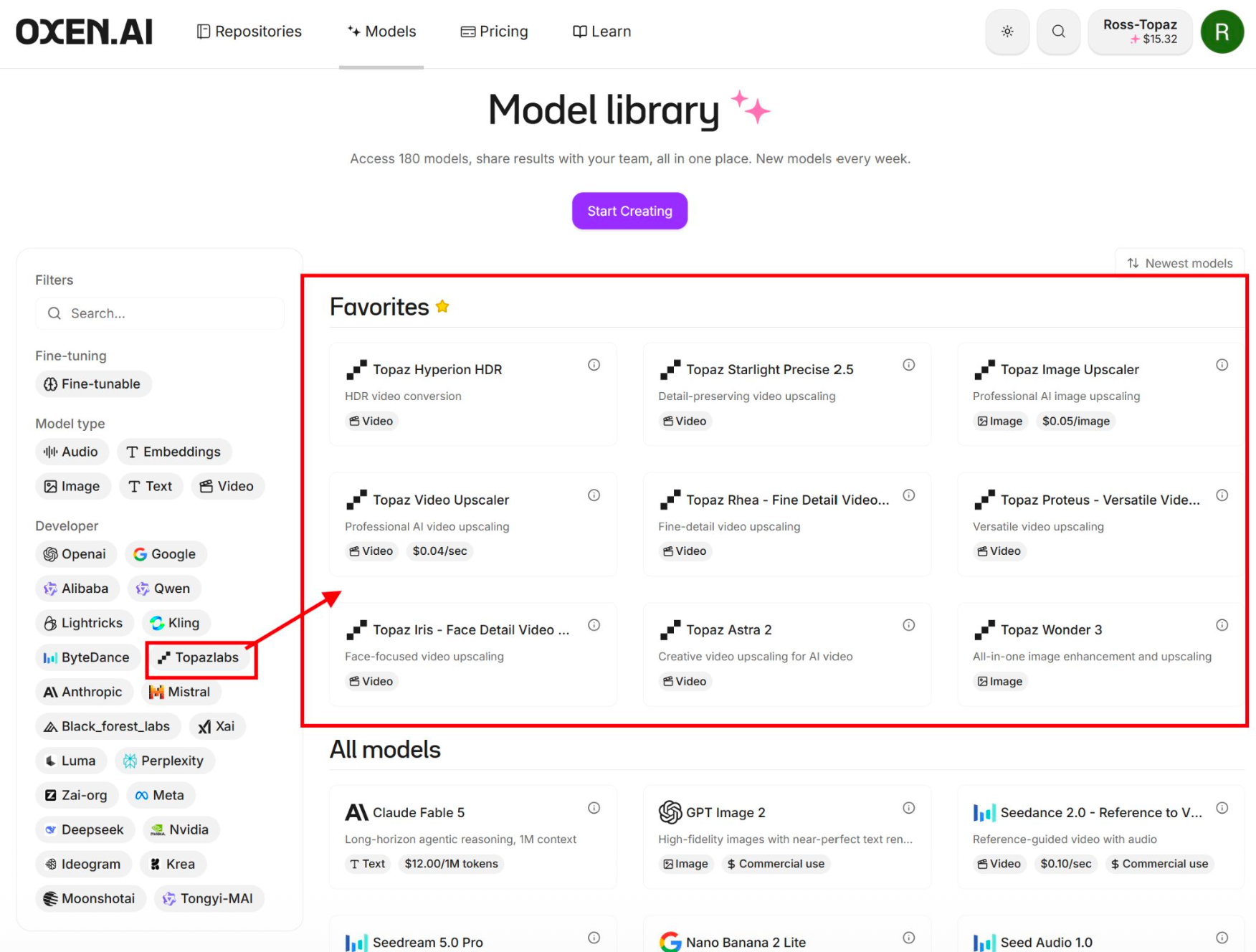
Feel free to try any of the models today in the Oxen.ai model library by searching for "Topaz".
There are three classes of Topaz models, with different goals: Precision, Generative, and Creative. The simple way to think about it: Precision preserves, Generative reconstructs, Creative reimagines.
Precision models (Standard 3, High Fidelity, Proteus, Iris, and Rhea) enhance the detail that's already there. They clean up noise and artifacts, hold onto the original character of the image, and give you controlled, adjustable results.
Generative models (Wonder 3 and Starlight Precise 2.5) go a step further. They infer detail that's missing, build texture and structure using learned context, and run more automatically for a more powerful result.
Creative models (Bloom and Astra 2) generate entirely new visual content. They take direction from prompts or a chosen style, prioritize the look over strict accuracy, and aren't tied to the fidelity of the source.
Wonder 3 is Topaz's newest generative AI model for images. Unlike traditional upscalers that sharpen existing pixels, Wonder uses a generative diffusion process to actually generate missing pixels. This means that it can hallucinate pixels, which could be a good or bad thing depending on your application.
Topaz Wonder 3 on Oxen | Oxen.ai
All-in-one image enhancement and upscaling

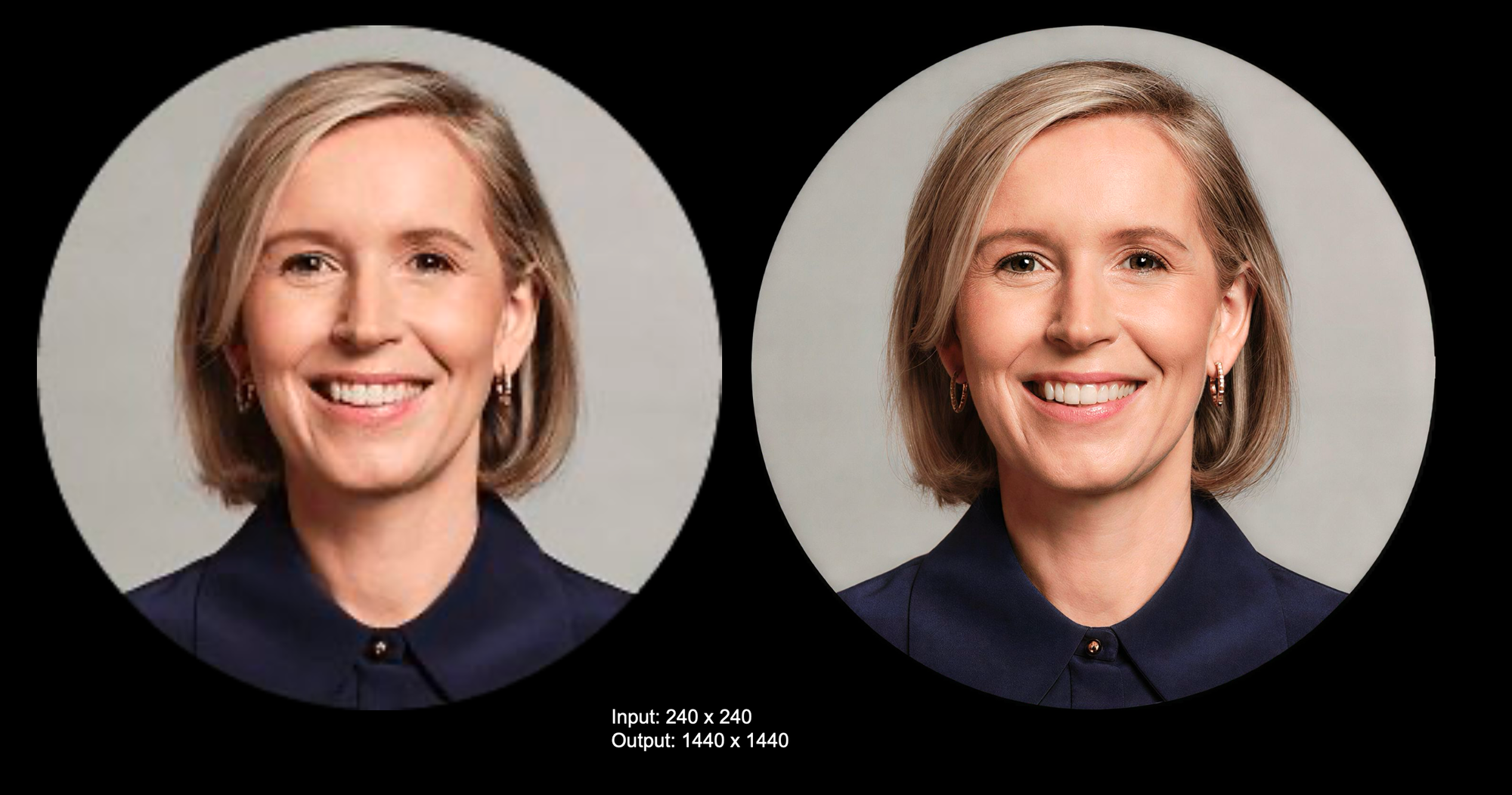
It's a great thing if you want to "rescue" bad pixels from a background like a blocky green blob that you want to be a forest, and it doesn't really matter which forest. It can may a bad thing if you have a pixelated face of a historical figure, and you need to restore to exact details of that human. But in this case below I think it did a really good job - upscaling a 240 x 240 pixel image of a woman's LinkedIn photo.
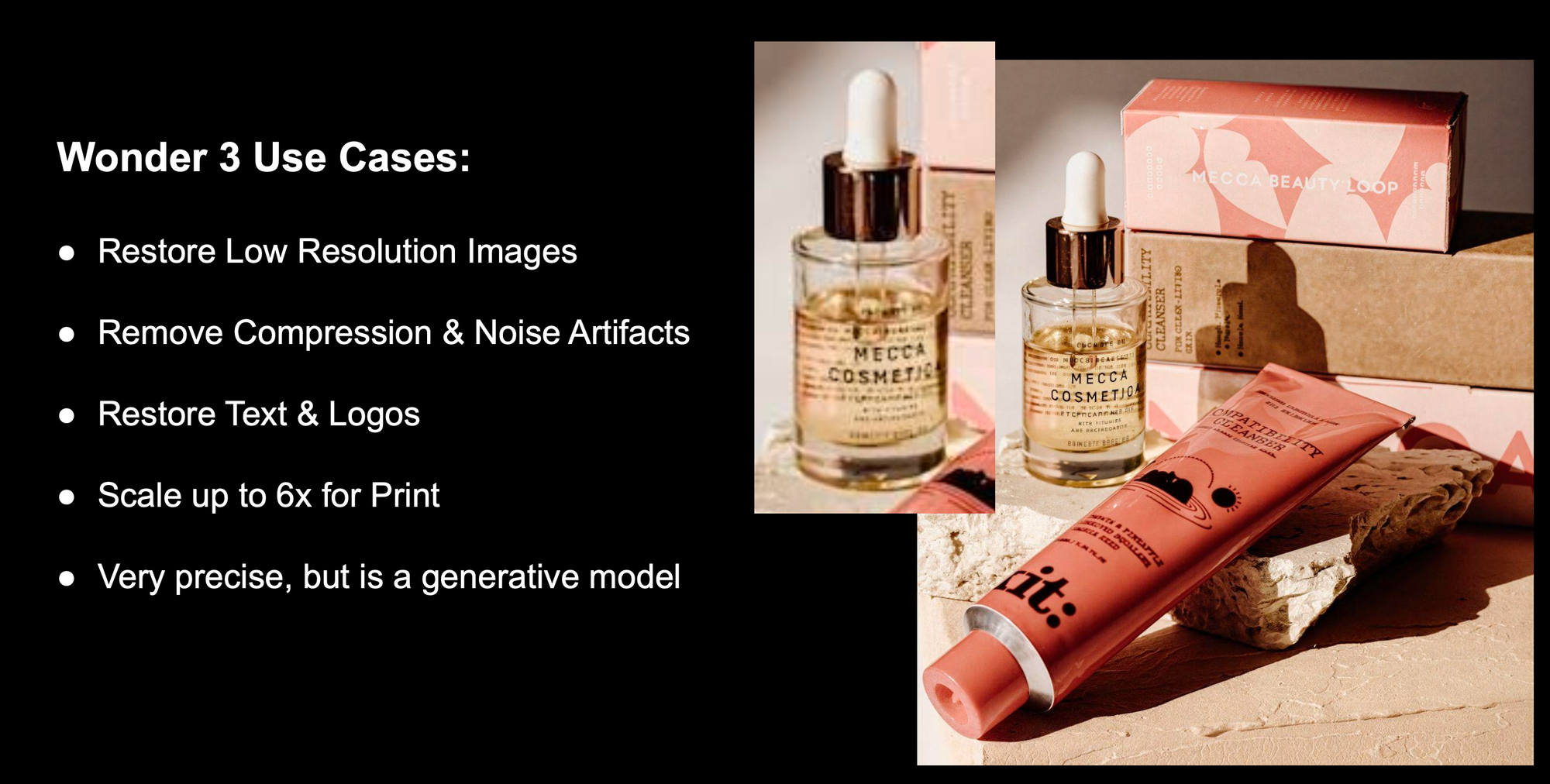
It is also very good for restoring text and logos on low resolution photos:
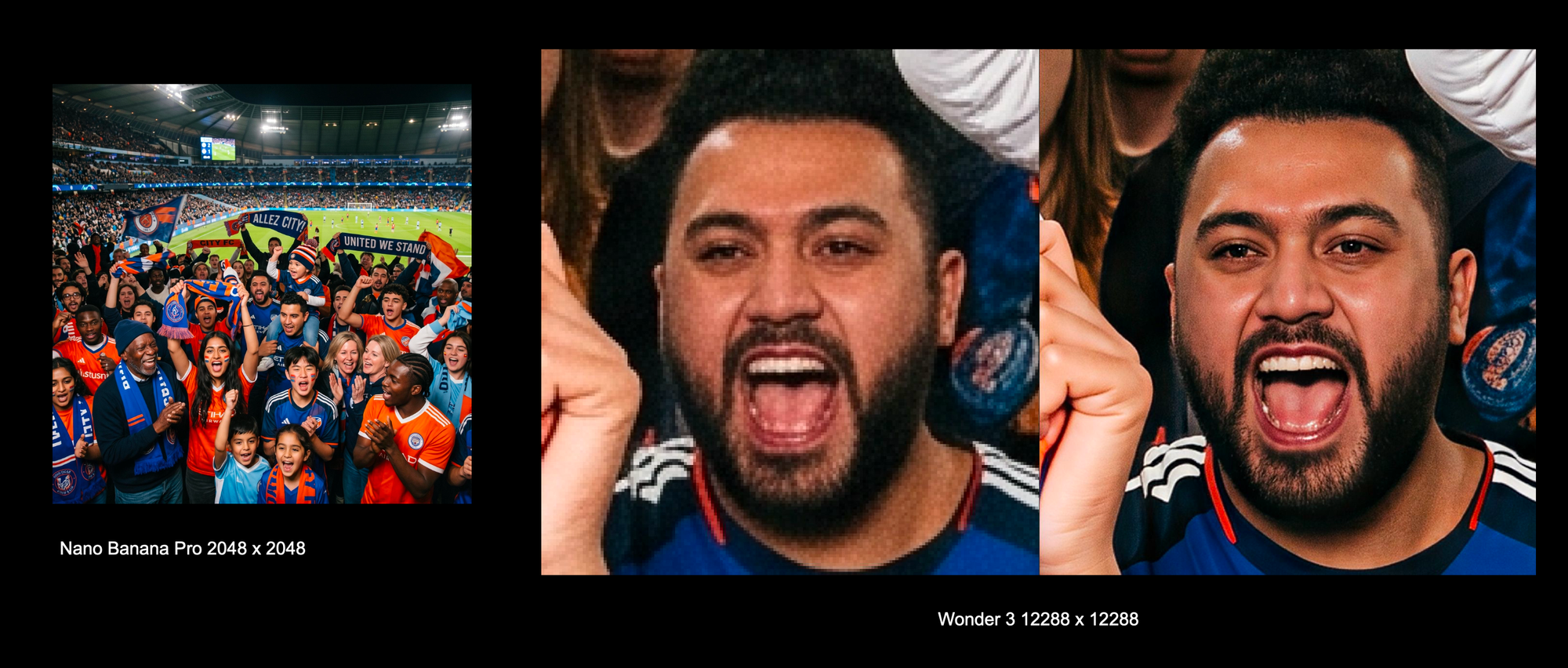
Or if you want to upscale to an extremely large resolution for print. Here we are taking an output from Nano Banana Pro at 2k and scaling it up to 12k (12288 x 12288)
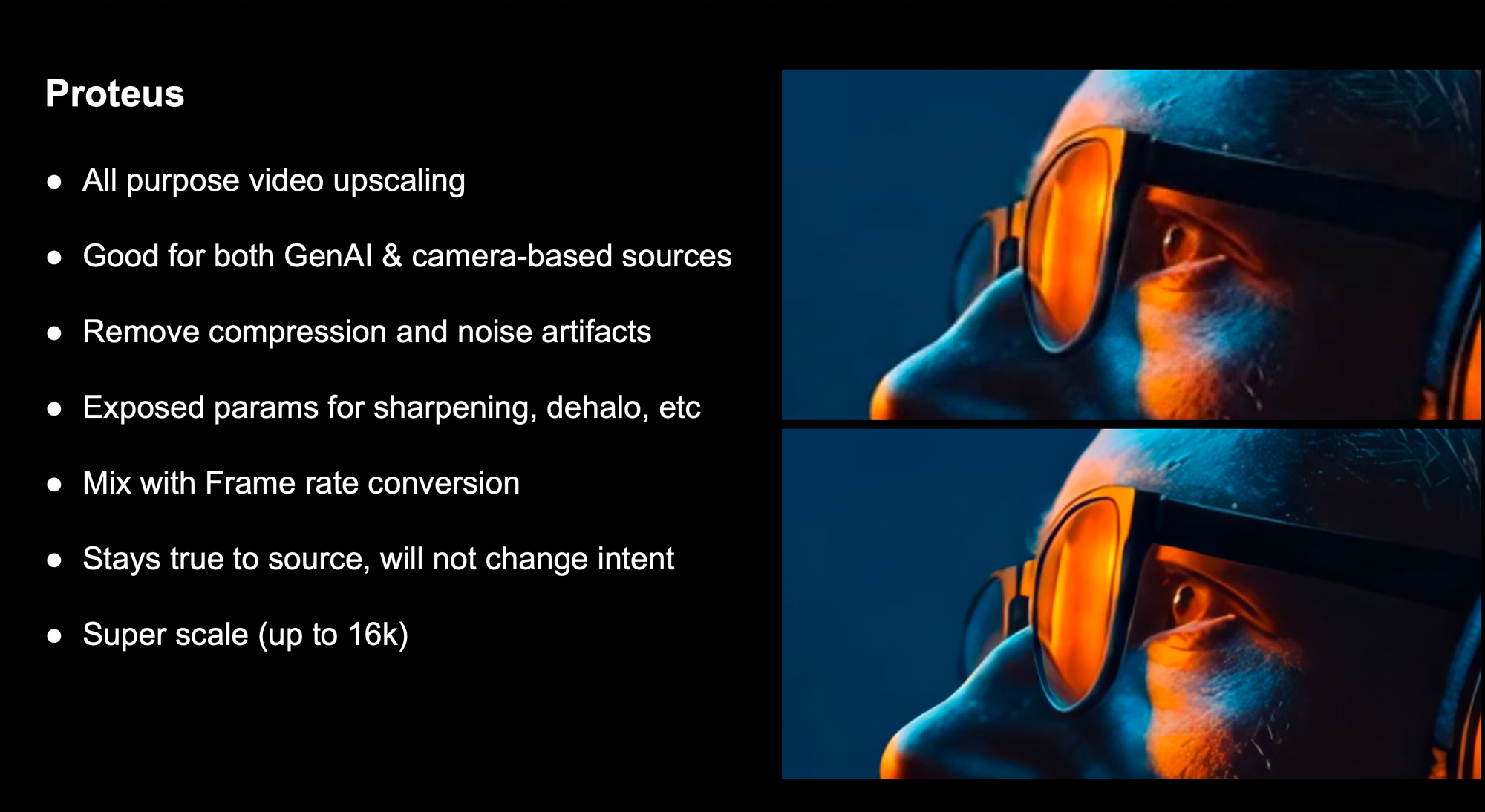
If you are looking to upscale a video, and aren't sure which model to choose, Proteus is a good starting point. It can handle AI generated content as well as old camera based footage. It cleans up compression and noise artifacts while pulling detail back into the frame. You can pair it with frame rate conversion to get smoother motion and super scale up to 16k.
Topaz Proteus - Versatile Video Upscaler on Oxen | Oxen.ai
Versatile video upscaling
 Oxen.ai
This is a precision model, so it will stay rue to source and not change the intent or content of the video.
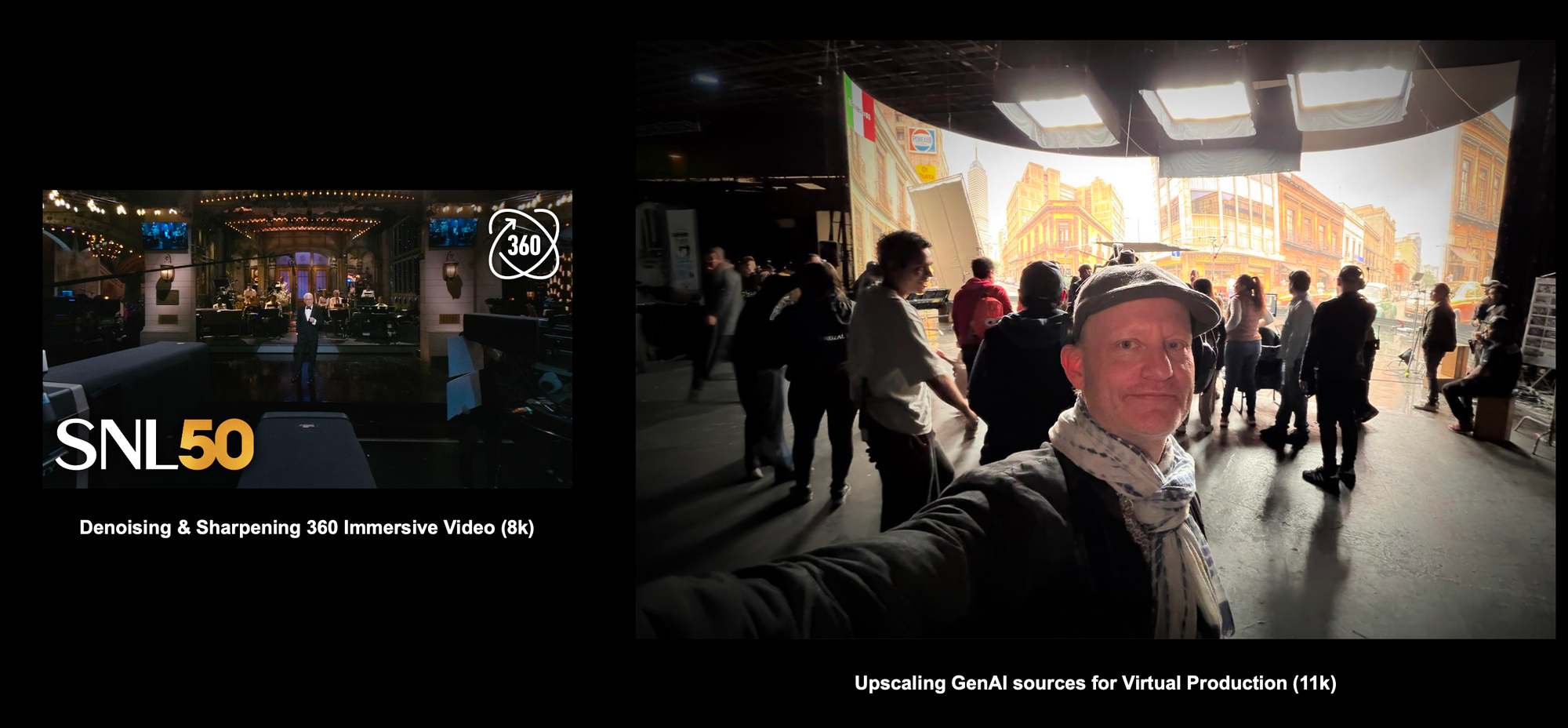
Proteus can be used in virtual production, or immersive 360 video to fill in all the pixels at a large scale.
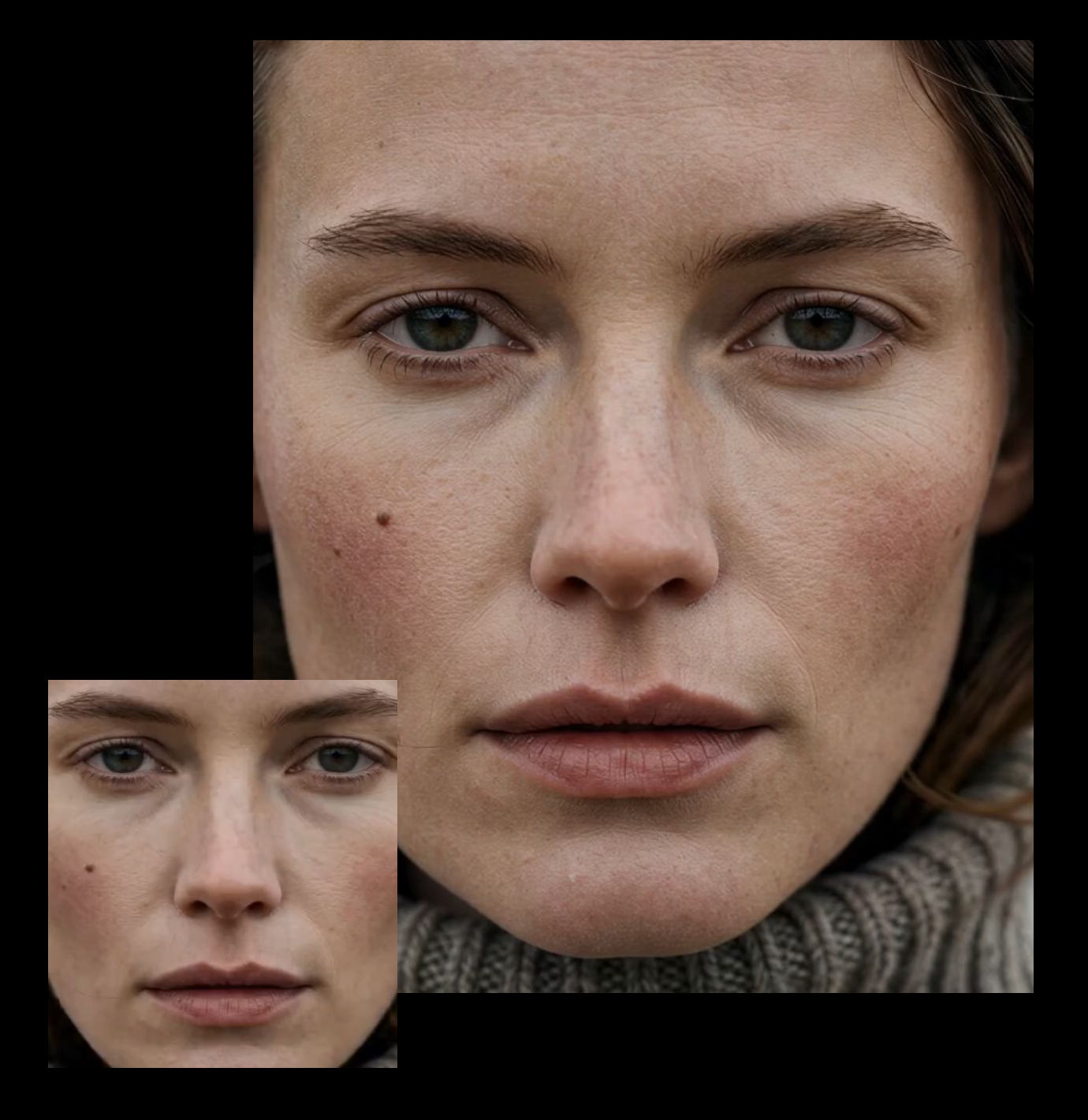
The Starlight Precise 2.5 model is the best model for cinematic upscaling in many people's opinion, especially for AI generated content. The model can upscale up to 4k. It improves AI generated video sources that is soft or artificial looking, and reduces the "plastic" look. The model can hallucinate details and improve temporal consistency. It's great for improving details in faces, text, and logos, and also does frame interpolation 24 > 60 FPS.
Topaz Starlight Precise 2.5 on Oxen | Oxen.ai
Detail-preserving video upscaling
 Oxen.ai
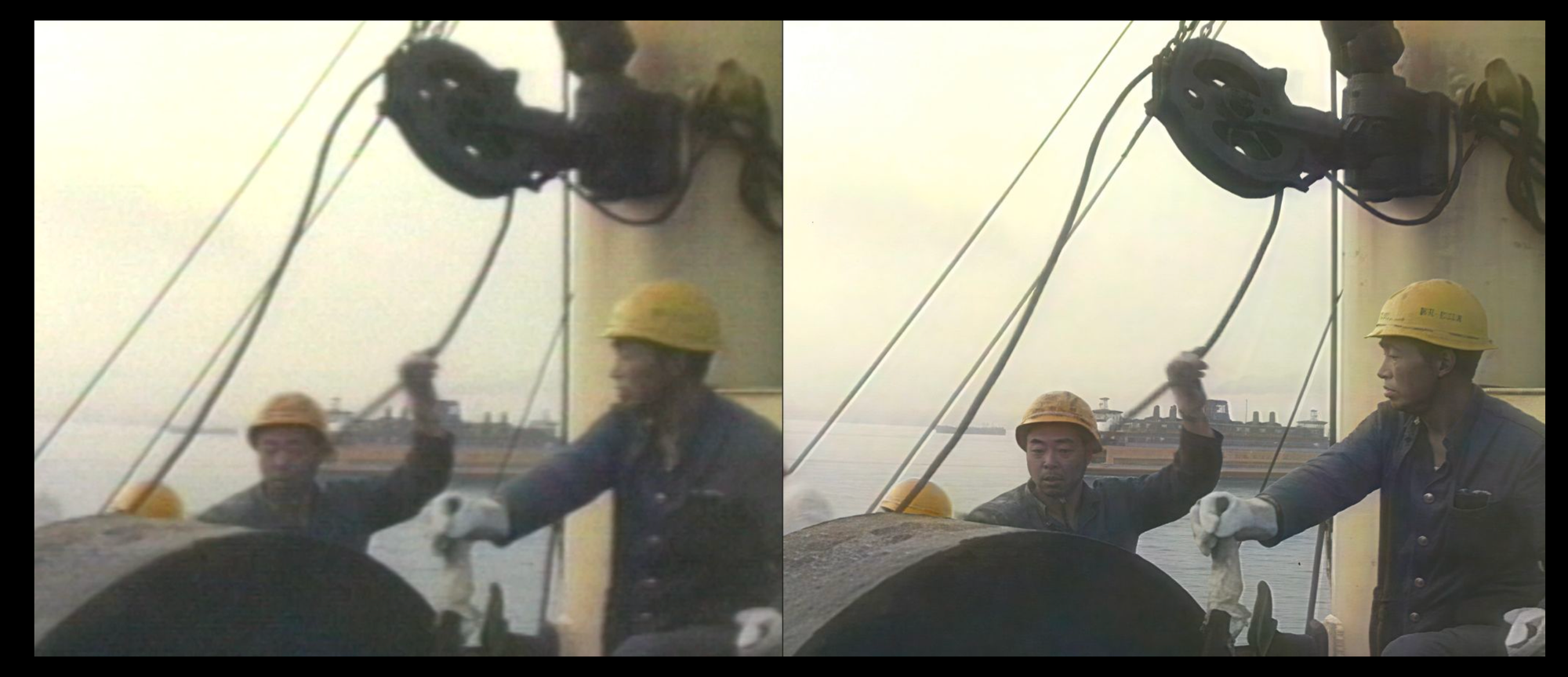
Starlight Precise 2.5 is also used by many documentary filmmakers to restore archival footage. Since it is a generative model, it may hallucinate facial details, so be careful with historical figures or things that need to be pixel perfect accurate.
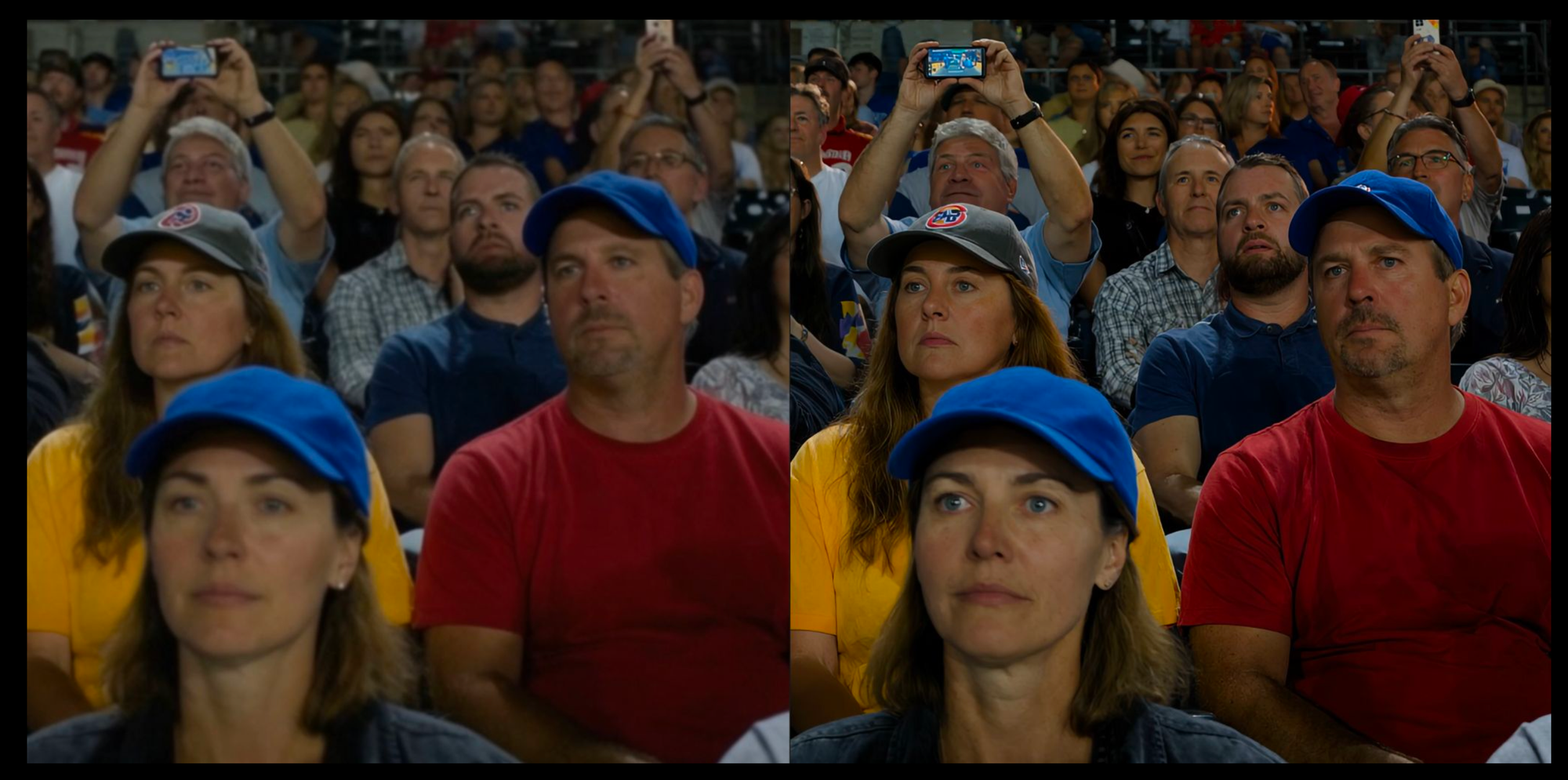
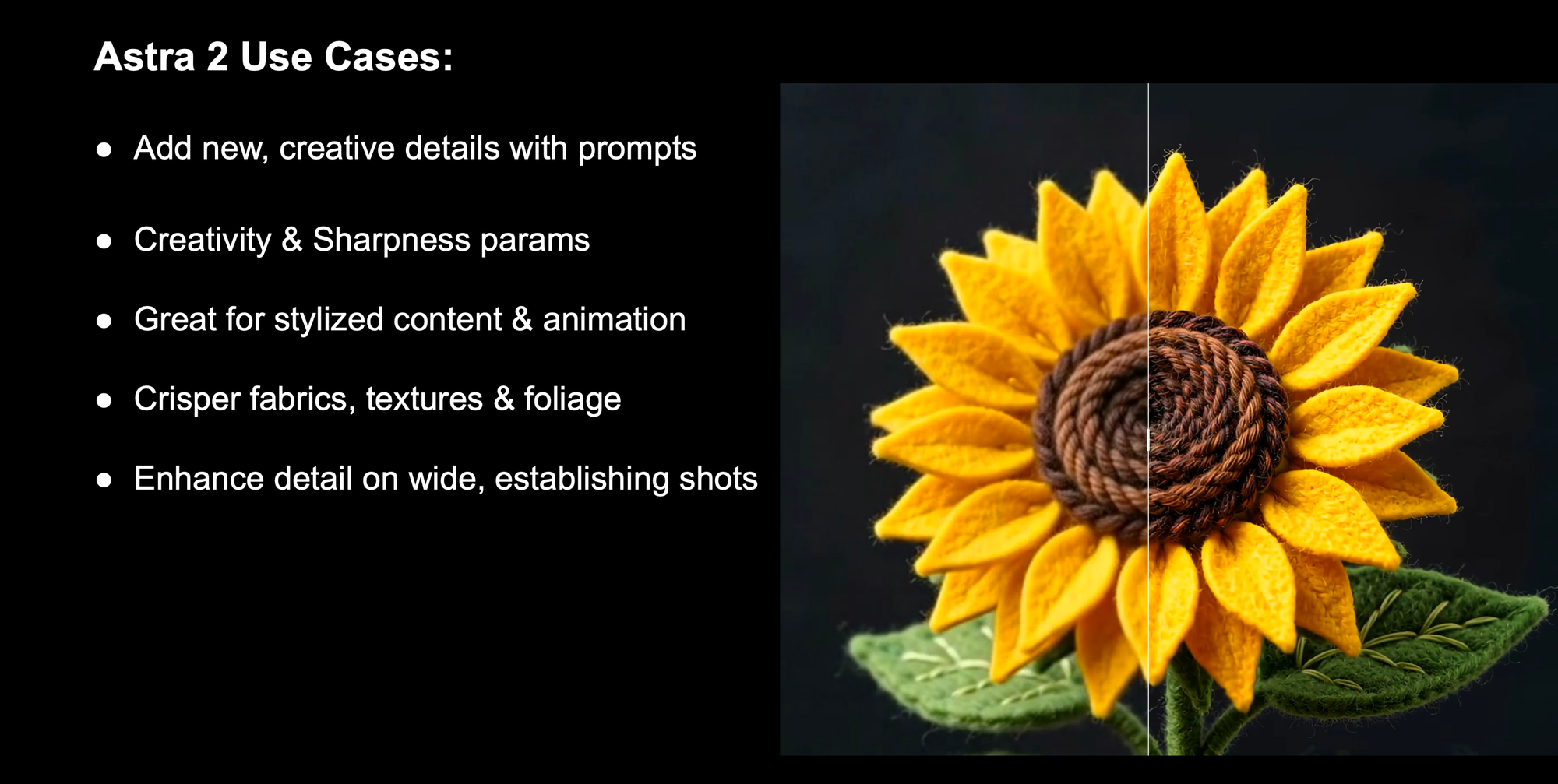
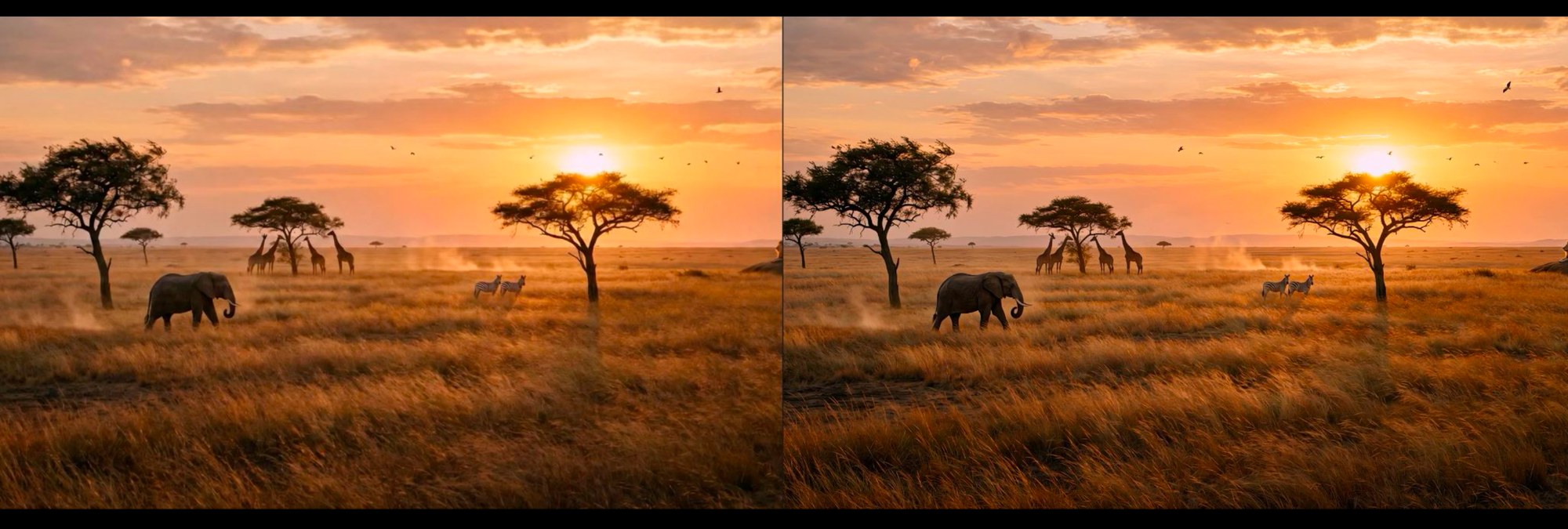
Astra 2 is a creative upscaling model that will help add in detail that was not there before, given a prompt.
Topaz Astra 2 on Oxen | Oxen.ai
Creative video upscaling for AI video
 Oxen.ai
For example, it is great for crowd shots where you may want to add detail to the people.
Or you can use it to get creative and add details like upscaling this felt flower.
Or improving a wide establishing shot:
Some newer generative video models like Seedance 2.0 and LTX 2.3 can generate "natively" in 4K. In general the 4K generations tend to be more expensive, and give lower quality and less detail.
Left: Seedance 2.0 4K - Right: Topaz Starlight 2.5 Upscaled to 4K
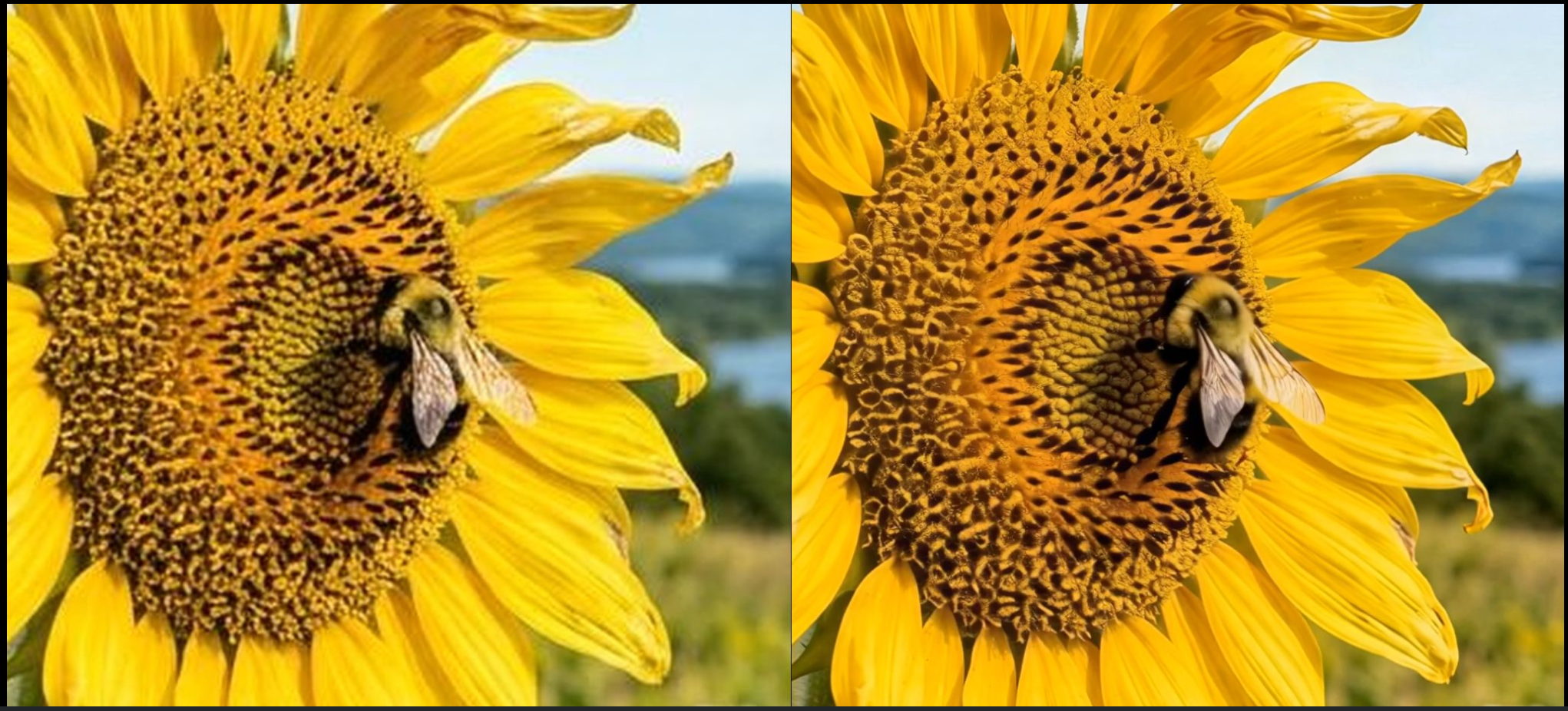
The recommended flow to save money and get higher resolution outputs would be to do image to video in the creation/brainstorming phase at a lower resolution. Then when you feel good about an output - use Starlight 2.5 to upscale it. This saves money and gives better results. Native 4K = 2x credit cost.
In the professional video production world, you will quickly get clients or artists asking you to deliver your AI generated content in a higher bit depth, or high dynamic range to do color correction or finishing. SDR stands for "Standard Dynamic Range" and HDR for "High Dynamic Range". Most models do not do this out of the box because they were trained on RGB videos from the internet where the pixels are limited to 0-255 values.
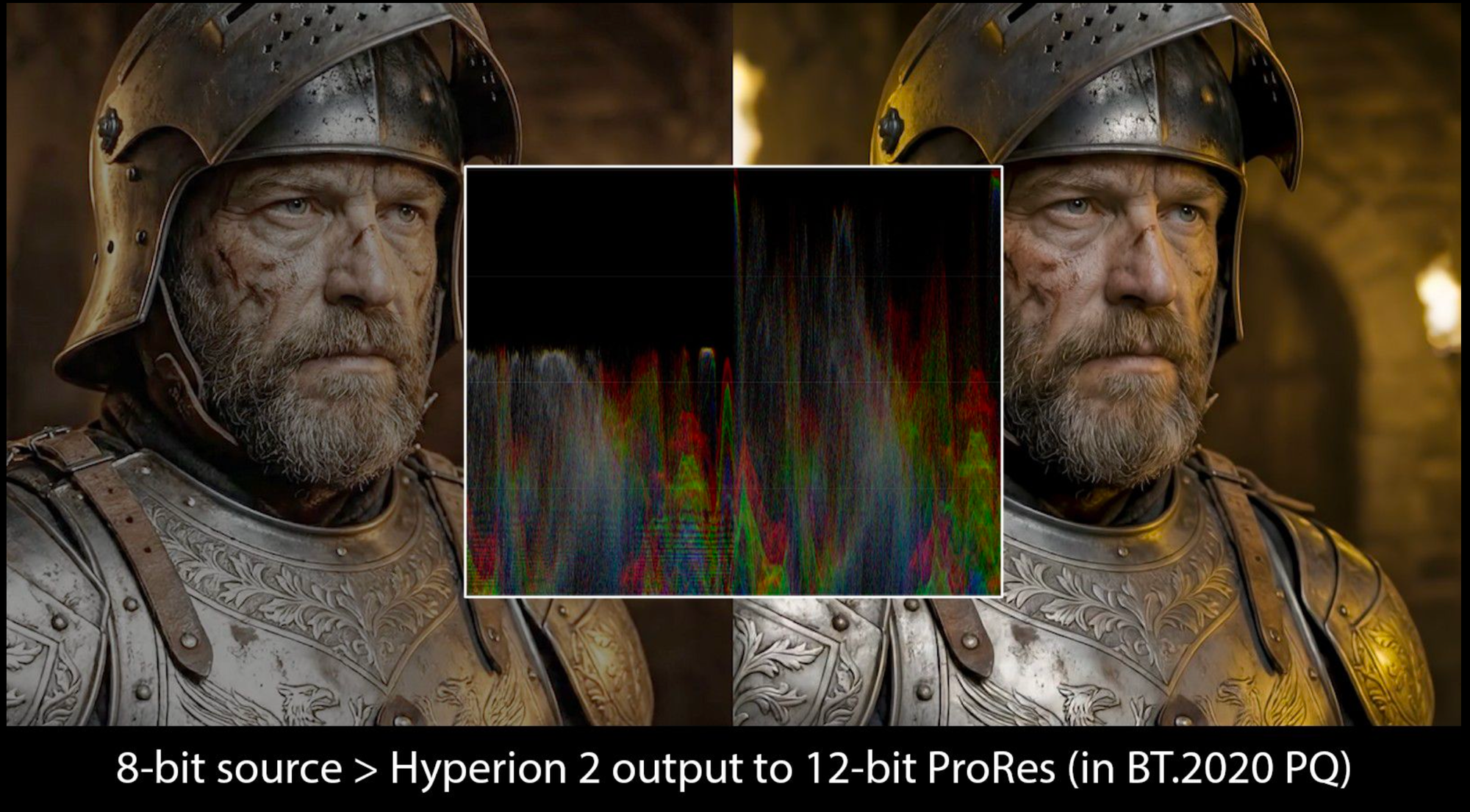
If you've never had to deal outside of the constraints of 0-255 for pixel values, you may be wondering what the heck we are talking about. Here's a layman's version. Every pixel in your image or video needs a color, and the "bit depth" is how many values you have to choose from. With 8-bit, you get 256 shades per color channel (that's your 0–255 values). With 10-bit you jump to 1,024 shades, and 12-bit gives you 4,096. More buckets means smoother transitions between colors.
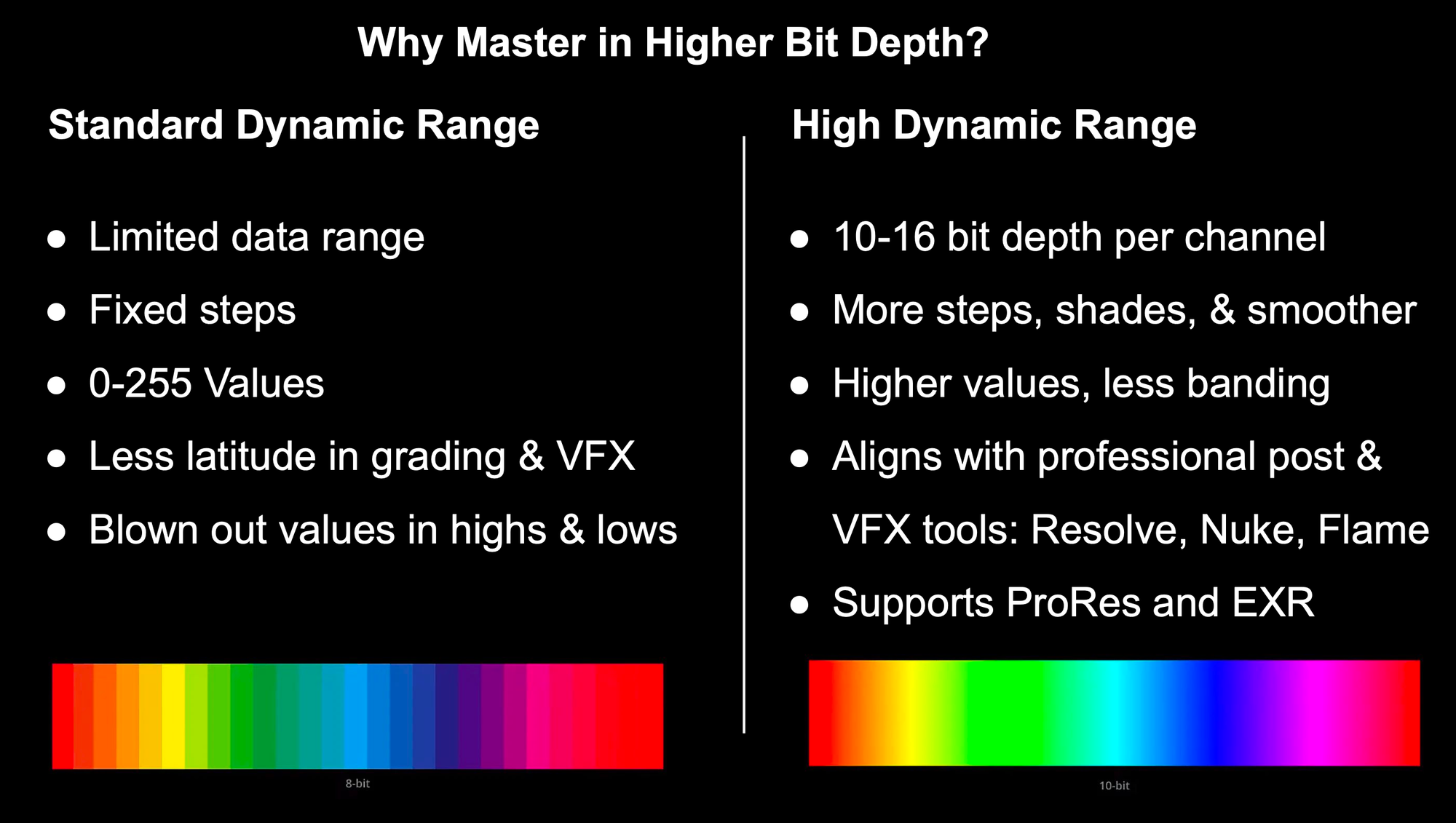
You may have seen the downside of too few values for a pixel: a sunset sky that should fade smoothly from orange to blue instead shows visible stripes or rings. That's called banding, and it happens because there literally aren't enough shades to make the gradient smooth.
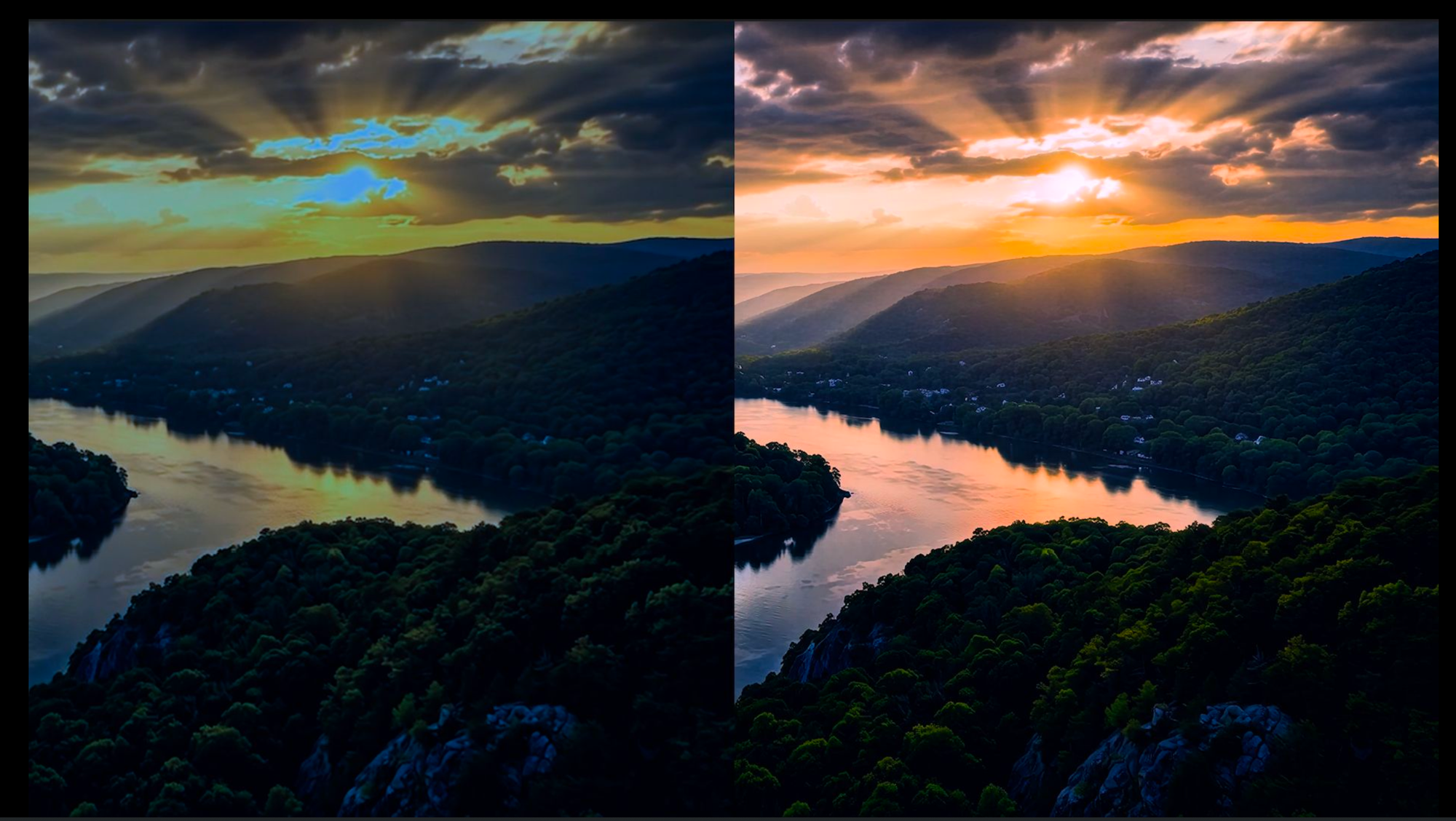
Bit depth is how many steps you have between the darkest and brightest point. Dynamic range is how far apart that darkest and brightest point actually are, how deep the shadows go and how bright the highlights get. HDR is a format that both expands that range (brighter brights, darker darks) and requires higher bit depth to fill in all the new steps smoothly.
When you shoot footage in the real world, it rarely looks final straight out of the camera. The footage is usually sent to color correction to do a cleanup pass: fixing white balance, matching shots so they look consistent, getting skin tones right. Color grading may push teal-and-orange values for a blockbuster look, crush the blacks for something moody, or warm everything for nostalgia.
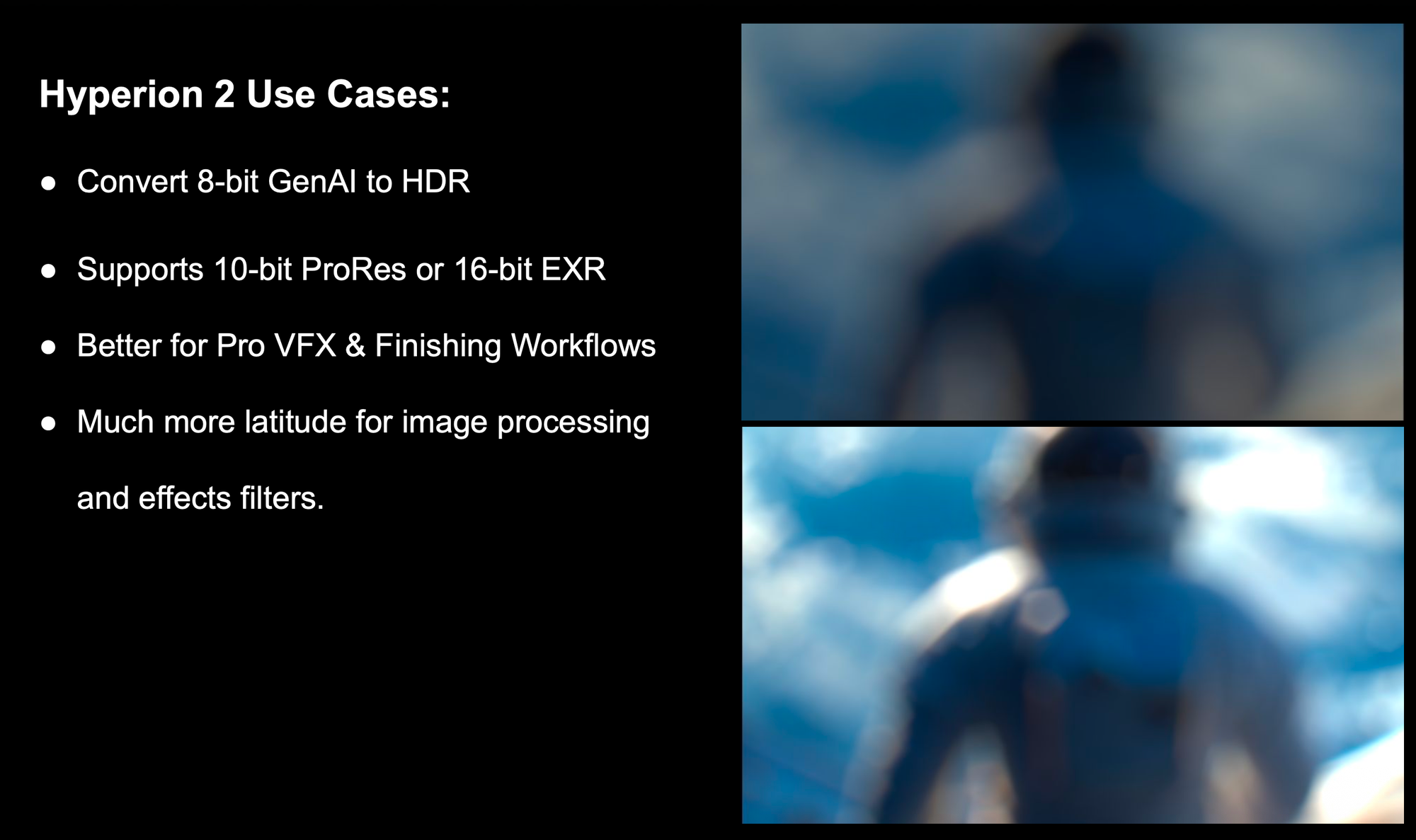
Hyperion 2 is currently the best model to convert from SDR to HDR. It can output 10-bit ProRes or 16-bit EXR. Use this model to pass the output to your VFX and finishing workflows.
Thank you to Ross Shain from the Topaz Labs team for breaking down all of these models for us, and providing all the examples. We couldn't have done it without you!

If you made it this far, you deserve a little prize. Email us at hello@oxen.ai your use case, reference this post, and we'll give you $30 of free credits to try out all of the upscaling models.
Happy creating 🐂
~ Greg & The Oxen.ai Herd
此内容由惯性聚合(RSS阅读器)自动聚合整理,仅供阅读参考。 原文来自 — 版权归原作者所有。