
惯性聚合 高效追踪和阅读你感兴趣的博客、新闻、科技资讯
阅读原文 在惯性聚合中打开

推荐订阅源

M
MIT News - Artificial intelligence
罗磊的独立博客
Hugging Face - Blog
Hugging Face - Blog
Apple Machine Learning Research
Last Week in AI
Last Week in AI
S
SegmentFault 最新的问题
让小产品的独立变现更简单 - ezindie.com
美团技术团队
人人都是产品经理
人人都是产品经理
WordPress大学
WordPress大学
The Cloudflare Blog
IT之家
IT之家
雷峰网
雷峰网
小众软件
小众软件
博客园 - 叶小钗
博客园 - 聂微东
爱范儿
爱范儿
博客园 - 司徒正美
博客园 - 三生石上(FineUI控件)
V
Visual Studio Blog
博客园 - 【当耐特】
V
V2EX
博客园_首页
T
Tailwind CSS Blog

Runpod Blog.

New Runpod datacenter now live: AP-IN-1 Track GPU spend across your team with Cost Centers The GPU supply supercycle is here. Here’s what AI builders need to know. Community Spotlight: One-click AI image and video generation on Runpod with SwarmUI | Runpod Blog Community Spotlight: LoRA Pilot Data Prep to Inference Introducing the Runpod Assistant: Manage Your Cloud GPU Resources with Natural Language OpenAI's Parameter Golf: Train the Best Language Model That Fits in 16MB on Runpod LLM inference optimization: techniques that actually reduce latency and cost Pruna P-Video and Vidu Q3 public endpoints now available on Runpod Runpod brand spelling guide Quickstart - Runpod Documentation The AI market looks nothing like the narrative Training StyleGAN3 with Vision-Aided GAN on Runpod KoboldAI – The Other Roleplay Front End, And Why You May Want to Use It How to Connect Cursor to LLM Pods on Runpod for Seamless AI Dev Community Spotlight: How AnonAI Scaled Its Private Chatbot Platform with Runpod Prompt Scheduling with Disco Diffusion on Runpod Runpod's Latest Innovation: Dockerless CLI for Streamlined AI Development Run Your Own AI from Your iPhone Using Runpod Introducing Flash: Run GPU workloads on Runpod Serverless: No Docker required Use Claude Code with your own model on Runpod: No Anthropic account required Avoid Errors by Selecting the Proper Resources for Your Pod What hackers built on Runpod at TreeHacks 2026 Easily Back Up and Restore Your Pod with Cloud Sync + Backblaze B2 The Complete Guide to GPU Requirements for LLM Fine-Tuning AI Guides, Tutorials & GPU Infrastructure Insights | Runpod Your first Claude Code project within Runpod: a complete setup guide 10 billion Serverless requests and counting Building for resilience: Runpod’s response to the AWS us-east-1 outage How to Connect Google Colab to Runpod
Deploy When Available is now GA
Brendan McKeag · 2026-06-19 · via Runpod Blog.

The industry-wide GPU supply crunch has introduced an enormous amount of friction into what should be a simple process. What used to be a one-click deploy flow has turned into refreshing the deploy page or leaning on a third-party sniping tool to catch the moment a card frees up. Today we're putting an end to that. Deploy When Available is now generally available, and it does the waiting for you.

The idea is simple. Instead of deploying only what's free right this second, you can queue for any spec that isn't immediately available, whether it's a configuration that's completely rented out at the moment, or you just need more than we can hand you on the spot. Runpod watches for capacity and deploys your pod automatically as soon as it can.

Getting started

If you're already on the new deploy flow, you're ready to go. If you're still on the old one, you'll need to switch over first:
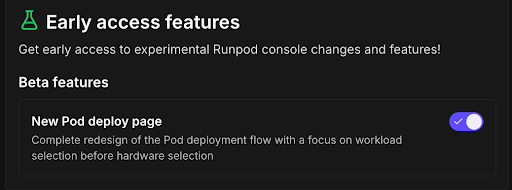
  1. Head to Early Access features at console.runpod.io/user/early-access and enable the New Pod deploy page.
  2. Select the pod spec you want.
  3. If it's currently out of capacity, the deploy button at the bottom becomes Deploy When Available. Click it.
  4. Review the confirmation prompt, set a subscription window if you'd like, and confirm.

That's it. You can close the tab and get on with your day.

How it works

When the spec you want is out of capacity, the deploy button changes to Deploy When Available. Click it, confirm the prompt, and you're in the queue. The moment that capacity becomes available, your pod deploys and starts running.

One important note: your pod begins billing as soon as it deploys. That's the whole point of the feature, but it means a card could come free at 3 a.m. while you're asleep and start charging you for time you can't use.

If that's a concern, use the subscription window to set the valid times for deployment. You can mark hours as off-limits so you're never billed for a pod you can't actually get to.

Notifications

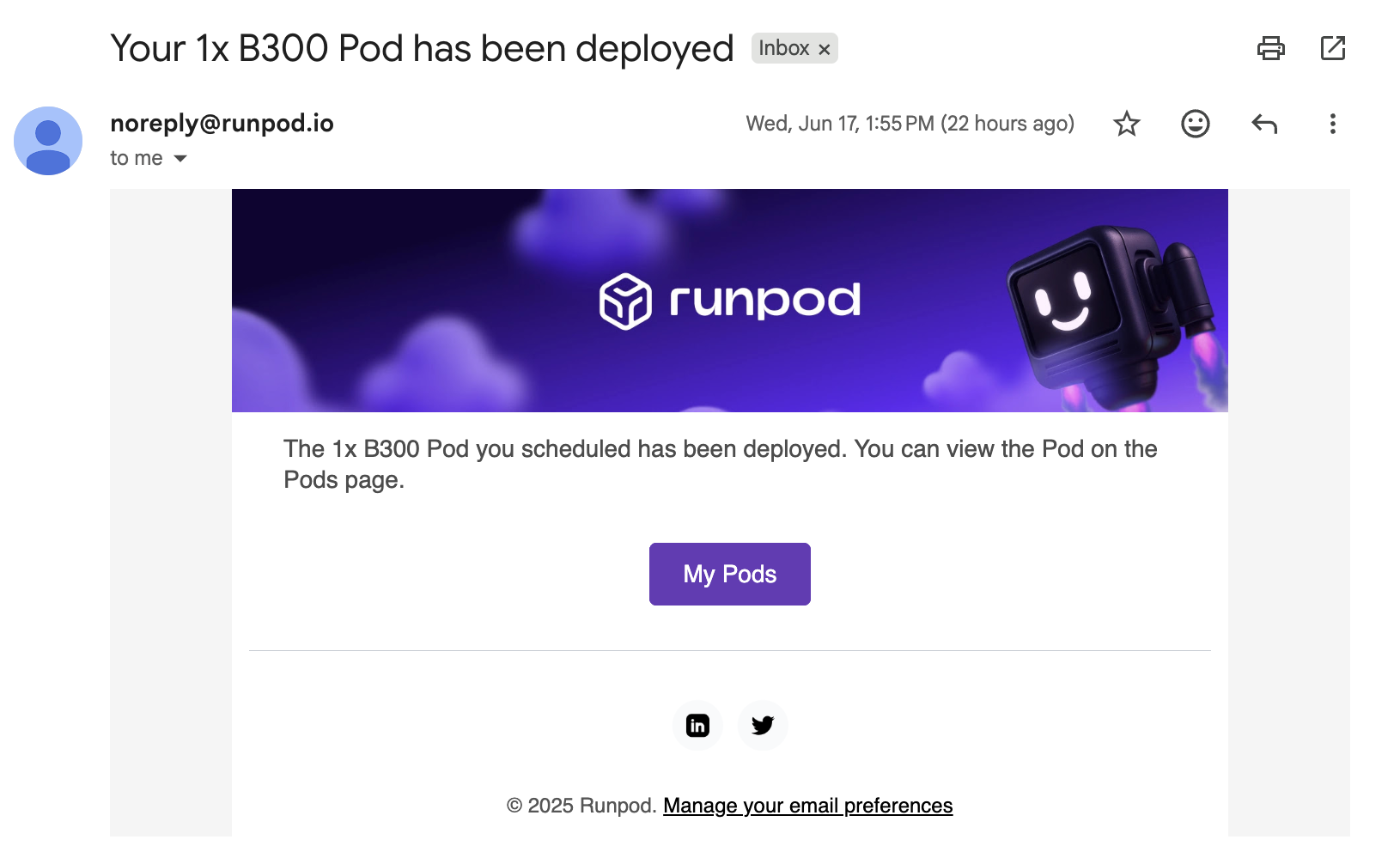
When your pod goes live, we'll let you know through the console or by email, depending on your preference. SMS notifications are on the way and will ship shortly.
A note on feasible configurations

For a deployment to succeed, the configuration you queue for has to be something that might realistically become available at some point, even if only briefly. If you request a spec that could never feasibly free up, it won't deploy. As always, we're continuously working on supply to make larger deploys possible over time.

Try it out

Deploy When Available should make reserving the GPU you want a lot less of a chore. Give it a try on your next deploy, and let us know what you think.