







This article is originally from my blog post. I put this article to demonstrate how you can write blog posts/articles using AstroPaper theme.
My experience about developing my first portfolio website and a blog using NextJS and a headless CMS.
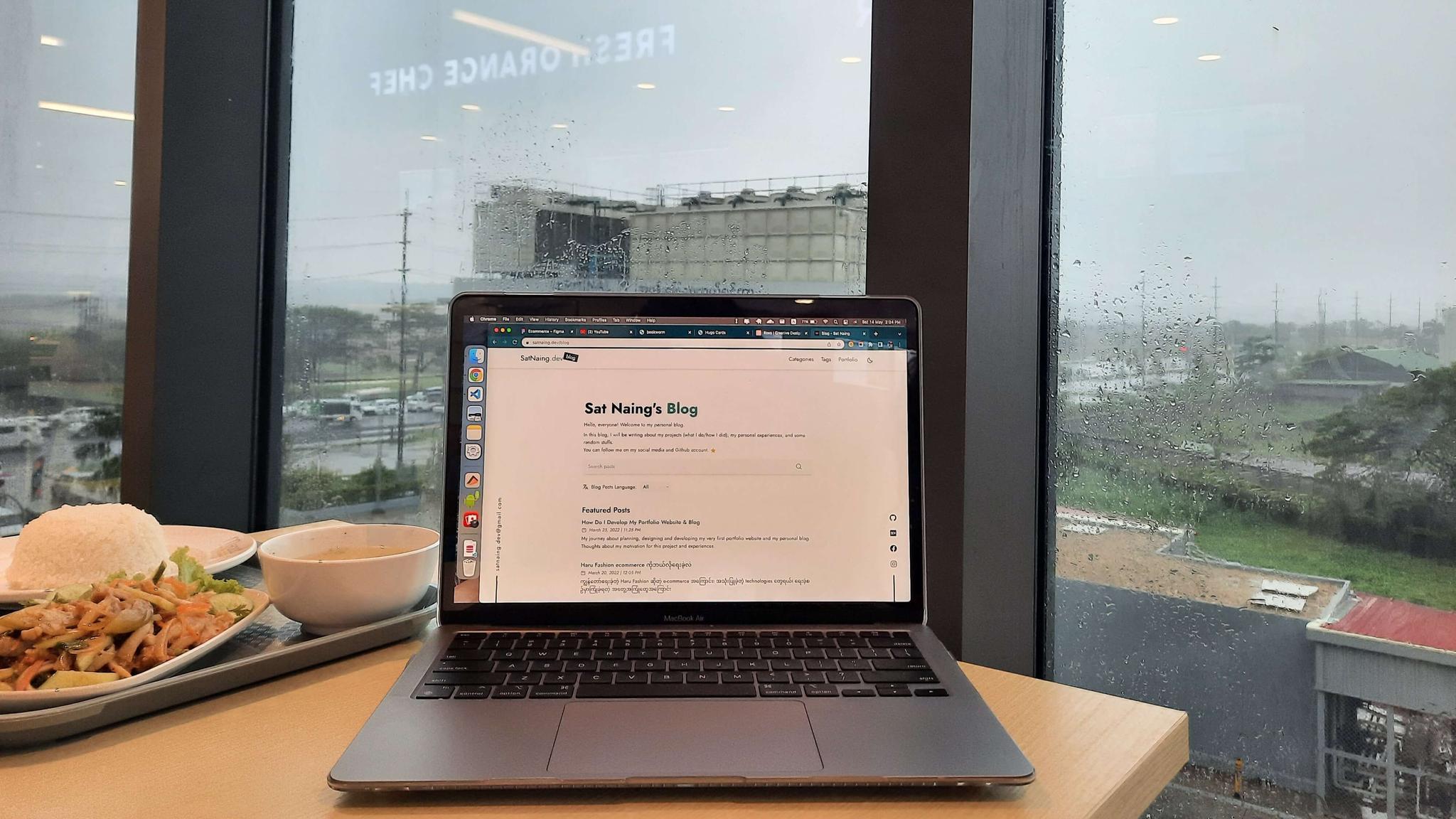
Motivation
I’ve been always thinking about launching my own website with my custom domain name (satnaing.dev) since my college student life. But that never happened until this project. I’ve done several projects and works about web application development but I didn’t make an effort to do this.
So, “what about blog?” you may ask. Yeah, blog also has been in my project list for some time. I always wanted to make a blog project using some of the latest technologies. However, I’ve been busy with my works and other projects so that blog project has never been started.
In these days, I tend to develop my own projects with the focus in good quality rather than quantity. After the project is done, I usually put a proper readme file in the GitHub repo. But GitHub repo readme is only suitable for technical aspects (this is just my thought). I want to write down my experiences and challenges. Thus, I decided to make my own blog. Plus, at this point, I have decent experiences and confidence to develop this project.
Tech Stack
For the front-end, I wanted to use React. But React alone is not good enough for SEO; and I did have to consider many factors like routing, image optimization etc. So, I chose NextJS as my main front-end stack. And of course TypeScript for type checking. (It’s said that you’ll love TypeScript when you’re used to it 😉)
For styling, I use TailwindCSS. This is because I love developer experience that Tailwind gives and it has a lot of flexibilities compared to other component UI libraries like MUI or React Bootstrap.
All contents of this project reside within the GitHub repository. All my blog posts (including this one) are written in Markdown file format since I’m very used to with this. But to write Markdown along with its frontmatter effortlessly, I use Forestry headless CMS. It is a git-based CMS that can serve Markdown and other contents. Because of this, I can write my contents either using Markdown or wysiwyg editor. Besides, writing frontmatters with this is a breeze.
Images and assets are uploaded and stored in Cloudinary. I connect Cloudinary via Forestry and manage them directly in the dashboard.
In conclusion, these are the tech stack I’ve used for this project.
- Front-end: NextJS (TypeScript)
- Styling: TailwindCSS
- Animations: GSAP
- CMS: Forestry Headless CMS
- Deployment: Vercel
Features
The following are certain features of my portfolio and blog
SEO Friendly
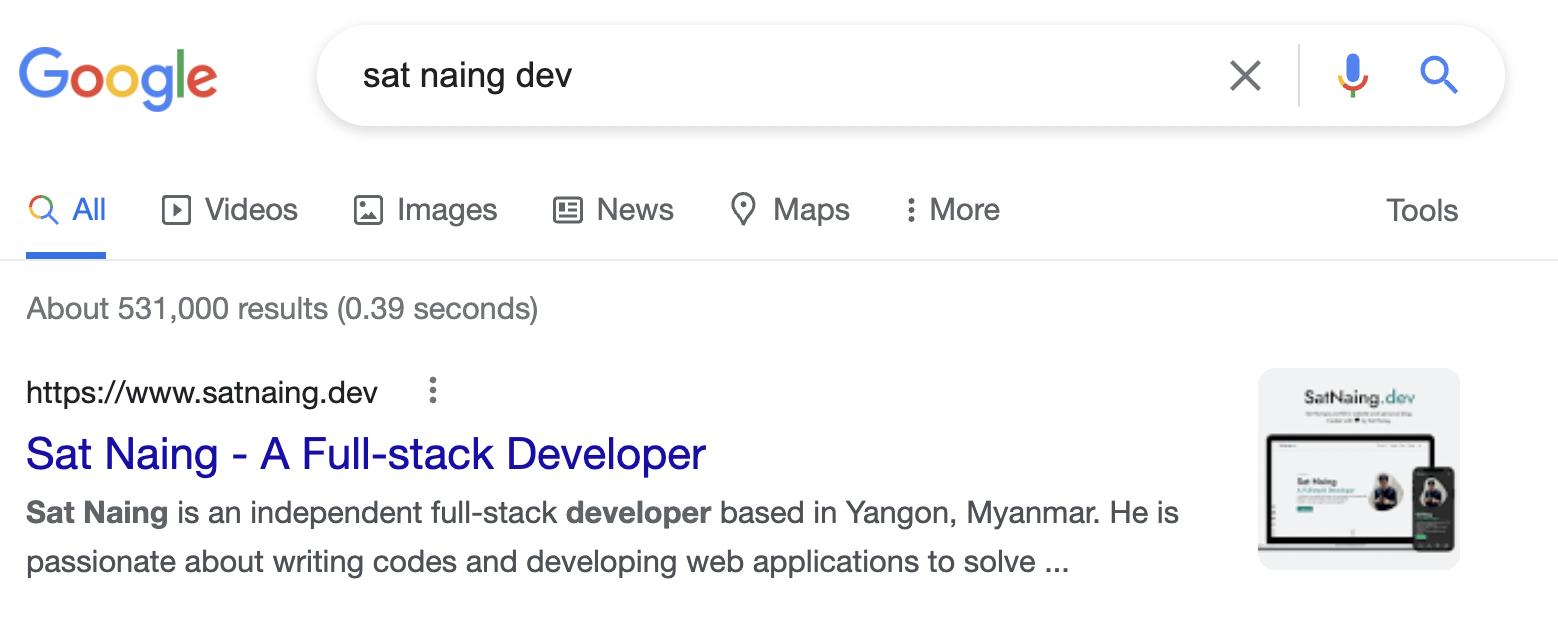
The entire project is developed with SEO focus in mind. I’ve used proper meta tags, descriptions and heading alignments. This website is now indexed by Google.
You can search this website on google by using keywords like ‘sat naing dev’
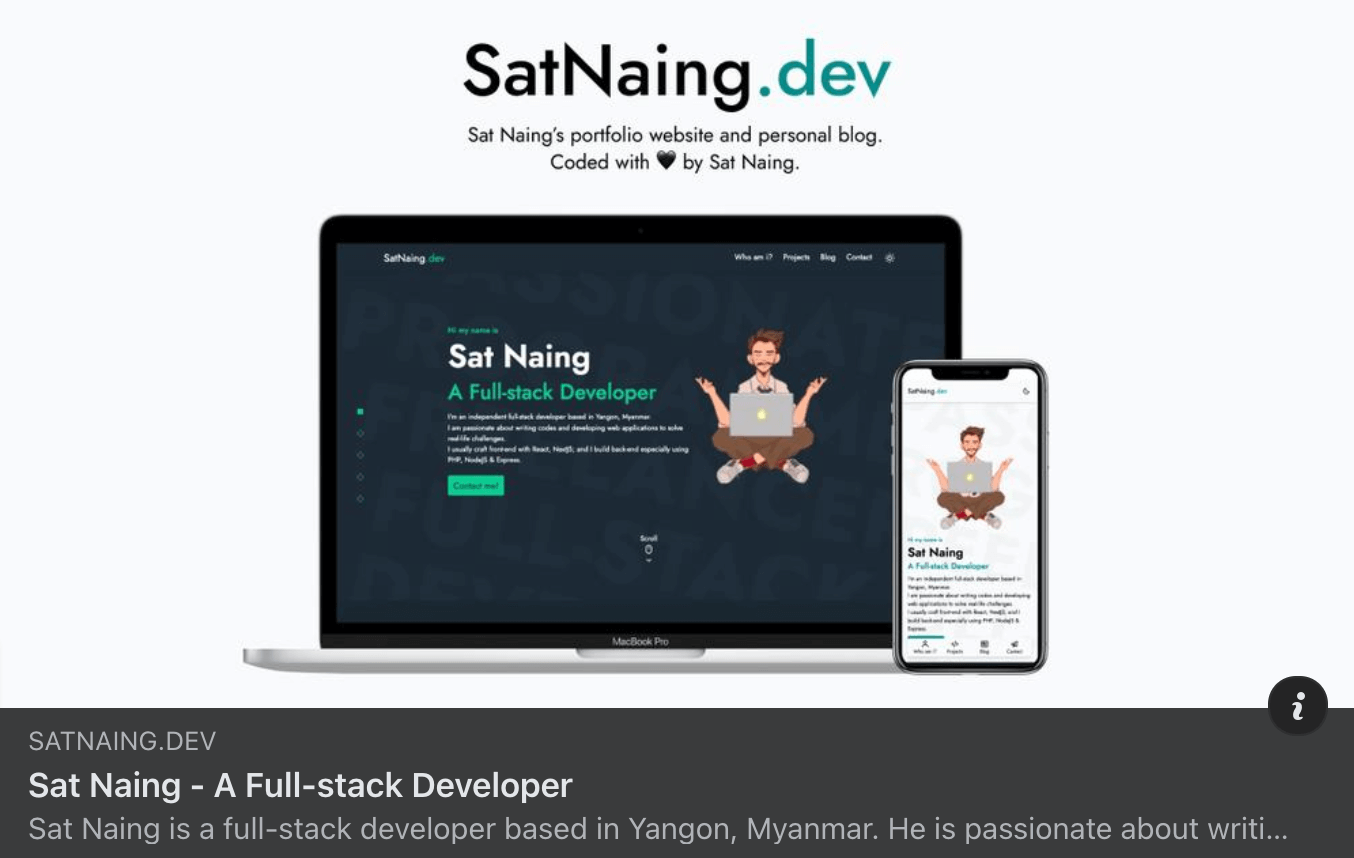
Moreover, this website will be displayed well when shared to social media due to properly used meta tags.
Dynamic Sitemap
Sitemap plays an important part in SEO. Because of this, every single page of this site should be included in sitemap.xml. I made an auto generated sitemap in my website whenever I create a new content or tags or categories.
Light & Dark Themes
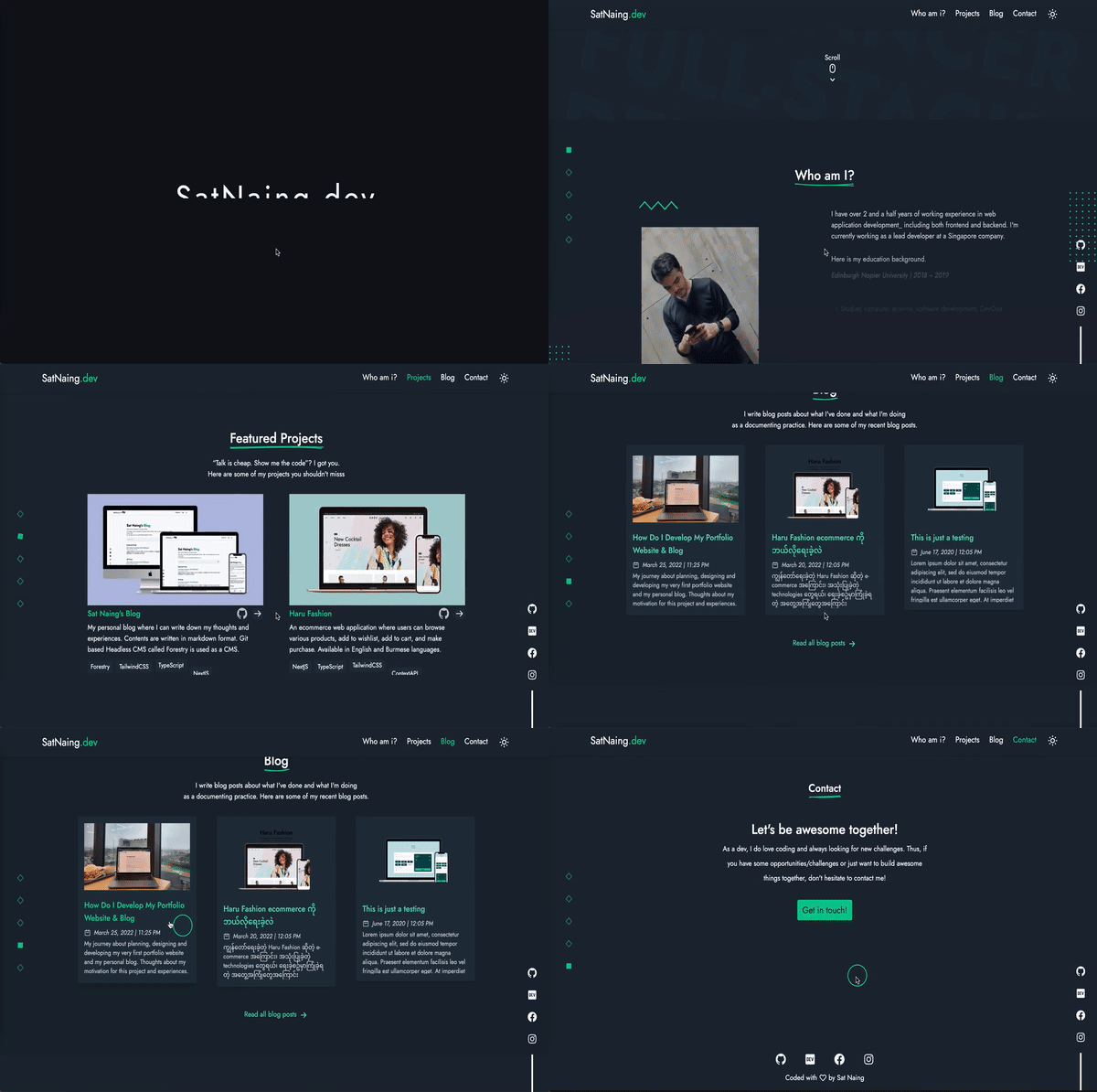
Due to dark theme trend in recent years, many websites include dark theme out of the box nowadays. Certainly, my website also supports light & dark themes.
Fully Accessible
This website is fully accessible. You can navigate around by only using keyboard. I put all a11y enhancement best practices like including alt text in all images, no skipping headings, using semantic HTML tags, using aria-attributes properly.
Search box, Categories & Tags
All blog contents can be searched by search box. Moreover, contents can be filtered by categories and tags. In this way, blog readers can search and read what they really want.
Performance and Lighthouse Score
This website got very good performance and lighthouse score thanks to proper development and best practices. Here’s the lighthouse score for this website.

Animations
Initially I used Framer Motion to add animations and micro interactions for this website. However, when I tried to use some complex animations and parallax effects, I found it inconvenient to integrate with Framer Motion (Maybe I’m not very good at and used to working with it). Hence, I decided to use GSAP for all of my animations. It is one of the most popular animation library and it is capable of doing complex and advanced animations. You can see animations and micro interactions on pretty much every page of this website.
Outro
In conclusion, this project gives me a lot of experience and confidence about developing blog site (SSG). Now, I have gained knowledge of git-based CMS and how it interacts with NextJS. I’ve also learned about SEO, dynamic sitemap generation and indexing Google procedures. I will make better projects in the future. So, stay tuned! ✌🏻
And… last but not least, I would like to say ‘thanks’ to my friend Swann Fevian Kyaw (@ToonHa) who has drawn a beautiful illustration for my hero section of the website.
Project Links
- Website: https://satnaing.dev/
- Blog: https://satnaing.dev/blog
- Repo: https://github.com/satnaing/my-portfolio