



Updating the dependencies of a project can be tedious. However, neglecting to update project dependencies is not a good idea either 😬. In this post, I will share how I usually update my projects, focusing on AstroPaper as an example. Nonetheless, these steps can be applied to other js/node projects as well.
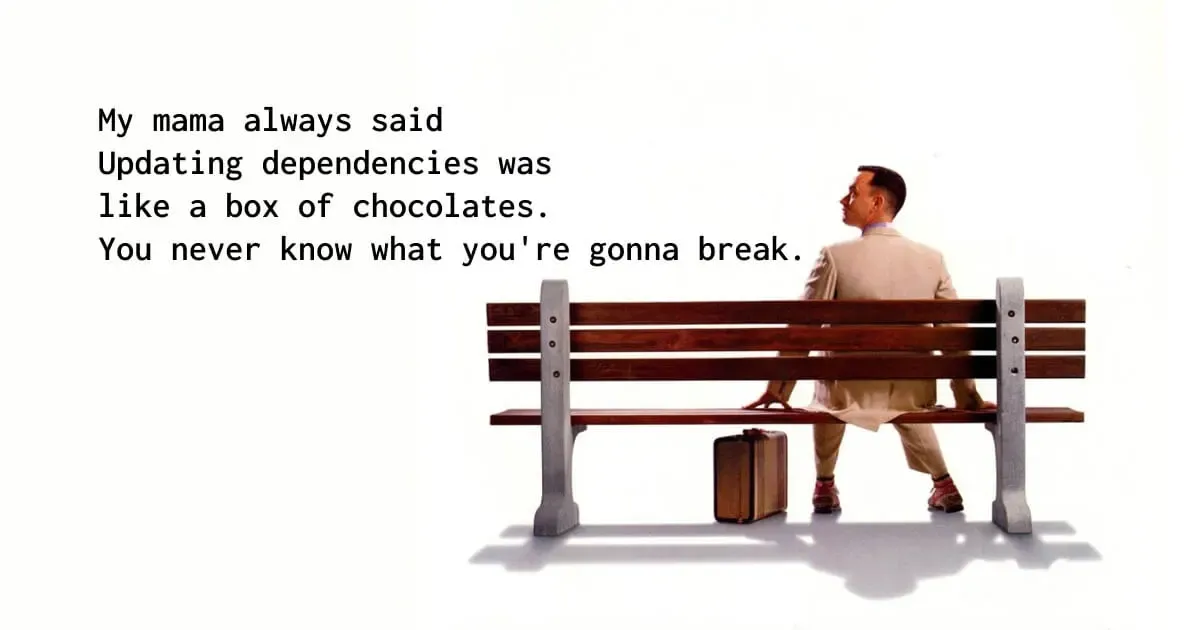
Table of contents
Open Table of contents
- Updating Package Dependencies
- Updating AstroPaper template
- Files and Directories to keep in mind
- Updating AstroPaper using Git
- Conclusion
Updating Package Dependencies
There are several ways to update dependencies, and I’ve tried various methods to find the easiest path. One way to do it is by manually updating each package using npm install package-name@latest. This method is the most straightforward way of updating. However, it may not be the most efficient option.
My recommended way of updating dependencies is by using the npm-check-updates package. There’s a good article from freeCodeCamp about that, so I won’t be explaining the details of what it is and how to use that package. Instead, I’ll show you my typical approach.
First, install npm-check-updates package globally.
npm install -g npm-check-updatesBefore making any updates, it’s a good idea to check all new dependencies that can be updated.
ncuMost of the time, patch dependencies can be updated without affecting the project at all. So, I usually update patch dependencies by running either ncu -i --target patch or ncu -u --target patch. The difference is that ncu -u --target patch will update all the patches, while ncu -i --target patch will give an option to toggle which package to update. It’s up to you to decide which approach to take.
The next part involves updating minor dependencies. Minor package updates usually won’t break the project, but it is always good to check the release notes of the respective packages. These minor updates often include some cool features that can be applied to our projects.
ncu -i --target minorLast but not least, there might be some major package updates in the dependencies. So, check the rest of the dependency updates by running
ncu -iIf there are any major updates (or some updates you still have to make), the above command will output those remaining packages. If the package is a major version update, you have to be very careful since this will likely break the whole project. Therefore, please read the respective release note (or) docs very carefully and make changes accordingly.
If you run ncu -i and found no more packages to be updated, Congrats!!! you have successfully updated all the dependencies in your project.
Updating AstroPaper template
Like other open-source projects, AstroPaper is evolving with bug fixes, feature updates, and so on. So if you’re someone who is using AstroPaper as a template, you might also want to update the template when there’s a new release.
The thing is, you might already have updated the template according to your flavor. Therefore, I can’t exactly show “the one-size-fits-all perfect way” to update the template to the most recent release. However, here are some tips to update the template without breaking your repo. Keep in mind that, most of the time, updating the package dependencies might be sufficient for you.
Files and Directories to keep in mind
In most cases, the files and directories you might not want to override (as you’ve likely updated those files) are src/content/blog/, src/config.ts, src/pages/about.md, and other assets & styles like public/ and src/styles/base.css.
If you’re someone who only updates the bare minimum of the template, it should be okay to replace everything with the latest AstroPaper except the above files and directories. It’s like pure Android OS and other vendor-specific OSes like OneUI. The less you modify the base, the less you have to update.
You can manually replace every file one by one, or you can use the magic of git to update everything. I won’t show you the manual replacement process since it is very straightforward. If you’re not interested in that straightforward and inefficient method, bear with me 🐻.
Updating AstroPaper using Git
IMPORTANT!!!
Only do the following if you know how to resolve merge conflicts. Otherwise, you’d better replace files manually or update dependencies only.
First, add astro-paper as the remote in your project.
git remote add astro-paper https://github.com/satnaing/astro-paper.gitCheckout to a new branch in order to update the template. If you know what you’re doing and you’re confident with your git skill, you can omit this step.
git checkout -b build/update-astro-paperThen, pull the changes from astro-paper by running
git pull astro-paper mainIf you face fatal: refusing to merge unrelated histories error, you can resolve that by running the following command
git pull astro-paper main --allow-unrelated-historiesAfter running the above command, you’re likely to encounter conflicts in your project. You’ll need to resolve these conflicts manually and make the necessary adjustments according to your needs.
After resolving the conflicts, test your blog thoroughly to ensure everything is working as expected. Check your articles, components, and any customizations you made.
Once you’re satisfied with the result, it’s time to merge the update branch into your main branch (only if you are updating the template in another branch). Congratulations! You’ve successfully updated your template to the latest version. Your blog is now up-to-date and ready to shine! 🎉
Conclusion
In this article, I’ve shared some of my insights and processes for updating dependencies and the AstroPaper template. I genuinely hope this article proves valuable and assists you in managing your projects more efficiently.
If you have any alternative or improved approaches for updating dependencies/AstroPaper, I would love to hear from you. Thus, don’t hesitate to start a discussion in the repository, email me, or open an issue. Your input and ideas are highly appreciated!
Please understand that my schedule is quite busy these days, and I may not be able to respond quickly. However, I promise to get back to you as soon as possible. 😬
Thank you for taking the time to read this article, and I wish you all the best with your projects!