











This article is originally from my blog post. I put this article to demonstrate how you can write blog posts/articles using AstroPaper theme.
Developing a terminal-like website using ReactJS, TypeScript and Styled-Components. Includes features like autocomplete, multiple themes, command hints etc.
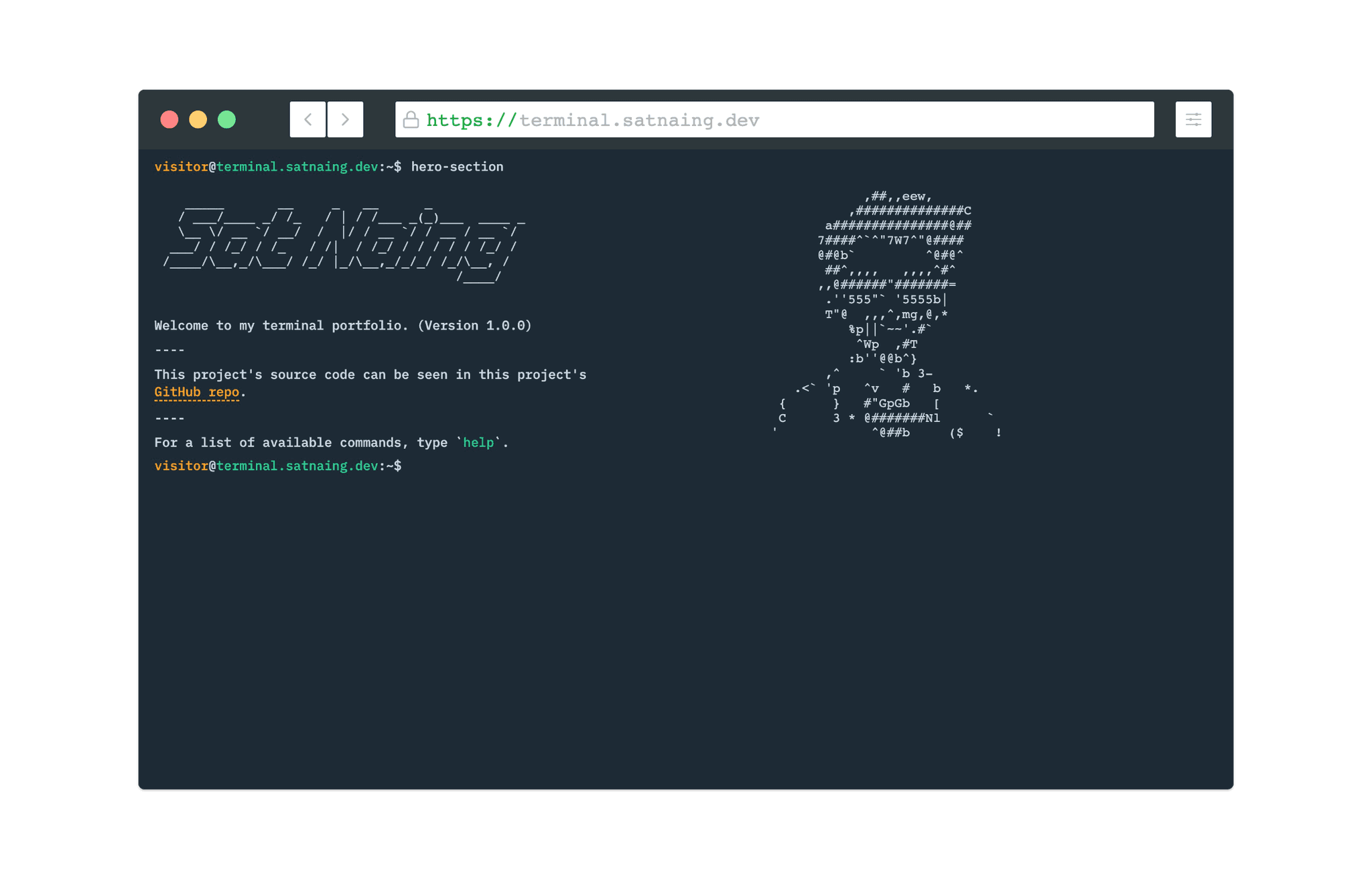
Table of contents
Open Table of contents
- Intro
- Tech Stack
- Features
- Multiple Themes
- Command-line Completion
- Previous Commands
- View/Clear Command History
- Outro
- Project Links
Intro
Recently, I’ve developed and published my portfolio + a blog. I’m glad I got some good feedback for it. Today, I want to introduce my new terminal-like portfolio website. It is developed using ReactJS, TypeScript. I got this idea from CodePen and YouTube.
Tech Stack
This project is a frontend project without any backend codes. The UI/UX part is designed in Figma. For the frontend user-interface, I chose React over pain JavaScript and NextJS. Why?
- Firstly, I want to write declarative code. Managing HTML DOM using JavaScript imperatively is really tedious.
- Secondly, because it is React!!! It is fast, and reliable.
- Lastly, I don’t need much of the SEO features, routing and image optimization provided by NextJS.
And of course there’s TypeScript for type checking.
For styling, I took a different approach than what I usually do. Instead of choosing Pure CSS, Sass, or Utility CSS Framework like TailwindCSS, I chose the CSS-in-JS way (Styled-Components). Although I’ve known about Styled-Components for some time, I’ve never tried it out. So, the writing style and structures of Styled-Components in this project may not be very organized or very good.
This project doesn’t need very complex state management. I just use ContextAPI in this project for multiple theming and to avoid prop drilling.
Here’s a quick recap for the tech stack.
- Frontend: ReactJS, TypeScript
- Styling: Styled-Components
- UI/UX: Figma
- State Management: ContextAPI
- Deployment: Netlify
Features
Here are some features of the project.
Multiple Themes
Users can change multiple themes. At the time of writing this post, there are 5 themes; and more themes will probably be added in the future. The selected theme is saved in local storage so that the theme won’t change on page refresh.

Command-line Completion
To look and feel as close to the actual terminal as possible, I put a command-line completion feature which auto fills in partially typed commands by simply pressing ‘Tab’ or ‘Ctrl + i’.

Previous Commands
Users can go back to the previous commands or navigate the previously typed commands by pressing Up & Down Arrows.

View/Clear Command History
previously typed commands can be viewed by typing ‘history’ in the command line. All the command history and terminal screen can be wiped out by typing ‘clear’ or pressing ‘Ctrl + l’.

Outro
This is a really fun project, and one special part of this project is I had to focus on logic rather than user-interface (even though this is kind of a frontend project).