惯性聚合 高效追踪和阅读你感兴趣的博客、新闻、科技资讯
阅读原文 在惯性聚合中打开

推荐订阅源

P
Privacy & Cybersecurity Law Blog
V
V2EX
月光博客
月光博客
奇客Solidot–传递最新科技情报
奇客Solidot–传递最新科技情报
The Register - Security
MongoDB | Blog
MongoDB | Blog
P
Privacy International News Feed
The Last Watchdog
The Last Watchdog
Security Archives - TechRepublic
美团技术团队
Stack Overflow Blog
Stack Overflow Blog
博客园 - 司徒正美
博客园 - 三生石上(FineUI控件)
V
Visual Studio Blog
cs.CV updates on arXiv.org
K
Kaspersky official blog
S
Secure Thoughts
T
Tenable Blog
Security Latest
Security Latest
The Cloudflare Blog
S
Security @ Cisco Blogs
H
Heimdal Security Blog
aimingoo的专栏
aimingoo的专栏
TaoSecurity Blog
TaoSecurity Blog
Blog — PlanetScale
Blog — PlanetScale
Microsoft Security Blog
Schneier on Security
Webroot Blog
Webroot Blog
G
Google Developers Blog
www.infosecurity-magazine.com
Scott Helme
Scott Helme
IT之家
IT之家
Latest news
Latest news
The Hacker News
The Hacker News
C
Check Point Blog
T
The Exploit Database - CXSecurity.com
H
Hackread – Cybersecurity News, Data Breaches, AI and More
腾讯CDC
C
CERT Recently Published Vulnerability Notes
NISL@THU
NISL@THU
N
News | PayPal Newsroom
Forbes - Security
Forbes - Security
P
Palo Alto Networks Blog
S
Security Affairs
S
Securelist
Google Online Security Blog
WordPress大学
WordPress大学
Last Week in AI
Last Week in AI
C
Cybersecurity and Infrastructure Security Agency CISA
A
About on SuperTechFans

记录生活,精彩一刻 - 域名

内容创作者与粉丝订阅互动平台爱发电无法打开 备案被注销及域名被冻结 Typecho 网站更换域名操作指南 Namesilo域名转出教程 Typecho更换新域名教程 数据库篇 WHMCS V7.8.0原版下载及破解补丁安装教程
阿里云备案用户不想掉备案
Huo · 2024-02-28 · via 记录生活,精彩一刻 - 域名

用不起阿里云服务器?
也用不起云函数/CDN/对象存储?
既不想买服务器也不想取消接入的白嫖途径来了,以下两个挂着都可以算解析到阿里云服务上哦。

1.阿里云的DNS-显性转发/隐性转发

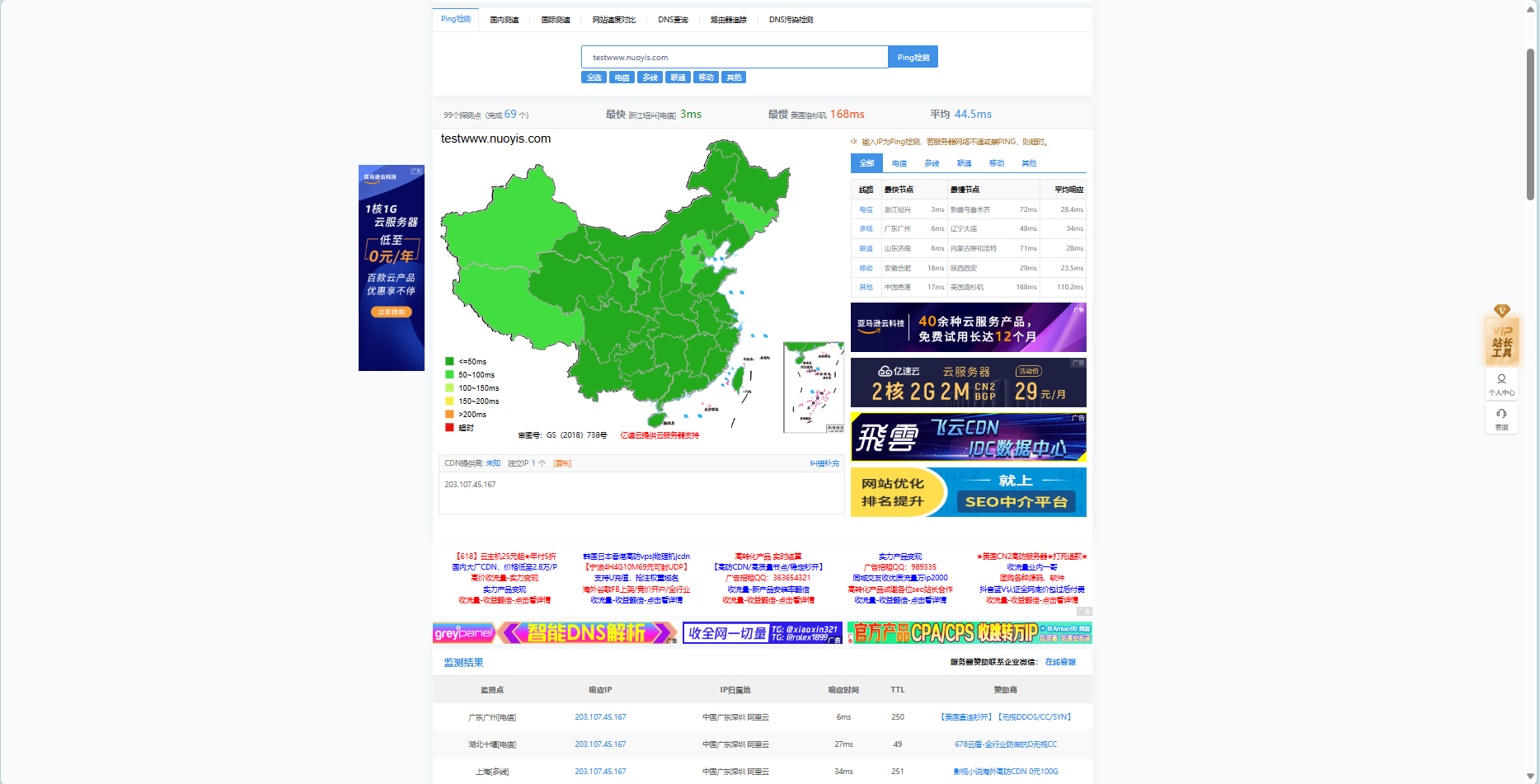
这种转发无非就是转到你的常用地址上,但是你ping会发现多了个阿里云分配的跳转服务器ip
配置截图
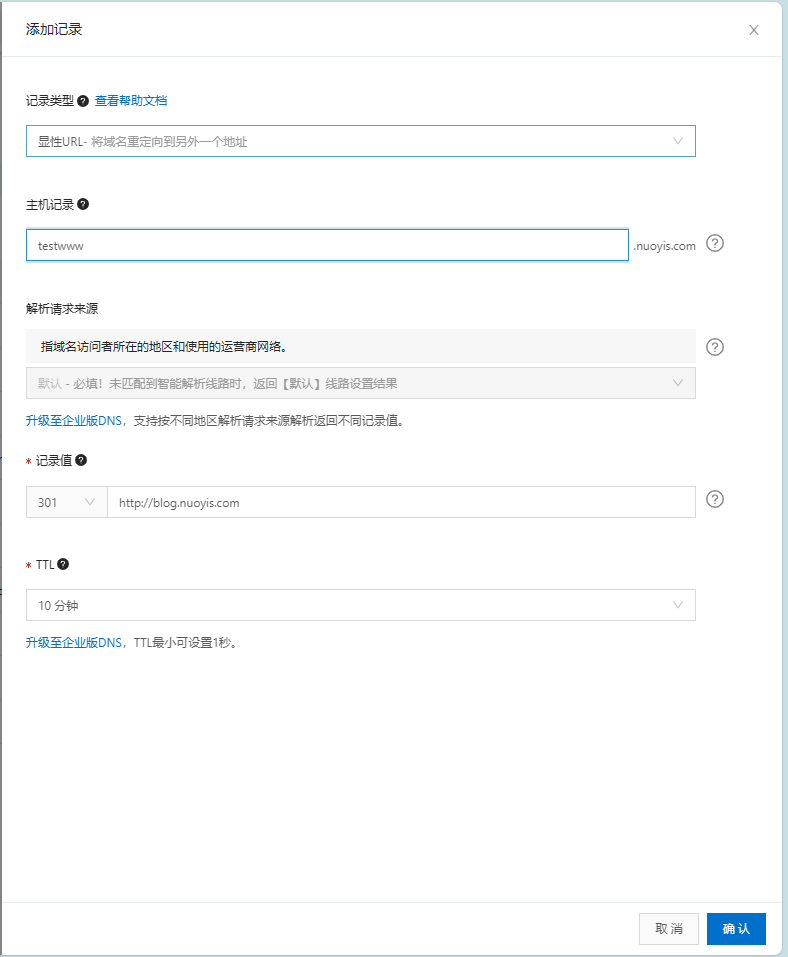
配置

解析截图

解析

注:这种没有https,只能用http跳转

2.阿里邮箱解析

用了阿里云免费企业邮箱(网上有教程)后,将你要解析的域名解析到qiye.aliyun.com.就行
解析成功截图

解析成功

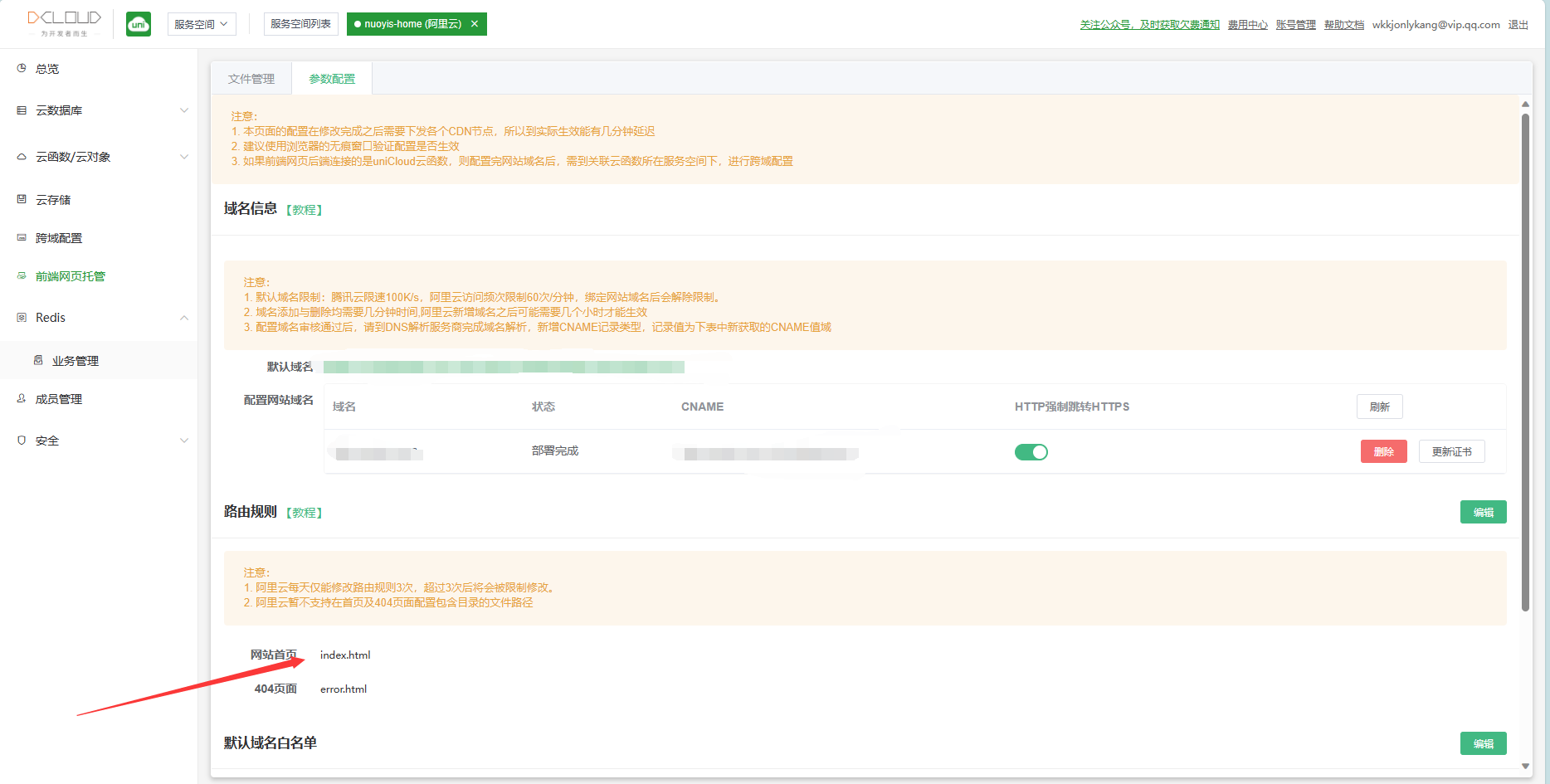
3.使用dcloud提供的serverless

首先用这个你得注册个账号,官网地址:https://dcloud.io
然后下载HBuilderX好上传和更新文件
点击首页的uniCloud,然后登陆,点击阿里云创建,点击免费
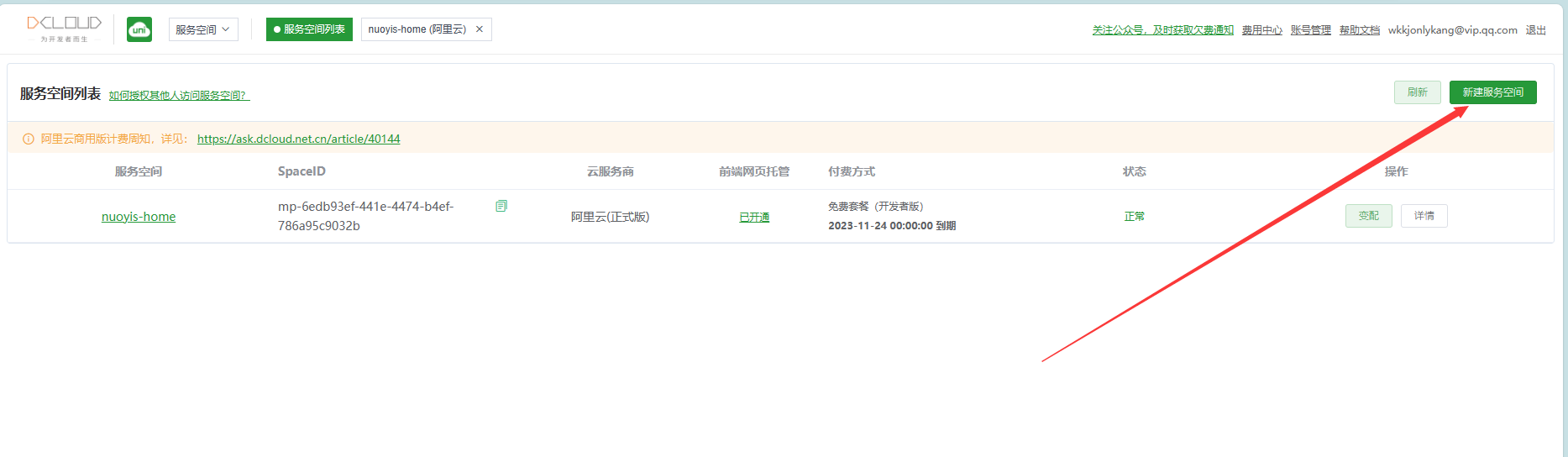
unicloud

创建完点击进入前端网页托管,绑定你阿里云备案后的域名即可

绑定域名

转自诺依阁