




The Xubuntu team hears stories about how it is used in organizations all over the world. In this “Xubuntu at..” series of interviews, we seek to interview organizations who wish to share their stories. If your organization is using Xubuntu and you want to share what you’re doing with us please contact Elizabeth Krumbach Joseph at lyz@ubuntu.com to discuss details about your organization.
Jeff Hanson of Project: Community Computers recently contacted the Xubuntu developers to introduce the work his organization is doing and ask about how best to give feedback. We took this opportunity to launch our “Xubuntu at…” series of interviews by asking him more about the organization!
Please tell us a bit about yourself and Project: Community Computers.
Mission Statement: “Project: Community Computers reduces e-waste and bridges the digital divide by reusing and recycling computers and bringing technology access to those in need.”
We started as a student group at the Milwaukee School of Engineering in 2009. Our mission is to kill two birds with one stone. Millions of tons of working computer hardware are thrown away every year, and billions of people around the world are with extremely limited access to technology. If you think about all that having a computer and Internet access opens up for you in the 21st Century, you’d have to wonder how people without it ever compete. No doing your homework when you go home from school. No using it to search and apply for jobs. No using it the unlimited resources to expand your knowledge and skill sets. We aim to give people a critical tool to break the cycle of poverty.
This isn’t even a developing world problem, there are almost 30 million people in the United States alone that don’t have a computer at home. We aim to redirect computers from the landfill to people that use them around the world. We’ve set up public computer labs at schools, community centers, and churches in Kenya, Cameroon, Mexico, and China, just to name a few places, in addition to our growing body of work in inner city Milwaukee.
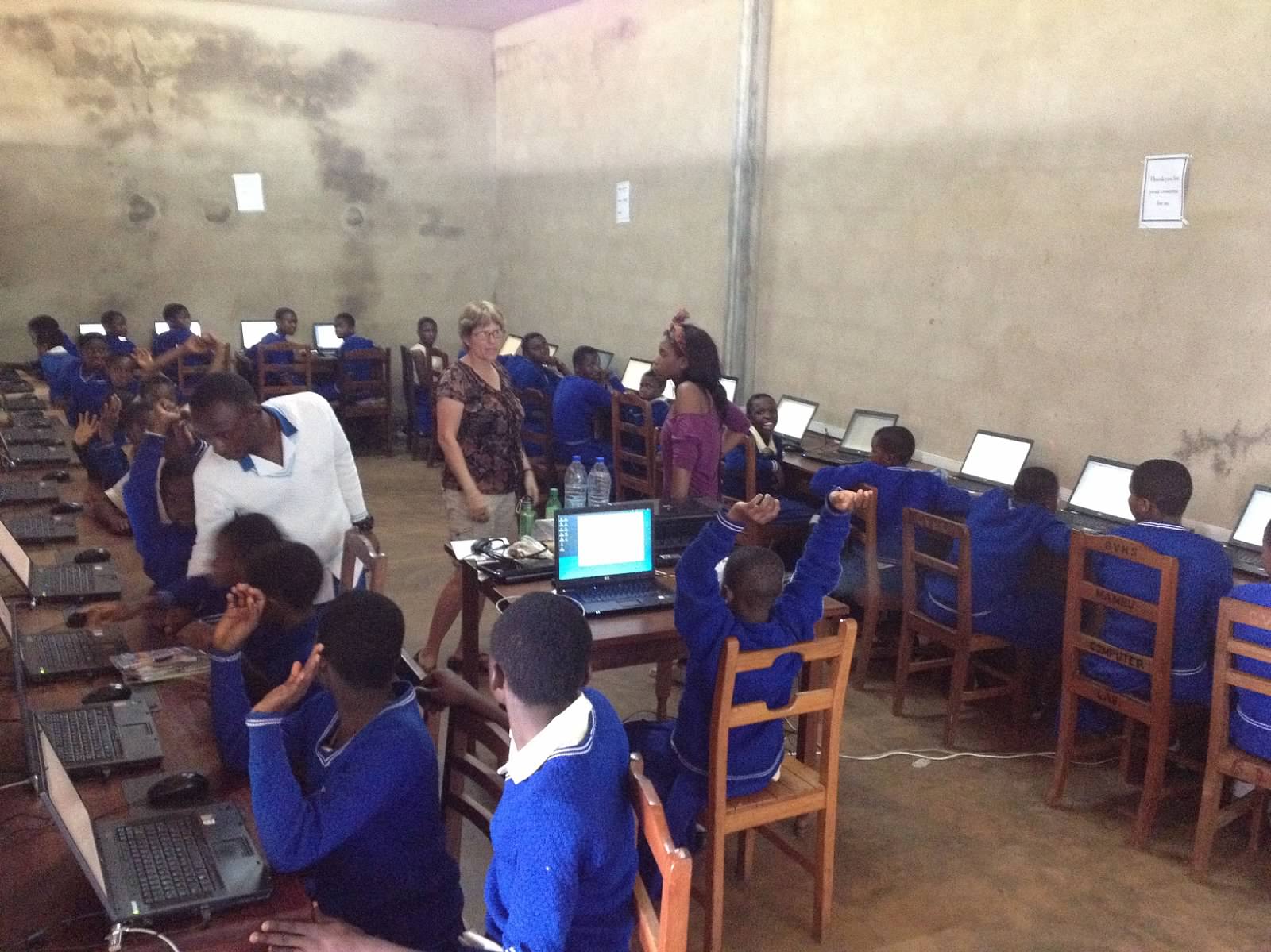
After being a student group for so many years, we’re currently working on turning Project:CC into an independent 501c(3) to expand and sustain our mission.
Read more about Project: Community Computers
What influenced your decision to use Open Source software in your organization?
There are both practical and ideological reasons for using open source software. Putting open source software on donated hardware allows us to give technology access to the people that need it for free. All we have to add are tech skills and time. Furthermore, what the open source movement is trying to do with software is the exact same idea as what we are trying to do with technology access: Democratization, equal access, and equal opportunity.
What made you select Xubuntu for your deployments?
It’s no secret that Ubuntu is one of the most user-friendly Linux distributions, if not operating systems, around, so using Ubuntu was a no-brainer for us, especially since many of our users have had very limited access to and experience with computers. This is not even to speak of stability and security inherent with Linux.
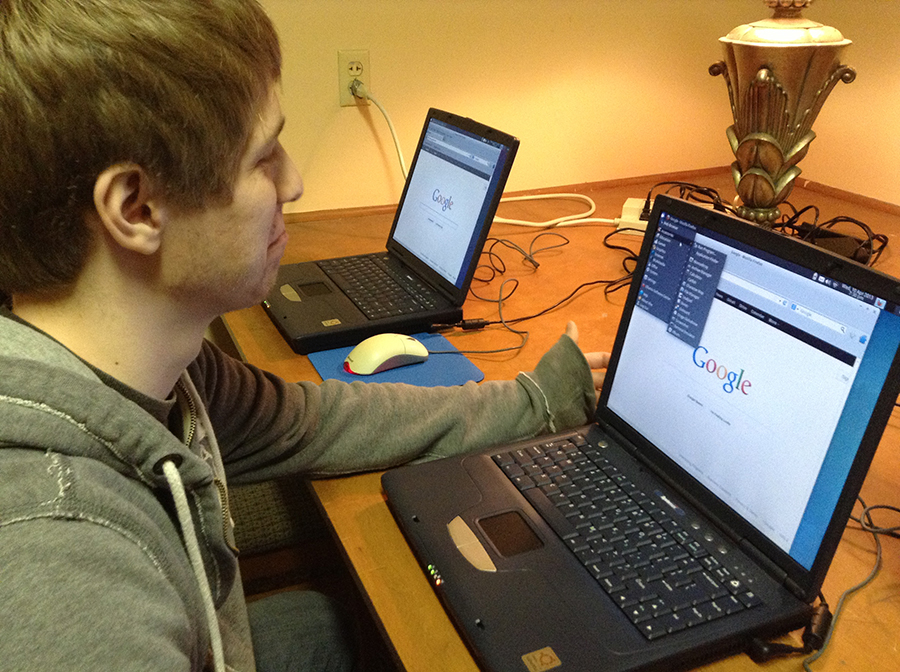
Since we use a lot of donated, older hardware, Xubuntu’s lightweight Xfce environment makes it so even 10 year old hardware runs smoothly. Occasionally, we’ll get some hardware so old that even Xubuntu won’t run and we have to recycle it, but Xubuntu allows us to get more donated hardware into the hands of people who need it.
Can you tell us a bit about your Xubuntu setup?
We start with the current Xubuntu LTS, and then we add all four Edubuntu packs from the software center. So you have all the educational content of Edubuntu with the lightweight stable interface of Xubuntu.
Recently we decided to add LibreOffice and remove Abiword and Gnumeric. I really enjoyed the simplicity of these two programs, however they were lacking some compatibility and the switch really came when we needed a presentation program and decided we should just move all productivity software to Libre to keep things as easy for our users as possible.
A few other programs are added as well such as Celestia, Xaos, Skype, Dropbox, and we continue to keep an eye out for good programs.
The rest is just little settings, like having the system autologin (so users in the lab don’t ever need a password unless changing settings.), frequency of getting updates, sending feedback, power settings, etc.
We do the whole install on something small like an 8gig flash drive and create the image off of this. Then we can throw the image on any usb drive or hard drive 8 gigs or more.
Imaging becomes overly simple by using Ubuntu because there really are no proprietary drivers. We have one image. The image can be put on any type of hard drive and into any computer and it will boot the same. (Just another example of how Ubuntu allows our project to work so effectively )
For us to image a drive it takes between 7 and 10 minutes depending on the connection. This means if we have a laptop donated for example, and say windows wasn’t booting properly, or it had a virus, it’s a matter of removing the hard drive, waiting 10 minutes for it to image, putting it back in and booting it up!
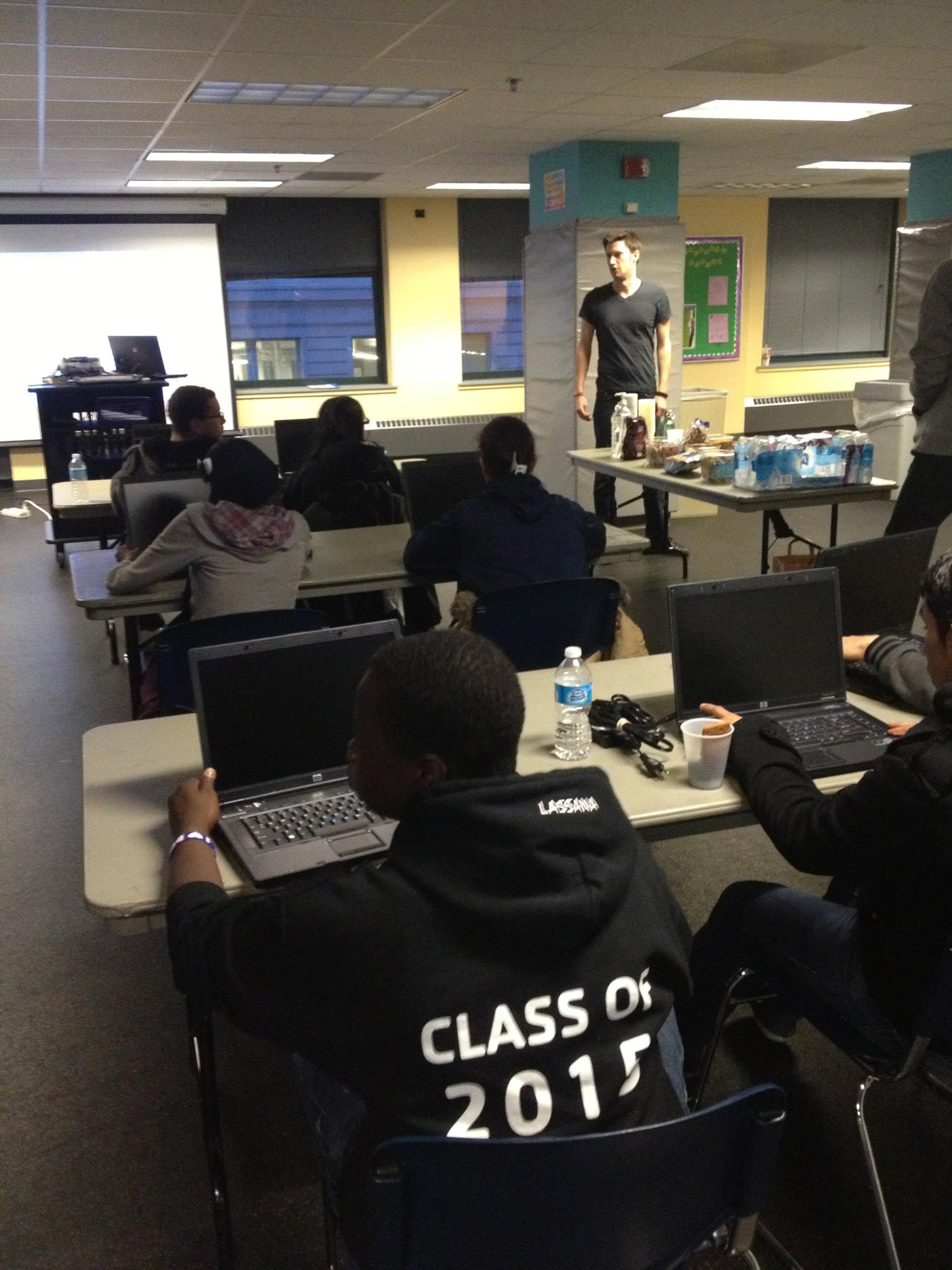
We use USB to Hard Drive adapters so we can image from a laptop to any type of drive. Many times around Milwaukee, we’ll be setting up a lab and they might already have computers that are just running slowly, so we’ll show up with a laptop and image the computers on site to save everyone time and keep reusing the same computers.
We are currently looking for a new open source solution for imaging drives, that includes allowing someone running a lab to easily reimage a computer without removing the hard drive or crawling through too many text based screens. We’d greatly appreciate any feedback on this matter.
Read more about their deployment.
Is there anything else you wish to share with us about your organization or how you use Xubuntu?
Thank you to everybody who has contributed to the development and creation of Xubuntu, we really appreciate it and love using it! Your work is having a real impact, both on the environment and the lives of people in need.
If you’d like to contribute either hardware or money, we’re happily accepting both. We’re planning trips to Sierra Leone and Jamaica later this year, so we need all of the computers we can get! Currently, we are raising funds to move out of our small student org office space that MSOE has graciously given us and into a bigger space. Details on how to donate can be found at our website.
If you think this is a great idea and you’d love to do it in your town, please contact us, we’d love to help you get started!