



Time to reveal your desktop!
The Xubuntu team is proud to announce a recently launched new project to celebrate our community: the Xubuntu Showcase group group on deviantART!
What is the goal of this project?
The ultimate goal of this project is to have “Desktop of the Week” gallery on our website. Each week we will choose a single submission among the pool and showcase it in the front page of the official Xubuntu website as well as promote it on all of our social network outlets and let others do the same!
With the showcase we hope to bring light and interest over our beautiful and interesting desktop and convince the non-believers! And remember, all the screenshots are from real, stable systems configured to suit different workflows and usecases, which proves the Xubuntu desktop a truly configurable versatile desktop.
How do I take a screenshot?
To take a screenshot you can simply press the corresponding key on your keyboard. On regular keyboards, look for the “Print Screen” or “Prt Sc” key, or in modern laptops and special keyboards this key might be under some Function key. Alternatively, you can launch the Xfce Screenshot tool from the Applications menu, under Accessories » Screenshot.
Please note that all screenshots need to follow the submission guidelines, which are listed on the front page of the Xubuntu Showcase group. Once you’ve made sure your screenshot follows the guidelines and is to your liking you can proceed to submit it!
How do I submit my screenshot?
For now, we only accept submissions sent directly to our deviantART group. To get your screenshot in the moderation queue, simply propose your screenshot for the Xubuntu Showcase group in the “Proposed” folder.
Once you’ve submitted your screenshot, our moderators will process it as soon as possible. If the submission adheres to the guidelines, it will be eventually approved and added to the pool of images where we draw the showcased screenshots. If it does not adhere to guidelines, we will reply with rationale.
Default basic minimal look xubuntu starts on:
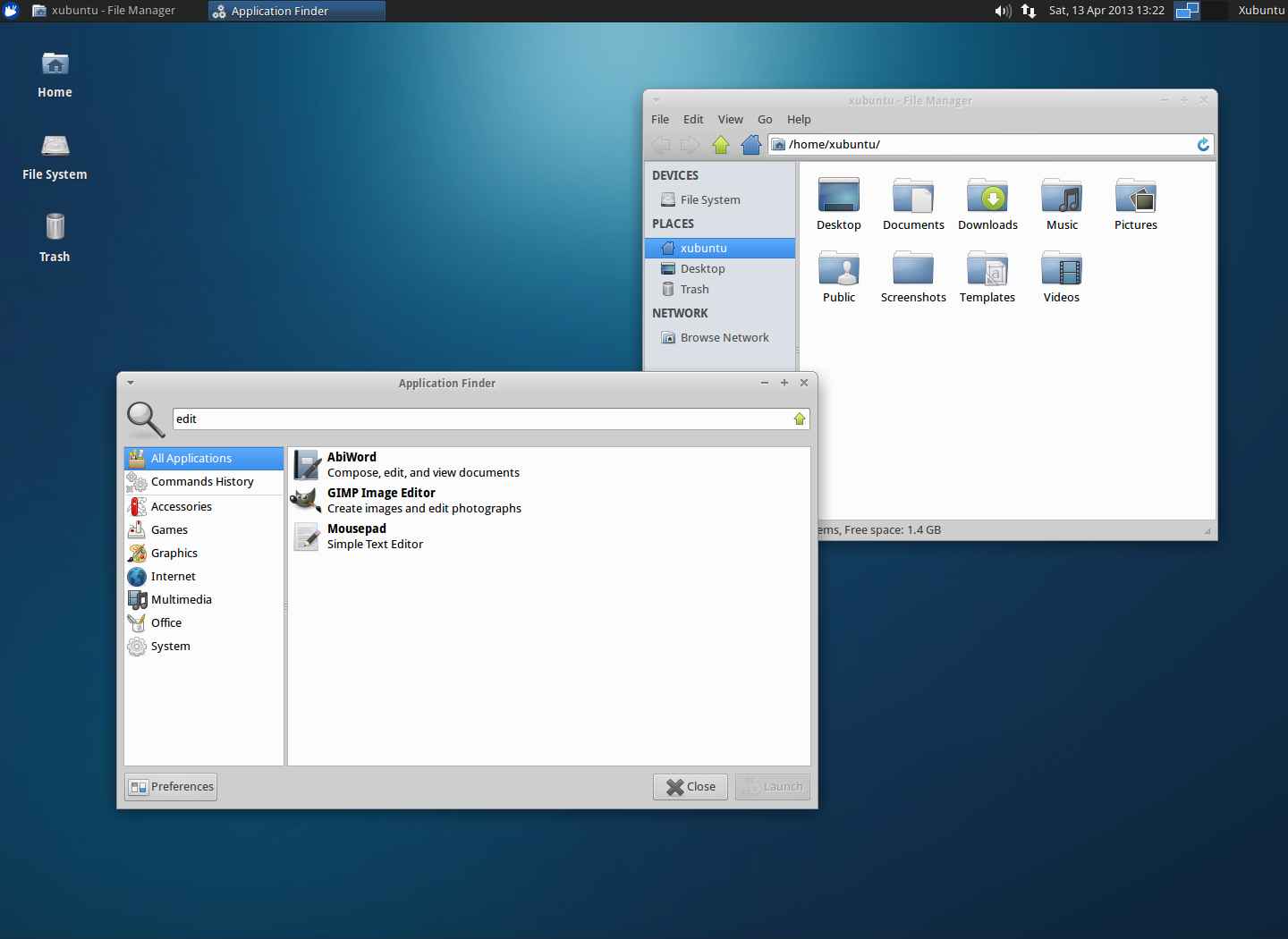
Xubuntu 13.04 Default
How powerful and modern can it become? Share your screenshot today!