







The Xubuntu team hears stories about how it is used in organizations all over the world. In this “Xubuntu at..” series of interviews, we seek to interview organizations who wish to share their stories. If your organization is using Xubuntu and you want to share what you’re doing with us please contact Elizabeth K. Joseph at lyz@ubuntu.com to discuss details about your organization.
Recently Charles McColm and Paul Nijjar took time to write to us about their work at The Working Centre’s Computer Recycling Project in Kitchener, Ontario, Canada where they’re using Xubuntu. So without further ado, here’s what they are working on, in their own words.
Please tell us a bit about yourself, The Working Centre and your Computer Recycling Project
The Working Centre was originally established back in the early 1980s as a response to growing unemployment and poverty in downtown Kitchener, Ontario, Canada. Joe and Stephanie Mancini saw the potential for building a community around responding to unemployment and poverty through creative and engaging action. Different projects have rose out of this vision over the years divided into six areas; the Job Search Resource Centre, St. John’s Kitchen, Community Tools, Access to Technology, Affordable Supportive Housing and the Waterloo School for Community Development.
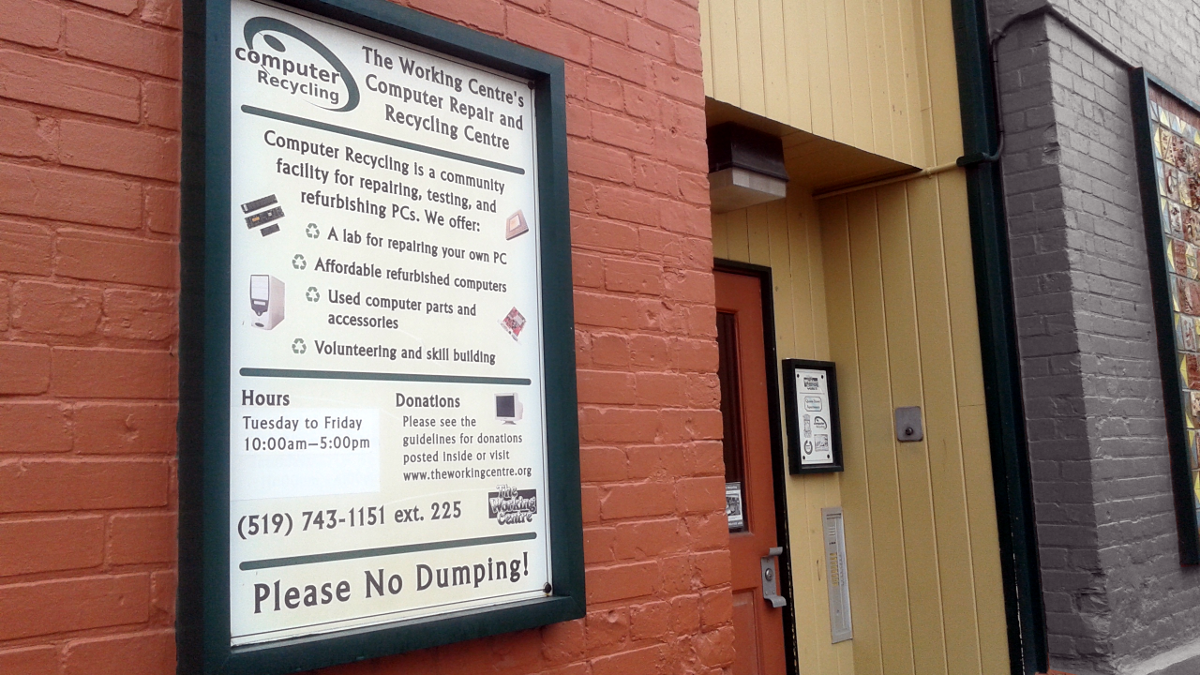
The Computer Recycling Project started as the result of creative thinking by an individual who had some serious obstacles to employment. The person couldn’t work, but wanted to help others find work. So in the late 1980s the individual put together a few computers for people to create resumes on. Other people became interested in helping out and the Computer Recycling Project was born.
Computer Recycling and the other projects have the following qualities:
- They take donated or low cost materials, in our case computers and computer parts.
- The apply volunteer labour to convert (repair/test) these materials into valuable goods. These goods are offered to the community at accessible prices (our computers generally range from $30 to $140)
- Projects provide opportunities for people unable to work to contribute back to the community and help those looking to find jobs and upgrade their skills.
- Projects also focus on creating open, friendly, and inclusive environments where everyone can contribute.
What influenced your decision to use Open Source software in your organization?
Computer Recycling didn’t always use Xubuntu and wasn’t originally a full time venture. Linux adoption started slowly. In 2001, thanks in part to our local Linux User Group, several volunteers (Paul Nijjar, Charles McColm and Daniel Allen) started working on a custom Linux distribution called Working Centre Linux Project (WCLP). At the time Computer Recycling had no legal options for distributing computers with Windows, so free and open source software was very appealing.
A couple of years later the project became a Microsoft Authorized Refurbisher. However restrictions on licensing (computers had to have a pre-existing Certificate of Authenticity and could only be sold to qualified low-income individuals) prevented us from installing Windows on all computers.
Linux didn’t have these kinds of restrictions so we continued to use it on a large number of computers. Over the years the Microsoft program changed and we became a Microsoft Registered Refurbisher (MRR). Microsoft dropped the “must have a pre-existing COA” on the computers we refurbish for low income individuals and provided another (more expensive) license for commercial sales, but we’ve continued to install both Windows and Linux. Last month Xubuntu Linux machines accounted for 63% of the computers we sold (due in part to the fact that we only sell Notebooks/Laptops with Xubuntu).
Price was definitely a factor for us in preferring open source software over other options. Most of the people we work with don’t have a lot of money, so accessing a low-cost ecosystem of reliable software was important. Each closed source license (Windows/Office) we buy costs the project money and this in turn translates into cost we have to pass on to the person buying a computer. We do a fair amount of quality assurance on systems, but if a system suffers some catastrophic failure (as we’ve had with a certain line of systems) we end up spending money on 4 licenses (2 for the original Windows/Office system and 2 for the replacement system). With Xubuntu we can often just pull the hard drive, put it in a different system and it’ll “just work” or need a little bit of work to get going. With Xubuntu the only cost to us is the effort we put into refurbishing the hardware.
Malware and viruses have also driven up the demand for Xubuntu systems. In the past several years we’ve seen many more people adopting Xubuntu because they’re fed up with how easy Windows systems get infected. Although centralized reliable software repositories are starting to become more popular in the proprietary software world, for years the availability and trustability of APT repositories was a big selling point.
What made you select Xubuntu for your deployments?
We mentioned earlier that Computer Recycling didn’t originally use Xubuntu. Instead, we started with The Working Centre Linux Project, our mix of IceWM on Debian designed to look like Windows 9x. Maintaining WCLP proved to be challenging because all 3 of the volunteers had separate jobs and a lot of other projects were starting to appear that made putting an attractive Linux desktop on donated hardware a lot easier. One of those projects was the Ubuntu project.
For a few years Computer Recycling adopted Ubuntu as its Linux OS of choice… right up until Ubuntu 10.10 (Unity) arrived on the scene. At this point we started looking at alternatives and we chose Xubuntu because it doesn’t make heavy demands of video processing or RAM. We also liked the fact that it had an interface that is relatively familiar to Windows users. We considered other desktop environments like LXDE, but small things matter and ease of use features like automounting USB keys tipped our choice in favour of Xubuntu.
Can you tell us a bit about your Xubuntu setup?
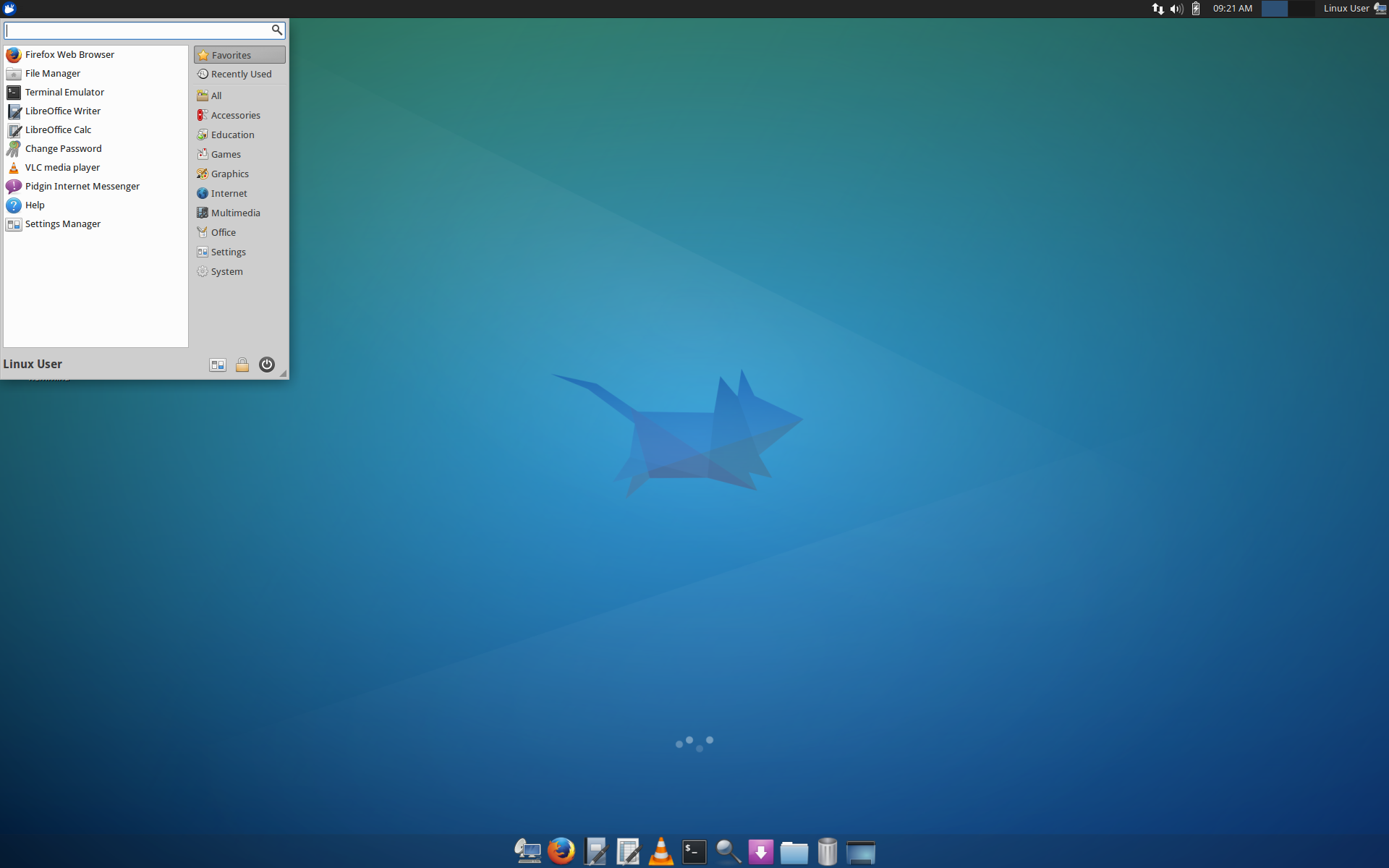
Paul has done all the work on our current form of installation: preseed files and some customization scripts. Computers are network booted and depending on the system we’ll install either a 32 or 64 bit version of Xubuntu with the following customizations:
- Proprietary Flash Player
- We show the bottom panel with an icon tray and don’t auto hide it
- We use a customized version of the Whisker menu to show particular items
- We include LibreOffice instead of depending on Abiword and Gnumeric
- We include some VNC remote connection scripts so our volunteers can securely (and with the consent of the person at the other end) connect and provide remote help
- We’ve set VLC as the default media player instead of Parole
We are very grateful for the existence of high-quality free and open source software. In addition to using it for desktop and laptop computers, we use it for information and testing (using a Debian-Live infrastructure) and for several in-house servers. About 8 years ago we hired a programmer looking for work to turn an open source eCommerce project into the point of sale software we still use today. The flexibility of open source was really important and has made a big difference when we needed to adjust to changes (merging of GST and PST in Canada to HST for example). Closed source solutions were carefully considered, but ultimately we decided to go open source because we knew we could adapt it to our needs without depending on a vendor.
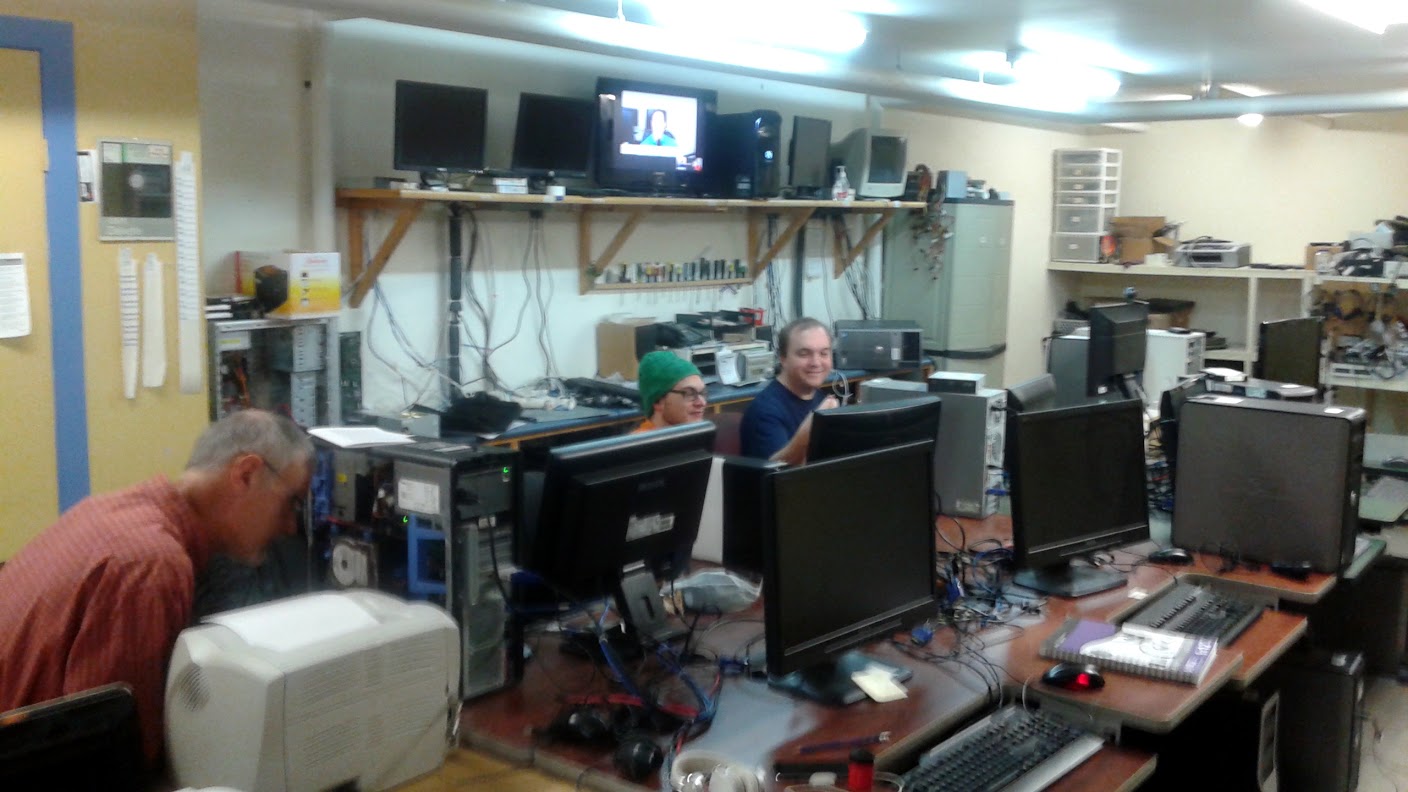
Paul and I are also grateful for the opportunities open source afforded us. In 2005 The Working Centre hired me (Charles) to advance the Computer Recycling Project into a more regular venture. This opportunity wouldn’t have come if I hadn’t first worked with Paul as a volunteer on the Working Centre Linux Project and worked on several other open source projects (a PHP/MySQL inventory system and a SAMBA server). Around 2007 The Working Centre hired Paul to help with system administration and general IT. Since then he’s spearheaded many FLOSS projects at The Working Centre. Daniel Allen, who also worked with us on WCLP, currently works as a Software Specialist for the Science department at the University of Waterloo.
People can find out more about The Working Centre’s Computer Recycling Project by visiting the web site at http://www.theworkingcentre.org/cr/