







Unsurprisingly, there's an app for that.
Igor Bonifacic for Engadget
When most of us think of AI chatbots, we think of complex systems running on powerful hardware in massive data centers. Ask ChatGPT or Gemini a question, then watch it "think" as it pings some faraway server network to process, before it generates an answer. The reality is that's just one way to interact with the latest AI models, and you can run an open-weight chatbots on a recent iPhone. A local chatbot might not be as powerful as its cloud counterparts, but there are compelling reasons to ditch ChatGPT, Claude and Gemini, which I'll go over in this guide. I'll also explain how to install a local AI model on your phone. It might seem complicated, but I promise it's easier than you think.
Why run an AI chatbot locally?
Igor Bonifacic for Engadget
For a lot of people, the most appealing reason to use a local chatbot will be the amount of money you can save. Right now, running a local model on your iPhone involves, at most, a one-time purchase of $5.
Compare that to a subscription from any of the big AI labs. For instance, if you want to use ChatGPT without ads, you'll need to spend at least $20 per month on OpenAI's Plus plan. You could get away with the more affordable Go tier or even stick with the free offering if you plan to use ChatGPT only sporadically, but then you also need to consider rate limits. Similarly, Google AI plans start at $8 per month, but you could spend as much $100 every month on its Ultra subscription. When you run an AI chatbot off your iPhone, you can use it as much as you want. As a power user, you're very likely to hit your daily usage limit with ChatGPT, Claude or Gemini if you don't pony up.
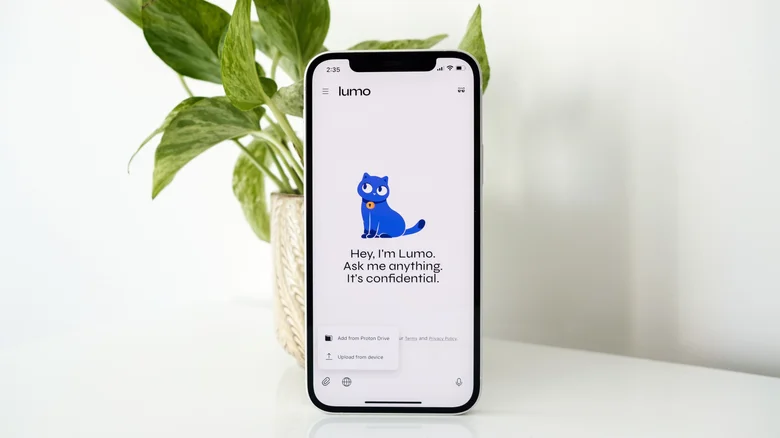
For the privacy-minded, local chatbots offer another advantage. None of the options I'll be recommending in this article require a login or for you to share your data with the labs that trained the models you want to run. The app developers also say they don't collect any usage information. With proprietary models, you should assume your prompts, and any information, images, audio or video you share will be used to train future models. There are rare exceptions. Proton's Lumo chatbot, for example, is fully private by default. For most chatbots, including ChatGPT, you'll need to do some digging to opt out of sharing your data for model training.
Something you also can't do with ChatGPT, Claude or Gemini is use them without an internet connection, whereas local chatbots can run even if you're offline.
That said, there are a few drawbacks worth noting. As capable as the latest open-weight models are, they're not as sophisticated as the latest proprietary models from Anthropic, OpenAI and other for-profit AI labs. For instance, closed models, due to the powerful cloud hardware powering them, tend to offer longer context windows that allow them to reference information from past chats. In practice, that translates to chatbots that feel more intelligent and conversational, since you won't need to repeat yourself often, if ever.
What's more, both ChatGPT and Claude offer robust "memory" features that allow them to personalize their responses to each user. My version of ChatGPT knows my main axe is a 1993 Fender Stratocaster, and will frequently reference that fact when I ask it guitar-related questions. For some people, this is something that can make using a chatbot addictive, since it feels like the system wants to know them.
If you need a chatbot that can provide timely information, a local model probably won't cut it. All LLMs have a knowledge cutoff. That's the point in time beyond which their training data doesn't cover. In the case of GPT-5.5 Instant, for example, it won't be able to reference events past August 2024. For Llama 3.2, meanwhile, that date is December 2023.
To answer questions beyond its knowledge cutoff, a model will ideally turn to a robust web search tool. Proprietary models offer two advantages as it relates to timeliness. First, the current pace at which companies like OpenAI are releasing new models means those systems inherently incorporate more recent data since they're newer. Moreover, since you need an internet connection to use ChatGPT, Claude or Gemini, those chatbots can easily search the web to augment their answers. Open source models can use web search tools, but not without third-party extensions.
The best local chatbots
Igor Bonifacic for Engadget
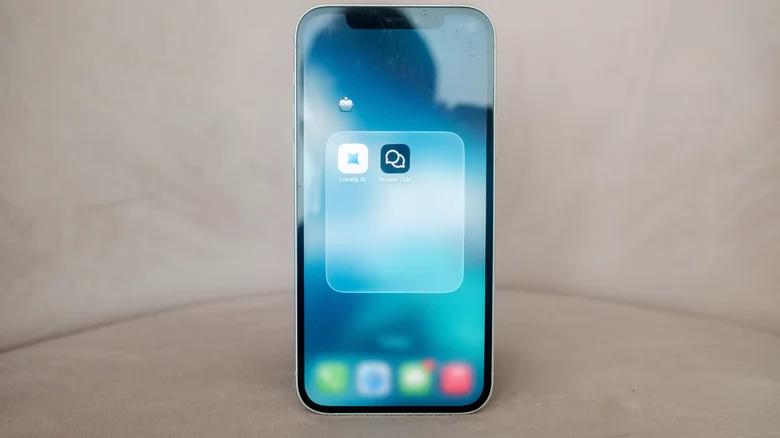
So now that you've decided to dip your toes in the world of open-source LLMs, how do you get one on your iPhone? Naturally, you'll need an app, and there are two worth your time: Locally AI and Private LLM. Both make it incredibly easy to install and run a local chatbot on your iPhone. The former you can download for free, while the latter will set you back $5.
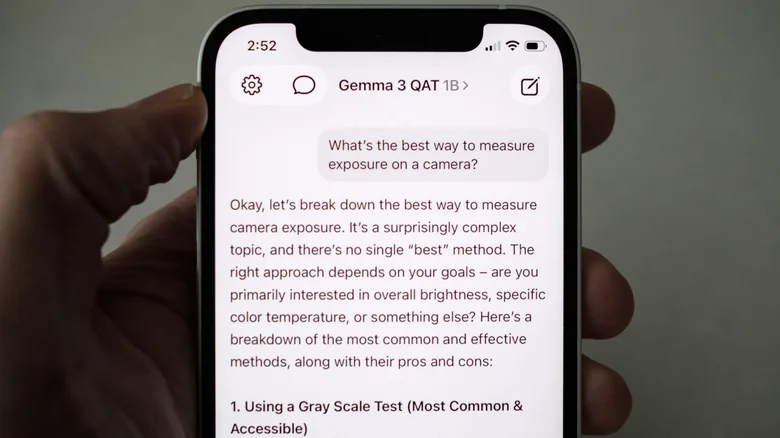
Of the two, I think Locally AI is the better fit for most people. Not only is it free, but it has a more intuitive onboarding experience. When you launch the app for the first time, it will recommend one of three models for you to try first and then download the one you select. From there, you can start chatting right away. If you go to the settings menu, it's easy to find and download other models to try. By tapping Personalization, you can also write a system prompt to guide how your chatbot structures its answers.
When downloading different chatbots to try, keep track of parameter counts. Models with more parameters will generate better answers since they're typically representative of more complex systems.
The tradeoff is that they will occupy more space on your device and perform slower due to greater compute requirements. Depending on the specific model, the amount of storage you'll need to run can be significant. For example, Locally AI requires 1.81GB to run Meta's 3-billion Llama 3.2 model, and the app recommends an iPhone 15 Pro or newer for the best experience. By contrast, the 1-billion parameter version of Llama 3.2 fits only requires 695MB.
It almost goes without saying newer iPhones will run local models better than their older siblings. As a rule of thumb, larger models work best on an iPhone 15 or better. That said, don't be discouraged from trying to run some of the smaller parameter models on an older device. My iPhone 12 ran the lighter versions of Llama 3.2 and Gemma 3 without issue. If you're unsure, Private LLM's website has a list of all the models it offers through its app with the amount of on-device RAM it recommends for each one.